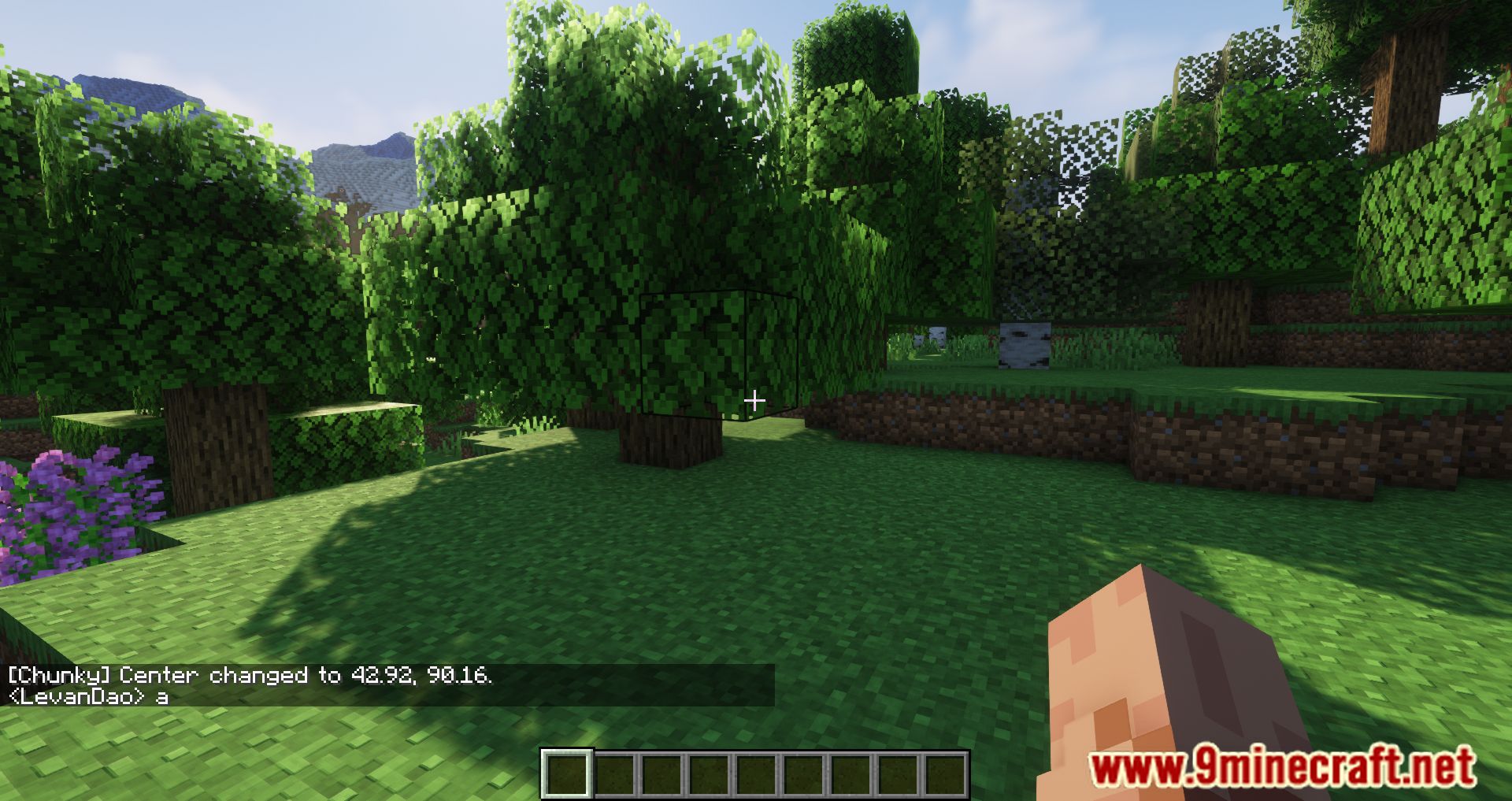
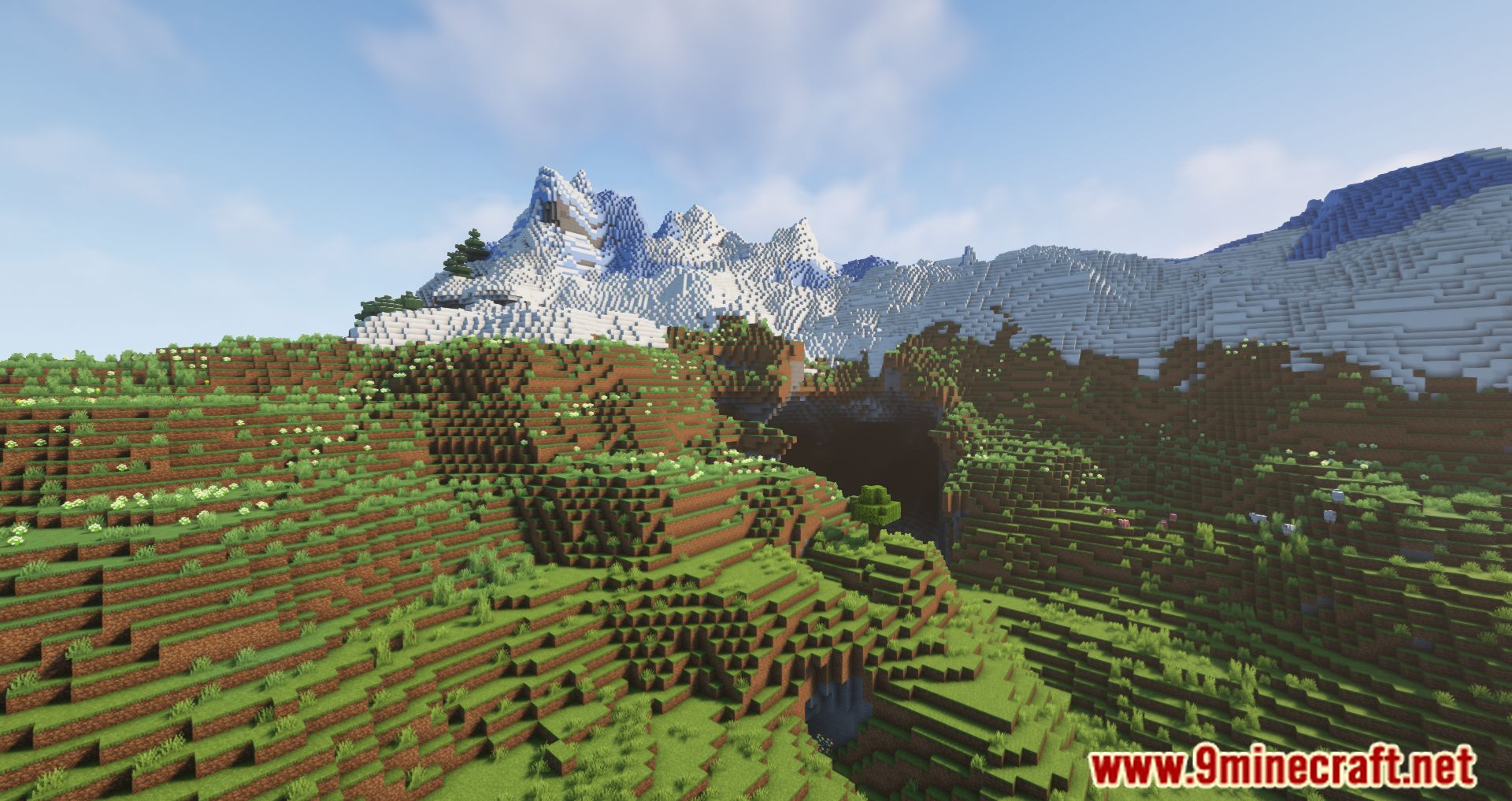
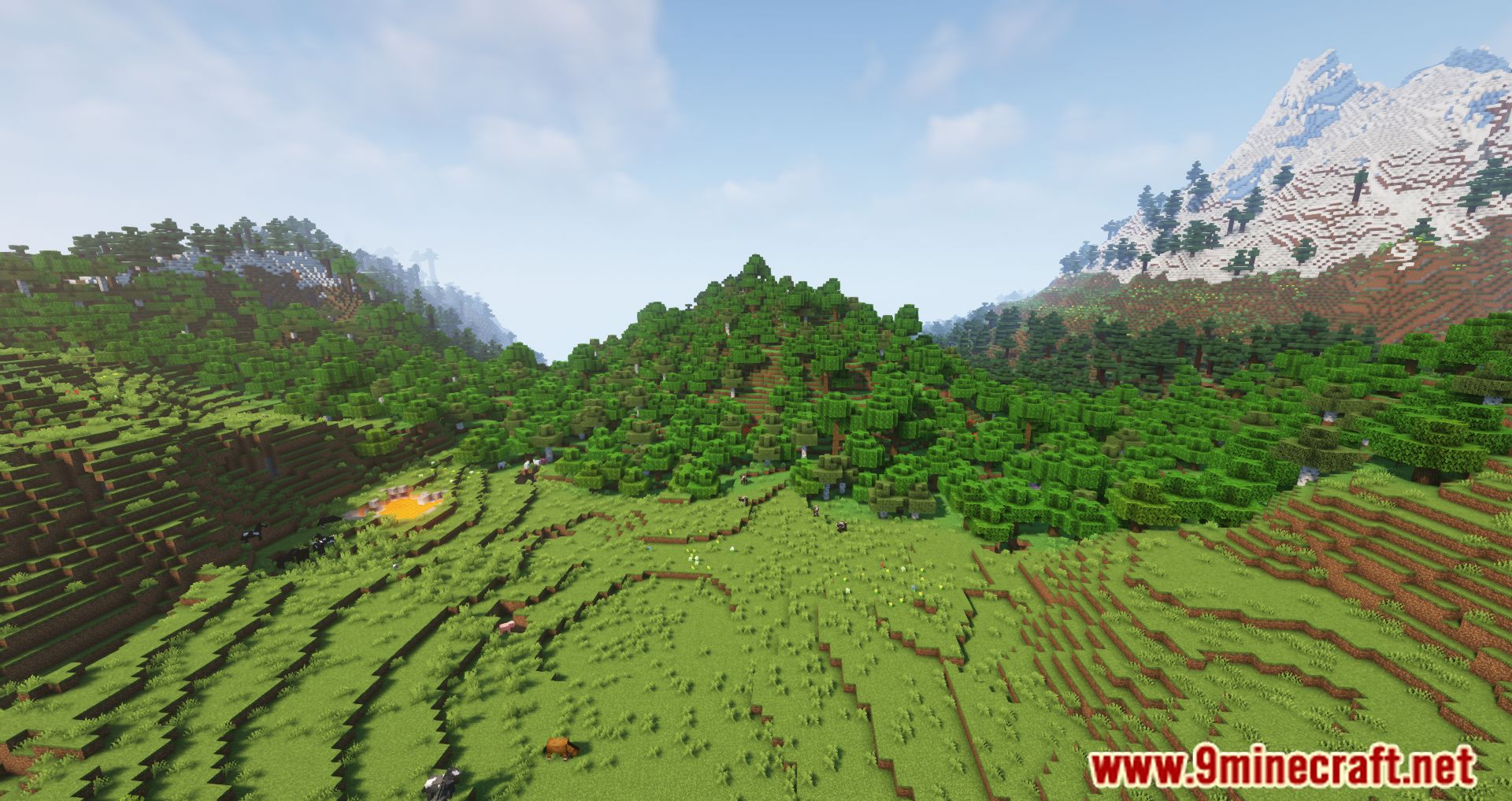
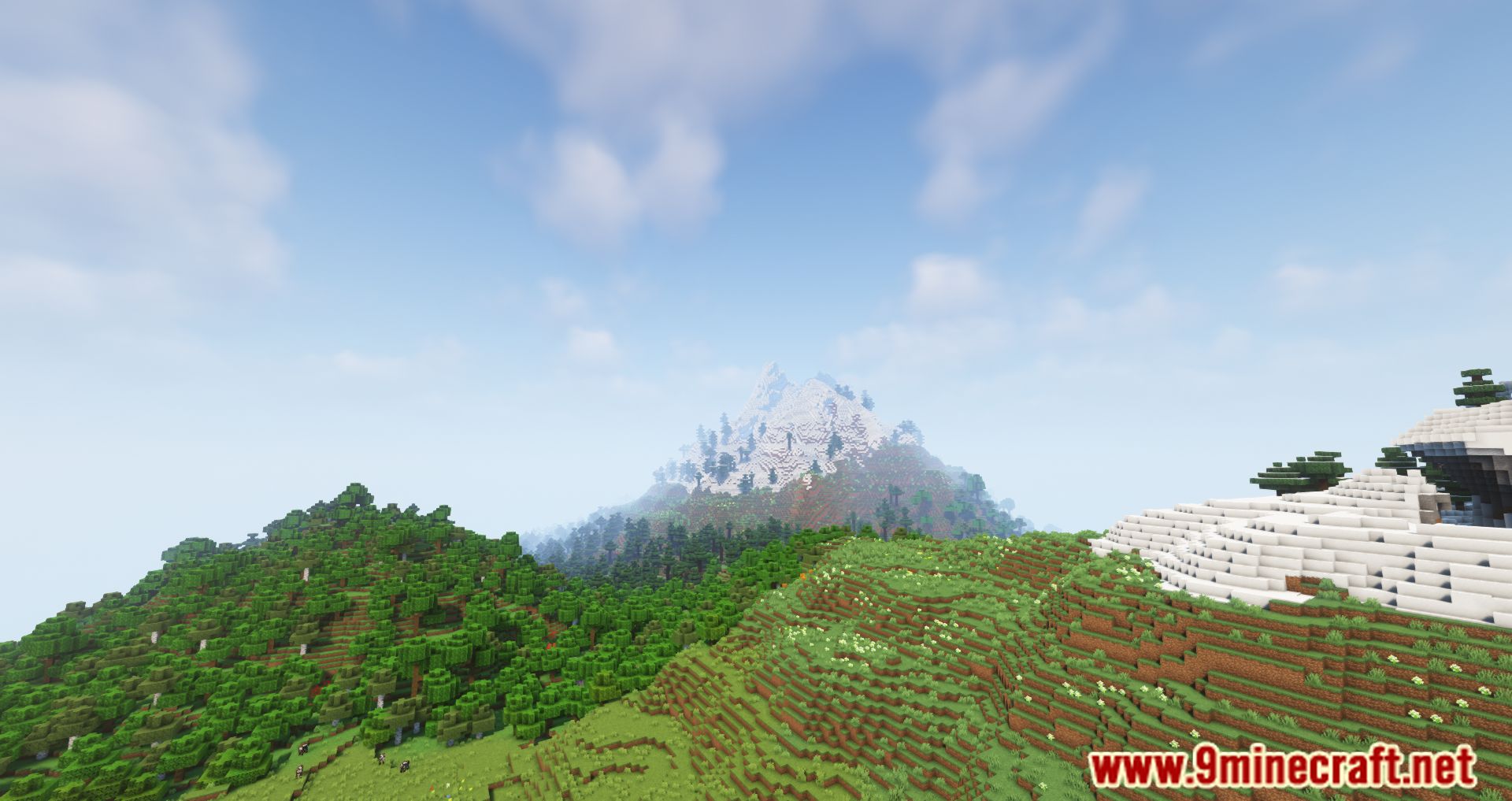
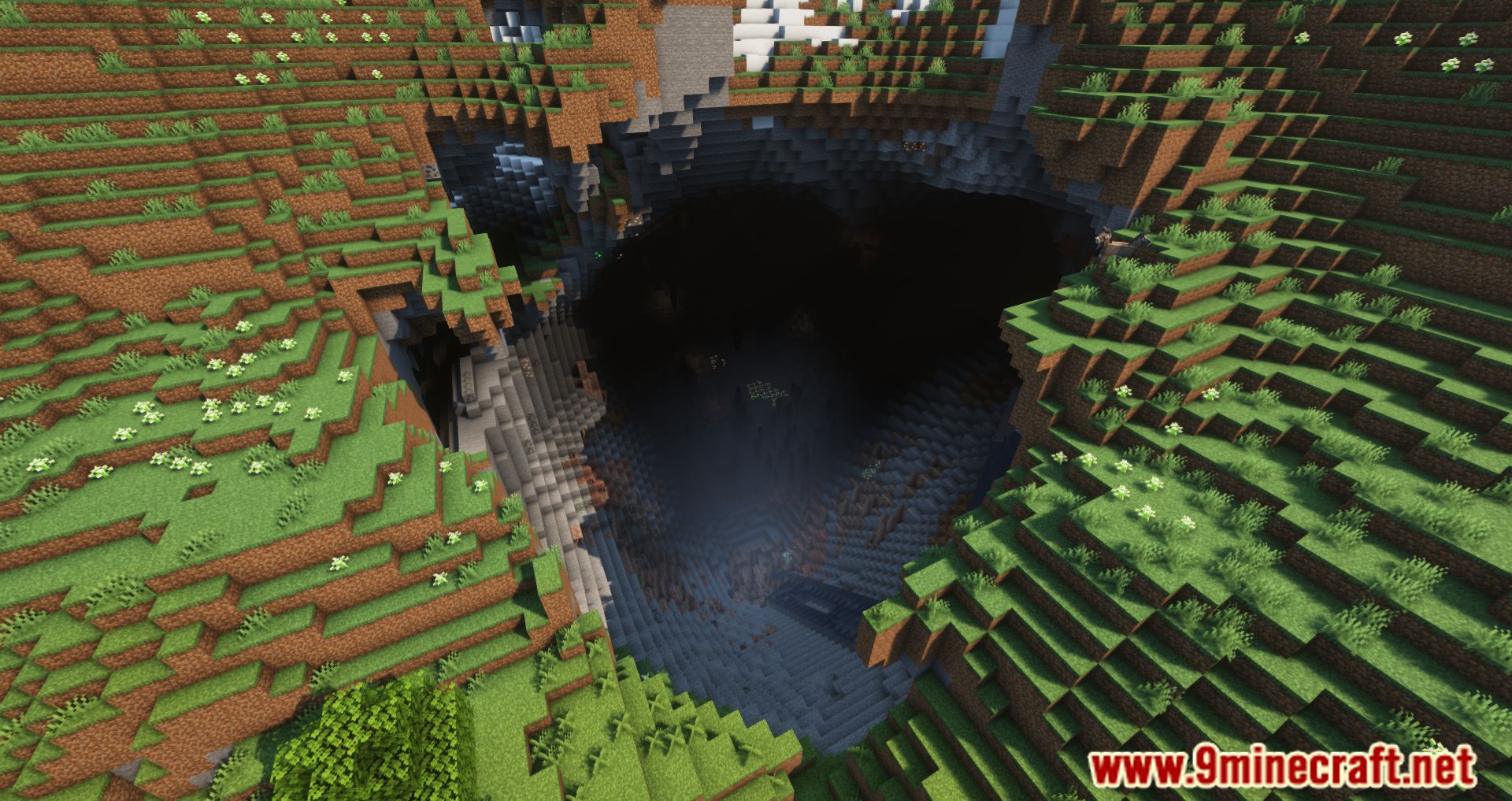
Chunky Mod builds the chunks of your world ahead of time, so the game does not have to make fresh terrain while you walk through it. Chunk generation is one of the heaviest jobs a Minecraft client or server does, and it gets slower once a lot of mods hook into it. This mod does that work first, in one go, while nothing else needs the CPU. After a run finishes you can travel across the same ground with far less stutter. Nothing happens on its own though: you pick the area and start the job with a command.
Features:
- Builds the chunks around a point you choose, before any player ever walks there.
- Runs one task or several at the same time, which puts more of your CPU to work.
- Pauses a running task and saves its progress, so you can pick it back up later.
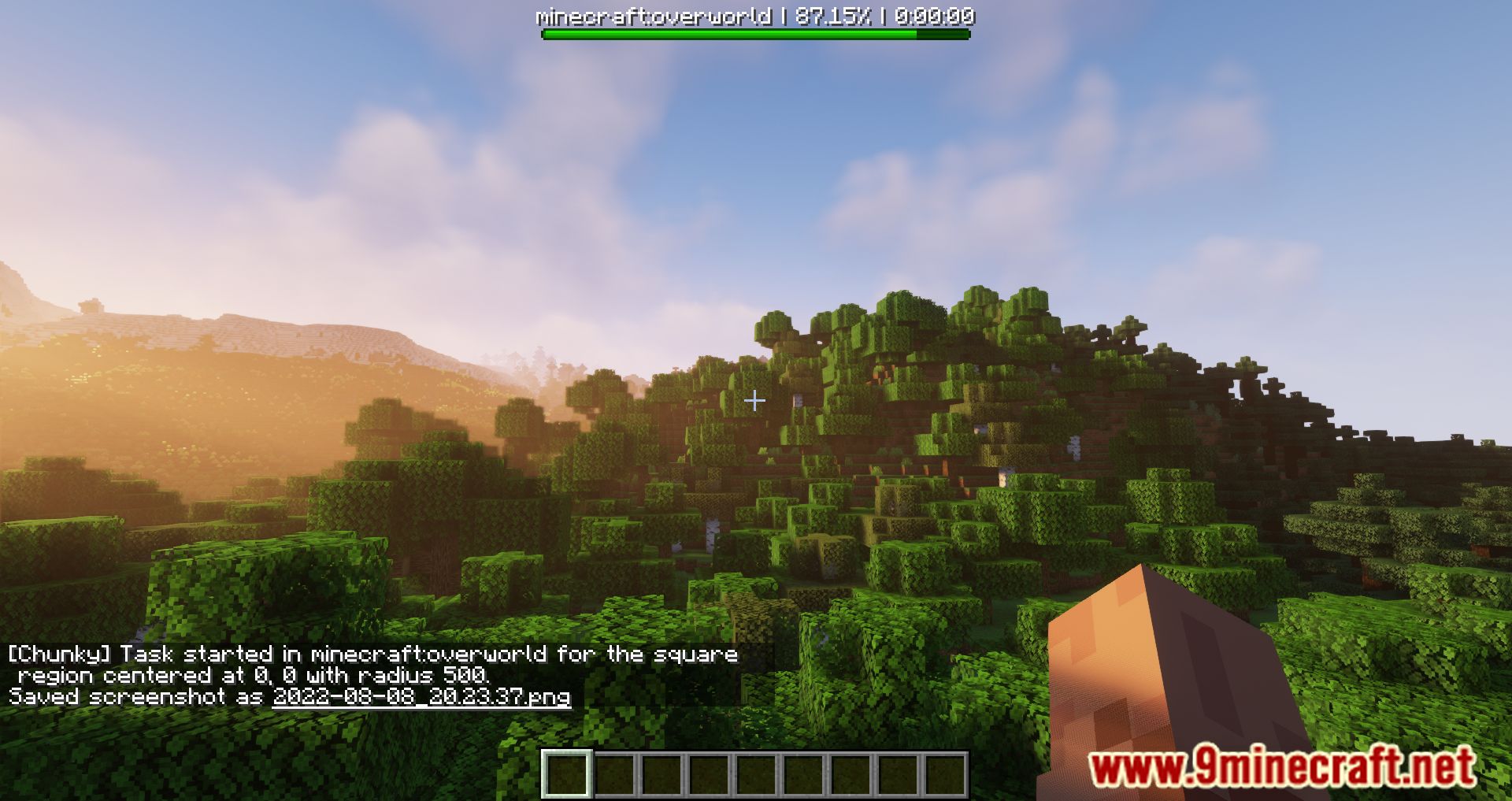
- Shows chunks processed, percent to completion, ETA and the chunk rate while a task runs.
- Stops a task and throws away its progress when you change your mind.
- Generates in custom world shapes, not only in a square.
- Reads the world border of the selected world and turns it into a selection.
- Works with the ChunkyBorder addon for custom world borders.
- Deletes the chunks that sit outside your current selection.
- Needs operator rights on a dedicated server, or a singleplayer world.
Commands:
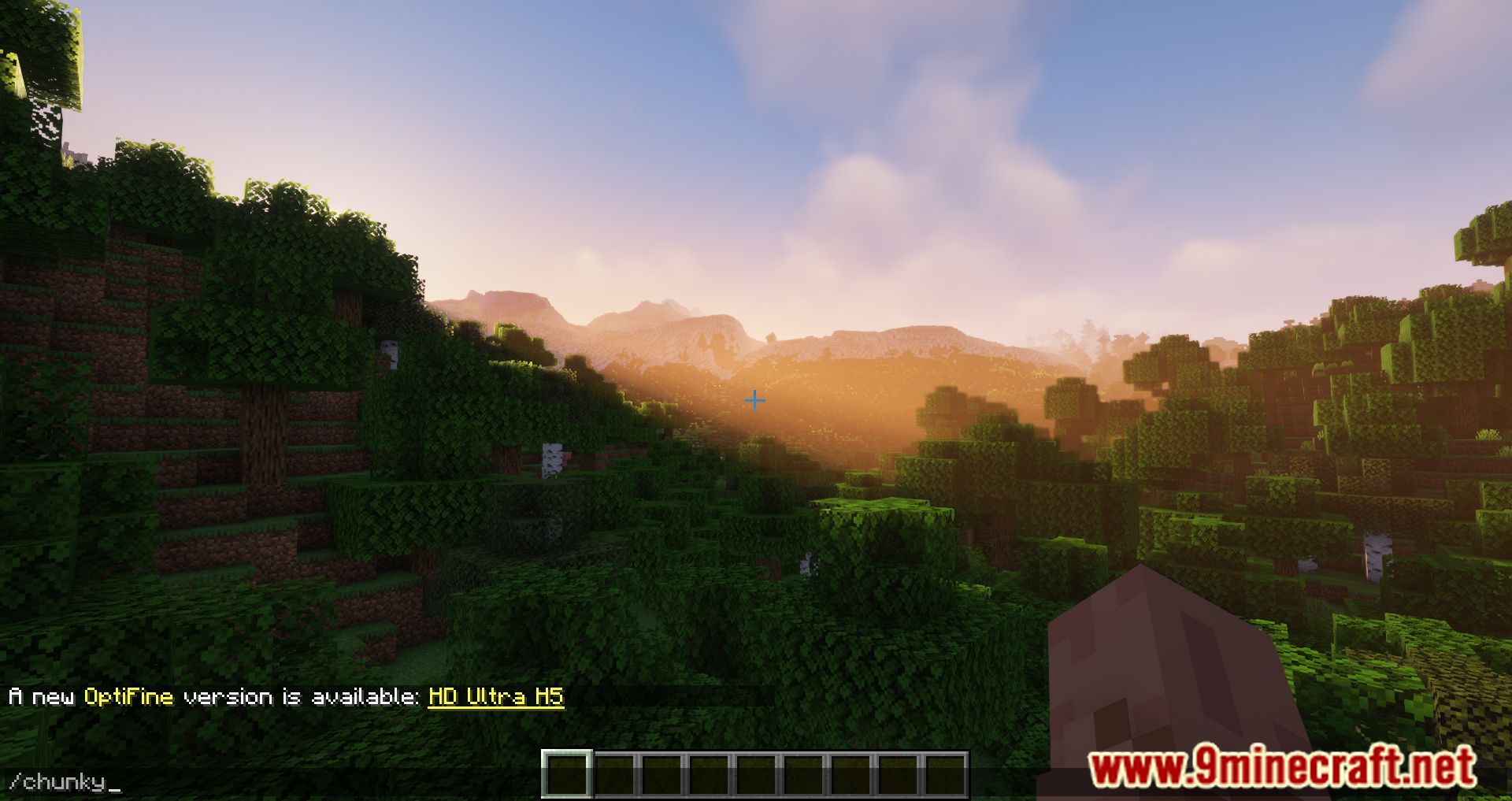
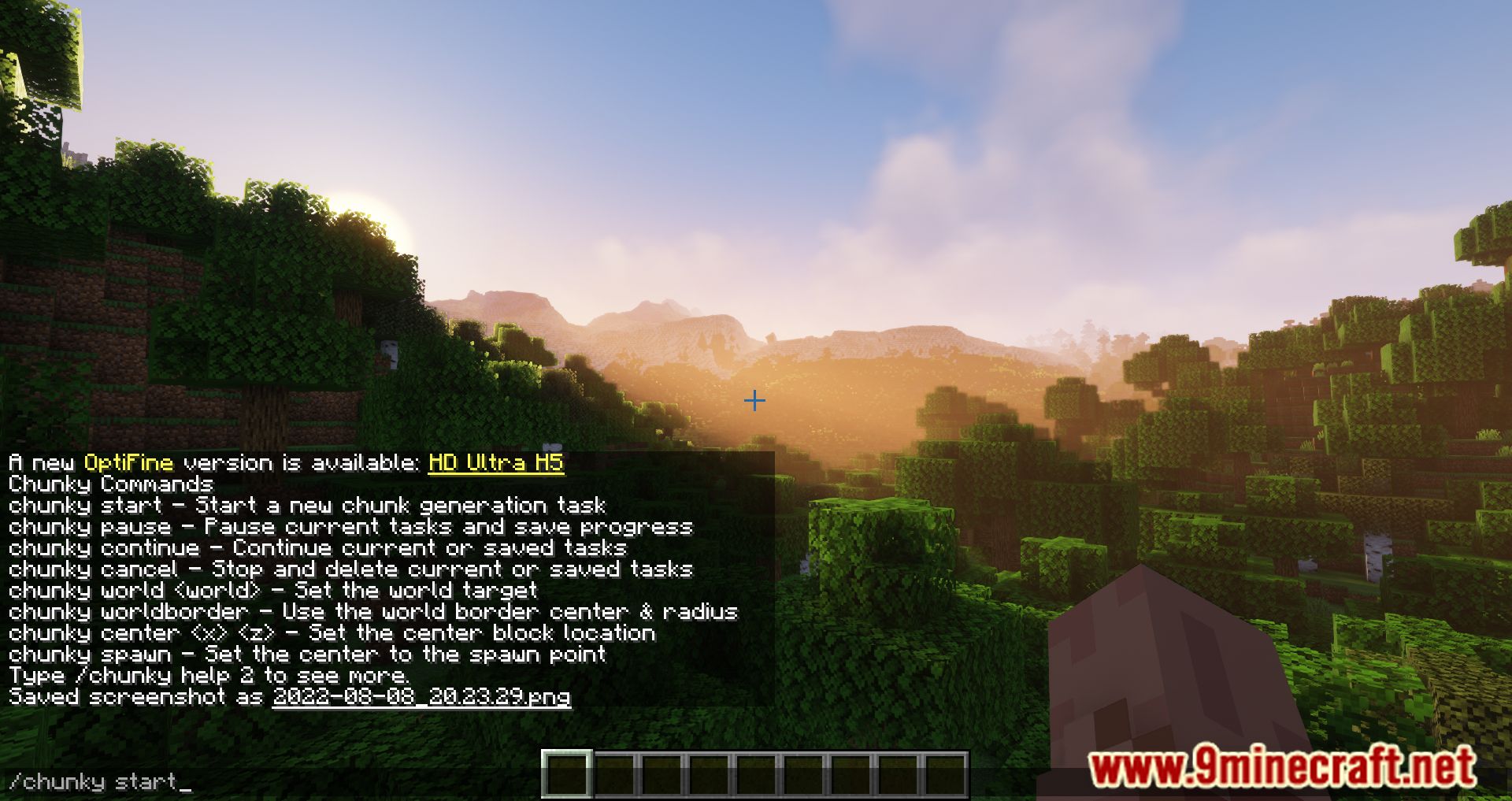
/chunky start: starts a new chunk generation task from the current selection./chunky pause: pauses the running tasks and saves their progress./chunky continue: carries on with the current or saved tasks./chunky cancel: stops the running tasks and drops their progress./chunky world [world]: sets the world you are working on./chunky shape <shape>: sets the shape to generate./chunky center [<x> <z>]: sets the center block of the selection./chunky radius <radius>: sets how far the selection reaches out./chunky worldborder: copies the center and radius from the world border./chunky spawn: puts the center on the spawn point./chunky corners <x1> <z1> <x2> <z2>: sets the selection by two corners./chunky pattern <pattern>: sets the order chunks are generated in./chunky selection: prints the current selection./chunky silent: turns the update messages on or off./chunky quiet <interval>: sets how many seconds pass between update messages.
A square area of 1000 blocks around the middle of the overworld looks like this:
chunky radius 1000
chunky start
How to Use:
- Open a singleplayer world, or give yourself operator rights on a server by running
op <username>from the server console. - Pick the world you want to work on with
/chunky world [world]. - Set the middle of the area with
/chunky spawn, or with/chunky center [<x> <z>]for an exact spot. - Set how far out to go with
/chunky radius <radius>. - Run
/chunky startand wait. Your CPU stays busy until the task is finished. - Check on it any time with
/chunky progress, or put it on hold with/chunky pause.
Screenshots:
Chunky Mod Download Links
- Edition: Minecraft Java
- File type: .jar
- Minecraft version listed: 1.20.1
- How to install: Install the matching mod loader (Forge, Fabric or NeoForge) for your Minecraft version. → Download the .jar. → Put it in the .minecraft/mods folder and launch that loader profile.
- Where to get it: In MC Java Mods, or directly above on this page.
Install steps are the general flow for this file type — How to install Minecraft Java mods & modpacks walks through it step by step.
- Downloads as 83848.mcaddon
- Download size: 346 KB
- Download link checked 22 Sept 2026 — working
- Mirrored on our own servers — the download does not depend on the original host
These come from our own check of the pack file, not from the source page.