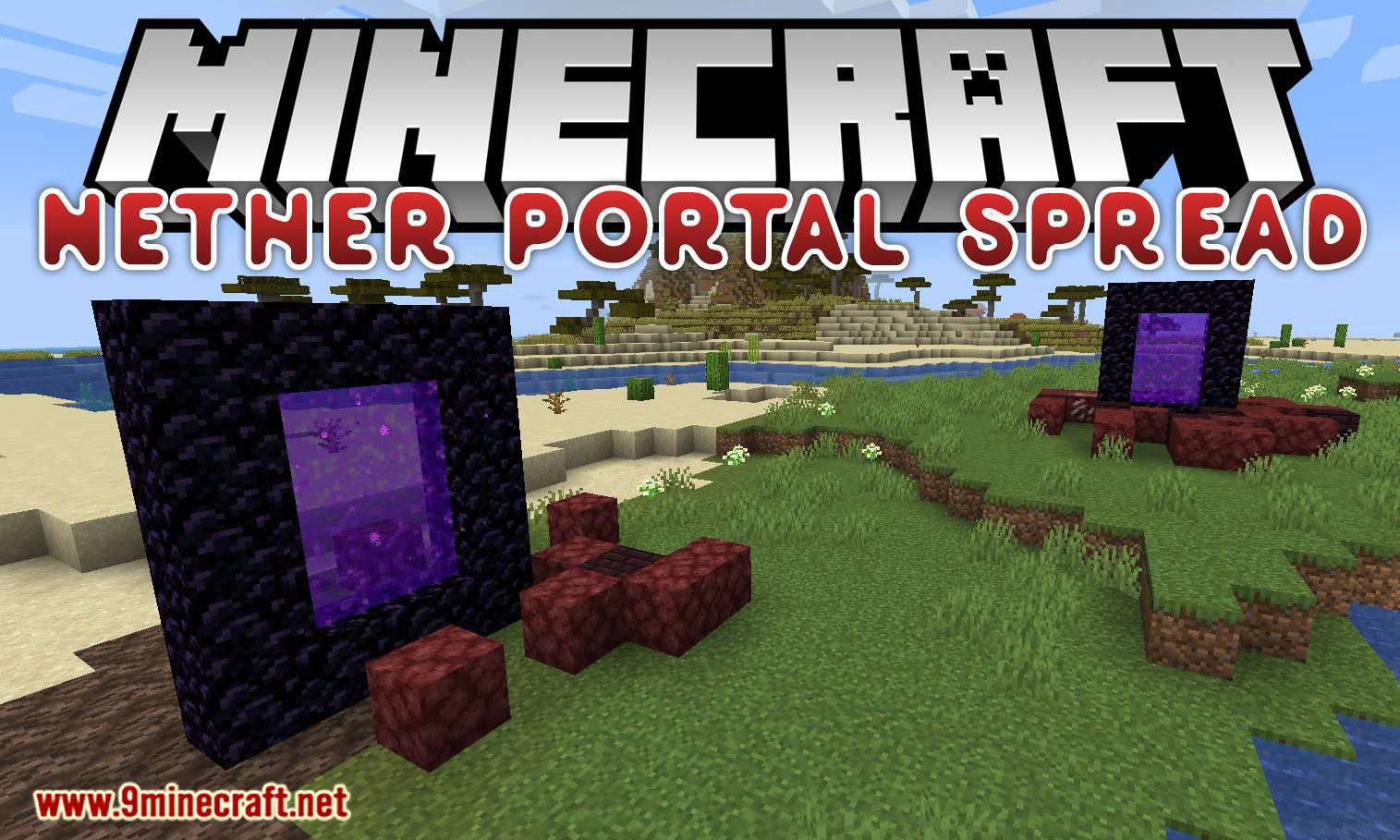
Nether Portal Spread Mod (26.2, 1.20.1) – Nether Portals in the Overworld
Java mod listed for Minecraft 1.20. Downloads from the MC Java Mods app on Android.
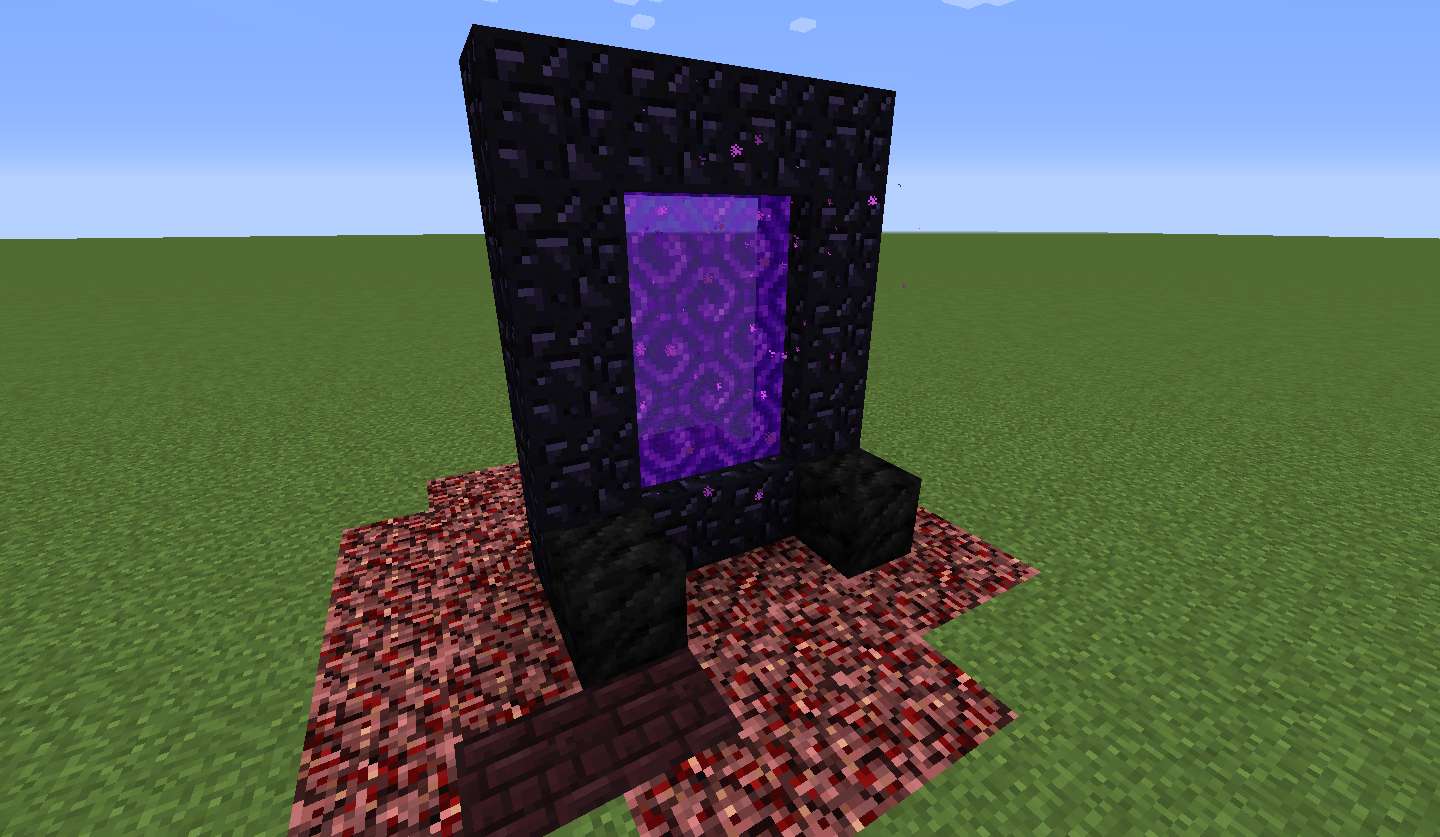
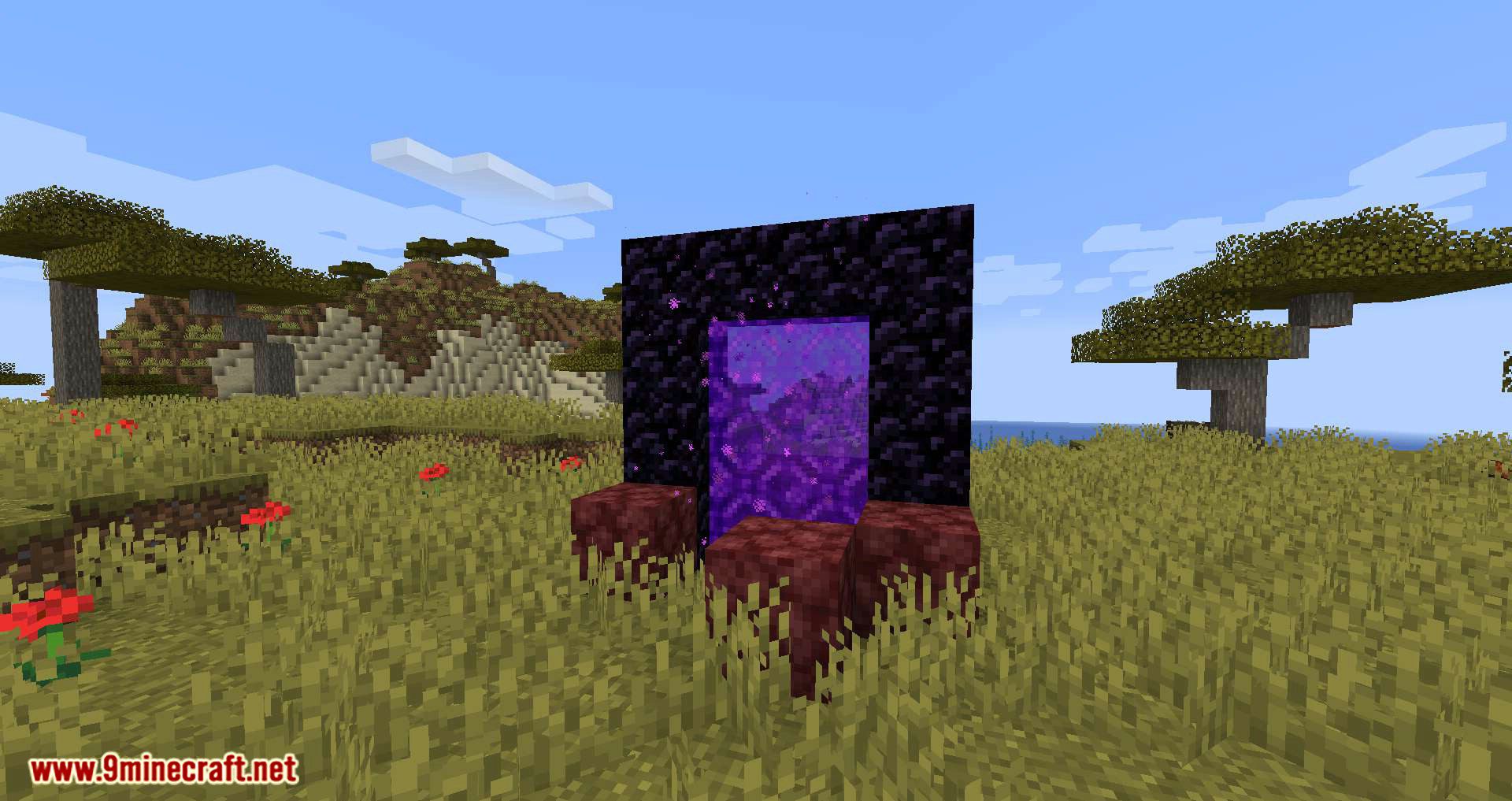
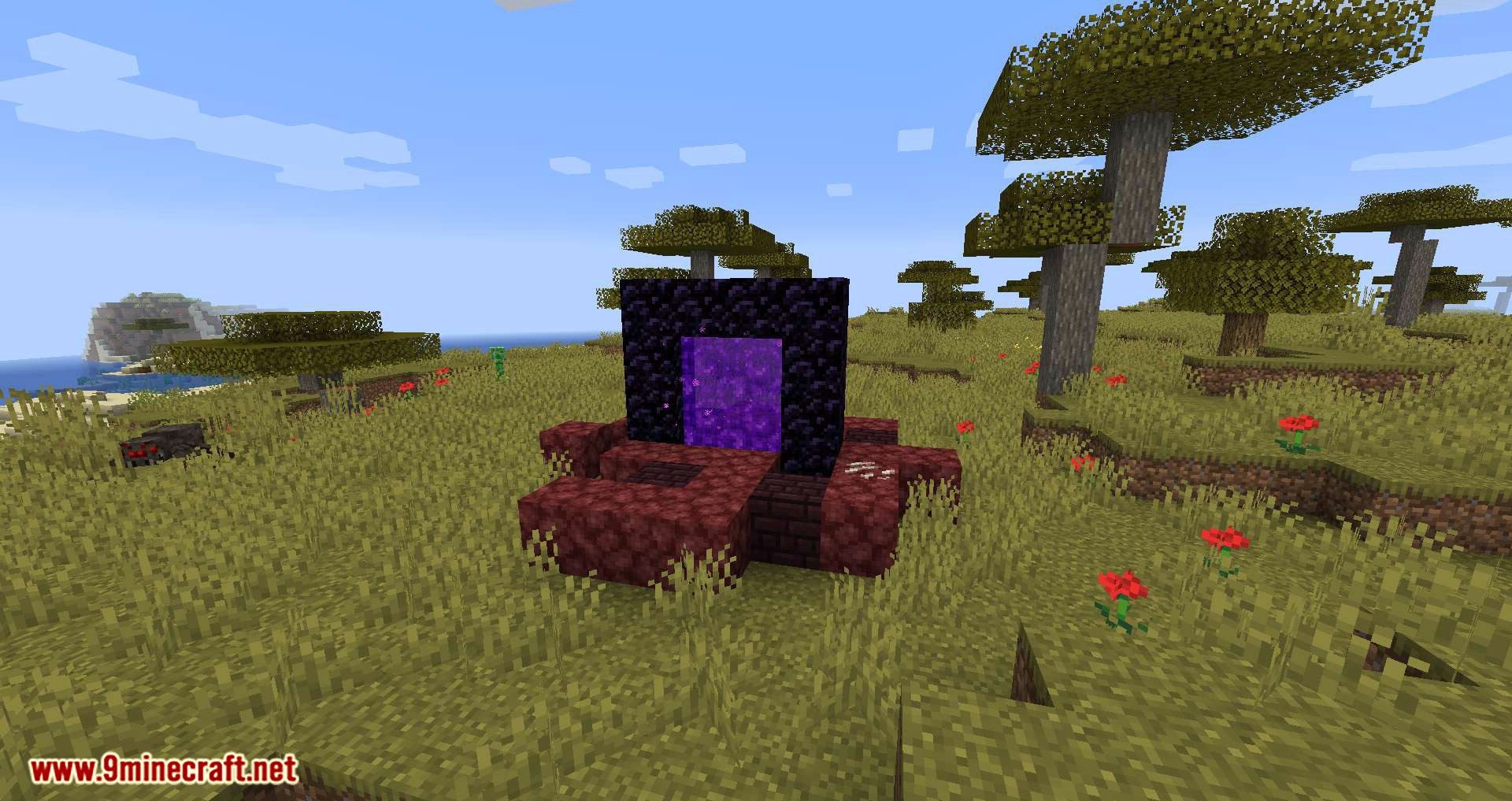
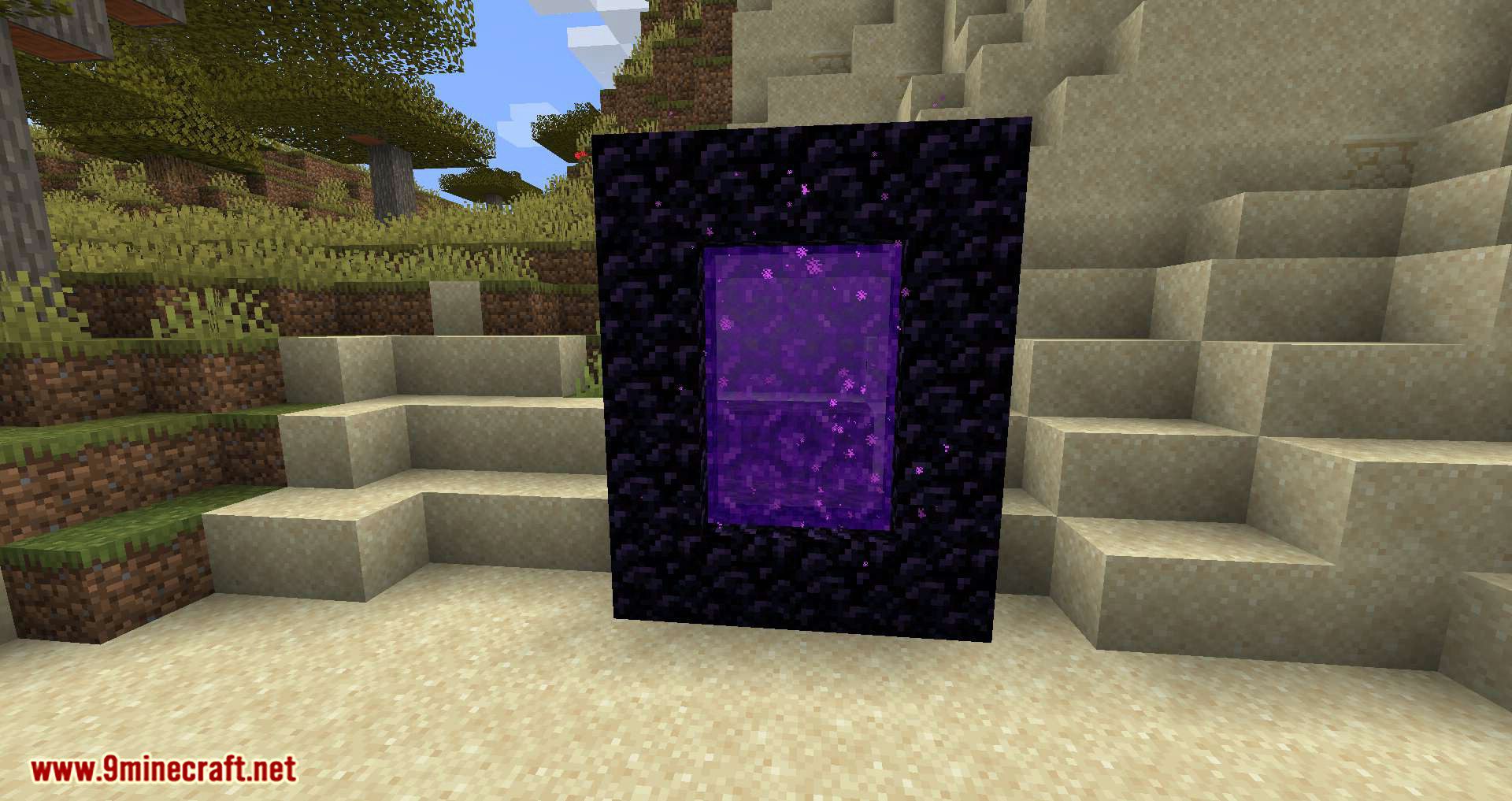
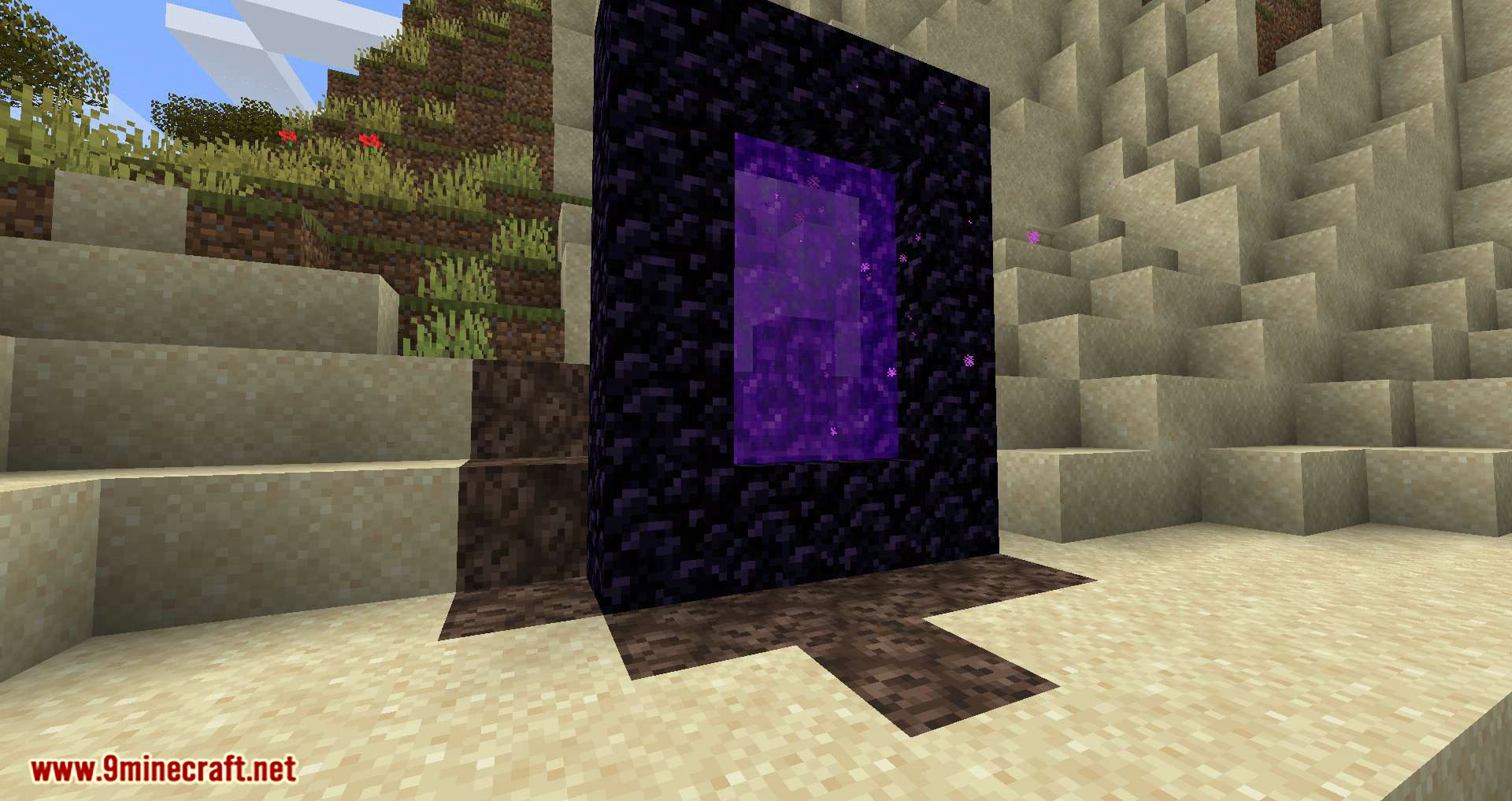
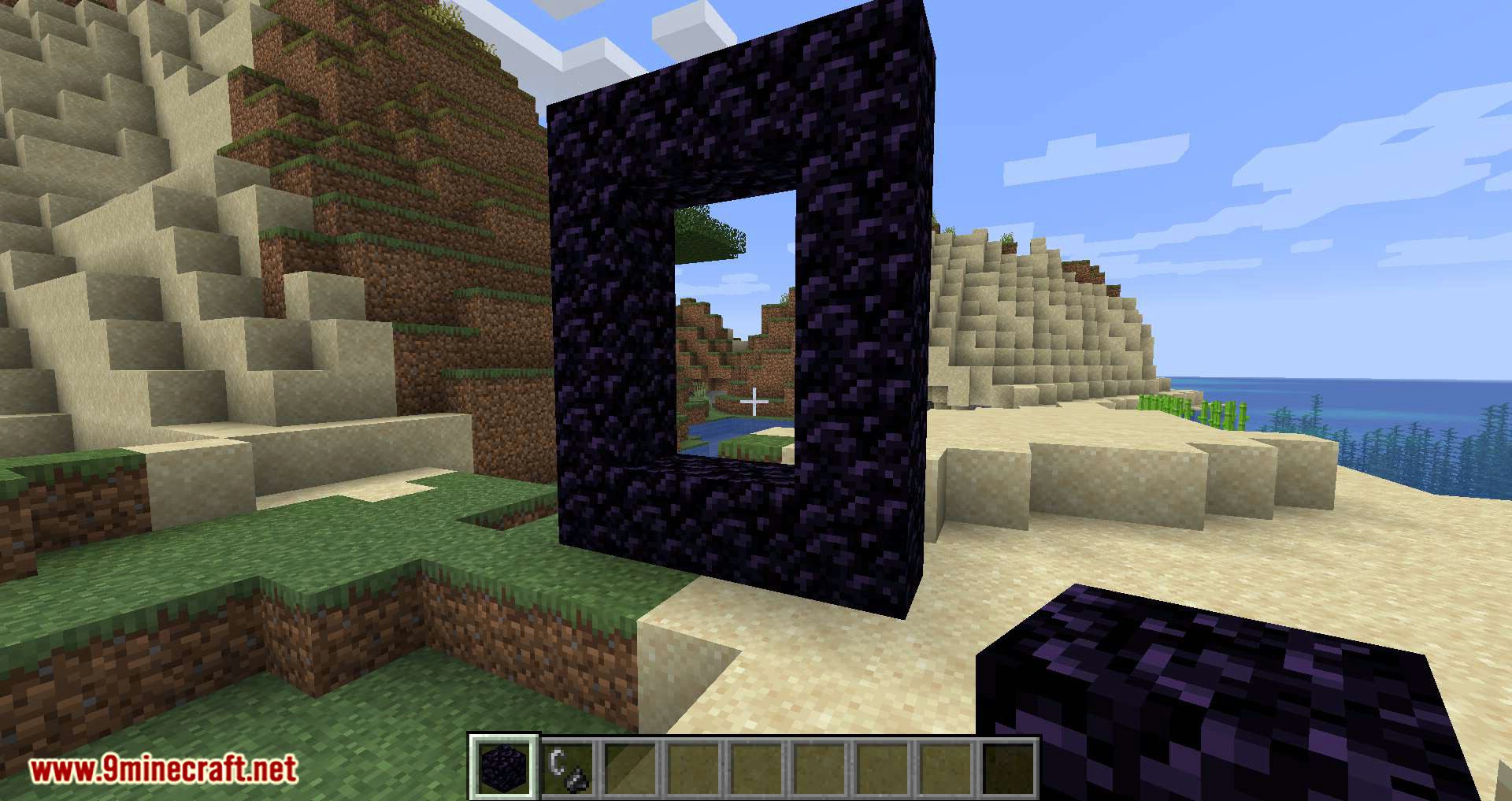
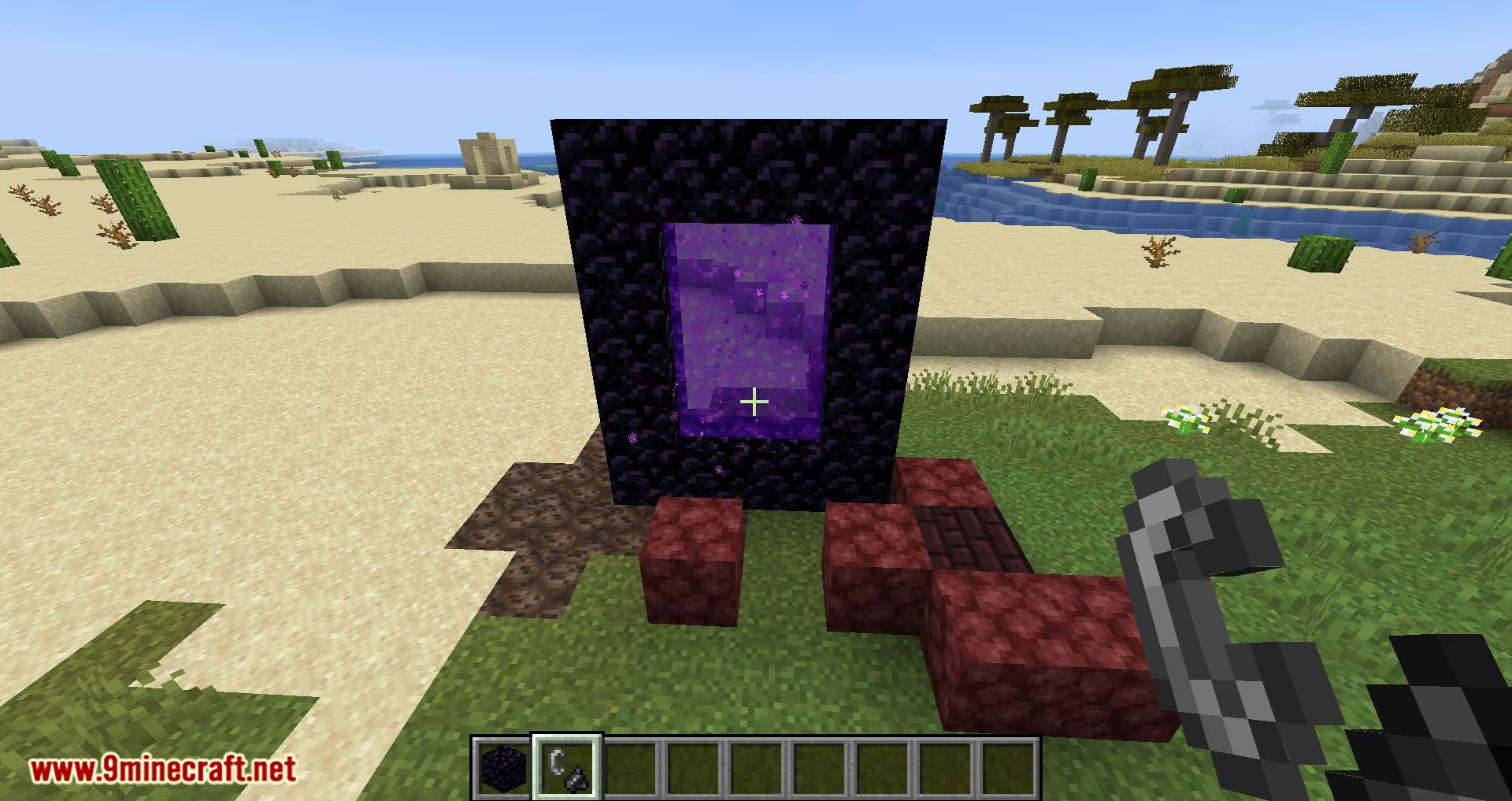
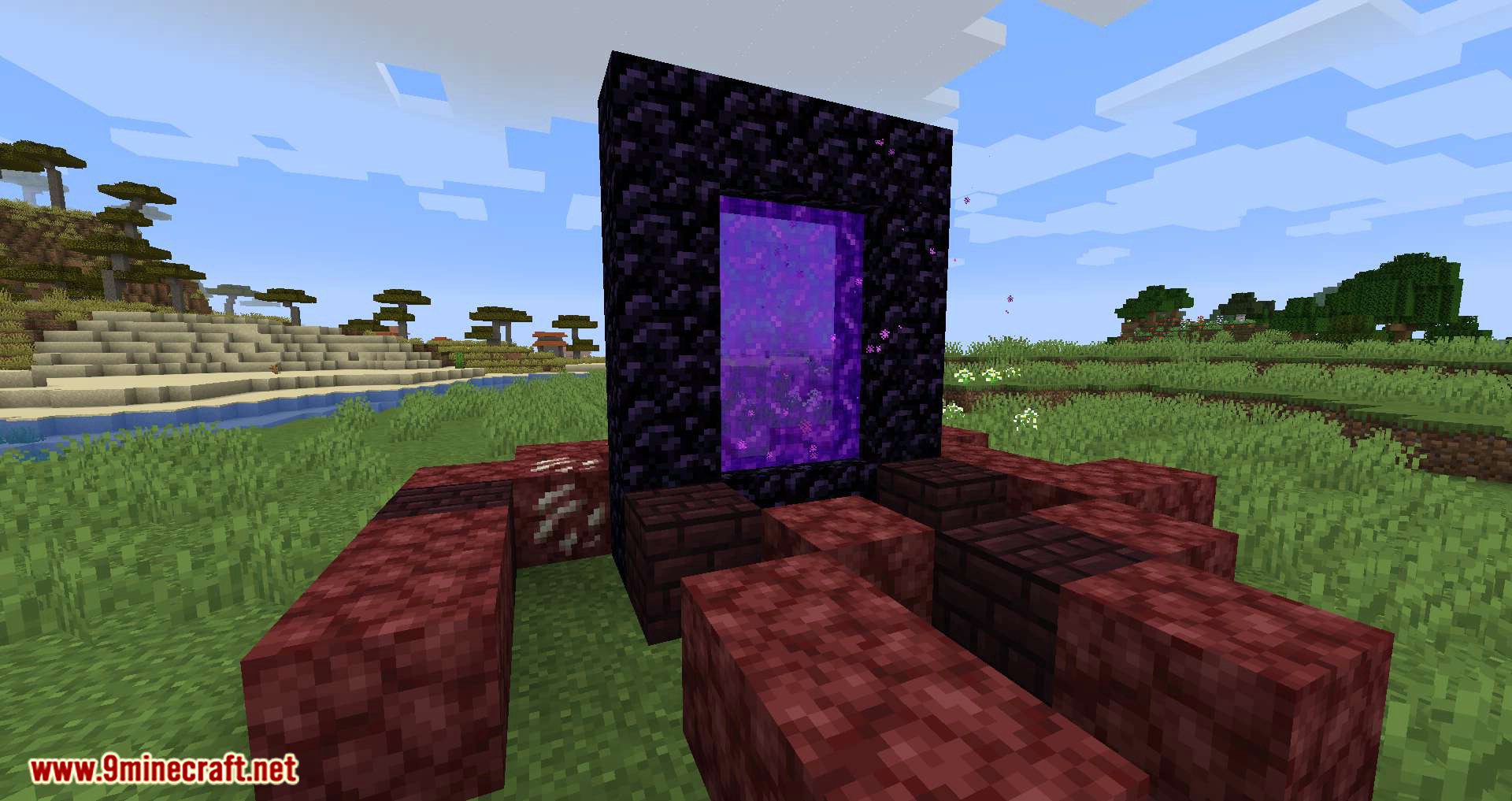
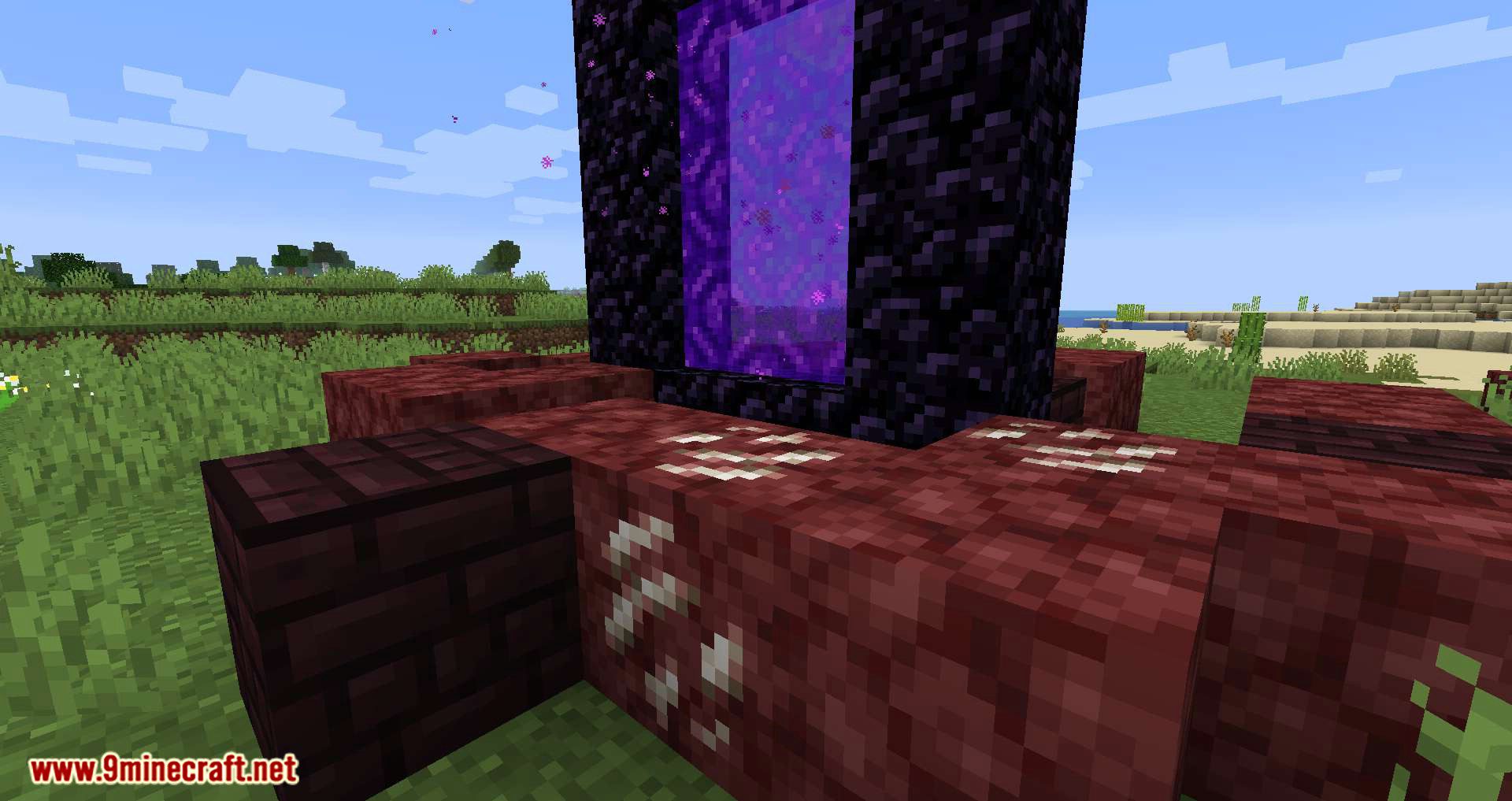
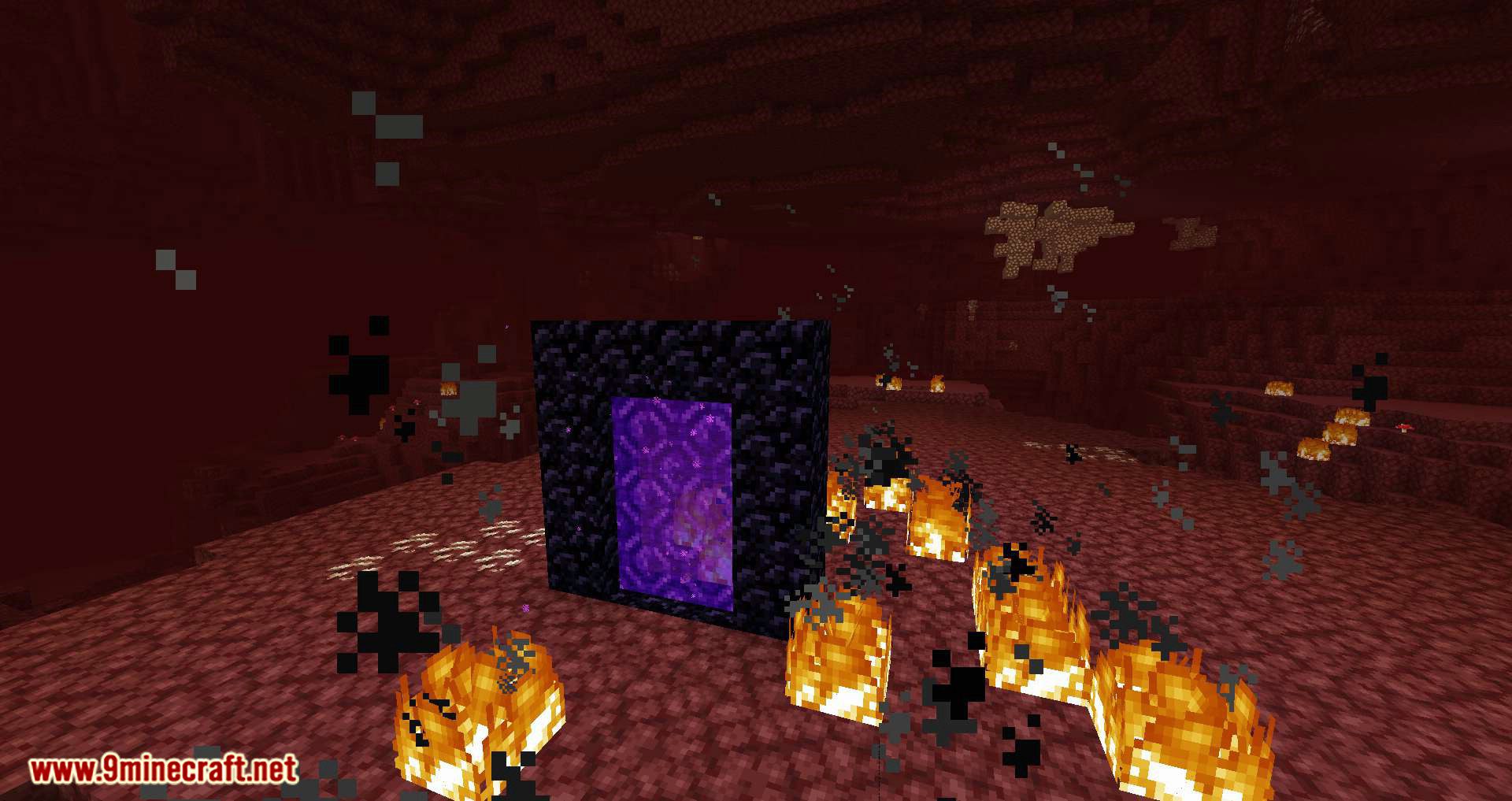
⬇ DownloadNether Portal Spread Mod adds random Nether portal generation to the Overworld in Minecraft. Portals will spawn across all biomes, and in addition to the portal itself, the surrounding blocks will transform-grass, dirt, and trees will be replaced with Nether blocks within a small radius. All settings can be adjusted in the config file, allowing players to customize the radius of Nether block transformation around portals, tweak the spawn frequency, and adjust a few other parameters.
Features:
- When a portal is created, blocks like Netherrack, Soul Sand, and Nether Wart may replace Overworld terrain nearby.
- Players can adjust the spread radius, with a default of 15 blocks.
- Placing four coal blocks within the portal’s radius stops the Nether transformation.
- The mod detects new portals when created or when a player travels from the Nether to the Overworld.
- Players receive notifications when the Nether spread begins, stops, or when a portal is broken.
Configs:
- portalSpreadRadius (default = 15, min 1, max 100): The radius around the portal to which the nether blocks can spread.
- spreadDelay (default = 2500, min 20, max 360000): The delay in ms in between the spread around the nether portal.
- instantConvertAmount (default = 50, min 0, max 1000): The amount of blocks that are instantly converted to a nether block around a portal when it is detected. If there are existing nether blocks within the radius, their count is substracted from this number.
- coalPreventsSpread (default = true): When enabled, blocks the spread effect when there are two coal blocks within the radius.
- isQuartzChance (default = 0.05, min 0, max 1.0): The chance the next spreaded block is quartz ore.
- isNetherBrickChance (default = 0.2, min 0, max 1.0): The chance after the quartz roll that the next spreaded block is netherbrick.
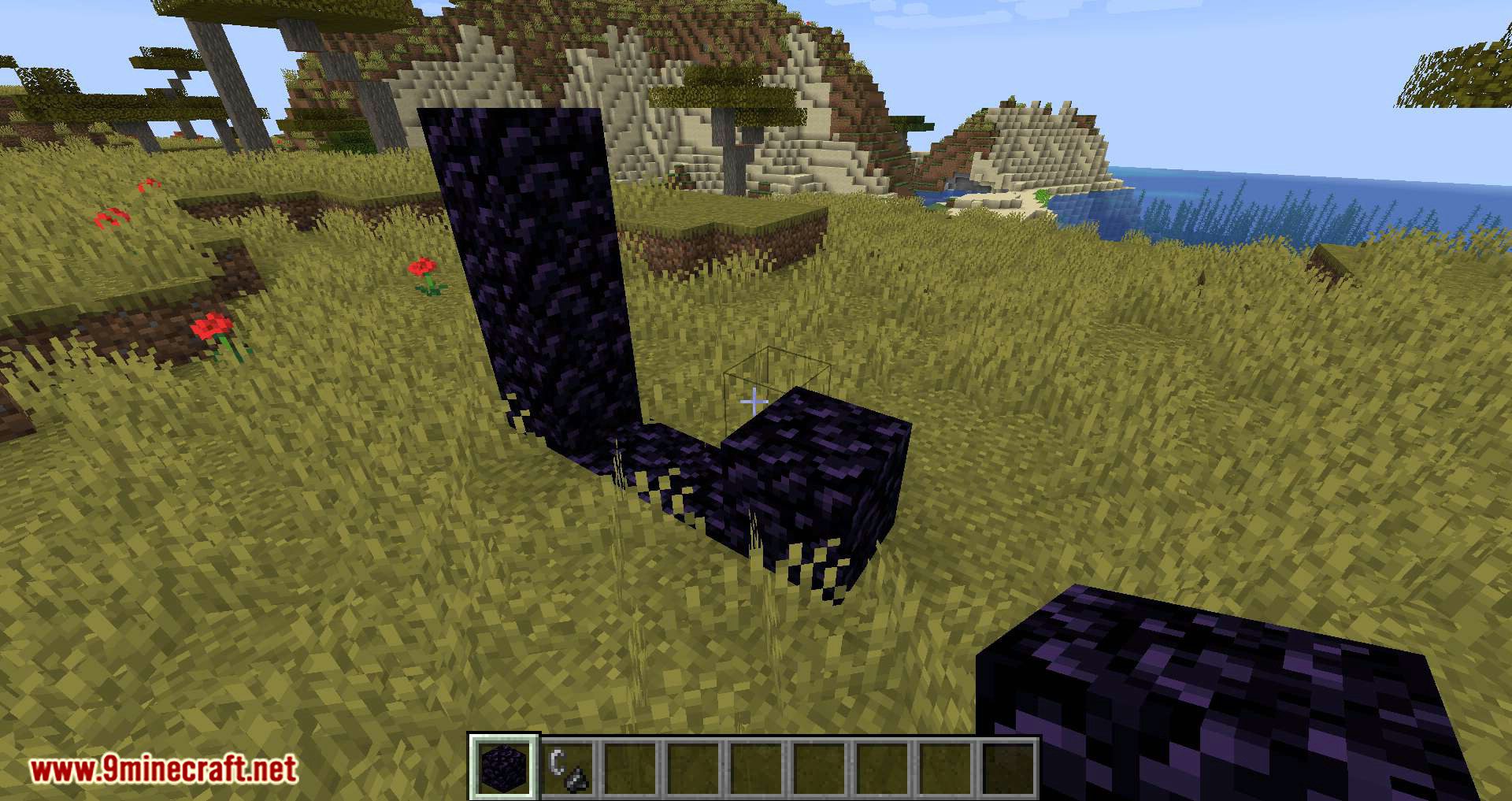
You can stop the spread effect by placing two coal blocks within the radius of the nether portal:
In this case, they are placed in front of the portal, but they can be placed anywhere as long as it’s within the radius:
Screenshots:
Nether Portal Spread Mod Download Links
- Edition: Minecraft Java
- File type: .jar
- Minecraft version listed: 1.20.1
- How to install: Install the matching mod loader (Forge, Fabric or NeoForge) for your Minecraft version. → Download the .jar. → Put it in the .minecraft/mods folder and launch that loader profile.
- Where to get it: In MC Java Mods, or directly above on this page.
Install steps are the general flow for this file type — How to install Minecraft Java mods & modpacks walks through it step by step.
- Downloads as 83854.mcaddon
- Download size: 82 KB
- Download link checked 25 Sept 2026 — working
- Mirrored on our own servers — the download does not depend on the original host
These come from our own check of the pack file, not from the source page.