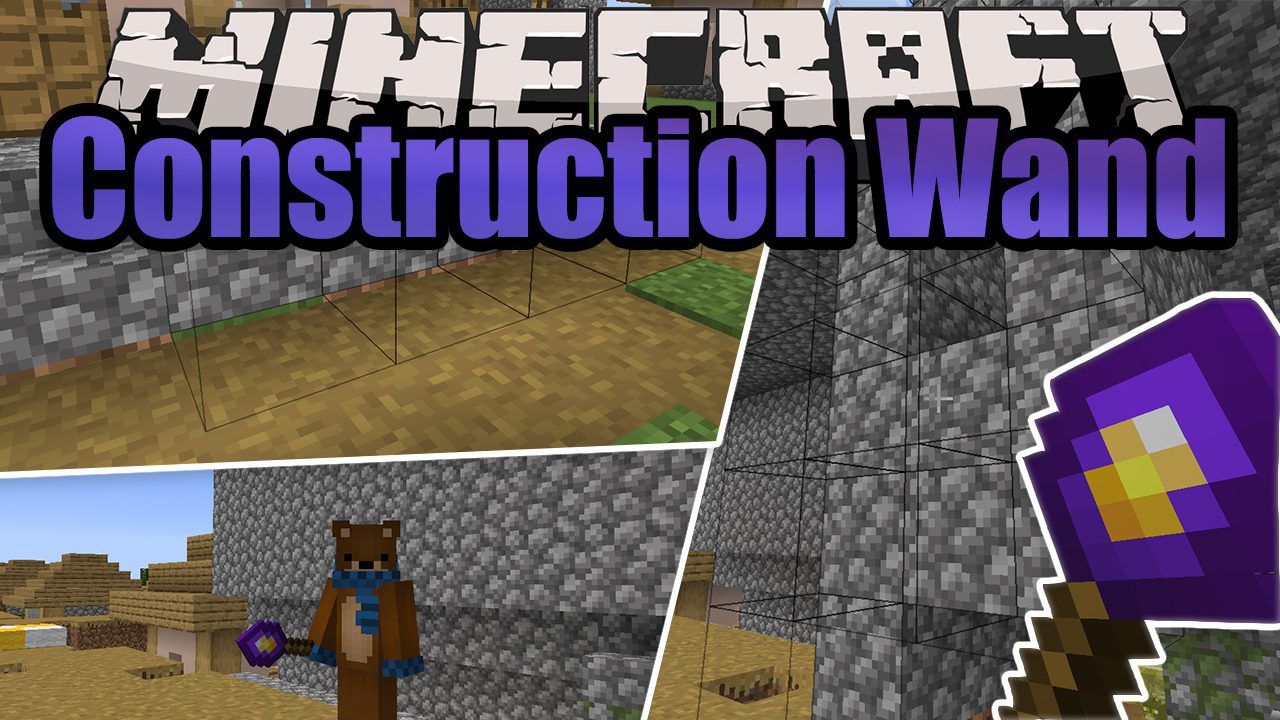
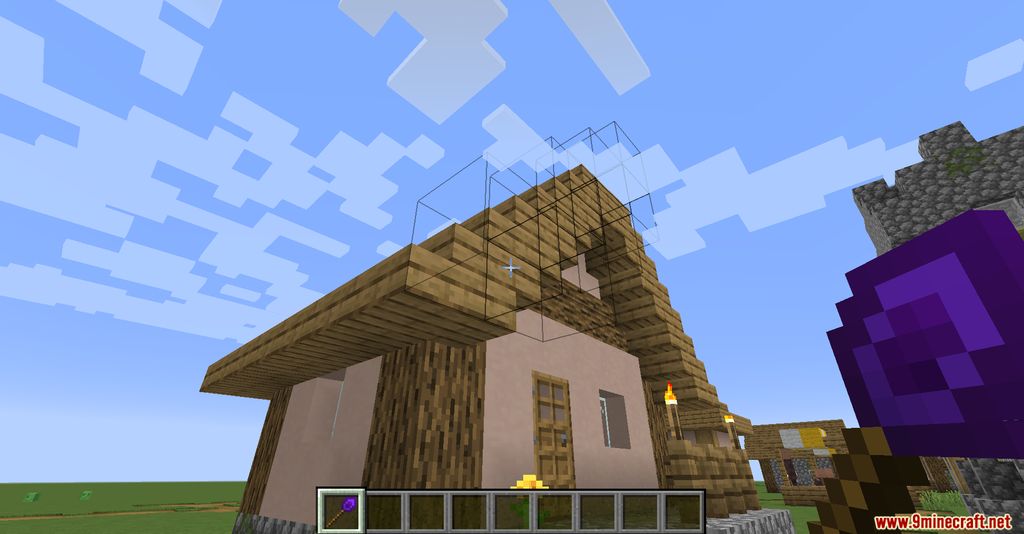
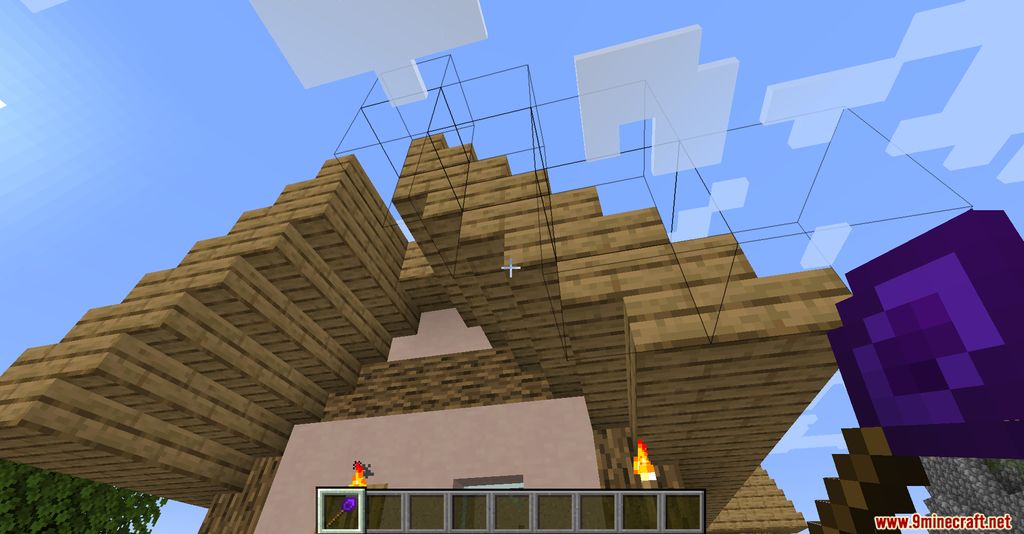
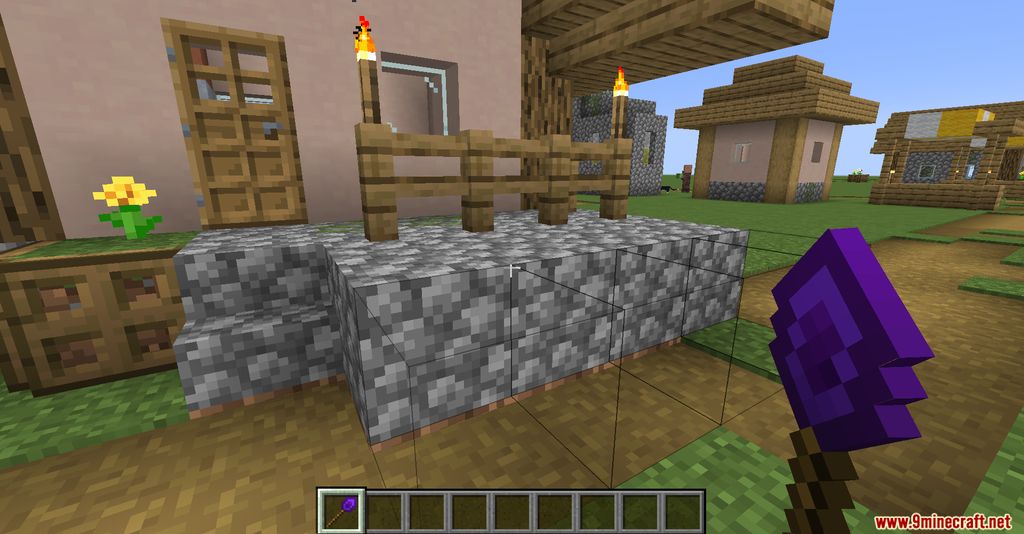
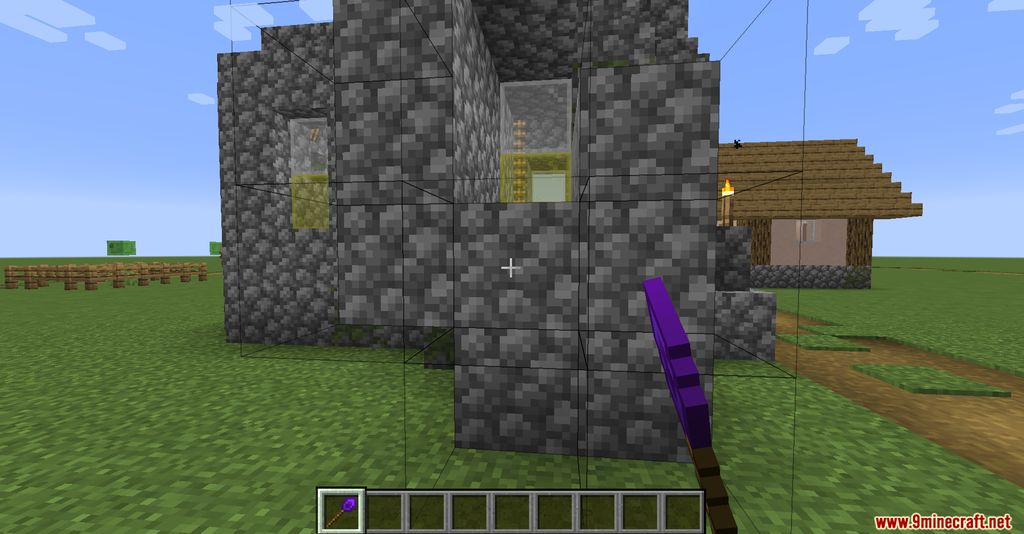
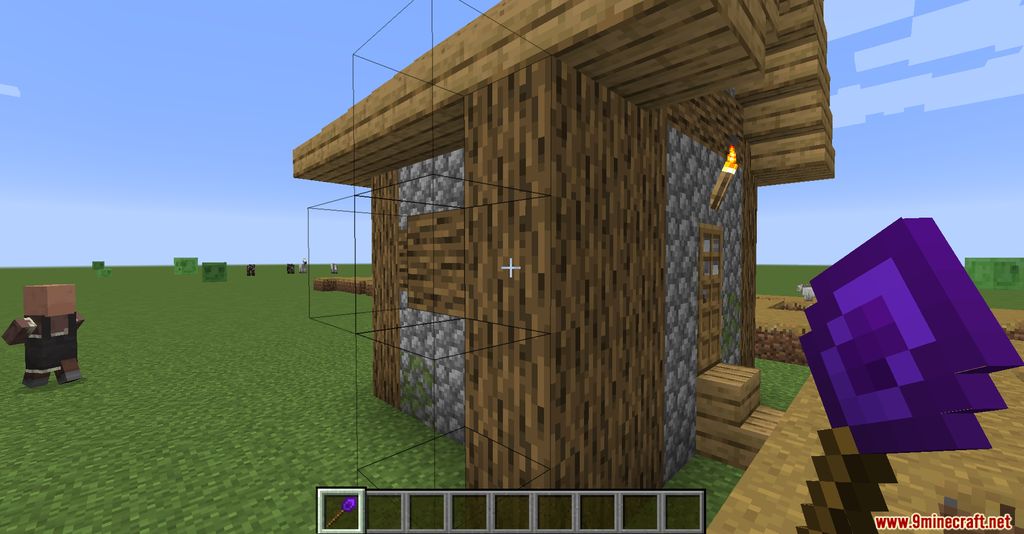
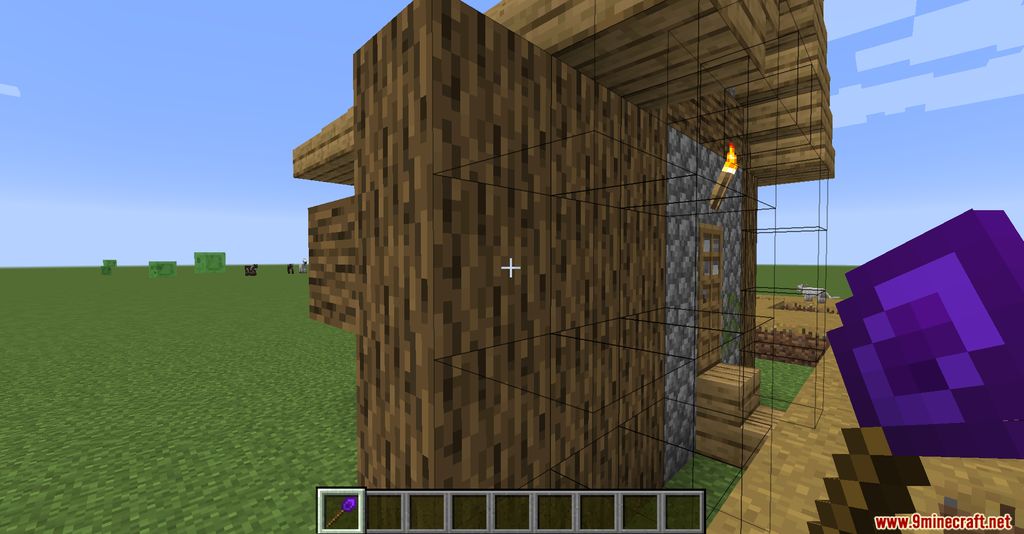
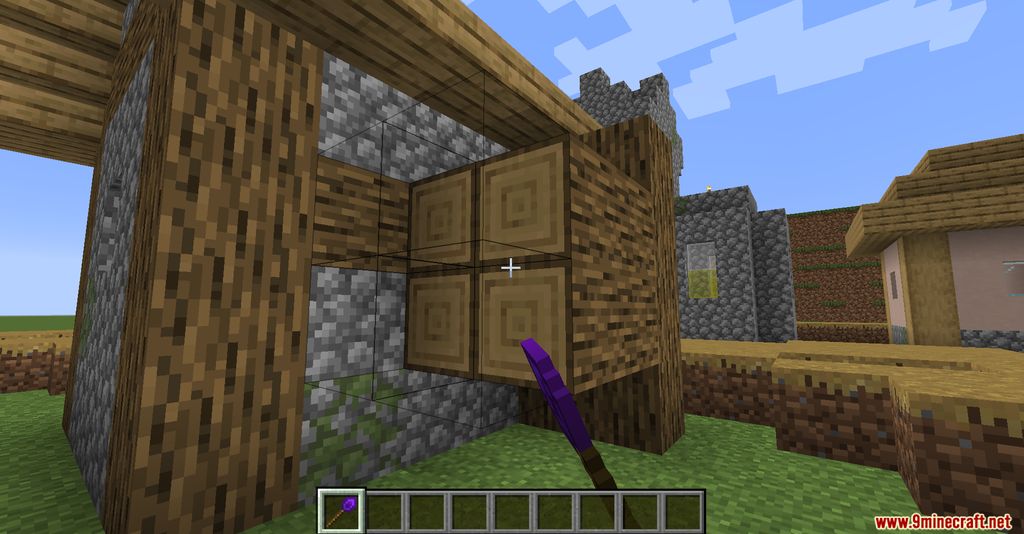
Construction Wand Mod adds four wands to Minecraft that are excellent for construction. There are four types, and the more expensive they are to craft, the more blocks the item can cover. Building with them is simple-they automatically detect the blocks the player is looking at and suggest where to add more blocks. This is one of the building methods. They greatly assist those who love to build large and unusual structures.
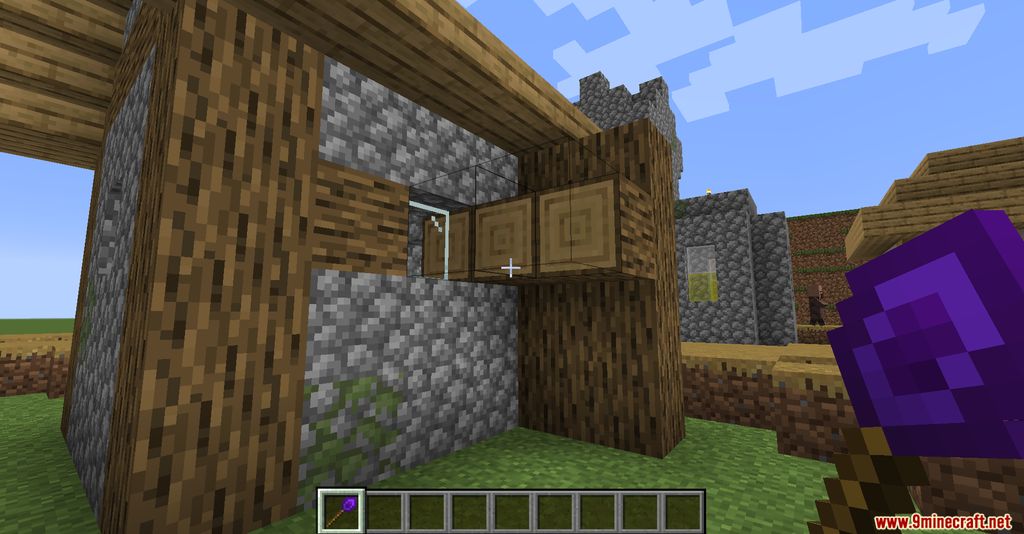
The second mode allows you to build through walls-that is, on the other side of a building if it’s hard to access. For example, from inside a house, you can build something outside, although this process isn’t very intuitive at first-it takes some getting used to. The building mode can be switched by holding the Left Shift key + Right Mouse Button. Essentially, that’s the whole mod.
Features:
- Allows players to place multiple blocks at once, extending builds in the direction they are facing. The number of blocks depends on the wand’s tier.
- Four Wand Types:
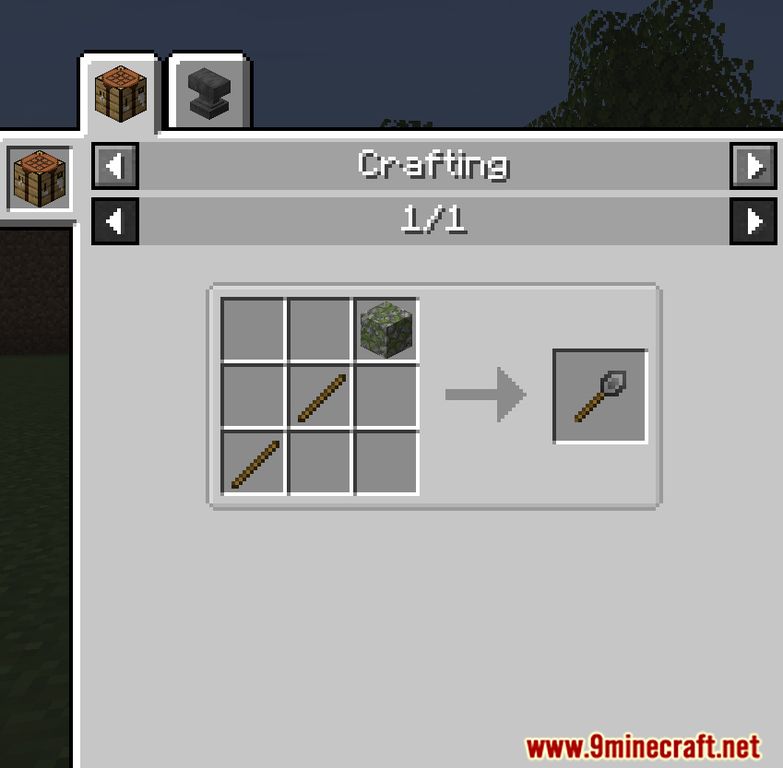
- Stone Wand: Basic tier with limited block placement.
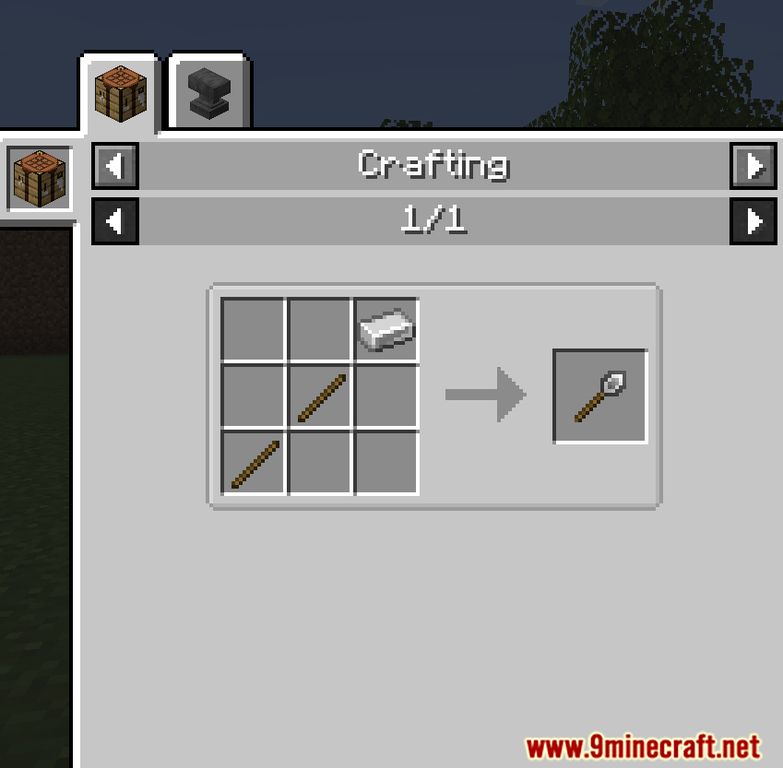
- Iron Wand: Intermediate tier with increased block placement.
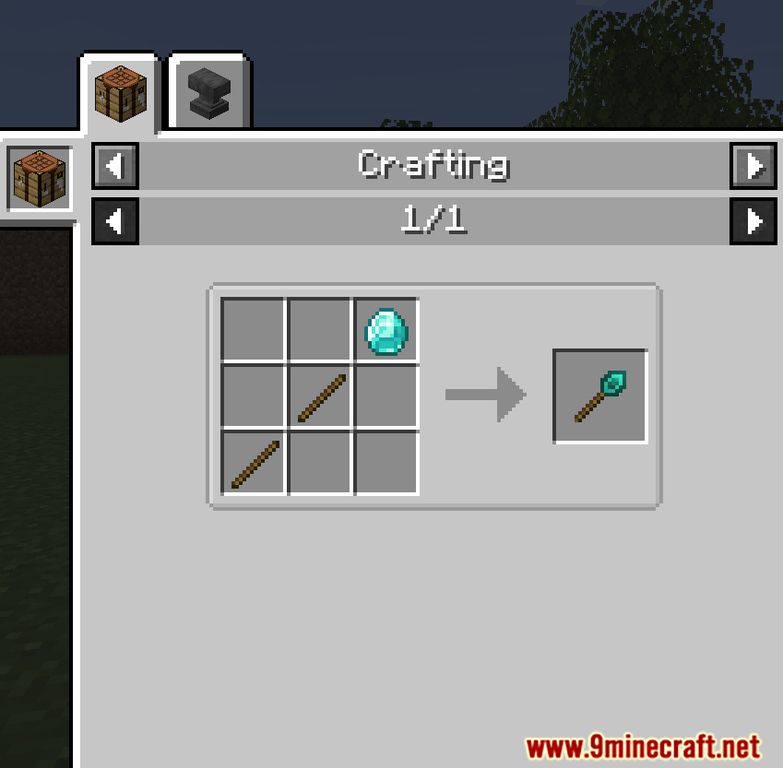
- Diamond Wand: Advanced tier with even more block placement capacity.
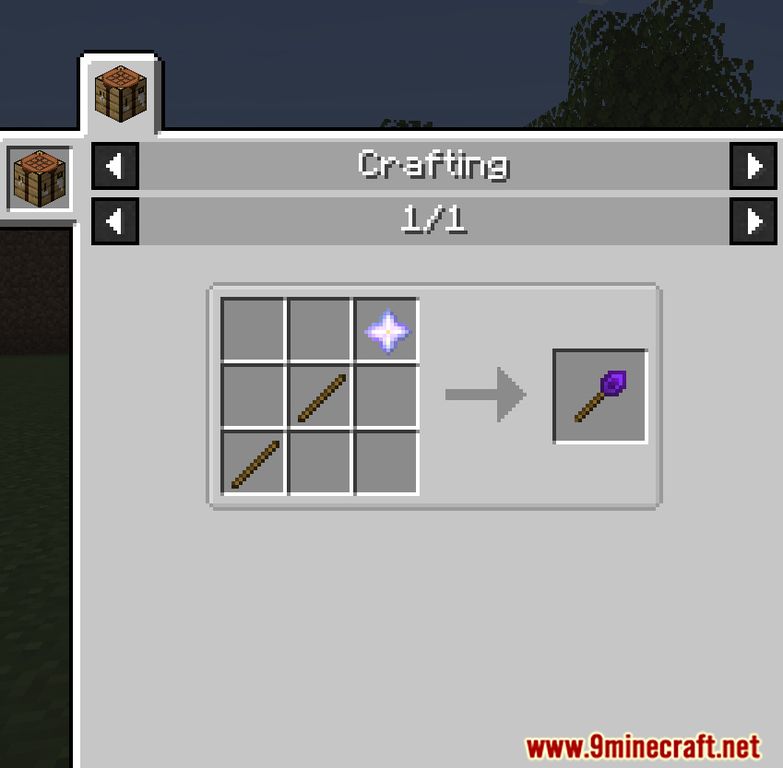
- Infinity Wand: Top-tier, unbreakable wand with the highest block placement capacity.
- Enables players to place blocks on the other side of walls, making it easier to build in hard-to-reach areas.
- Players can switch between building modes (e.g., horizontal, vertical, or directional) using key combinations like Left Shift + Right Mouse Button.
- Higher-tier wands last longer and can be upgraded with additional cores for enhanced functionality.
- Mistakes can be undone, preventing accidental block placements.
Screenshots:
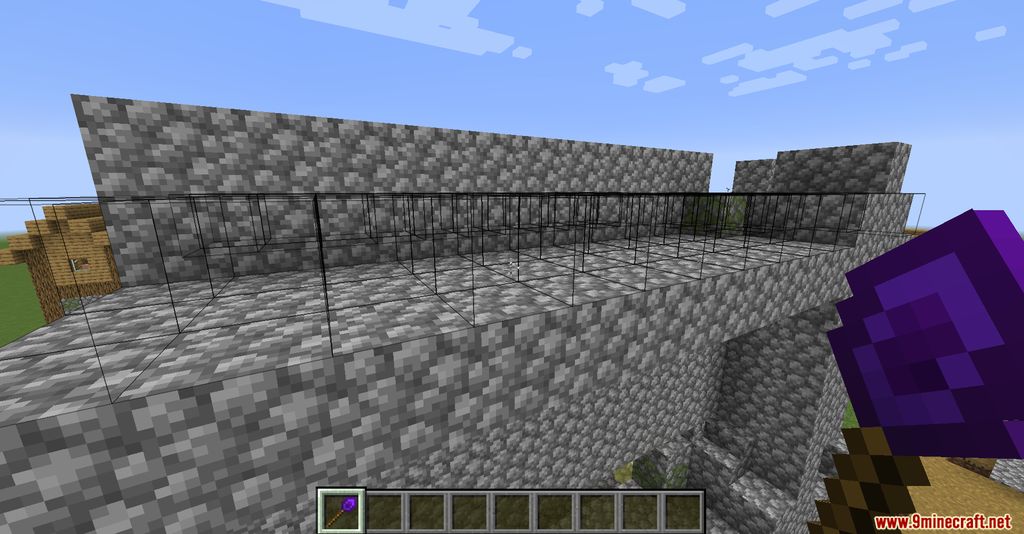
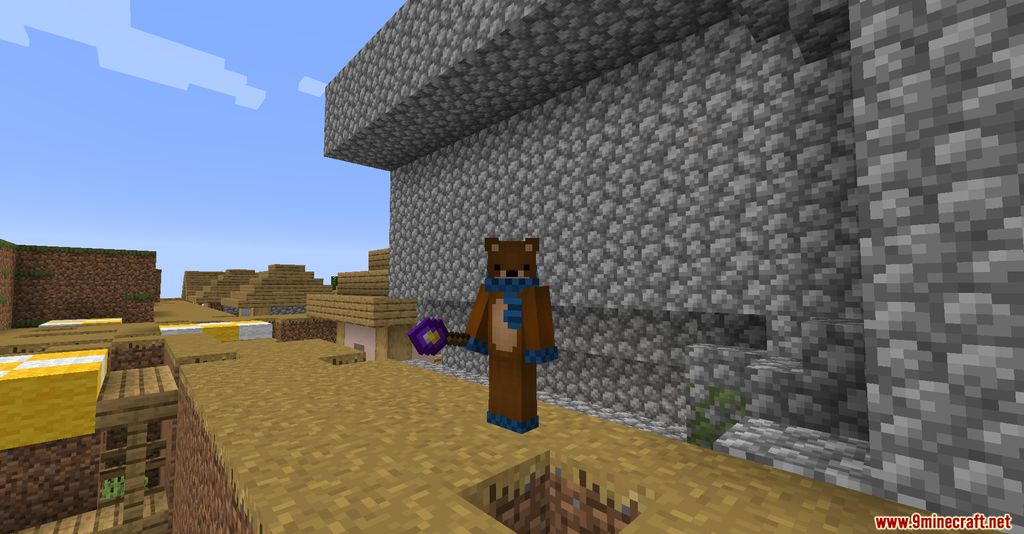
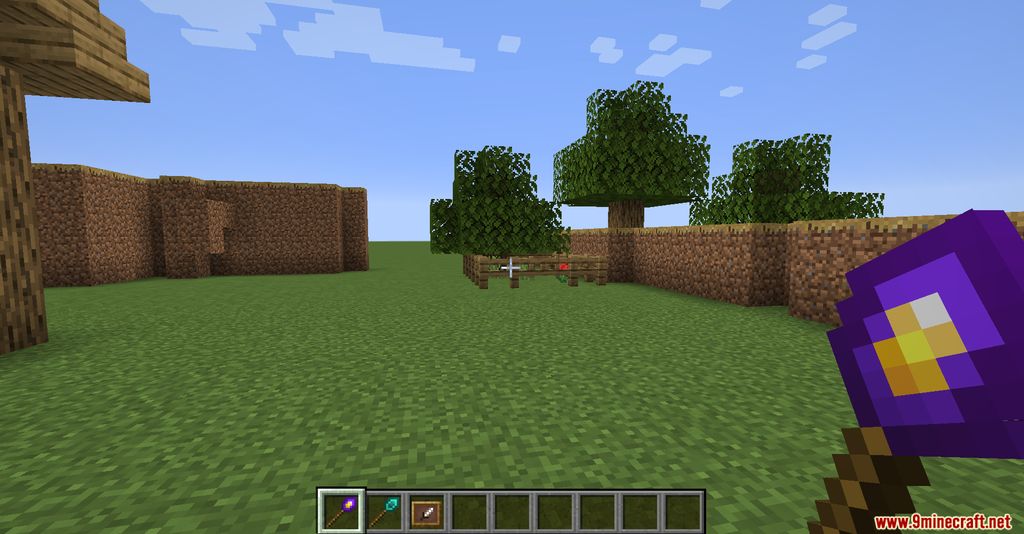
Crafting Recipes:
Construction Wand Mod Download Links
- Edition: Minecraft Java
- File type: .jar
- Minecraft version listed: 1.20.1
- How to install: Install the matching mod loader (Forge, Fabric or NeoForge) for your Minecraft version. → Download the .jar. → Put it in the .minecraft/mods folder and launch that loader profile.
- Where to get it: In MC Java Mods, or directly above on this page.
Install steps are the general flow for this file type — How to install Minecraft Java mods & modpacks walks through it step by step.
- Downloads as 83872.mcaddon
- Download size: 300 KB
- Download link checked 26 Sept 2026 — working
- Mirrored on our own servers — the download does not depend on the original host
These come from our own check of the pack file, not from the source page.