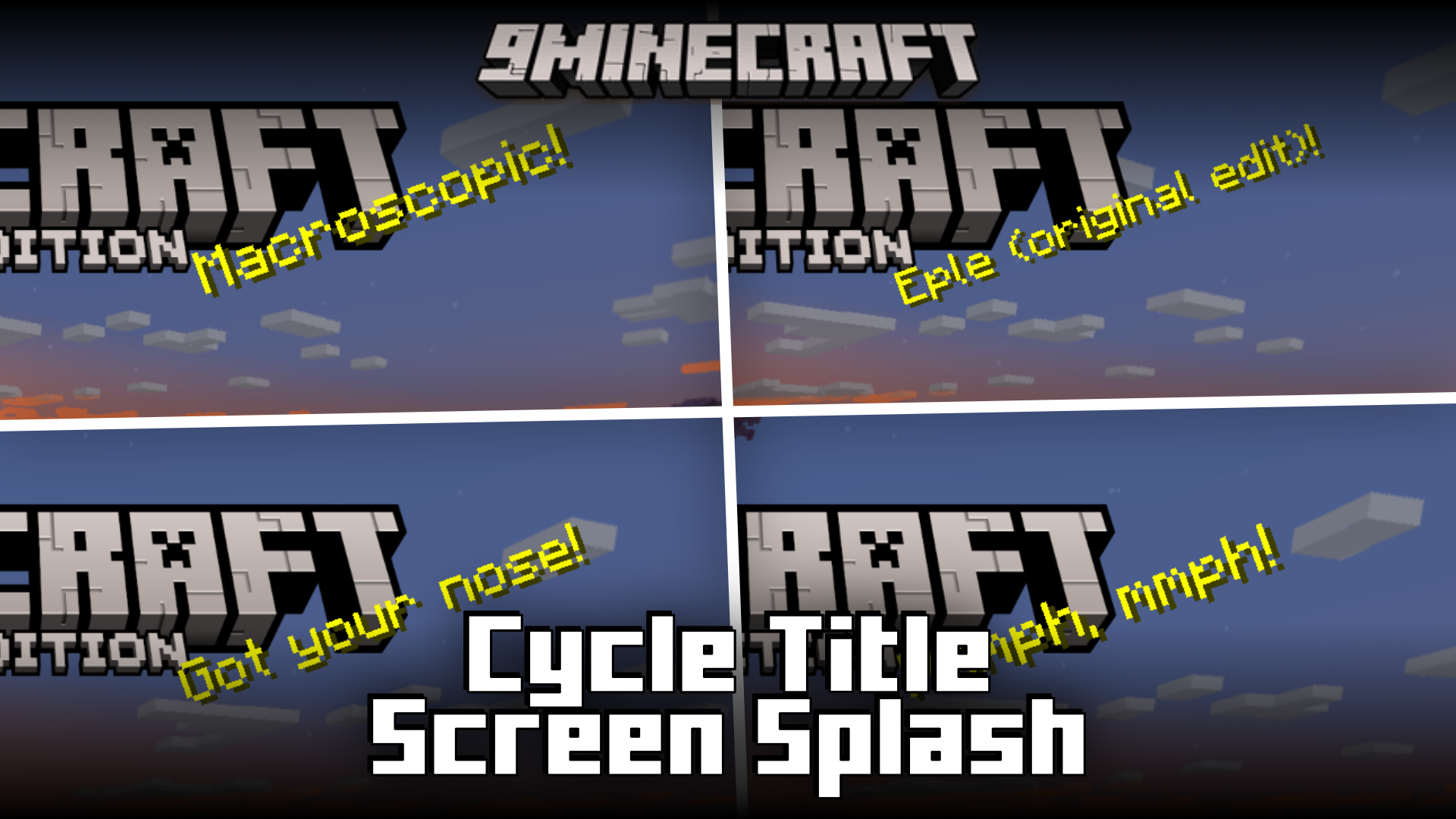
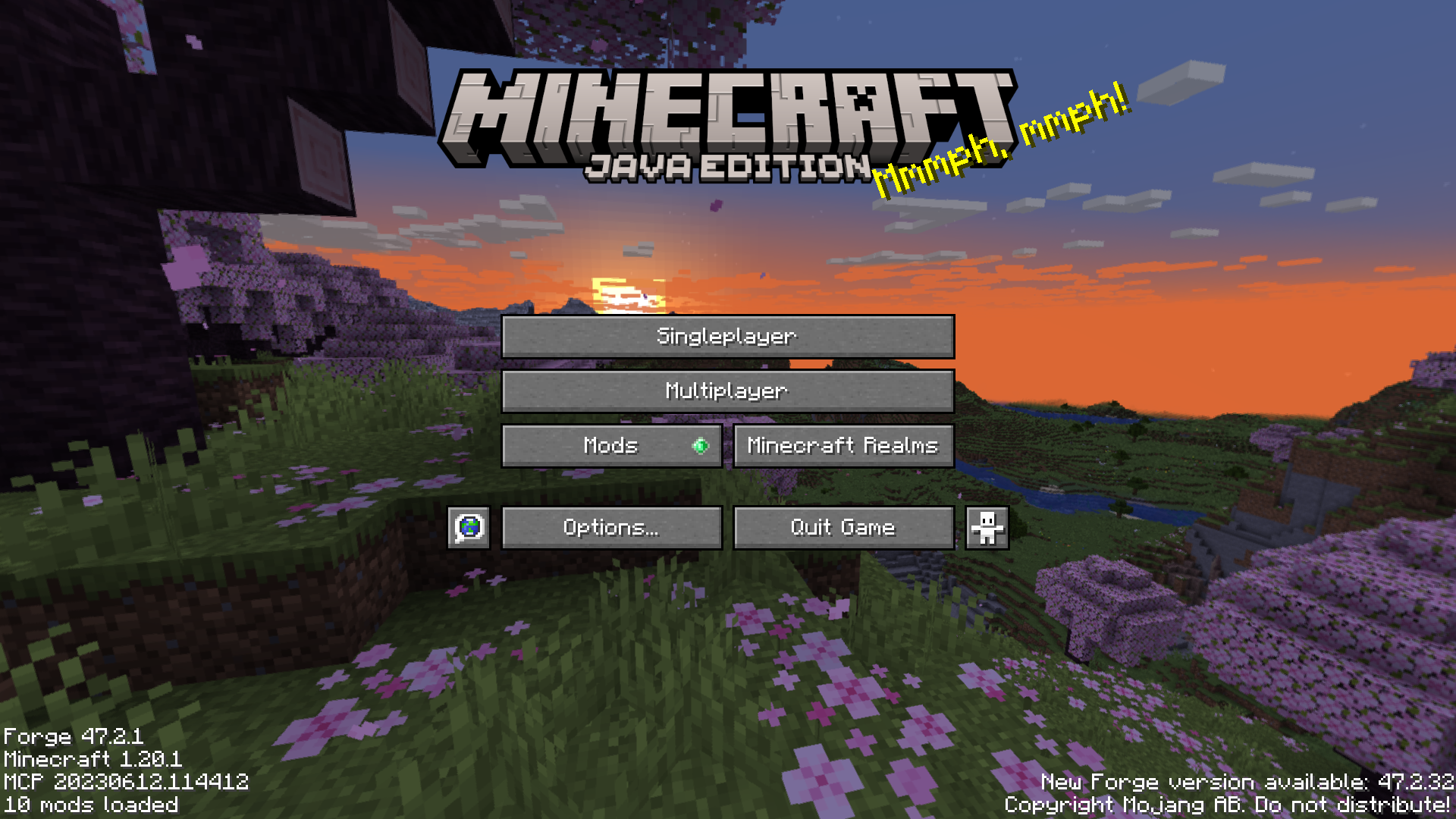
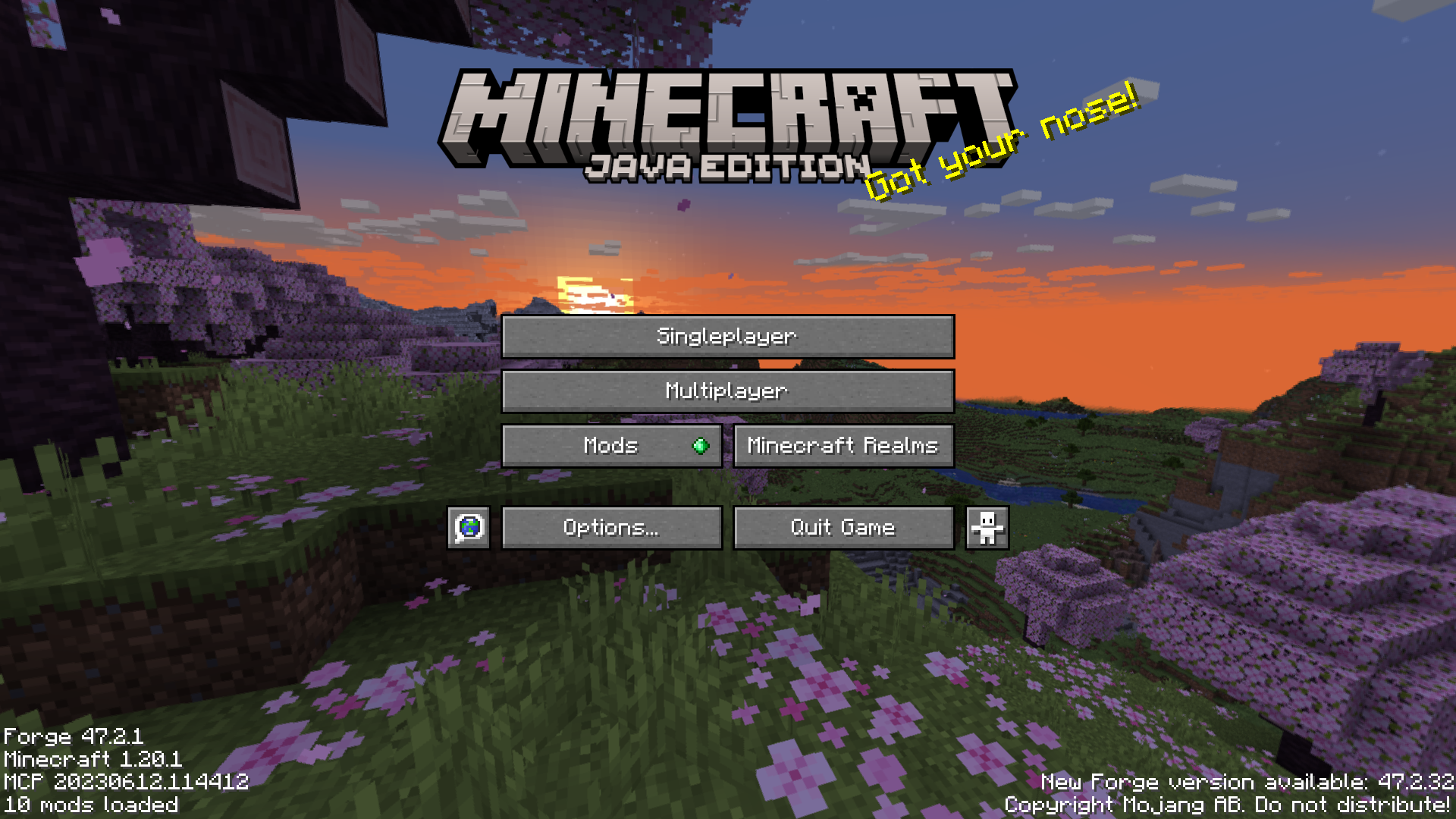
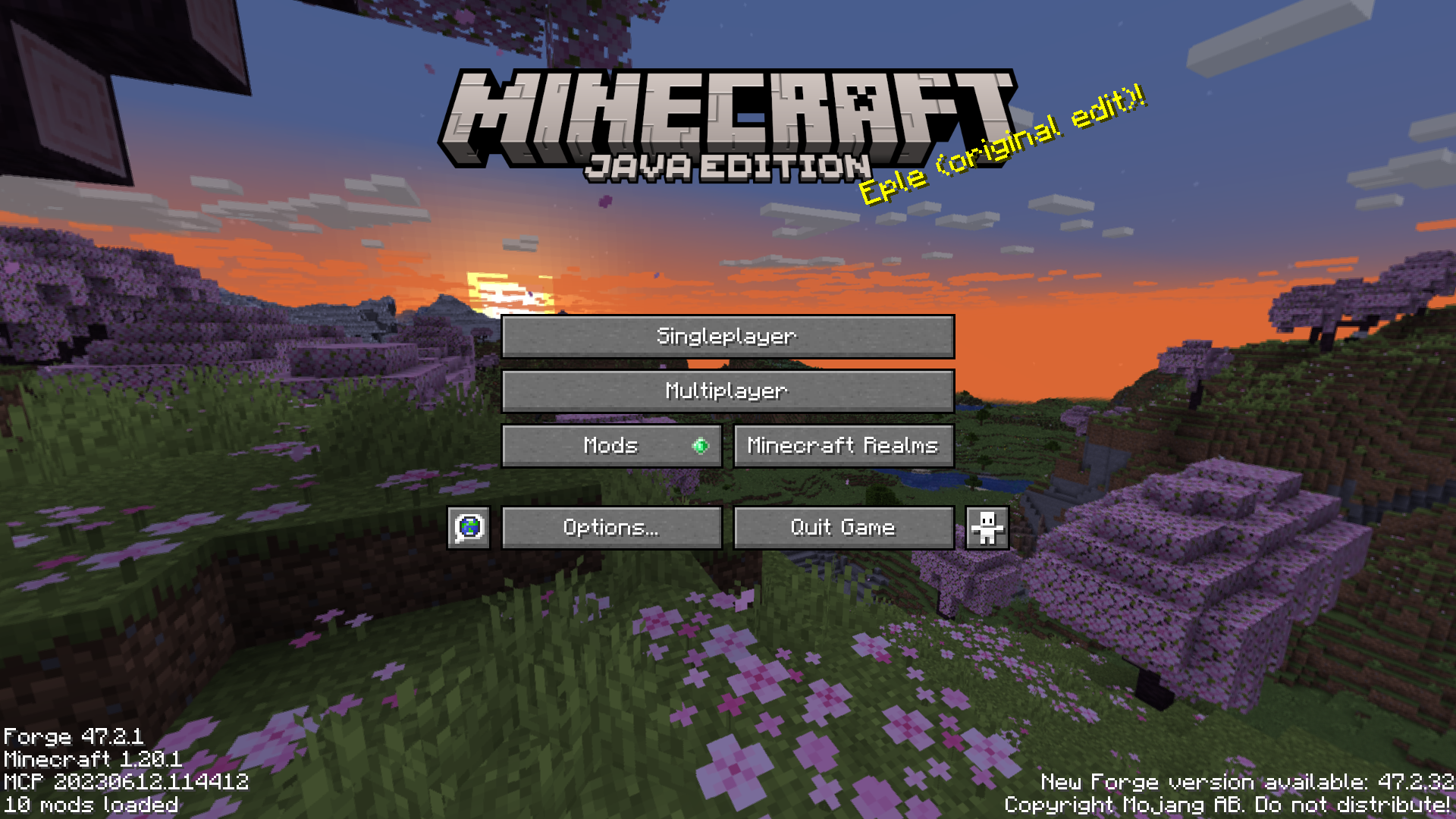
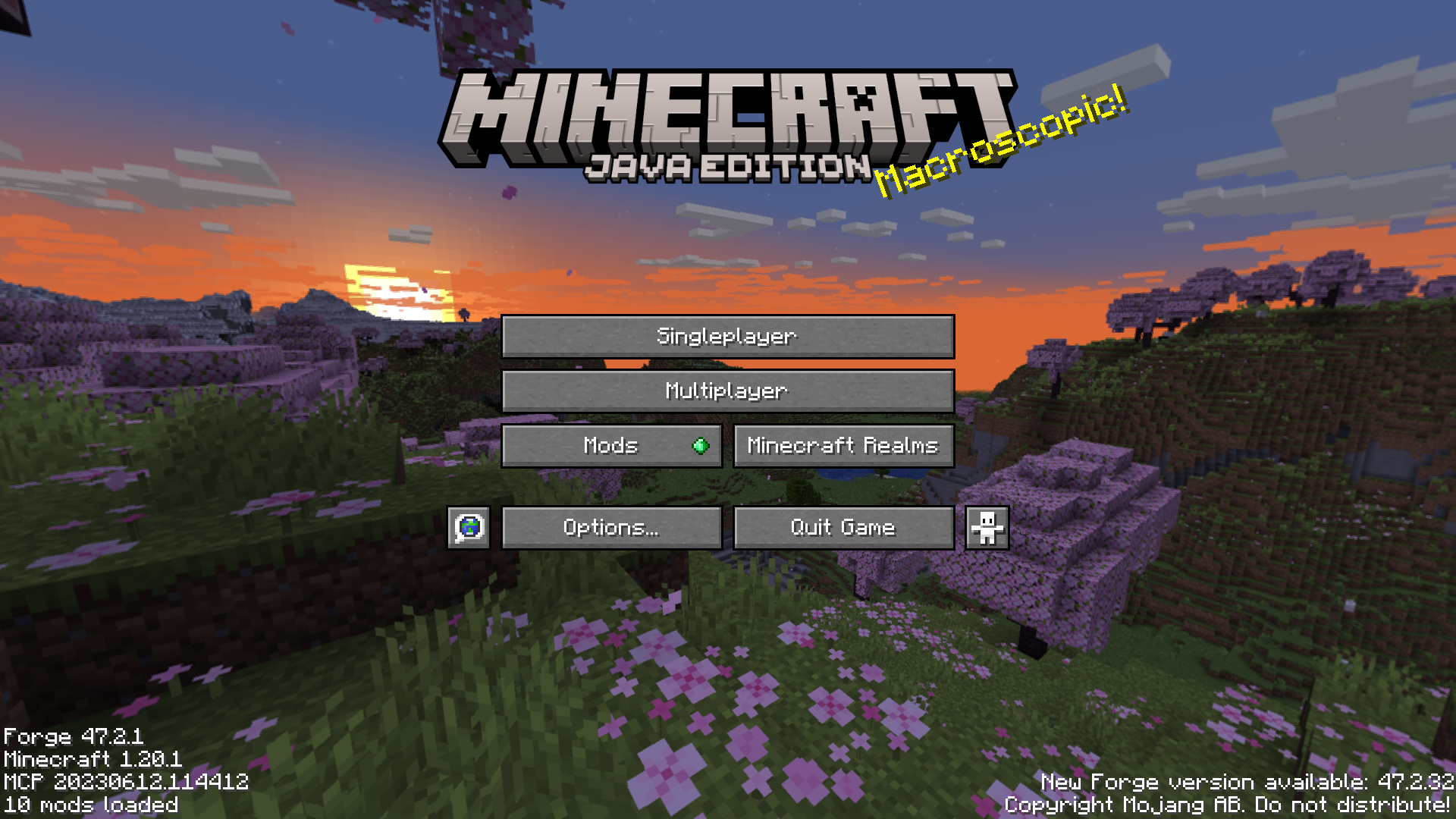
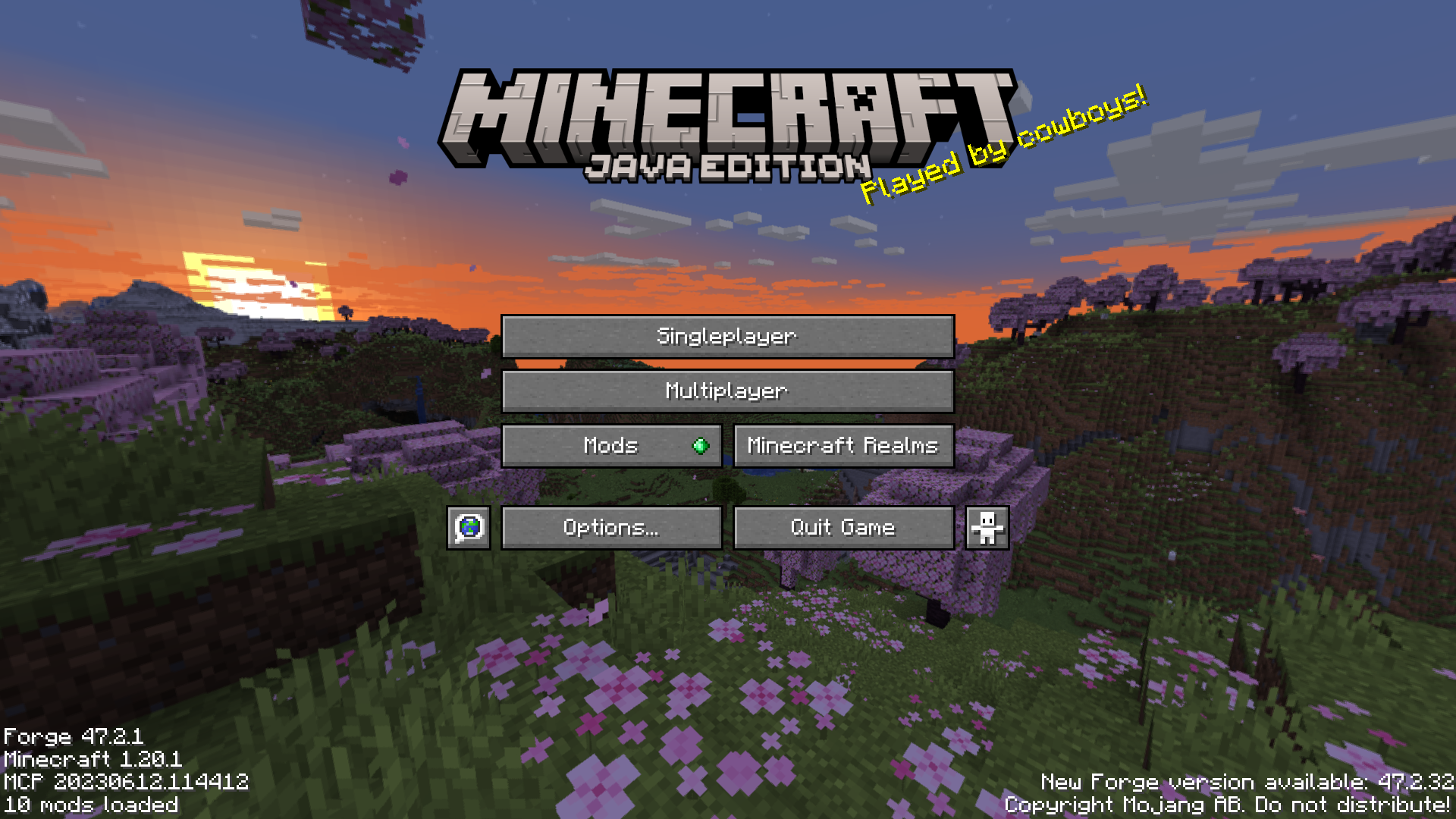
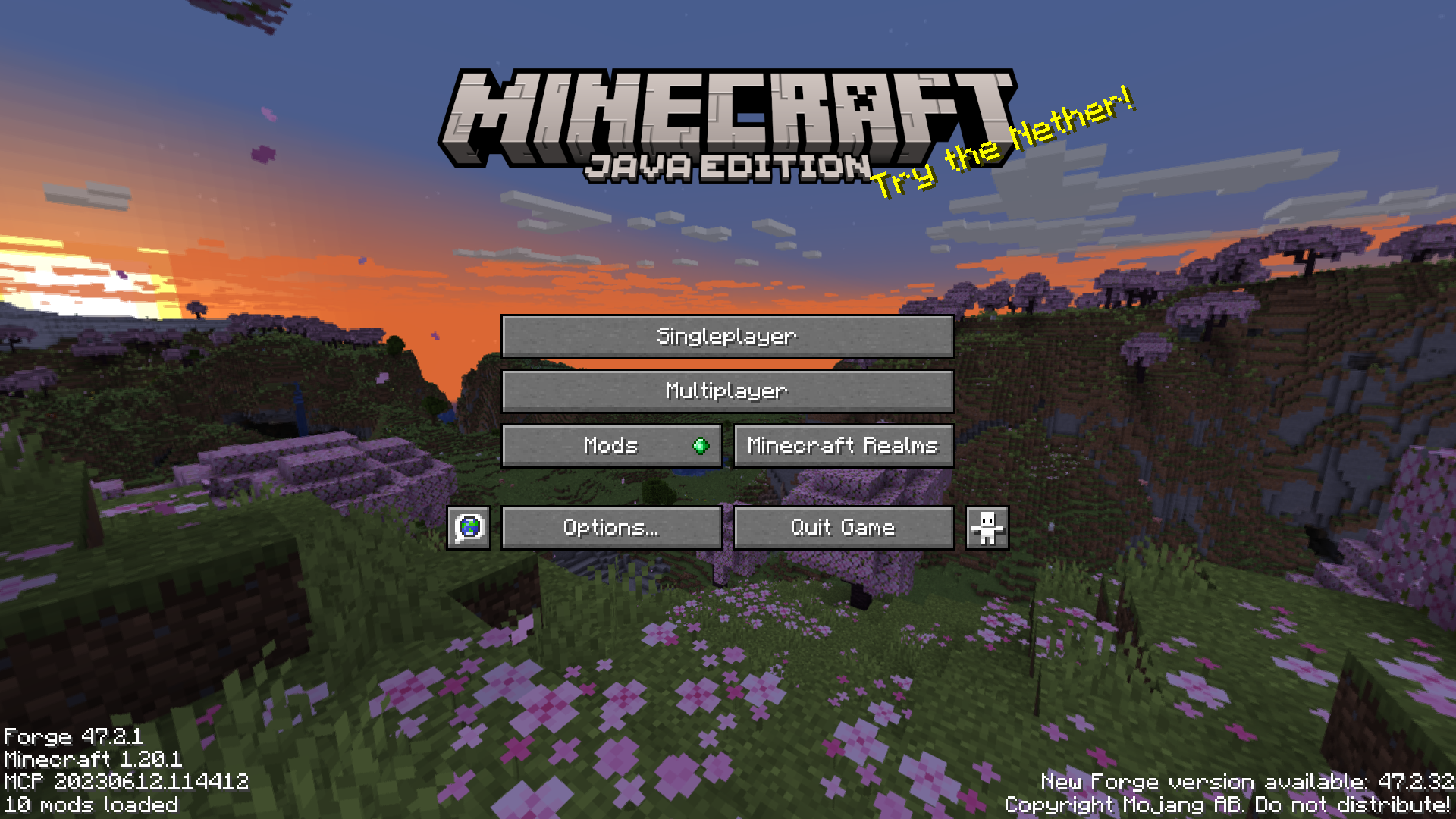
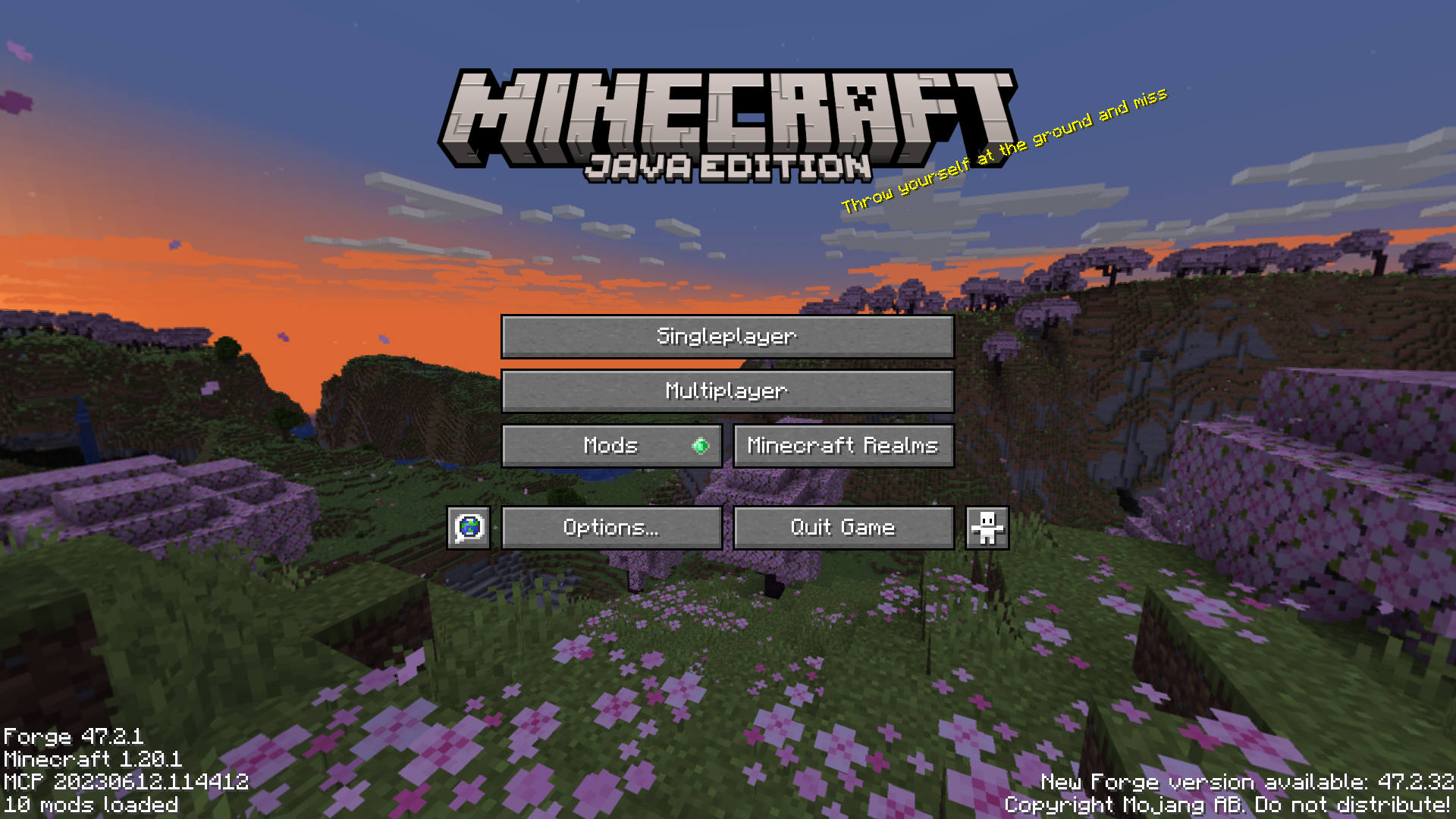
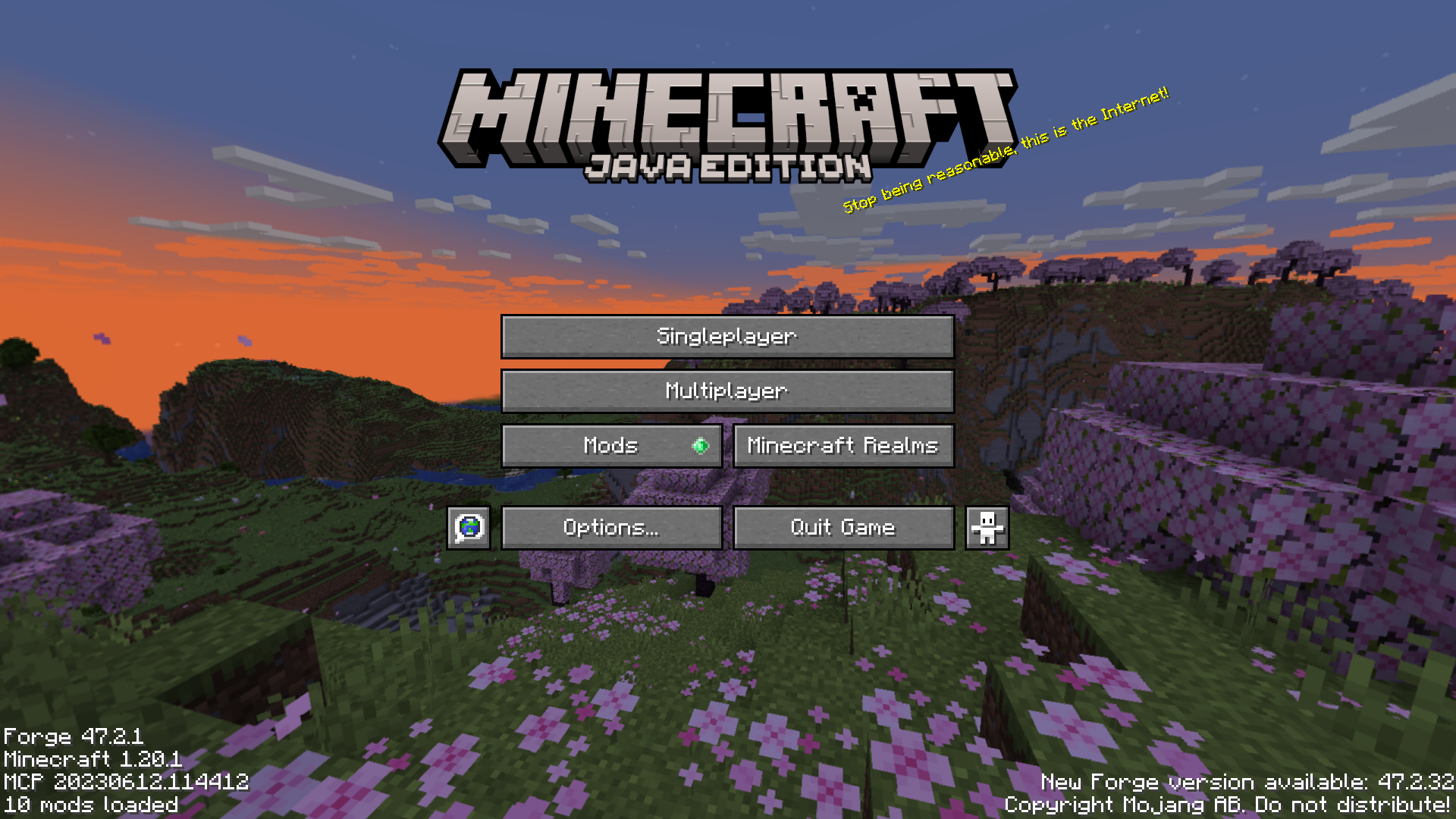
The Minecraft title screen has the Minecraft logo at the top of the menu options. At the lower right corner of this logo is a tiny piece of yellow text. This text, called the splash text, is a random piece of text that may or may not be related to the game. In the vanilla game, only one piece of text appears every time you open the menu screen. Cycle Title Screen Splash Mod is here to change that. This mod makes it so that the splash text keeps on changing once every few seconds. By default, the splash text will change once every five seconds. But this can be configured using the config file.
Features:
- Makes the splash screen text cycle.
- By default it changes every five seconds.
- Time can be adjusted in the config file.
Screenshots:
Cycle Title Screen Splash Mod Download Links
- Edition: Minecraft Java
- File type: .jar
- Minecraft version listed: 1.20.1
- How to install: Install the matching mod loader (Forge, Fabric or NeoForge) for your Minecraft version. → Download the .jar. → Put it in the .minecraft/mods folder and launch that loader profile.
- Where to get it: In MC Java Mods, or directly above on this page.
Install steps are the general flow for this file type — How to install Minecraft Java mods & modpacks walks through it step by step.
- Downloads as 83873.mcaddon
- Download size: 34 KB
- Download link checked 24 Sept 2026 — working
- Mirrored on our own servers — the download does not depend on the original host
These come from our own check of the pack file, not from the source page.