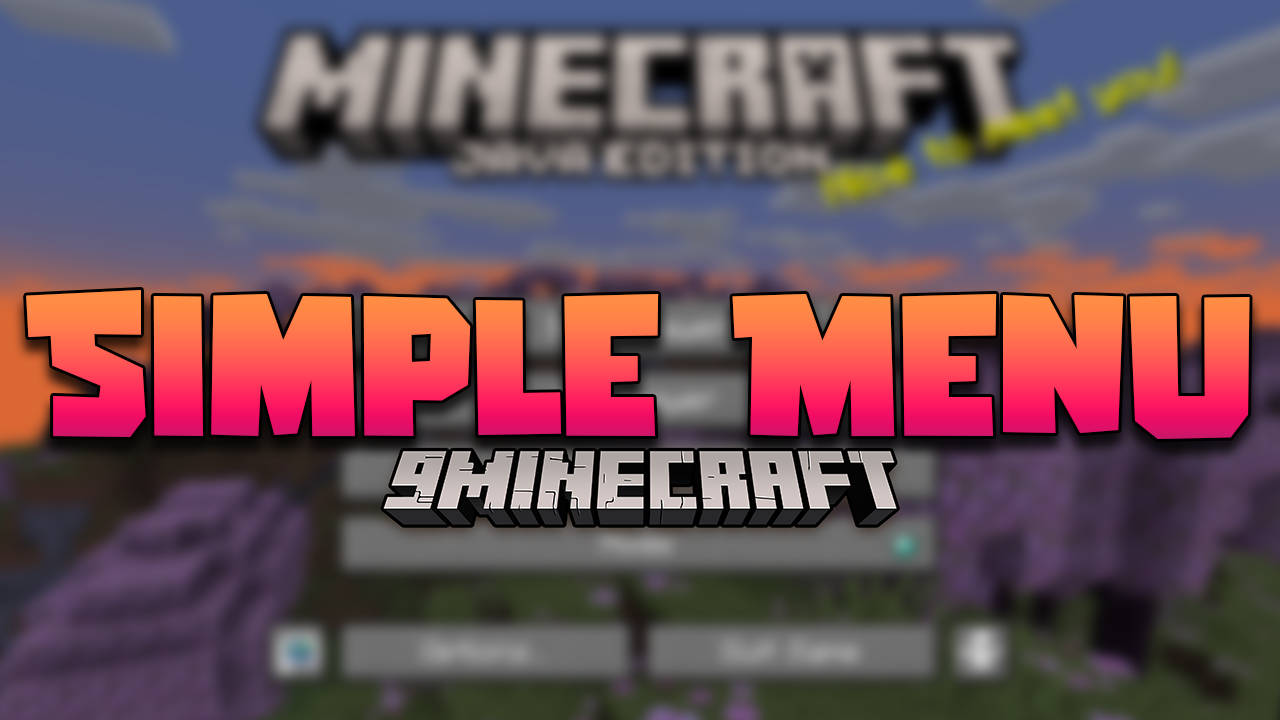
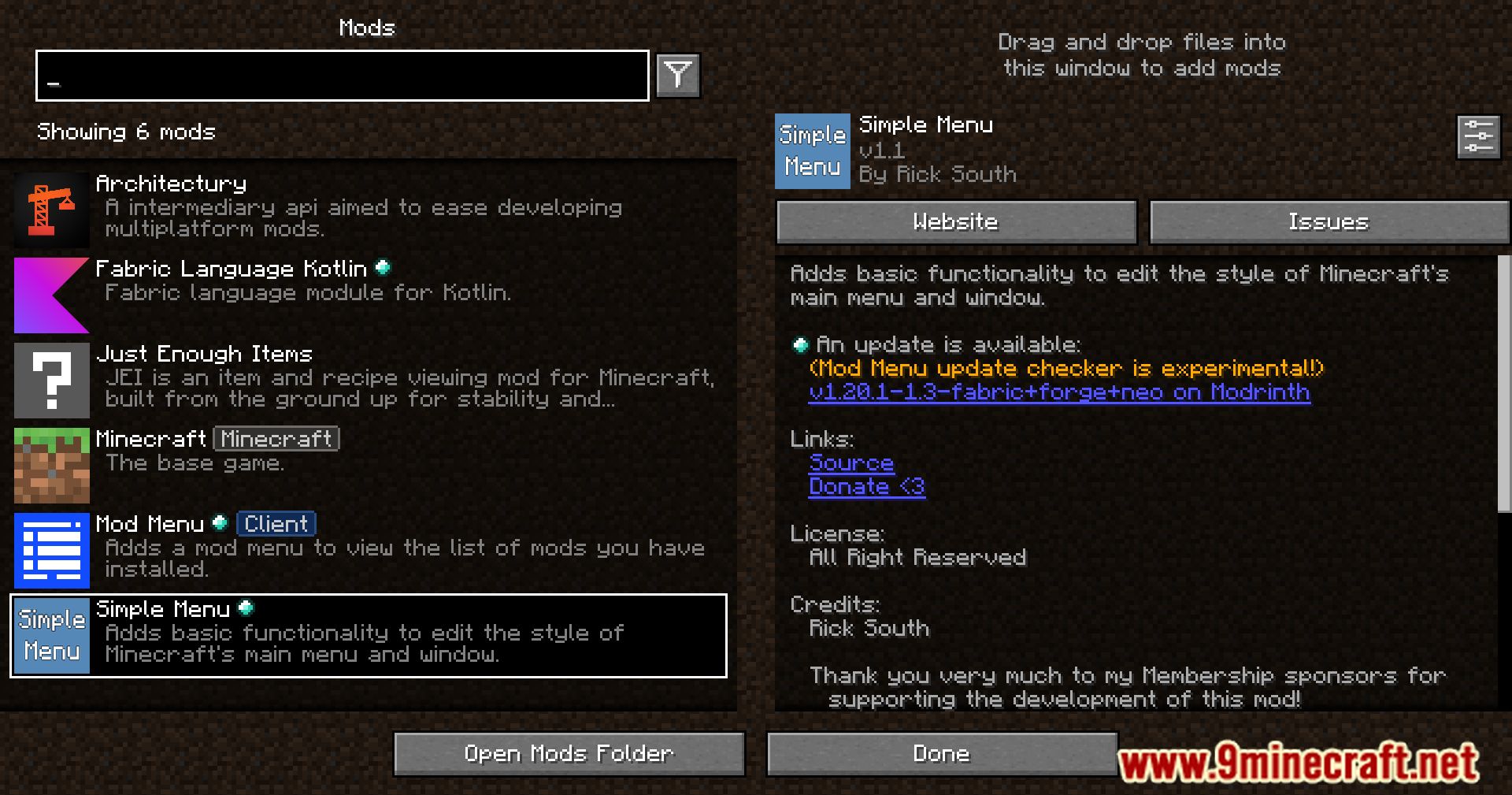
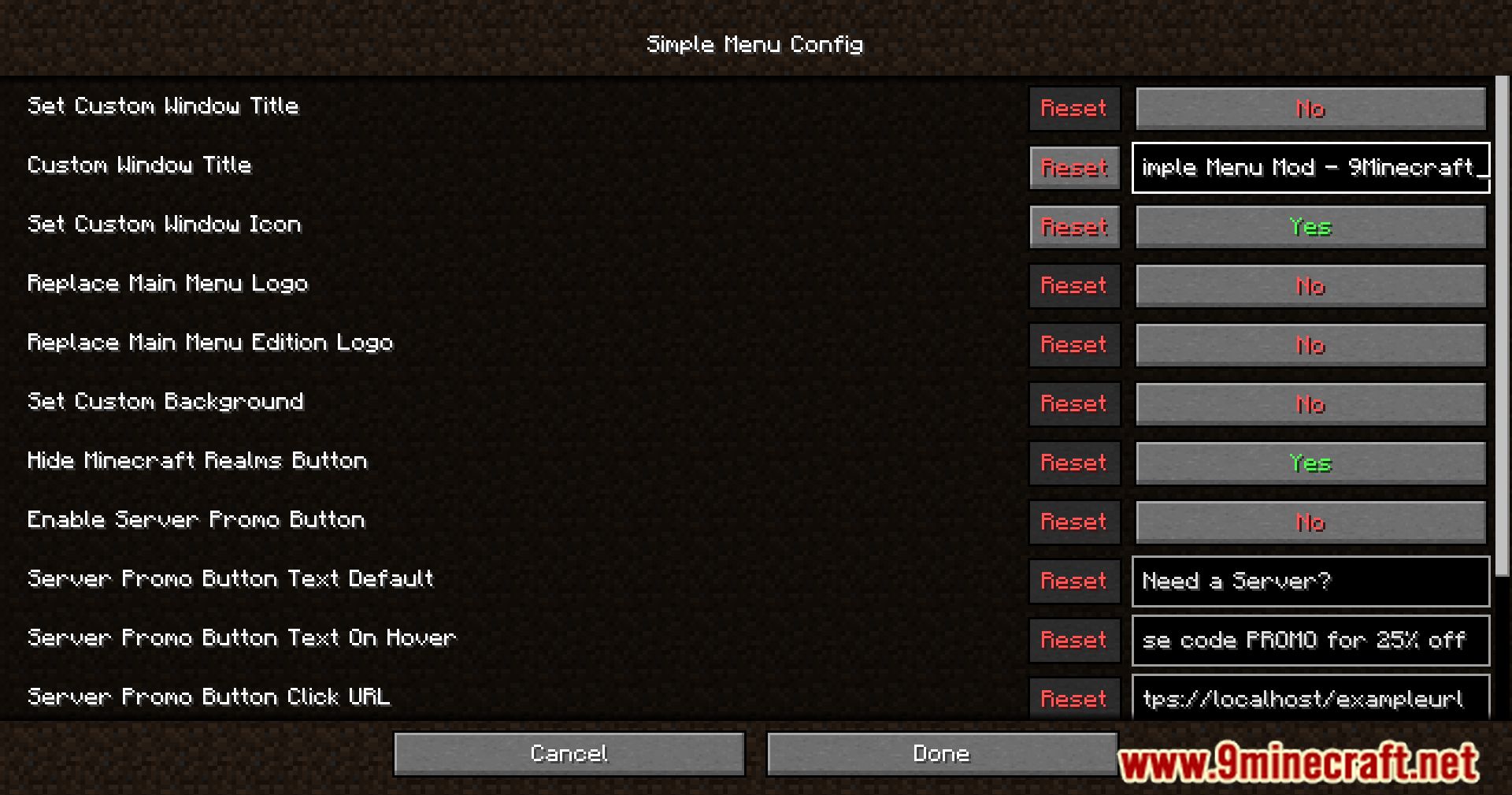
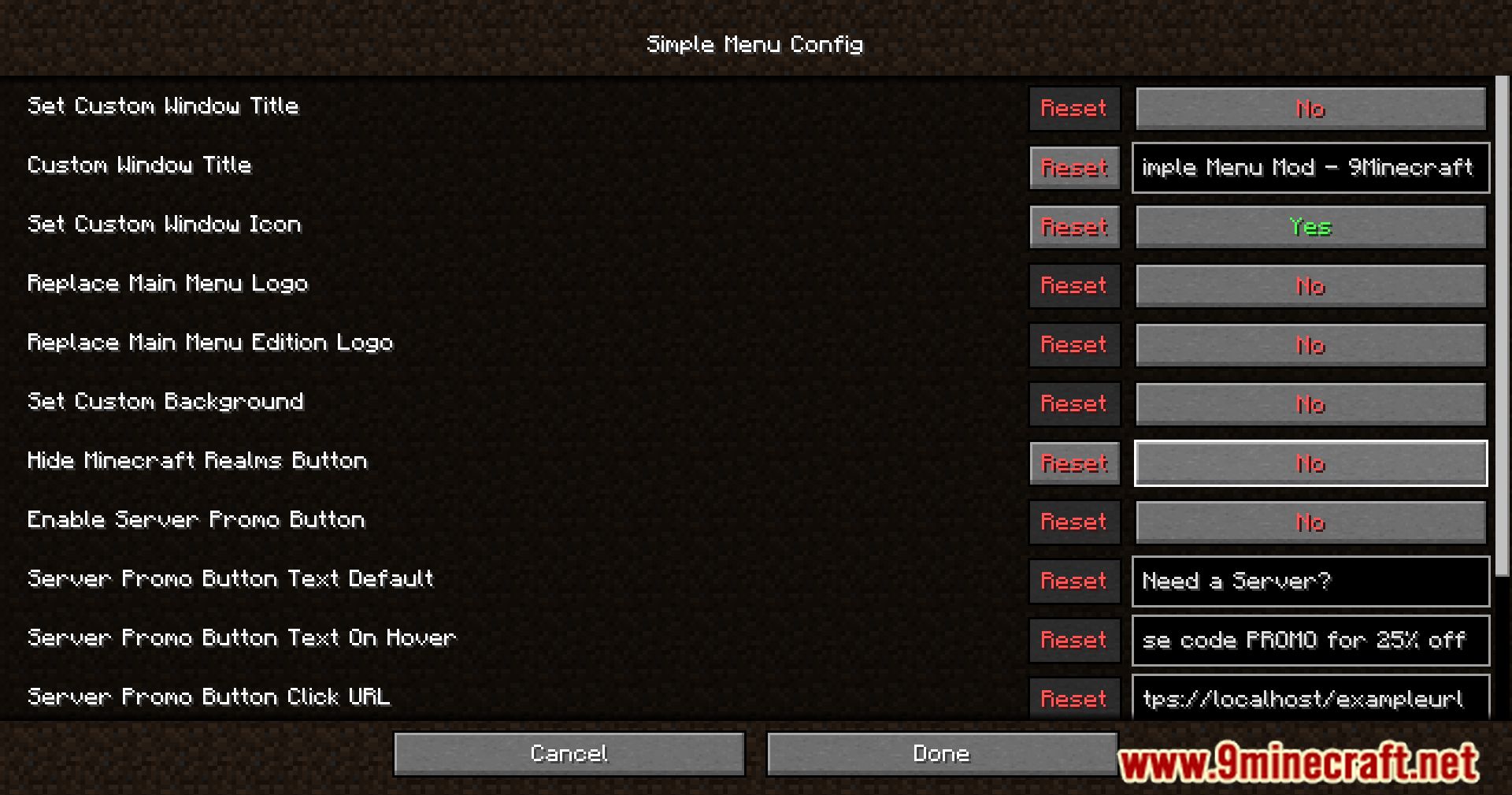
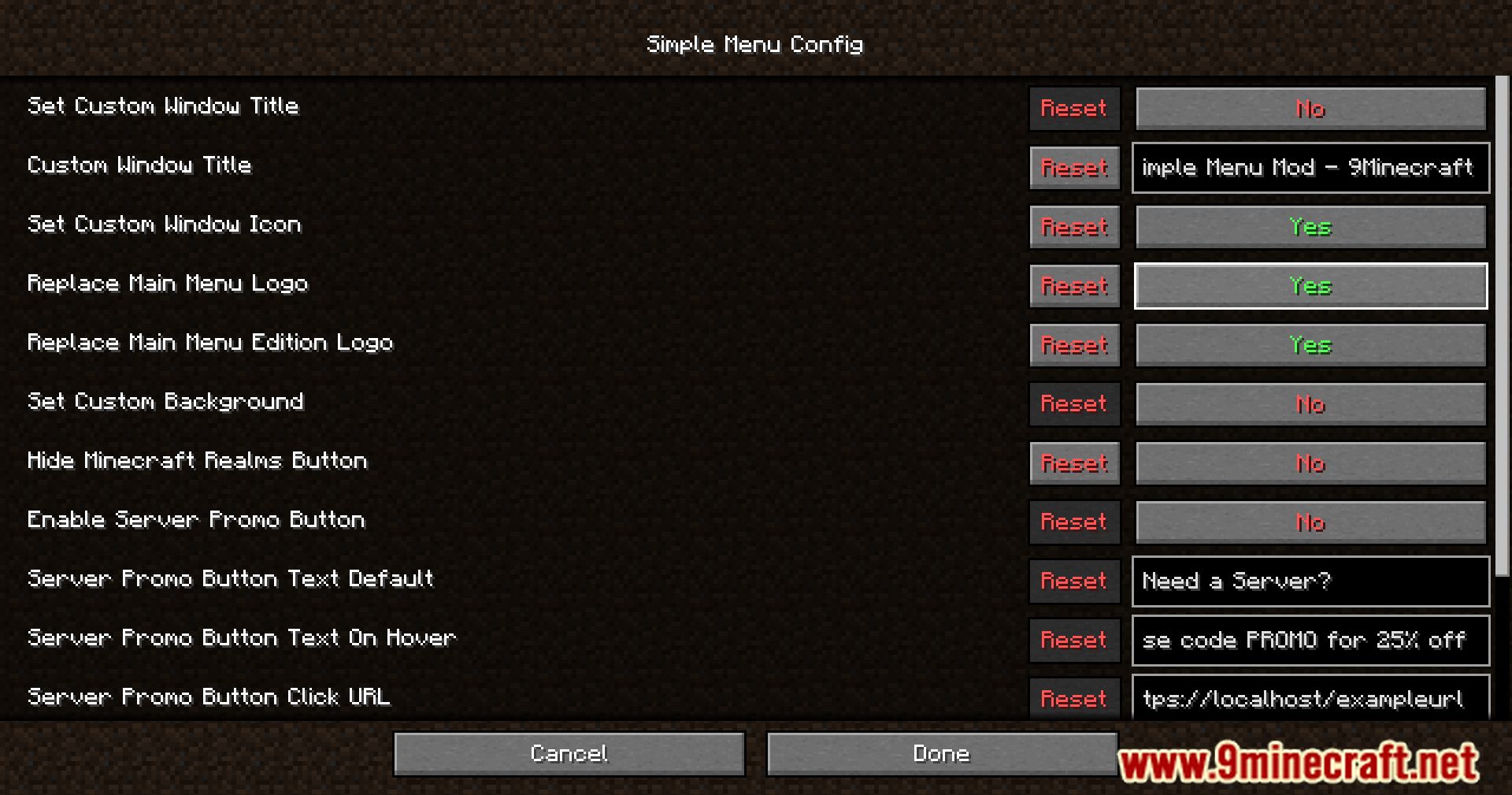
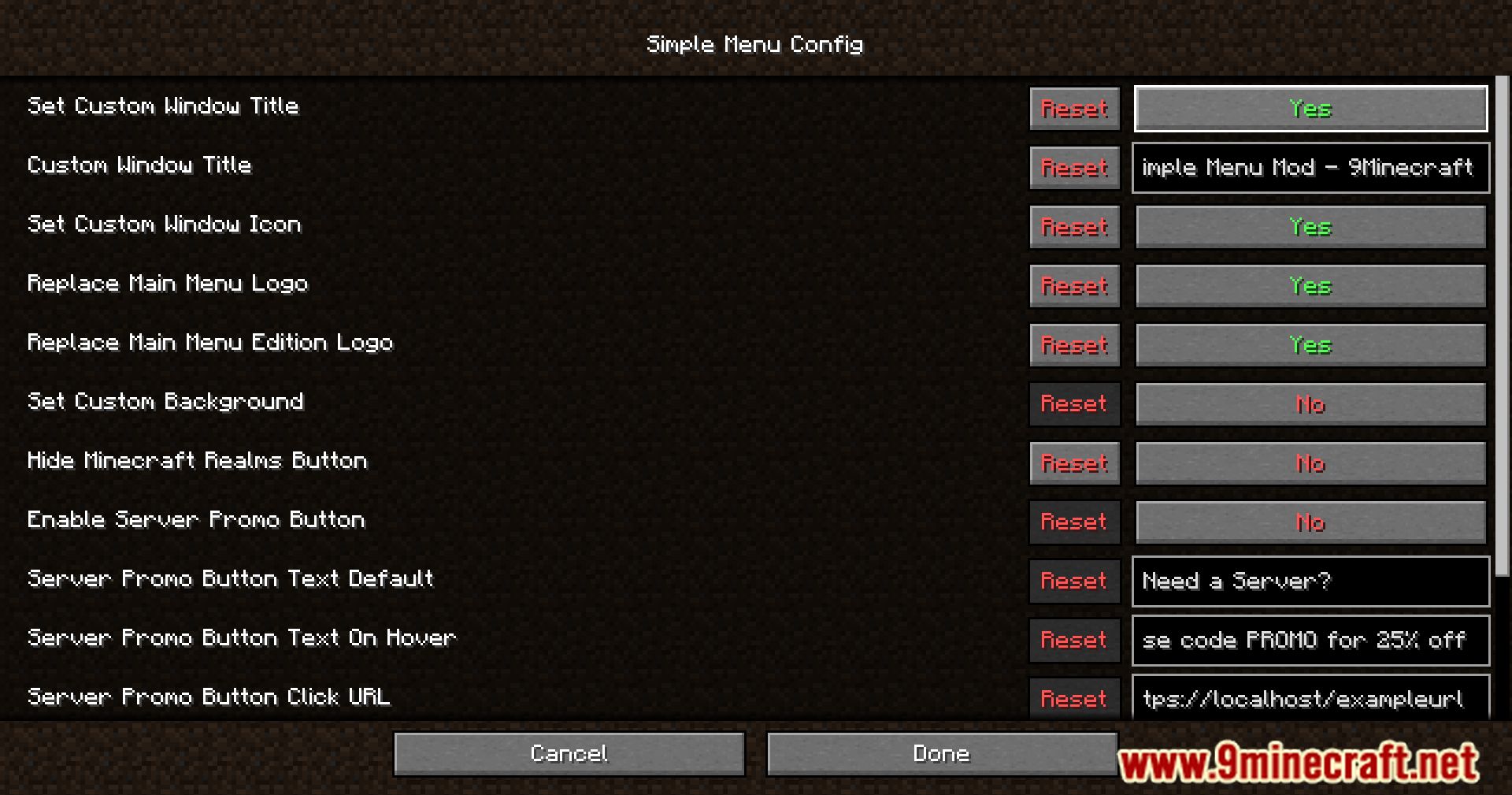
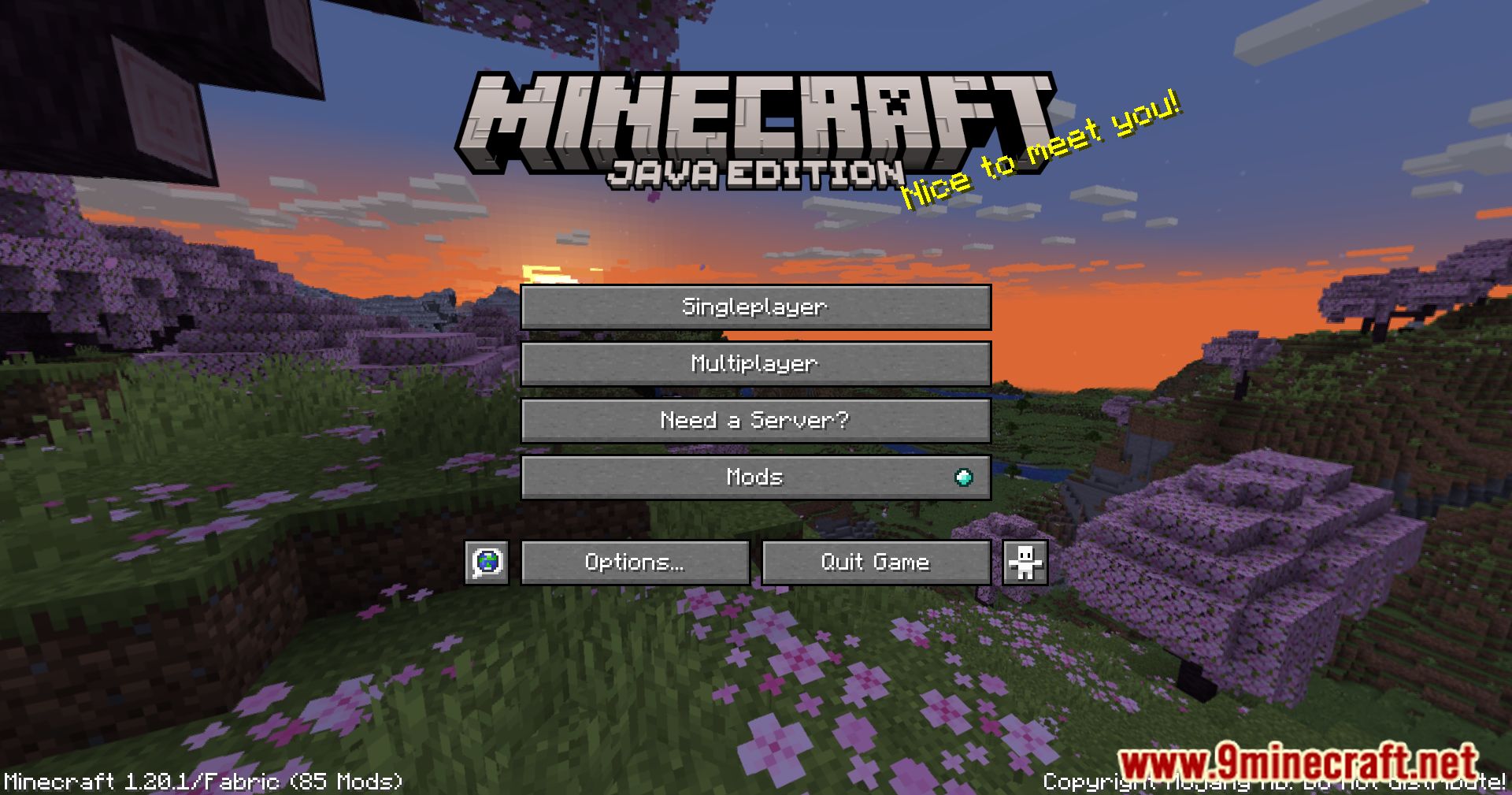
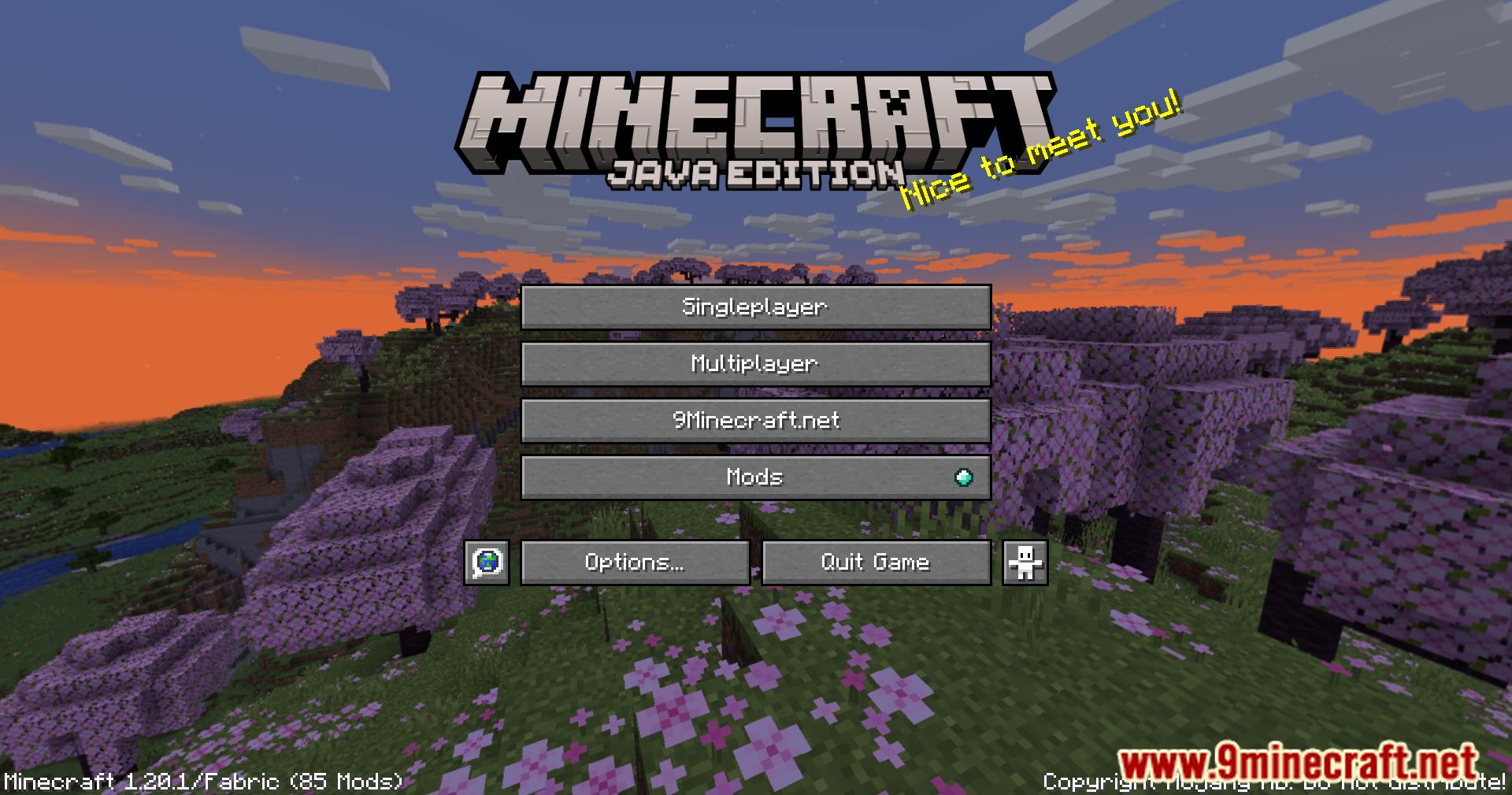
Simple Menu Mod adds basic functionality to edit the style of Minecraft’s main menu and window.
Features:
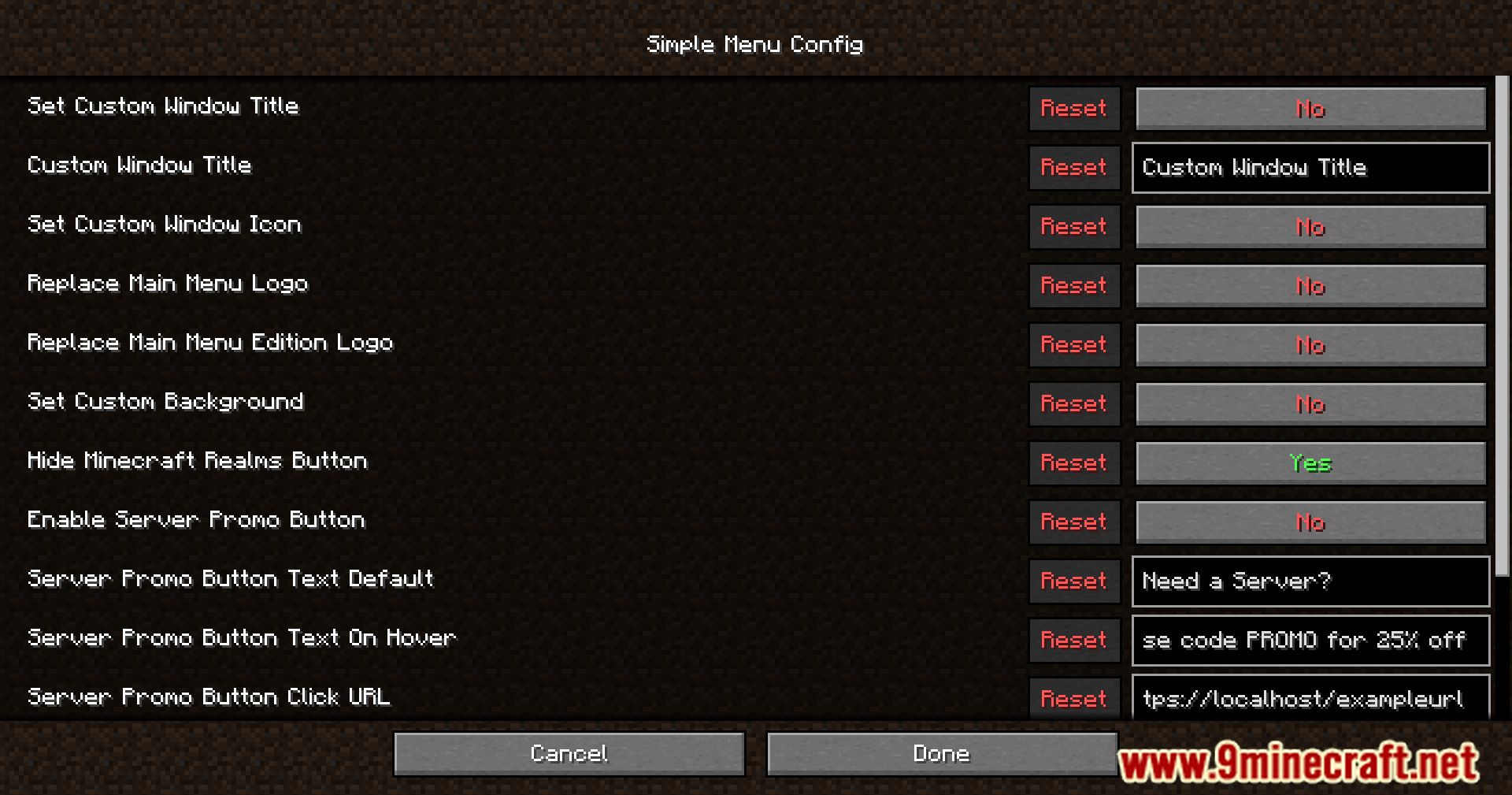
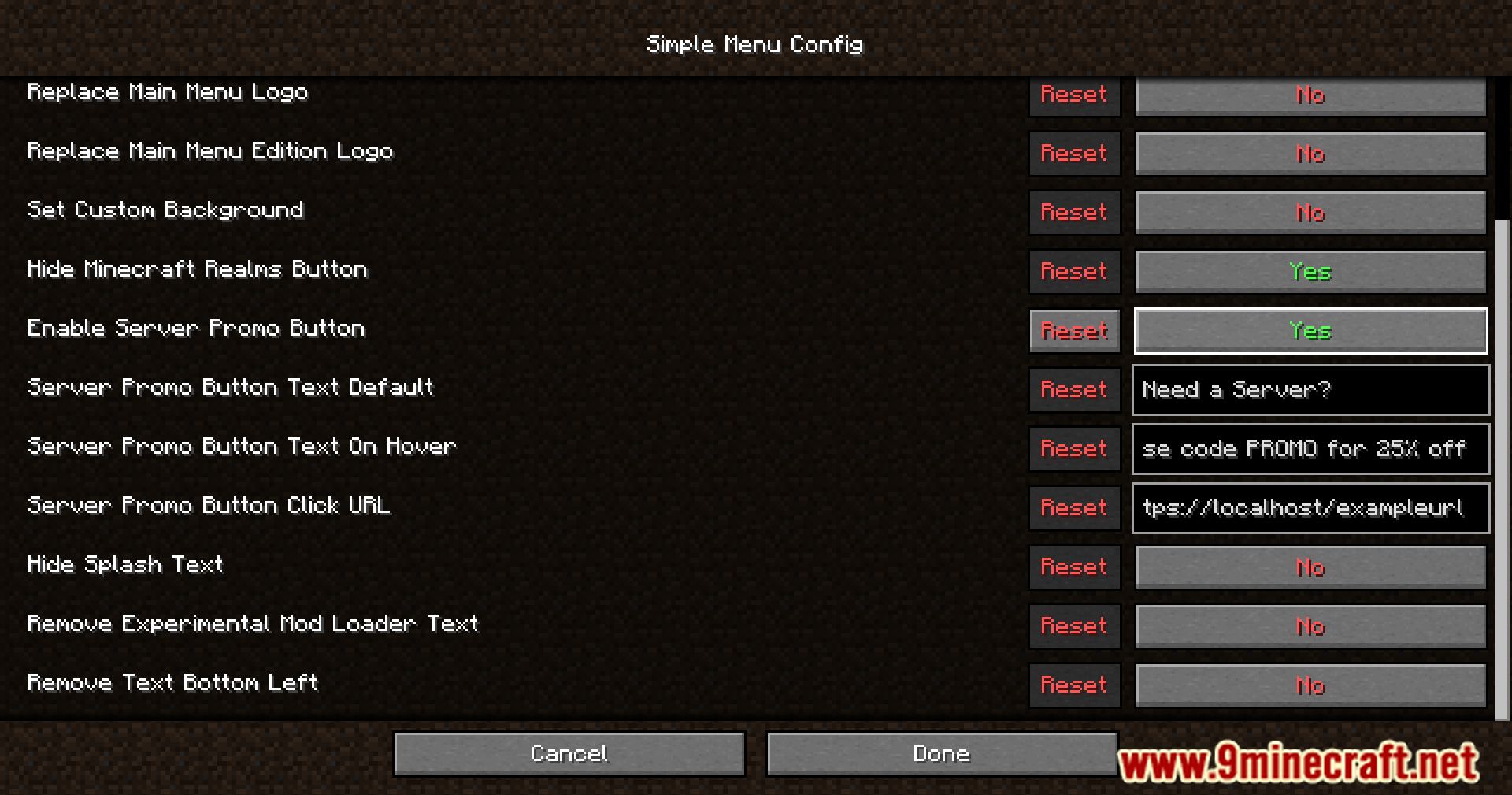
- Custom Window Title and Icon: Set your own window title and icon for a more personalized game window.
- Custom Minecraft Logo: Replace the default Minecraft logo on the main menu with one of your choice.
- Custom Background: Change the main menu background to an image that suits your style.
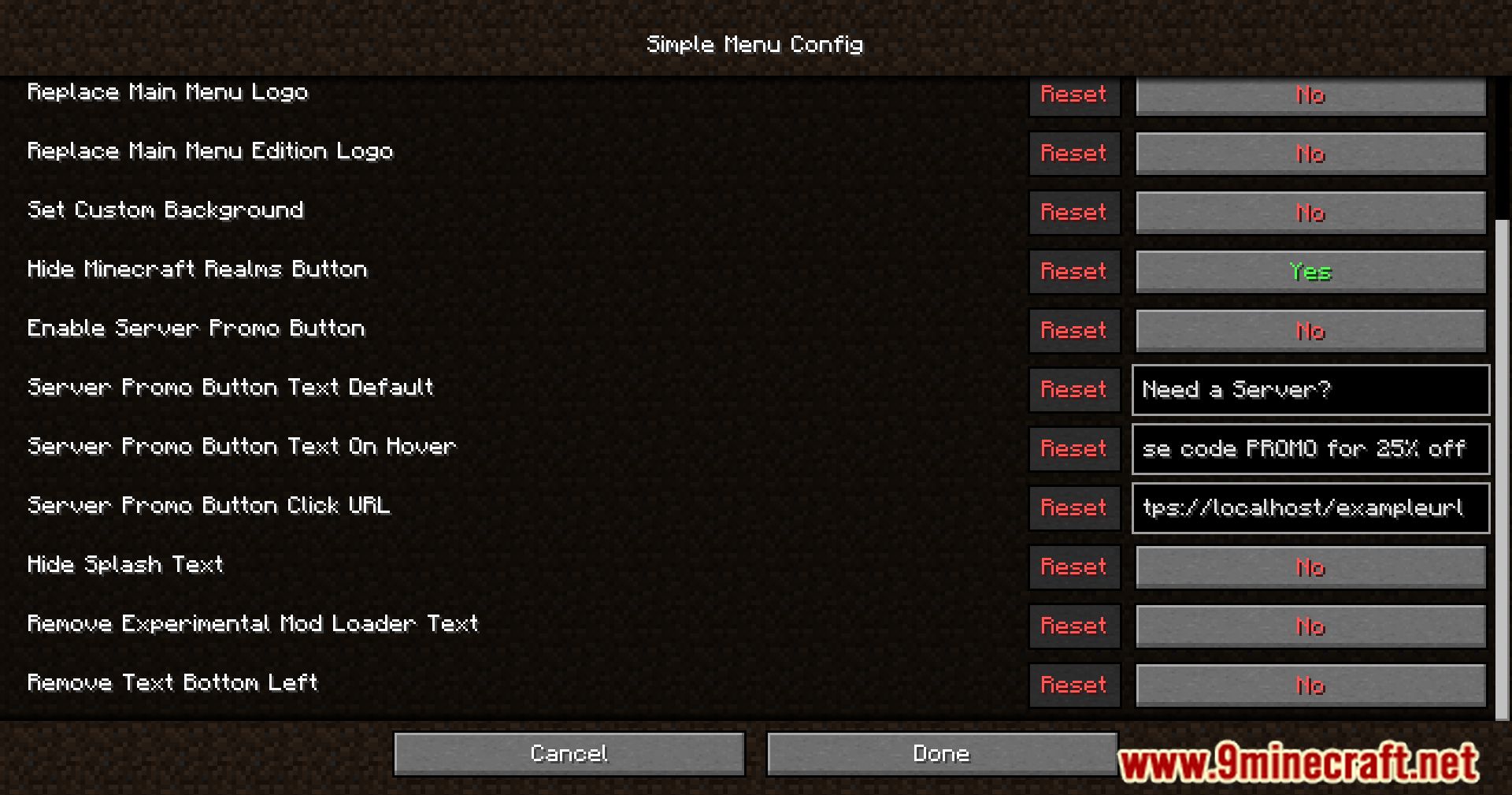
- Hide Realms Button: Remove the Minecraft Realms button if you don’t use this feature.
- Hide Splash Texts: Remove the splash texts that appear next to the logo.
- Remove Experimental Warning Text: Get rid of the experimental warning text from mod loaders.
- Remove Bottom Left Text: Clean up the main menu by removing the text in the bottom left corner.
Screenshots:
Simple Menu Mod Download Links
Quick facts
- Edition: Minecraft Java
- File type: .jar
- Minecraft version listed: 1.20.1
- How to install: Install the matching mod loader (Forge, Fabric or NeoForge) for your Minecraft version. → Download the .jar. → Put it in the .minecraft/mods folder and launch that loader profile.
- Where to get it: In MC Java Mods, or directly above on this page.
Install steps are the general flow for this file type — How to install Minecraft Java mods & modpacks walks through it step by step.
Verified by MCModsHub
- Downloads as 83874.mcaddon
- Download size: 82 KB
- Download link checked 26 Sept 2026 — working
- Mirrored on our own servers — the download does not depend on the original host
These come from our own check of the pack file, not from the source page.