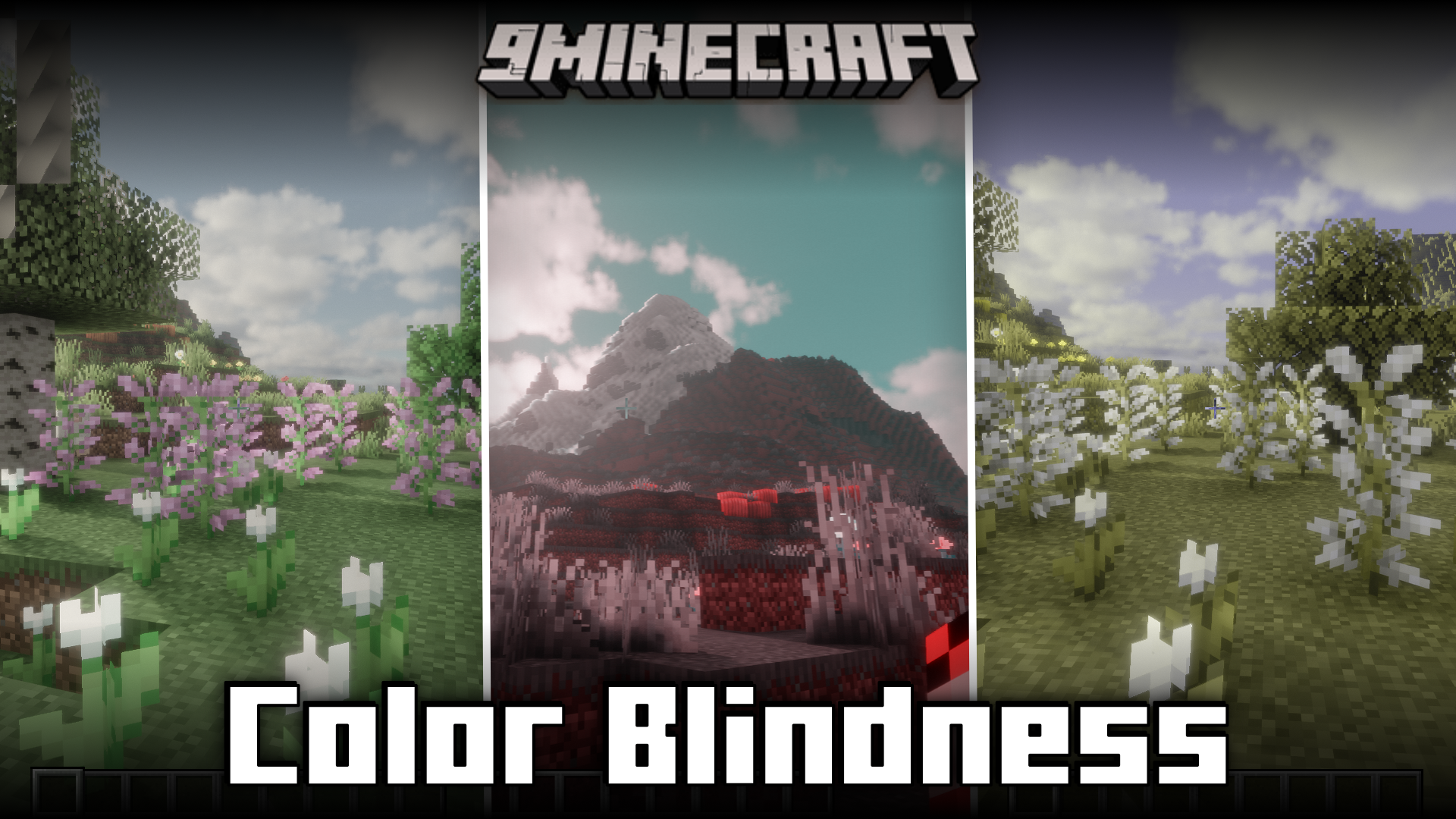
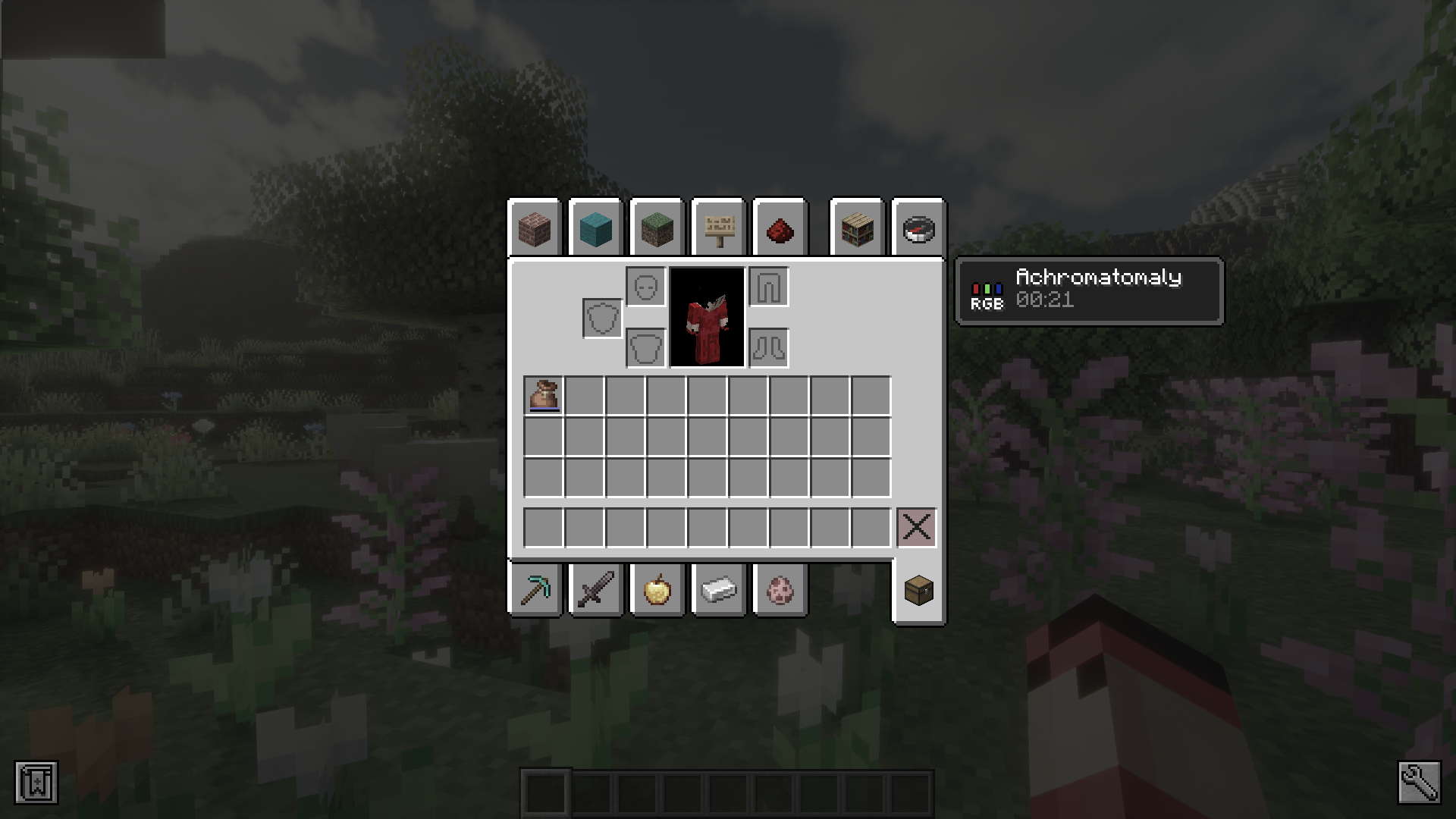
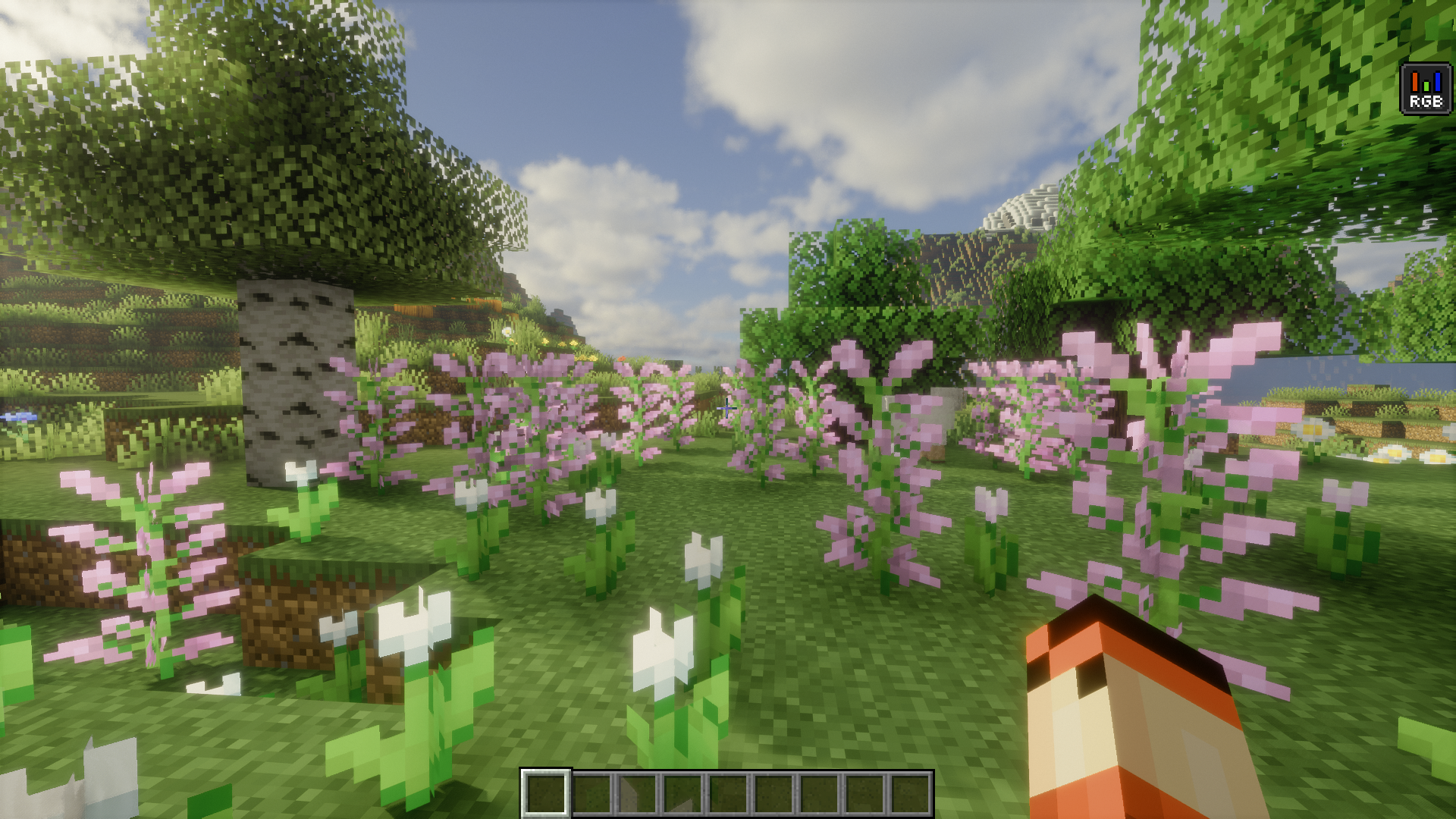
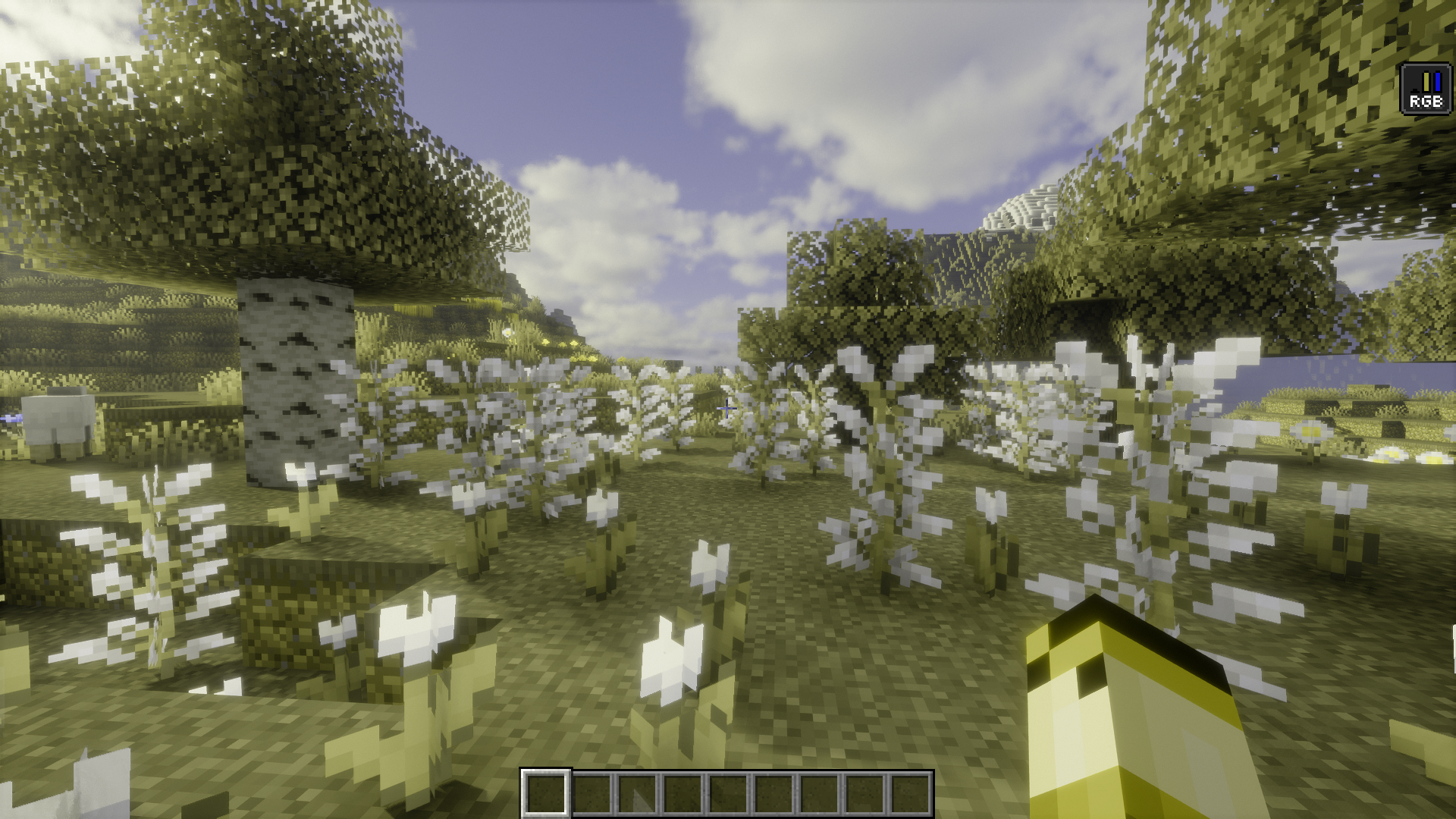
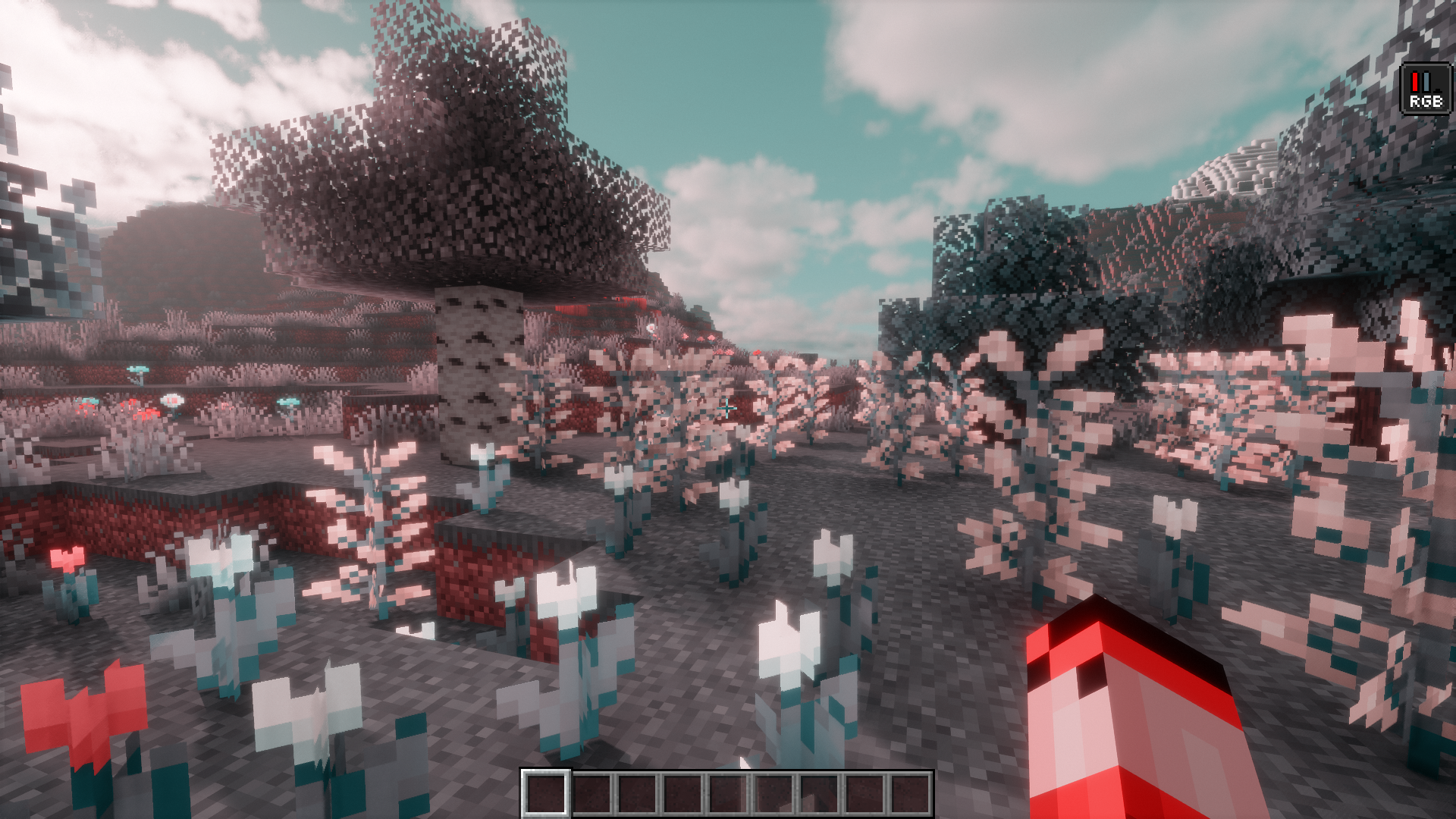
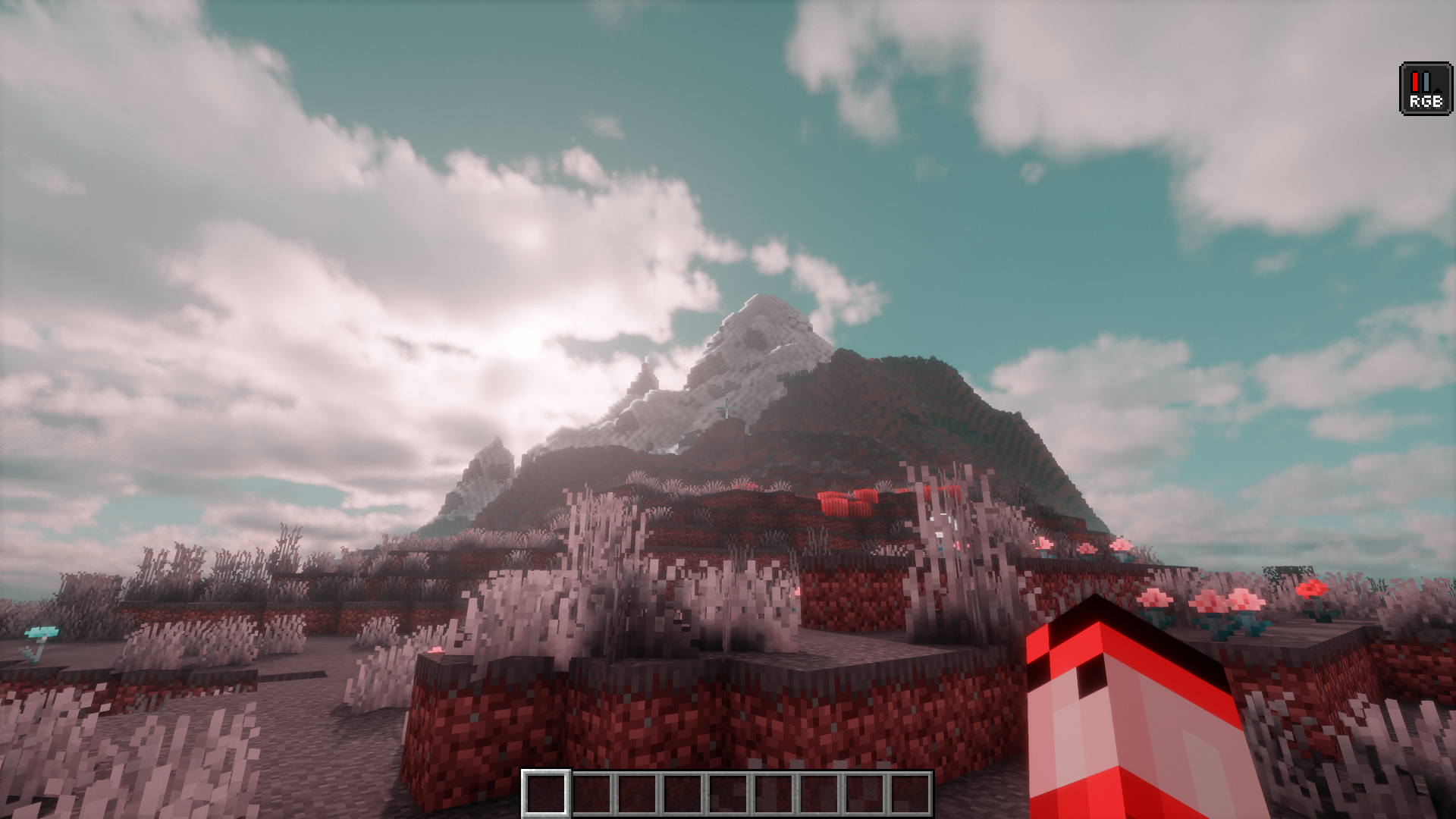
A lot of people have issues with their vision that makes them see colors different from how the majority of us see them. Some might not be able to see certain colors and these colors may appear grayish to their eyes. Some others might not be able to distinguish between different colors. All of these fall under the category of color blindness. Color Blindness Mod is here to let you use some new player effects that make your in-game character colorblind. For you, the colors in the game will appear very different from the vanilla look, essentially allowing you to simulate color blindness.
Features:
- Allows you to simulate color blindness in-game.
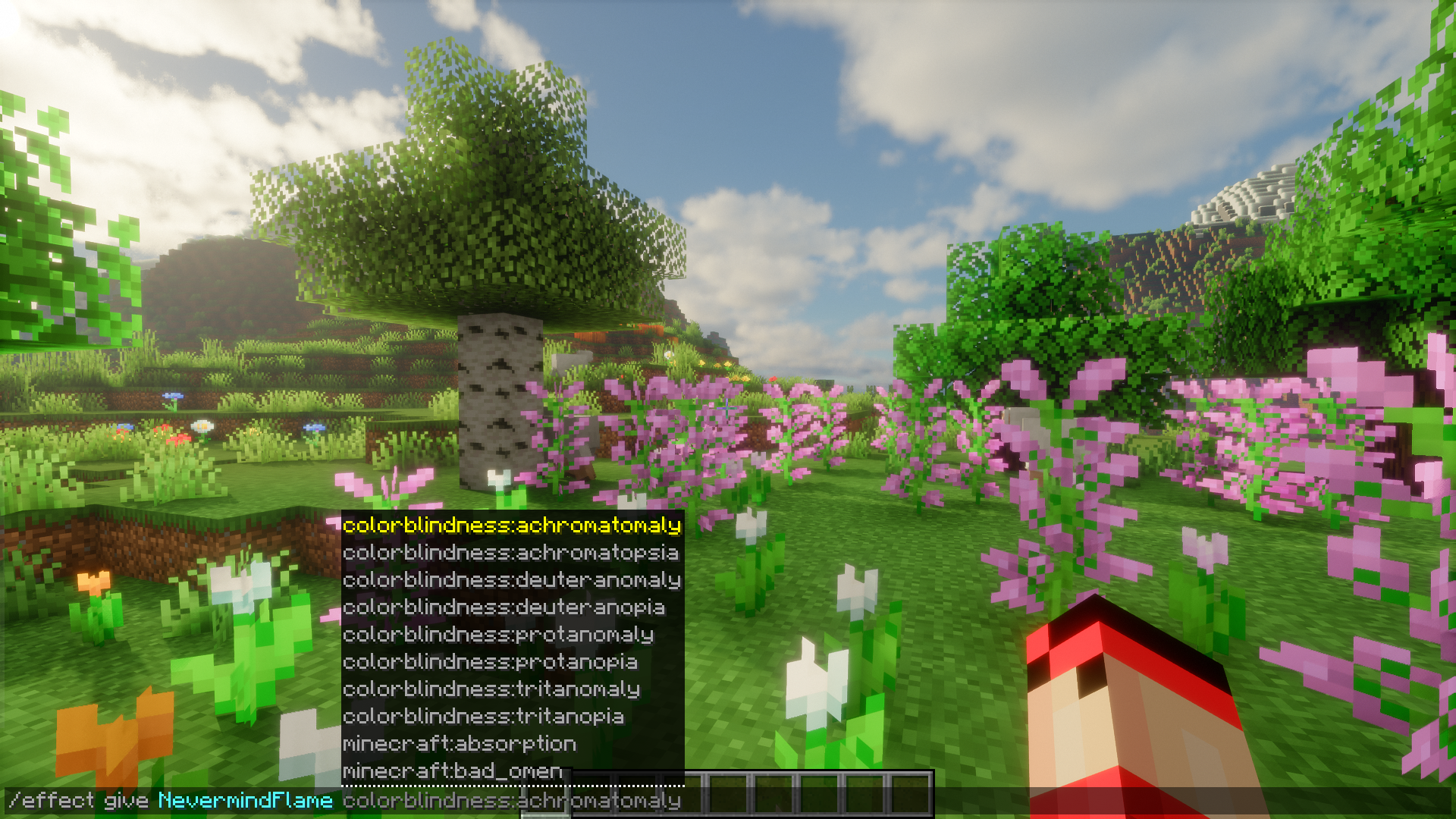
- Command : /effect give colorblindness:
Types of color blindness available
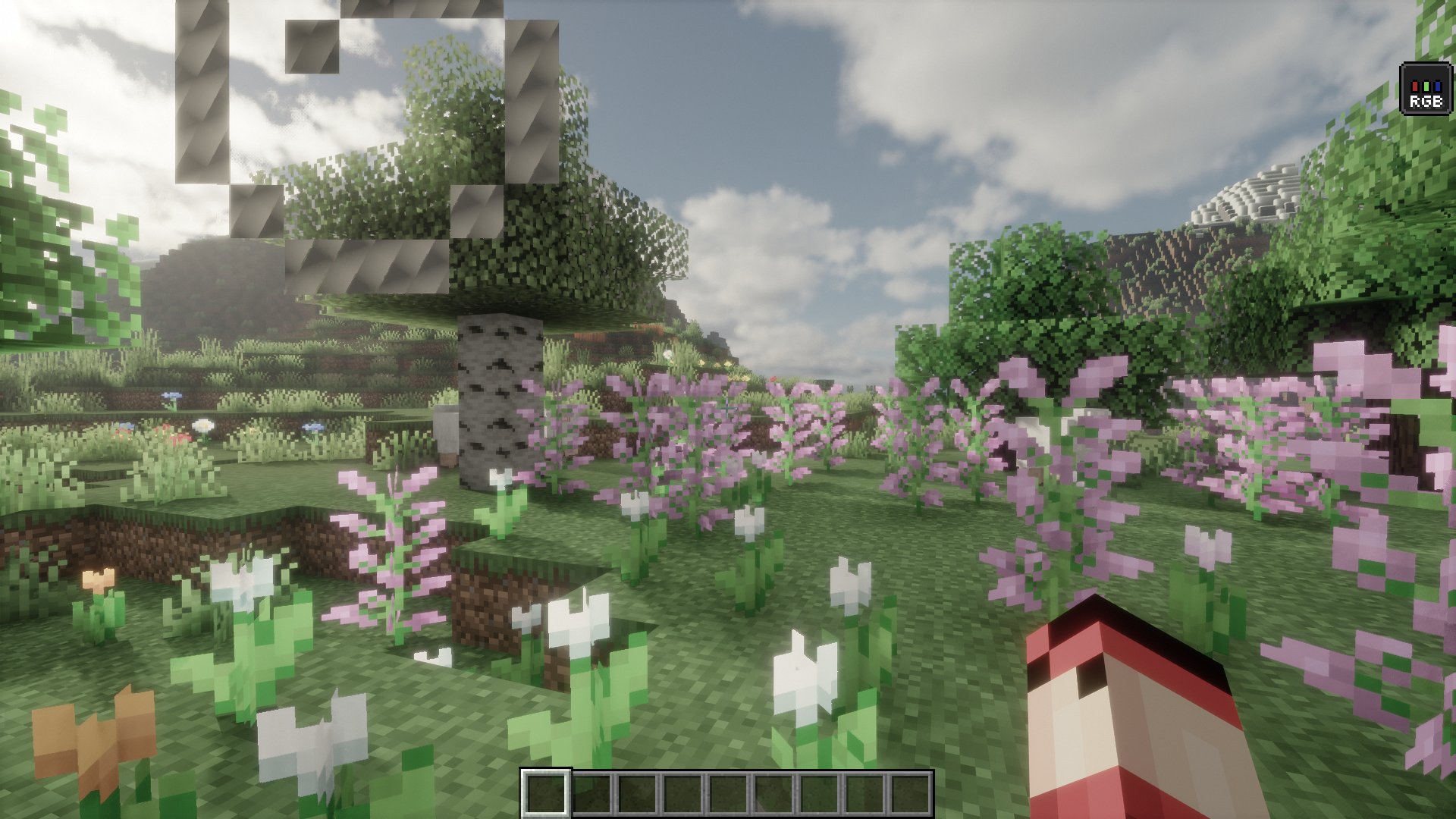
- Achromatomaly: Color weakness
- Achromatopsia: Color blindness
- Deuteranomaly: Green weakness
- Deuteranopia: Green blindness
- Protanomaly: Red weakness
- Protanopia: Red blindness
- Tritanomaly: Blue weakness
- Tritanopia: Blue blindness
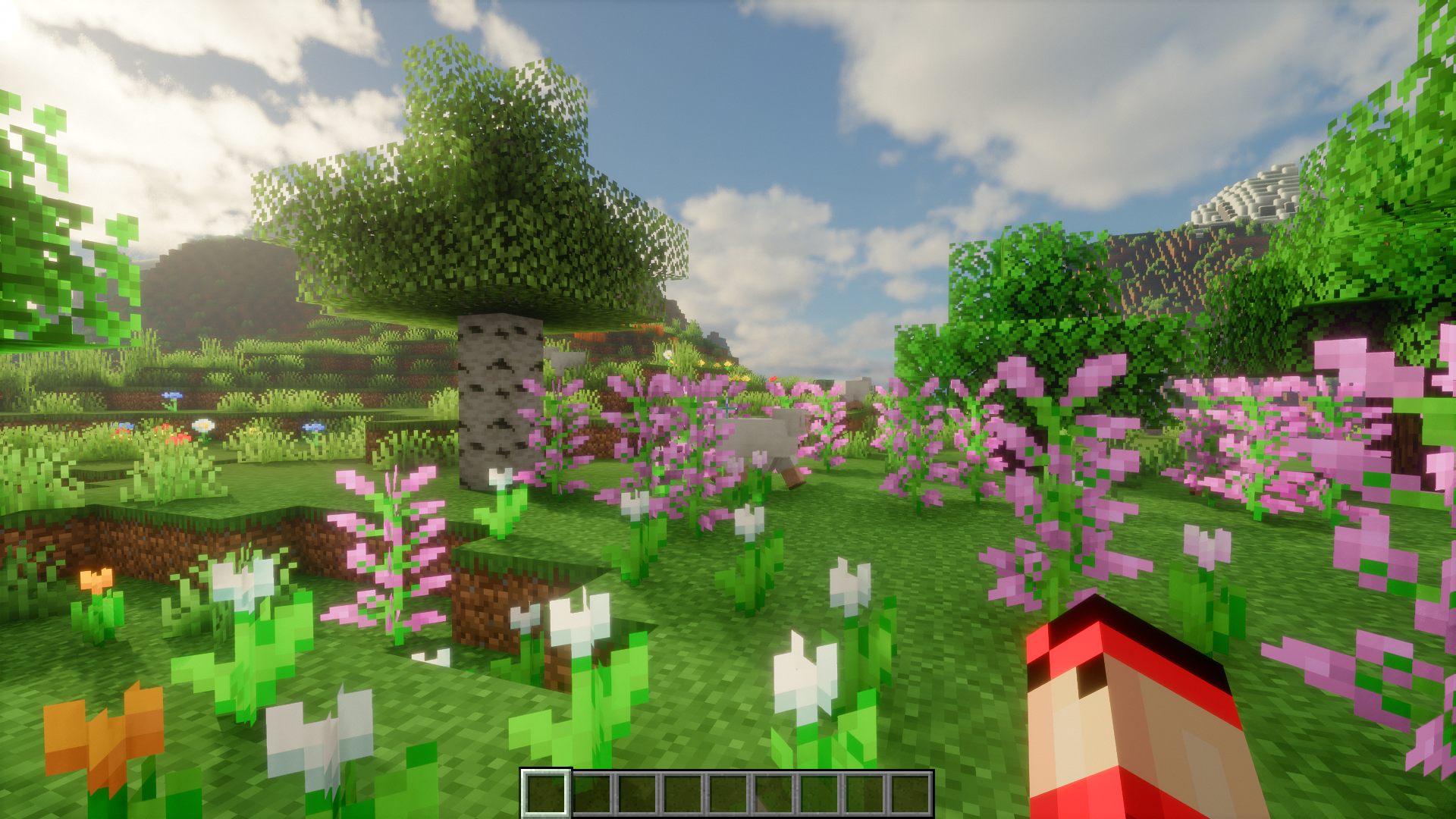
Screenshots:
Color Blindness Mod Download Links
- Edition: Minecraft Java
- File type: .jar
- Minecraft version listed: 1.20.1
- How to install: Install the matching mod loader (Forge, Fabric or NeoForge) for your Minecraft version. → Download the .jar. → Put it in the .minecraft/mods folder and launch that loader profile.
- Where to get it: In MC Java Mods, or directly above on this page.
Install steps are the general flow for this file type — How to install Minecraft Java mods & modpacks walks through it step by step.
- Downloads as 83877.mcaddon
- Download size: 25 KB
- Download link checked 22 Sept 2026 — working
- Mirrored on our own servers — the download does not depend on the original host
These come from our own check of the pack file, not from the source page.