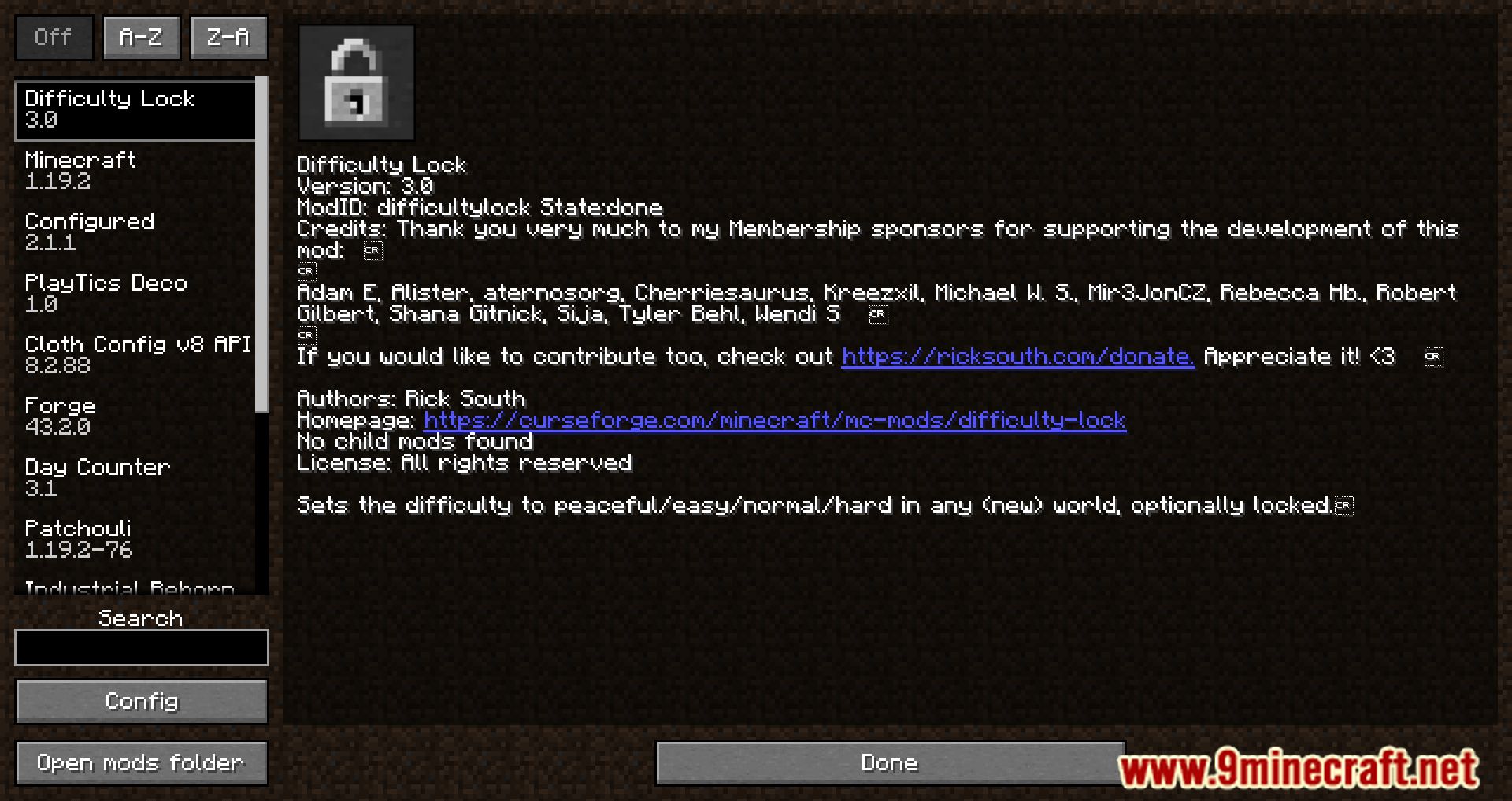
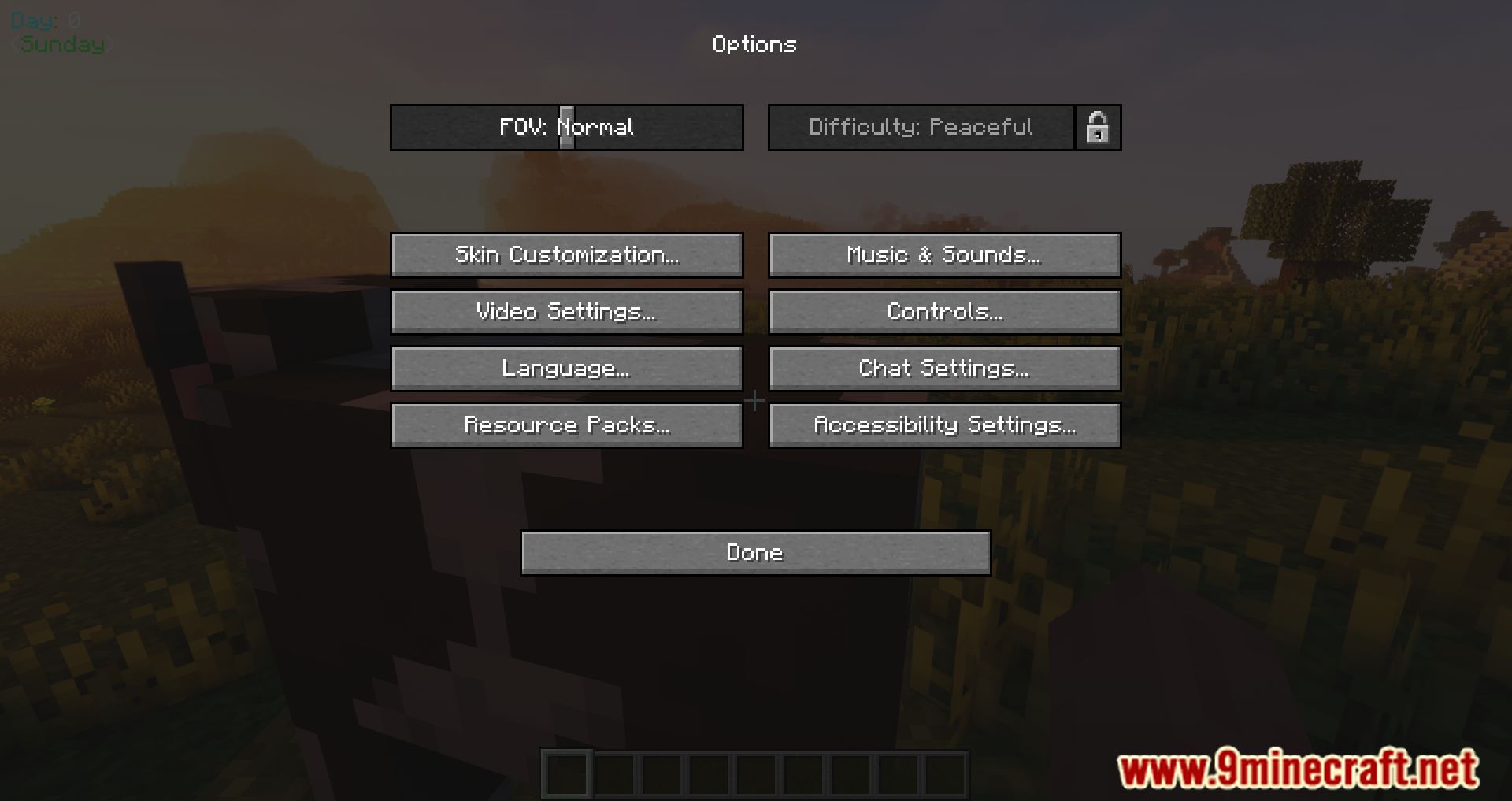
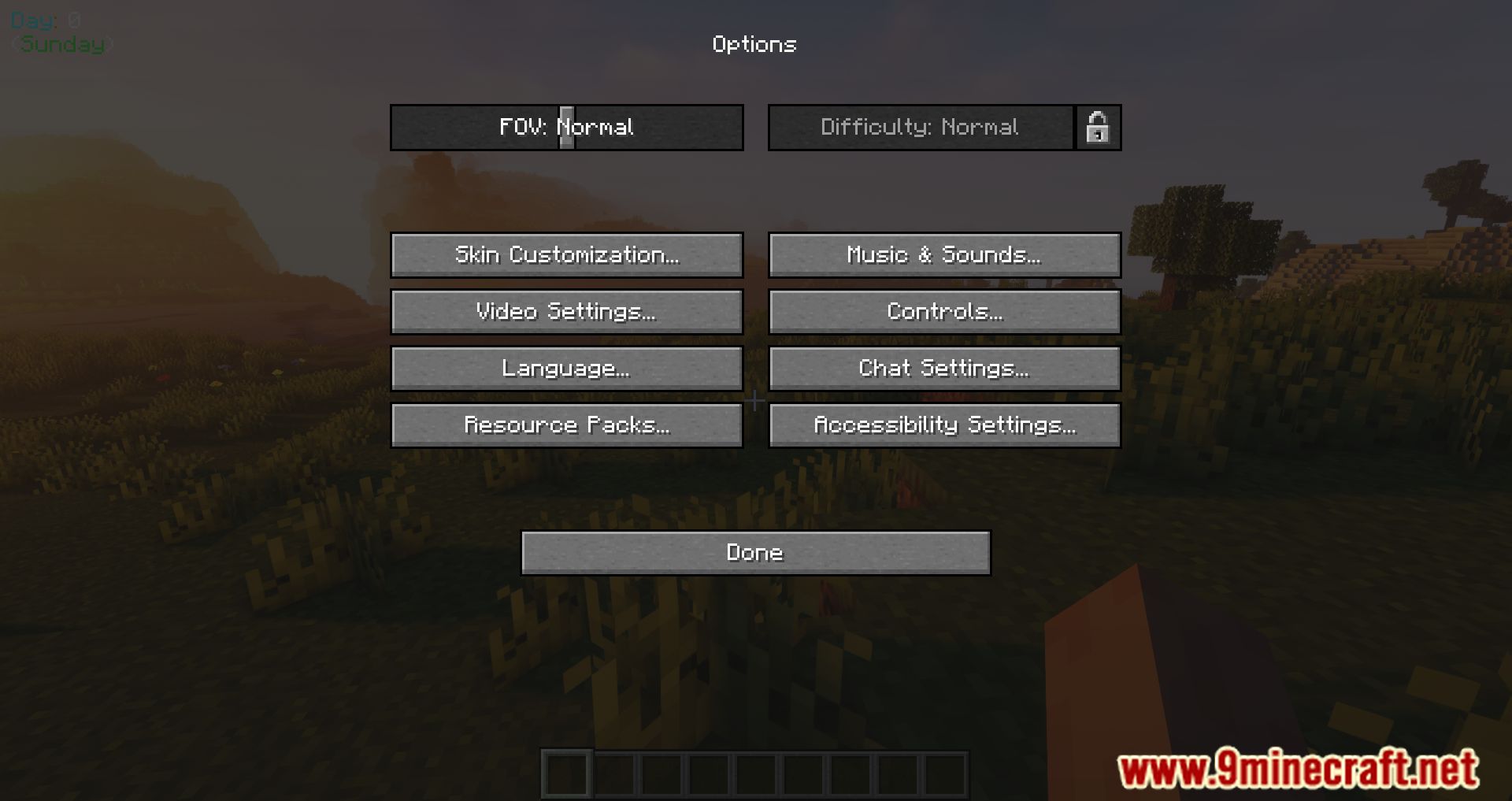
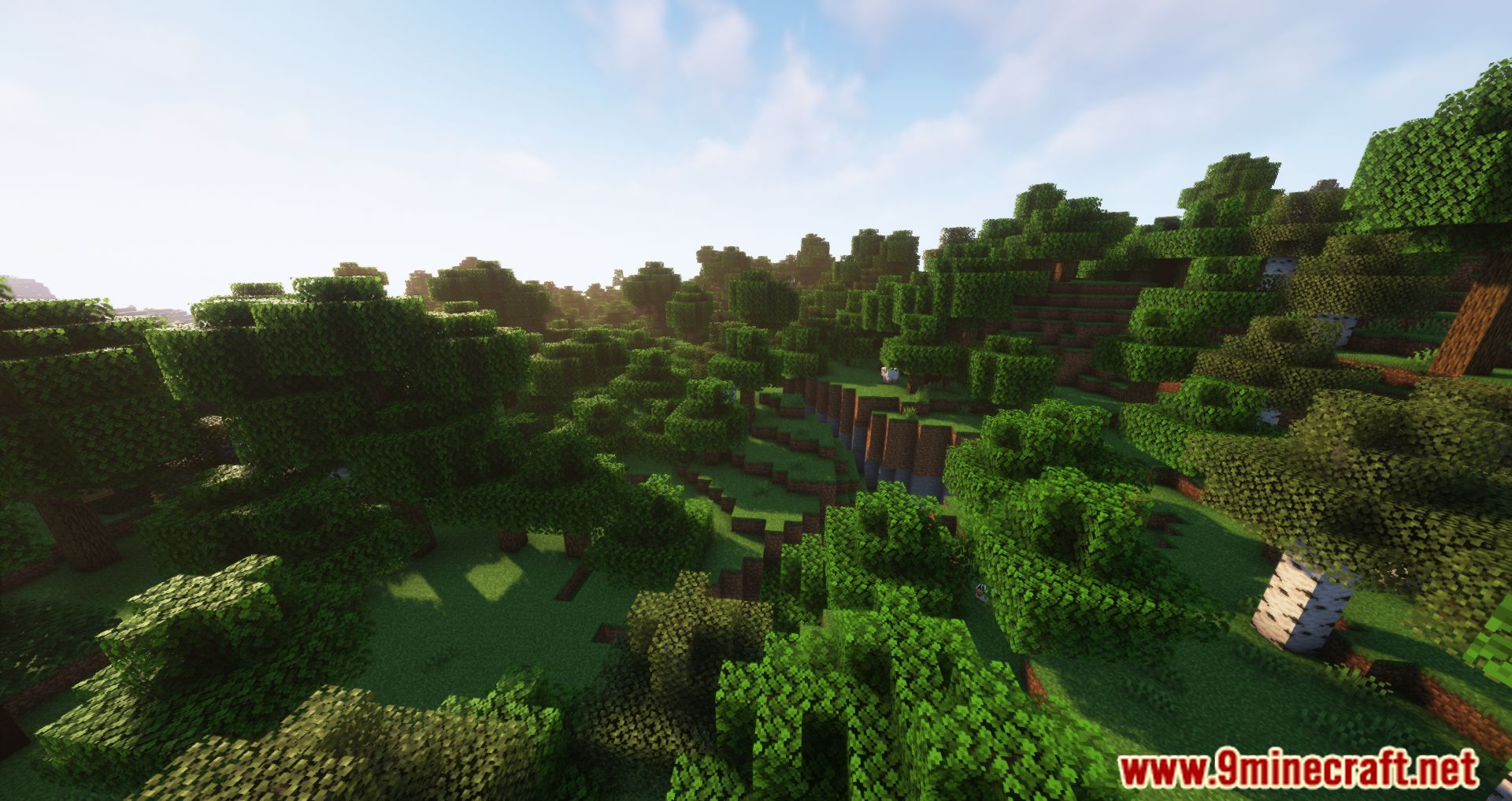
Difficulty Lock Mod gives you full control over world difficulty settings. Perfect for modpacks, servers, or players who want a consistent challenge.
Features:
- Automatically applies a chosen difficulty (Peaceful, Easy, Normal, or Hard) to all new worlds.
- Prevents players from changing the difficulty after world creation.
- Optionally sets worlds to Hardcore, overriding other difficulty settings.
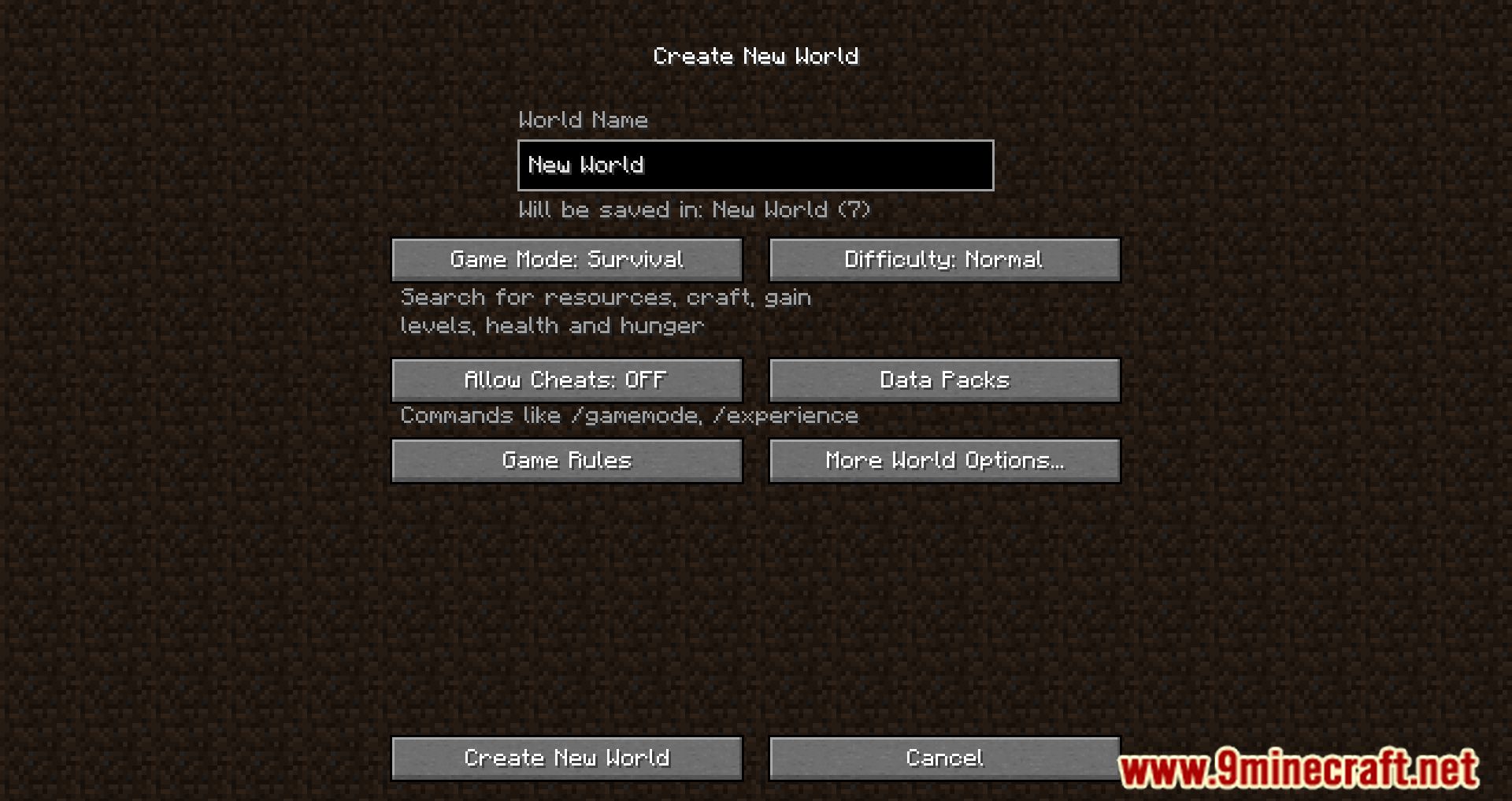
- Blocks access to cheats and Creative mode during world setup.
- Configuration Options:
shouldLockDifficulty: Locks difficulty so it can’t be changed later.forceHardcoreMode: Enables Hardcore mode regardless of other settings.forcePeaceful, forceEasy, forceNormal, forceHard: Prioritized settings to choose the default difficulty.disableCreativeModeSelection: Removes Creative mode from the world creation screen.forceCheatsDisabled: Prevents enabling cheats during setup.
Screenshots:
Difficulty Lock Mod Download Links
Quick facts
- Edition: Minecraft Java
- File type: .jar
- Minecraft version listed: 1.20.1
- How to install: Install the matching mod loader (Forge, Fabric or NeoForge) for your Minecraft version. → Download the .jar. → Put it in the .minecraft/mods folder and launch that loader profile.
- Where to get it: In MC Java Mods, or directly above on this page.
Install steps are the general flow for this file type — How to install Minecraft Java mods & modpacks walks through it step by step.
Verified by MCModsHub
- Downloads as 83878.mcaddon
- Download size: 57 KB
- Download link checked 24 Sept 2026 — working
- Mirrored on our own servers — the download does not depend on the original host
These come from our own check of the pack file, not from the source page.