ModsJava
Cycle Paintings Mod (26.2, 1.20.1) – Change Image on Painting without Destroying It
Java mod listed for Minecraft 1.20. Downloads from the MC Java Mods app on Android.
⬇ Download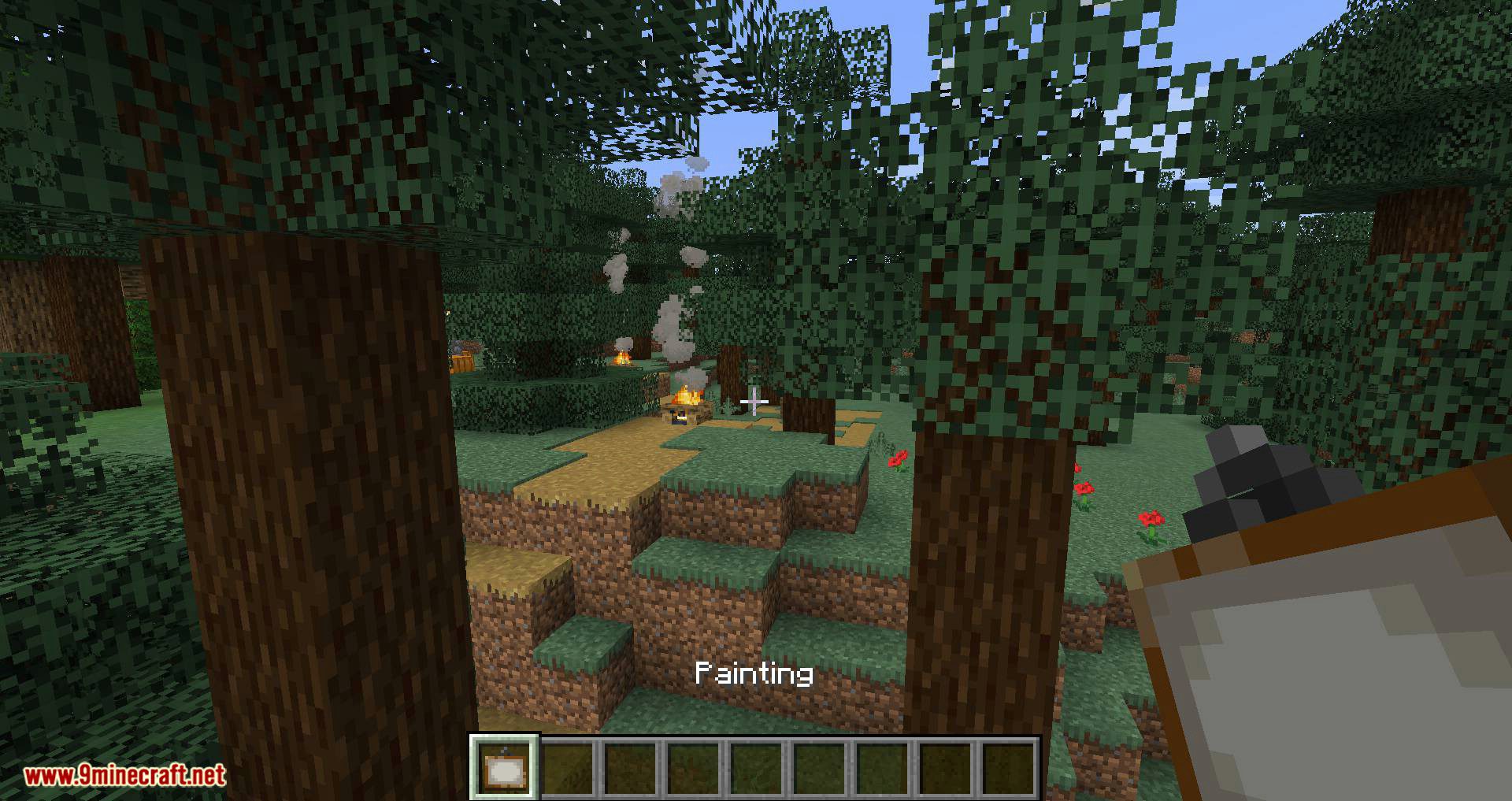
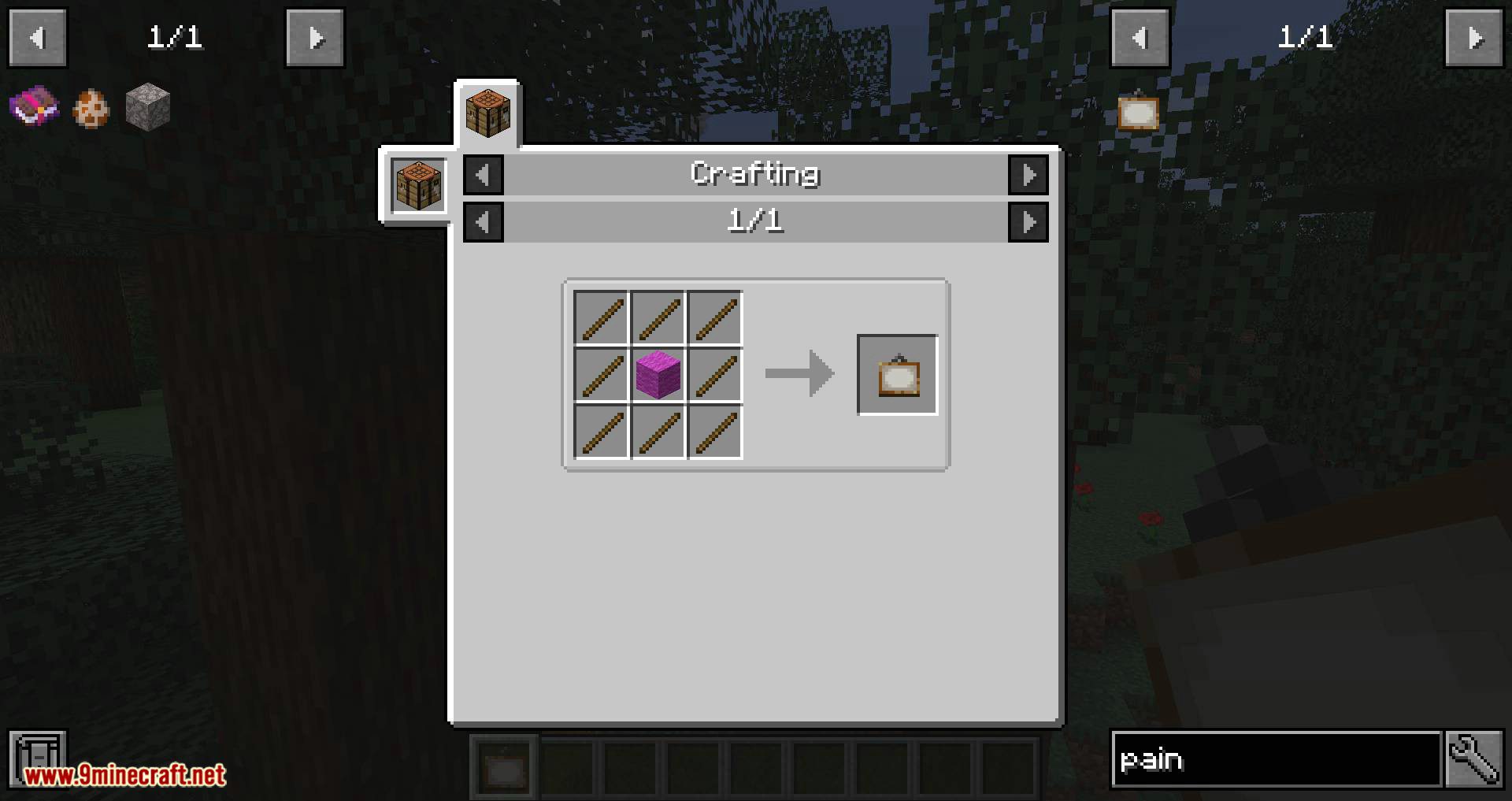
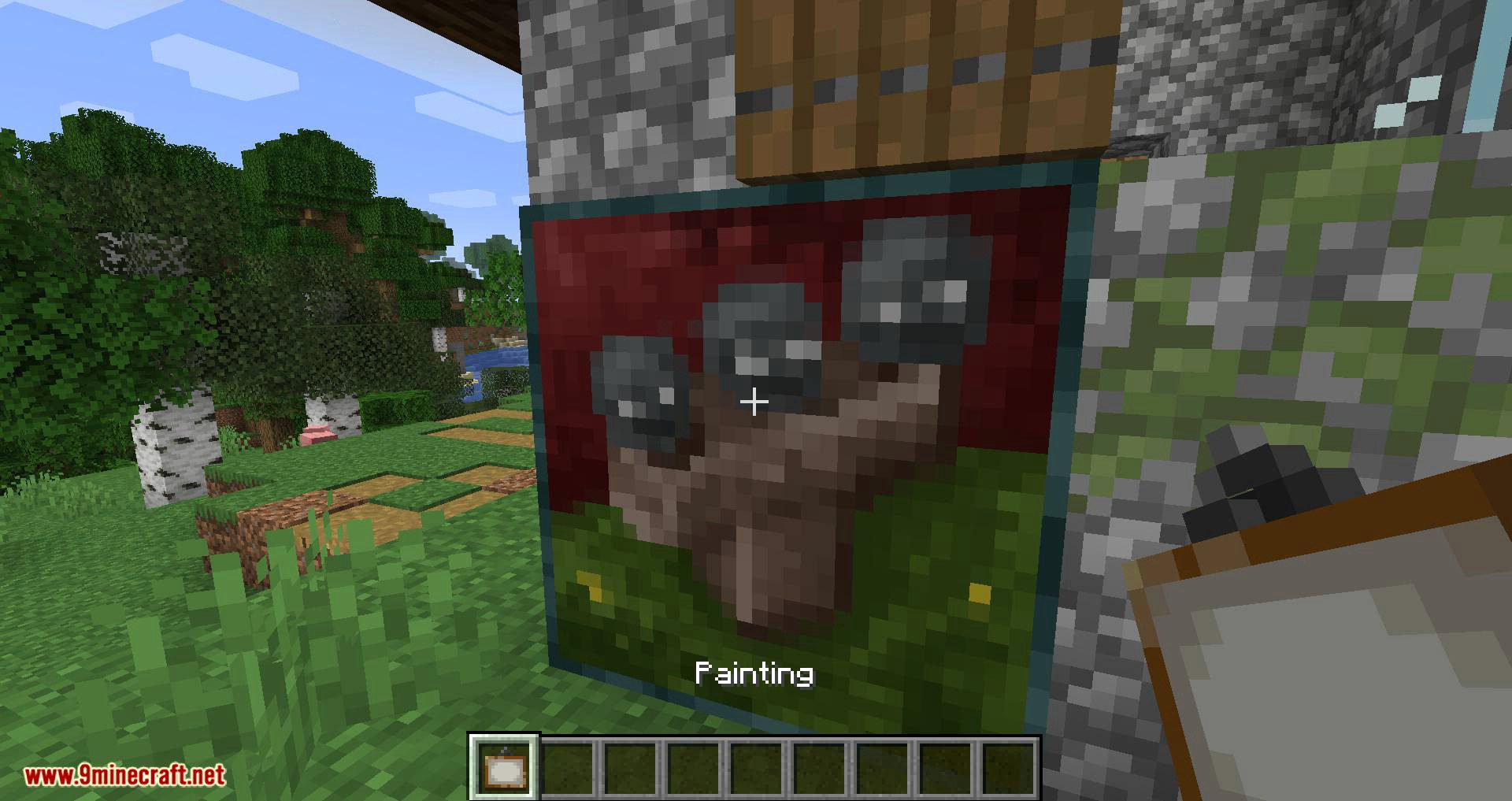
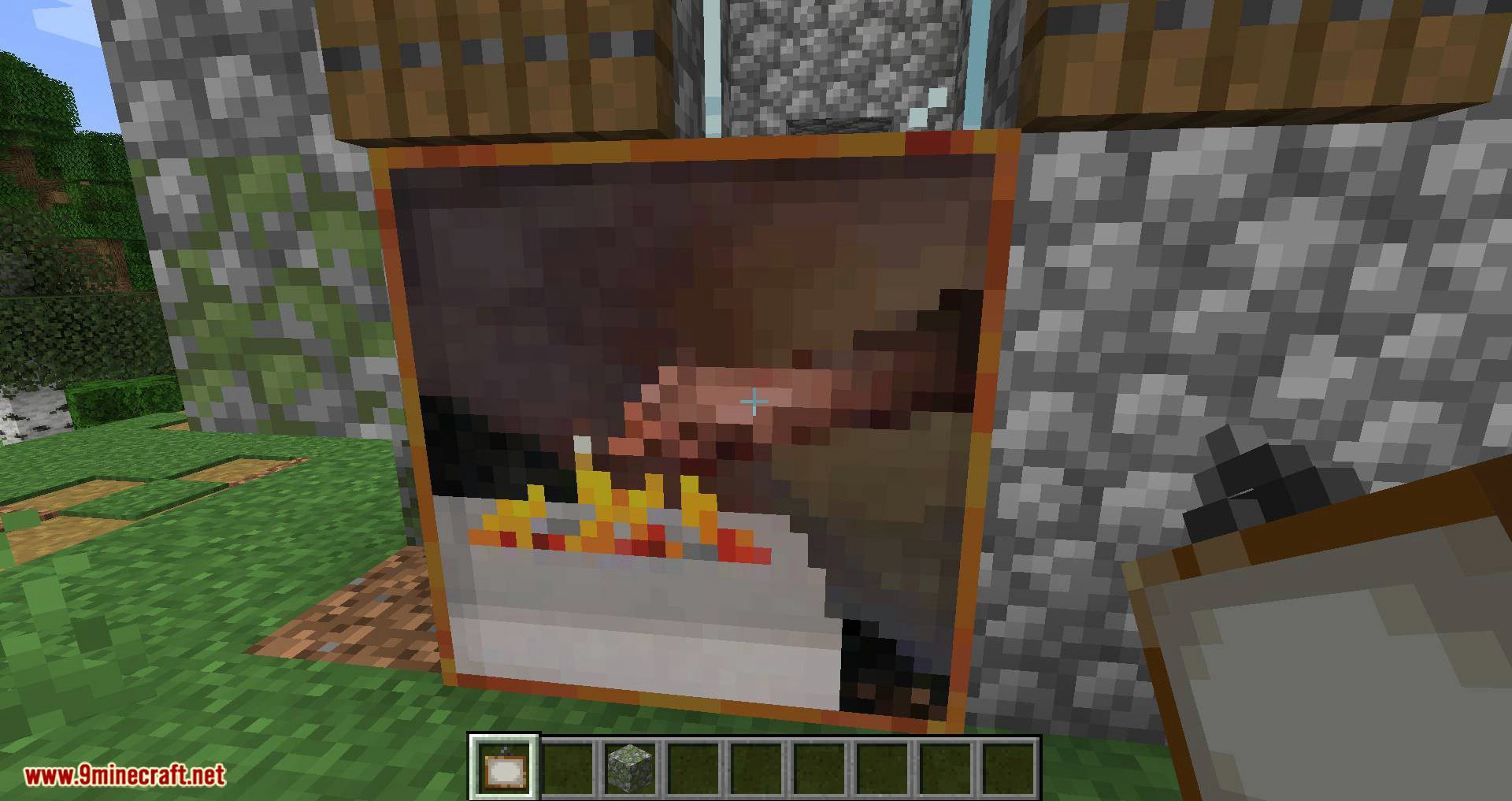
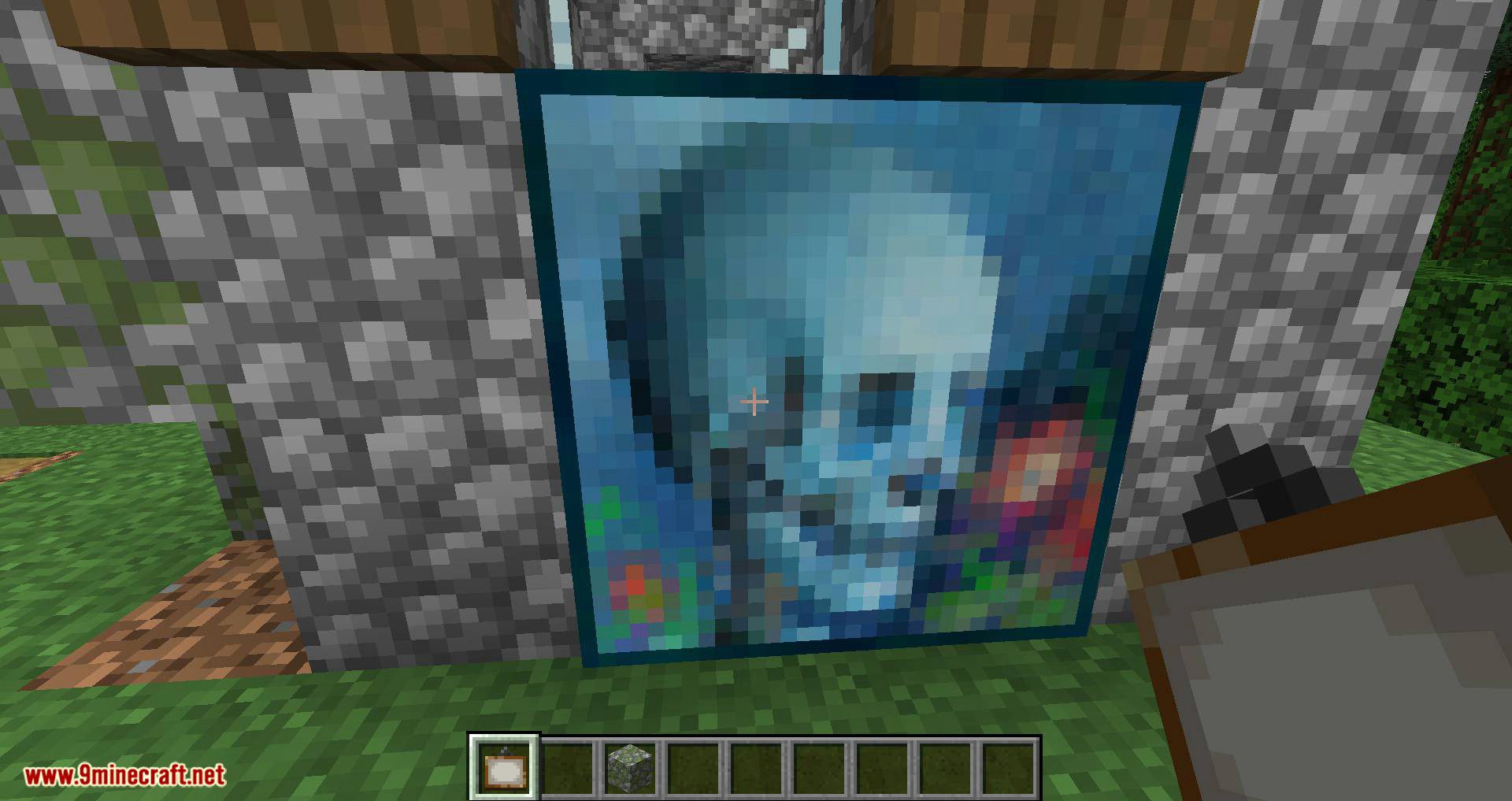
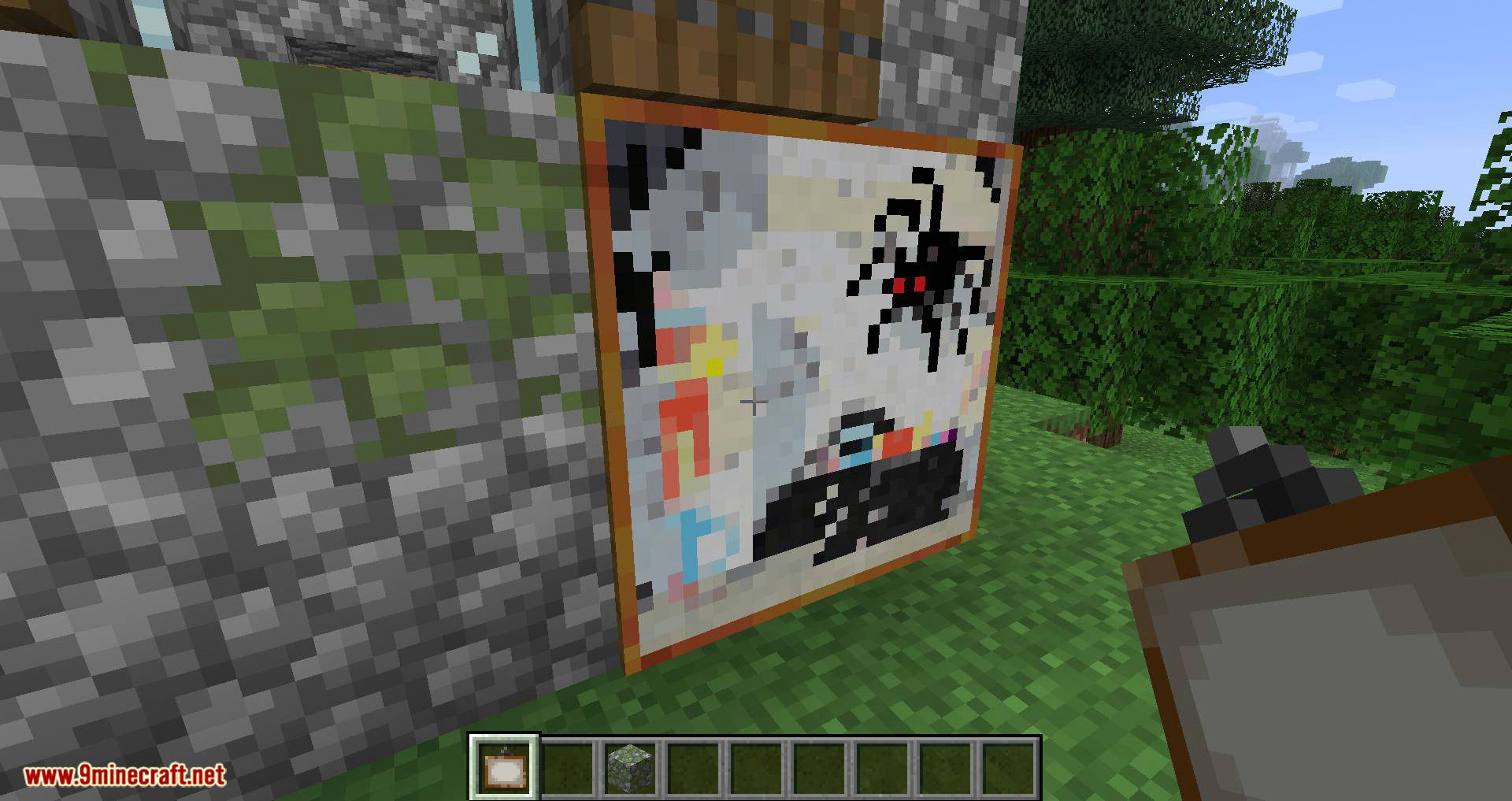
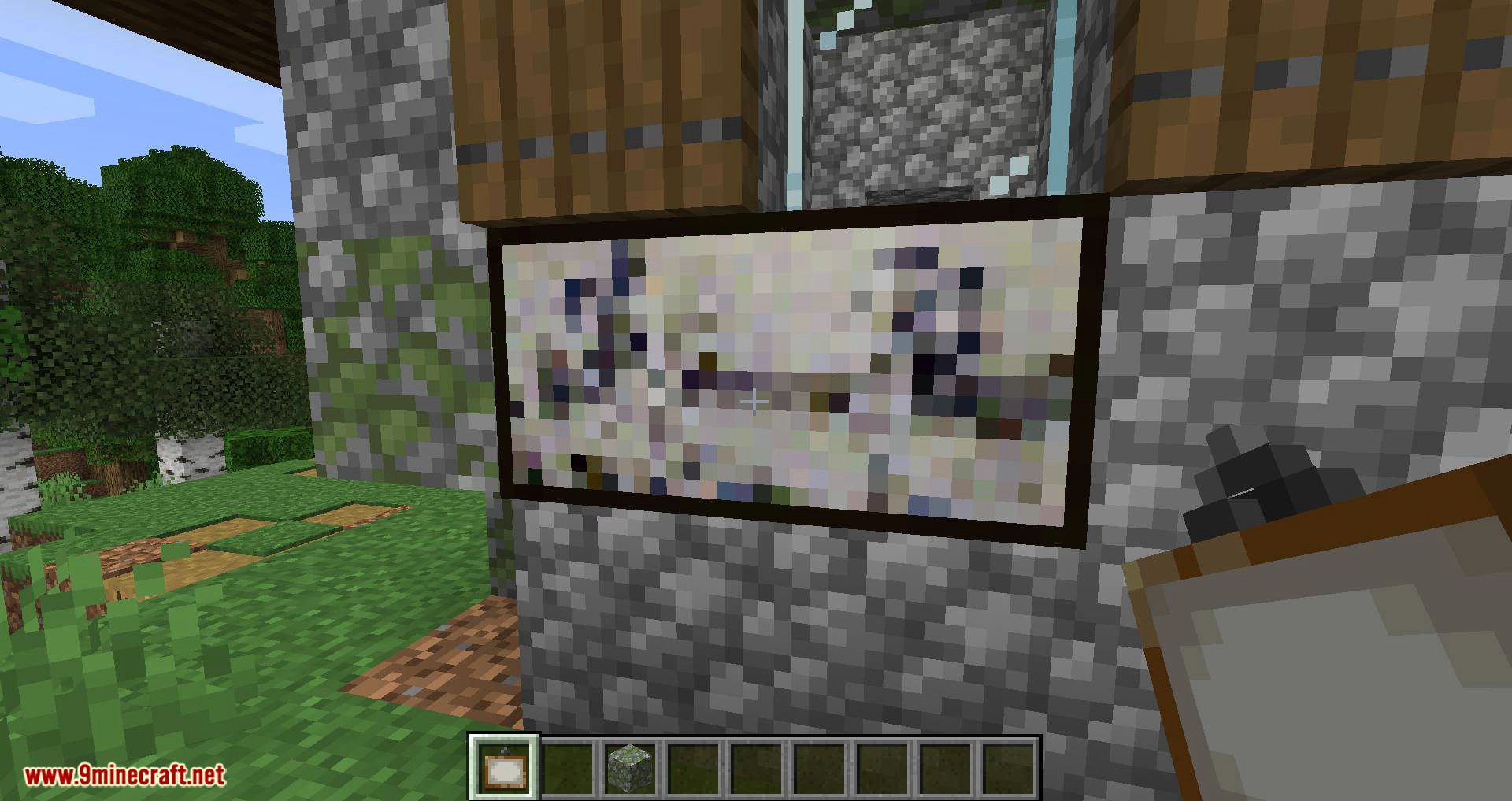
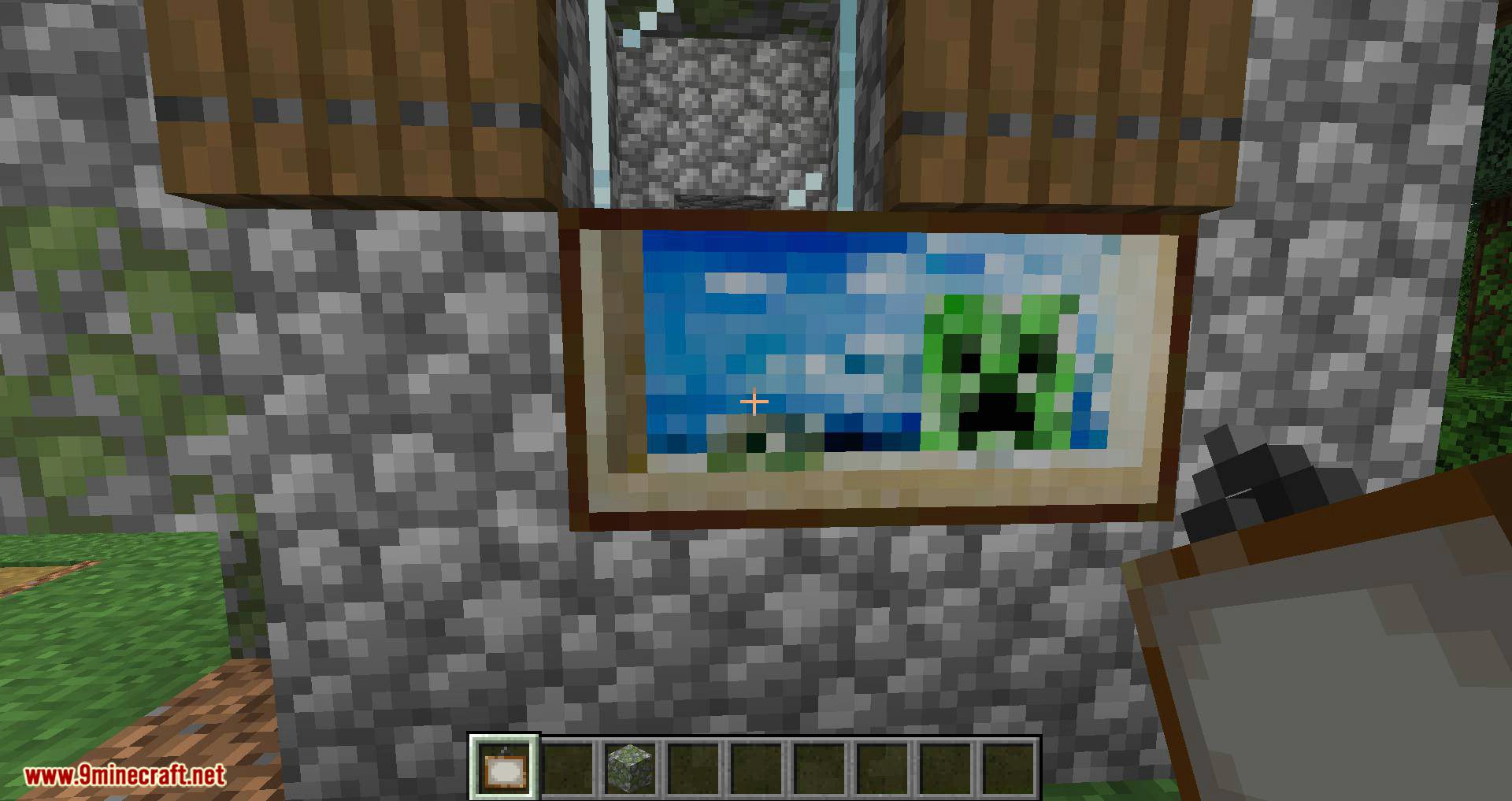
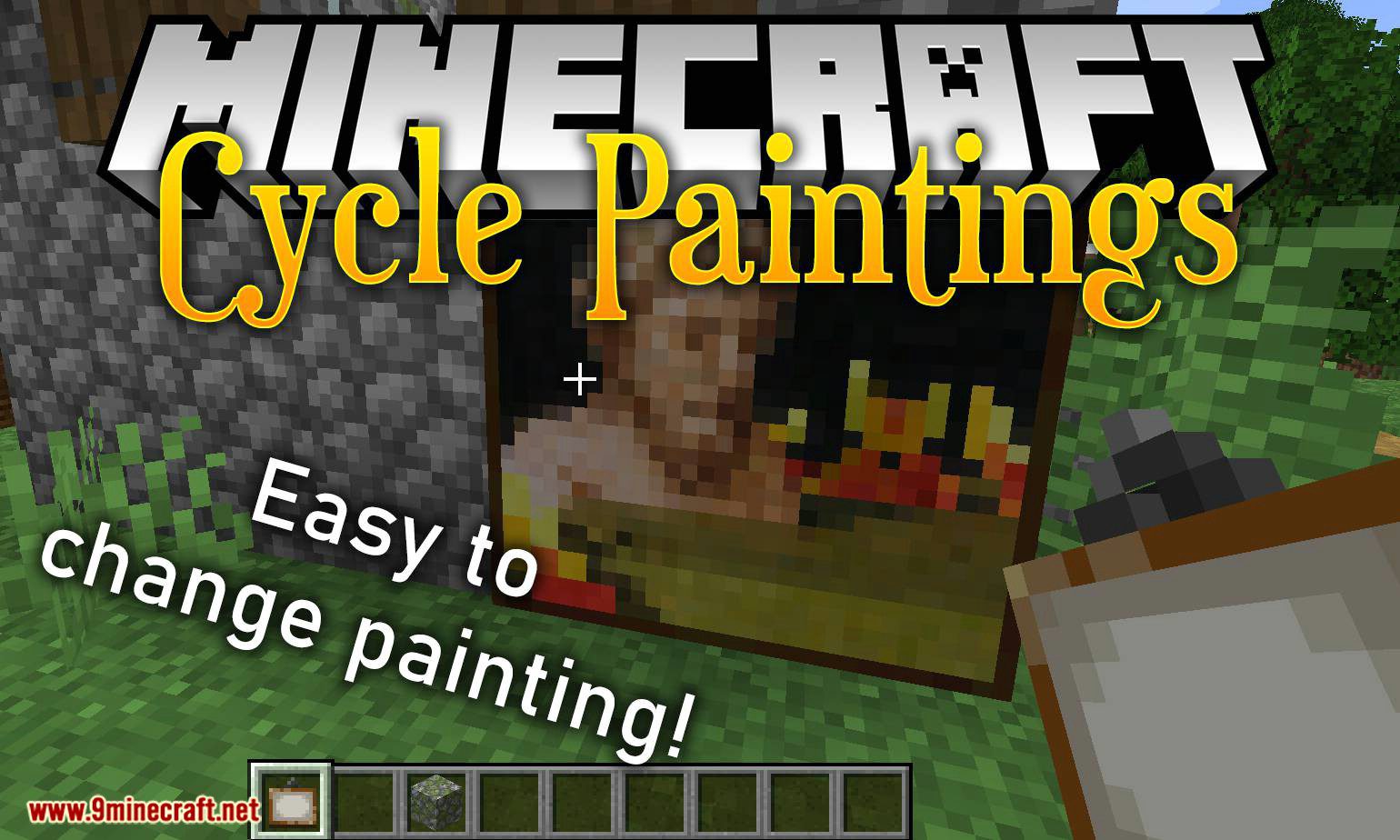
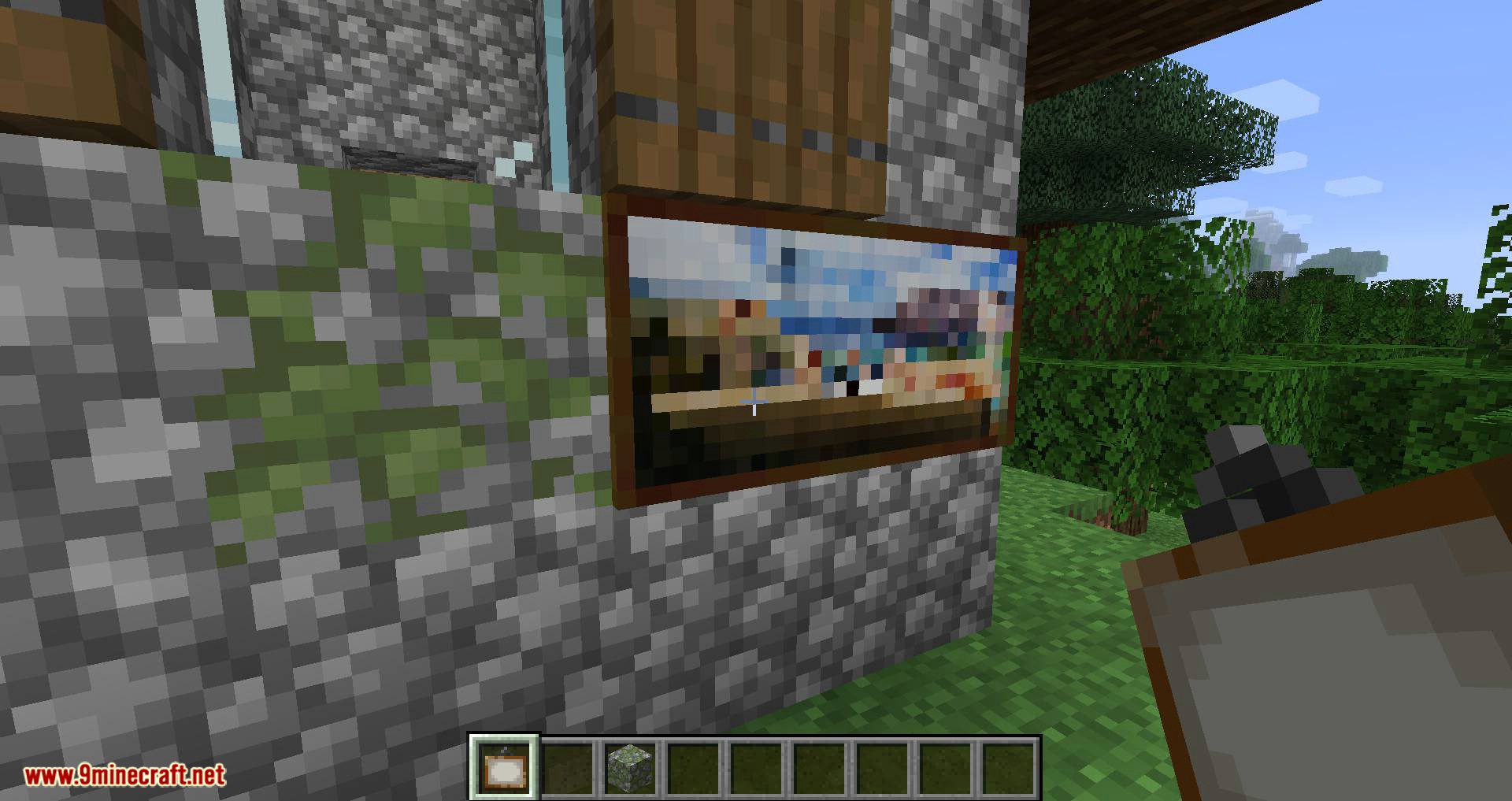
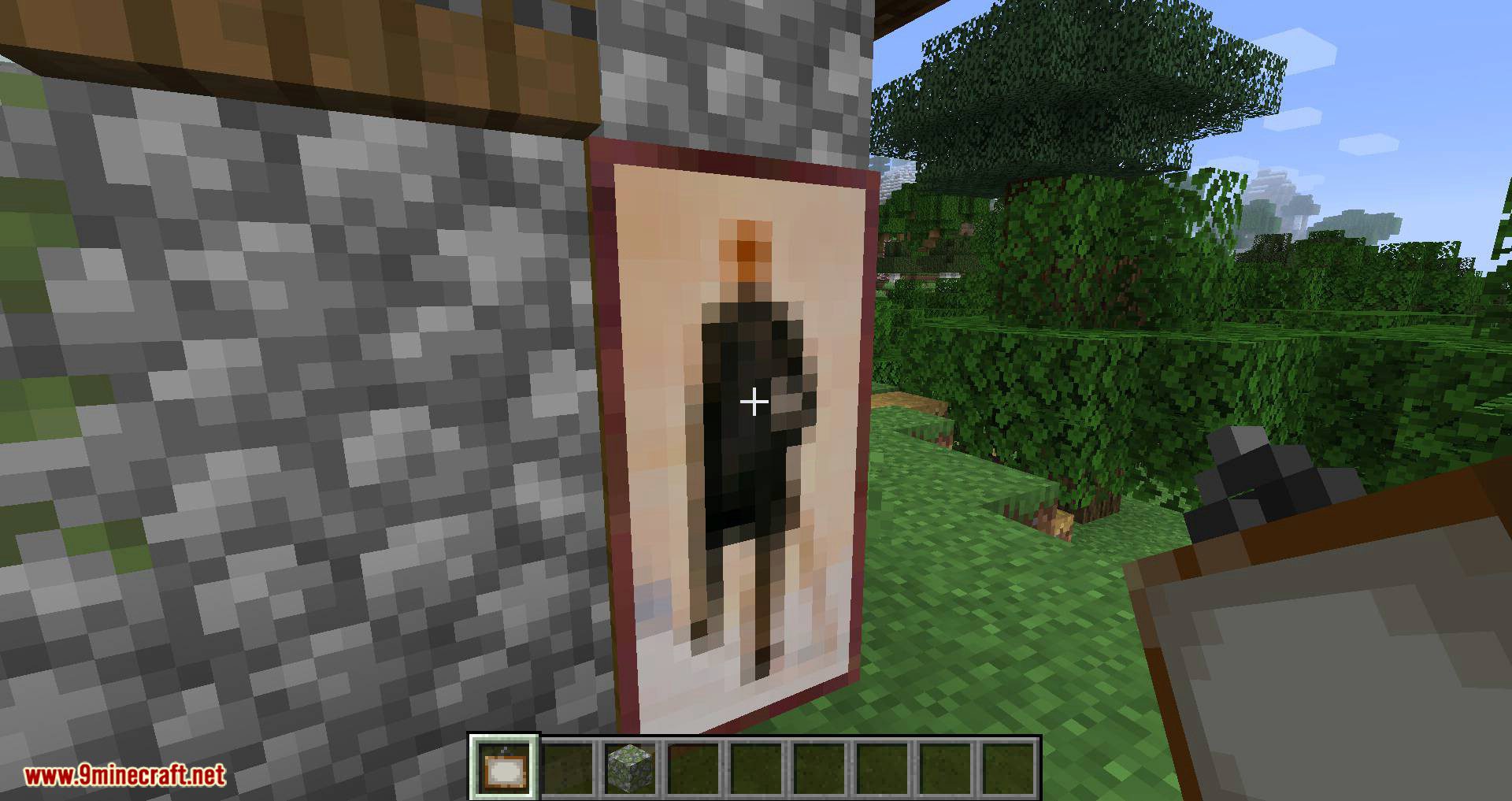
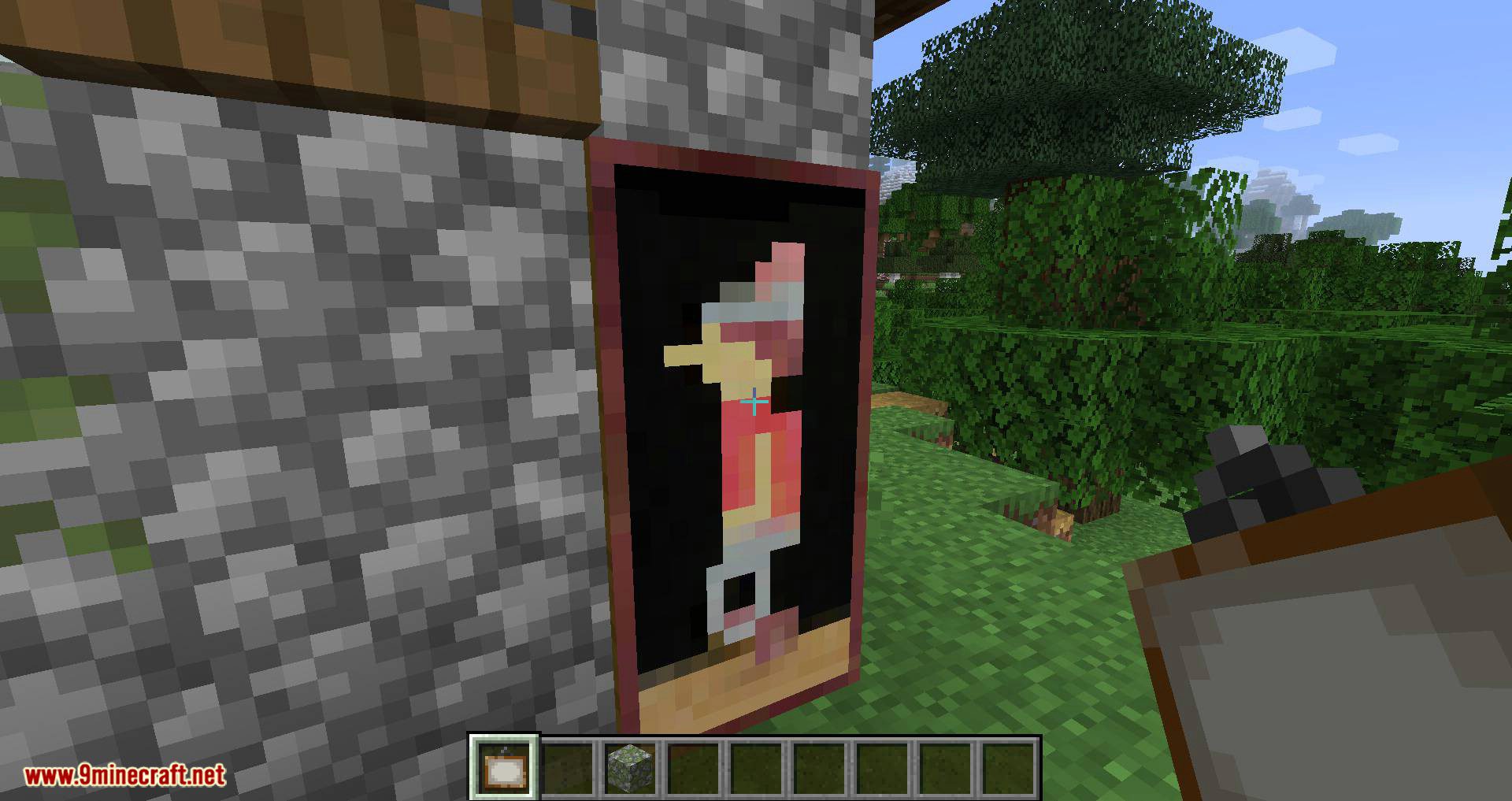
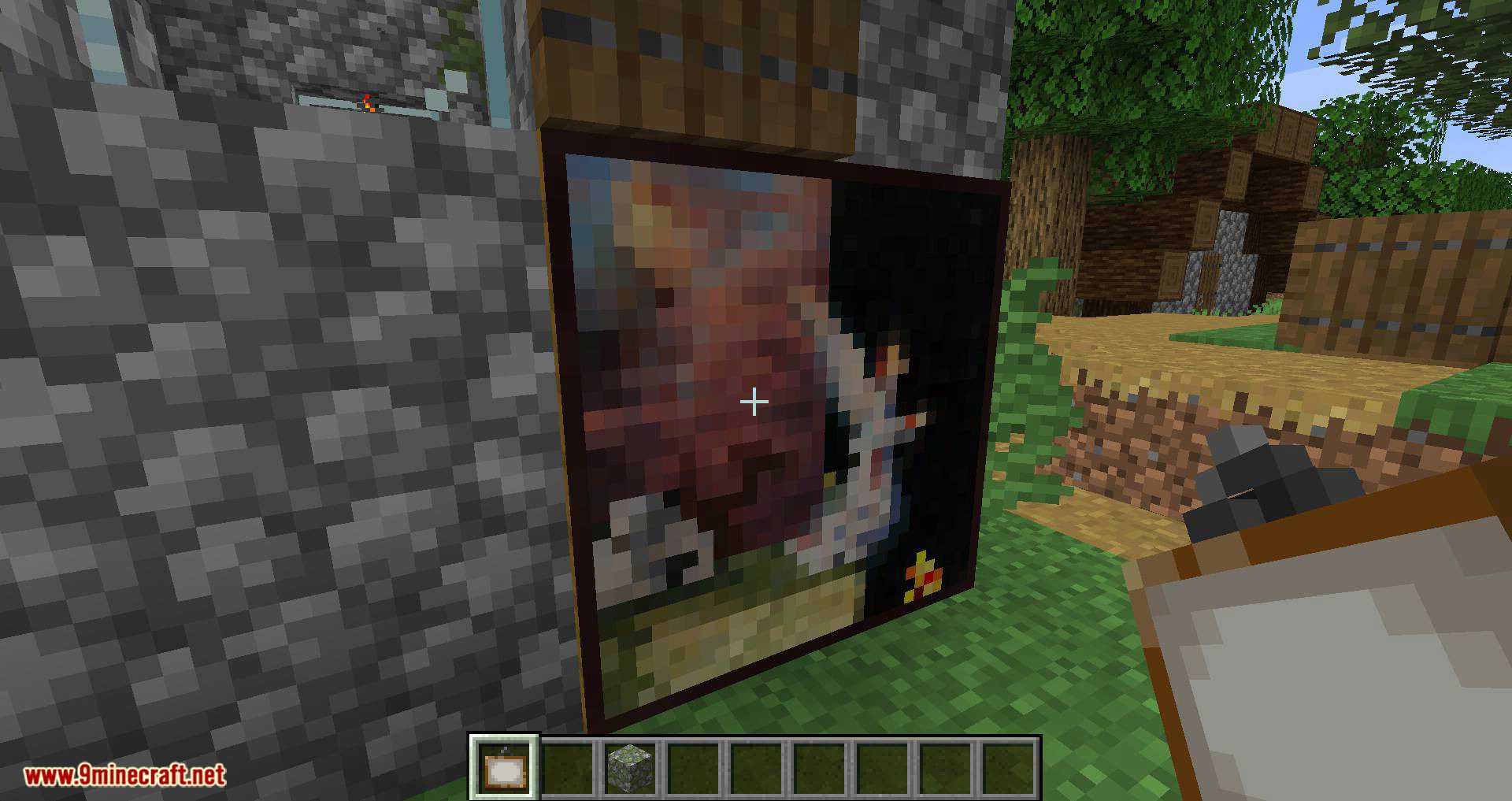
With Cycle Paintings Mod, you’ll be able to change a painting’s image to another one of the same size. To do this, simply hold the painting in your hand and right-click.
Features:
- Right-click a placed painting while holding another painting to switch its image.
- Sneak while clicking to go backward through the available motives.
- Customize which paintings appear during cycling by excluding specific ones via config.
- Use settings like
ignorePaintingsInCycleResourceLocationto filter out unwanted paintings. - Enable
showRegisteredPaintingsDebugto view all registered paintings in the console.
Screenshots:
Cycle Paintings Mod Download Links
Quick facts
- Edition: Minecraft Java
- File type: .jar
- Minecraft version listed: 1.20.1
- How to install: Install the matching mod loader (Forge, Fabric or NeoForge) for your Minecraft version. → Download the .jar. → Put it in the .minecraft/mods folder and launch that loader profile.
- Where to get it: In MC Java Mods, or directly above on this page.
Install steps are the general flow for this file type — How to install Minecraft Java mods & modpacks walks through it step by step.
File checked by MCModsHub
- Downloads as 83893.mcaddon
- Download size: 67 KB
- Download link checked 25 Sept 2026 — working
- Mirrored on our own servers — the download does not depend on the original host
These come from our own check of the pack file, not from the source page.