
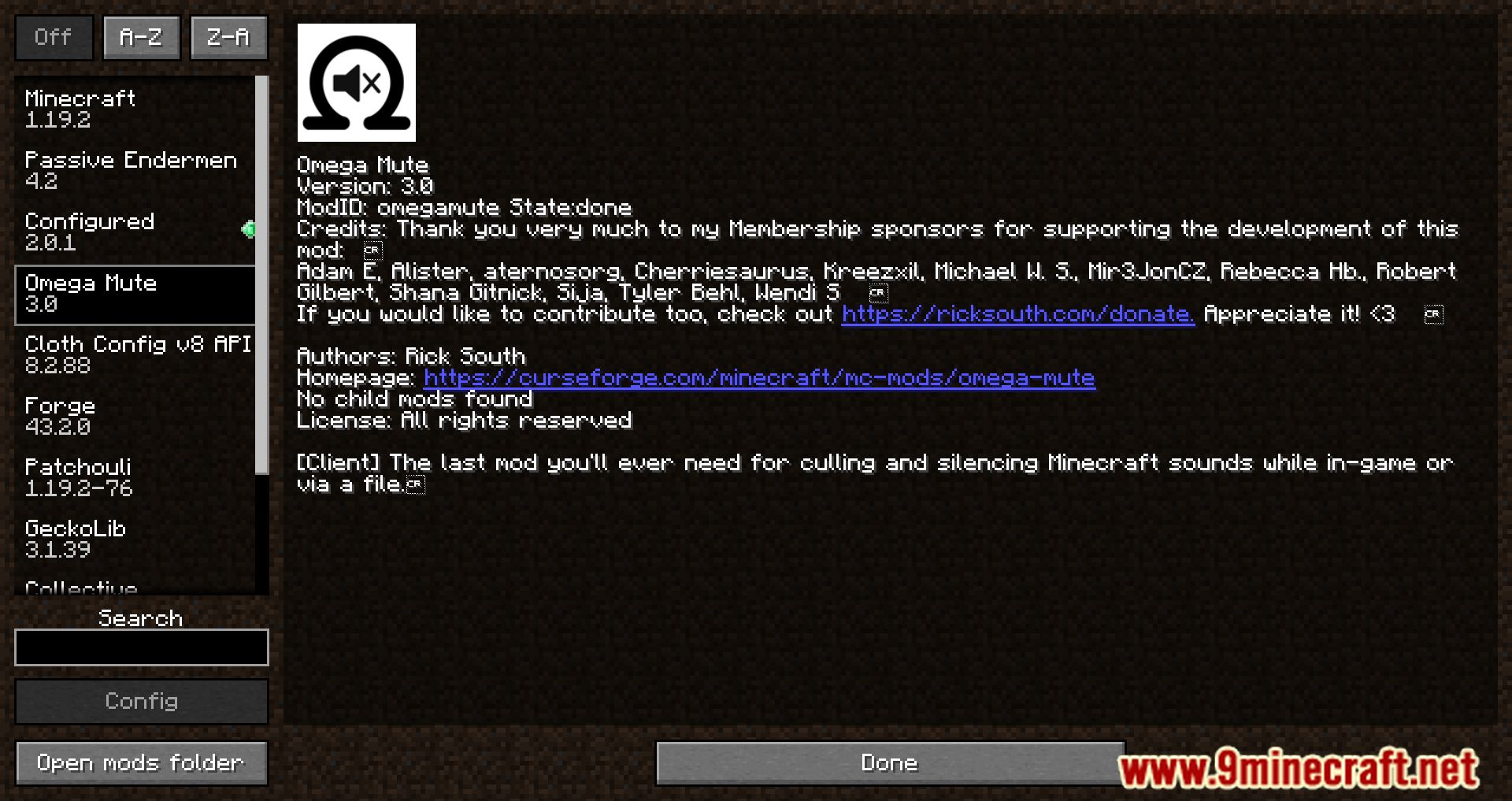
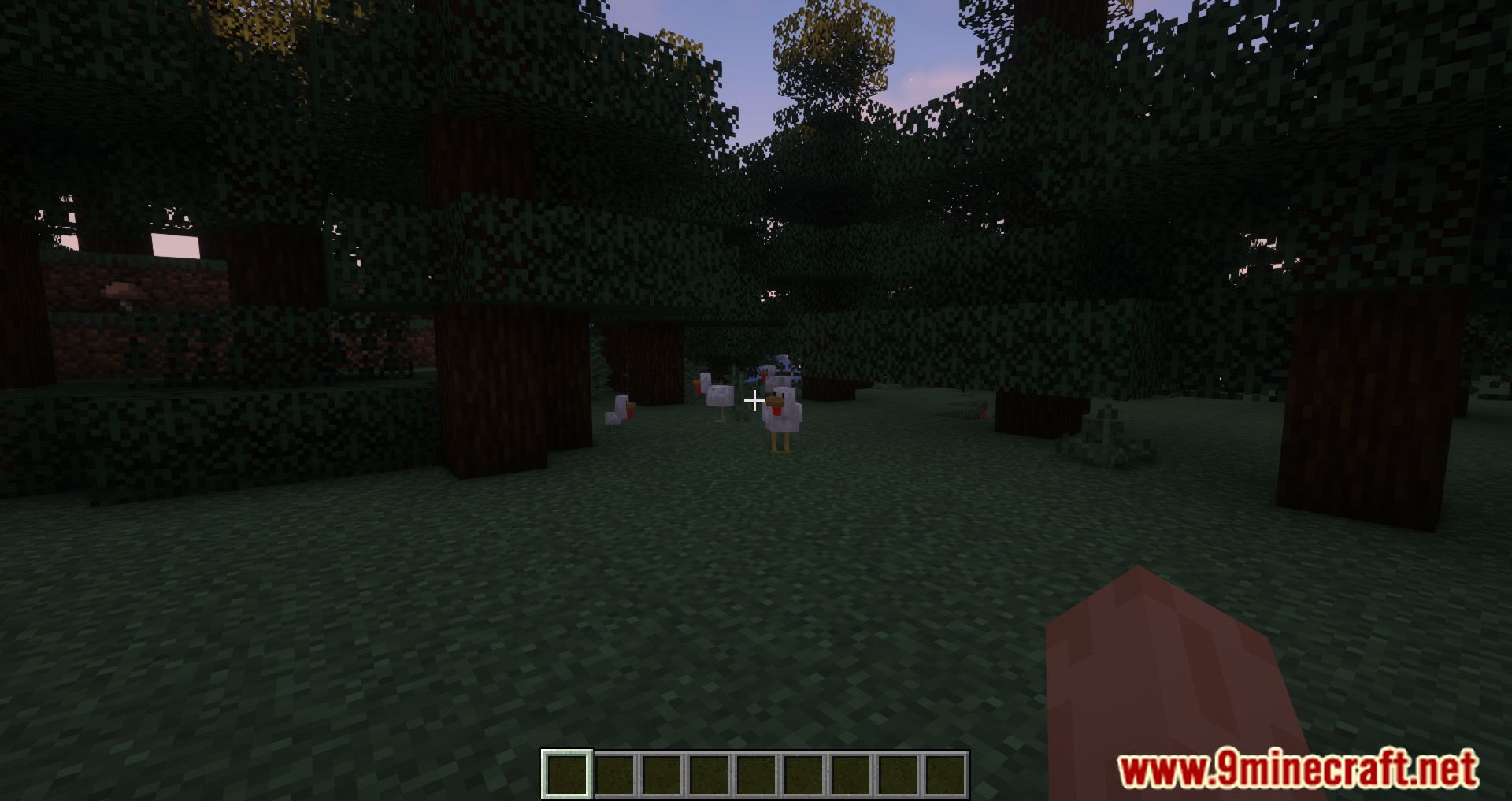
Omega Mute Mod is a client-side utility for Minecraft that gives you full control over in-game sounds, including those from other mods.
Features:
- Use commands or a config file to silence specific sounds by name.
- Instead of muting completely, you can set sounds to play only every few seconds-great for reducing repetitive noises.
- The
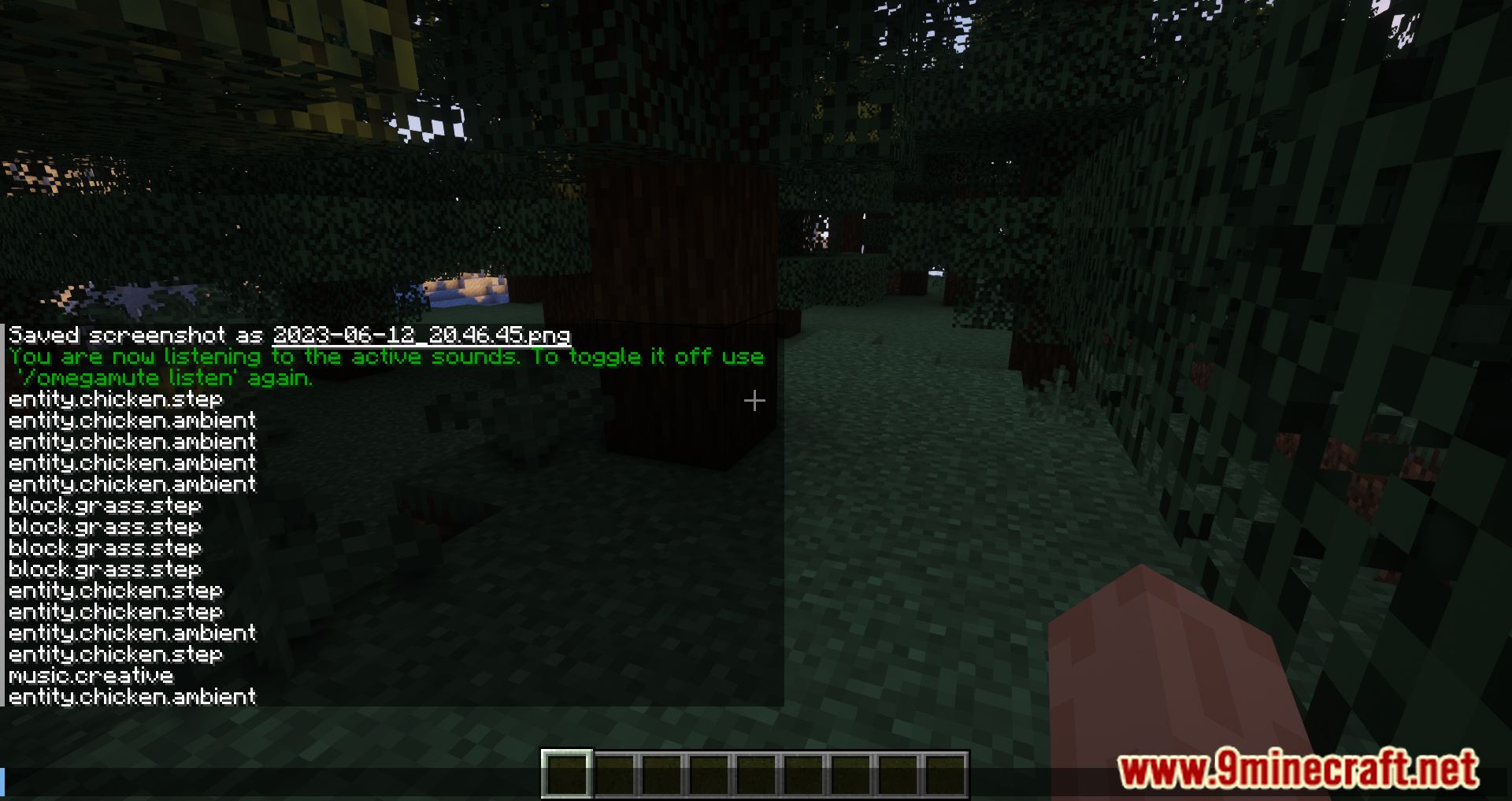
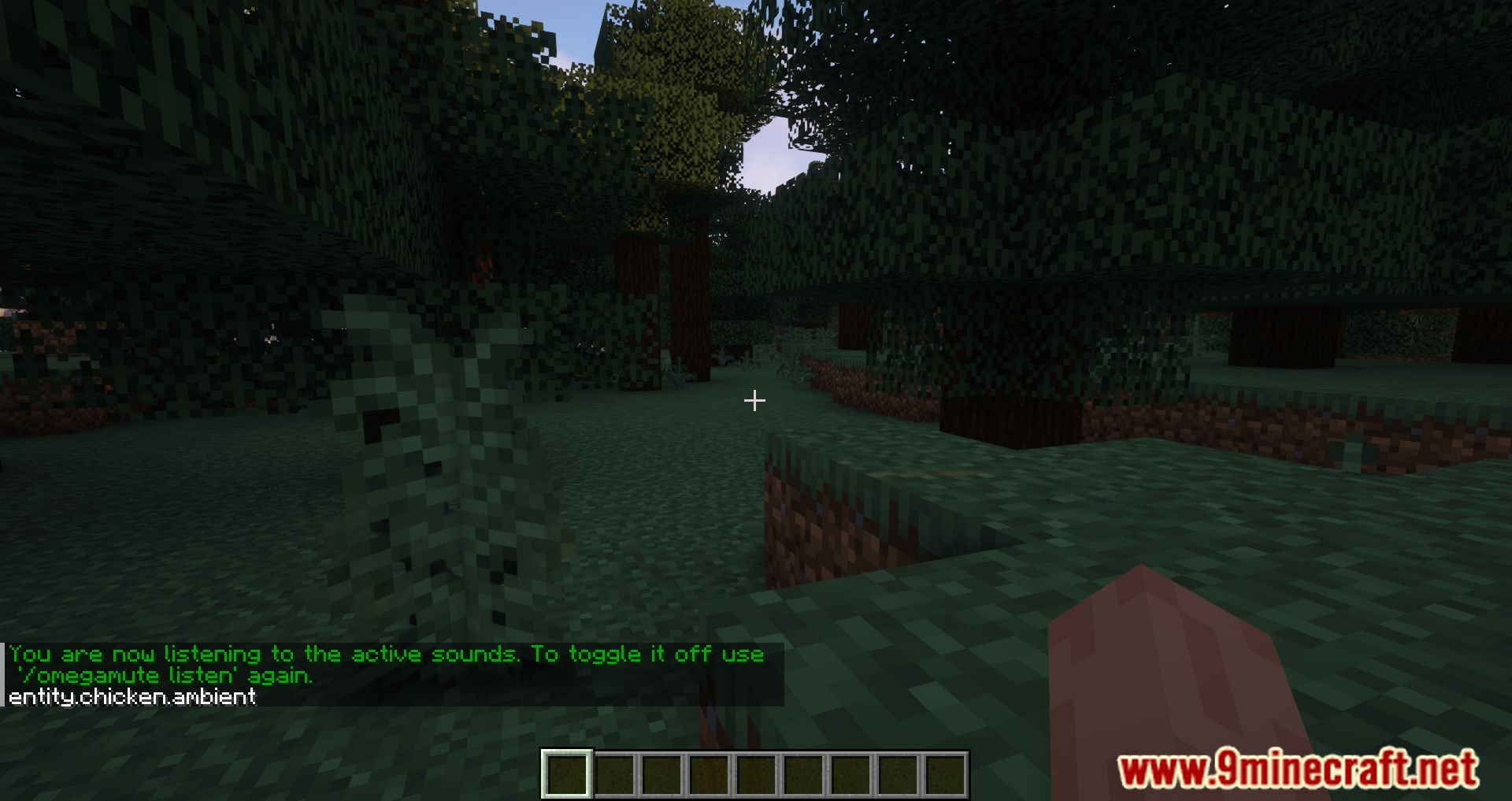
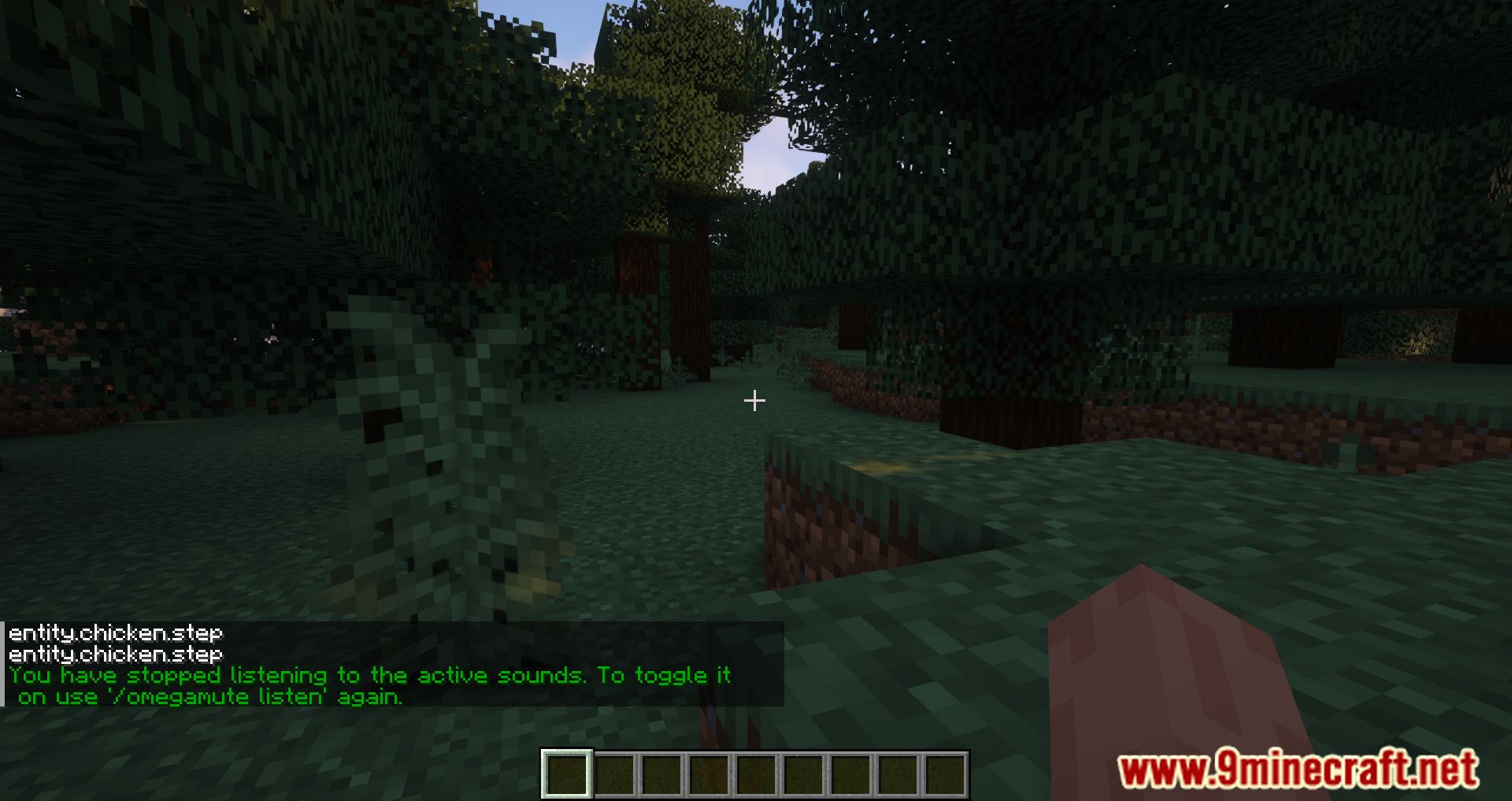
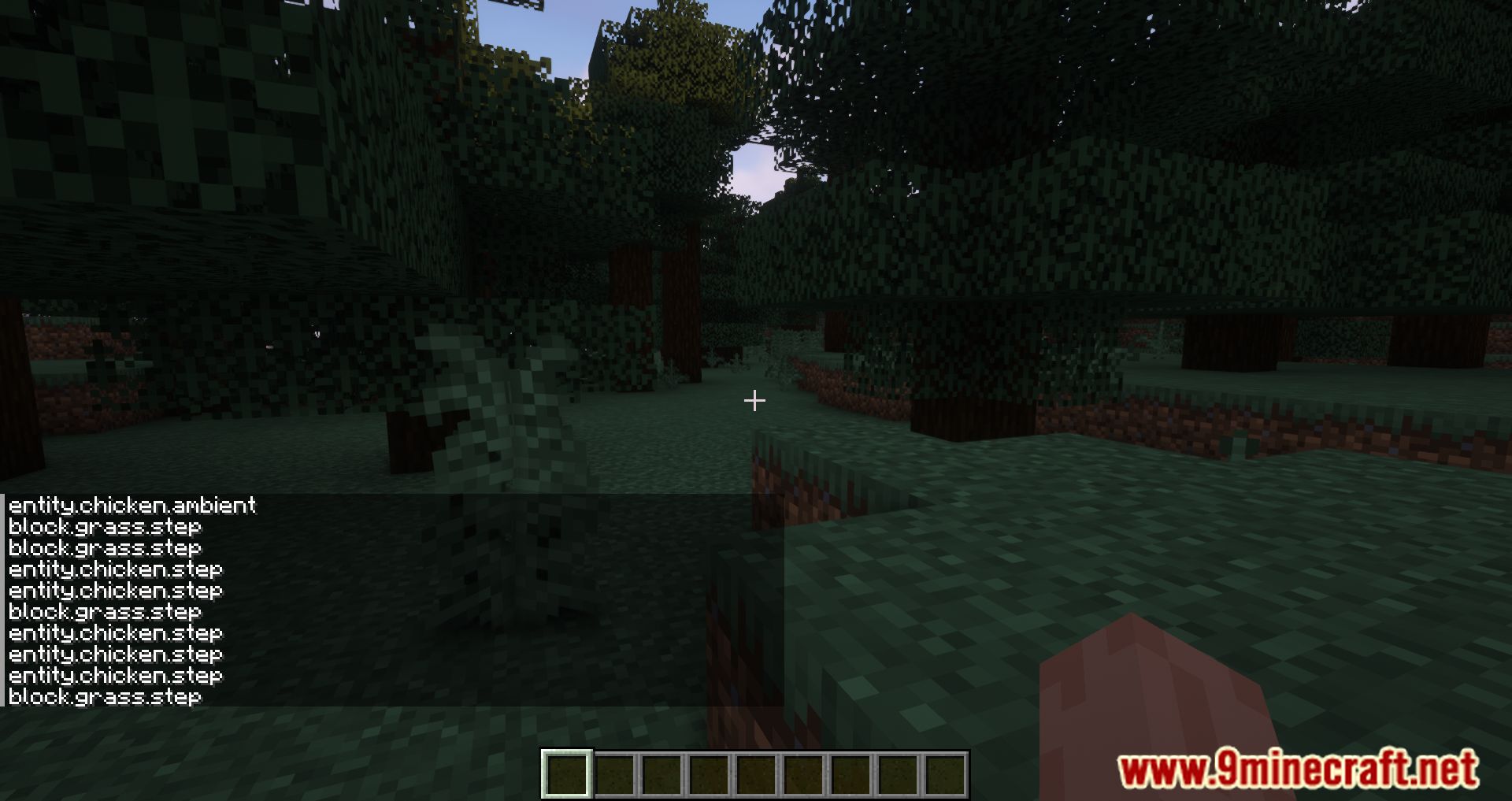
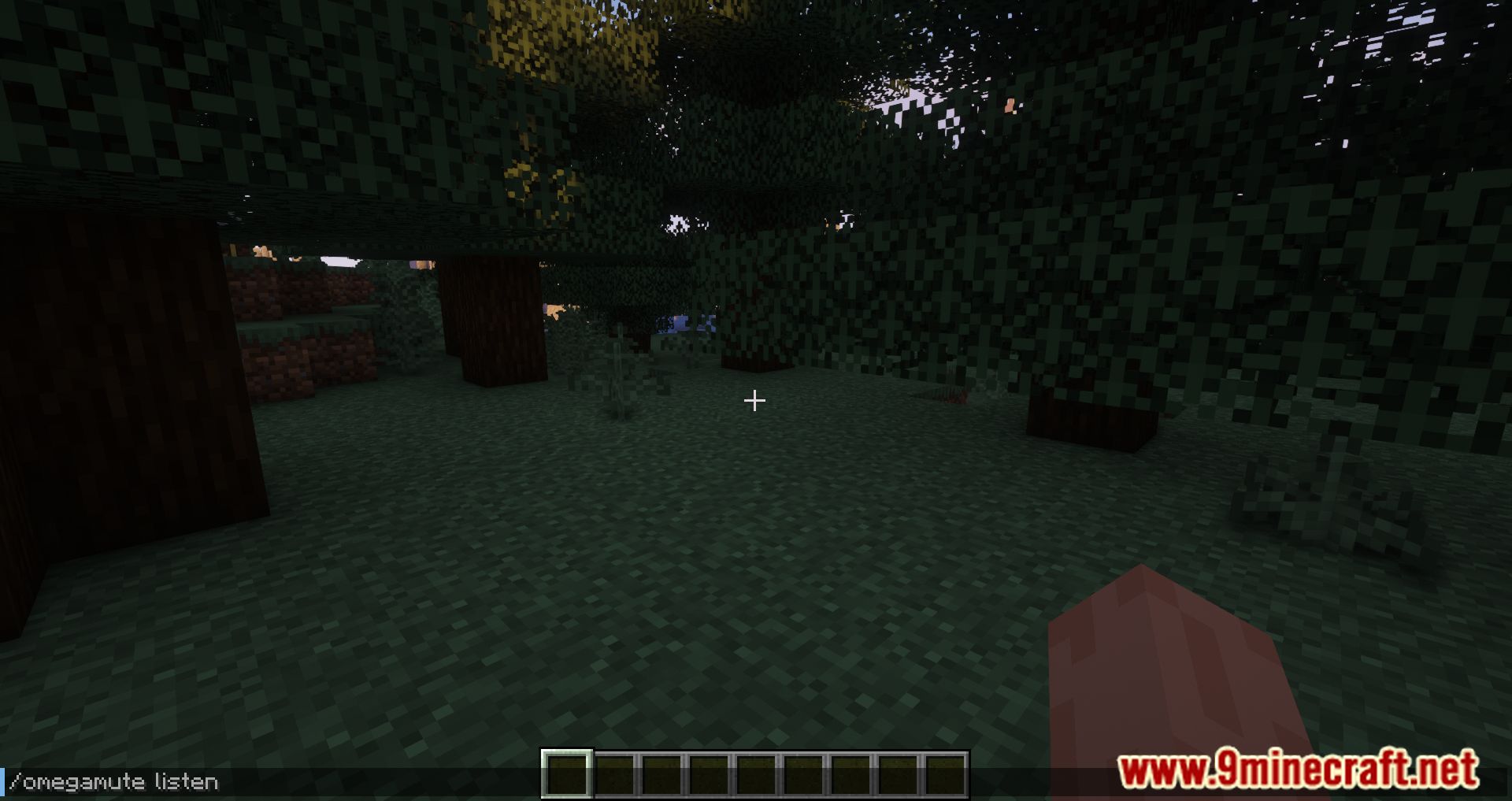
/omegamutelisten command lets you monitor active sounds so you can decide which ones to mute or cull. - Use identifiers like
.pig.to mute all pig-related sounds, or . to unmute everything.
Commands:
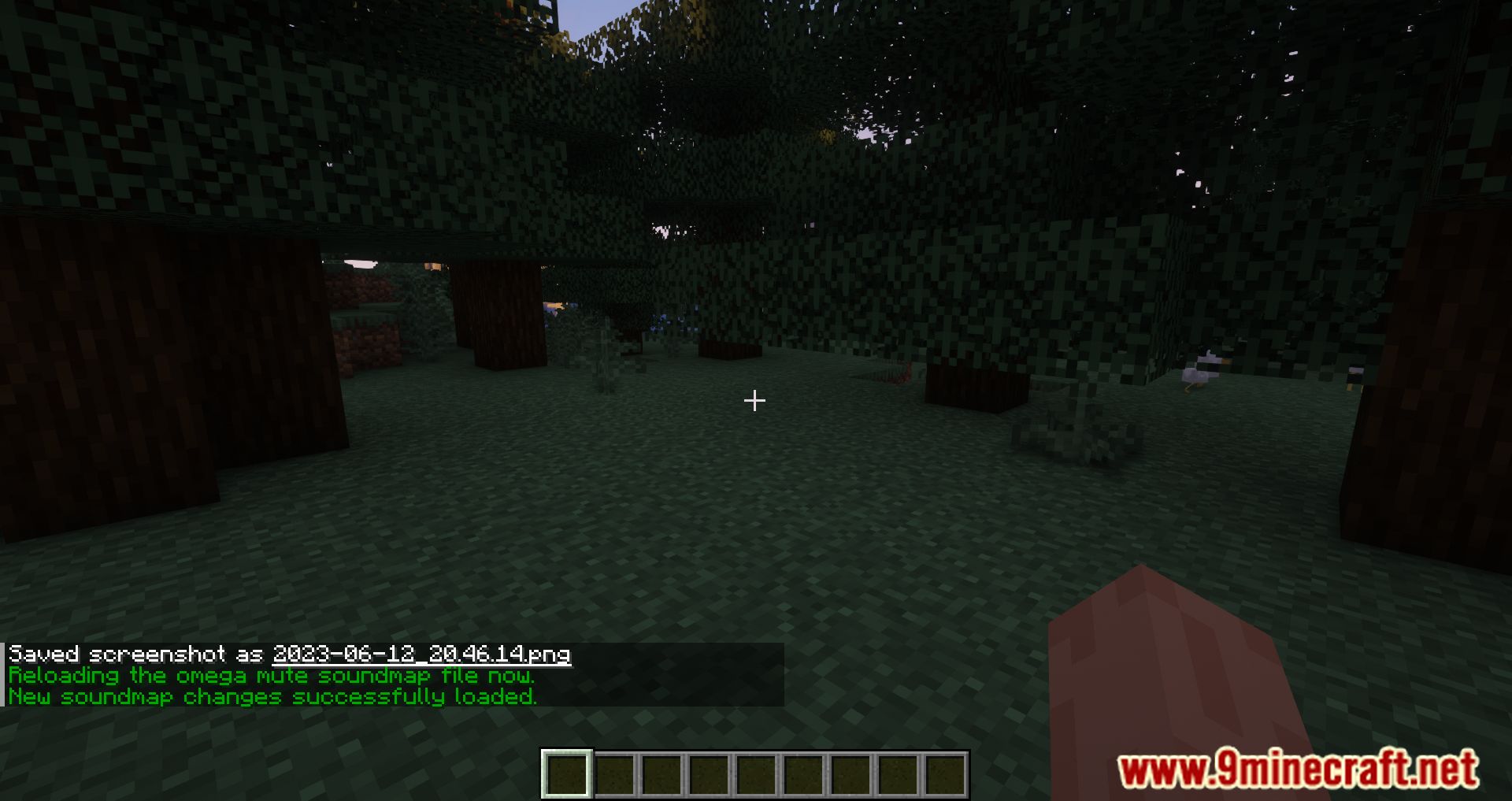
/omegamute mute– Mutes sounds containing the string/omegamute cull– Limits sound frequency/omegamute unmute– Restores sound/omegamute query– Lists muted sounds/omegamute reload– Reloads config changes
Screenshots:
Omega Mute Mod Download Links
Quick facts
- Edition: Minecraft Java
- File type: .jar
- Minecraft version listed: 1.20.1
- How to install: Install the matching mod loader (Forge, Fabric or NeoForge) for your Minecraft version. → Download the .jar. → Put it in the .minecraft/mods folder and launch that loader profile.
- Where to get it: Opens on the file's original source — not every file is mirrored on our own servers.
Install steps are the general flow for this file type — How to install Minecraft Java mods & modpacks walks through it step by step.
Omega Mute Mod (26.2, 1.20.1) – Full Control Over in-game Sounds is a free Minecraft Java mod. Compatible with Minecraft 1.20.1. Download it and open it directly in the game.