ShadersJava
RedHat Shaders (26.3, 1.20.1) – Perfect for Mid-Range Devices
Java shader pack listed for Minecraft 1.20–26.x. File opened and checked on 6 Oct 2026; downloads from the MC Java Mods app on Android.
⬇ Download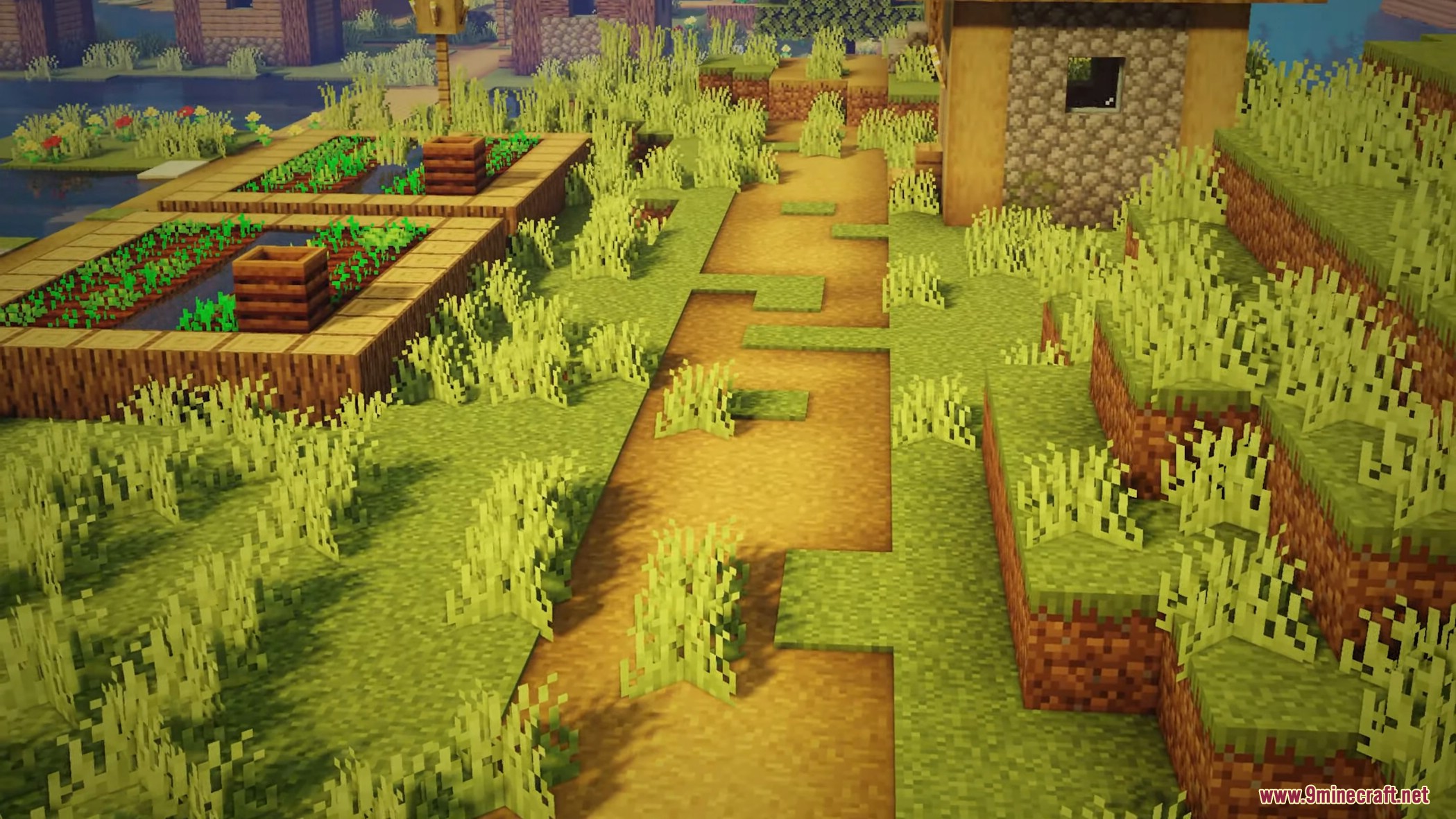
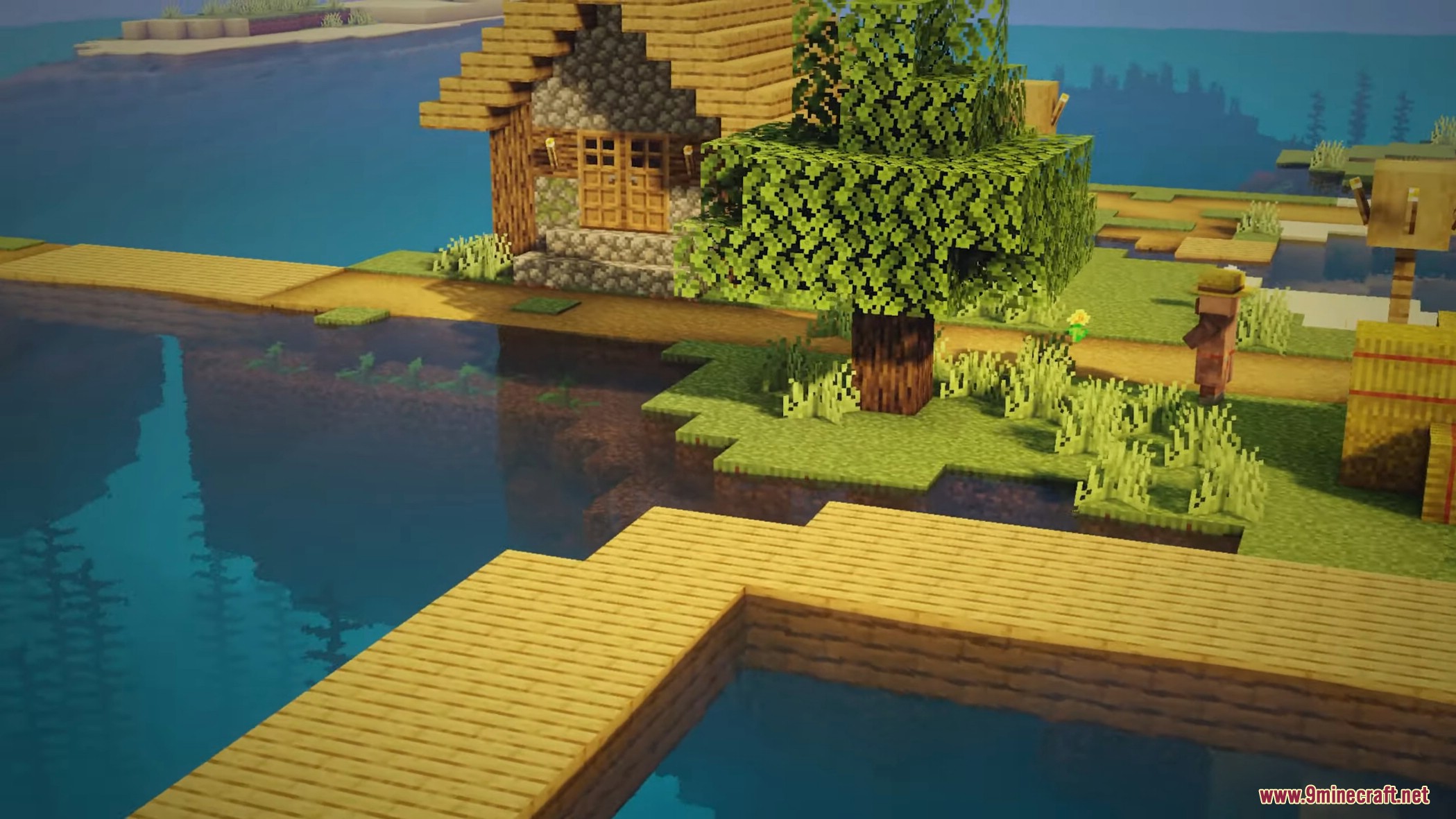
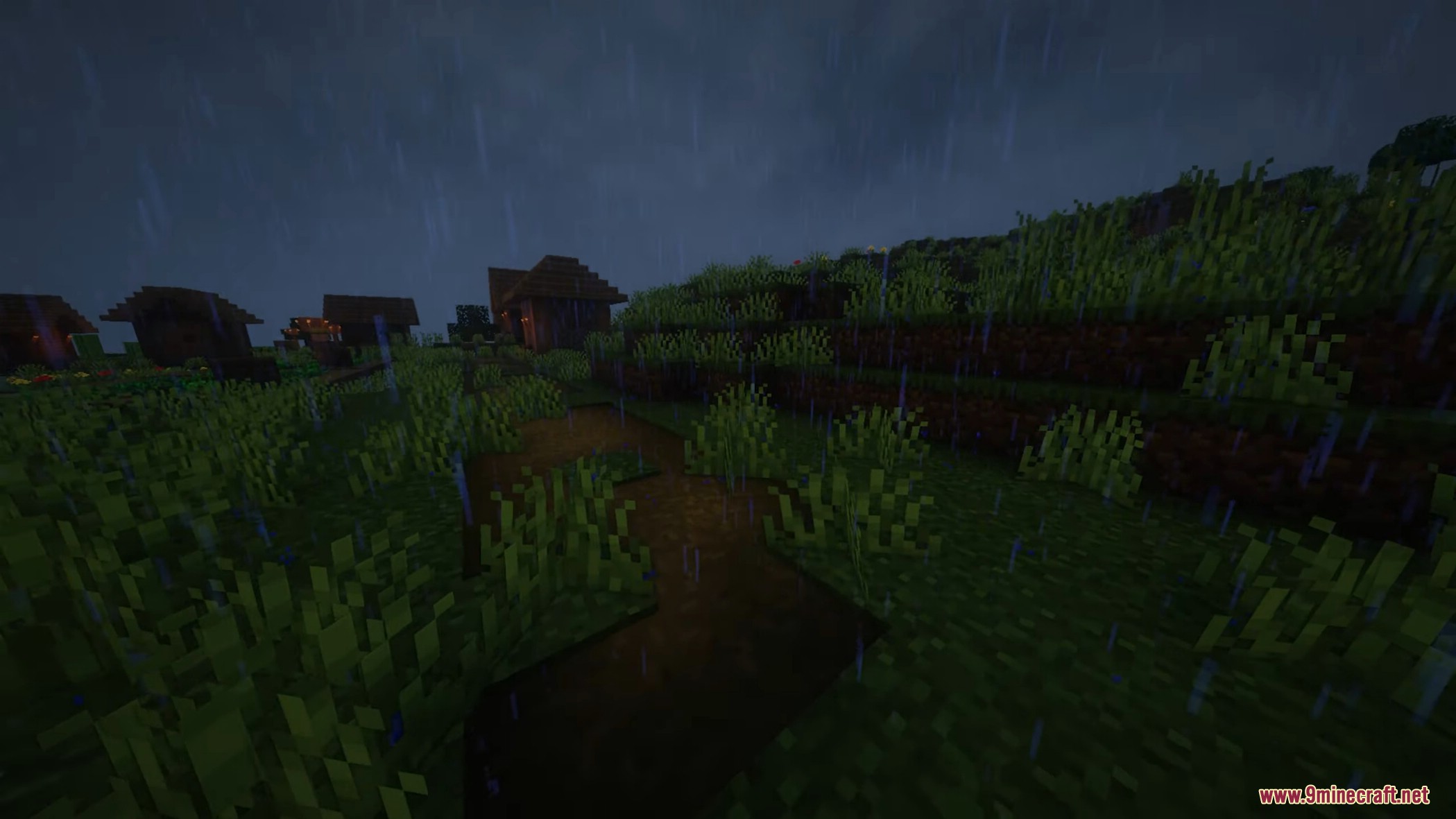
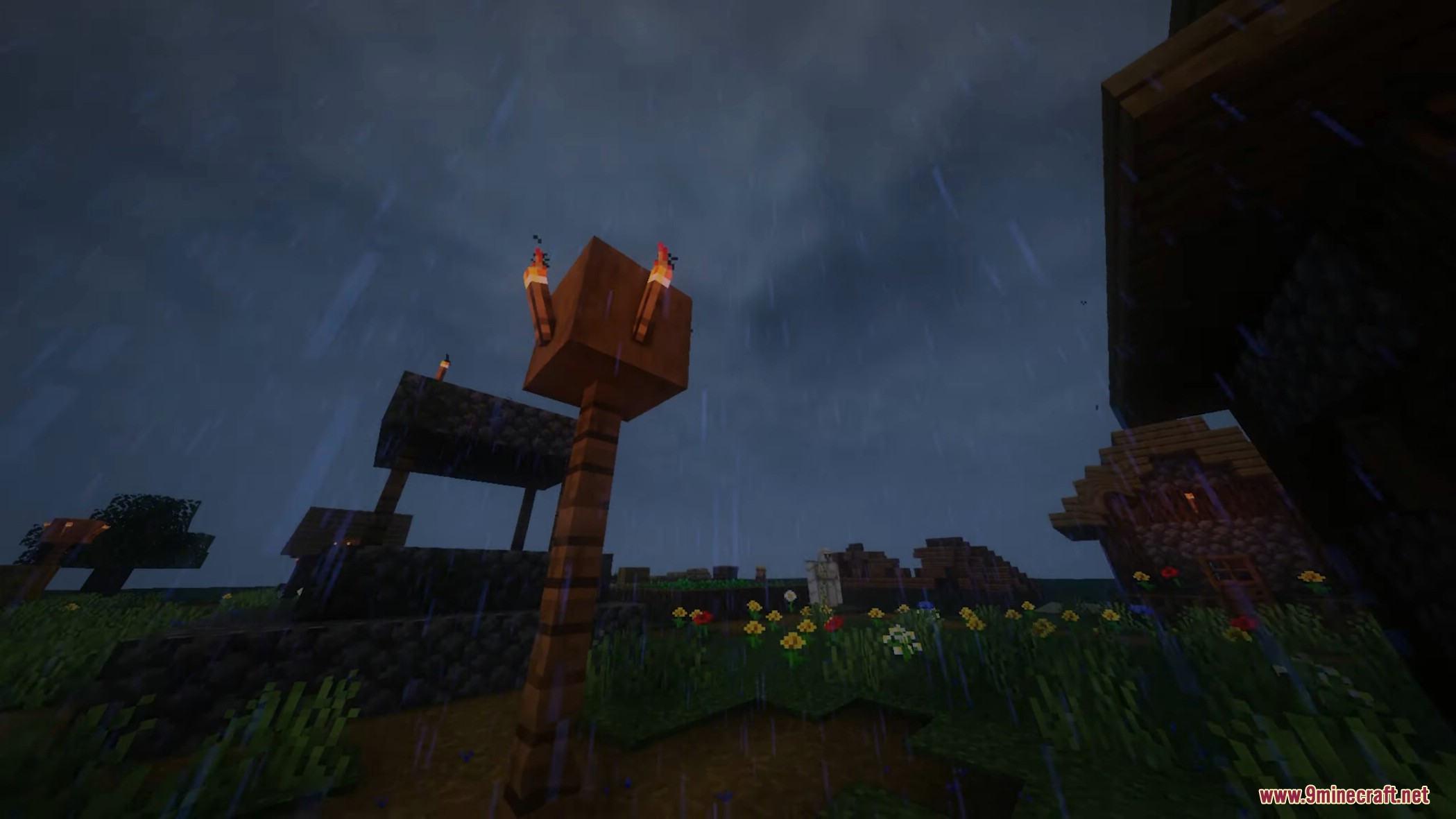

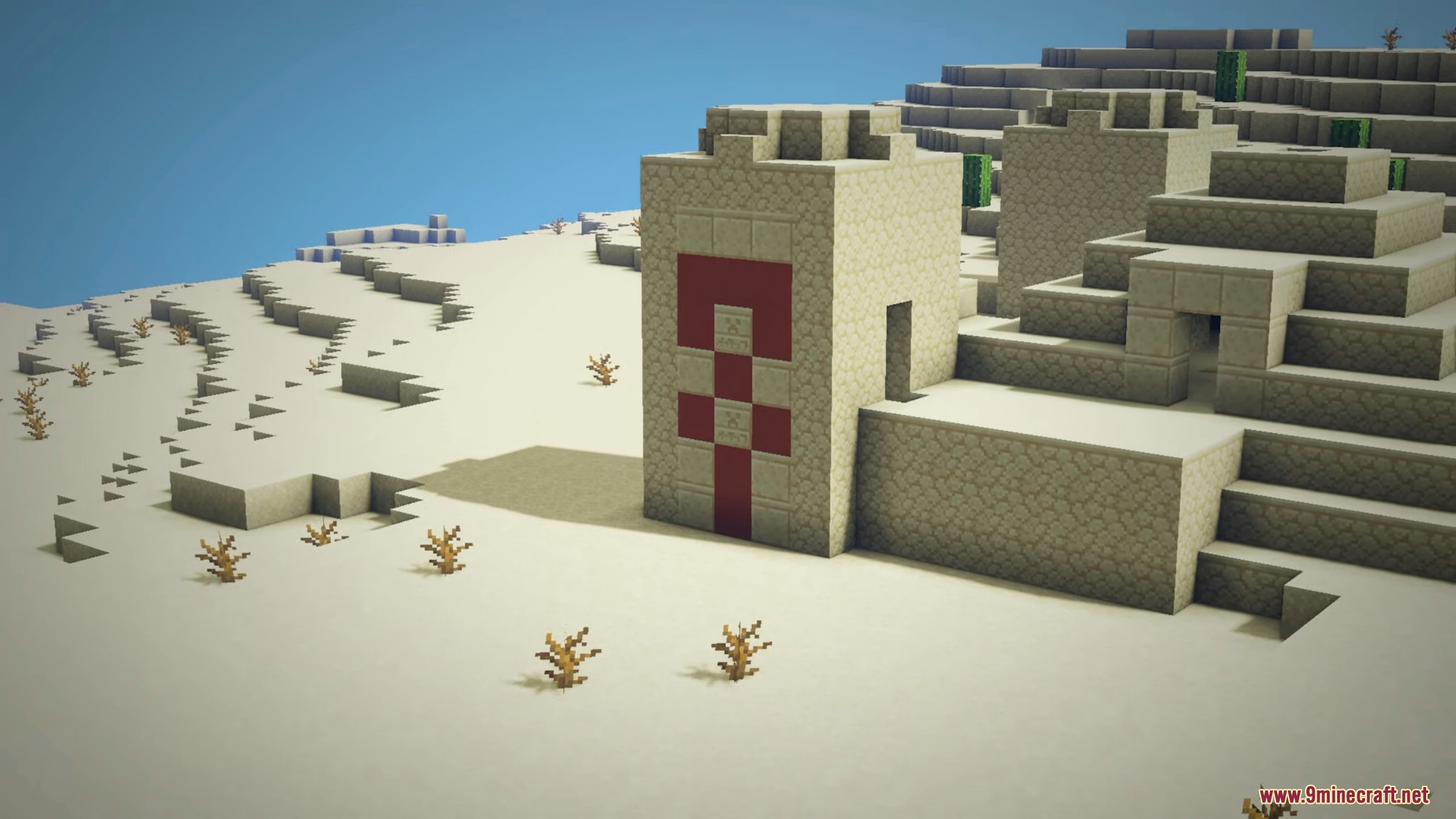
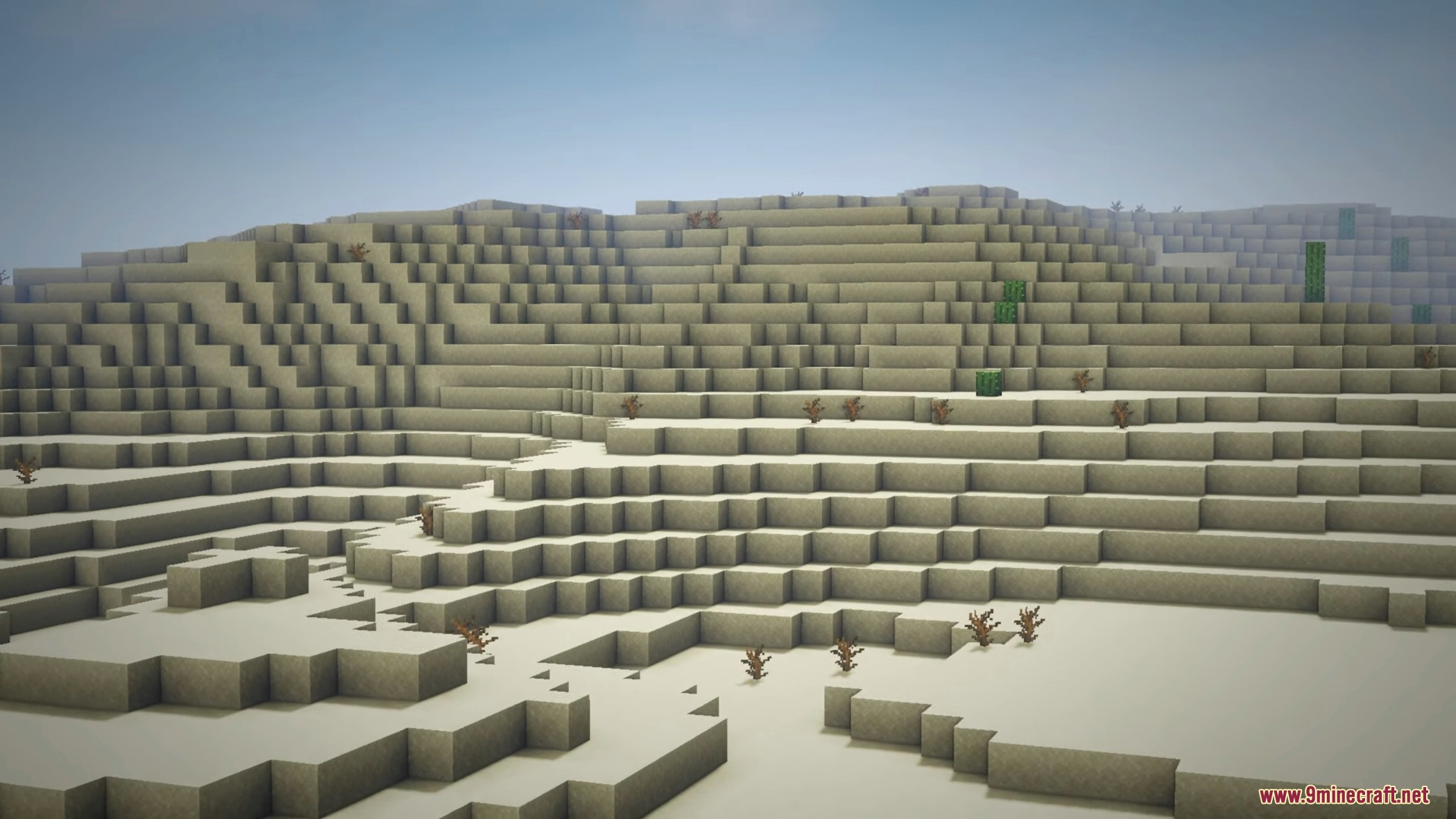
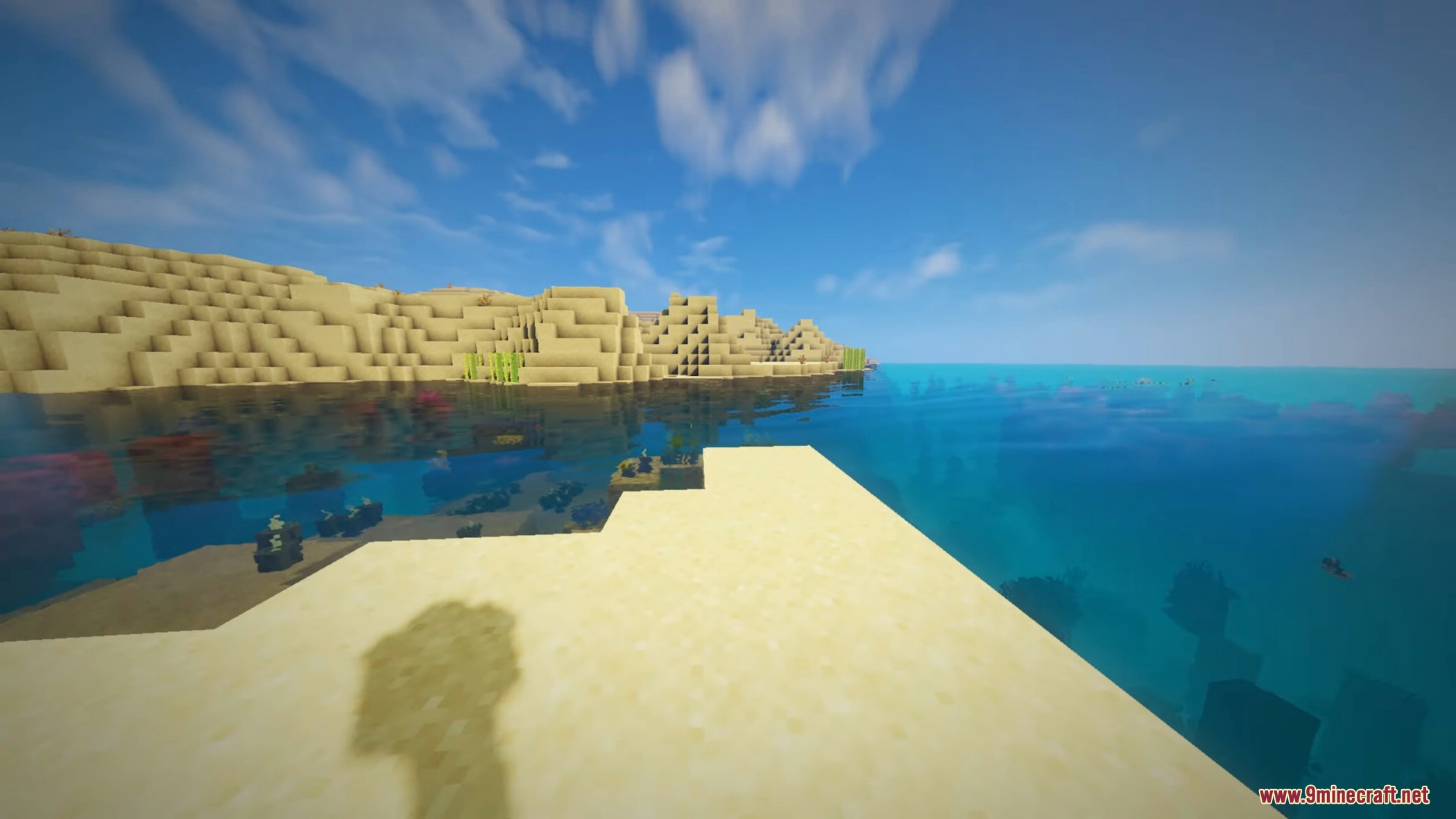
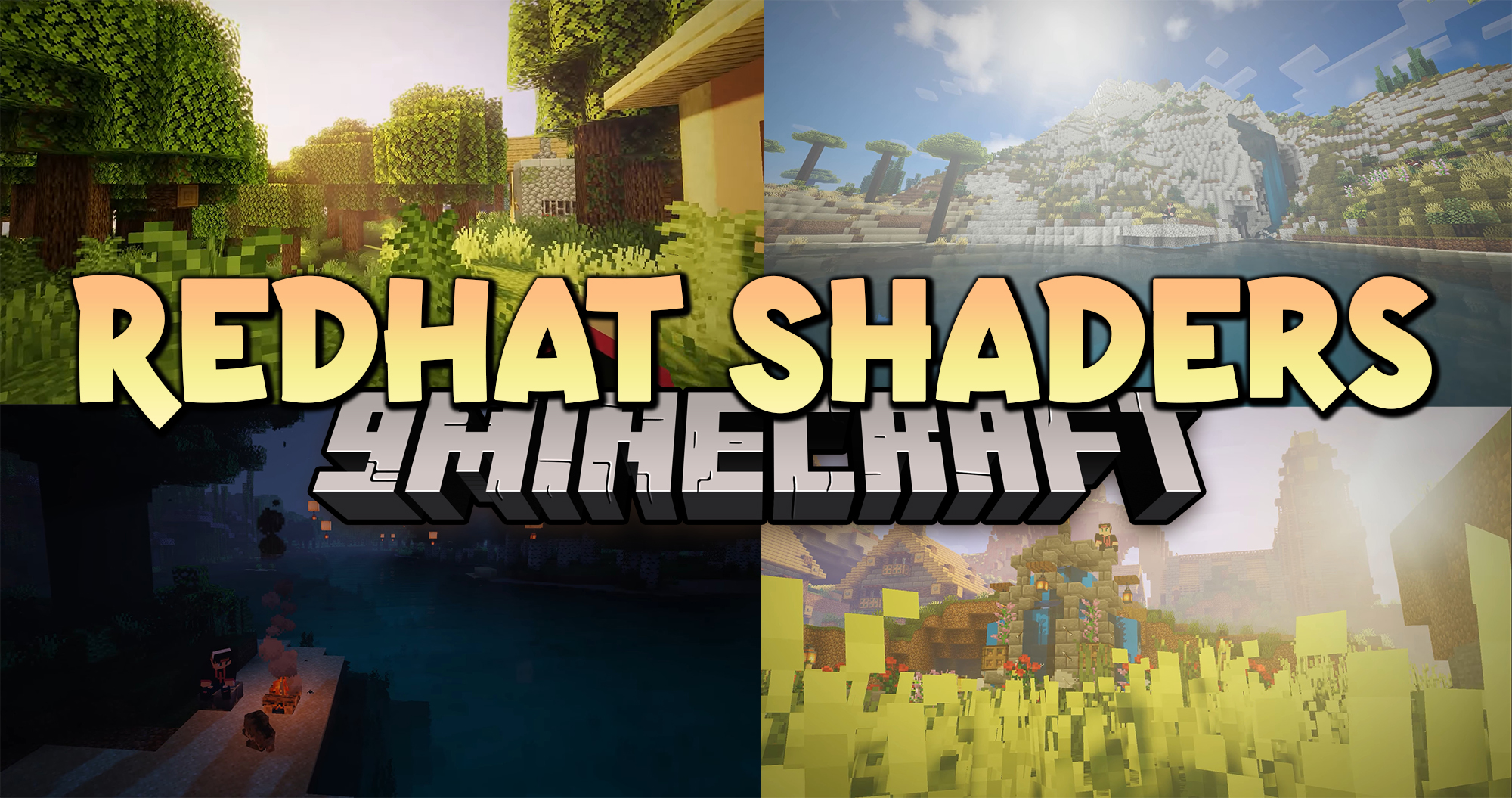
RedHat Shaders is a shaderpack for Minecraft: Java Edition based on the popular shader Chocapic13. This shaderpack features awesome colors, many features, tons of configurations, and a pretty good performance. It’s perfect for mid-range PCs and high-end pcs, but low-end computers may have problems with performance.
Features:
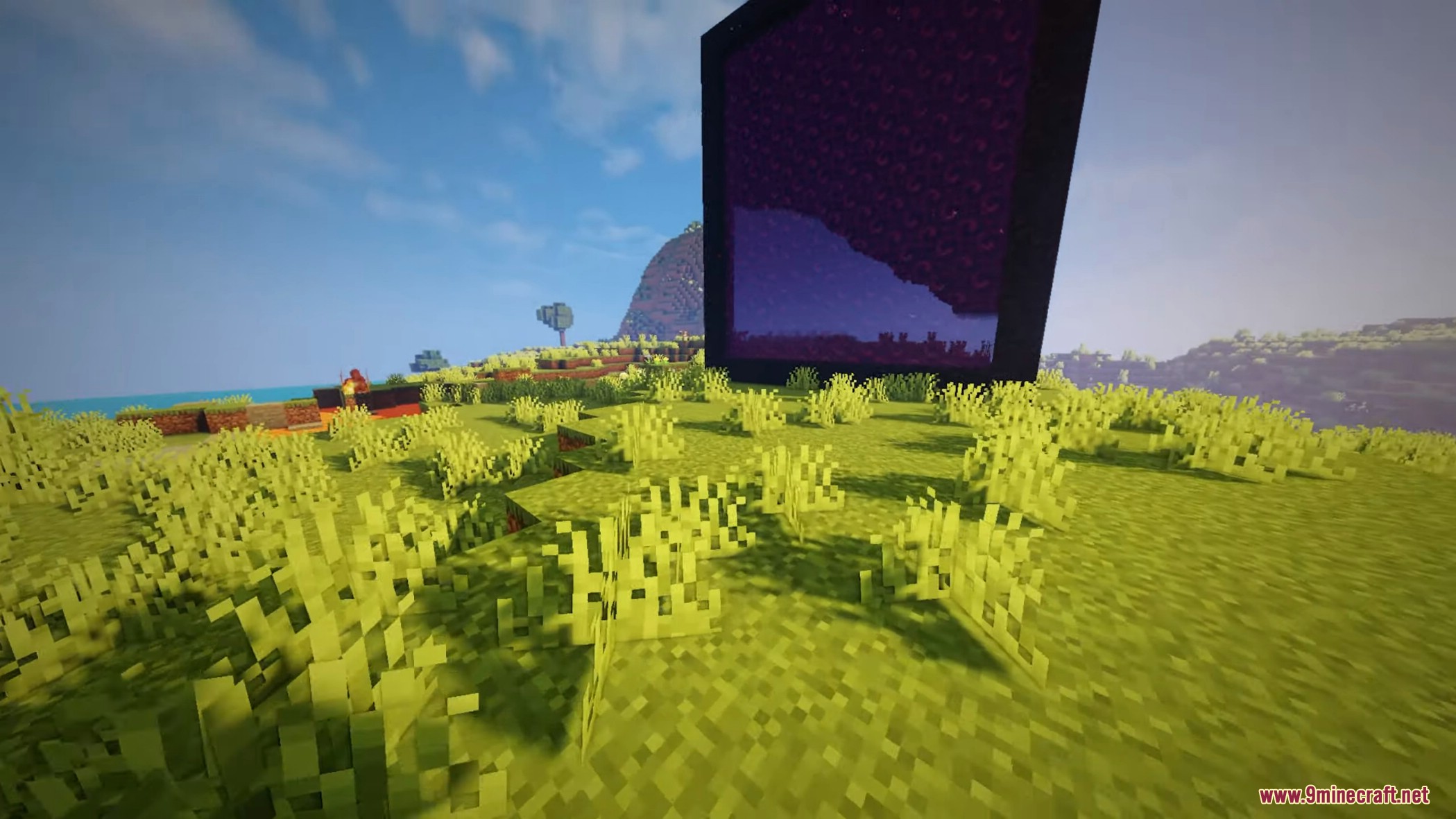
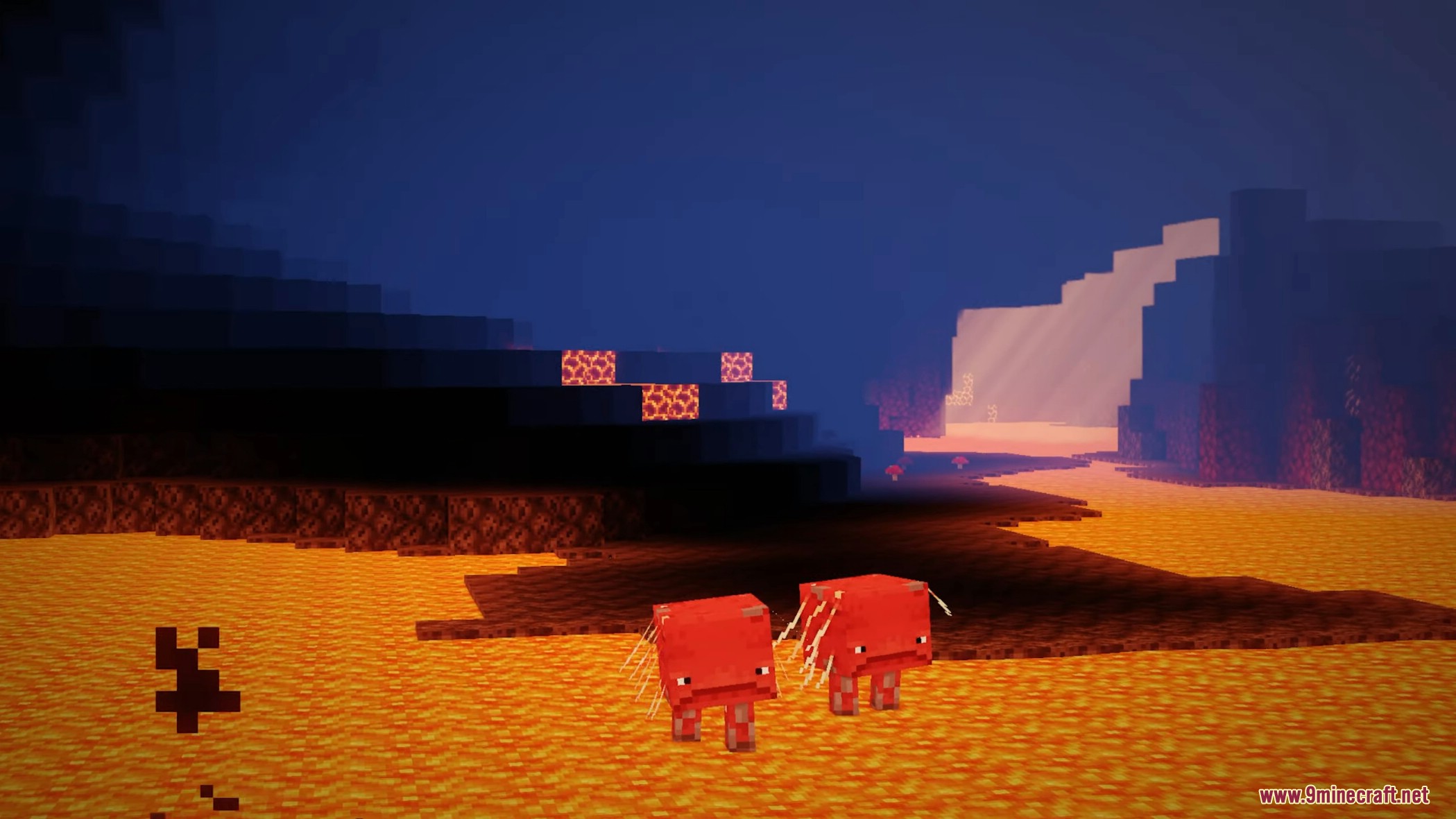
- It features many lighting effects such as Godrays (both 3D and 2D, if you have a low-end machine), Shadows, Underwater Light Absorption, and many more.
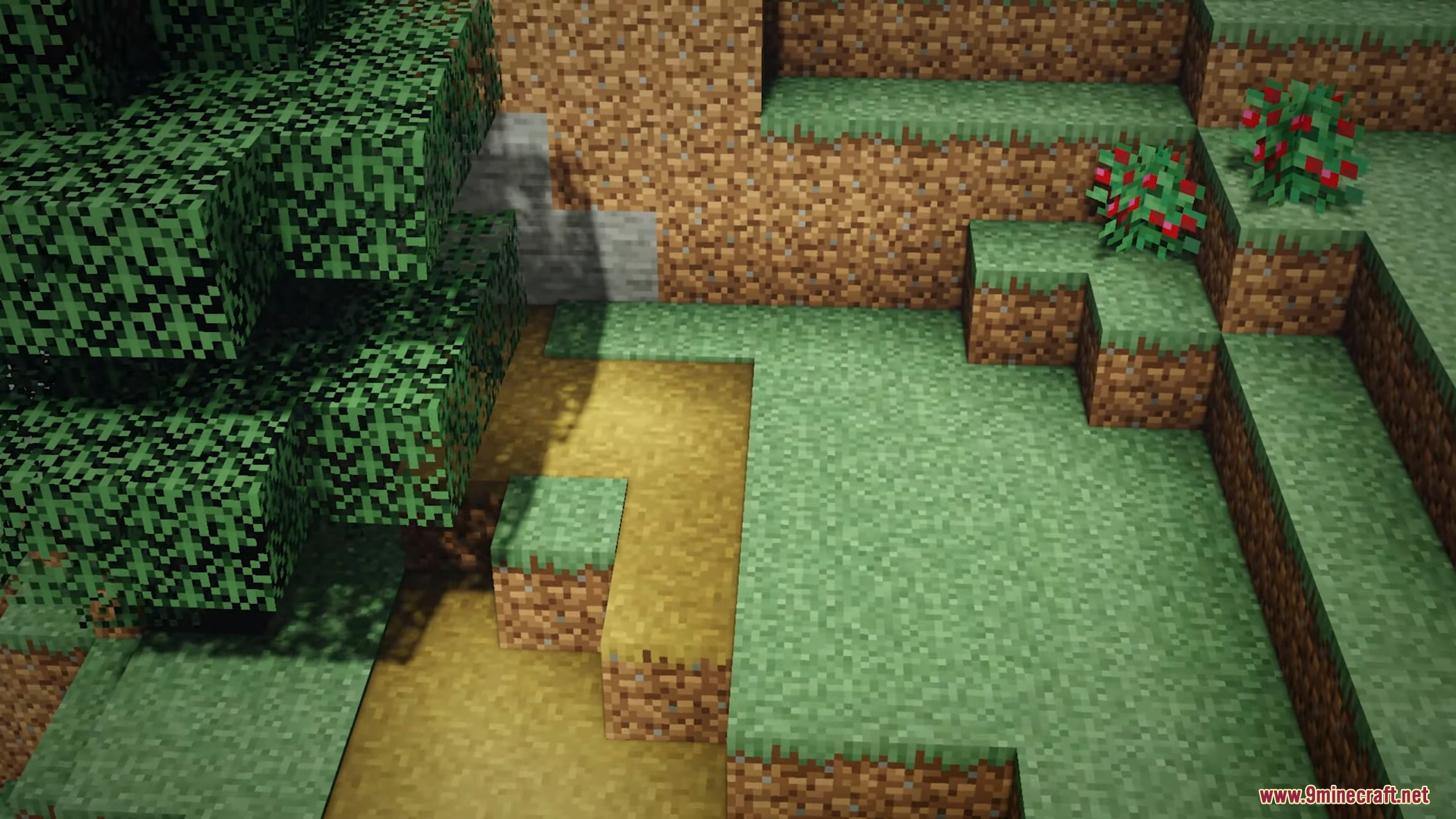
- The shaderpack features reflections too, and it also reflects some light on all surfaces, to make everything look cooler and more plastic (configurable as well).
- There are many cinematic options such as Lens Flares, Depth of Field (Chromatic Aberration included), Grain, Tilt Shift, and others.
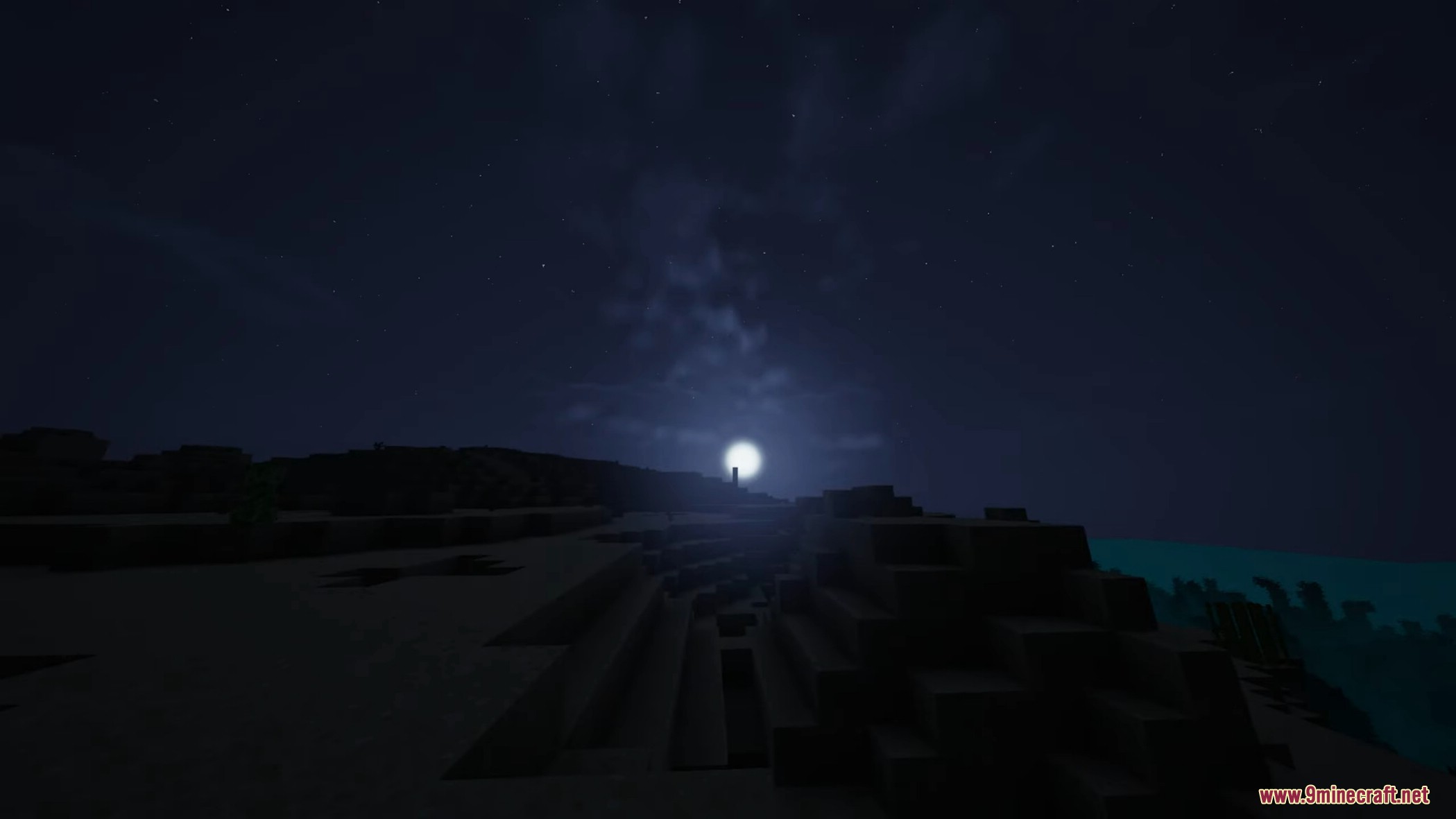
- Then there are the colors, which change depending on the time, making everything more realistic and fantasy at the same time.
- There are many effects related to movement as well. All foliage or hanging things wave (like lanterns when they hang), and there are Waving Hand and Waving Camera options too.
- If that wasn’t enough, RedHat supports all versions from 1.7.2 up to 1.19 and 1.18.2, and it supports all custom skies of texture packs! And it also supports vanilla minecraft clouds.
- Lastly, there are many atmospherics effects such as Fog and Clouds, Round moon and sun, and other stuff like PBR support, Auto-Exposure, Stars, and many, many other things.
- There are a lot of ways you can customize your shaderpack, and make it look like the way you want, and you can do all of that through the settings menu.
Shader Trailer
Screenshots:

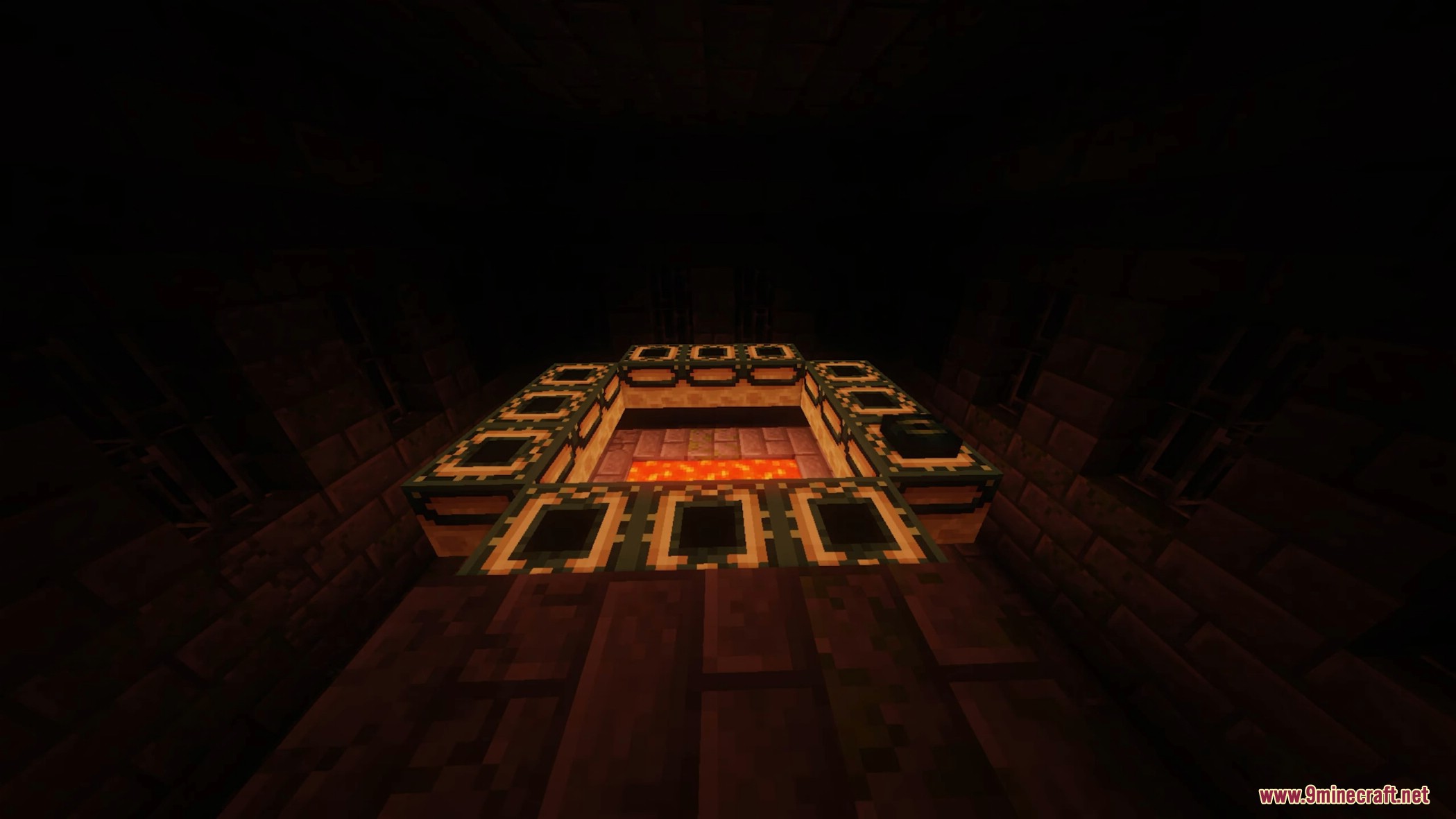
RedHat Shaders Download Links
For MCPE/Bedrock Edition
Quick facts
- Edition: Minecraft Java
- File type: .zip (resource pack)
- Minecraft versions listed: 26.3, 1.20.1
- How to install: Download the .zip resource pack — do not unzip it. → Put it in .minecraft/resourcepacks. → Enable it in Options → Resource Packs.
- Where to get it: In MC Java Mods, or directly above on this page.
Install steps are the general flow for this file type — see the MC Java Mods guides for the full walkthrough.
RedHat Shaders (26.3, 1.20.1) – Perfect for Mid-Range Devices is a free Minecraft Java shader. Compatible with Minecraft 26.3, 1.20.1. Download it and open it directly in the game.