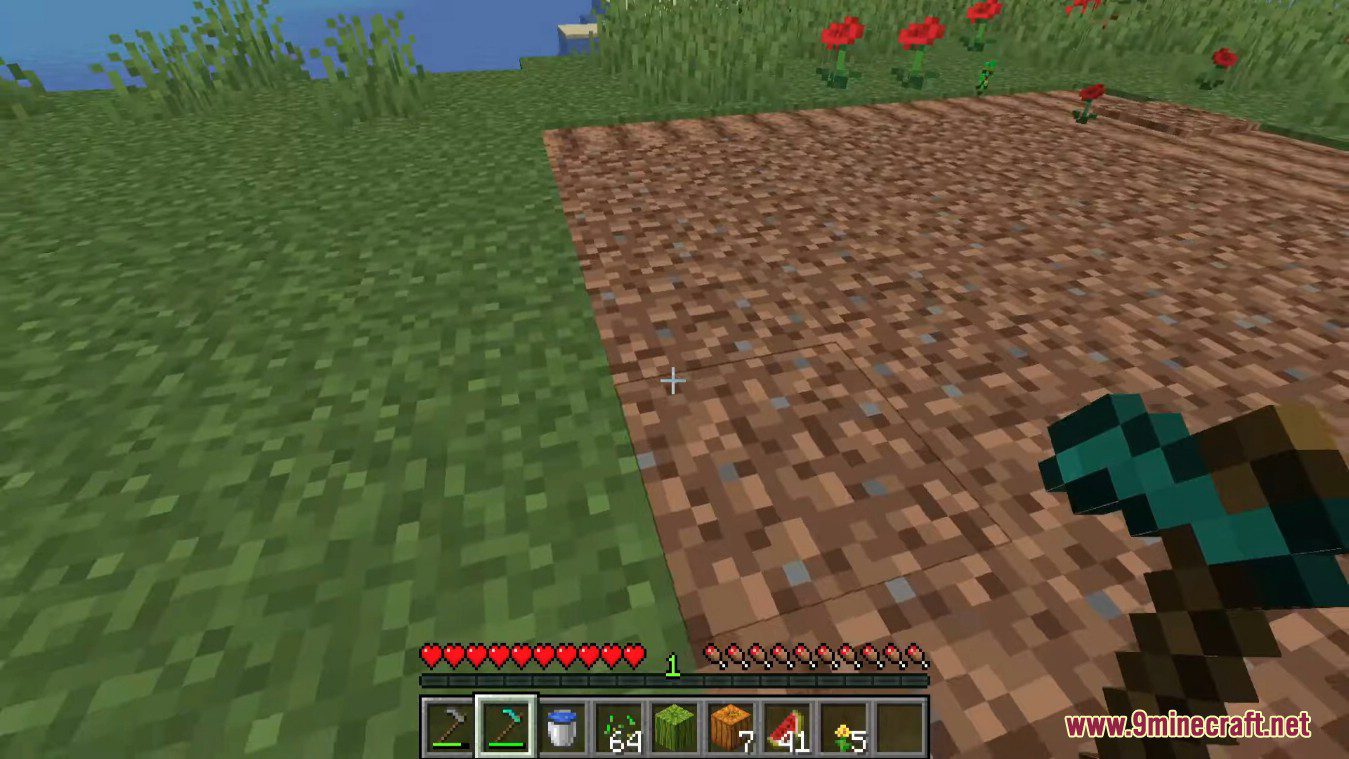
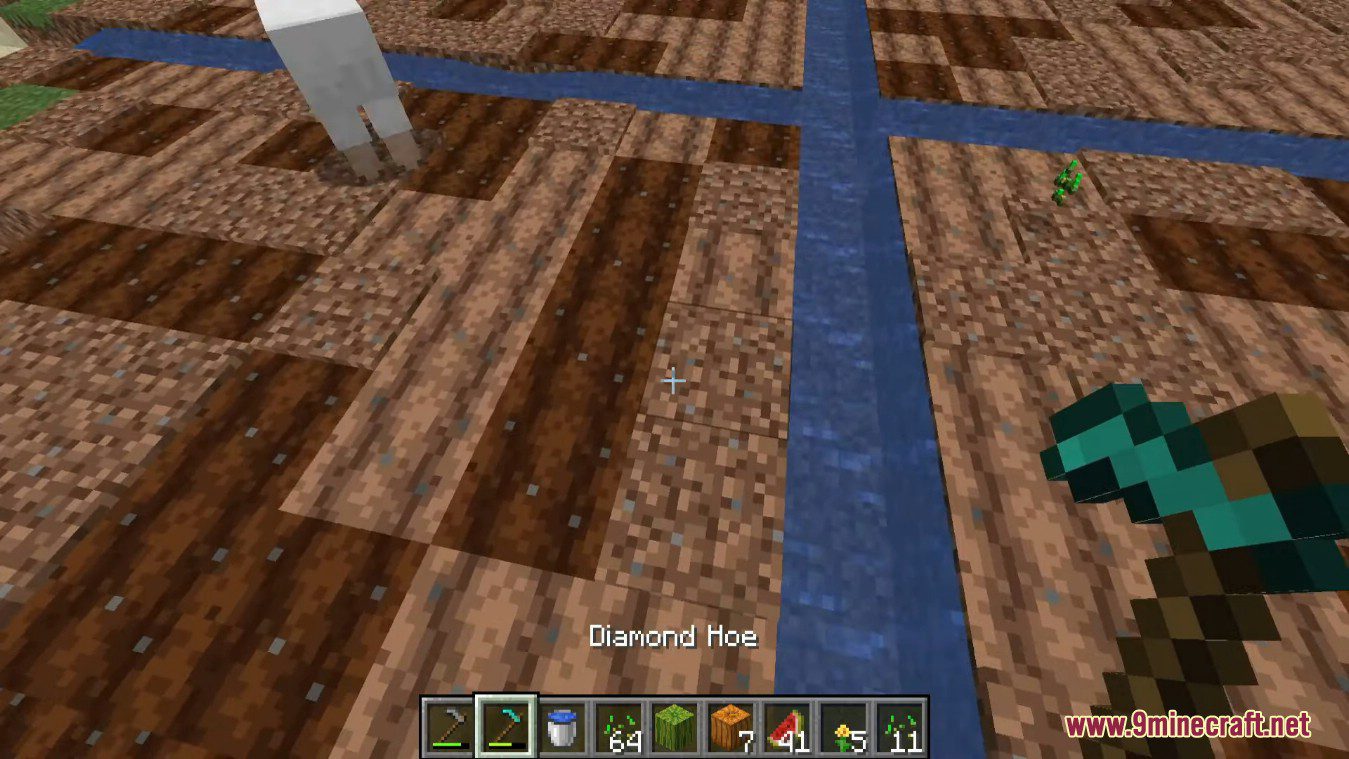
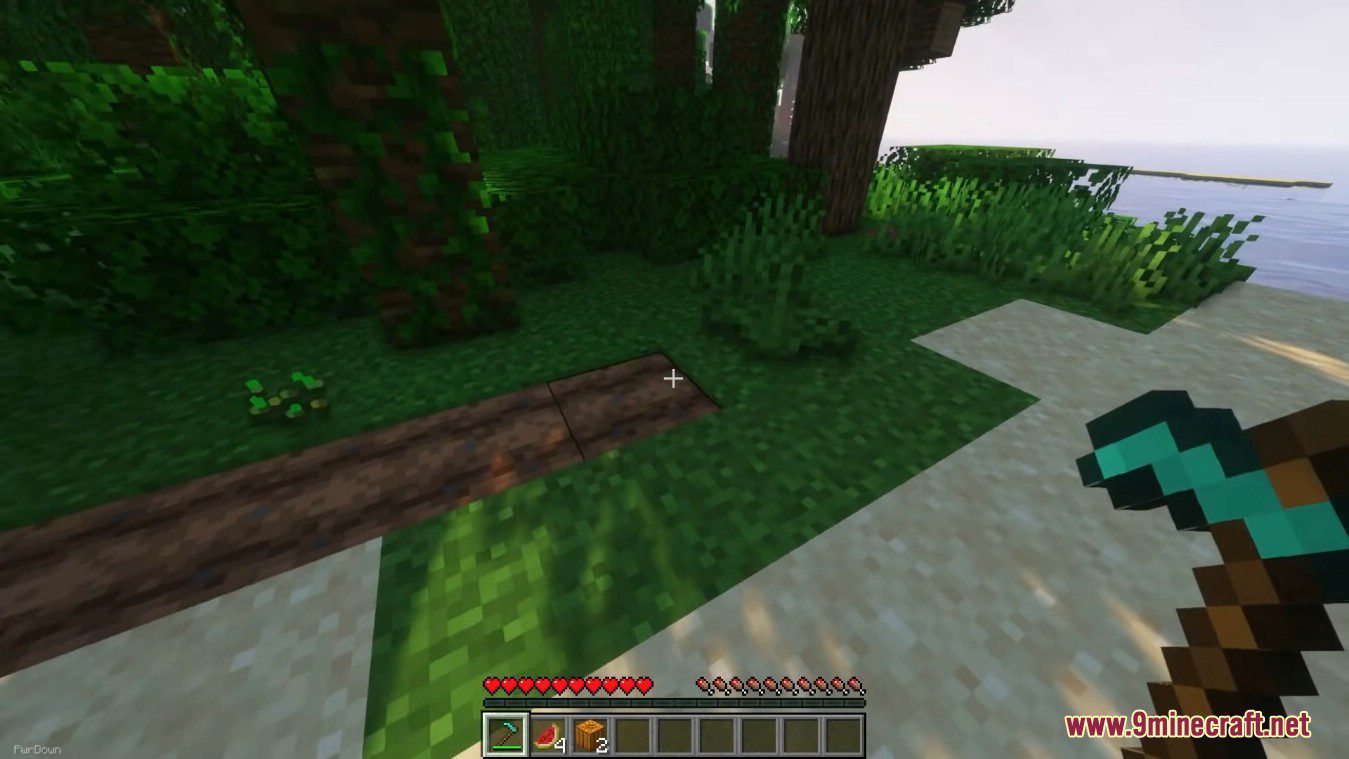
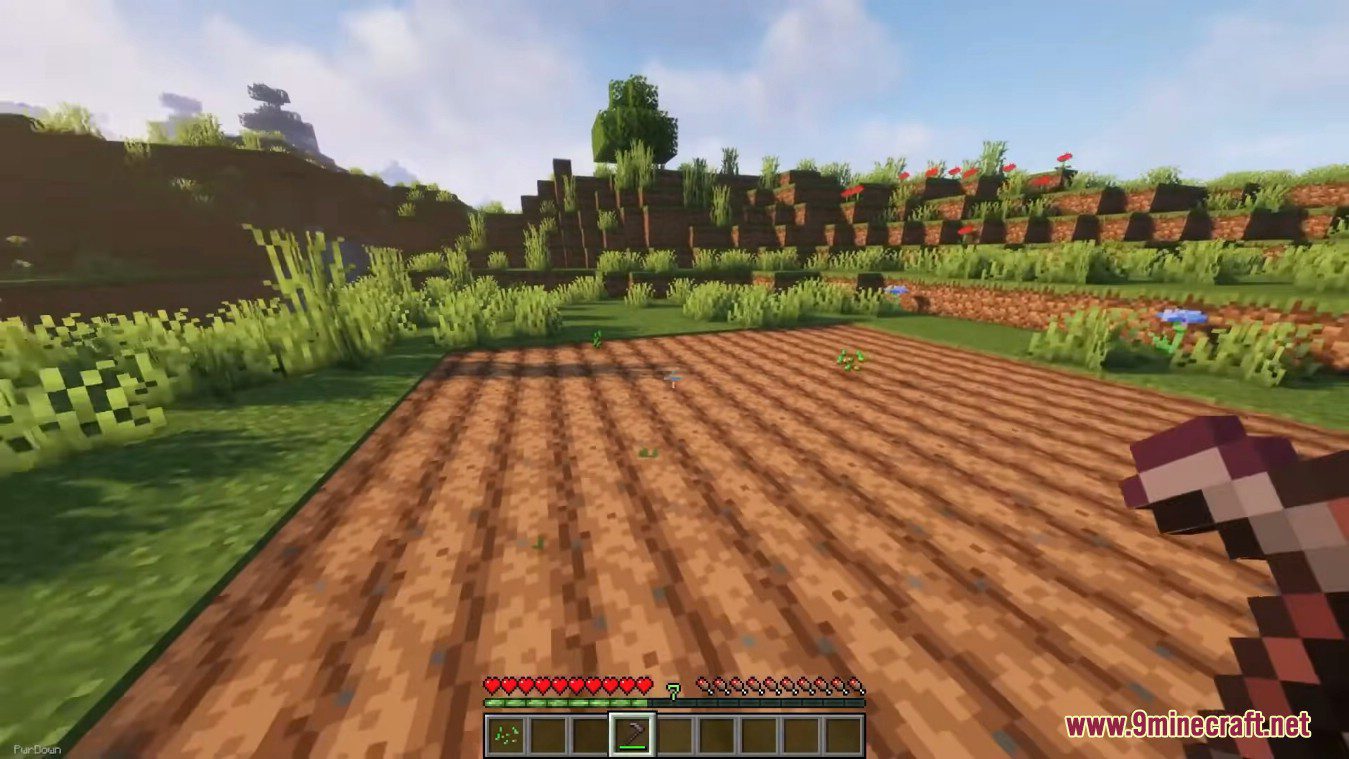
Hoe Tweaks Mod makes some various Quality of Life tweaks to the hoe tool. It’s fully configurable. Harvest crop blocks (pumpkins/melons) faster, be able to un-till soil and increased till range depending on the tier (e.g. wood/diamond). By default you’ll have to crouch for the increased range. The hoe used with increased range will be damaged for each extra block tilled. The unbreaking enchantment is taken into consideration.
Features:
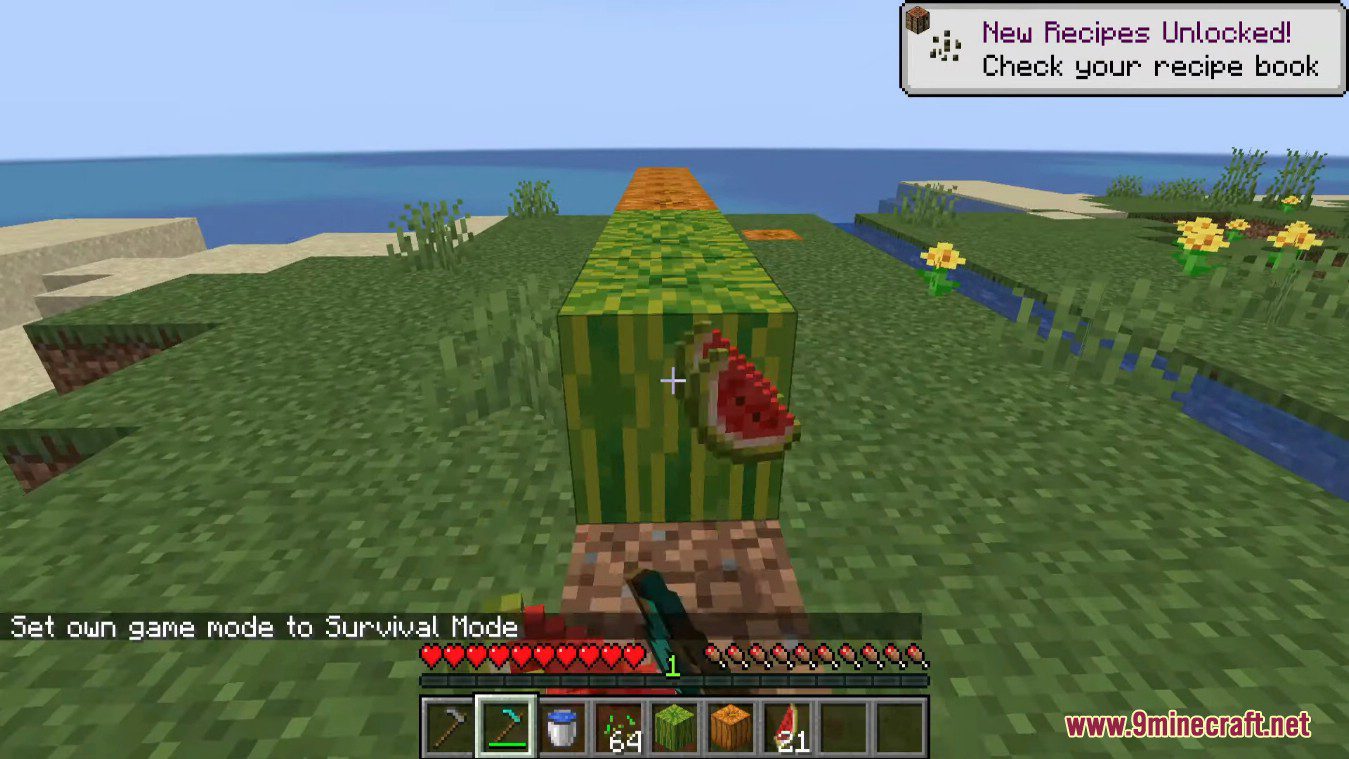
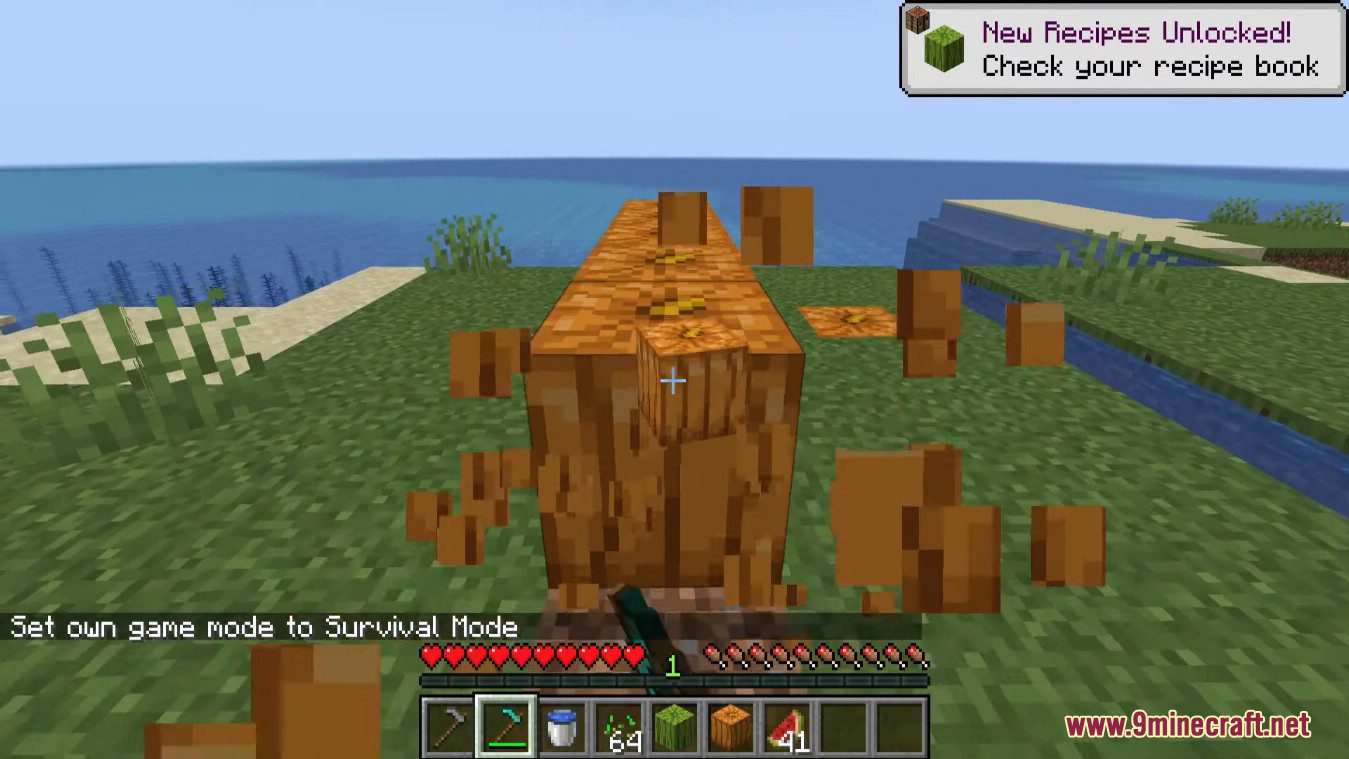
- Harvest pumpkins and melons quicker
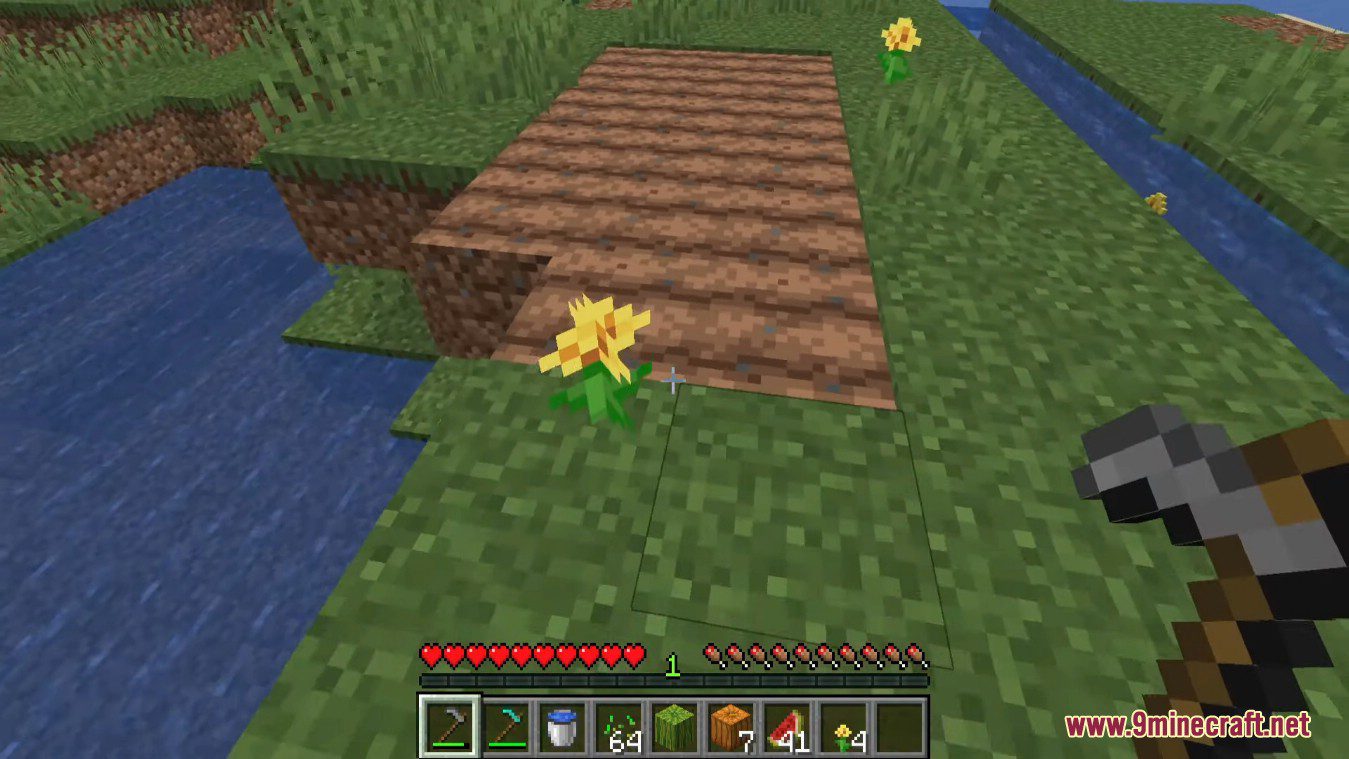
- Till and un-till with a diamond hoe, a default area of 7×7
- And another example with a stone hoe, for an area of 3×3. Right-click a tilled block to un-till
Screenshots:
Configurable:
- onlyUntillWithOtherHandEmpty (default = true): When enabled, only allows the un-till function to work when the other hand is empty. Allows placing seeds with hoe in other hand.
- cropBlockBreakSpeedModifier (default = 8.0, min 0.0, max 20.0): How much quicker a cropblock (pumpkin/melon) is broken than by default.
- mustCrouchToHaveBiggerHoeRange (default = true): Whether the bigger hoe range should only be used if the player is crouching when right-clicking the center block.
- woodenTierHoeRange (default = 0, min 0, max 32): The wooden hoe till range (default while crouching). 0 = 1×1
- stoneTierHoeRange (default = 1, min 0, max 32): The stone hoe till range (default while crouching). 1 = 3×3
- goldTierHoeRange (default = 2, min 0, max 32): The gold hoe till range (default while crouching). 2 = 5×5
- ironTierHoeRange (default = 2, min 0, max 32): The iron hoe till range (default while crouching). 2 = 5×5
- diamondTierHoeRange (default = 3, min 0, max 32): The diamond hoe till range (default while crouching). 3 = 7×7
- netheriteTierHoeRange (default = 4, min 0, max 32): The netherite hoe till range (default while crouching). 4 = 9×9
Hoe Tweaks Mod Download Links
Quick facts
- Edition: Minecraft Java
- File type: .jar
- Minecraft version listed: 1.20.1
- How to install: Install the matching mod loader (Forge, Fabric or NeoForge) for your Minecraft version. → Download the .jar. → Put it in the .minecraft/mods folder and launch that loader profile.
- Where to get it: In MC Java Mods, or directly above on this page.
Install steps are the general flow for this file type — How to install Minecraft Java mods & modpacks walks through it step by step.
Verified by MCModsHub
- Downloads as 83924.mcaddon
- Download size: 43 KB
- Download link checked 24 Sept 2026 — working
- Mirrored on our own servers — the download does not depend on the original host
These come from our own check of the pack file, not from the source page.