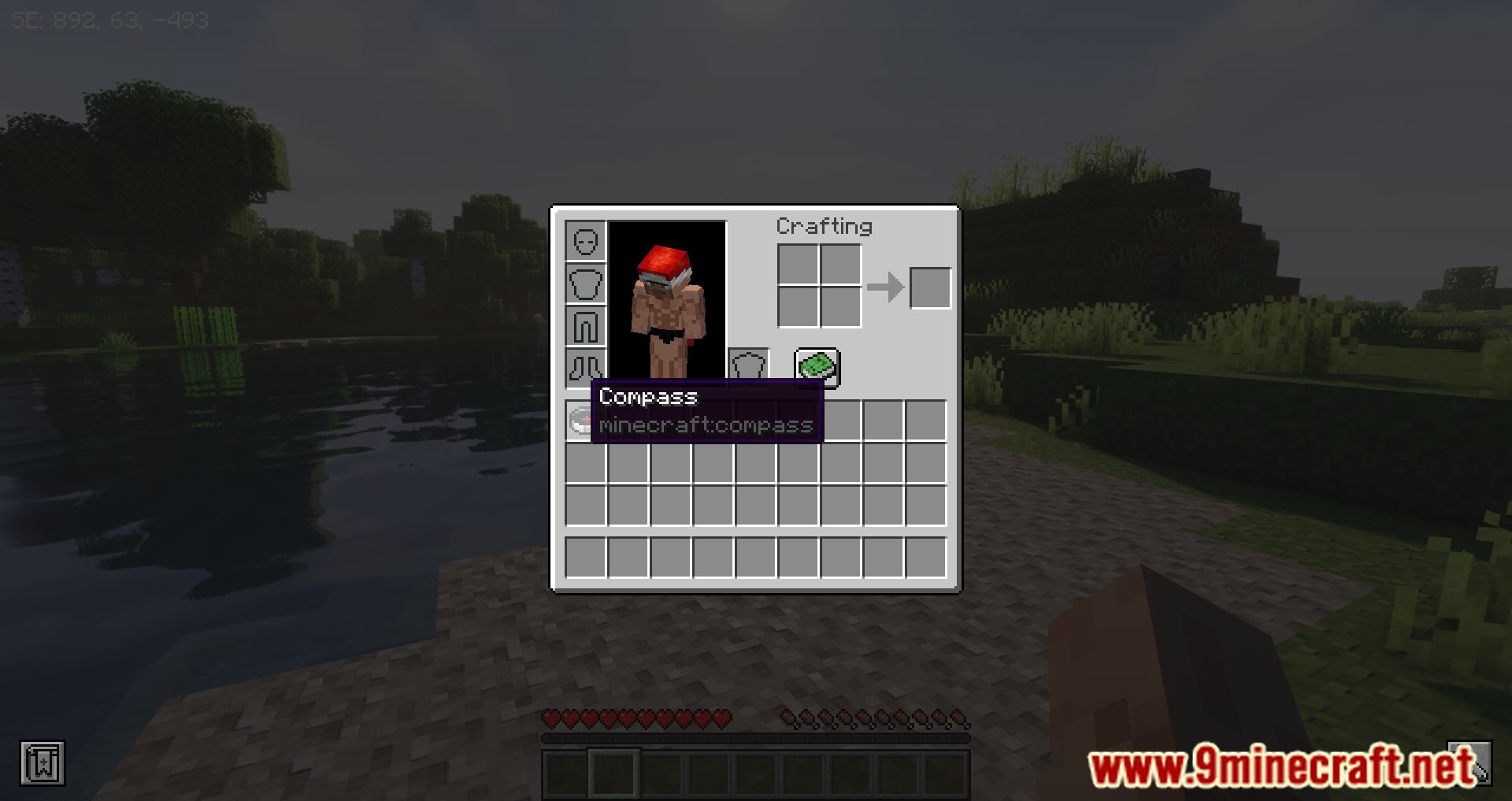
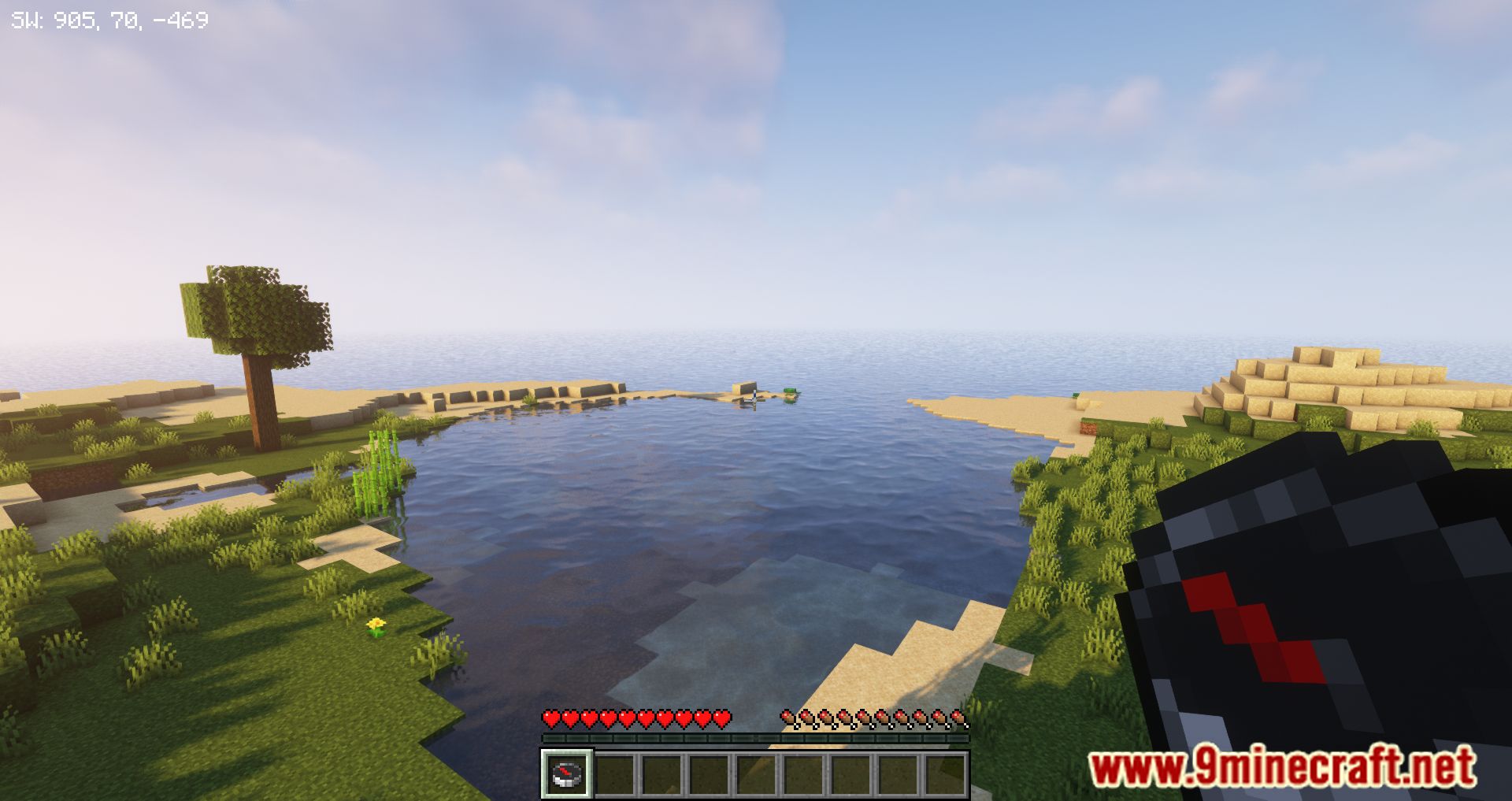
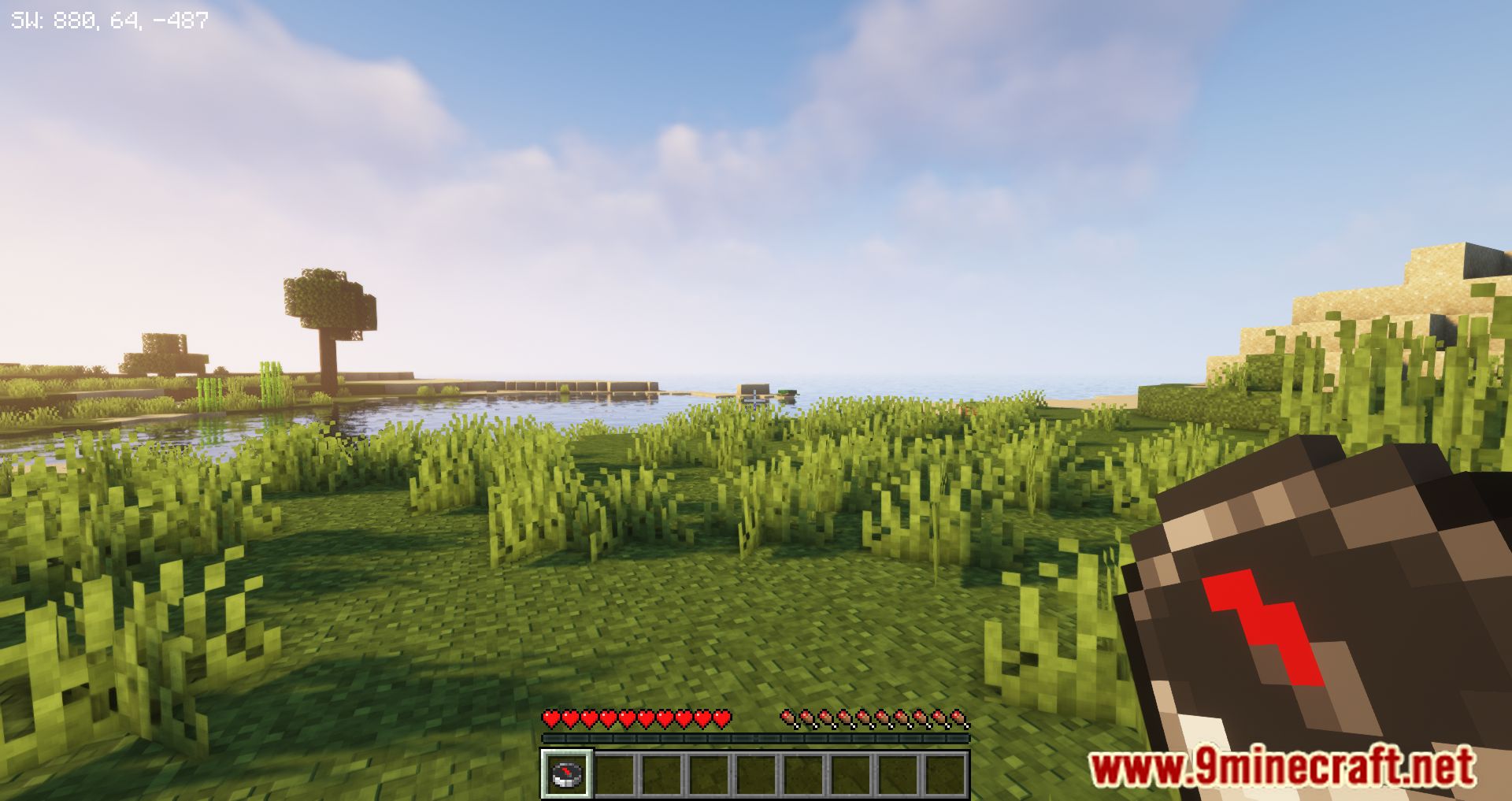
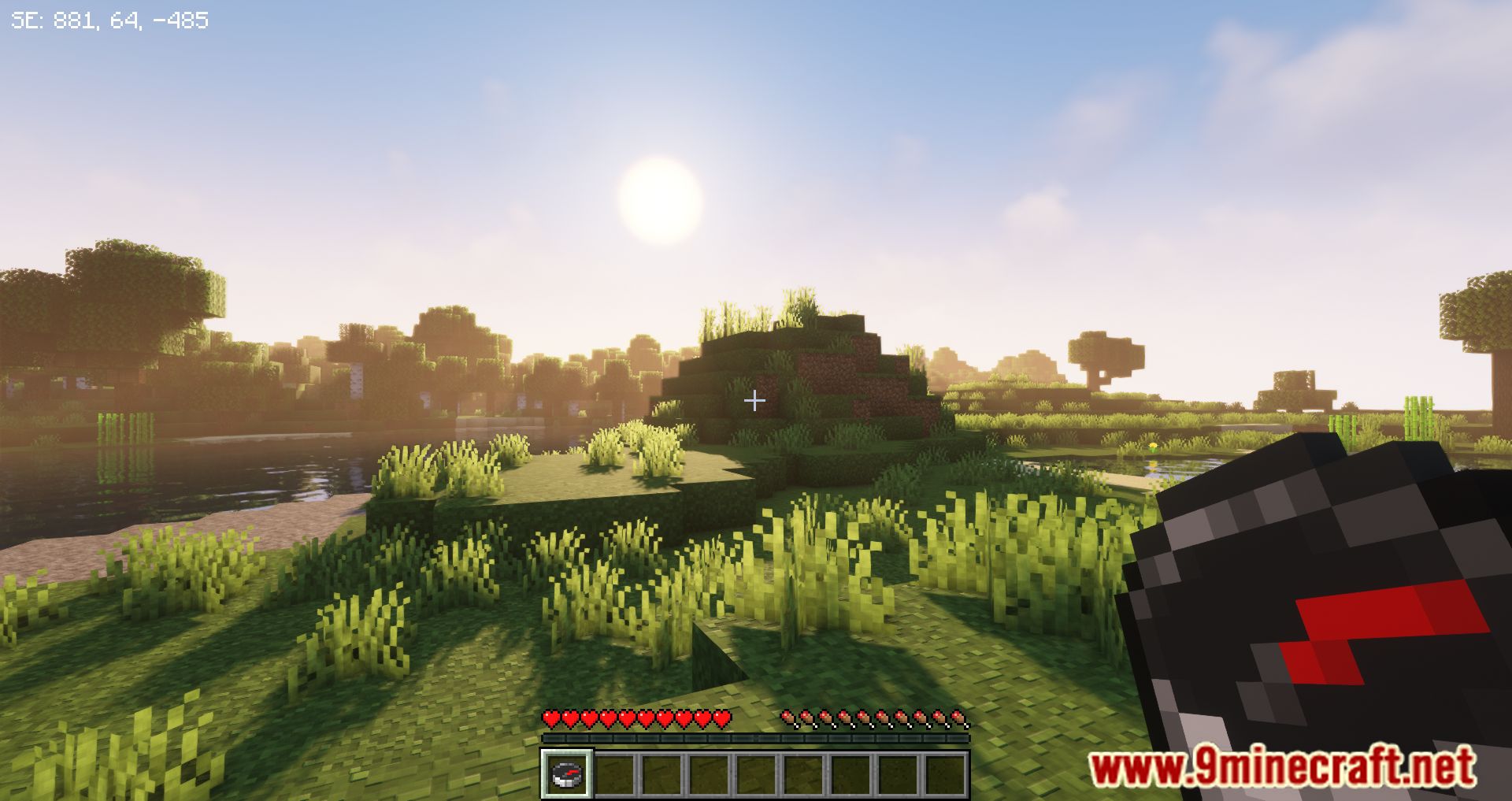
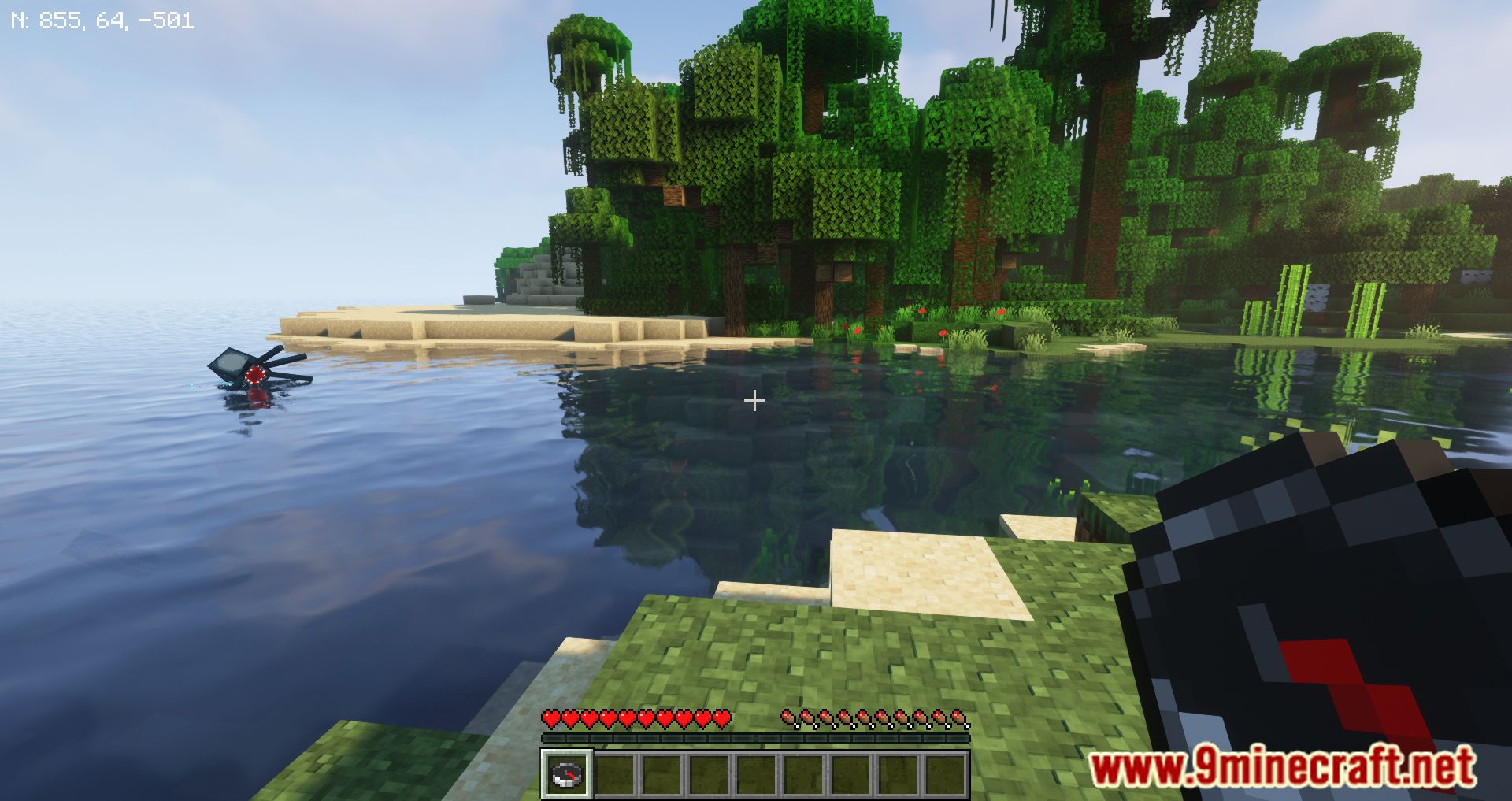
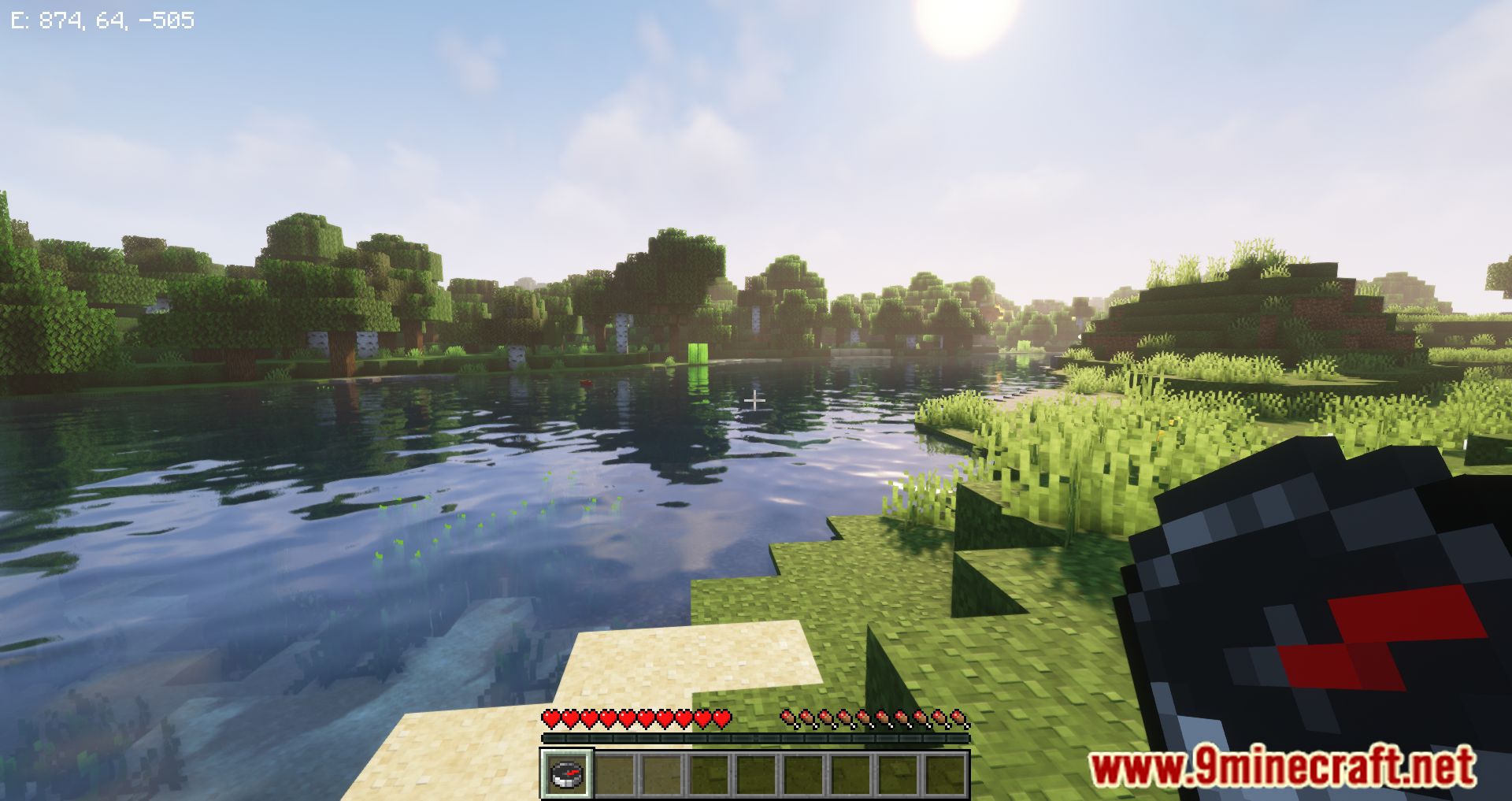
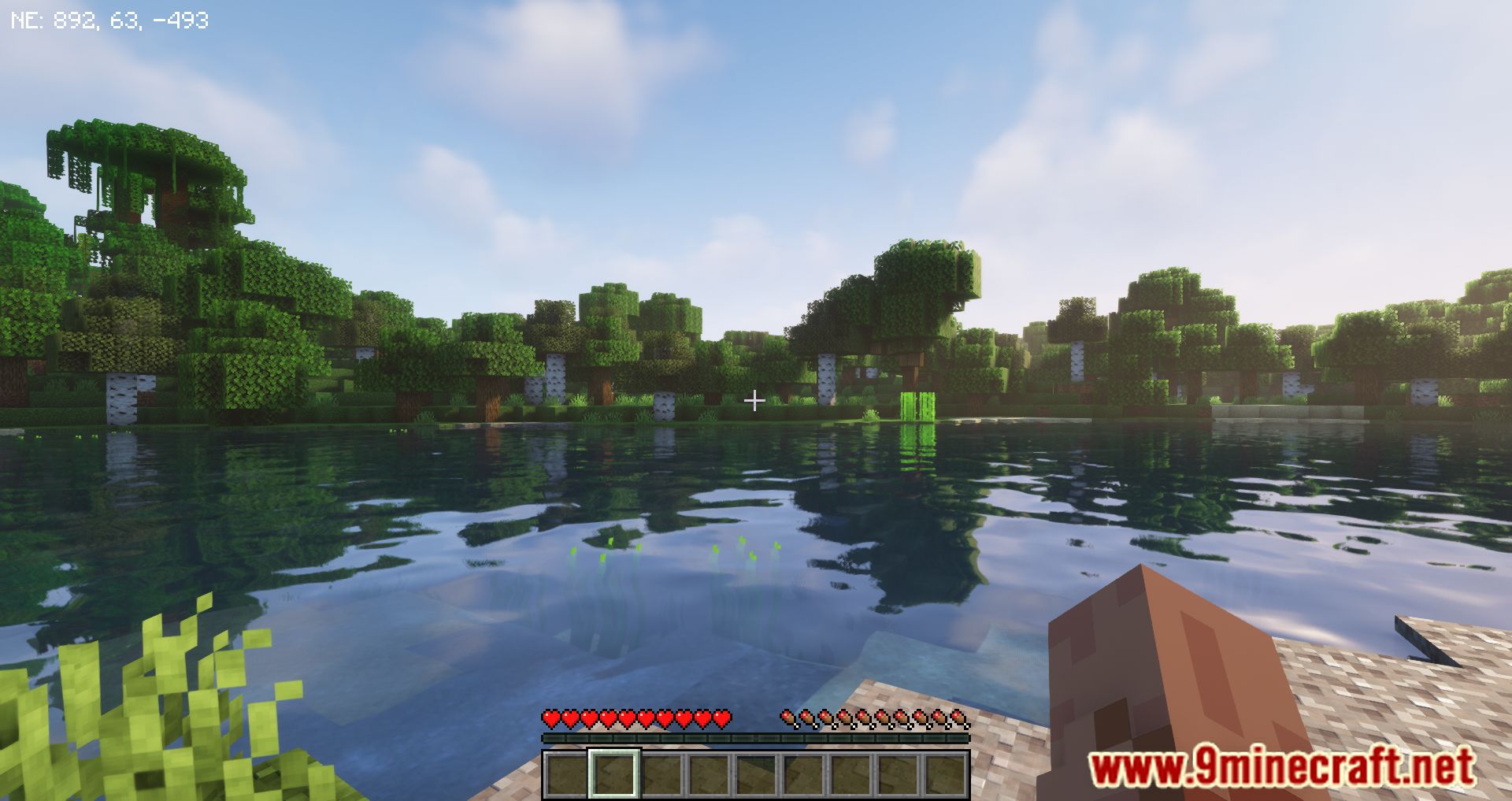
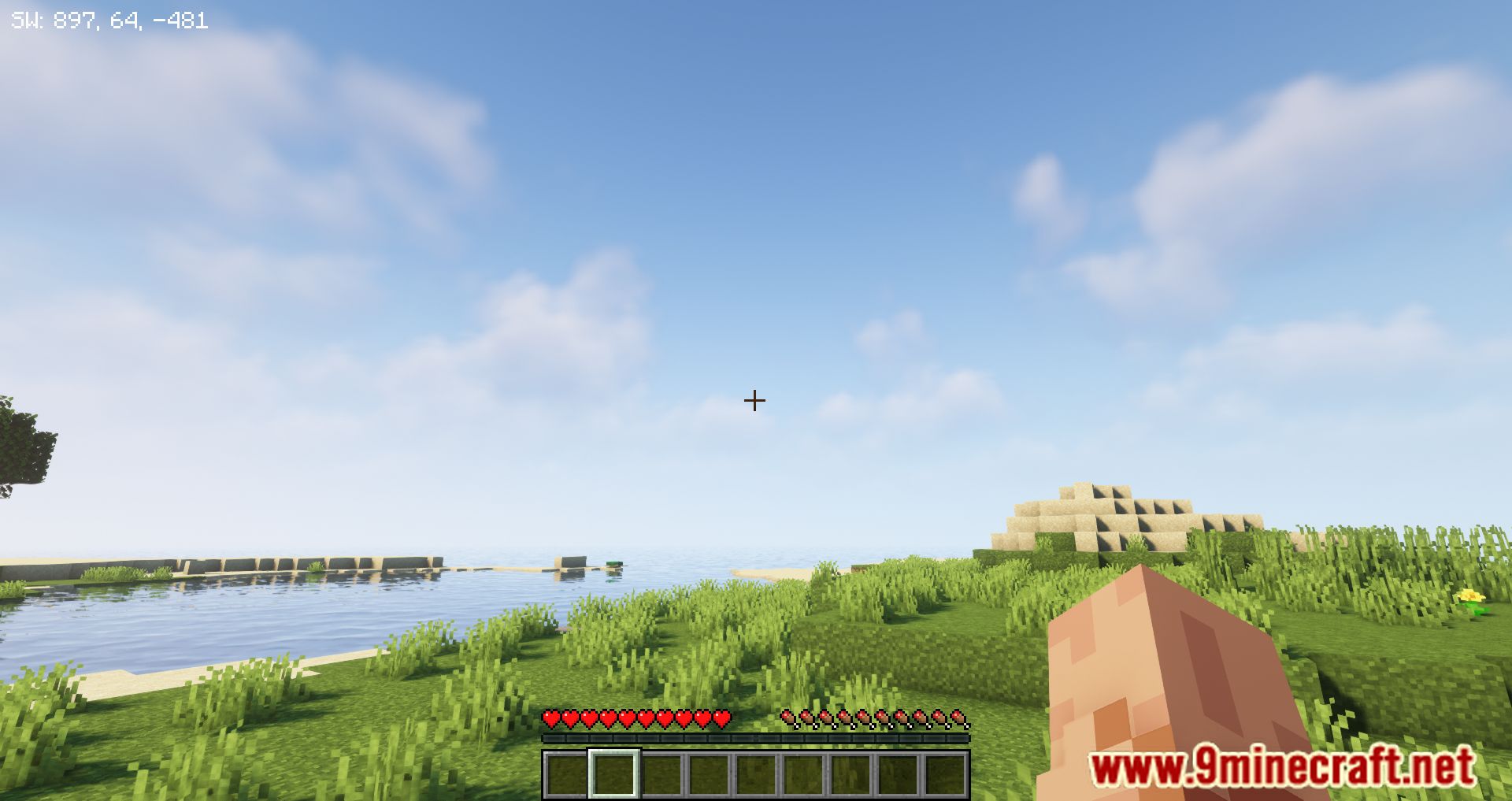
GUI Compass Mod displays your direction and coordinates directly on the screen-as long as you have a compass in your inventory. By default, the position data appears in the top-left corner, but you can customize its placement through the mod’s settings.
Features:
- Shows your facing direction and X, Y, Z coordinates in the GUI.
- Only appears if you have a compass in your inventory (configurable).
- Positioned in the top-left corner by default, with options to move it.
- Configurable Settings:
guiCompassFormat: Customize what’s shown-direction (F), X, Y, Z coordinates.mustHaveCompassInInventory: Toggle whether the compass is required to display info.compassPositionIsLeft/Center/Right: Choose screen placement.compassHeightOffset: Adjust vertical position to avoid GUI overlap.drawTextShadow: Enable or disable shadow under text.RGB_R/G/B: Set custom colors for the compass text.
Screenshots:
GUI Compass Mod Download Links
Quick facts
- Edition: Minecraft Java
- File type: .jar
- Minecraft version listed: 1.20.1
- How to install: Install the matching mod loader (Forge, Fabric or NeoForge) for your Minecraft version. → Download the .jar. → Put it in the .minecraft/mods folder and launch that loader profile.
- Where to get it: In MC Java Mods, or directly above on this page.
Install steps are the general flow for this file type — How to install Minecraft Java mods & modpacks walks through it step by step.
Verified by MCModsHub
- Downloads as 83938.mcaddon
- Download size: 45 KB
- Download link checked 23 Sept 2026 — working
- Mirrored on our own servers — the download does not depend on the original host
These come from our own check of the pack file, not from the source page.