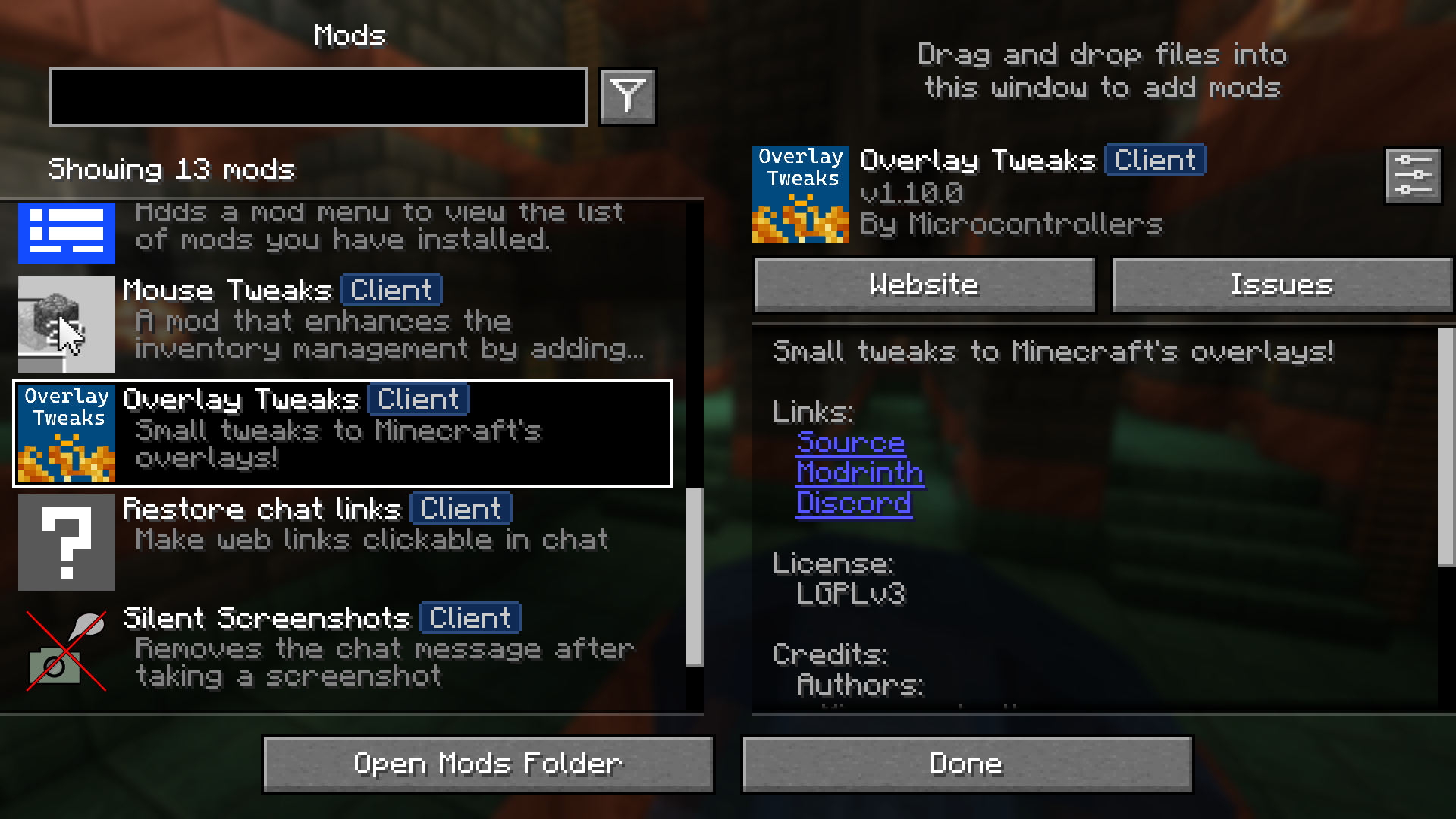
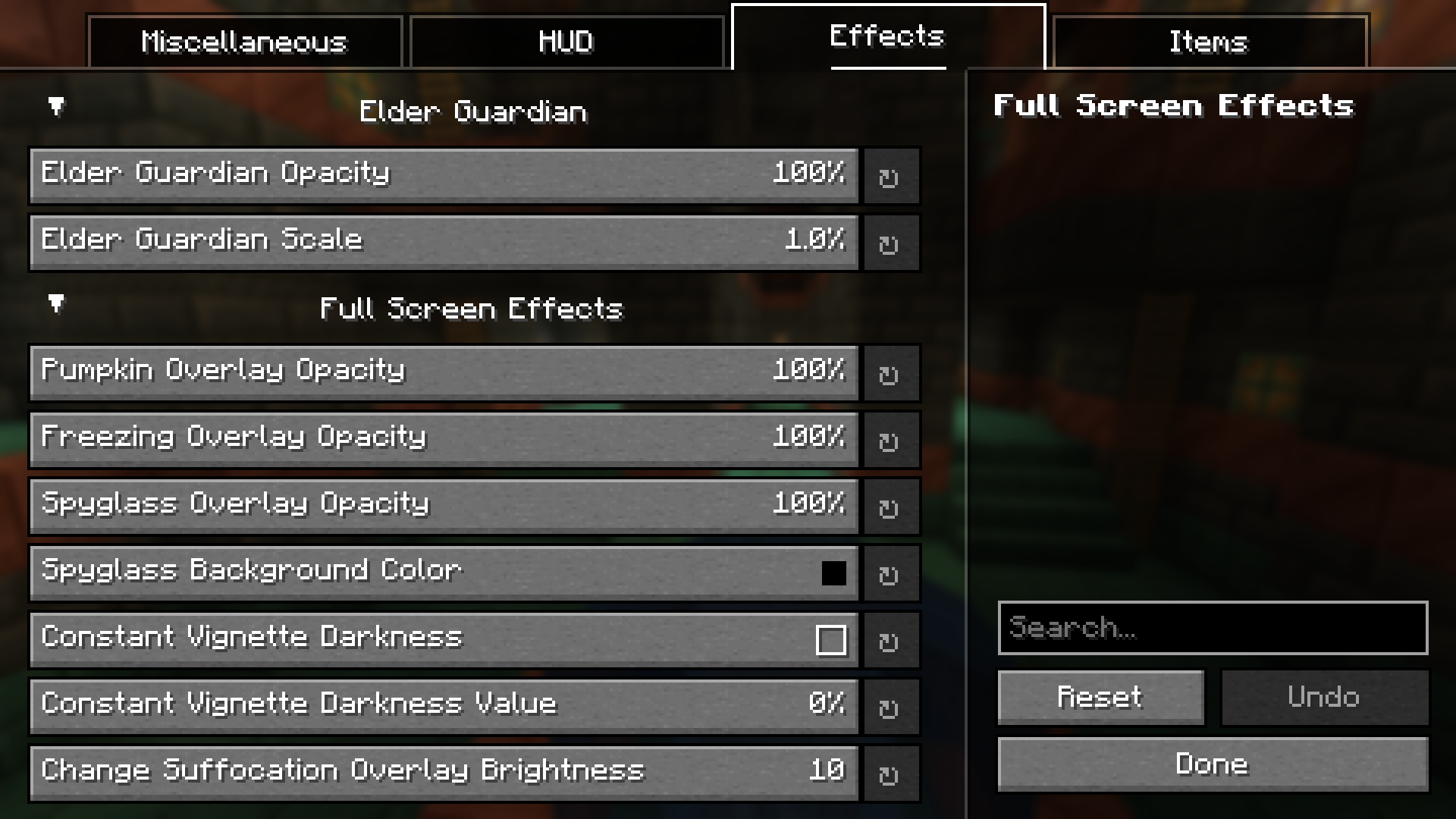
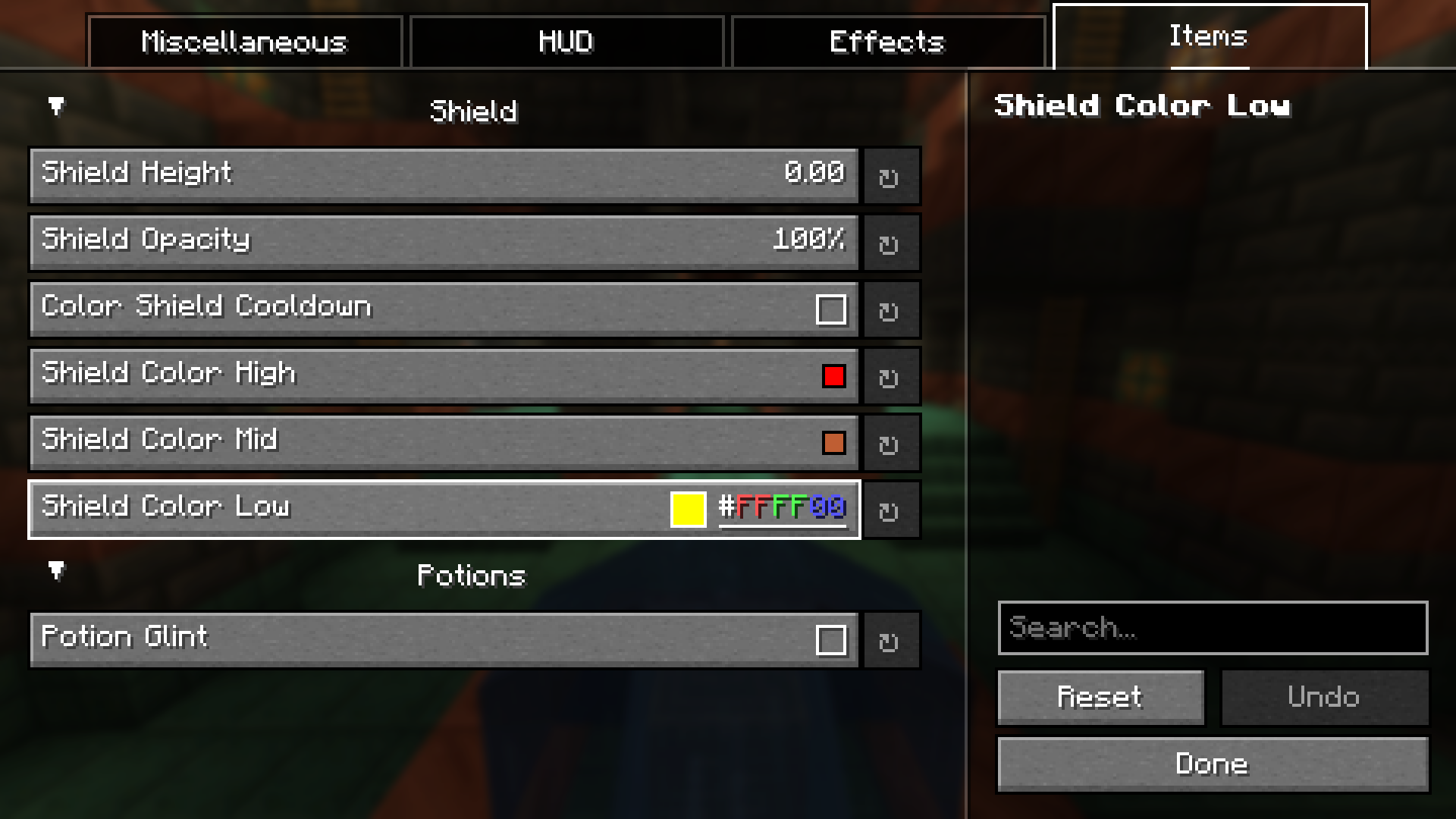
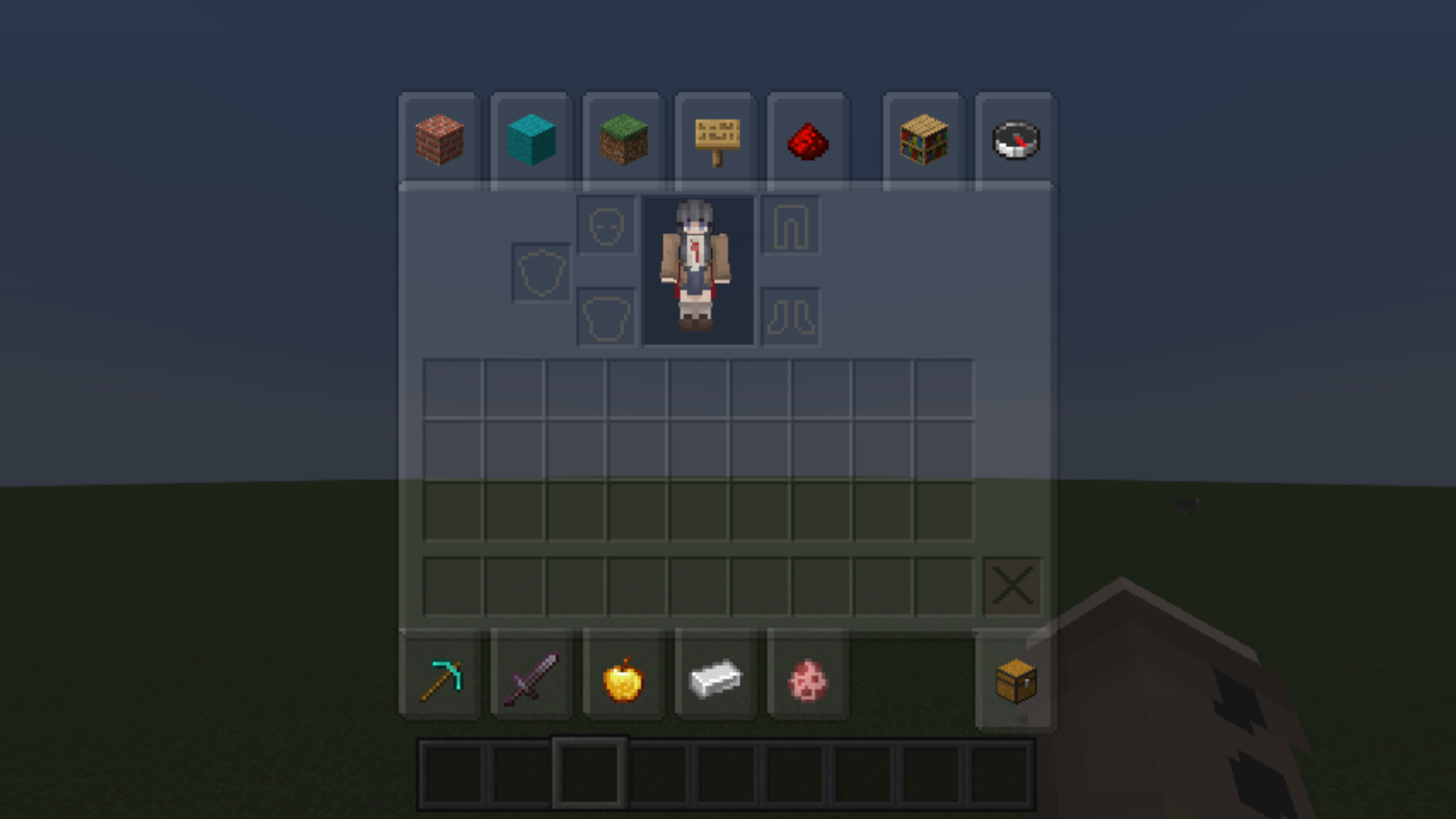
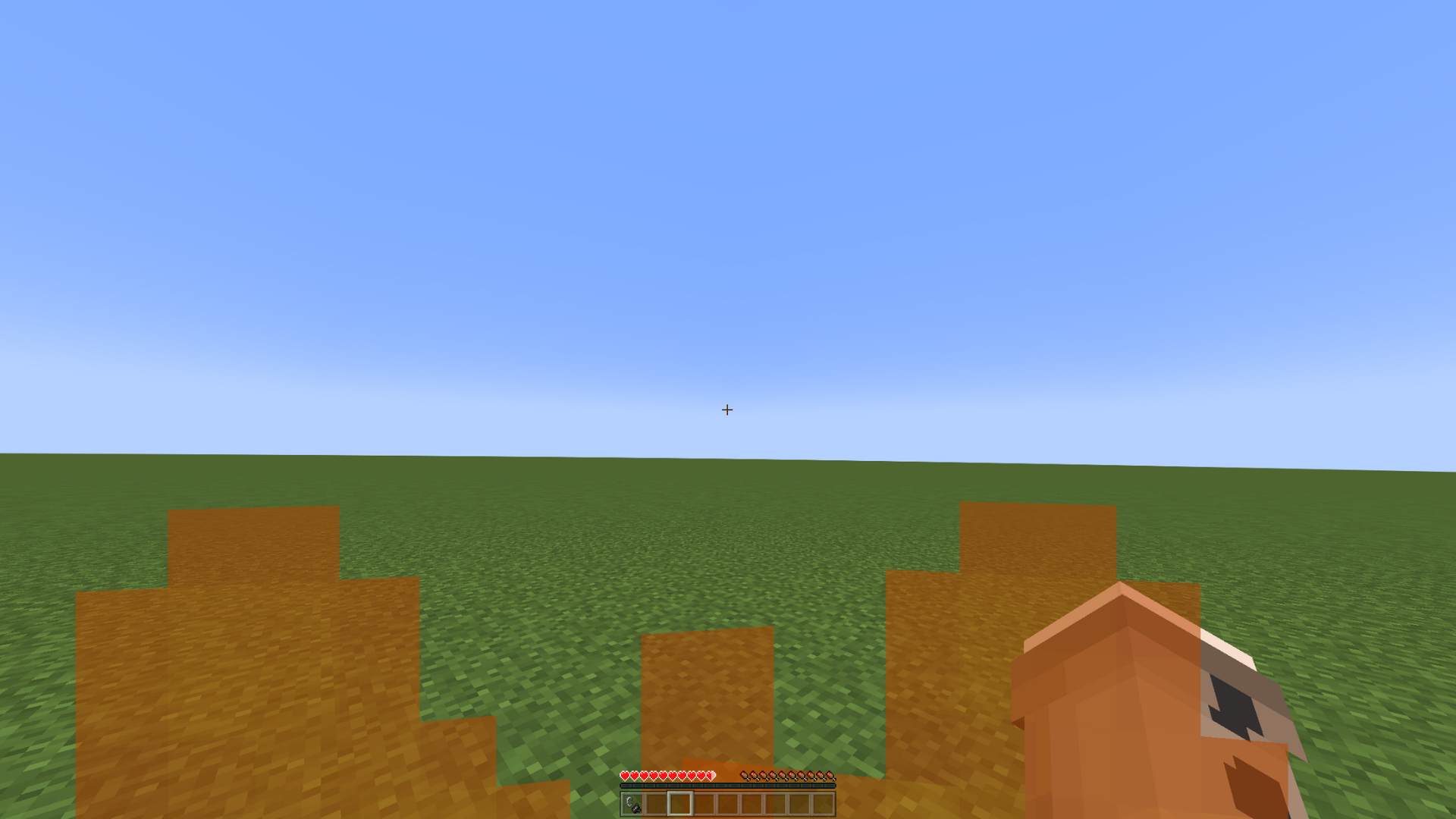
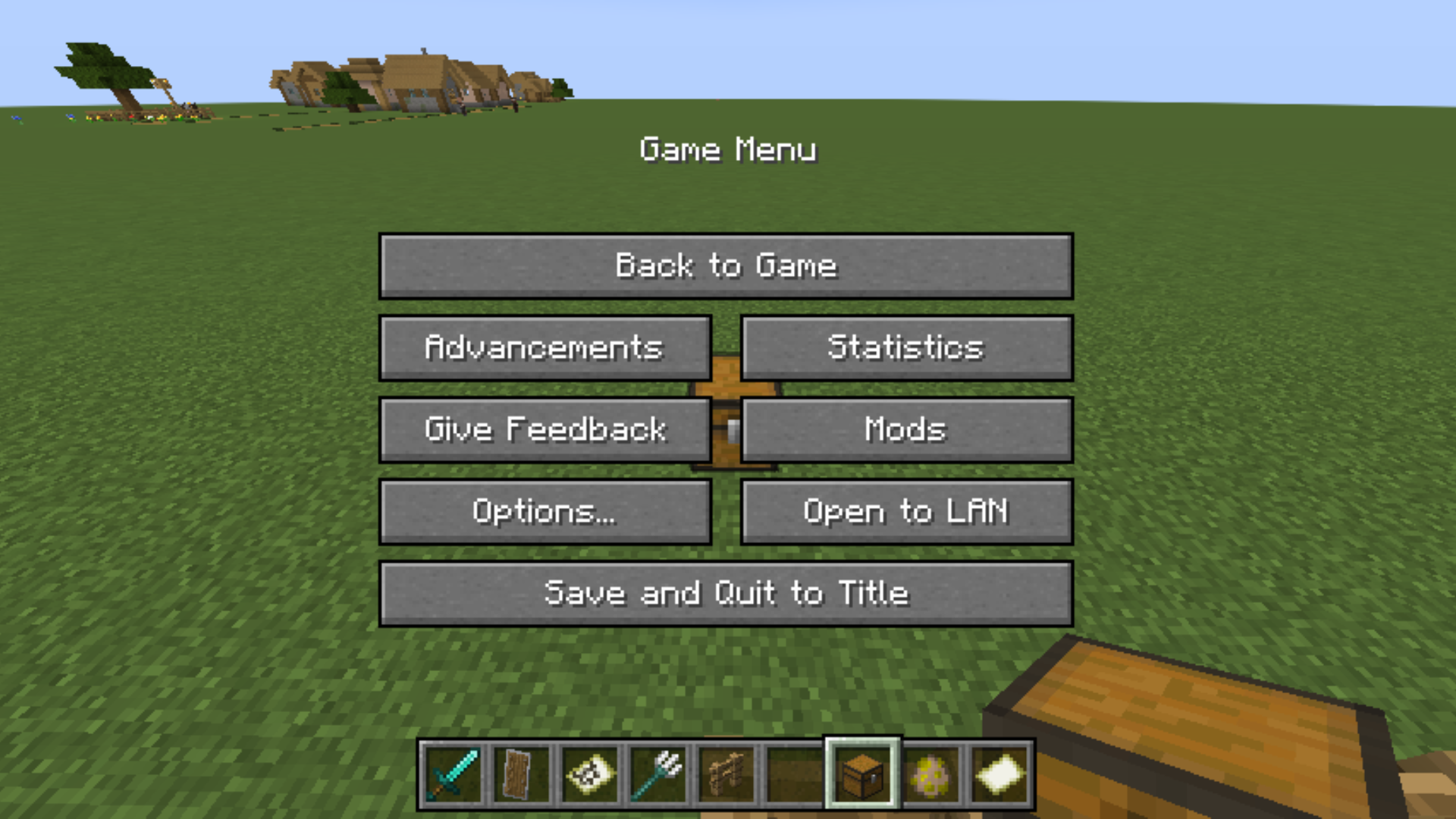
Overlay Tweaks Mod provides enhanced customization for in-game overlays, improving the user experience with various quality-of-life adjustments. It offers a wide range of tweaks for HUD elements, container backgrounds, hand views, and special effects.
Features:
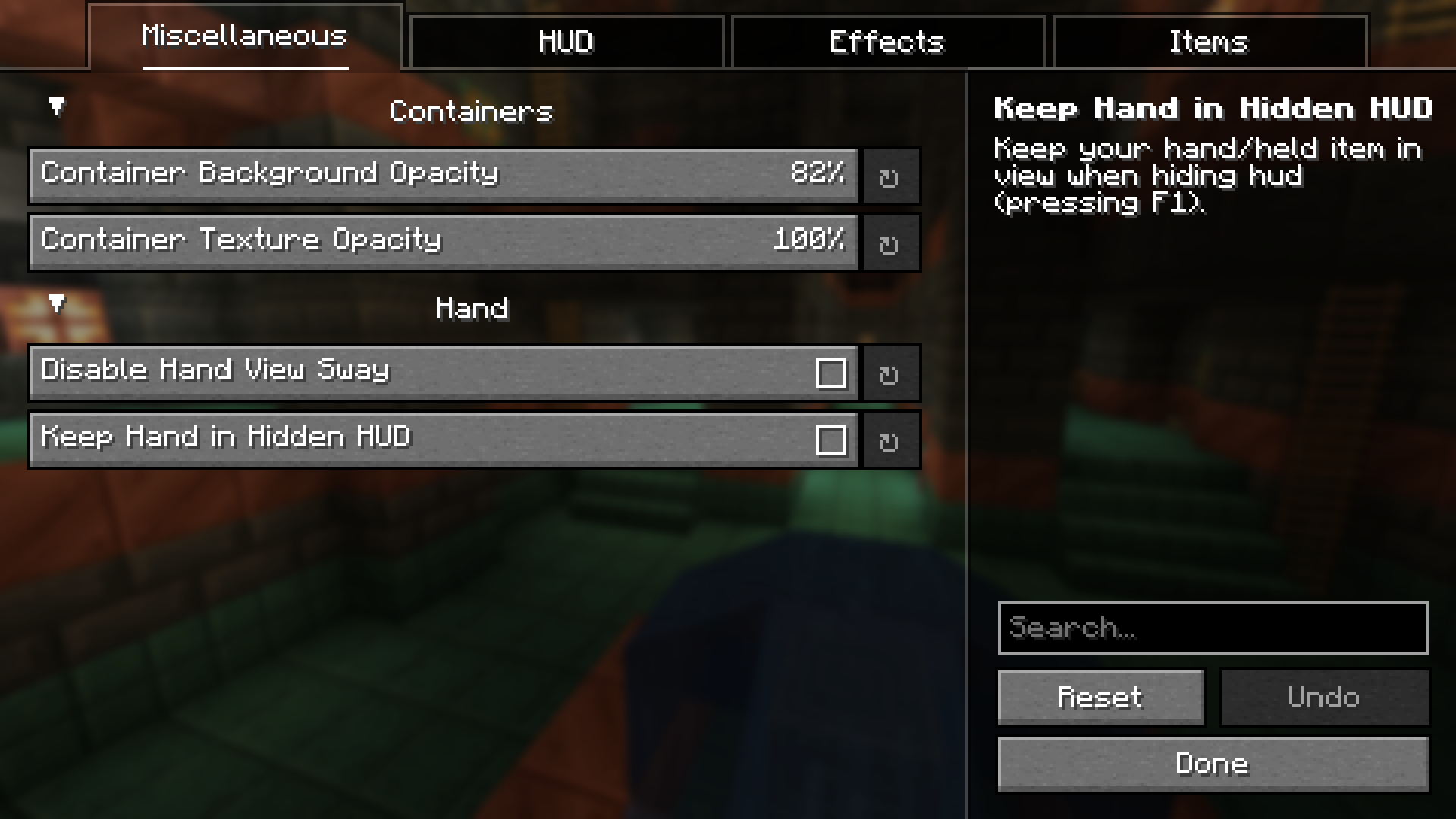
- Container Adjustments:
- Customize background and texture opacity.
- Hand View Customization:
- Disable hand sway.
- Keep hand visible in hidden HUD.
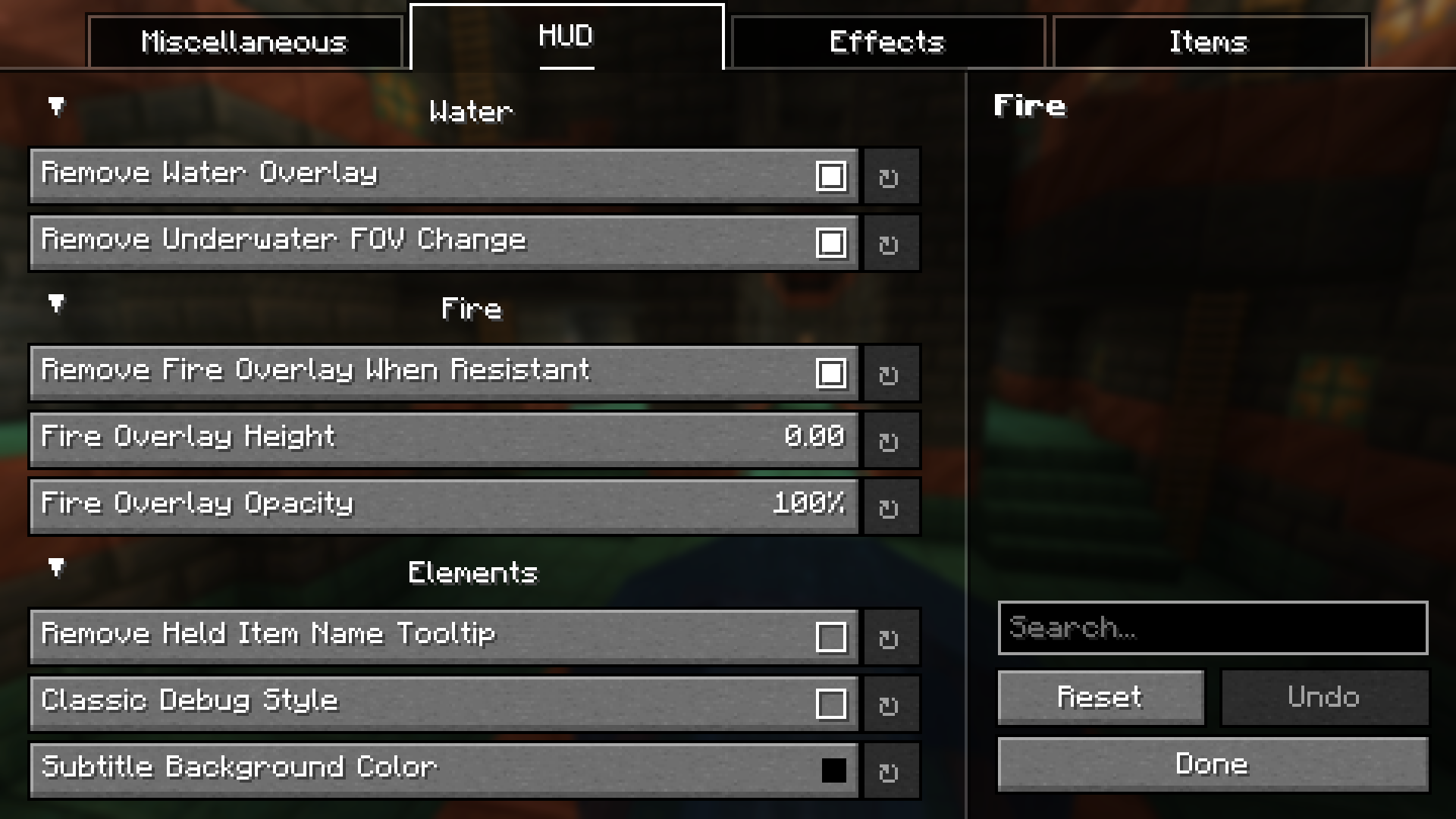
- HUD Tweaks:
- Remove water overlay and underwater FOV changes.
- Adjust fire overlay height and opacity.
- Hide held item tooltips and scoreboard in debug mode.
- Effect Overlays:
- Modify elder guardian opacity and scale.
- Adjust pumpkin, freezing, spyglass, and suffocation overlays.
- Set constant vignette darkness with custom values.
- Item Enhancements:
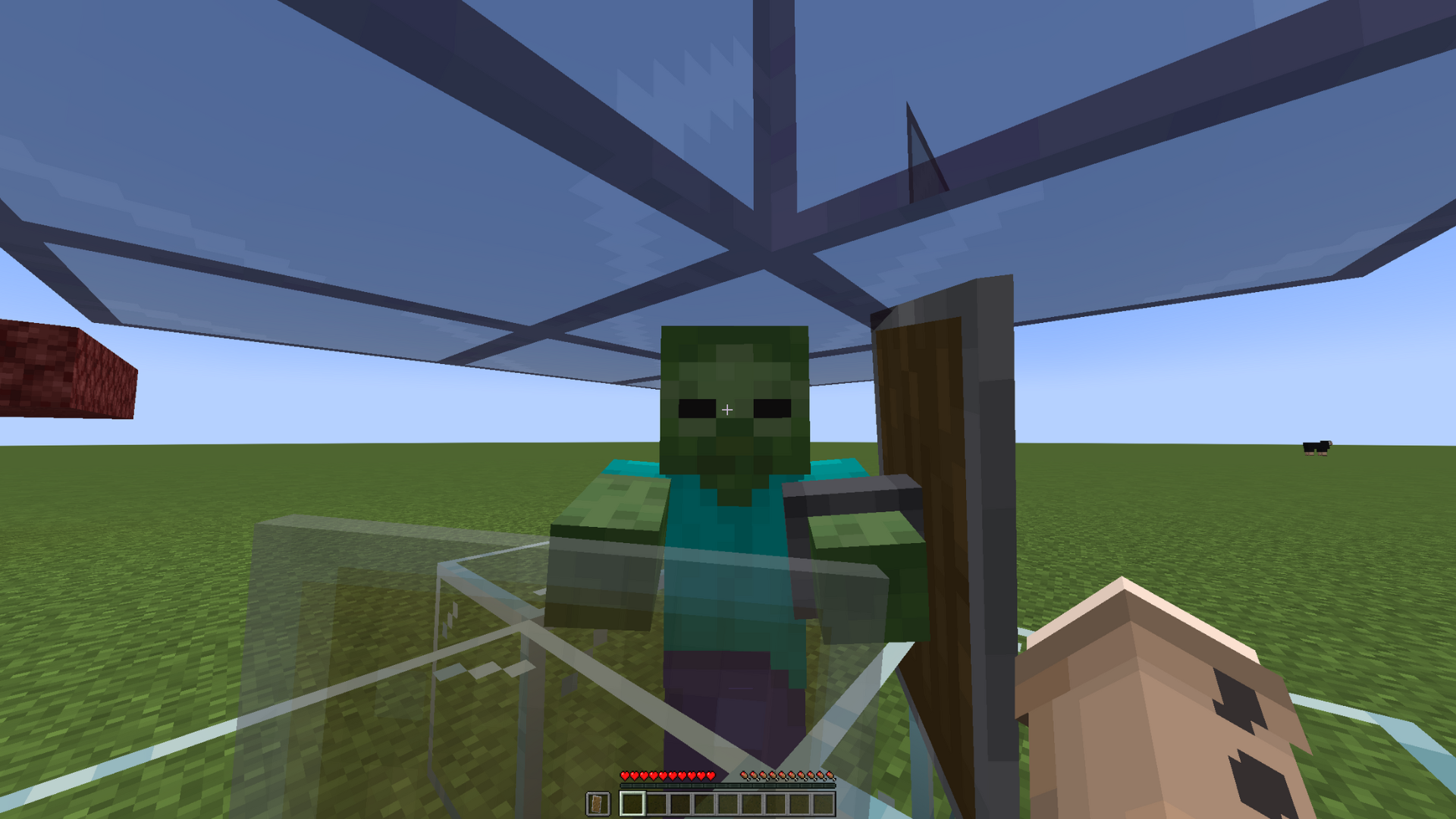
- Adjust shield height and opacity.
- Add colored shield cooldown indicators.
- Modify potion glint effects.
Screenshots:
Overlay Tweaks Mod Download Links
Quick facts
- Edition: Minecraft Java
- File type: .jar
- Minecraft version listed: 1.20.1
- How to install: Install the matching mod loader (Forge, Fabric or NeoForge) for your Minecraft version. → Download the .jar. → Put it in the .minecraft/mods folder and launch that loader profile.
- Where to get it: In MC Java Mods, or directly above on this page.
Install steps are the general flow for this file type — How to install Minecraft Java mods & modpacks walks through it step by step.
Verified by MCModsHub
- Downloads as 83944.mcaddon
- Download size: 22 KB
- Download link checked 22 Sept 2026 — working
- Mirrored on our own servers — the download does not depend on the original host
These come from our own check of the pack file, not from the source page.