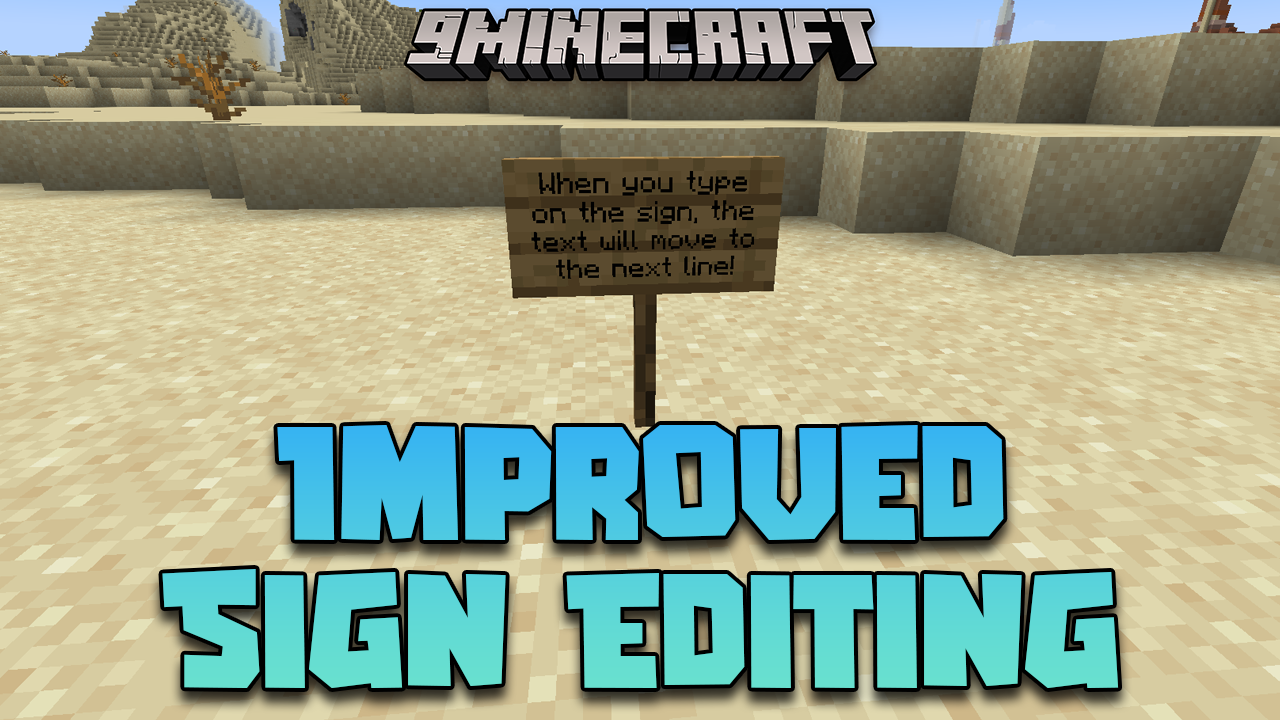
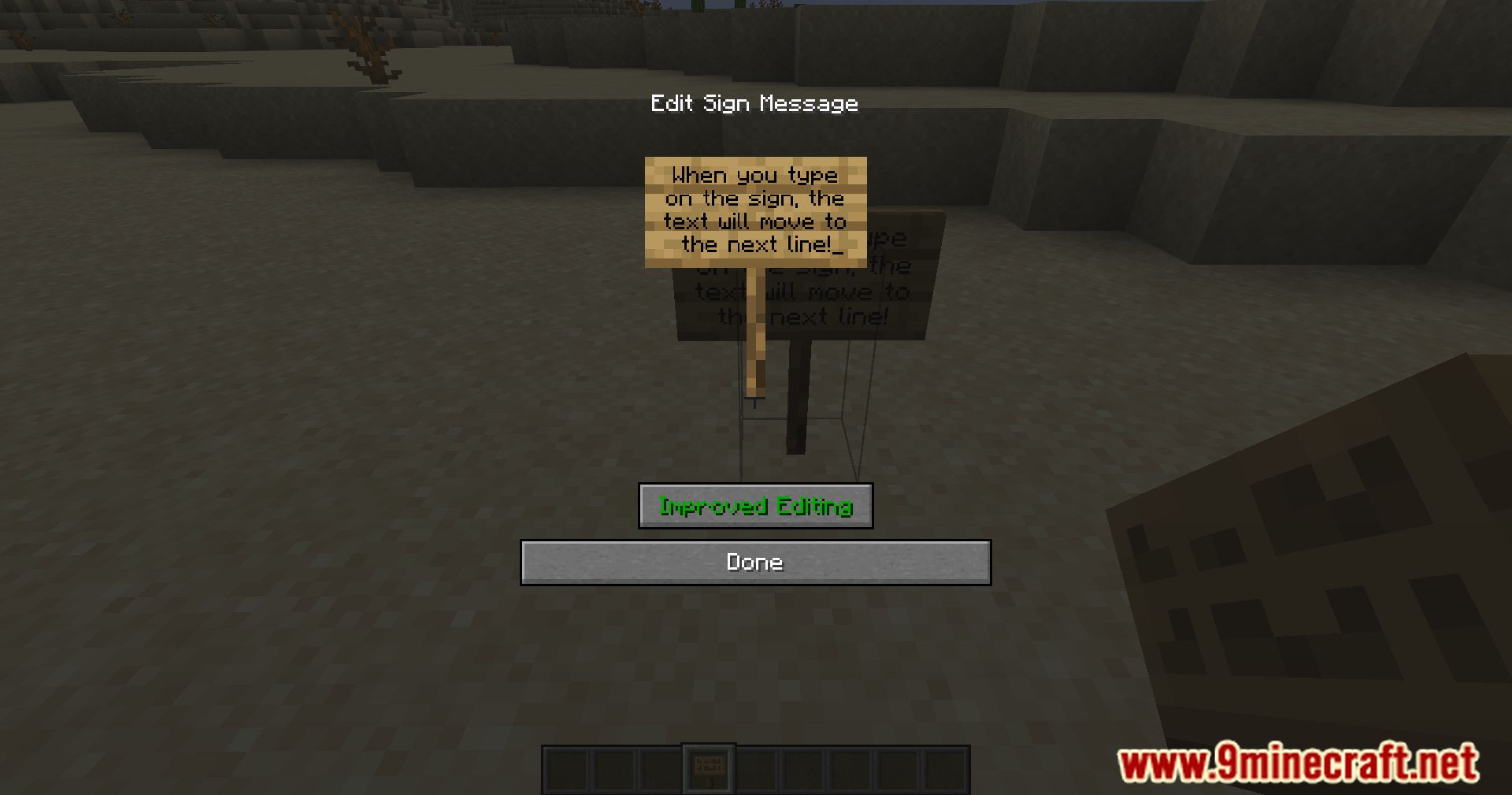
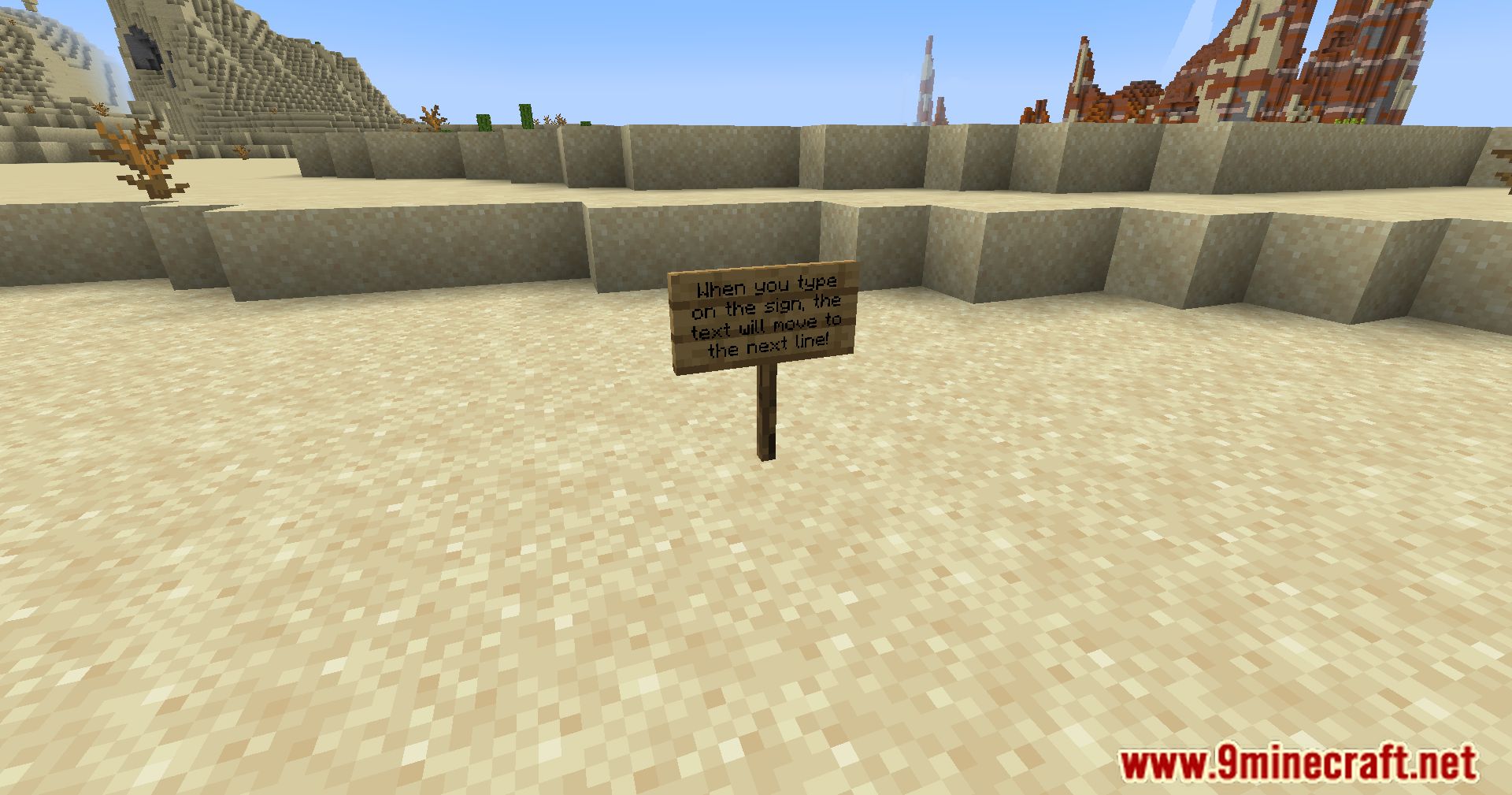
Improved Sign Editing Mod is a client-side quality-of-life upgrade for Minecraft that makes writing on signs smoother, smarter, and far less frustrating.
Features:
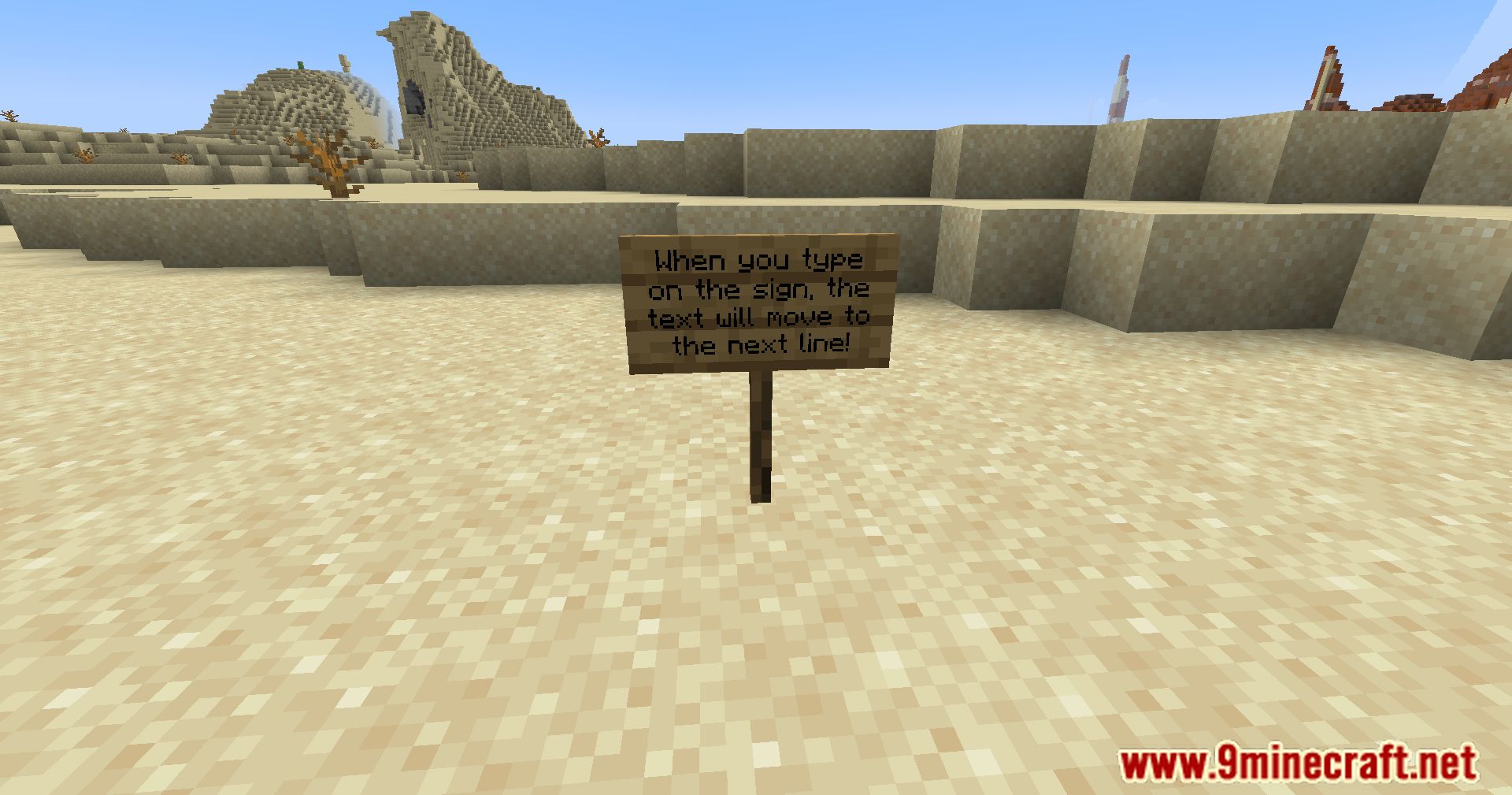
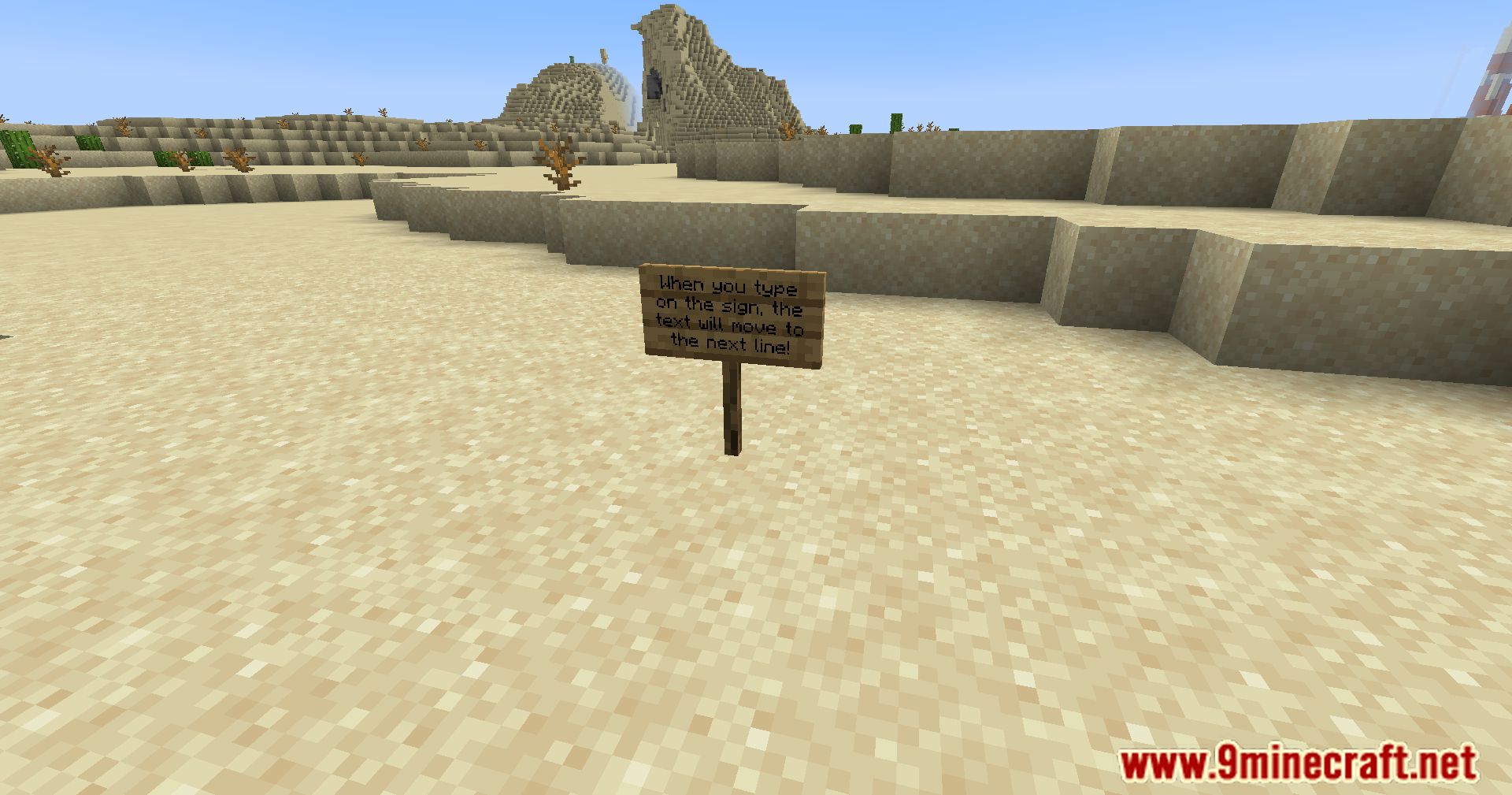
- Automatically shifts words to the next line if they don’t fit-no more manual spacing or guesswork.
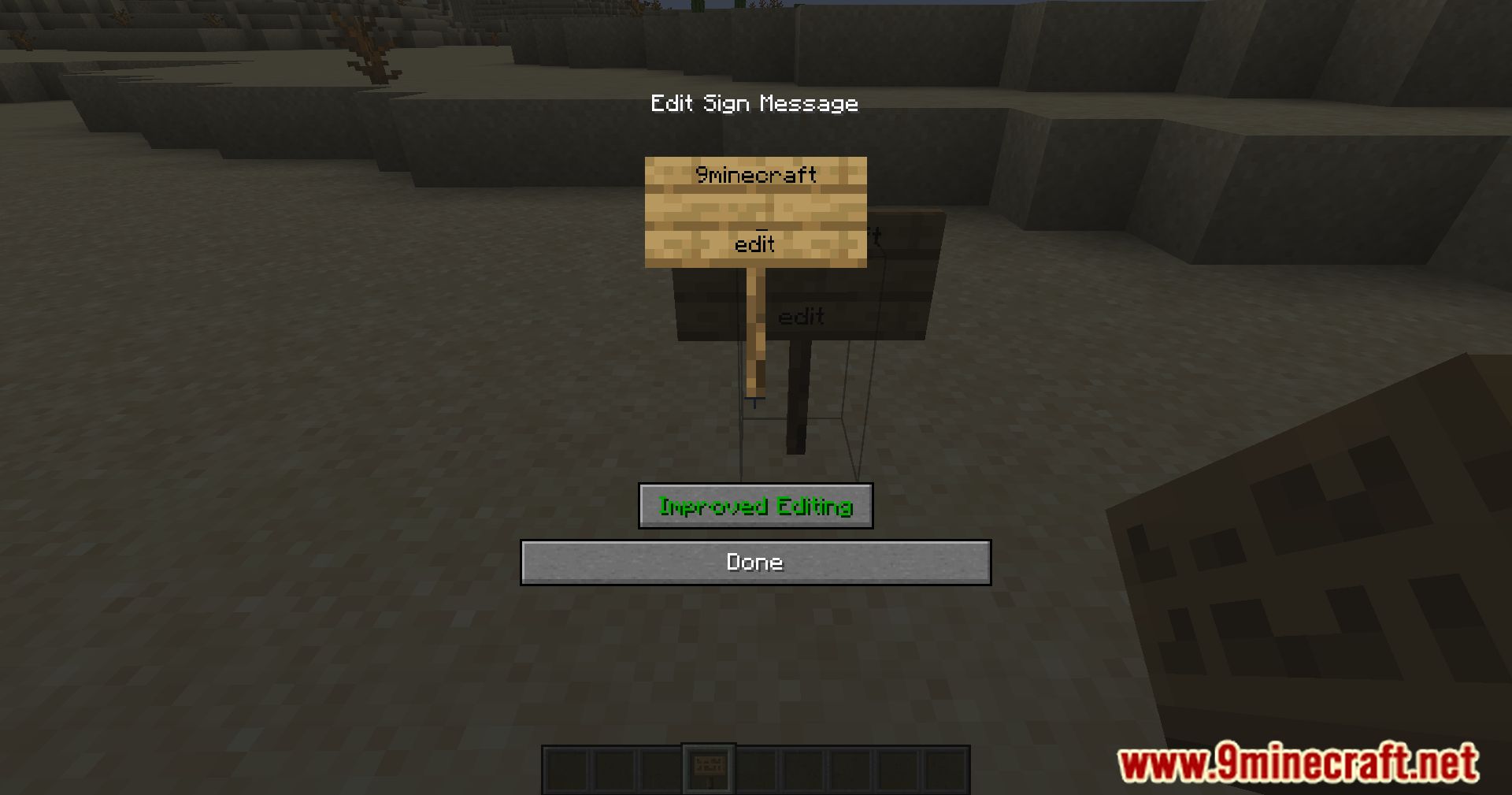
- Deletes across lines intelligently, letting you edit text like a proper document.
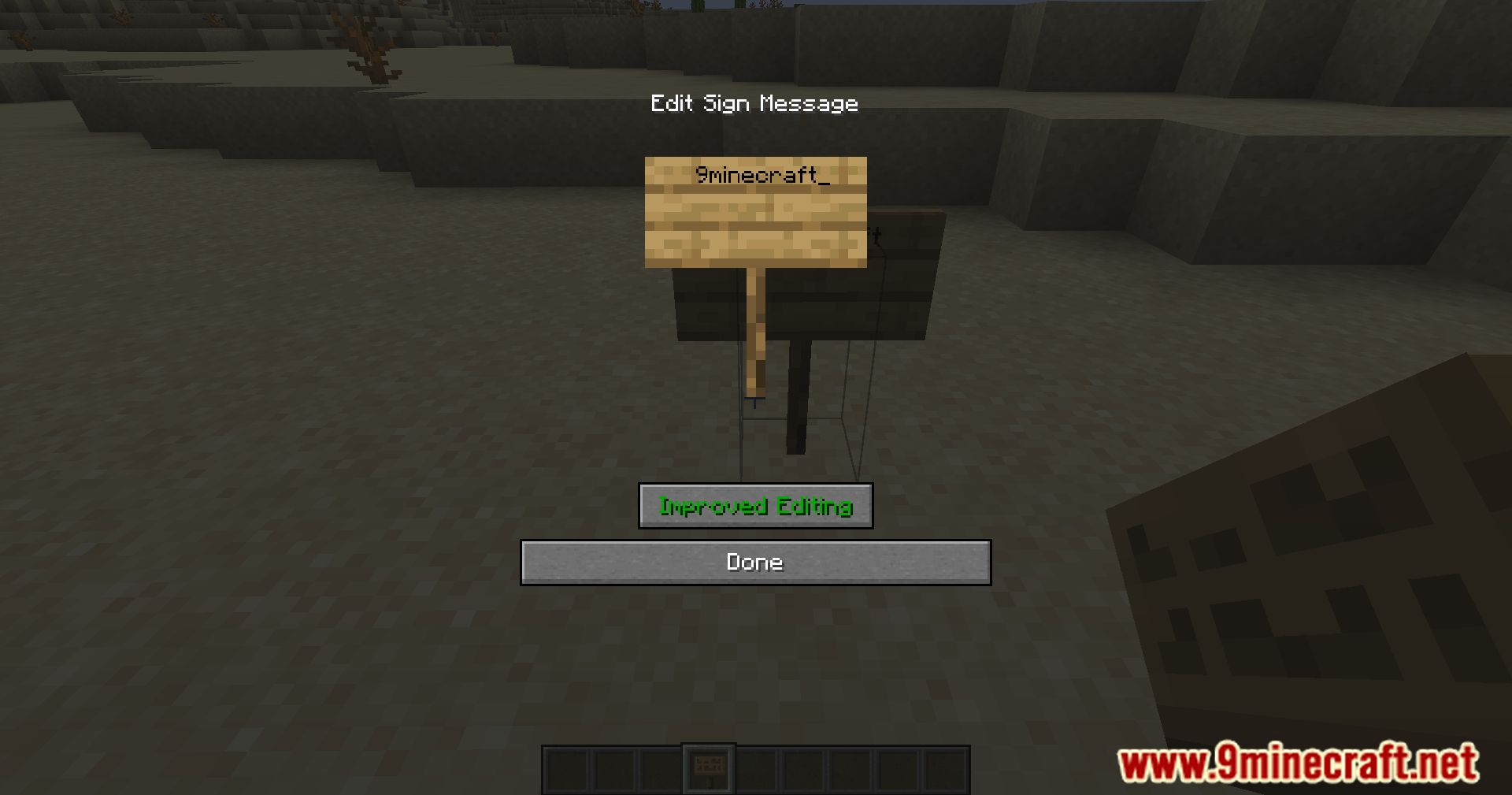
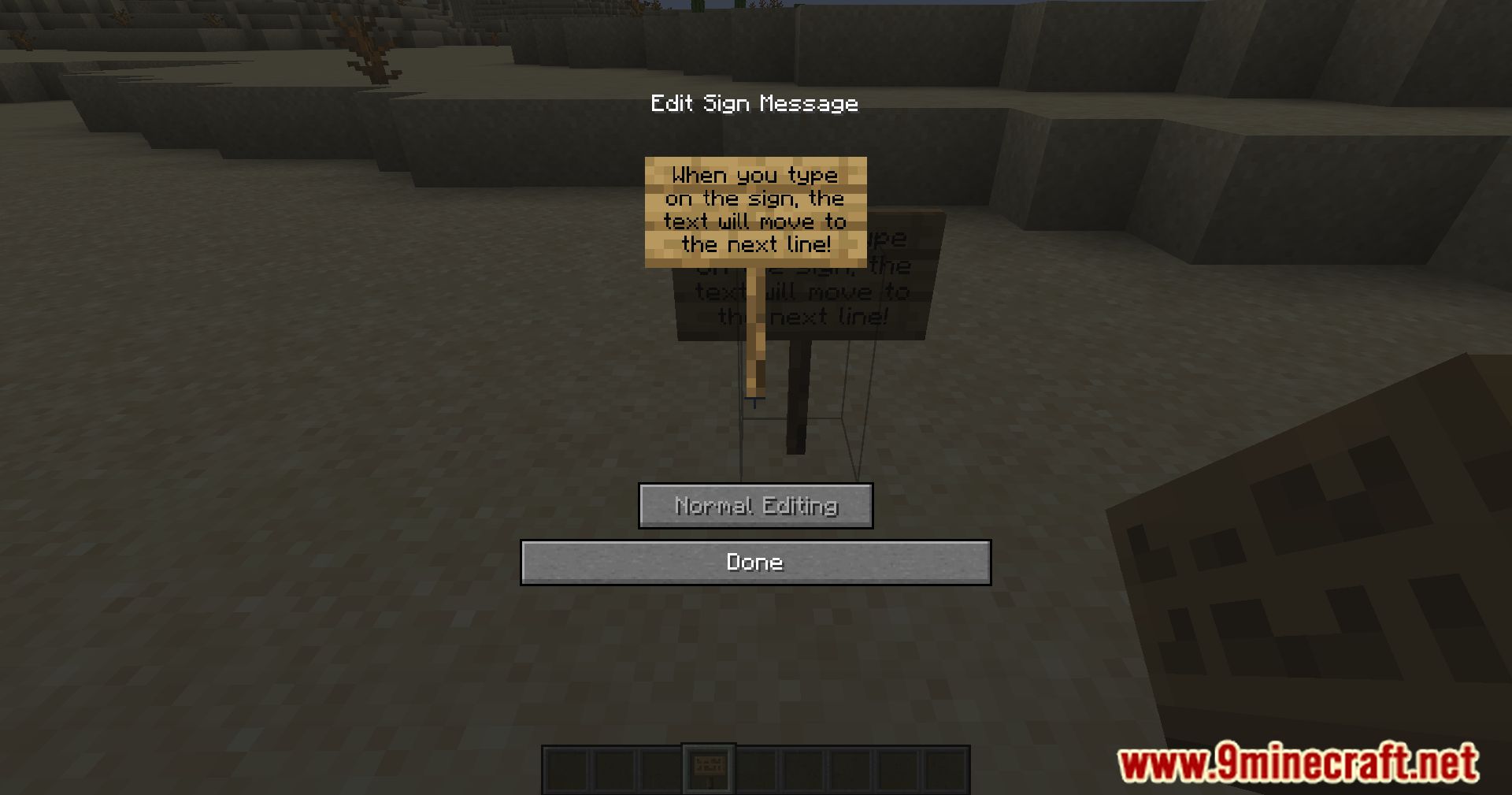
- Toggle Button: A button on the sign editing screen lets you switch between improved and vanilla editing modes.
- Configurable Options:
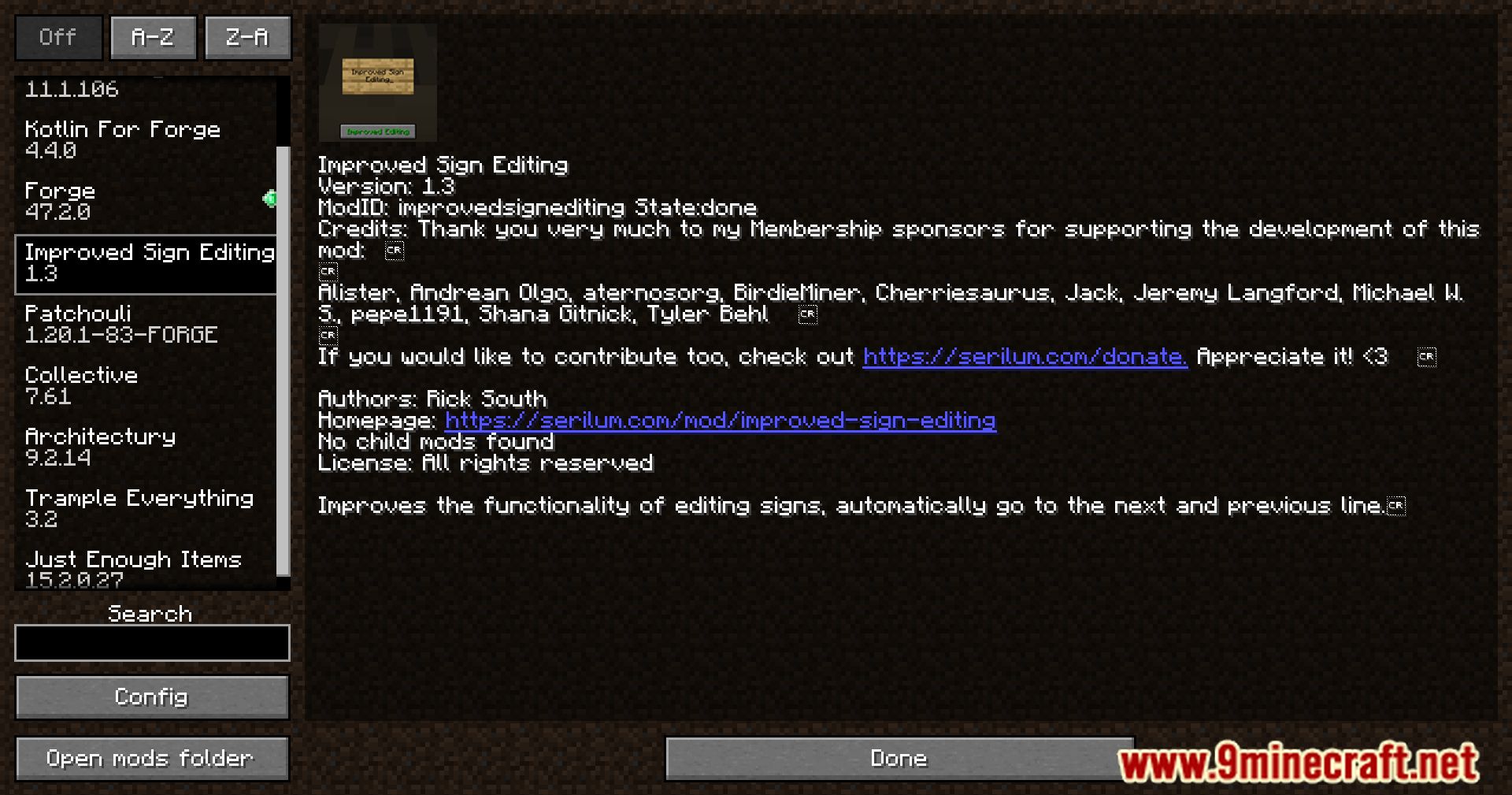
enableImprovedEditing: Turns the feature on or off globally.showImprovedEditingButton: Controls visibility of the toggle button.
Screenshots:
Improved Sign Editing Mod Download Links
Quick facts
- Edition: Minecraft Java
- File type: .jar
- Minecraft version listed: 1.20.1
- How to install: Install the matching mod loader (Forge, Fabric or NeoForge) for your Minecraft version. → Download the .jar. → Put it in the .minecraft/mods folder and launch that loader profile.
- Where to get it: In MC Java Mods, or directly above on this page.
Install steps are the general flow for this file type — How to install Minecraft Java mods & modpacks walks through it step by step.
Verified by MCModsHub
- Downloads as 83945.mcaddon
- Download size: 55 KB
- Download link checked 24 Sept 2026 — working
- Mirrored on our own servers — the download does not depend on the original host
These come from our own check of the pack file, not from the source page.