
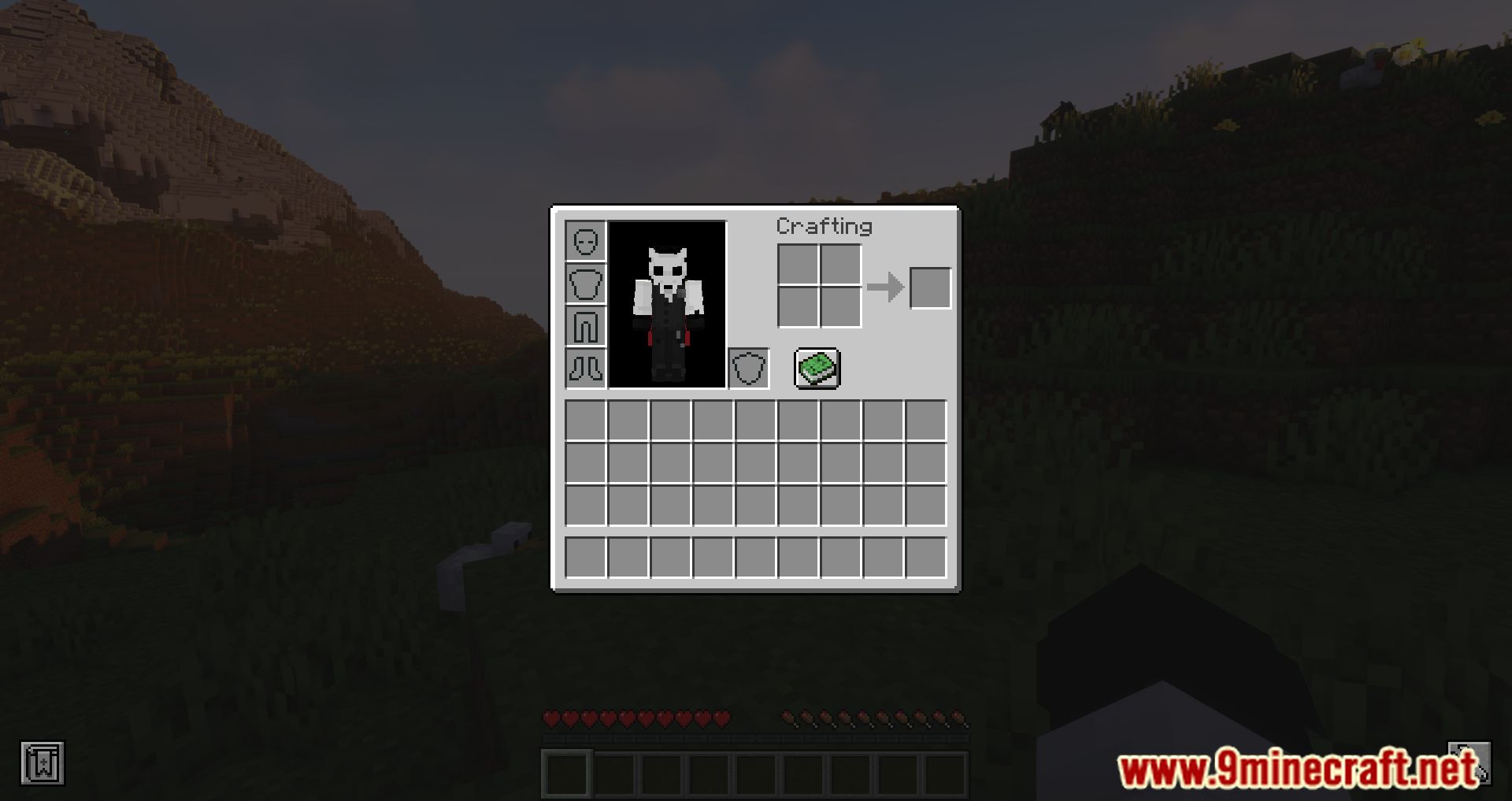
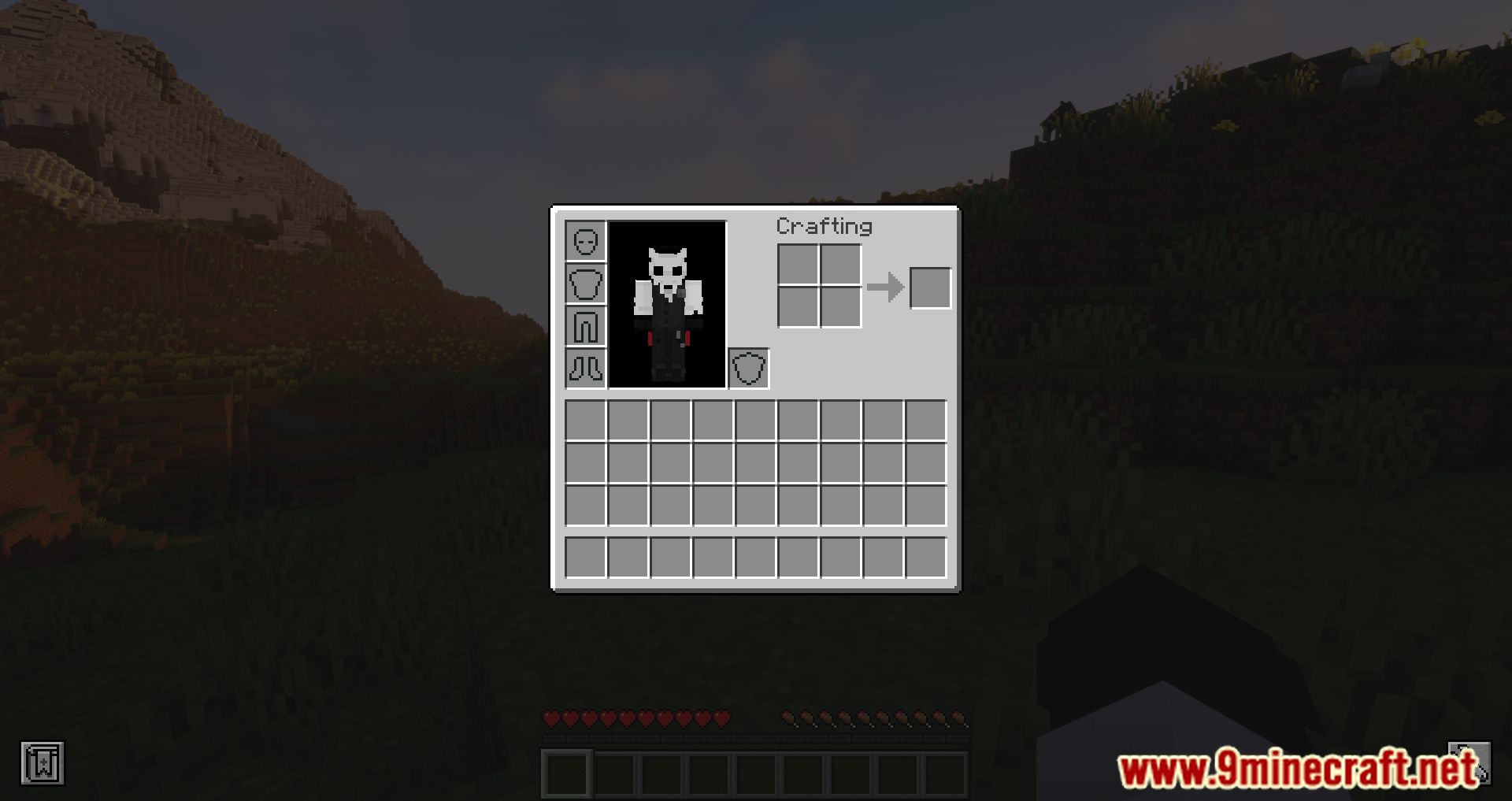
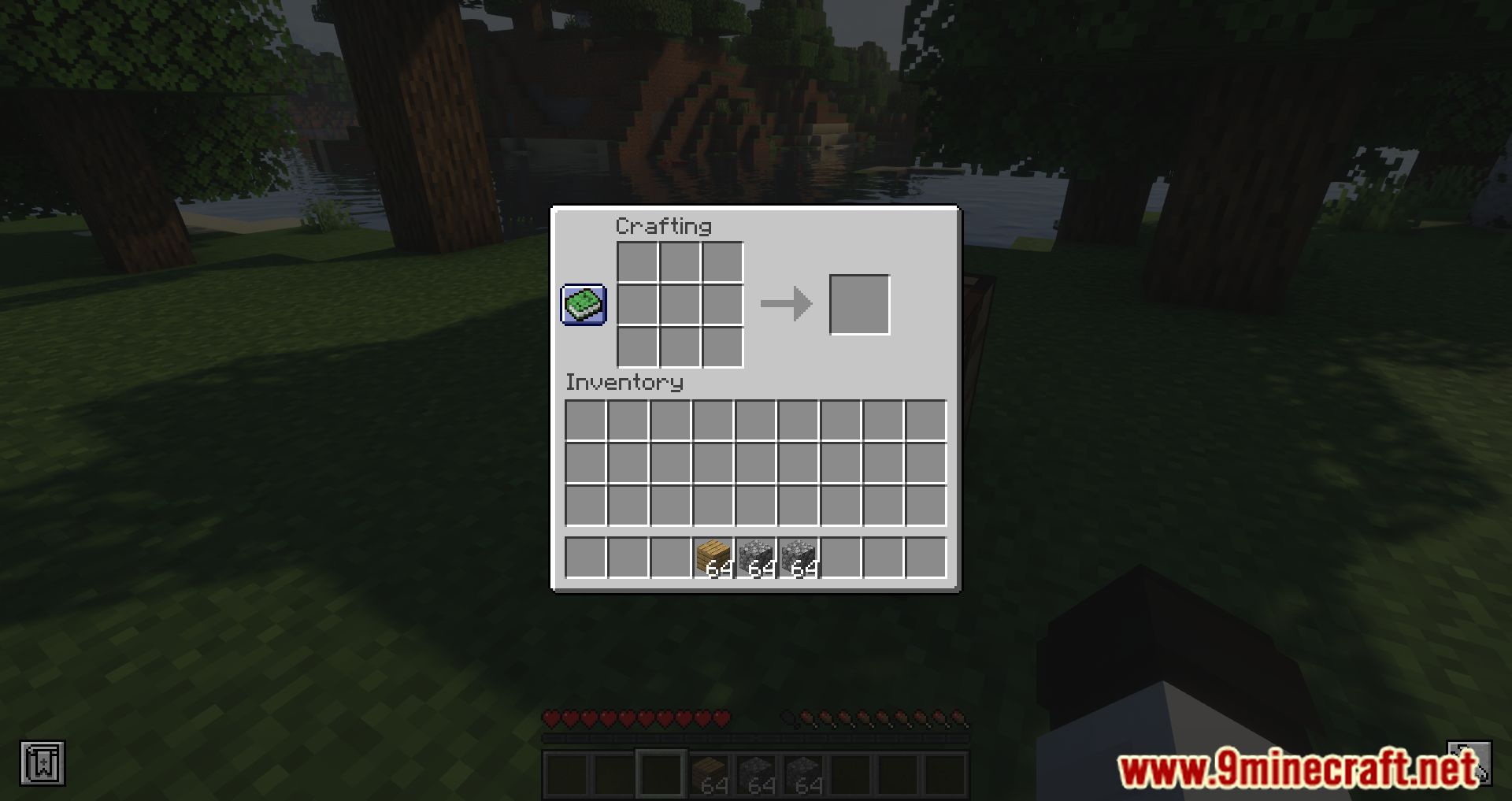
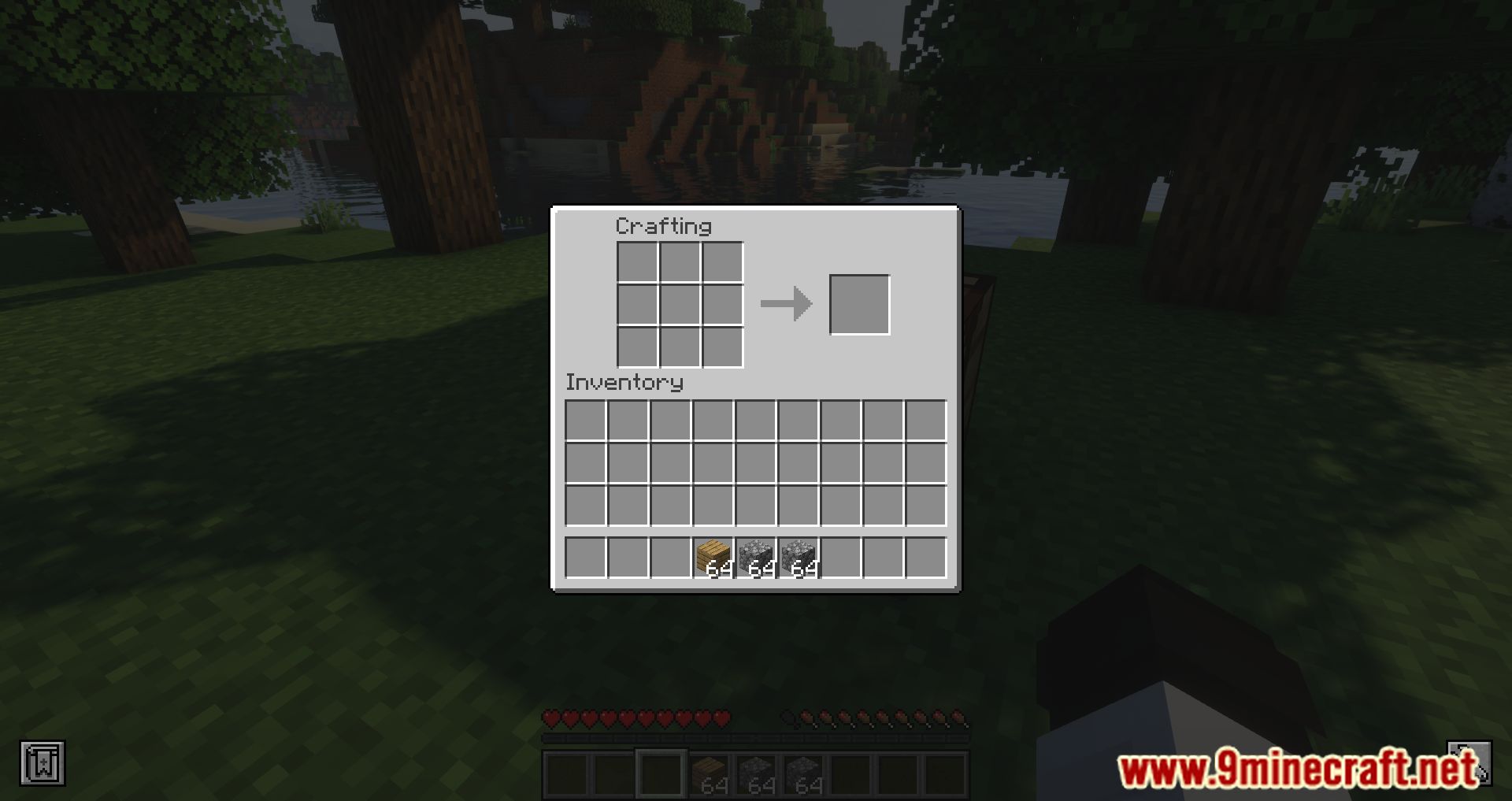
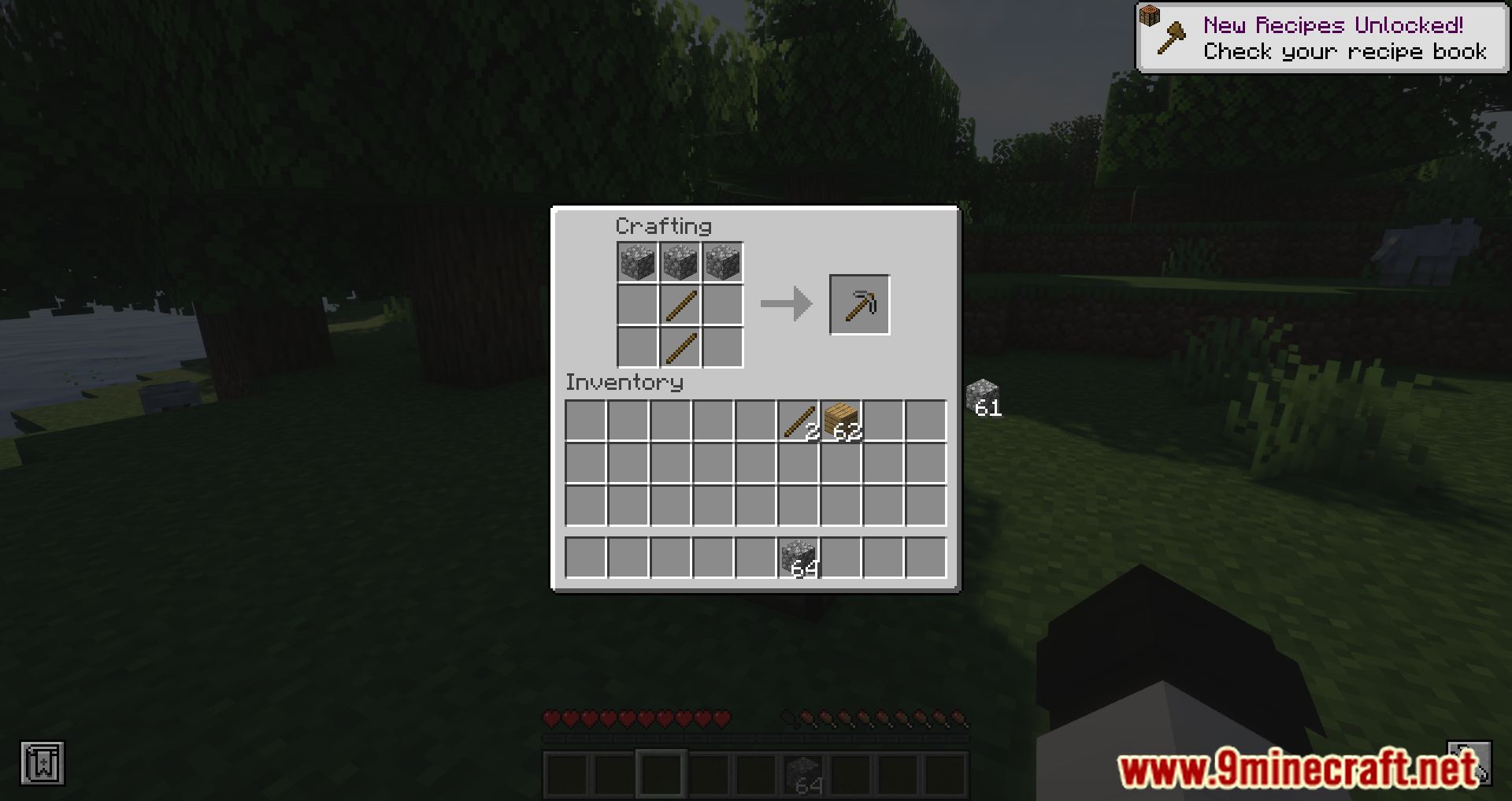
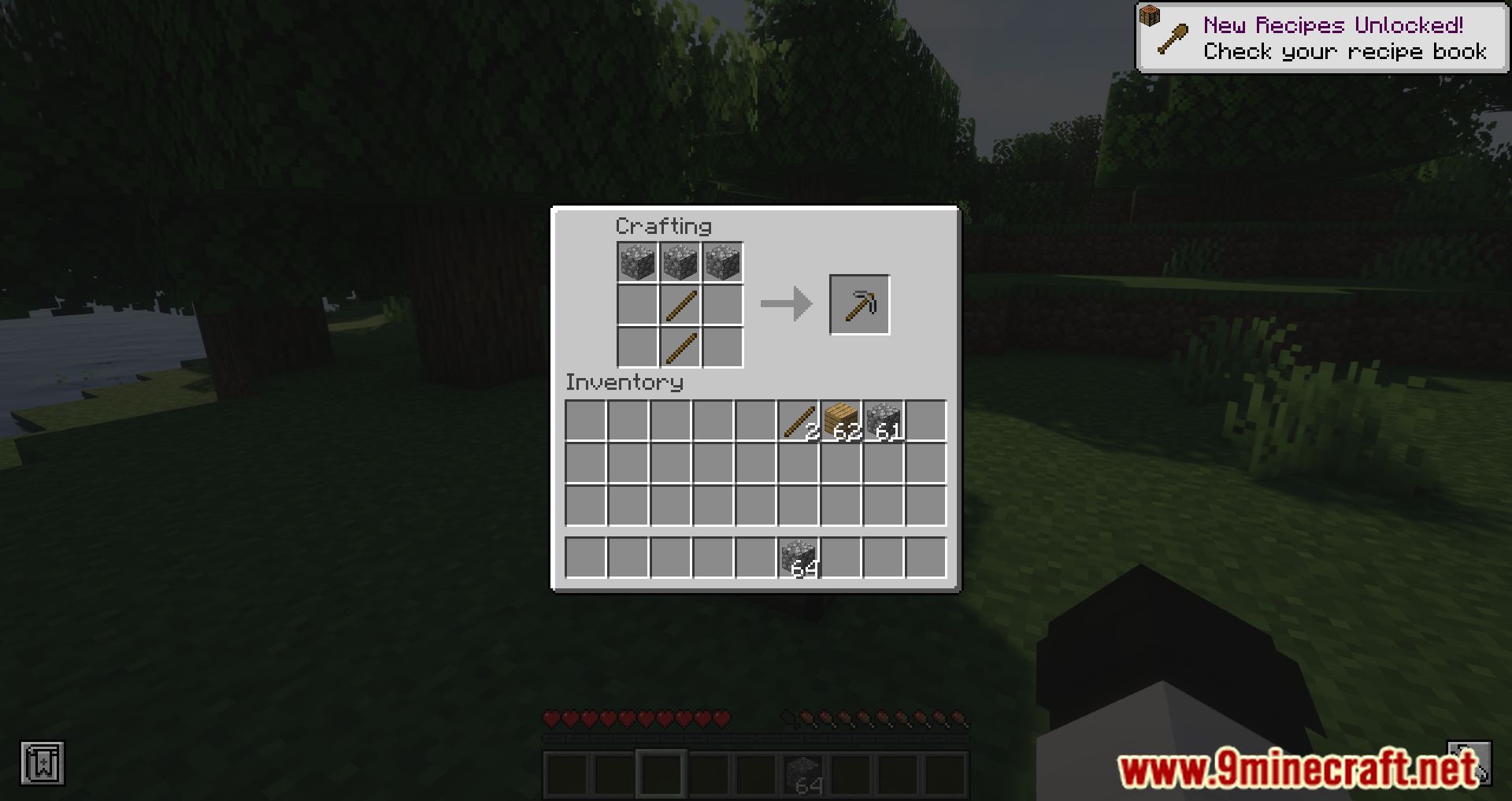
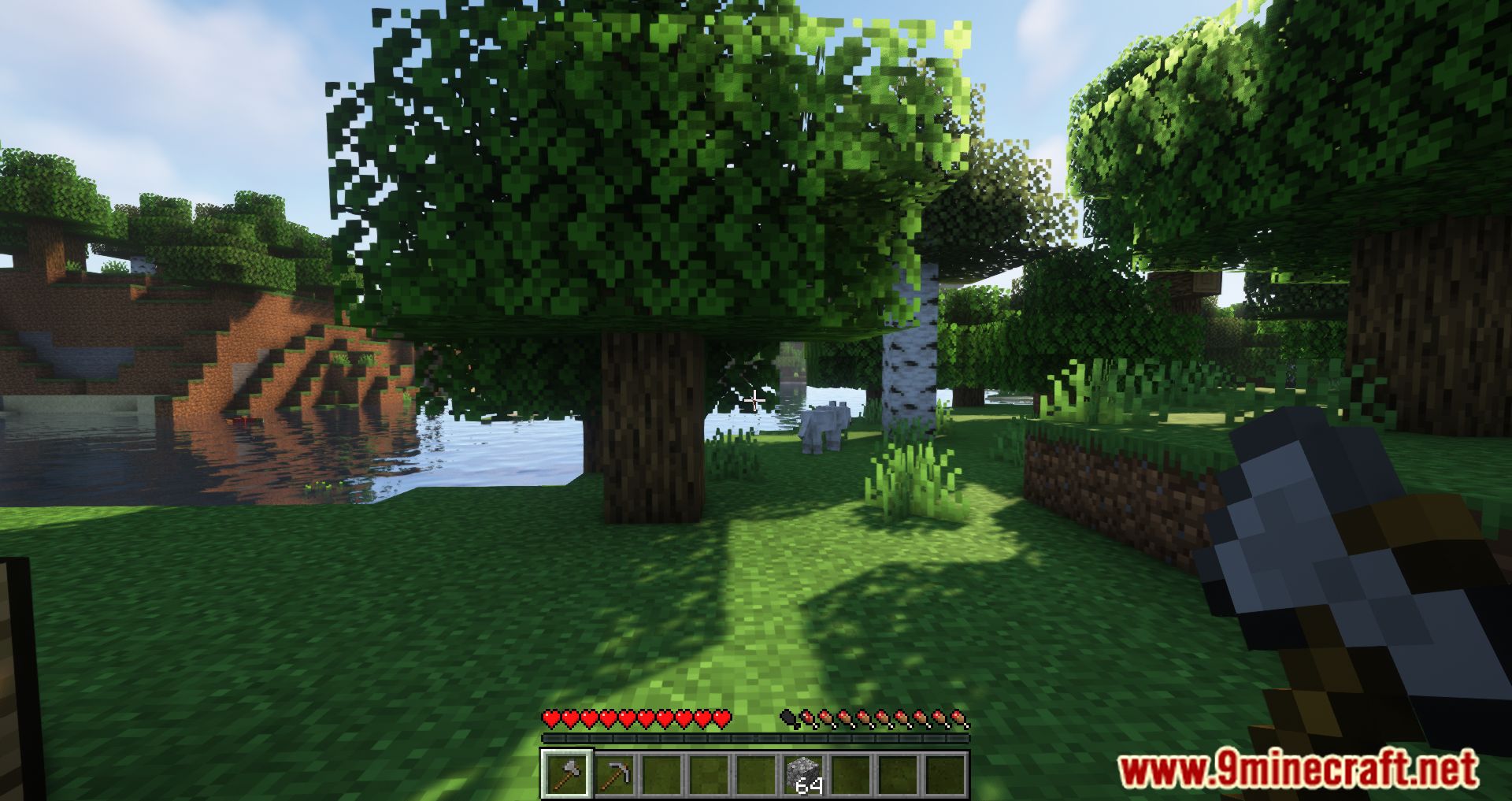
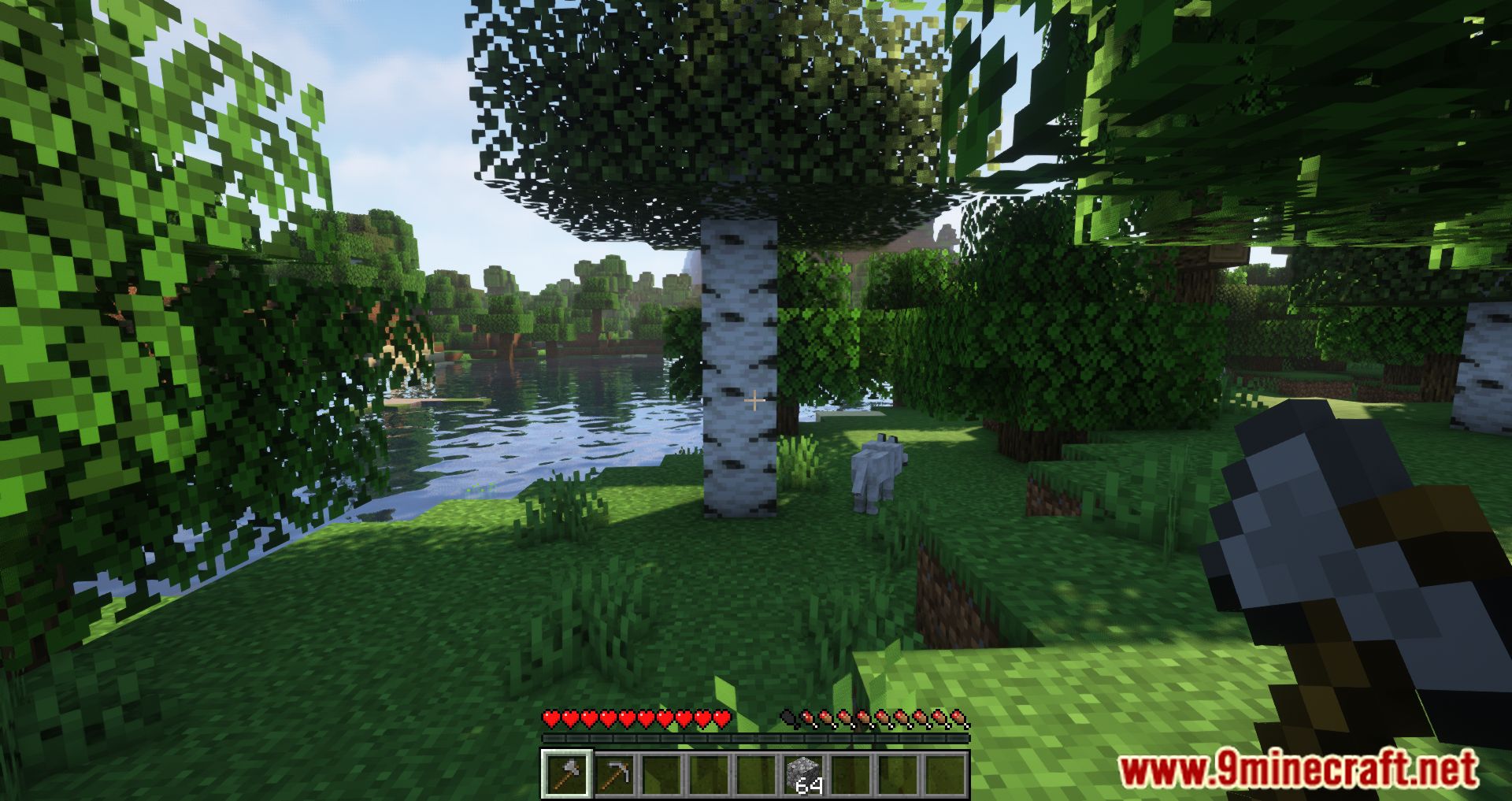
Hidden Recipe Book Mod is a mod that quite literally does what its name suggests-it hides the recipe book, both from your character’s inventory and from the crafting table interface. With this mod installed, players won’t be able to access Minecraft’s default recipe book. That might seem unnecessary now, but keep in mind that the recipe book has only existed since version 1.12. Before that, players had to discover recipes on their own.
Features:
- Removes the recipe book icon from all crafting GUI screens, including the player inventory and crafting table.
- Press the default hotkey (Tab) to show or hide the recipe book at any time. This won’t interfere with the player list, even though they share the same key.
- The mod also hides the recipe book in the furnace interface.
- Configurable Options:
shouldHideRecipeBook: Hides the book by default on first launch.allowRecipeBookToggleHotkey: Enables or disables the hotkey toggle.showMessageOnRecipeBookToggle: Lets you choose whether to display a message when toggling visibility.
Screenshots:
Hidden Recipe Book Mod Download Links
Quick facts
- Edition: Minecraft Java
- File type: .jar
- Minecraft version listed: 1.20.1
- How to install: Install the matching mod loader (Forge, Fabric or NeoForge) for your Minecraft version. → Download the .jar. → Put it in the .minecraft/mods folder and launch that loader profile.
- Where to get it: In MC Java Mods, or directly above on this page.
Install steps are the general flow for this file type — How to install Minecraft Java mods & modpacks walks through it step by step.
Verified by MCModsHub
- Downloads as 83946.mcaddon
- Download size: 48 KB
- Download link checked 22 Sept 2026 — working
- Mirrored on our own servers — the download does not depend on the original host
These come from our own check of the pack file, not from the source page.