

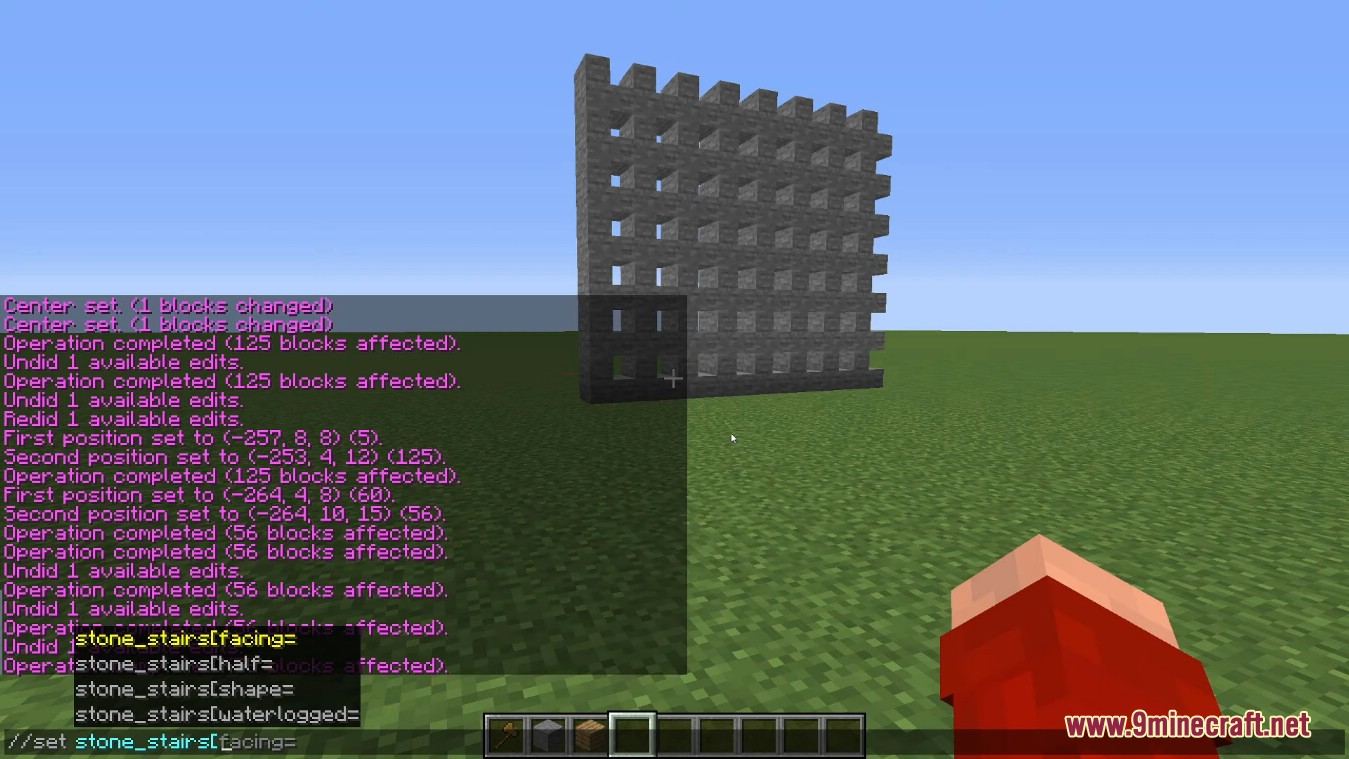
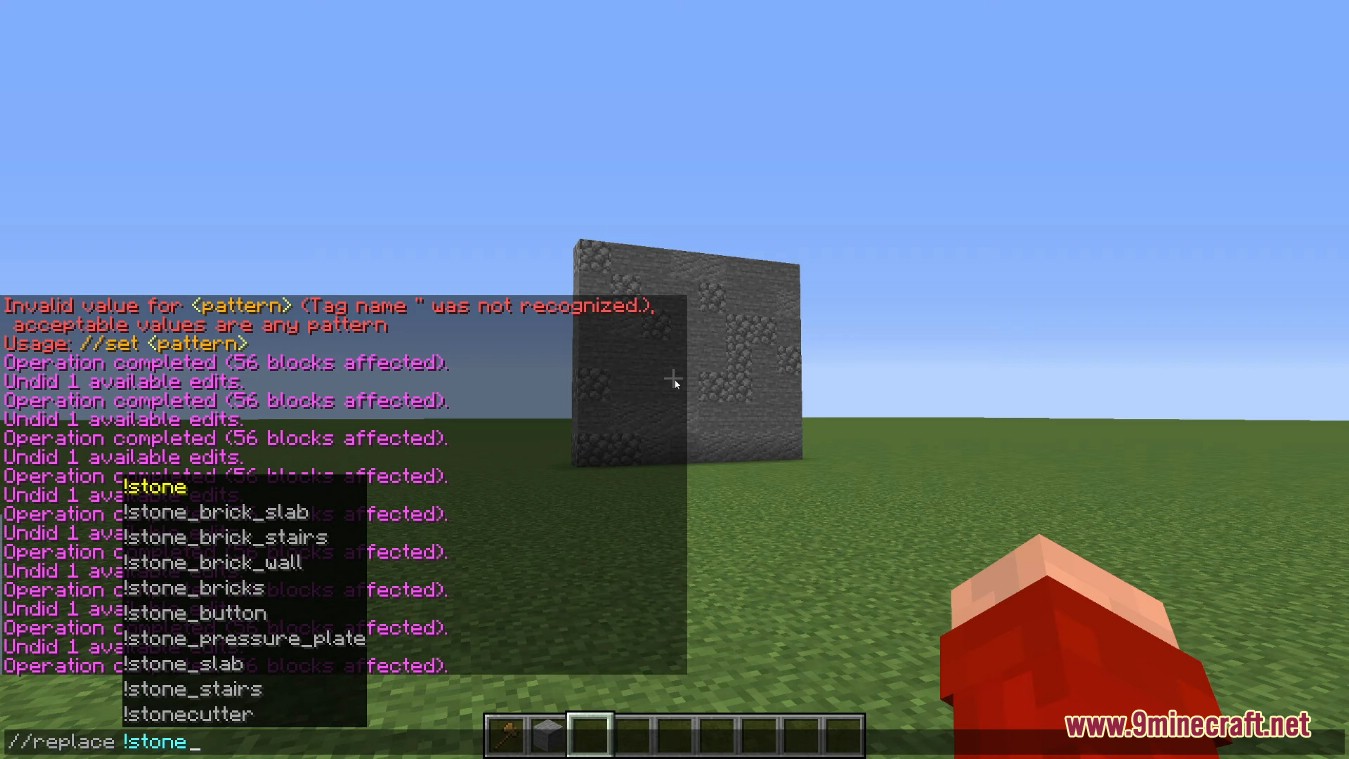
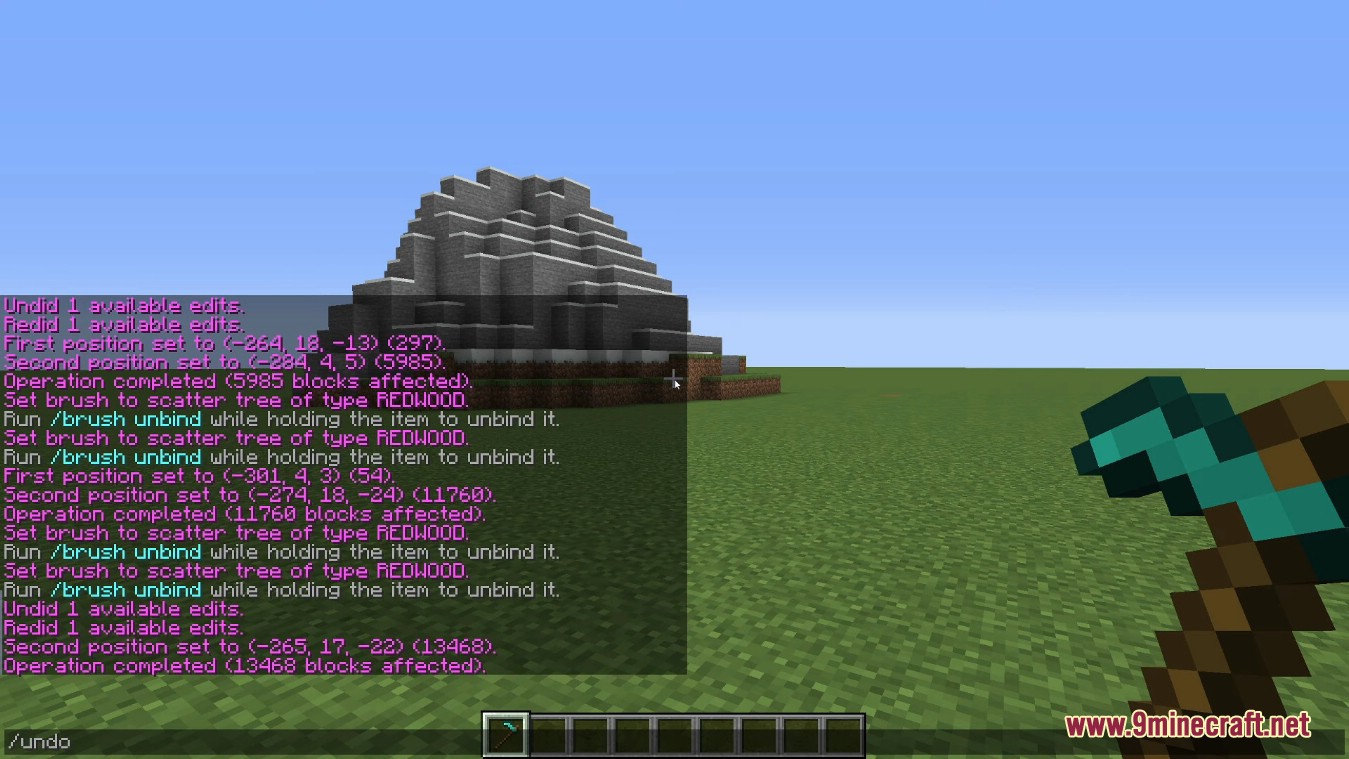
World Edit Mod offers us tools and functionalities to edit large areas of terrain and create massive constructions without having to place and remove blocks one by one. By creating building patterns, we can save many clicks and a lot of building time. The idea behind this mod is to enable everything from editing and customizing terrain to creating huge maps with fully personalized worlds, as well as the simple creation of large structures, villages, or cities using building patterns.
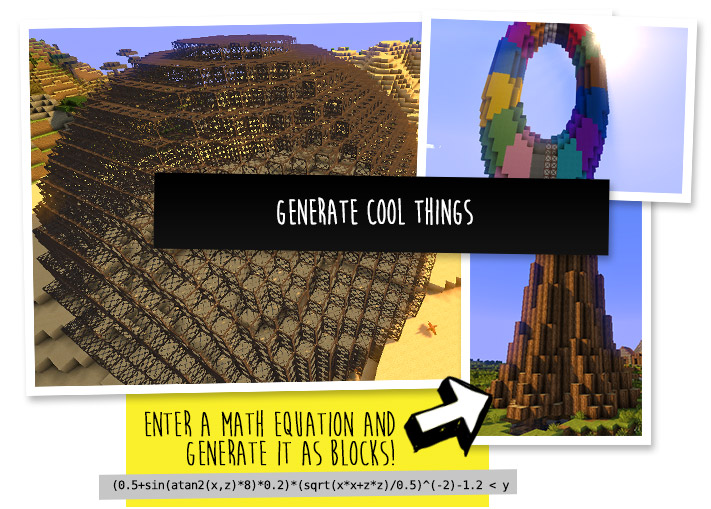
One noteworthy feature of this mod is that it allows us to use mathematical expressions to create new terrain generations, bringing mountains, ravines, lakes, etc., to life. We can also make backups of our creations and restore them if needed.
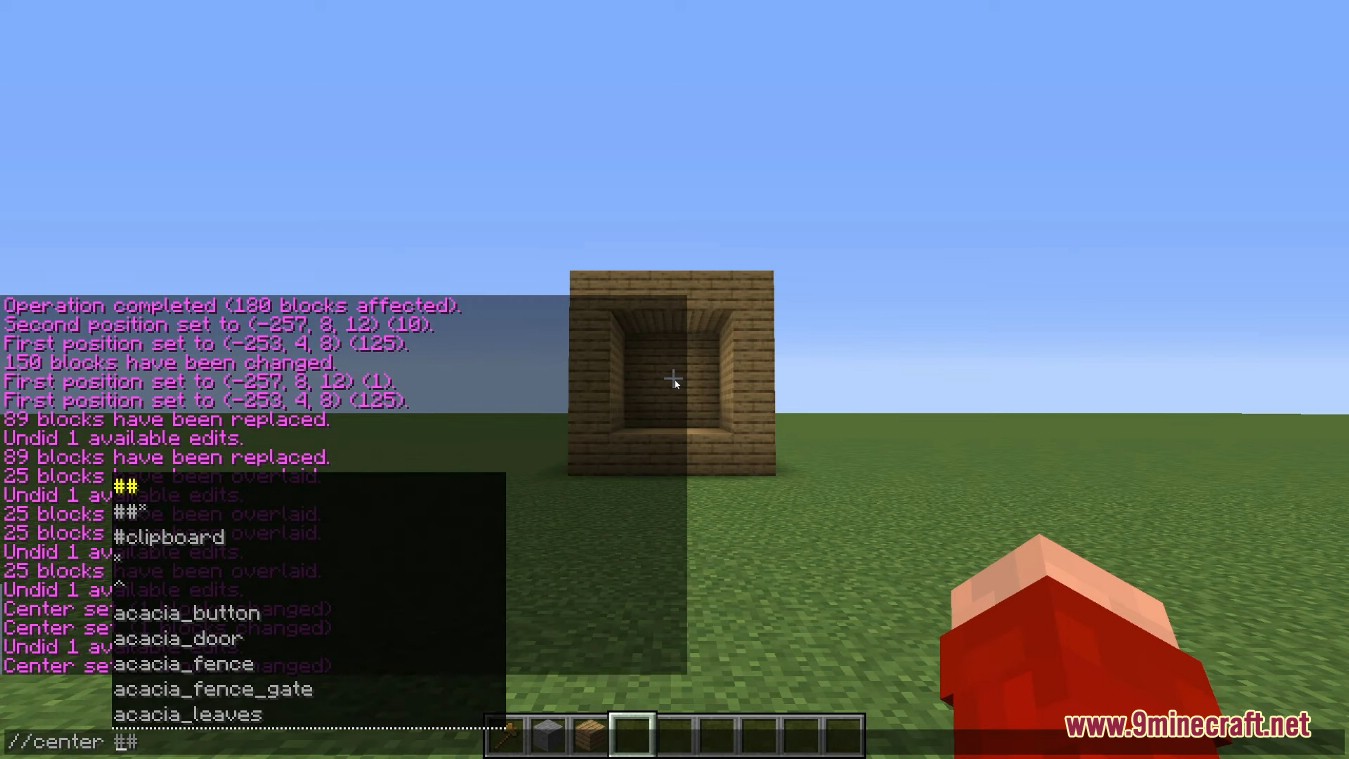
The mod also provides a great number of new commands that save time and enhance convenience. For example, the ‘/jumpto‘ command lets us teleport easily around the world.
As you know (or perhaps you do not know), WorldEdit is a tool with a great and magical ability in construction, change and a feature that it can solve the problem in a localized area in the game. In other words, you can build a several-kilometer bridge without putting every block, or you also can create a spherical item made from the free blocks with incredible accuracy.
Features:
Build With Speed:
- Create more impressive and much larger builds with less time.
- Fix griefing and other issues without shutting down your server.
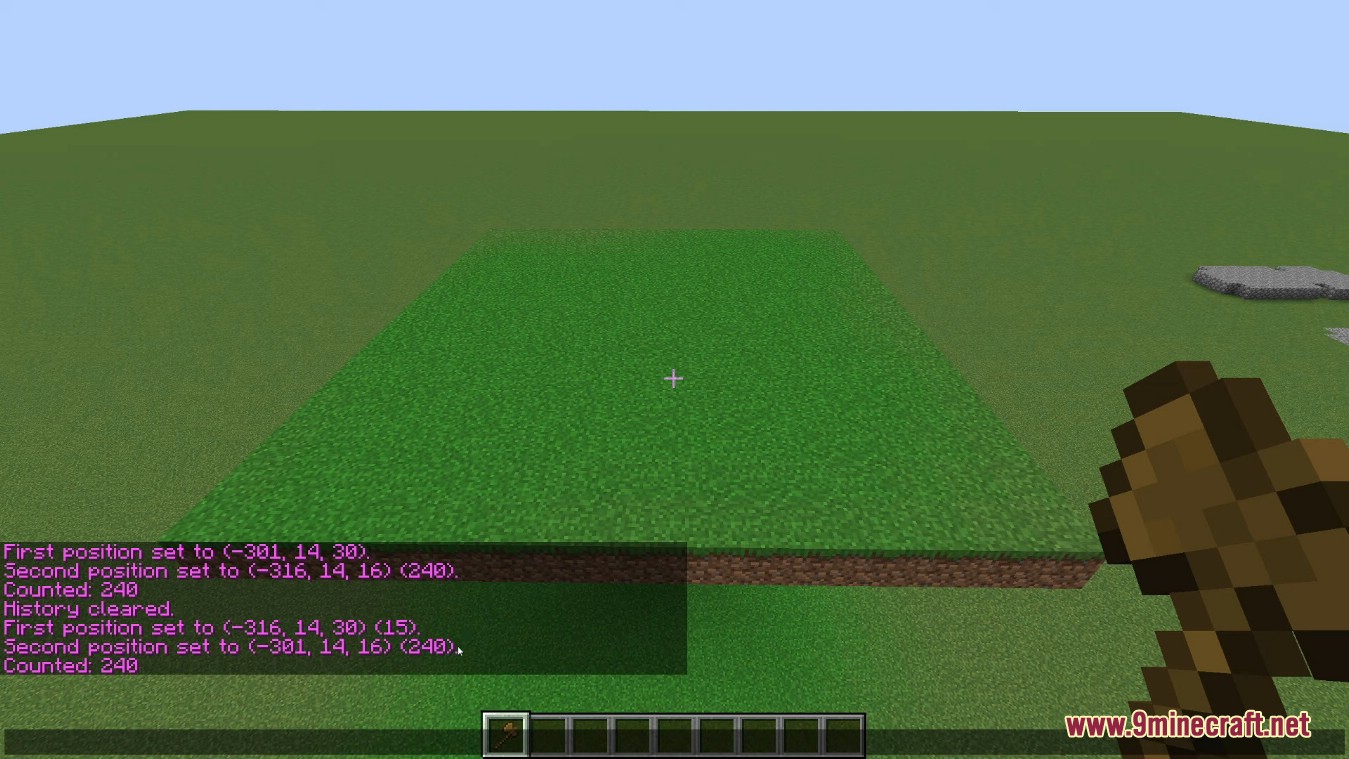
- Quickly create, replace or delete tens of thousands of blocks in seconds.
- Level an entire mountain and replace it with natural looking terrain.
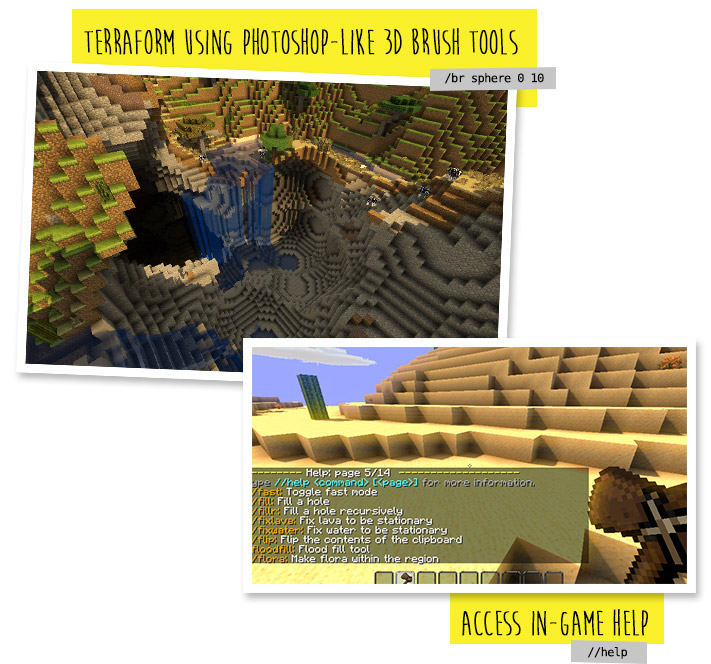
- Use hand-bound tools and brushes to quickly build mountains.
Have Complete Control:
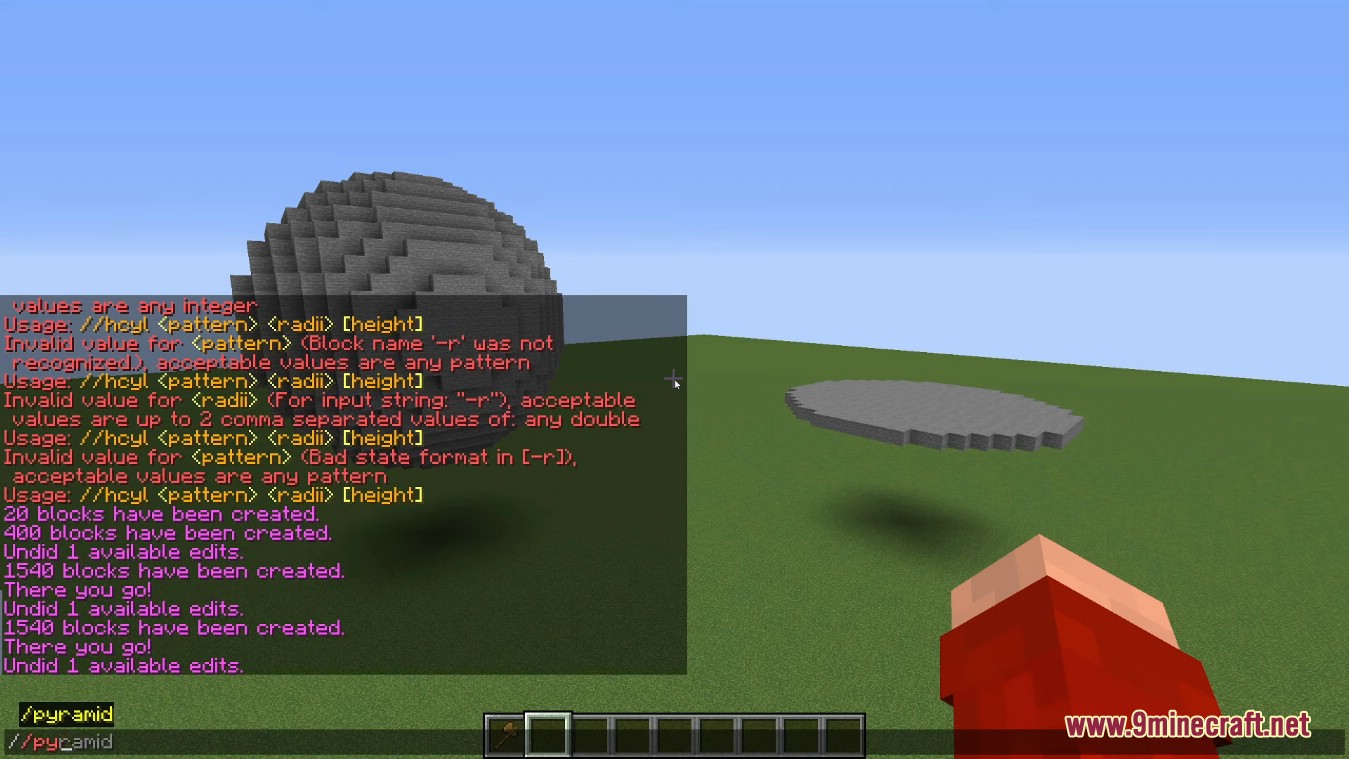
- Generate spheres, cylinders, cuboids, forests, pumpkin patches, and snowy areas.
- Use your compass to quickly teleport to areas by left clicking or using /jumpto.
- Choose an area and have it instantly restored from backups.
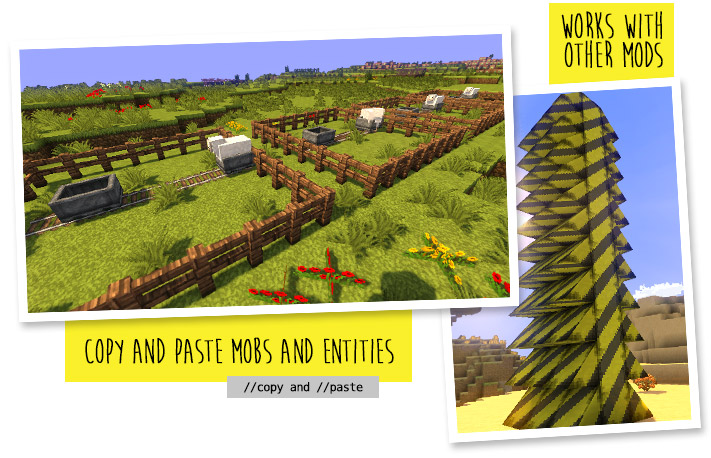
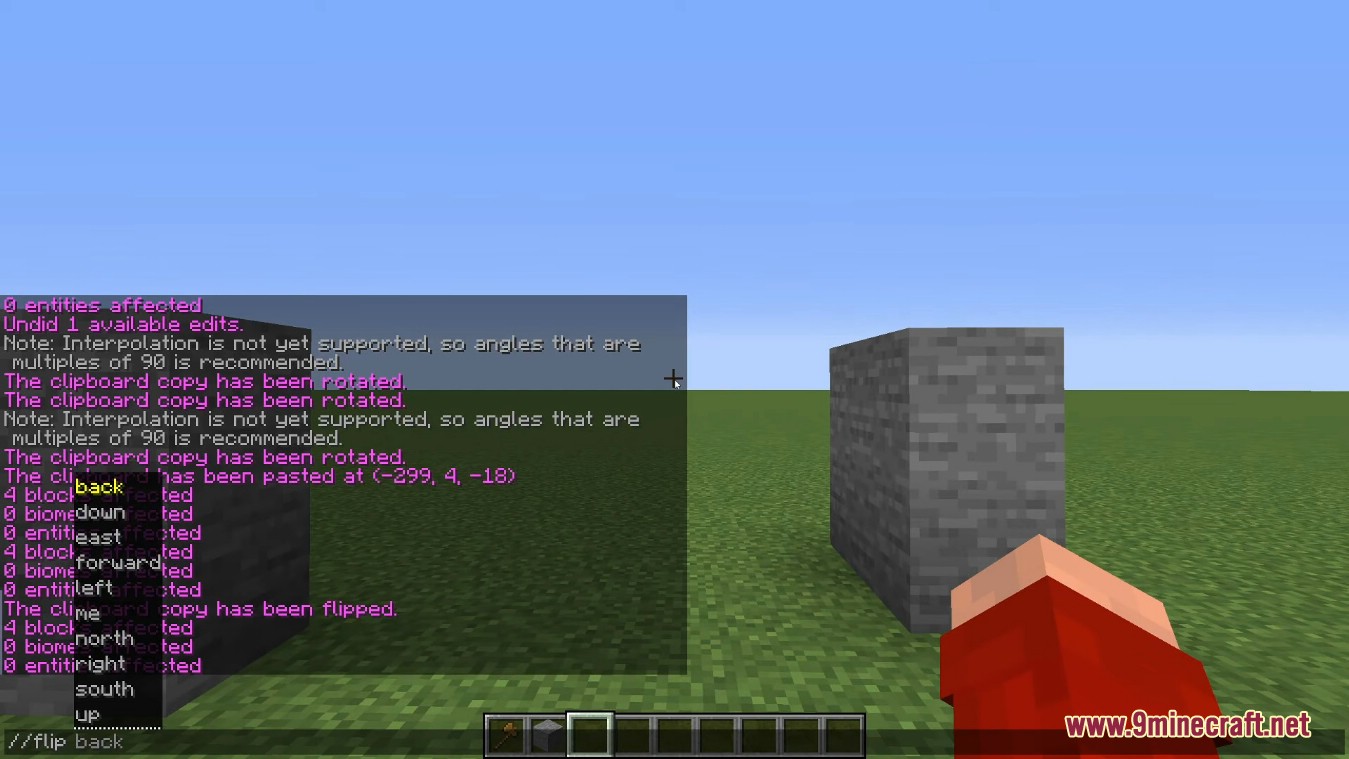
- Copy areas, paste them, load them, and save them as schematics.
Advanced Editing Features:
- Manipulate terrain with complex deformations such as
//deform x*=2;y*=2;z*=2. - Evaluate mathematical expressions such as
//g stone (0.75-sqrt(x^2+y^2))^2+z^2 < 0.25^2. - Write complex scripts to manipulate the world with the full power of WorldEdit using JavaScript.
- Many more! There are over 100 functions.
Screenshots:
World Edit Mod Download Links
- Edition: Minecraft Java
- File type: .jar
- Minecraft version listed: 1.20.1
- How to install: Install the matching mod loader (Forge, Fabric or NeoForge) for your Minecraft version. → Download the .jar. → Put it in the .minecraft/mods folder and launch that loader profile.
- Where to get it: In MC Java Mods, or directly above on this page.
Install steps are the general flow for this file type — How to install Minecraft Java mods & modpacks walks through it step by step.
- Downloads as 83947.mcaddon
- Download size: 4.9 MB
- Download link checked 25 Sept 2026 — working
- Mirrored on our own servers — the download does not depend on the original host
These come from our own check of the pack file, not from the source page.