
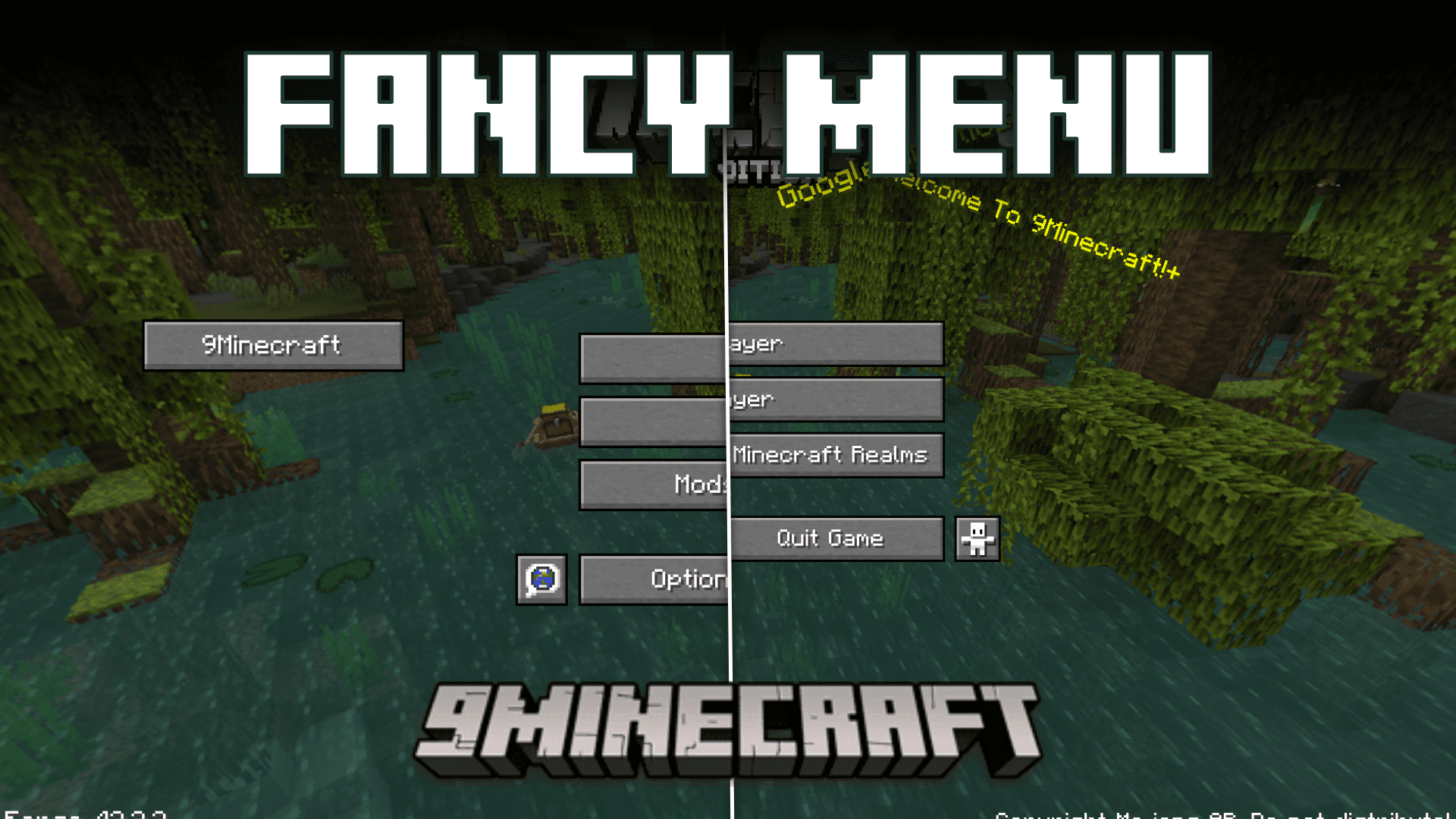
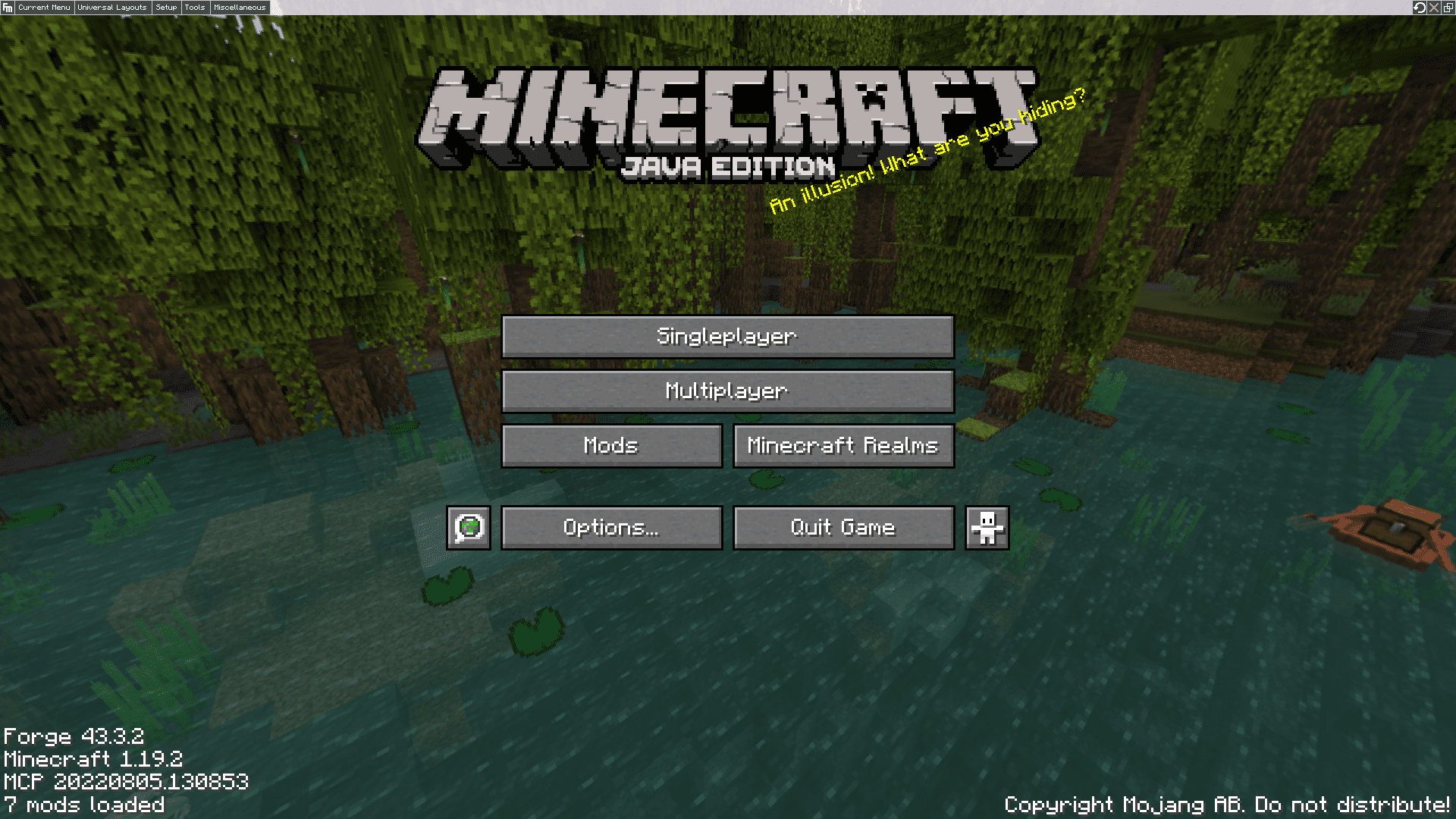
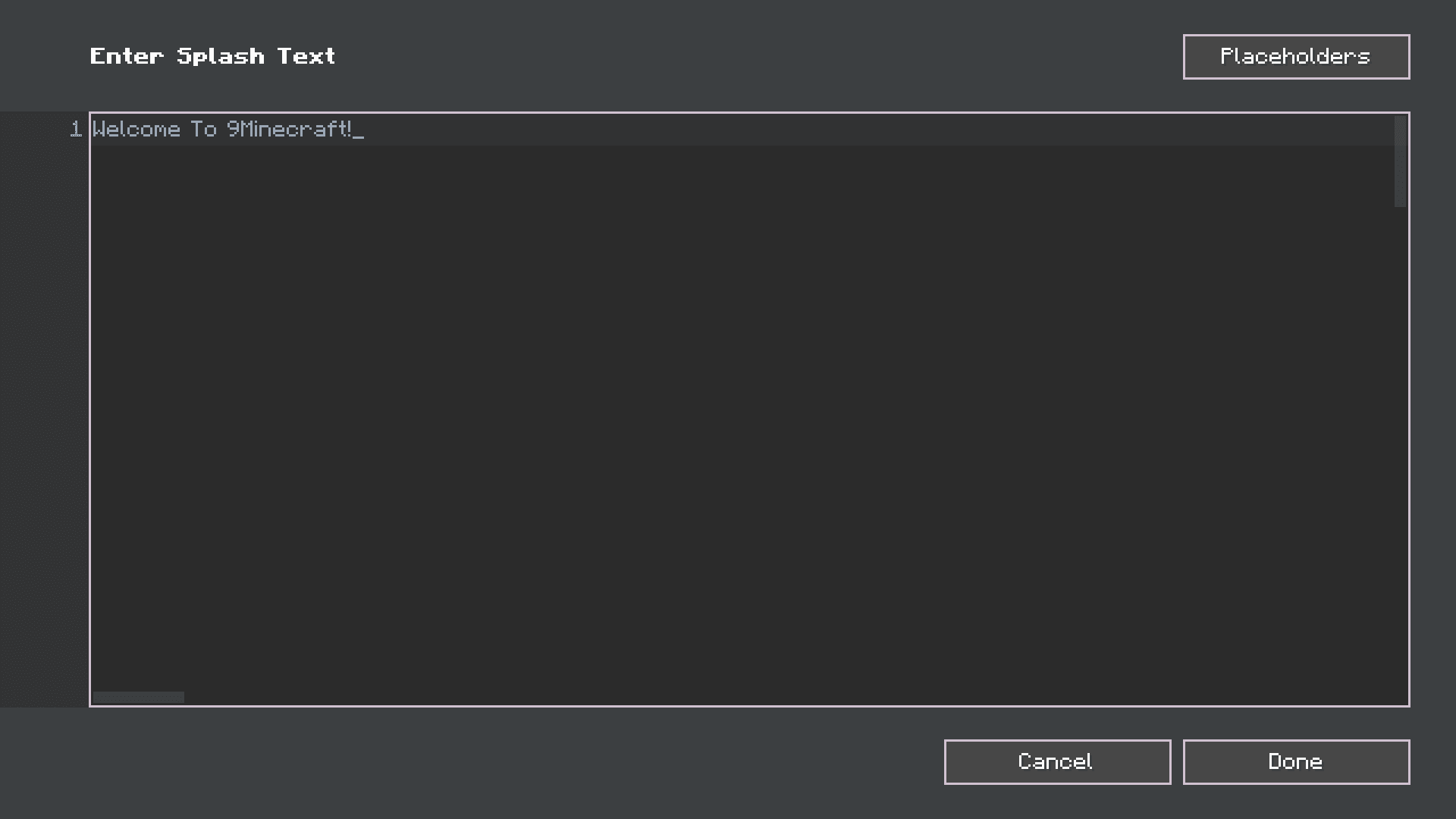
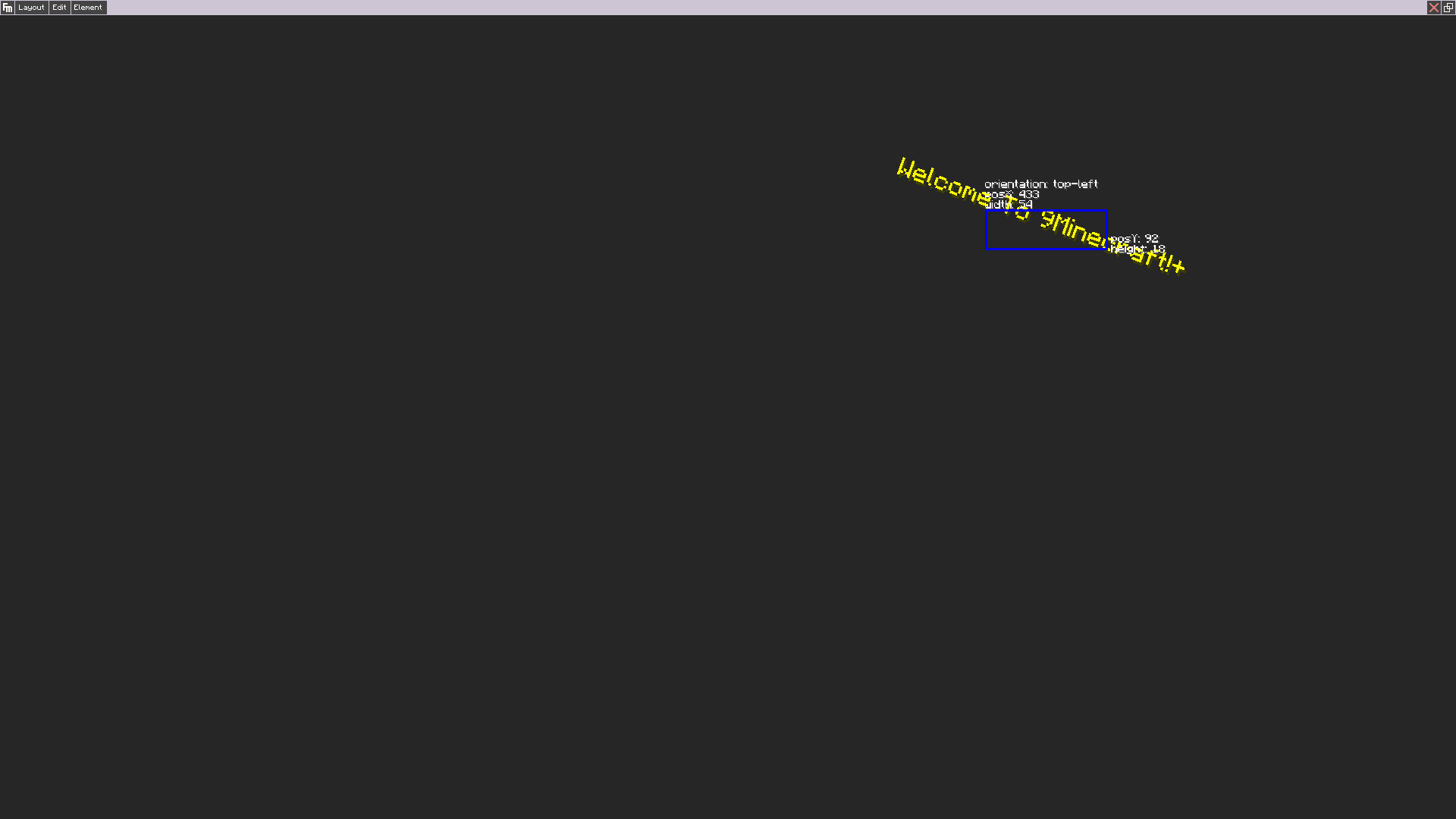
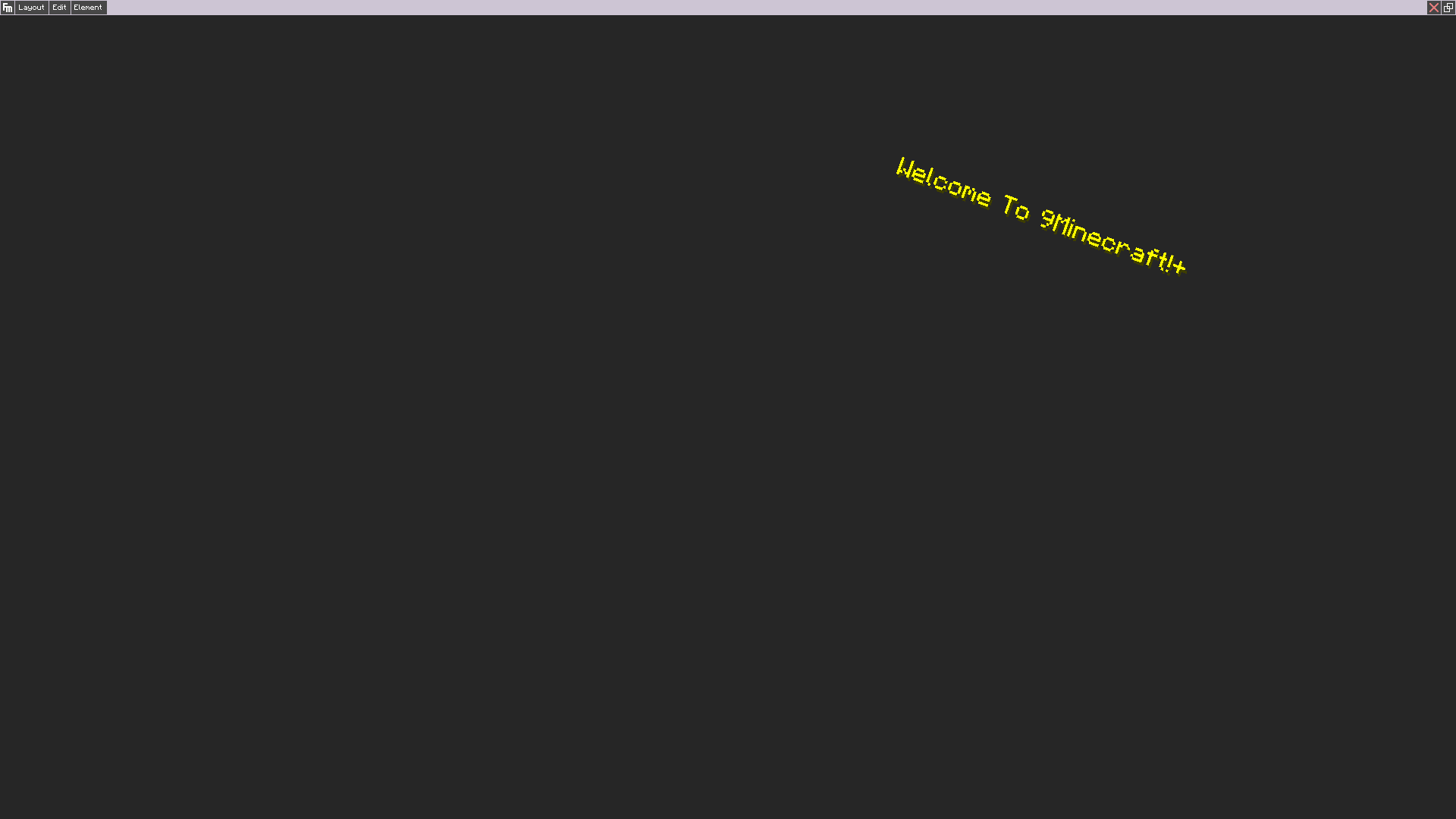
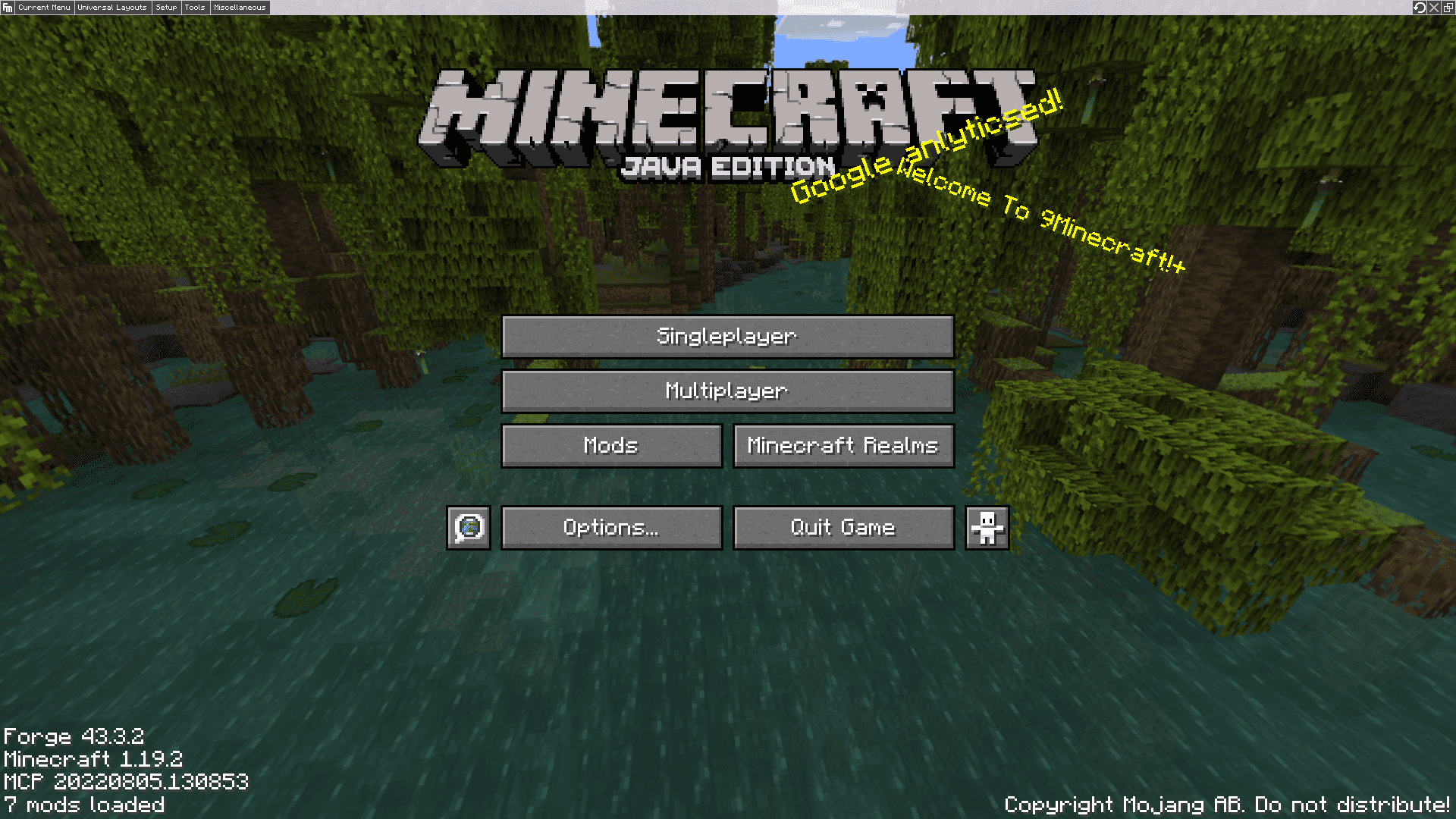
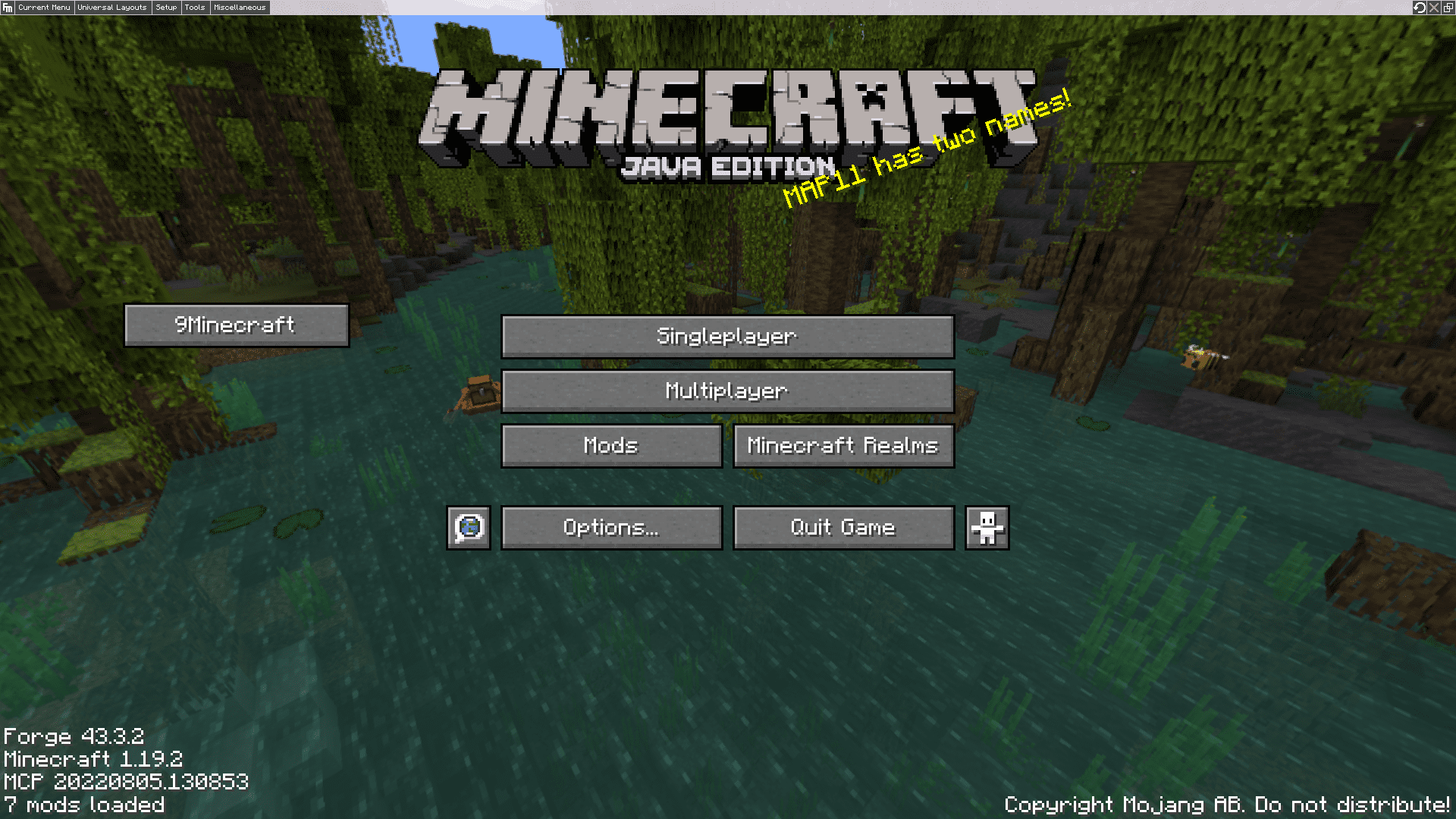
Fancy Menu Mod lets you change the look of your Minecraft menus. It adds a simple editor right inside the game, so you don’t need to mess with any complicated files. With this tool, you can move buttons, add new ones, and even write your own custom splash text on the title screen.
Features:
- Lets you change and design your Minecraft menus right from inside the game.
- Customize almost any menu, including the main title screen and menus from other mods.
- Move, resize, or completely hide the default buttons.
- Add your own new buttons that can do things like open a website or send a message.
- Place custom text, pictures, and even animated images like GIFs in your menus.
- Change the menu background to a single image, a slideshow, or an animation.
- Set different background music to play for each menu screen.
- Use special conditions to make menu elements appear or disappear based on certain rules.
- Works by itself on the client, but can also be used with a server to give admins more options.
How to Use:
Here is an example of how to show the latest Minecraft changelog in one of your menus:
- Add a Text element in the menu editor.
- Change its Source Mode to Resource.
- Set the resource source to Web.
- For the URL, use
https://clay.is-a.dev/minecraft-changelogs-markdown/{"placeholder":"mcversion"}/fancymenu.md.
Screenshots:
Fancy Menu Mod Download Links
Quick facts
- Edition: Minecraft Java
- File type: .jar
- Minecraft version listed: 1.20.1
- How to install: Install the matching mod loader (Forge, Fabric or NeoForge) for your Minecraft version. → Download the .jar. → Put it in the .minecraft/mods folder and launch that loader profile.
- Where to get it: In MC Java Mods, or directly above on this page.
Install steps are the general flow for this file type — How to install Minecraft Java mods & modpacks walks through it step by step.
Verified by MCModsHub
- Downloads as 83950.mcaddon
- Download size: 25.5 MB
- Download link checked 24 Sept 2026 — working
- Mirrored on our own servers — the download does not depend on the original host
These come from our own check of the pack file, not from the source page.