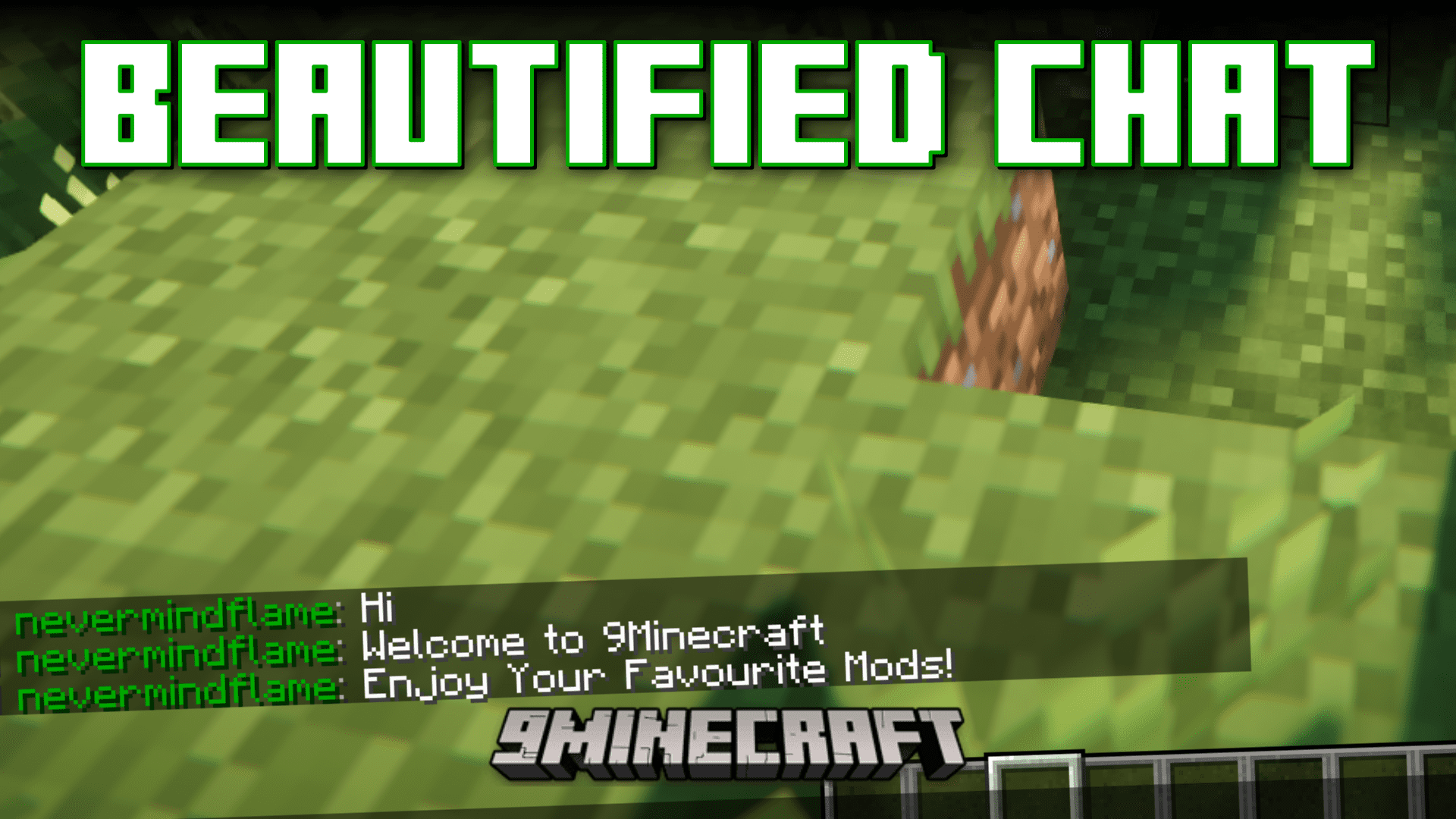
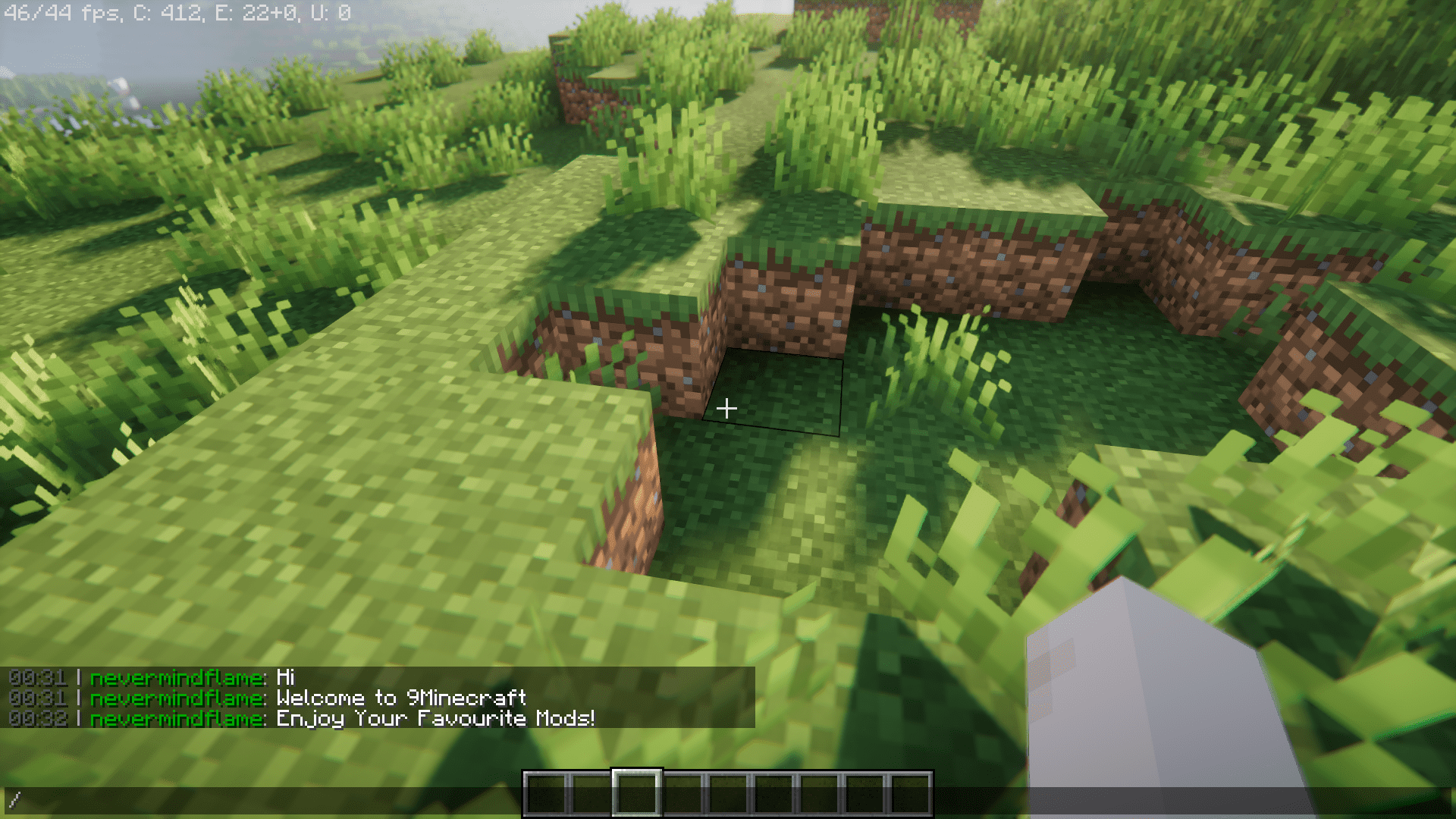
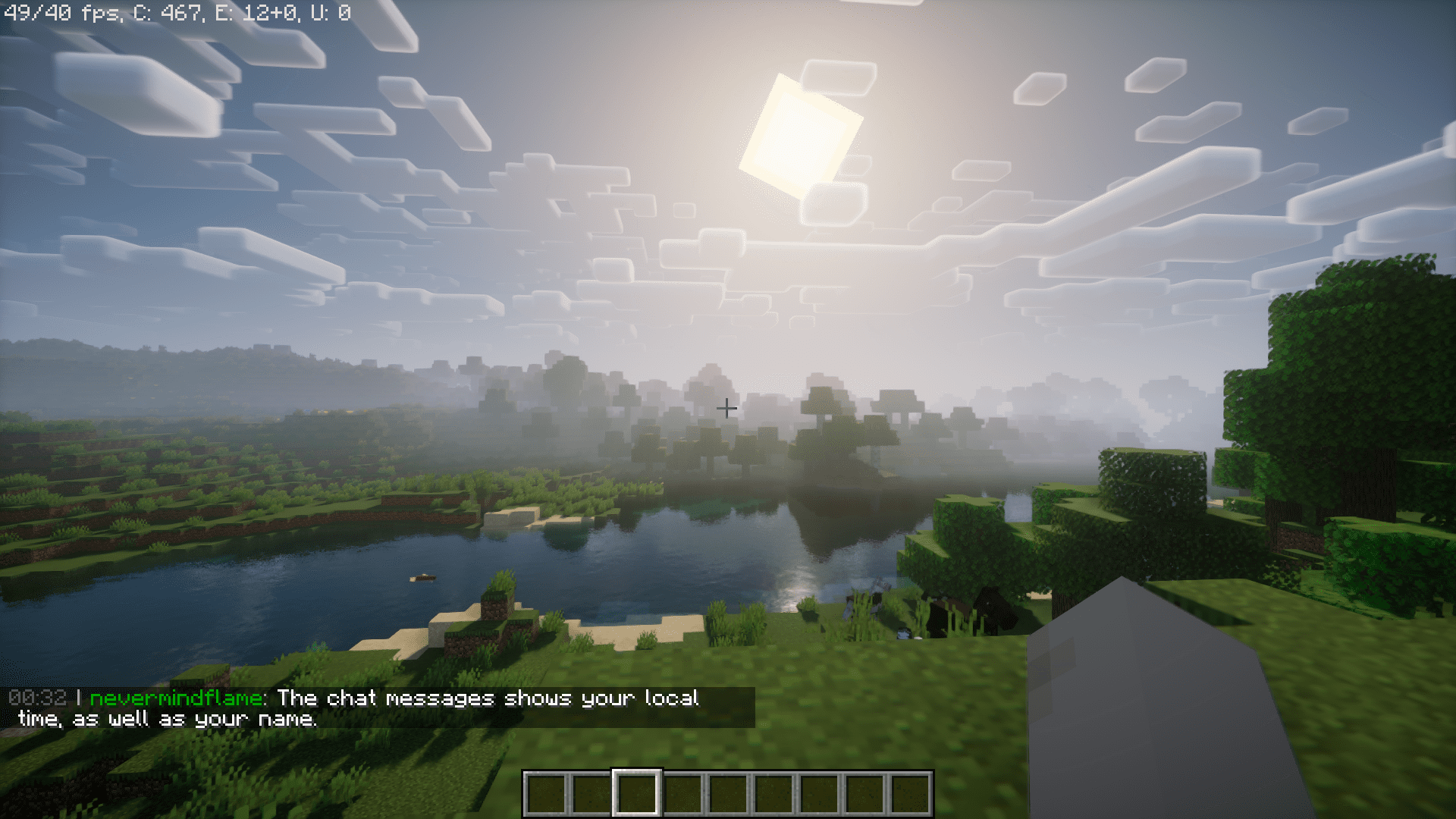
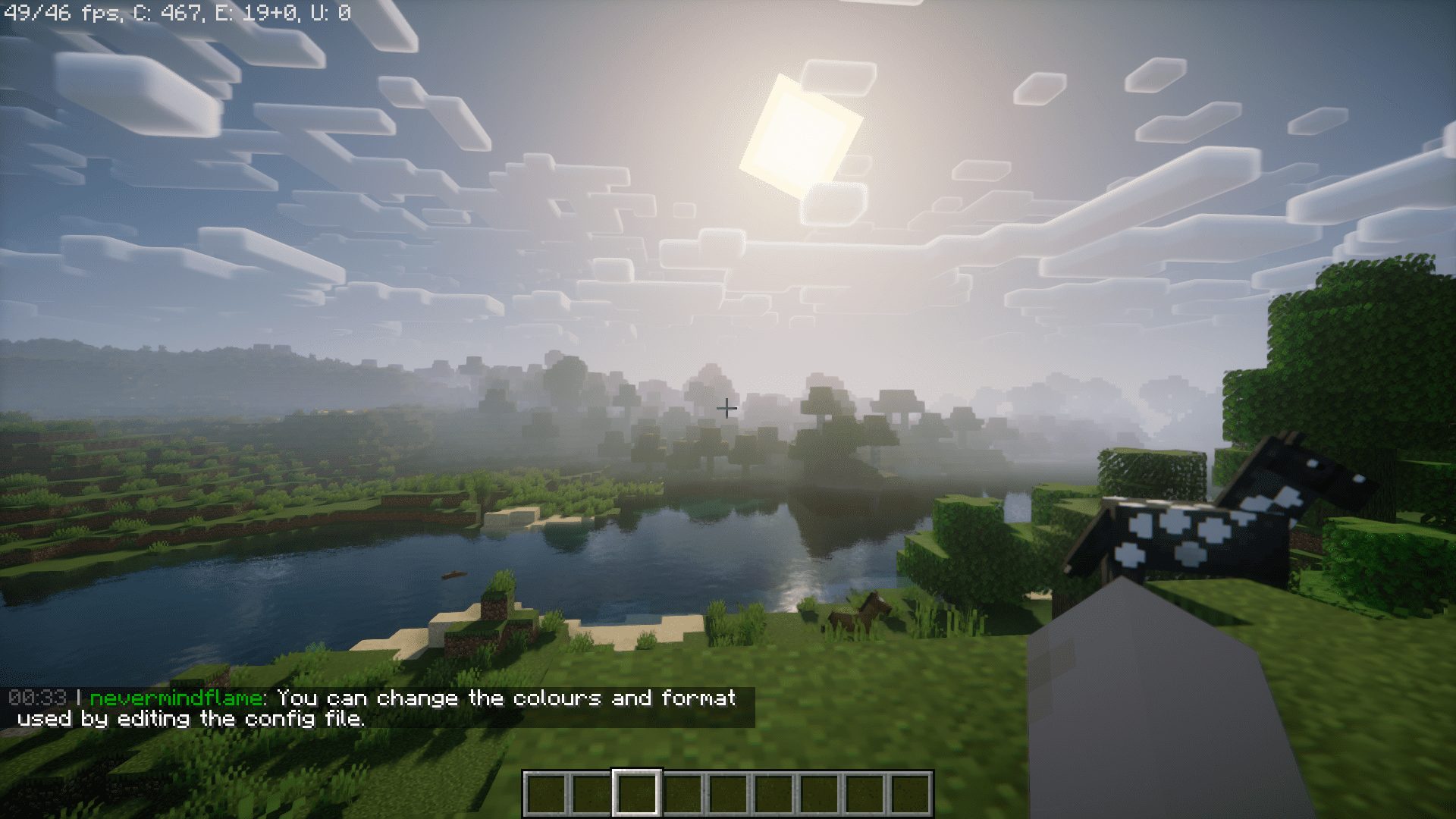
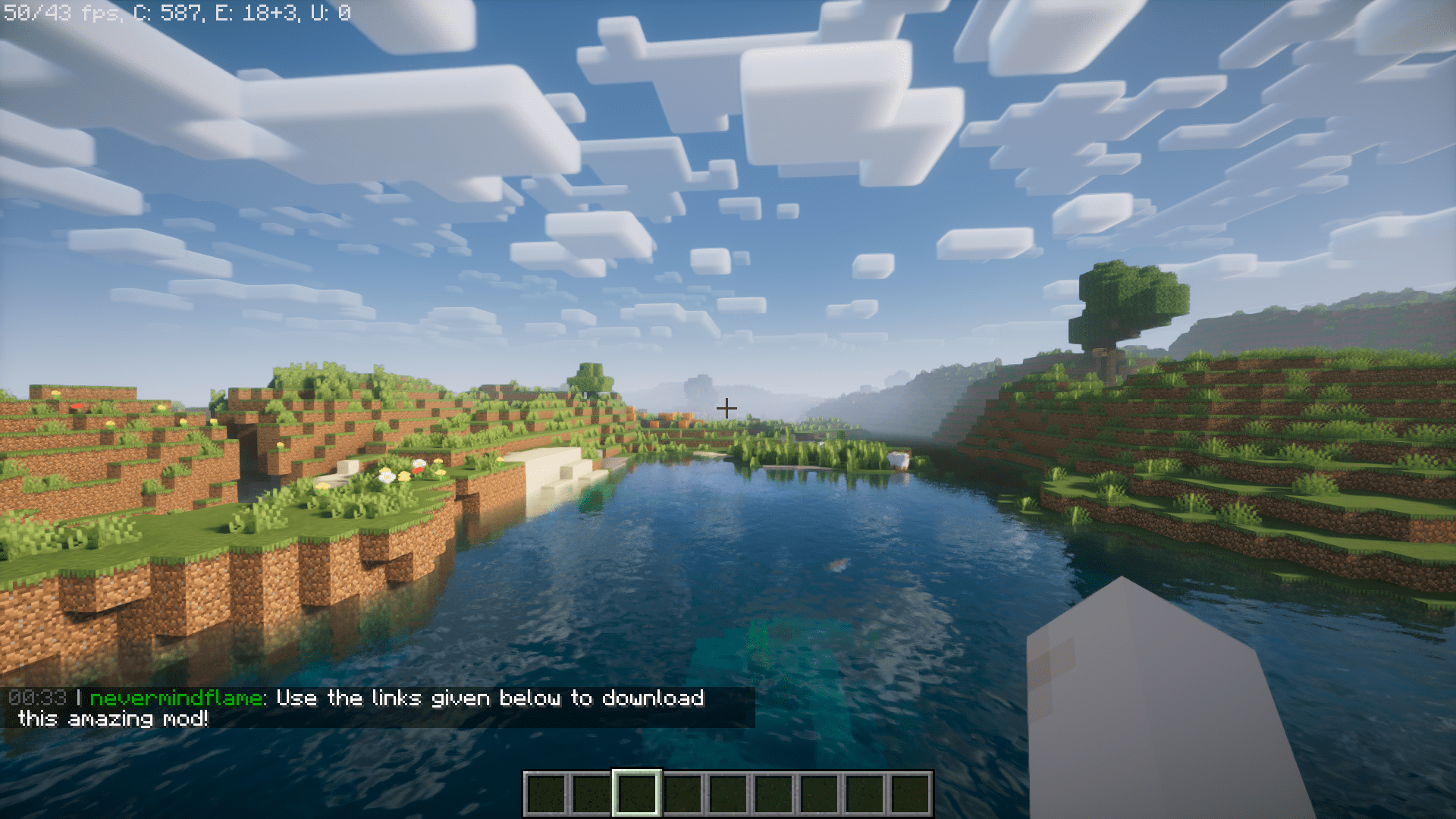
Beautified Chat Mod is an amazing client side mod that will let you customize the chat box content in the game. On the default configuration, this mod will allow you to see the local time at which a message was sent, and the username of the player who sent it. But the format and the colors of these content can be changed to your liking by editing the config file.
How to configure?
chatMessageFormat (default = “%timestamp% | %username%: %chatmessage%”): Variables: %timestamp% = timestamp set in timestampFormat. %username% = the username of the player who sent the message.
timestampFormat (default = “HH:mm”): Example time in formats: 5 seconds past 9 o’ clock in the evening. *=Default. *(HH:mm) = 21:00, (HH:mm:ss) = 21:00:05, (hh:mm a) = 9:00 PM
The possible colour code values for the next 4 configs are:
0: black, 1: dark_blue, 2: dark_green, 3: dark_aqua, 4: dark_red, 5: dark_purple, 6: gold, 7: gray, 8: dark_gray, 9: blue, 10: green, 11: aqua, 12: red, 13: light_purple, 14: yellow, 15: white.
chatTimestampColour (default = 8, min 0, max 15): The colour of the timestamp in the chat message.
chatUsernameColour (default = 2, min 0, max 15): The colour of the username in the chat messsage.
chatMessageColour (default = 15, min 0, max 15): The colour of the chat message.
chatOtherSymbolsColour (default = 7, min 0, max 15): The colour of the other symbols from chatMessageFormat. So everything except the variables.
Screenshots:
Beautified Chat Mod Download Links
- Edition: Minecraft Java
- File type: .jar
- Minecraft version listed: 1.20.1
- How to install: Install the matching mod loader (Forge, Fabric or NeoForge) for your Minecraft version. → Download the .jar. → Put it in the .minecraft/mods folder and launch that loader profile.
- Where to get it: In MC Java Mods, or directly above on this page.
Install steps are the general flow for this file type — How to install Minecraft Java mods & modpacks walks through it step by step.
- Downloads as 83956.mcaddon
- Download size: 38 KB
- Download link checked 24 Sept 2026 — working
- Mirrored on our own servers — the download does not depend on the original host
These come from our own check of the pack file, not from the source page.