
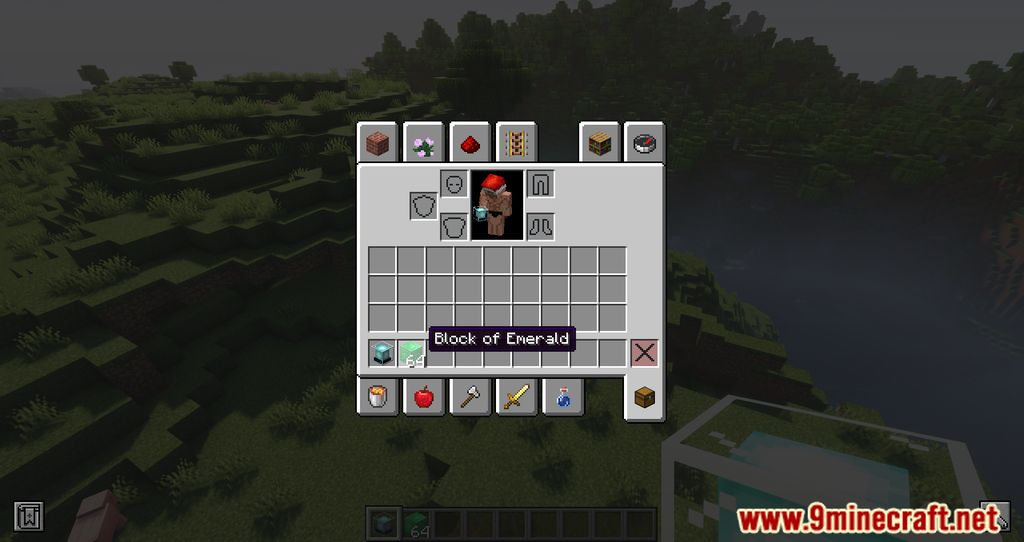
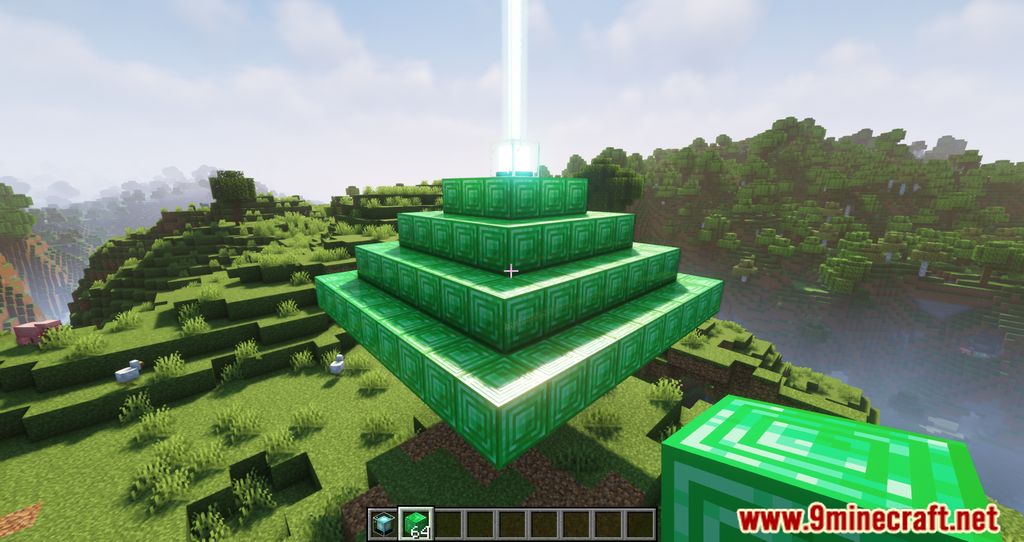
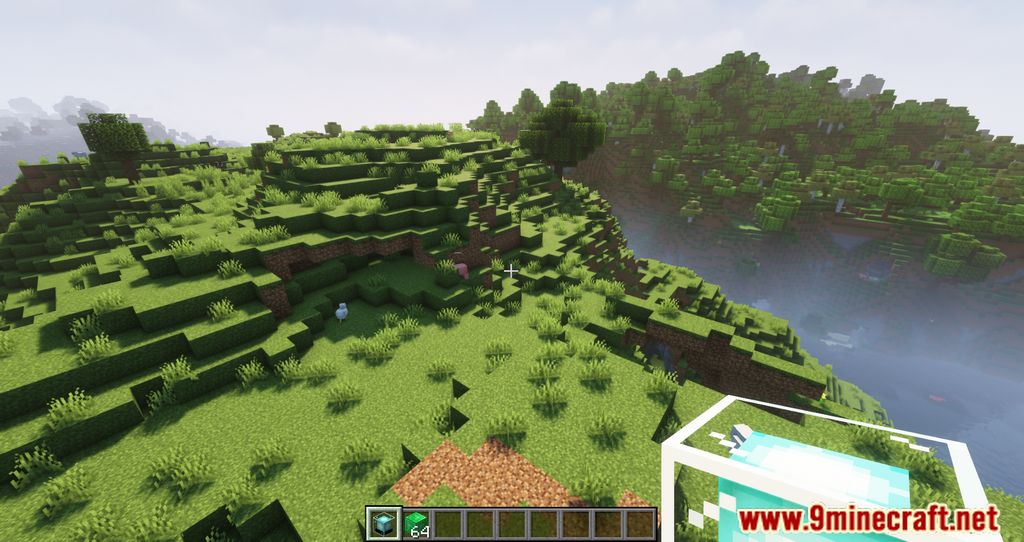
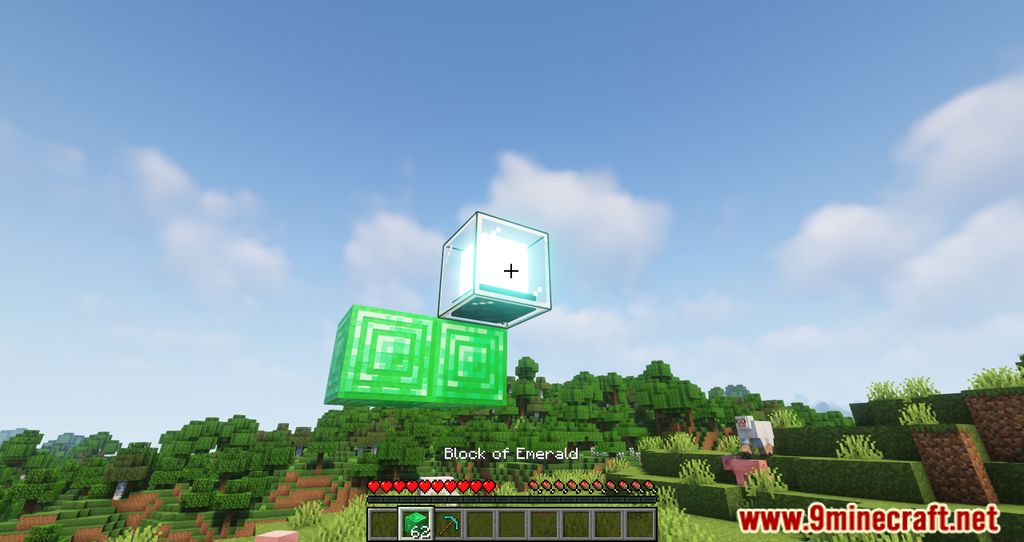
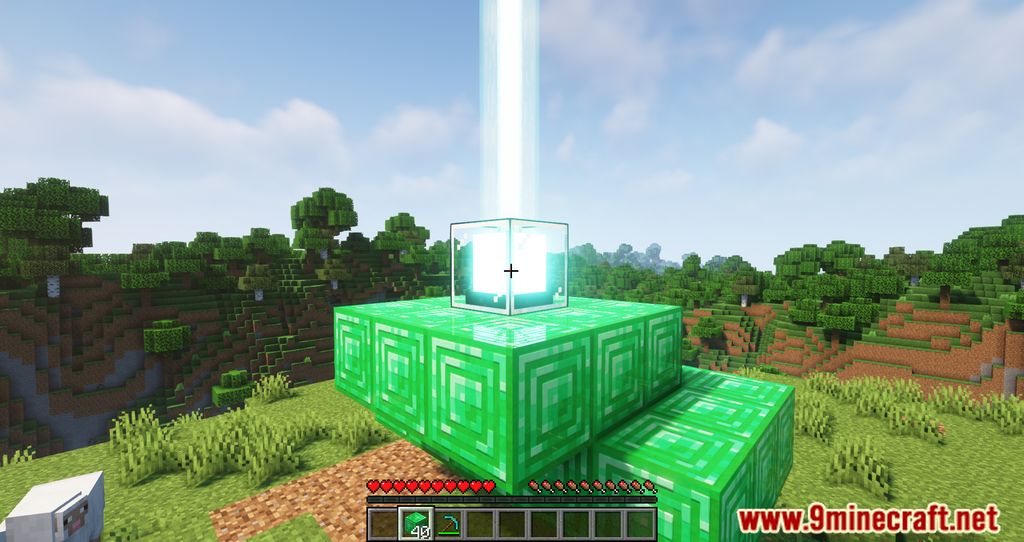
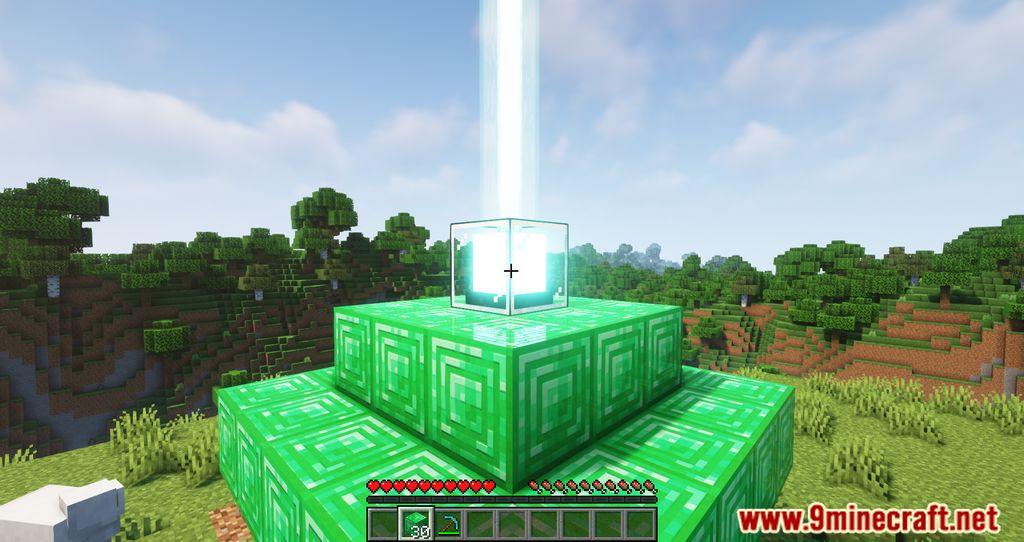
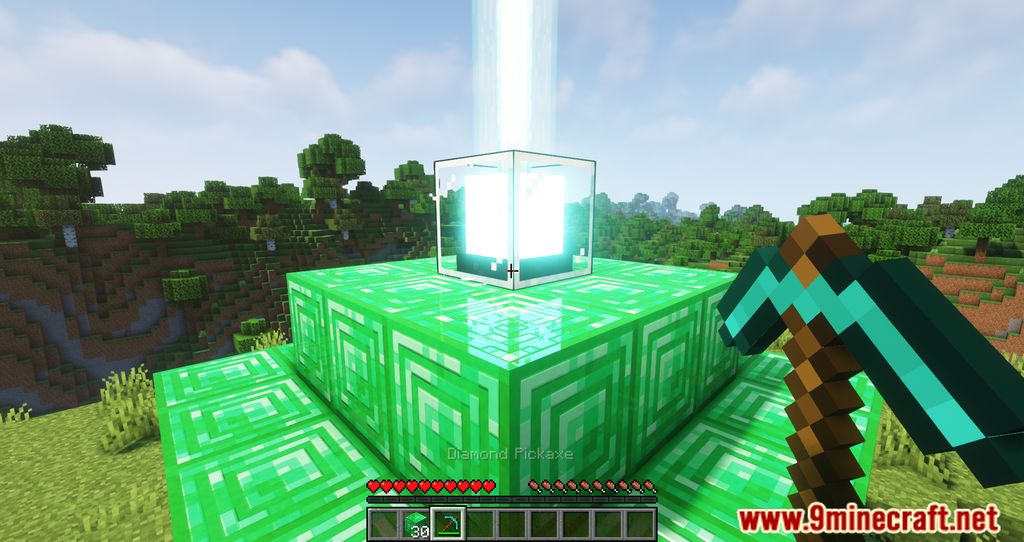
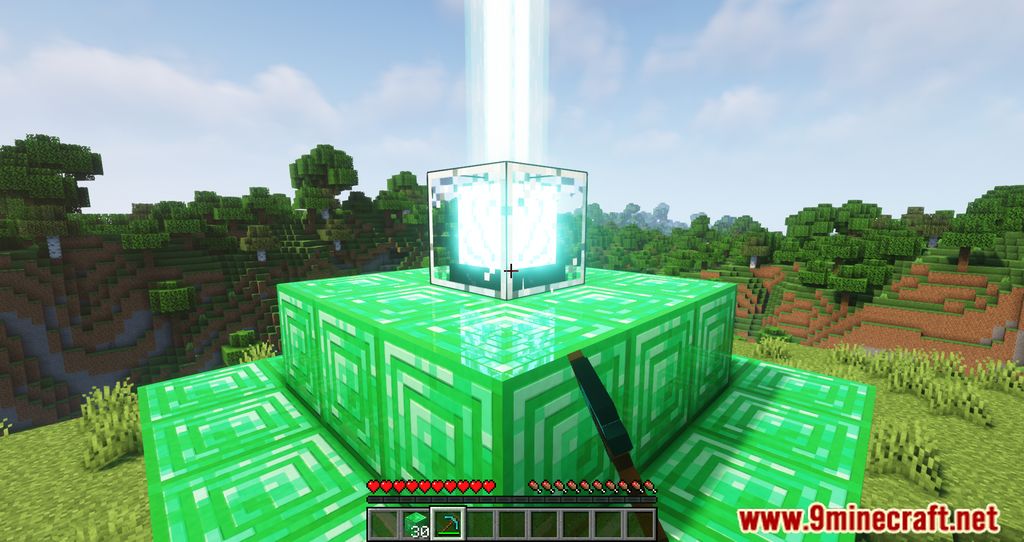
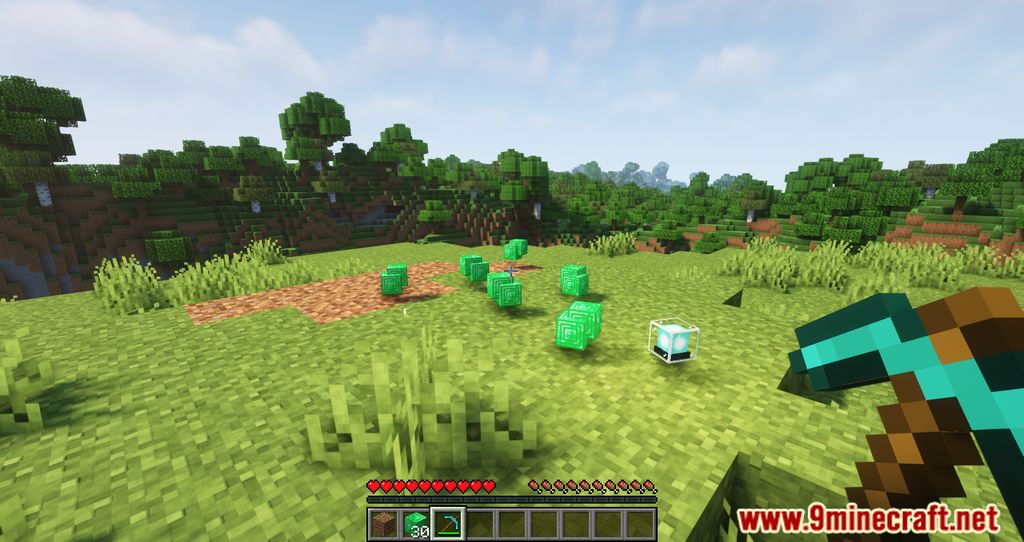
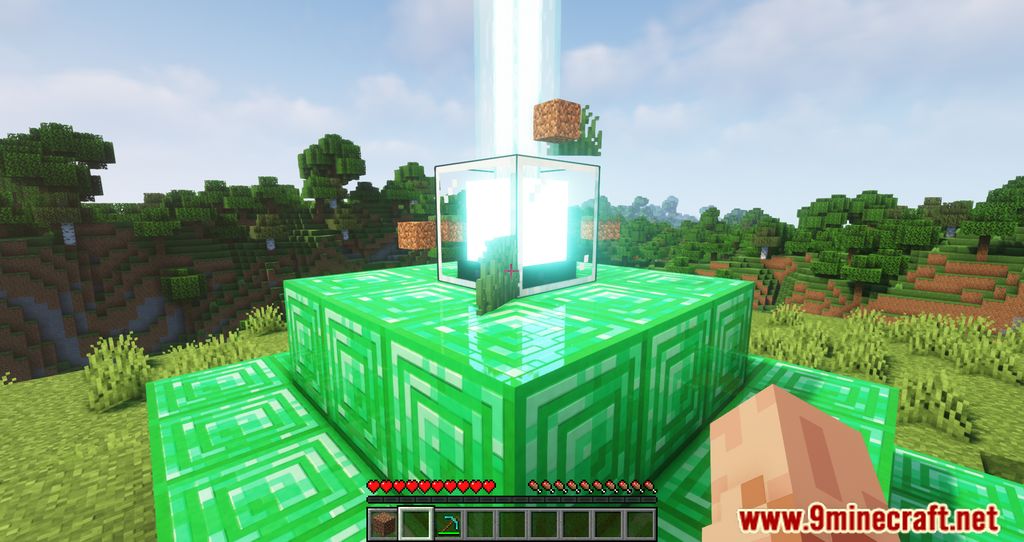
Better Beacon Placement Mod is a mod that will help players quickly build a Beacon area. After defeating EnderDragon and defeating Wither, you should have enough resources and materials to make the Beacon area. To activate the Beacon, you need to use Iron, Gold, Diamond, or Netherite blocks to build a pyramid with the top of the tower being the Beacon block. To activate the stronger Beacon, the higher the pyramid block must be, the higher it is, the more difficult it is to calculate the area and quantity needed. This mod will help you build pyramids automatically; when you hold enough blocks to build and right-click on Beacon blocks, they will be automatically placed to fit. Or you can also use Shift + right mouse button to make the pyramid ultimately. Breaking the Beacon will also break all the base blocks and drop them at the Beacon’s location.
Features:
- Easily place beacon bases by right-clicking the beacon with a mineral block.
- Sneak/crouch+right-clicking places the entire stack in hand.
- Breaking the beacon will also break all the base blocks and drop them at the beacon’s location.
Screenshots:
Better Beacon Placement Mod Download Links
- Edition: Minecraft Java
- File type: .jar
- Minecraft version listed: 1.20.1
- How to install: Install the matching mod loader (Forge, Fabric or NeoForge) for your Minecraft version. → Download the .jar. → Put it in the .minecraft/mods folder and launch that loader profile.
- Where to get it: In MC Java Mods, or directly above on this page.
Install steps are the general flow for this file type — How to install Minecraft Java mods & modpacks walks through it step by step.
- Downloads as 83970.mcaddon
- Download size: 46 KB
- Download link checked 25 Sept 2026 — working
- Mirrored on our own servers — the download does not depend on the original host
These come from our own check of the pack file, not from the source page.