Home›Java›Mods›Enchantment Level Cap Indicator Mod (26.2, 1.20.1) – Tooltip Indicates Max Enchantment Level
ModsJava
Enchantment Level Cap Indicator Mod (26.2, 1.20.1) – Tooltip Indicates Max Enchantment Level
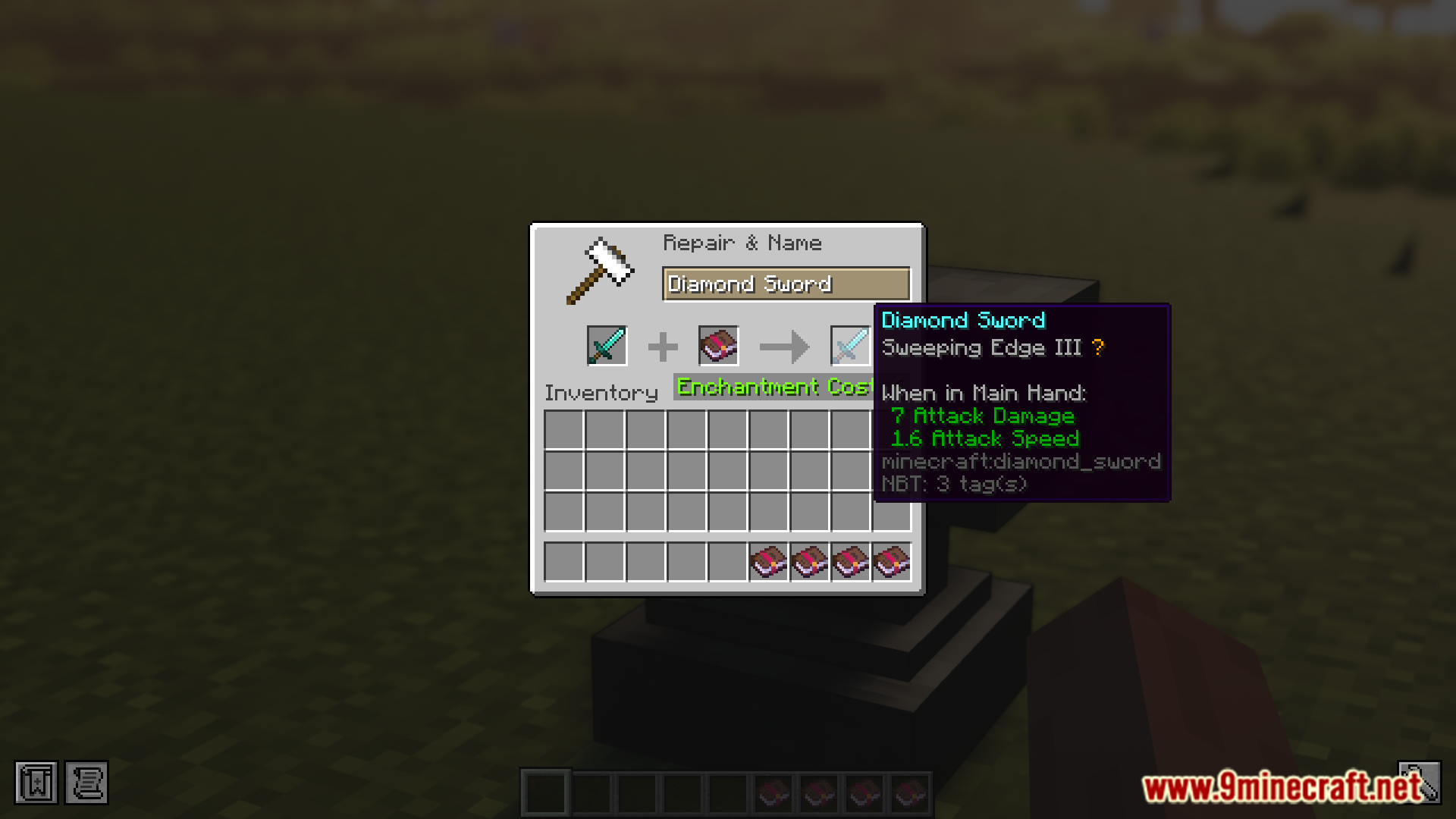
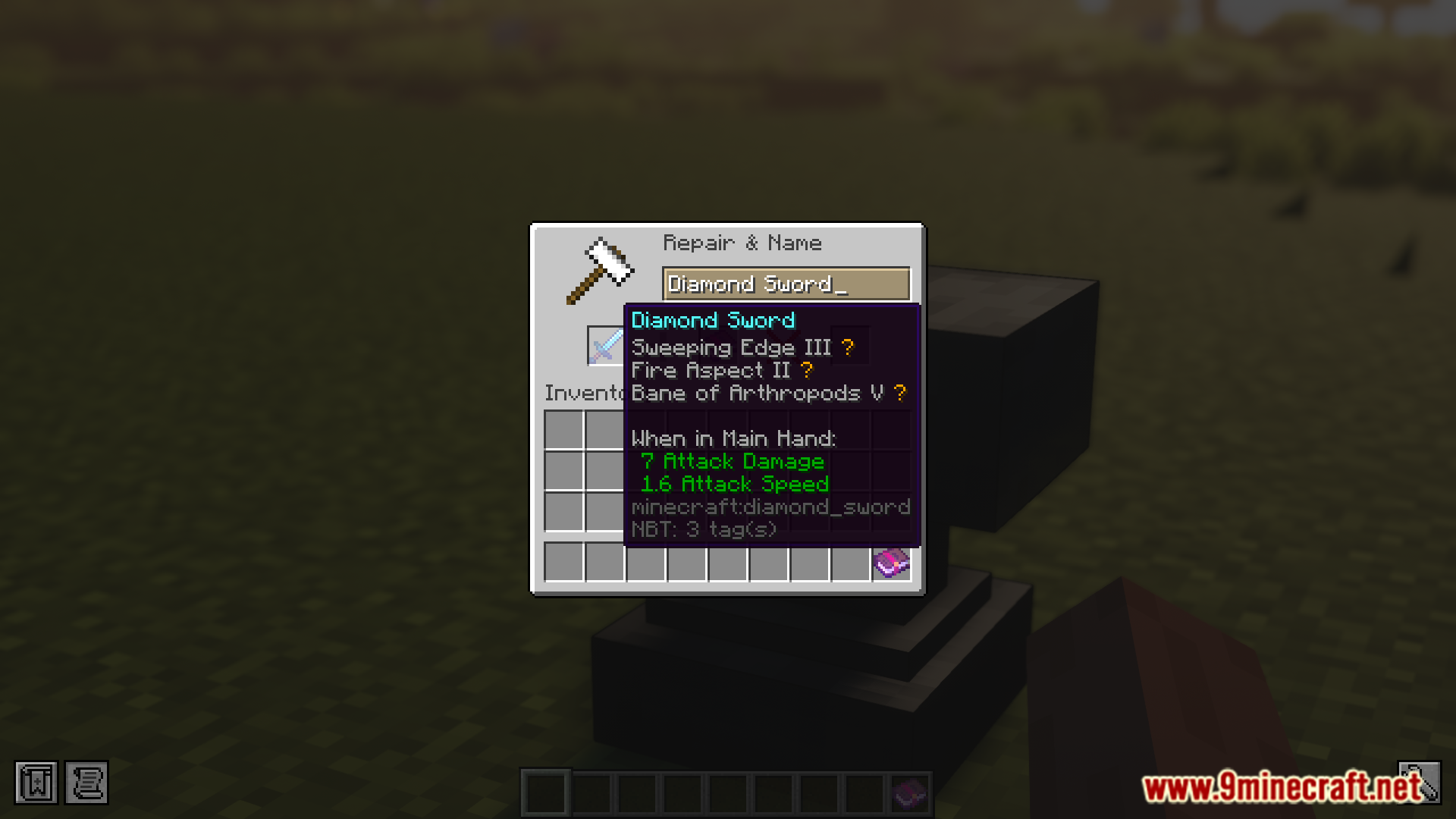
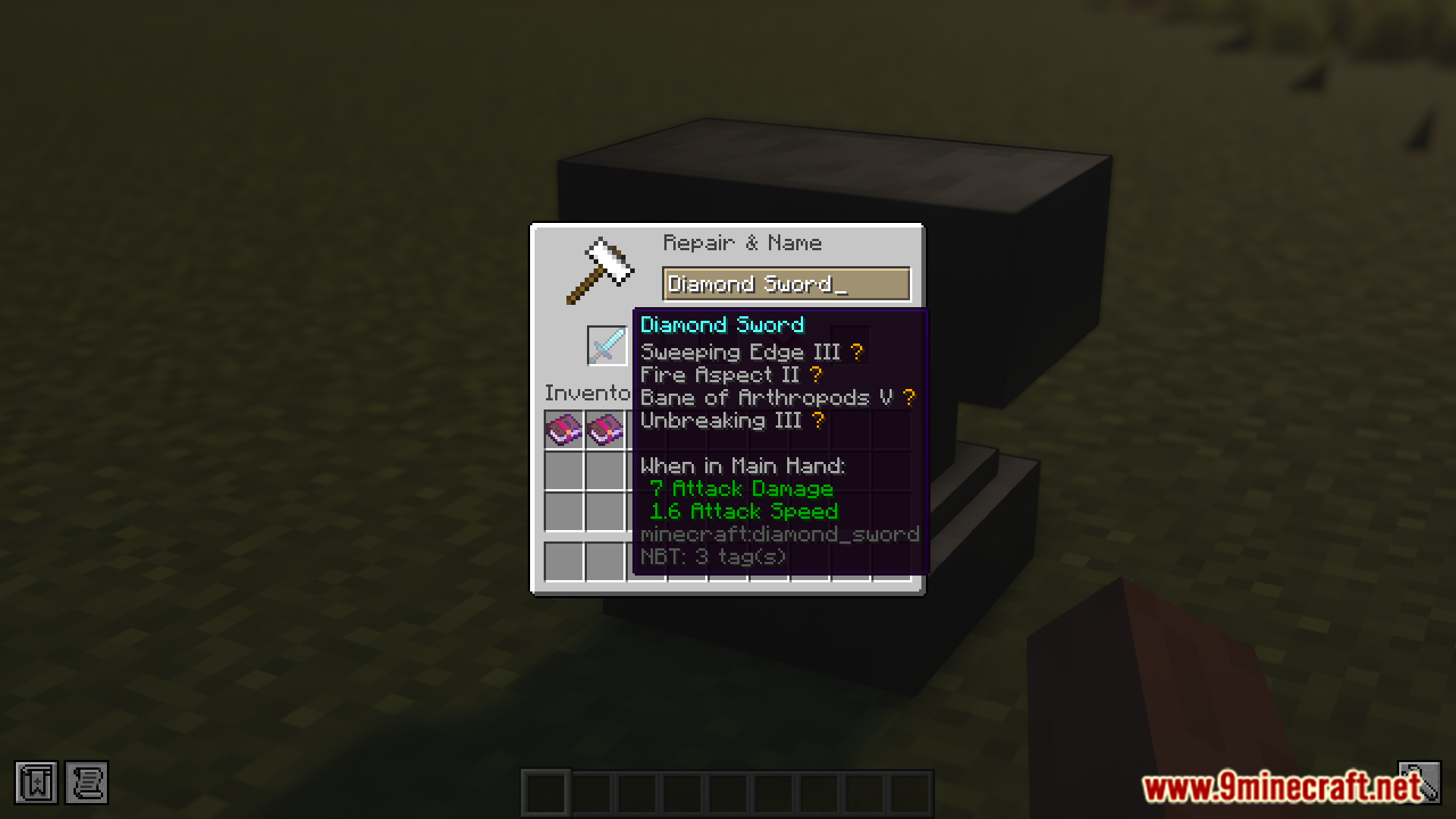
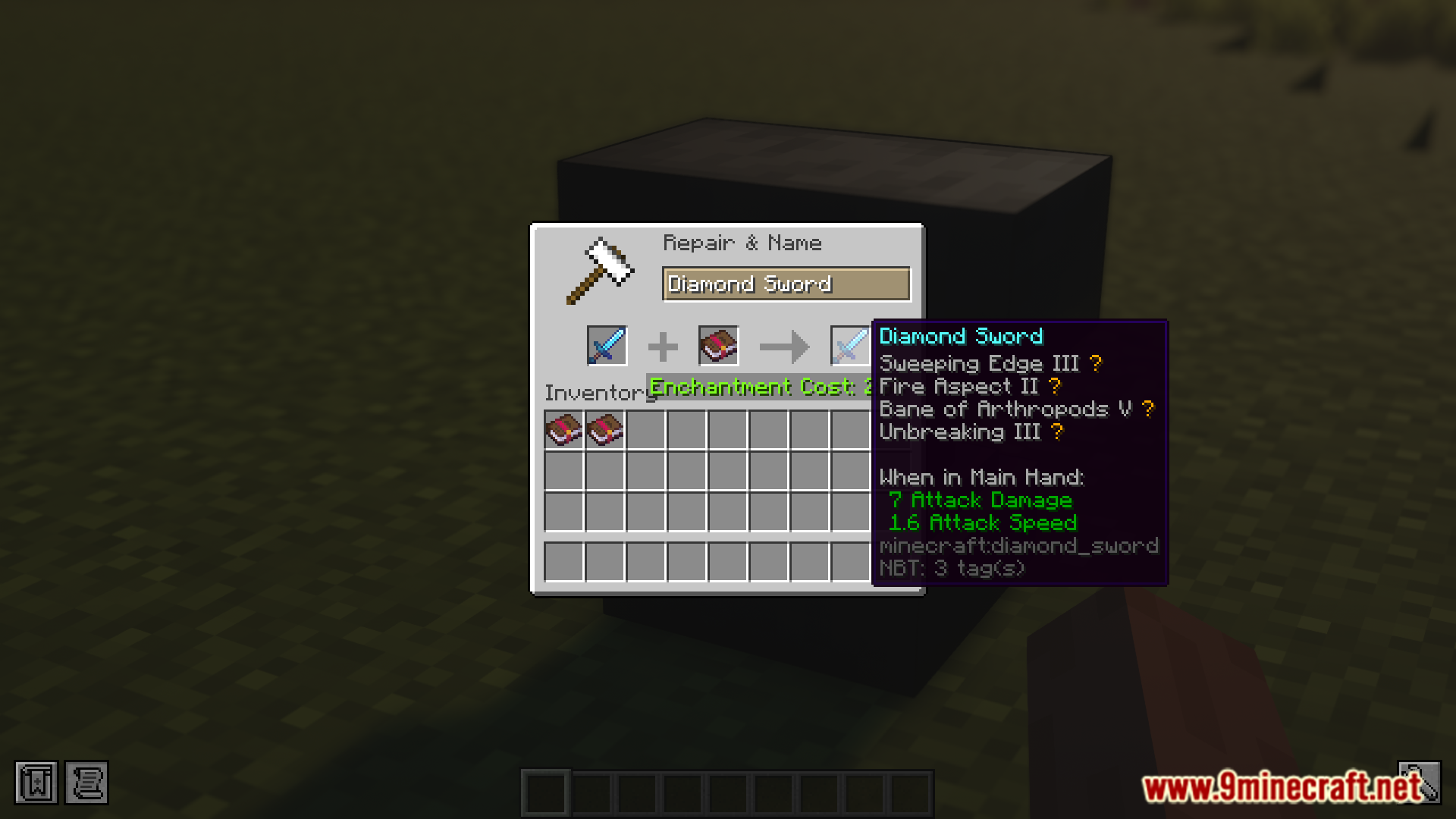
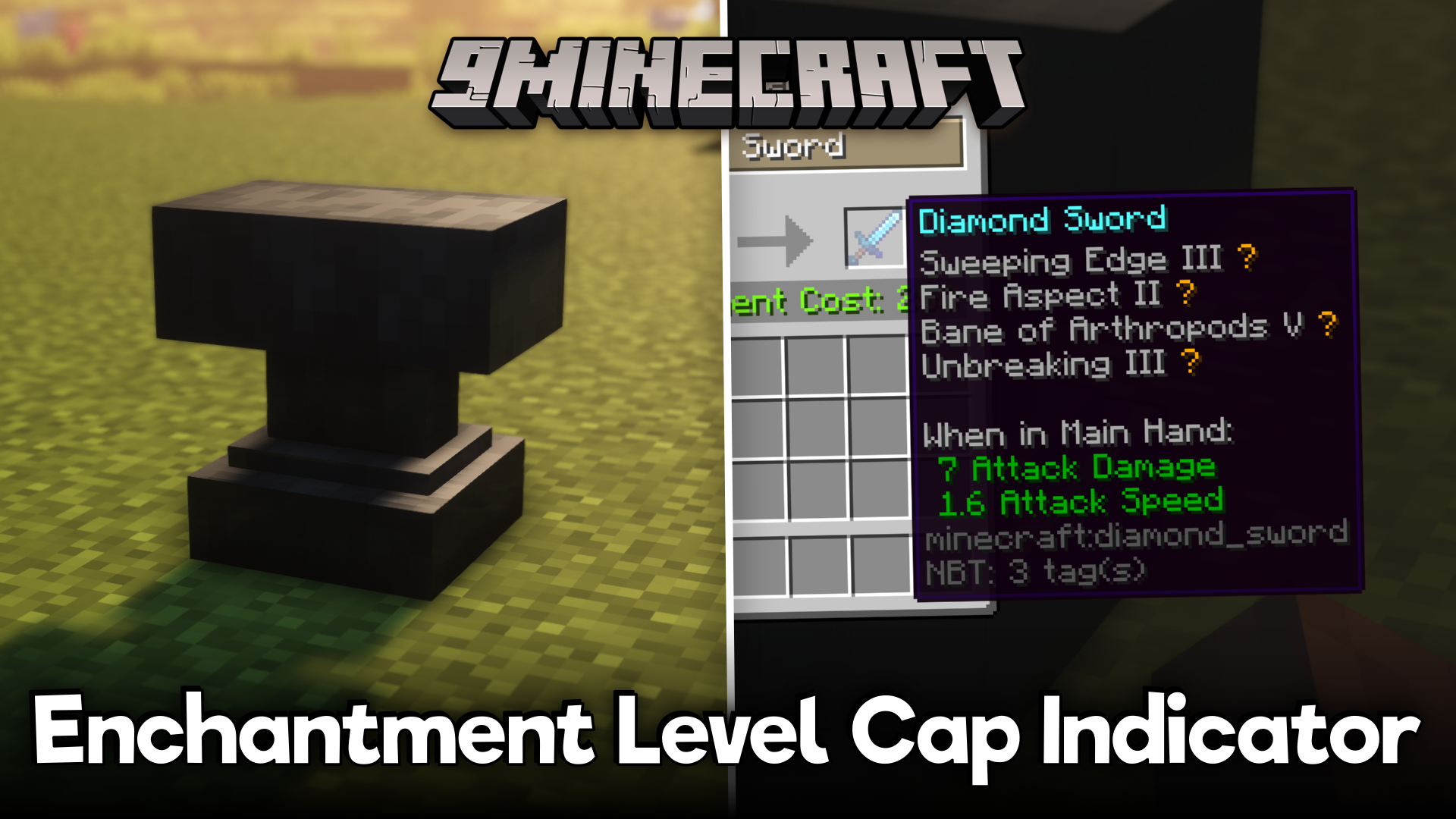
The vanilla game limits the maximum level of enchantment that can be applied onto a particular piece of tool or armor piece. But there is no way to know if the enchanted item is at its maximum enchantability without actually placing it into an anvil and receiving a warning. Enchantment Level Cap Indicator Mod is here to change that. As the name suggests, this mod introduces an indicator that will appear in the tooltip of the item when it has the maximum enchantment level applied on it.
Features:
- Shows when an enchantment is max level.
- Adds a symbol next to capped enchantments.
- Default symbol: golden star. Symbols are configurable.
- Useful for newer players who don’t know level caps.
Screenshots:
Enchantment Level Cap Indicator Mod Download Links
Quick facts
- Edition: Minecraft Java
- File type: .jar
- Minecraft version listed: 1.20.1
- How to install: Install the matching mod loader (Forge, Fabric or NeoForge) for your Minecraft version. → Download the .jar. → Put it in the .minecraft/mods folder and launch that loader profile.
- Where to get it: In MC Java Mods, or directly above on this page.
Install steps are the general flow for this file type — How to install Minecraft Java mods & modpacks walks through it step by step.
Verified by MCModsHub
- Downloads as 83976.mcaddon
- Download size: 33 KB
- Download link checked 22 Sept 2026 — working
- Mirrored on our own servers — the download does not depend on the original host
These come from our own check of the pack file, not from the source page.