ModsJava
Wool Tweaks Mod (26.2, 1.20.1) – Universal Dyeing
Java mod listed for Minecraft 1.20. Downloads from the MC Java Mods app on Android.
⬇ Download
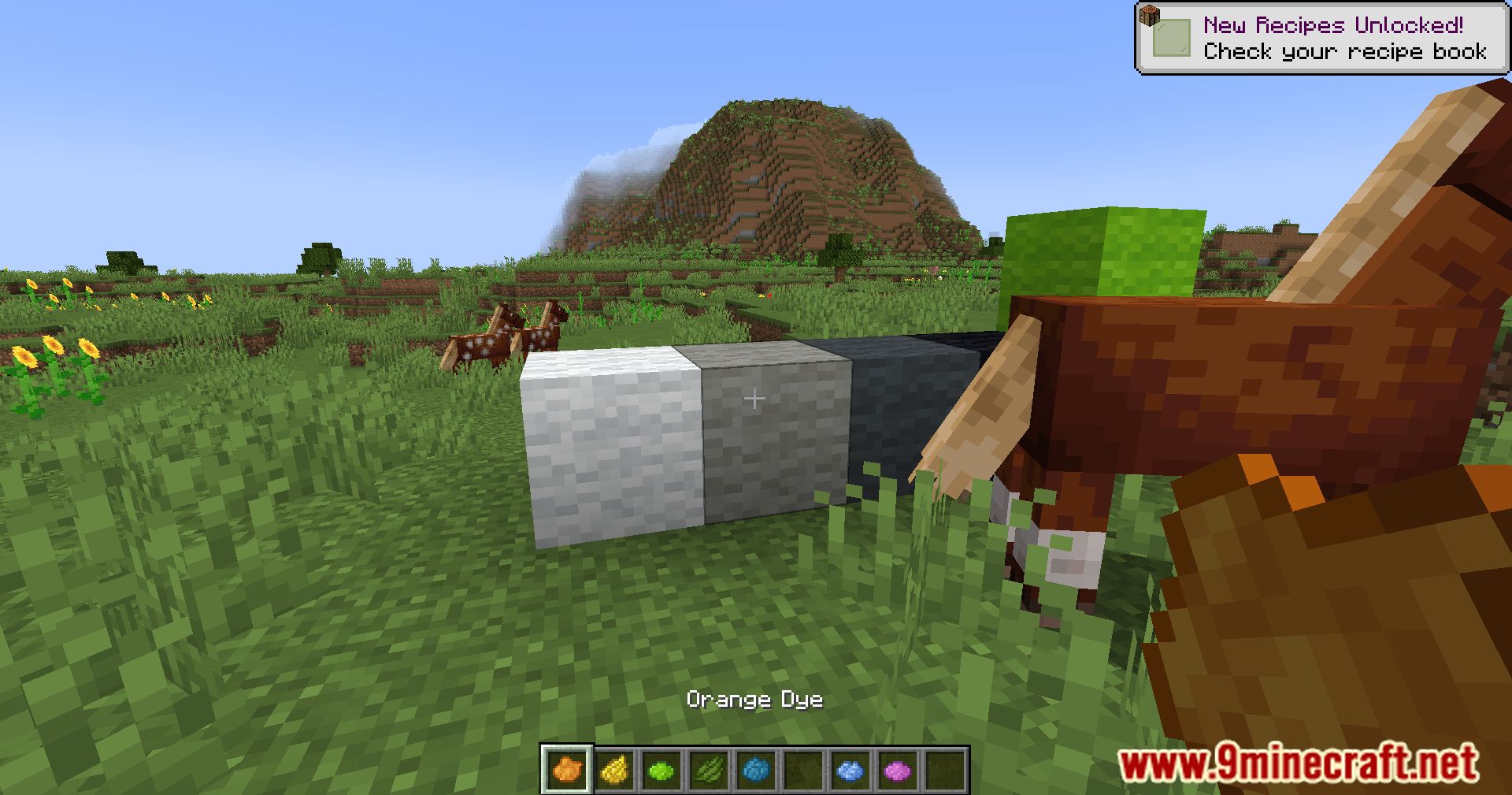
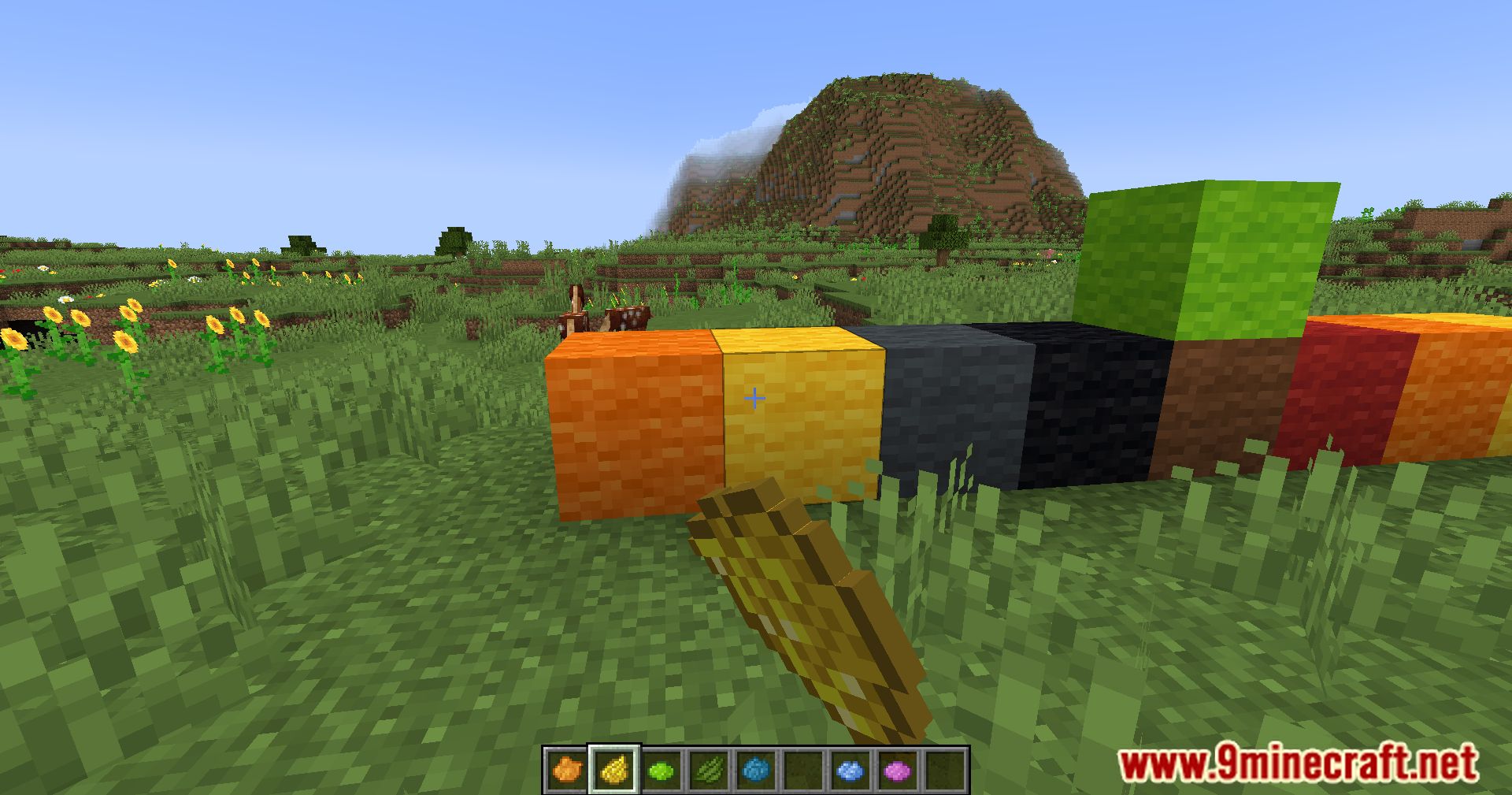
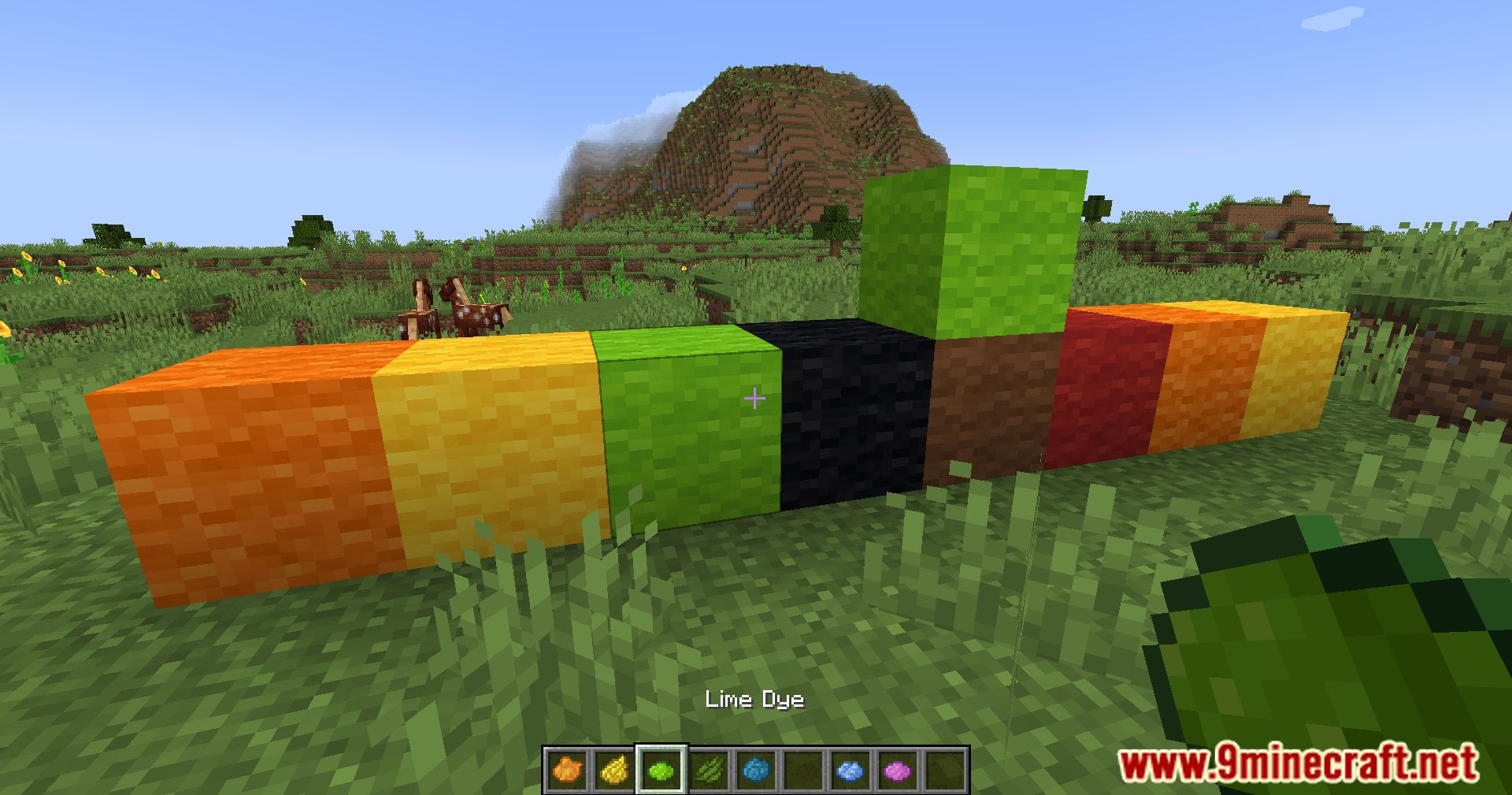
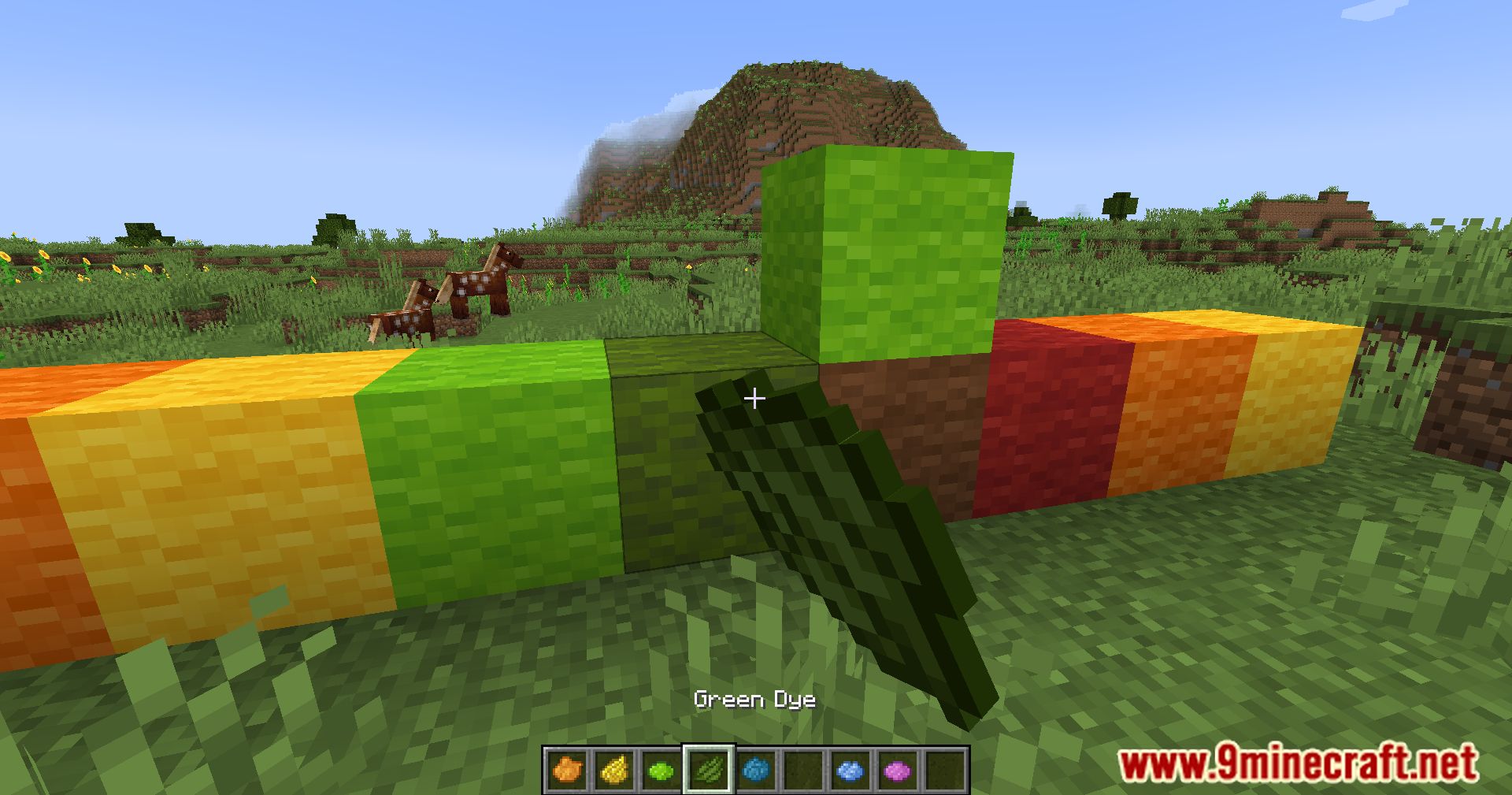
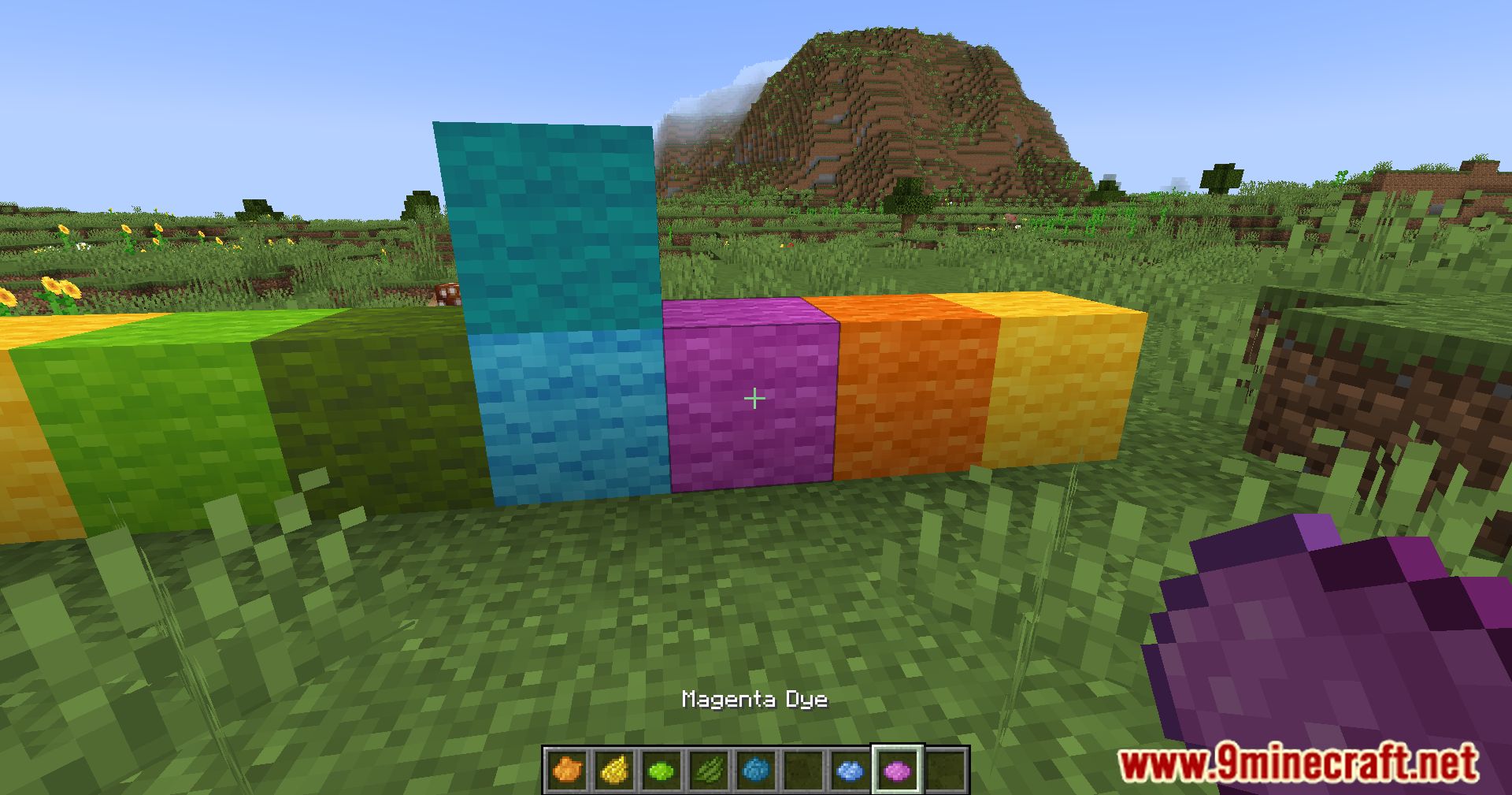
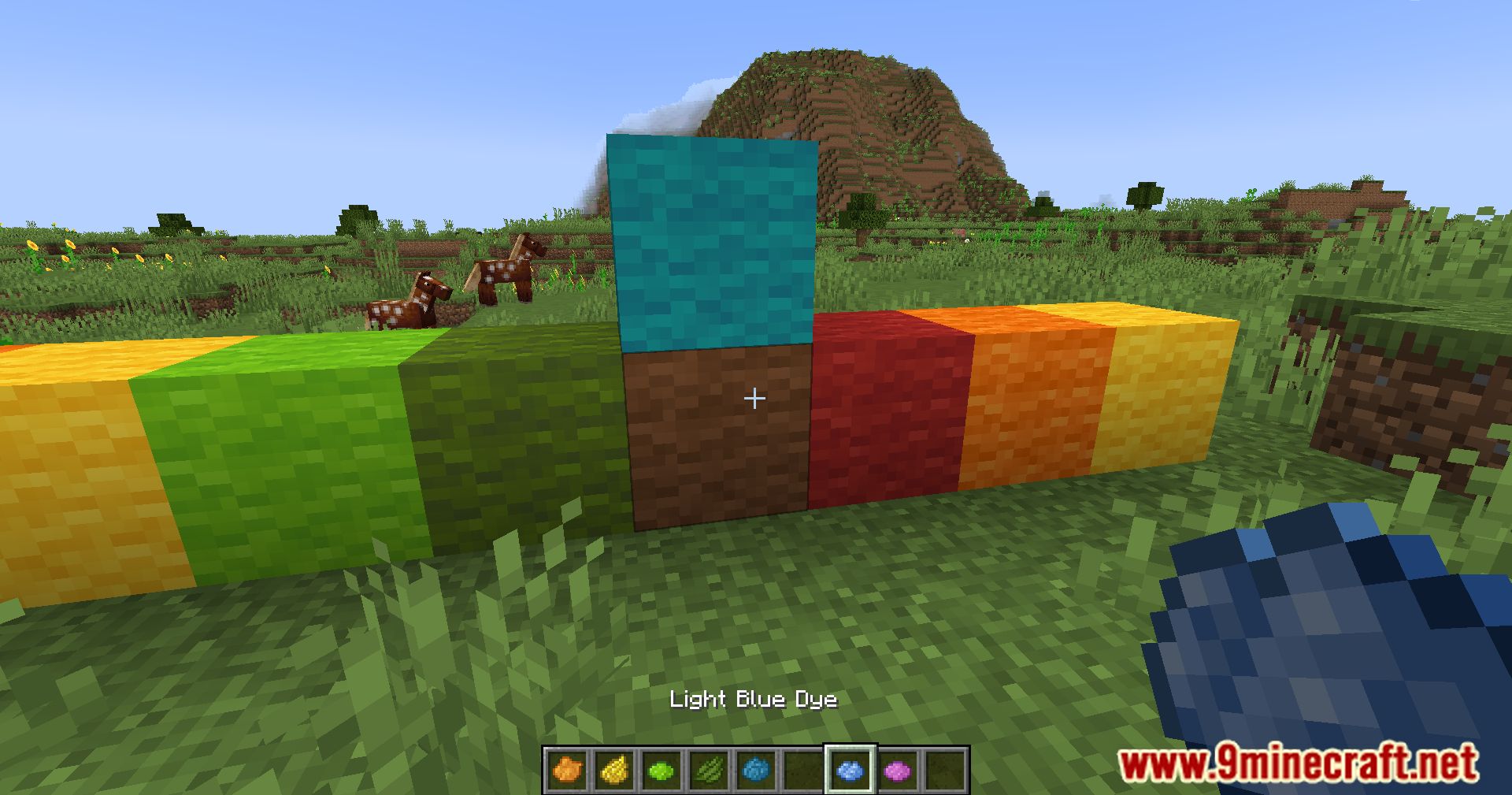
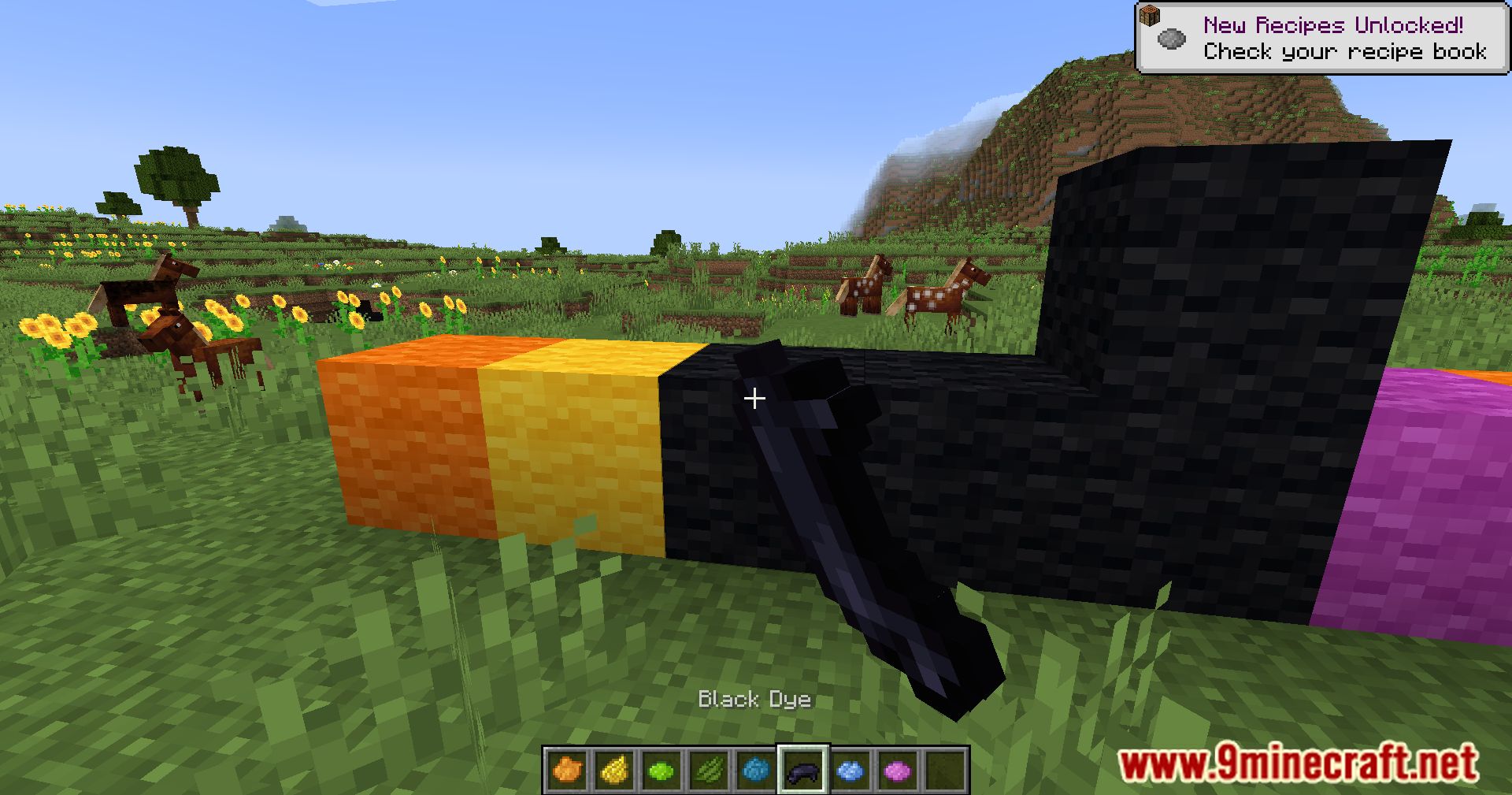
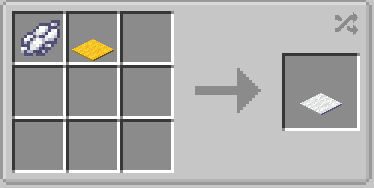
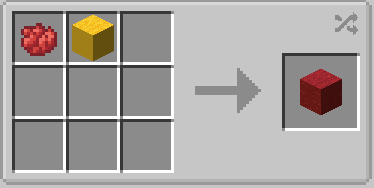
Wool Tweaks Mod introduces various changes to wool, beds, and carpets coloring. In the crafting grid, you can dye any wool, and in the game world, you’ll be able to right-click on a wool block with dye in hand to change its color.
Features:
- You can dye any color of wool, bed, or carpet-not just white ones-using the crafting grid.
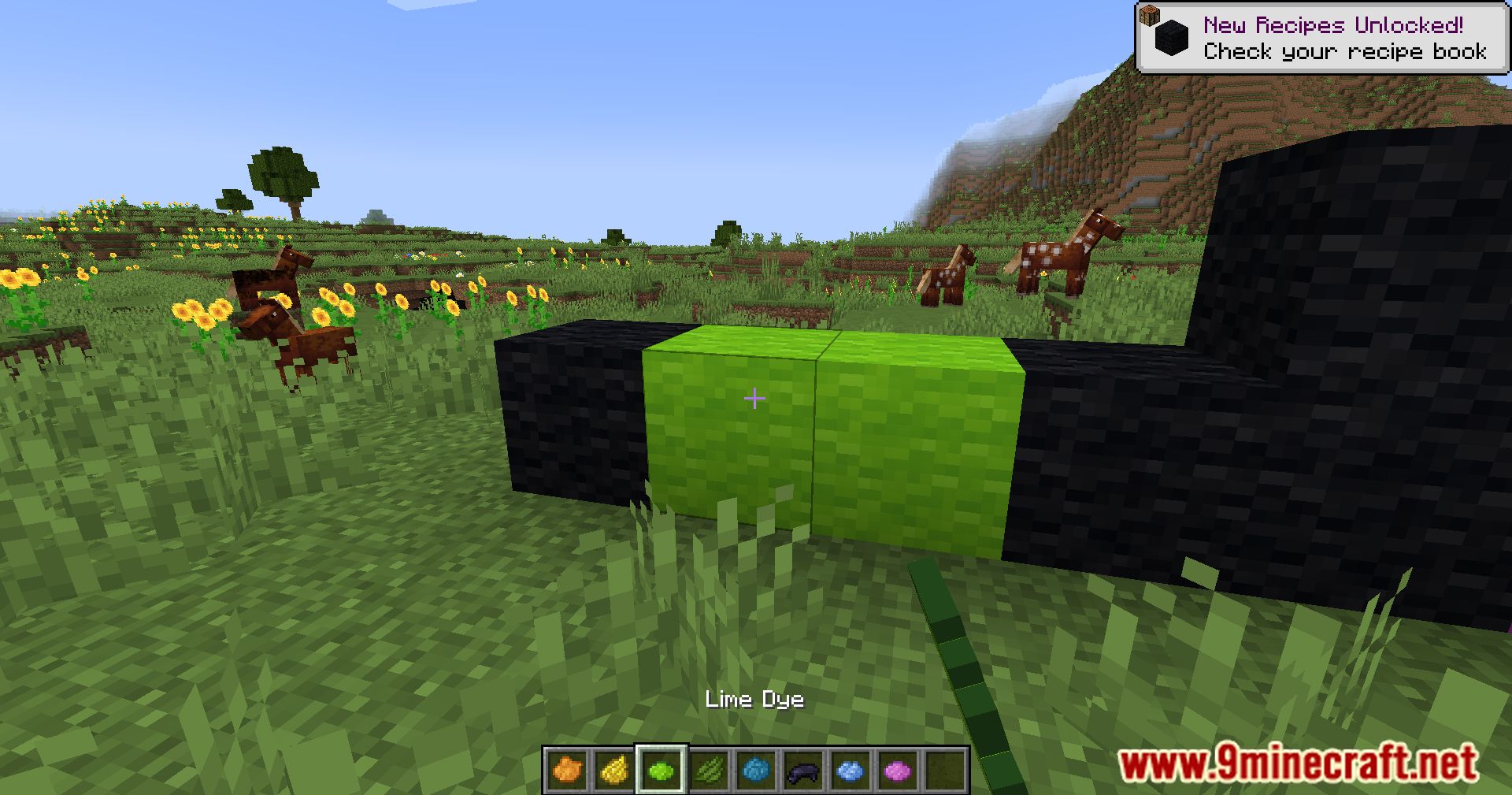
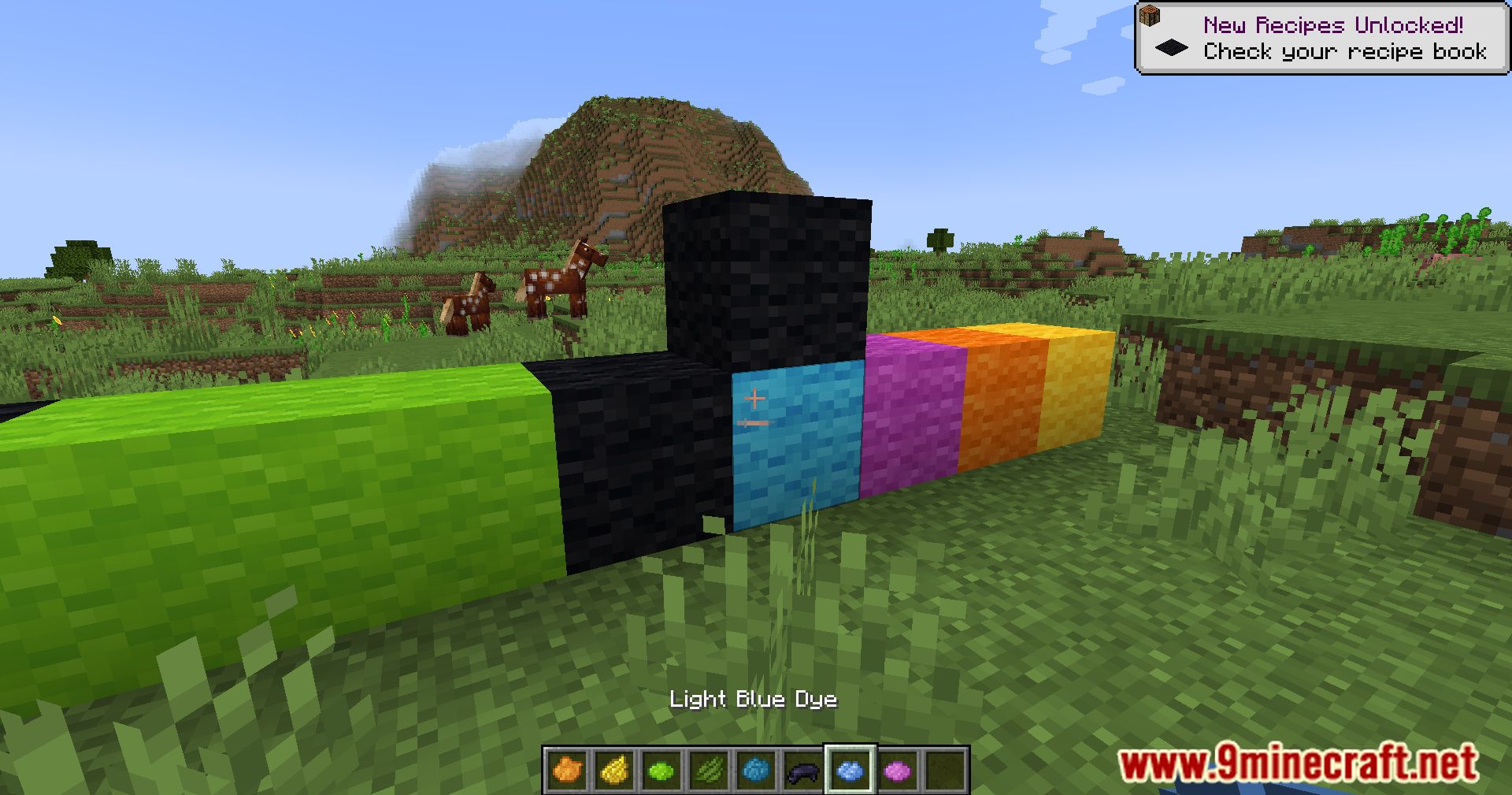
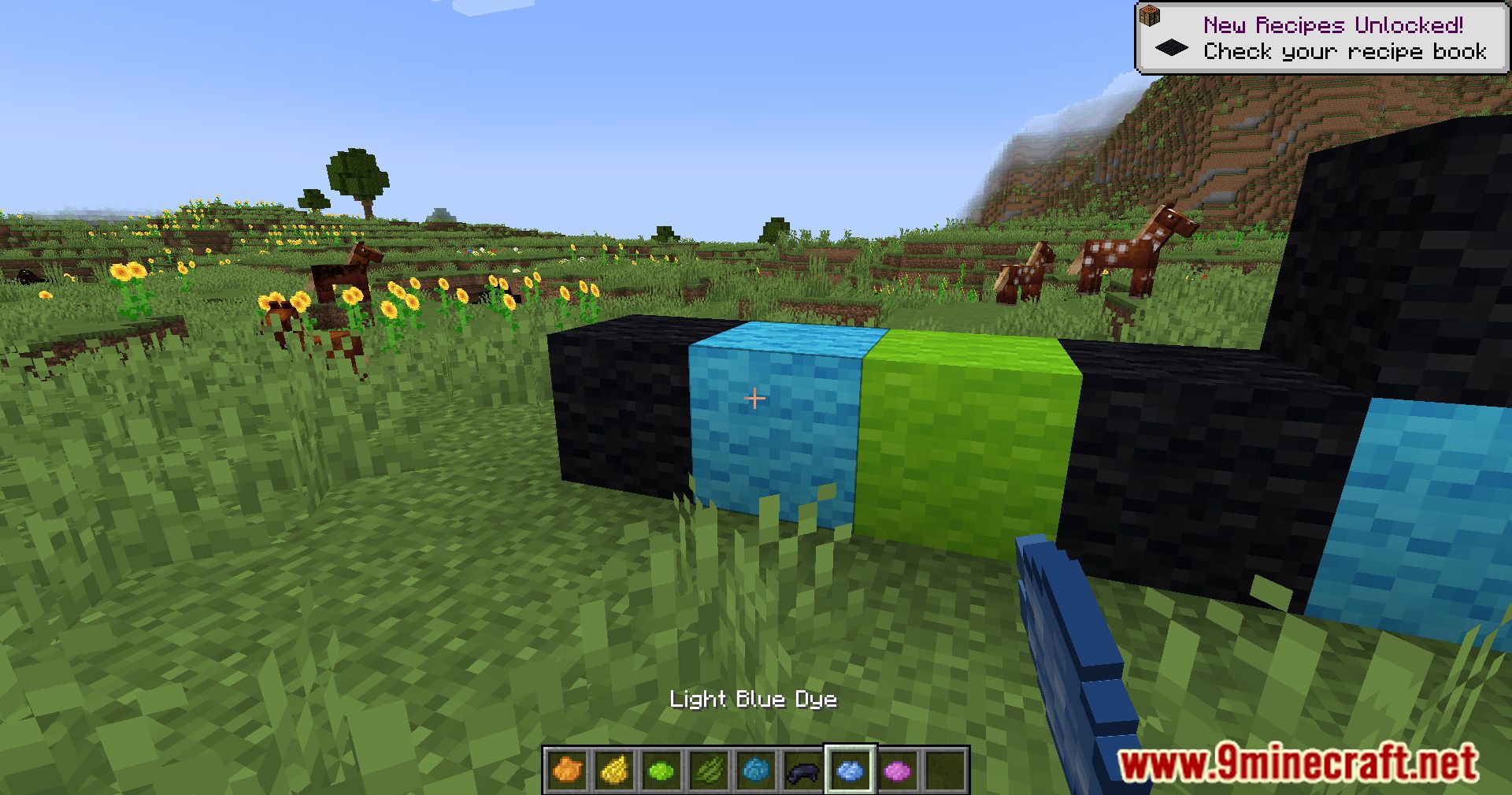
- Apply dye directly to placed wool blocks, beds, or carpets by right-clicking them with a dye in hand.
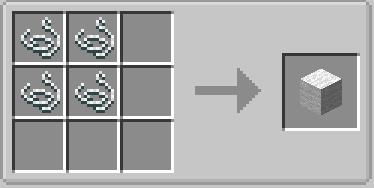
- Adds a recipe to convert any color wool block into 4 string-great for survival crafting.
- Keeps everything vanilla-friendly by modifying existing mechanics without adding new blocks or items.
Screenshots:
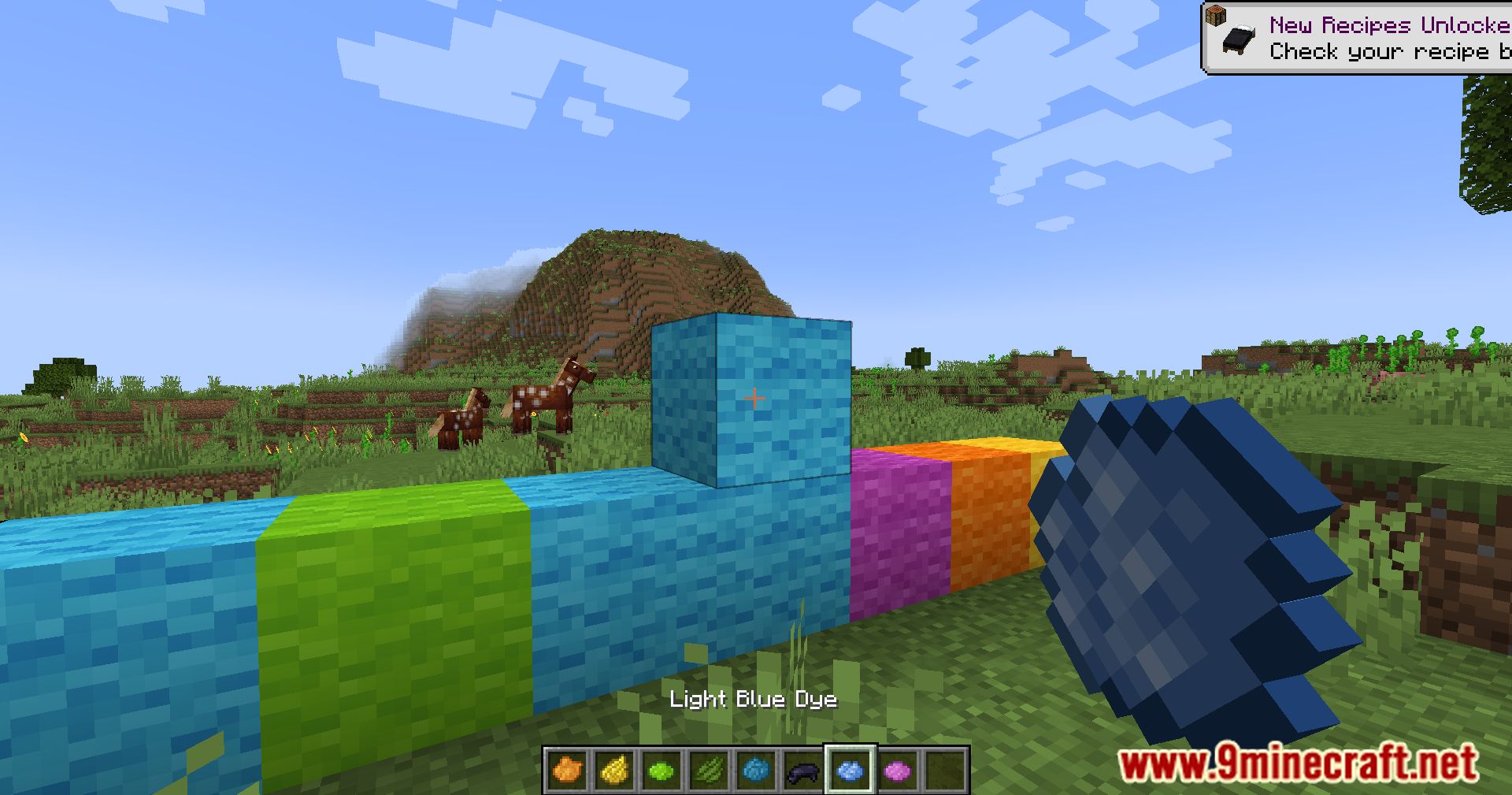
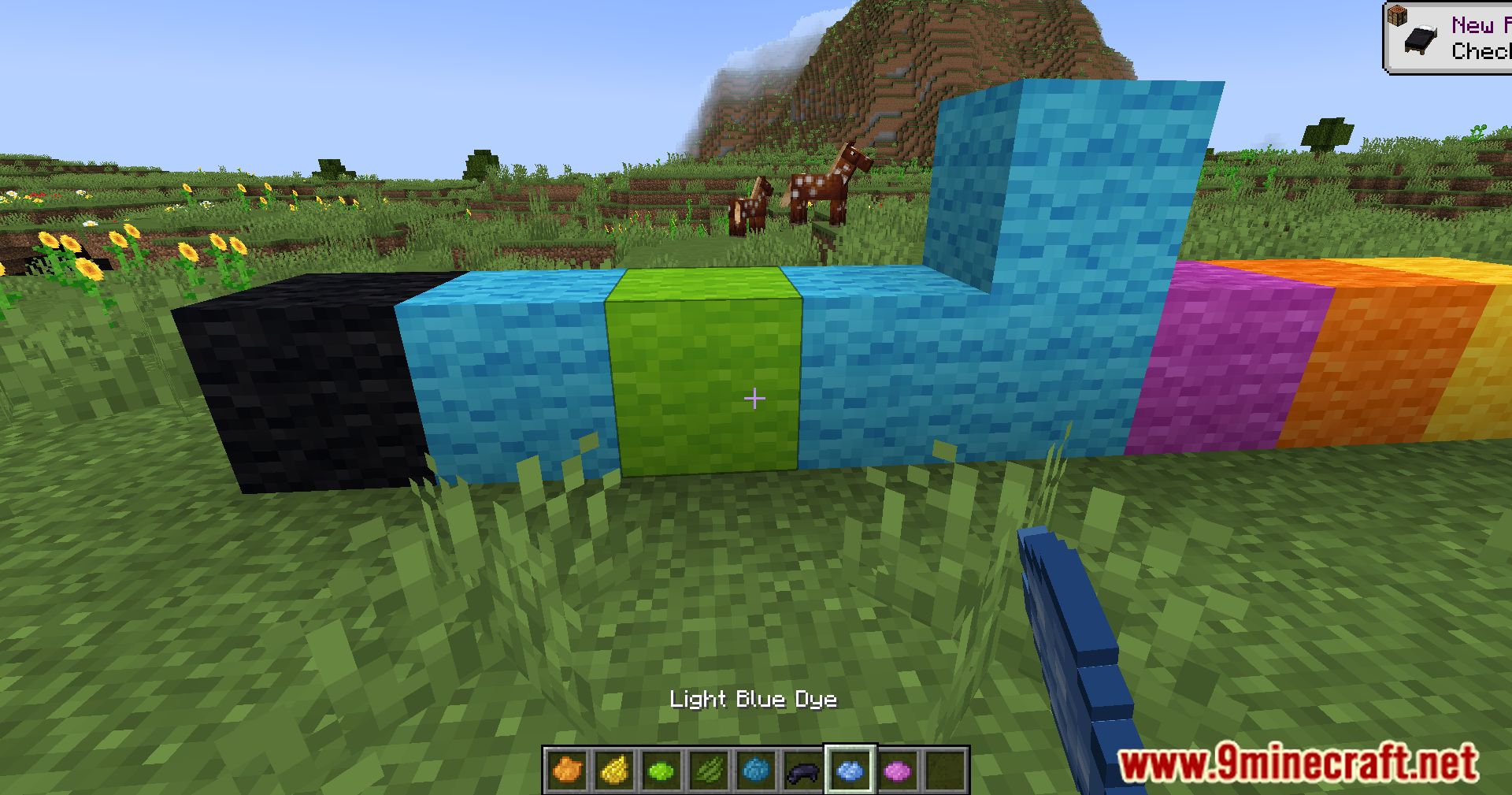
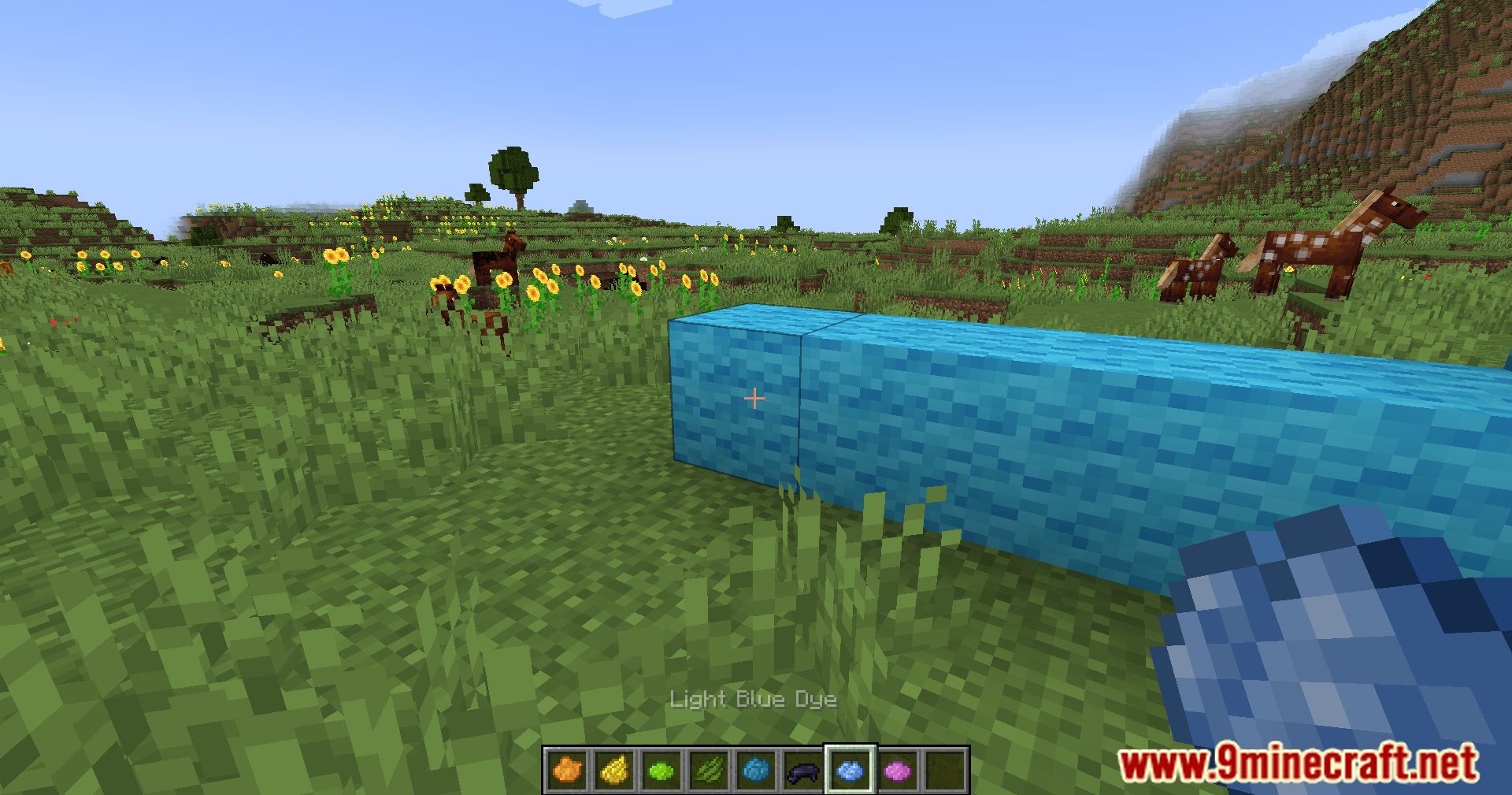
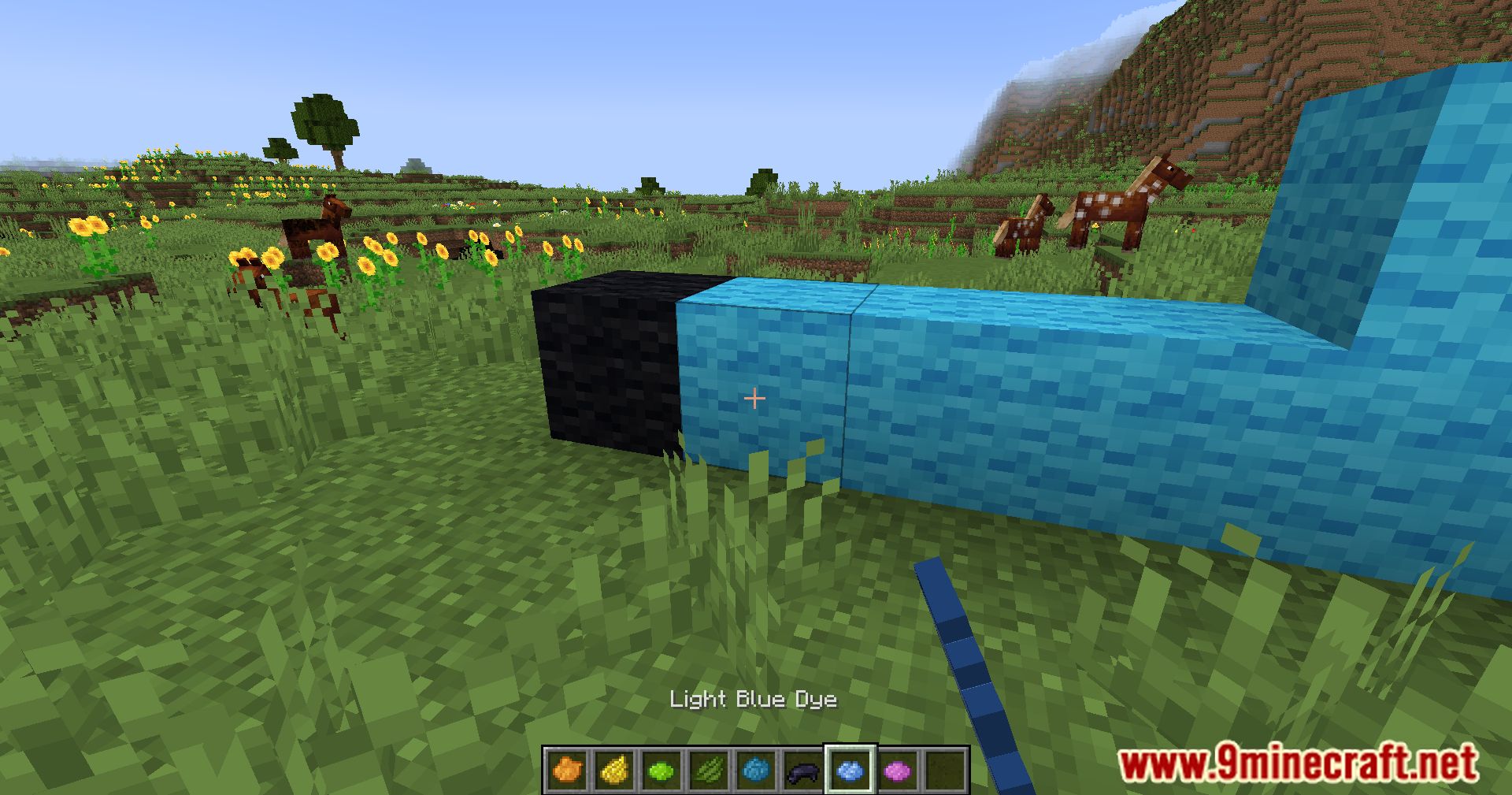
Crafting Recipes:
Wool Tweaks Mod Download Links
Quick facts
- Edition: Minecraft Java
- File type: .jar
- Minecraft version listed: 1.20.1
- How to install: Install the matching mod loader (Forge, Fabric or NeoForge) for your Minecraft version. → Download the .jar. → Put it in the .minecraft/mods folder and launch that loader profile.
- Where to get it: In MC Java Mods, or directly above on this page.
Install steps are the general flow for this file type — How to install Minecraft Java mods & modpacks walks through it step by step.
File checked by MCModsHub
- Downloads as 83988.mcaddon
- Download size: 47 KB
- Download link checked 23 Sept 2026 — working
- Mirrored on our own servers — the download does not depend on the original host
These come from our own check of the pack file, not from the source page.