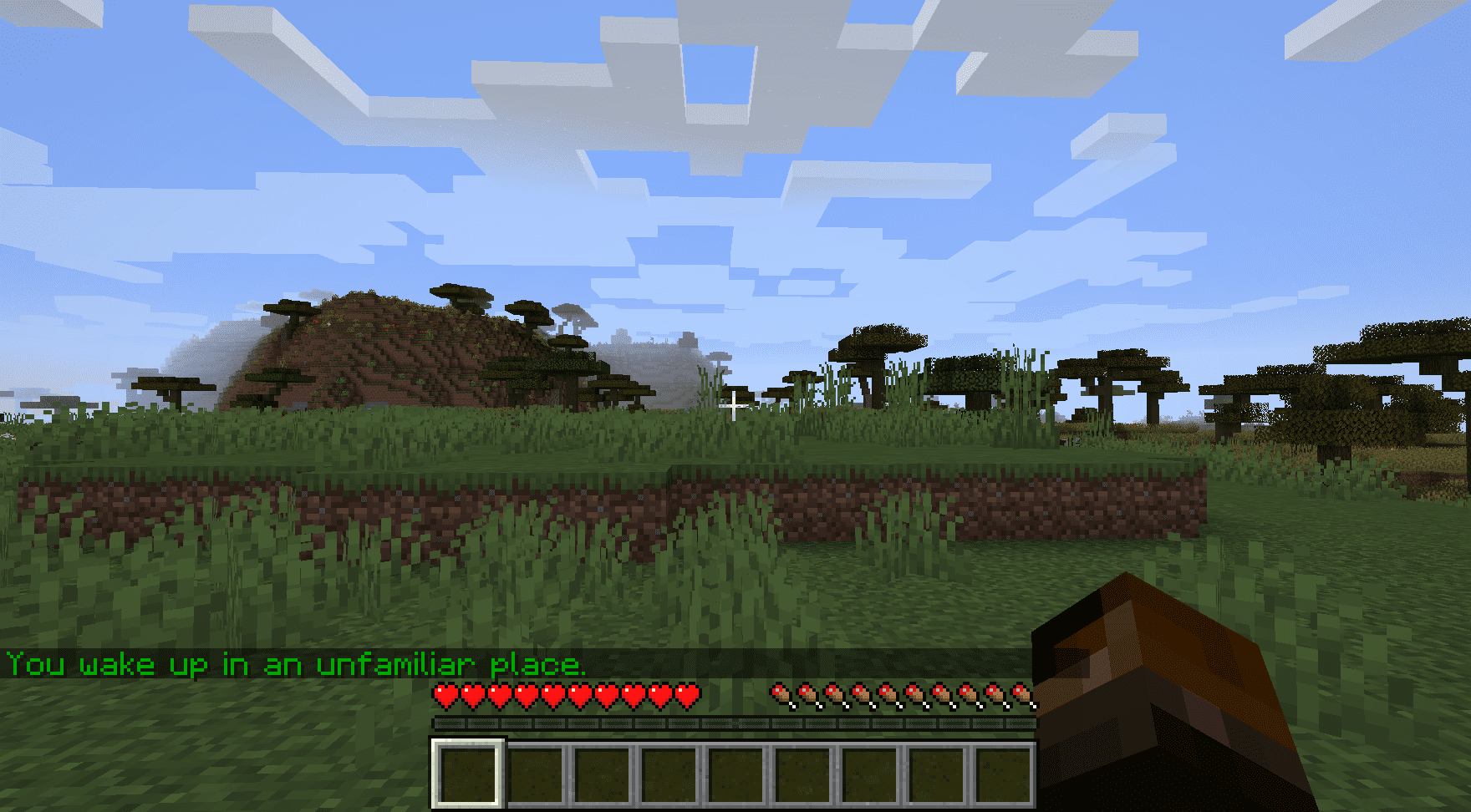

First Join Message Mod sends a personalized message to players when they join a world for the first time. This can be used to create an immersive introduction or provide important information like server rules. Optionally broadcasts a message to all players on the server when a new player joins.
Features:
- First-time player message: Displays a defined message when a new player joins.
- Broadcast option: Allows sending a server-wide message whenever a new player enters the world.
- Customizable formatting: Messages and colour indexes can be configured through the mod’s settings.
Configs:
- firstJoinMessage
- Default:
"You wake up in an unfamiliar place." - Description: Message sent to players when they join a world for the first time.
- How to configure: Set any custom message. Leave empty to disable.
- Notes: Use
%sto insert the player’s name.
- Default:
- firstJoinMessageTextFormattingColourIndex
- Default:
2 - Range:
0-15 - Description: Colour index applied to the first join message.
- Default:
- serverBroadcastMessage
- Default:
"" - Description: Optional broadcast message sent to all players when someone joins for the first time.
- How to configure: Set any custom message. Leave empty to disable.
- Notes: Use
%sto insert the player’s name.
- Default:
- serverBroadcastMessageTextFormattingColourIndex
- Default:
3 - Range:
0-15 - Description: Colour index applied to the broadcast message.
- Default:
Available TextFormatting.Colour Values
0: black1: dark_blue2: dark_green3: dark_aqua4: dark_red5: dark_purple6: gold7: gray8: dark_gray9: blue10: green11: aqua12: red13: light_purple14: yellow15: white
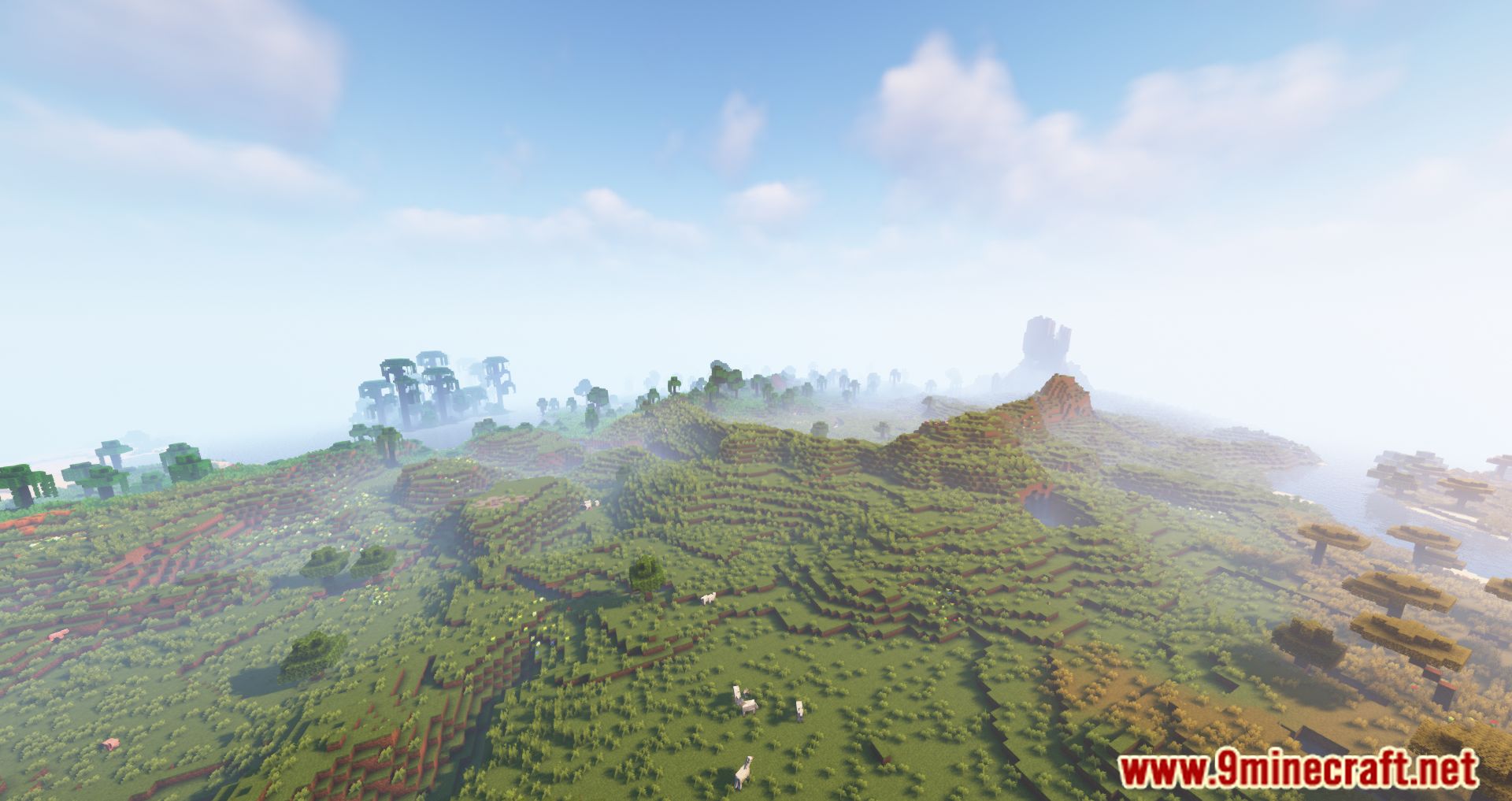
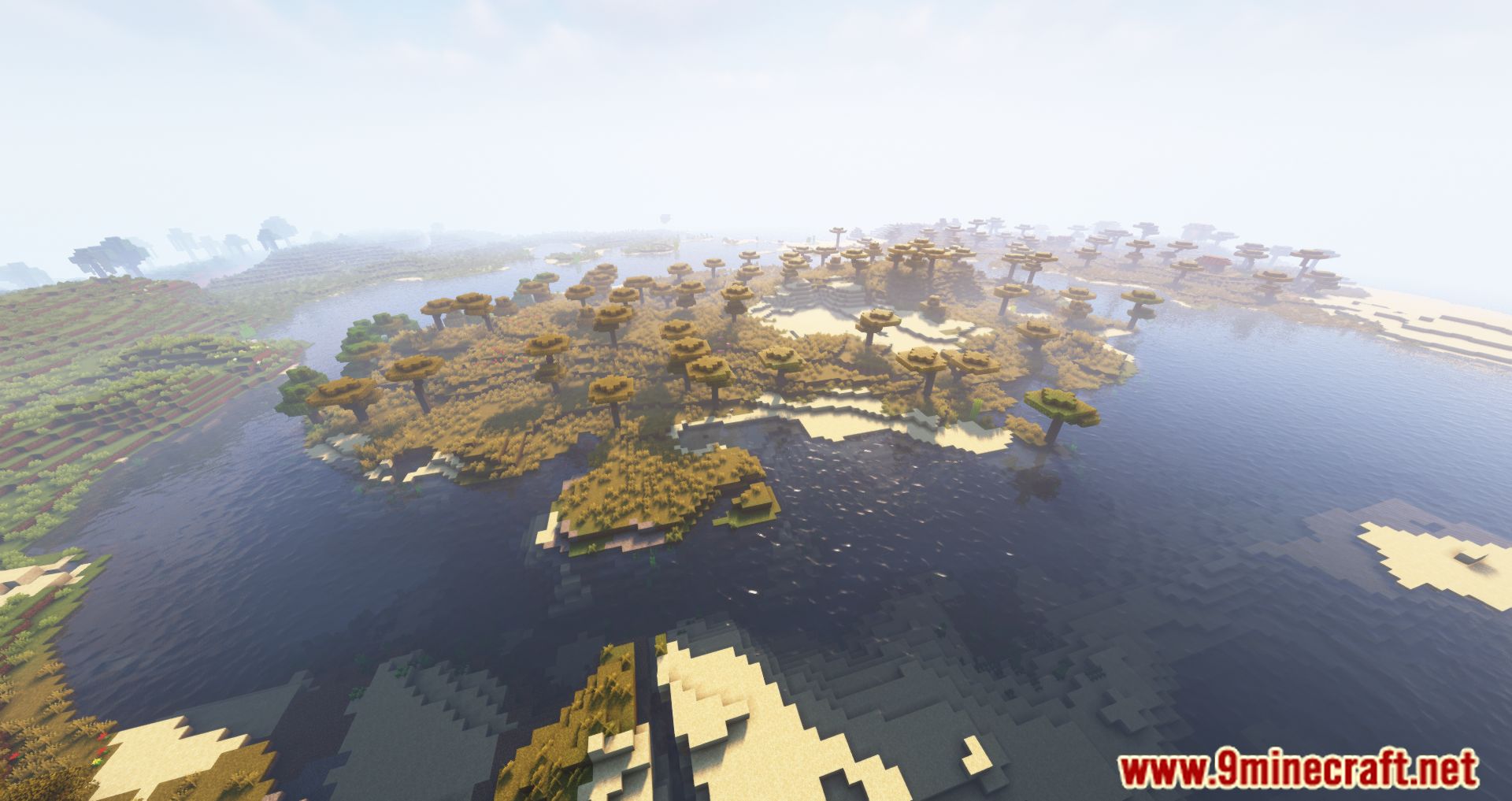
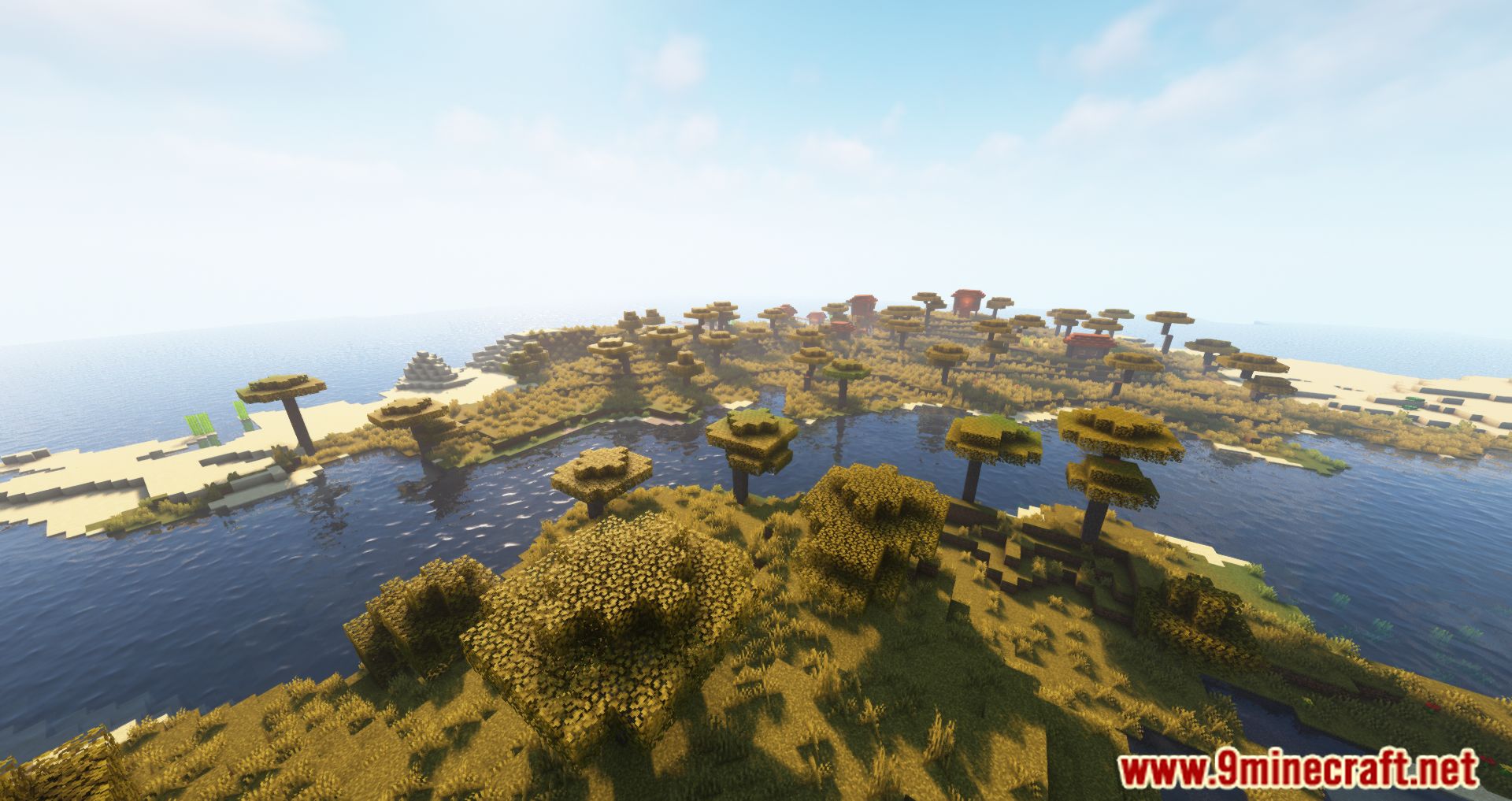
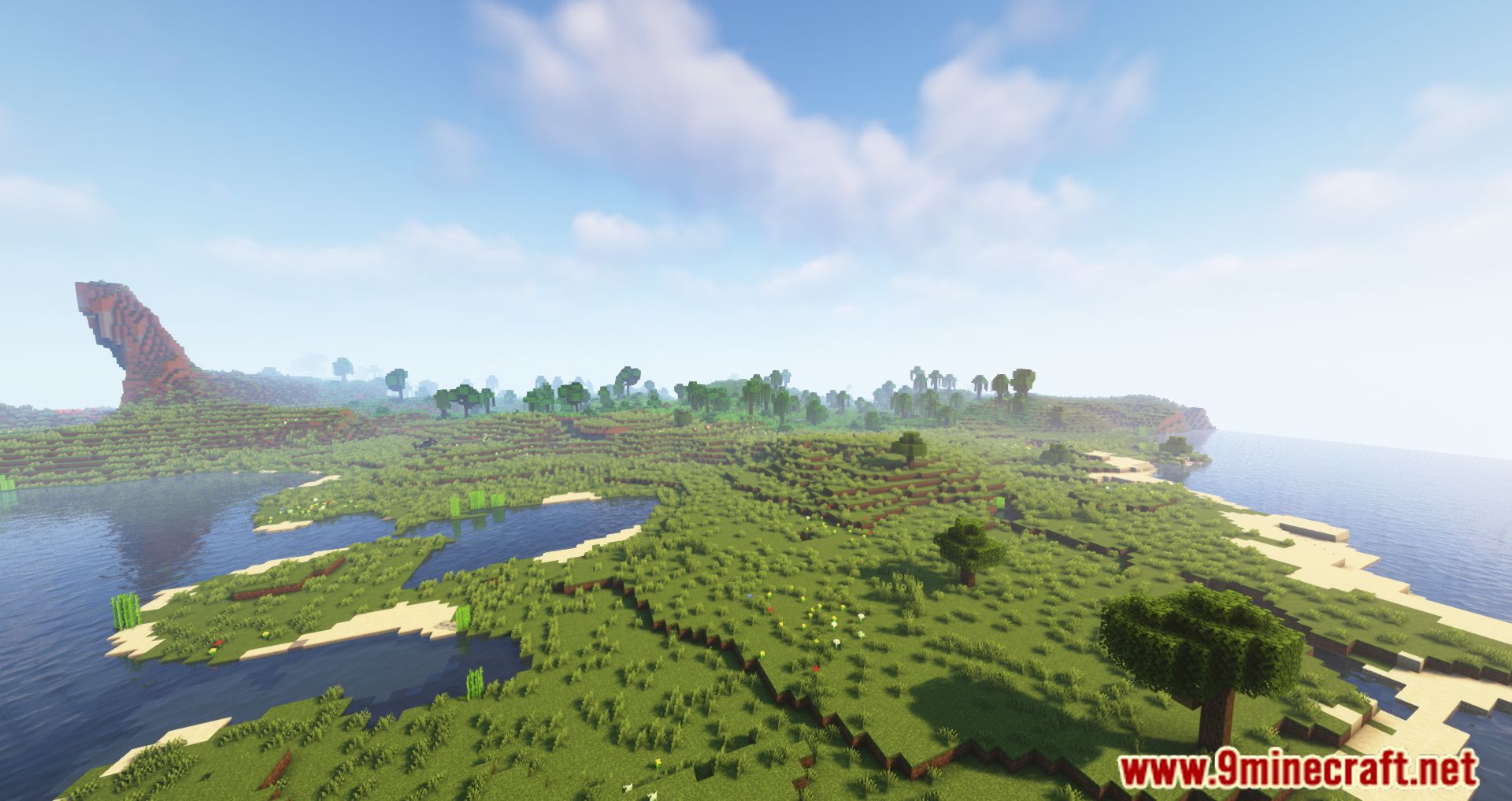
Screenshots:
First Join Message Mod Download Links
Quick facts
- Edition: Minecraft Java
- File type: .jar
- Minecraft version listed: 1.20.1
- How to install: Install the matching mod loader (Forge, Fabric or NeoForge) for your Minecraft version. → Download the .jar. → Put it in the .minecraft/mods folder and launch that loader profile.
- Where to get it: In MC Java Mods, or directly above on this page.
Install steps are the general flow for this file type — How to install Minecraft Java mods & modpacks walks through it step by step.
Verified by MCModsHub
- Downloads as 83993.mcaddon
- Download size: 33 KB
- Download link checked 25 Sept 2026 — working
- Mirrored on our own servers — the download does not depend on the original host
These come from our own check of the pack file, not from the source page.