
Biome Spawn Point Mod (26.2, 1.20.1) – Customizing Spawn Location
Java mod listed for Minecraft 1.20. Downloads from the MC Java Mods app on Android.
⬇ Download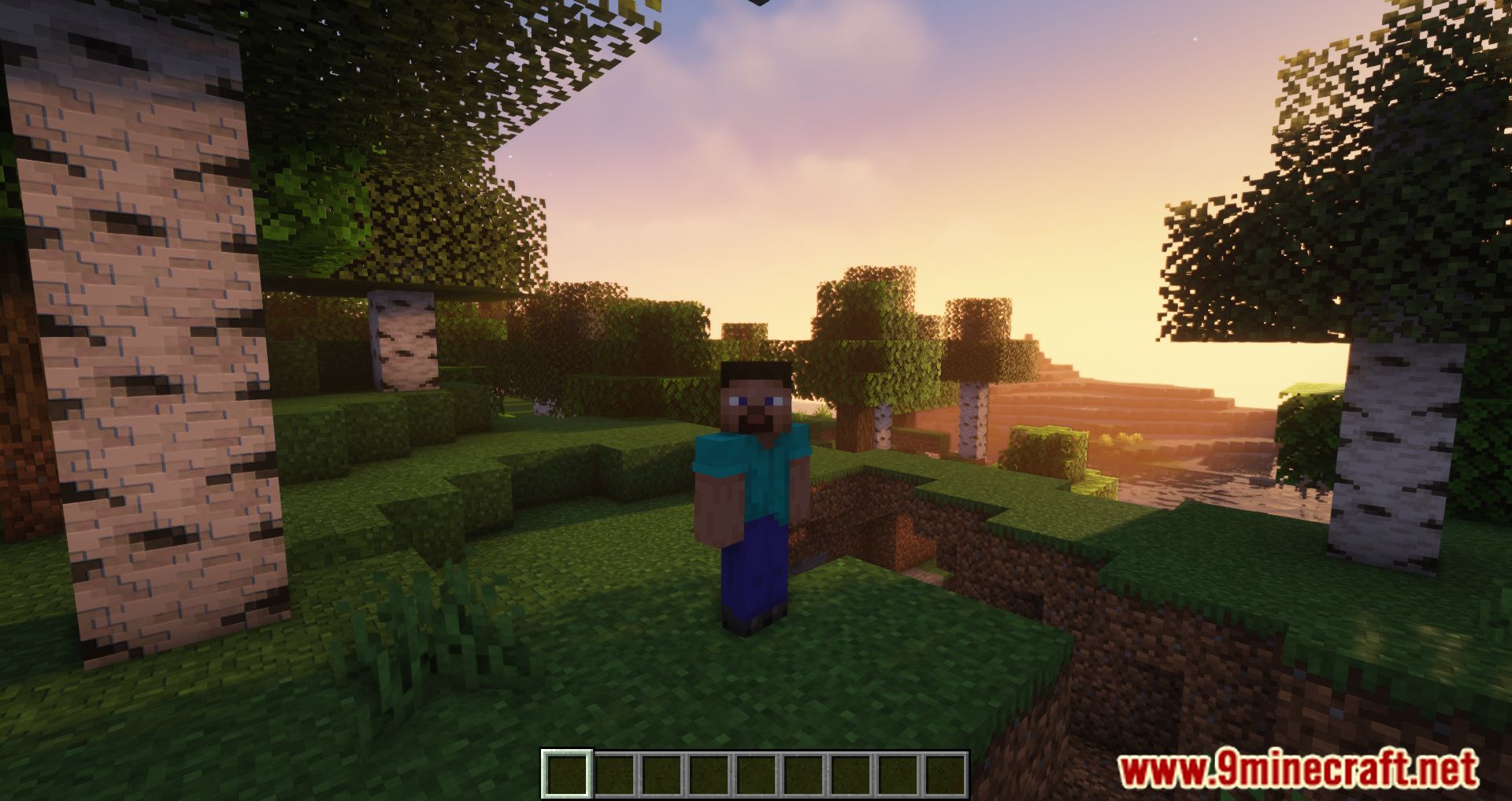
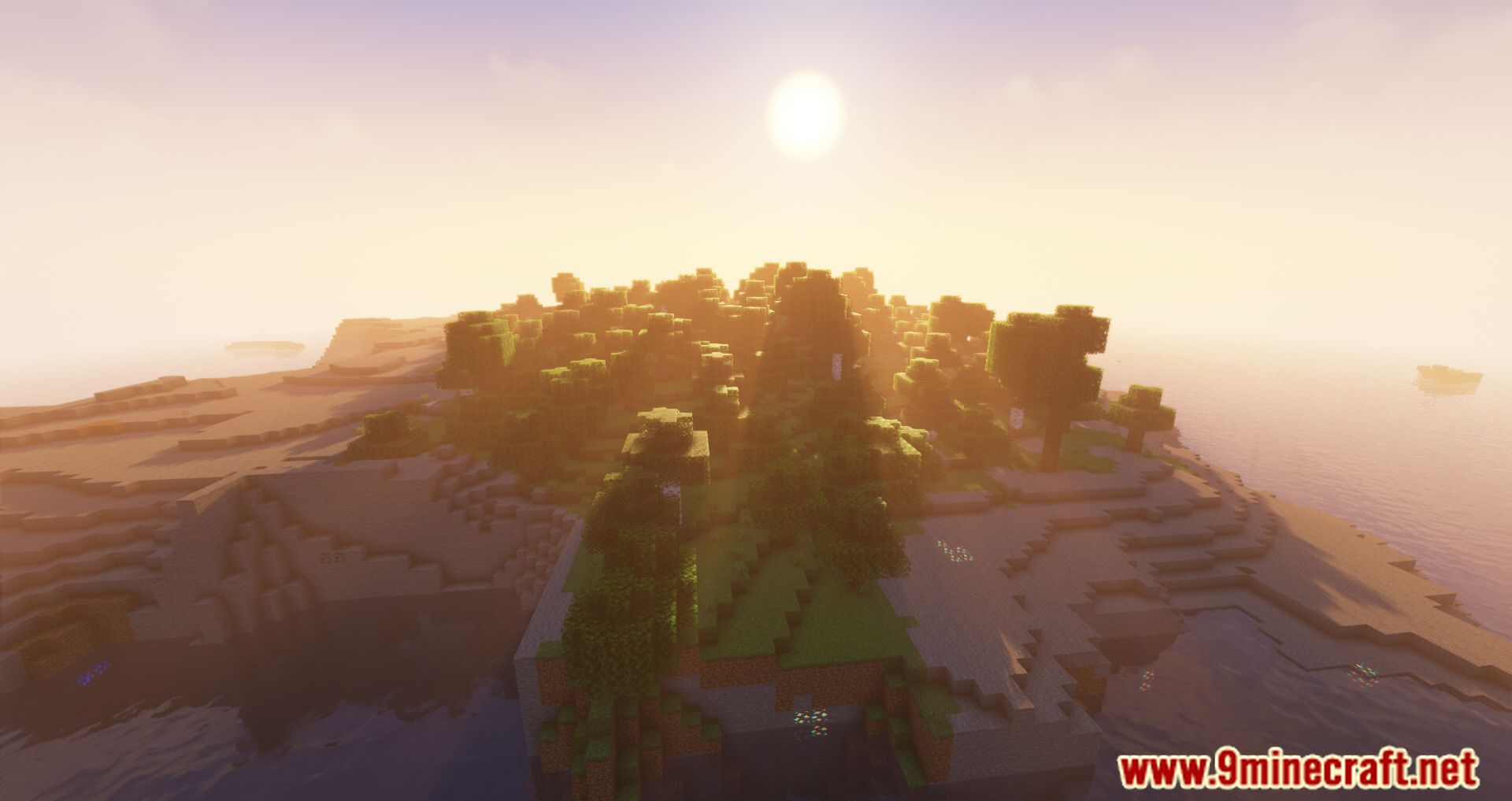

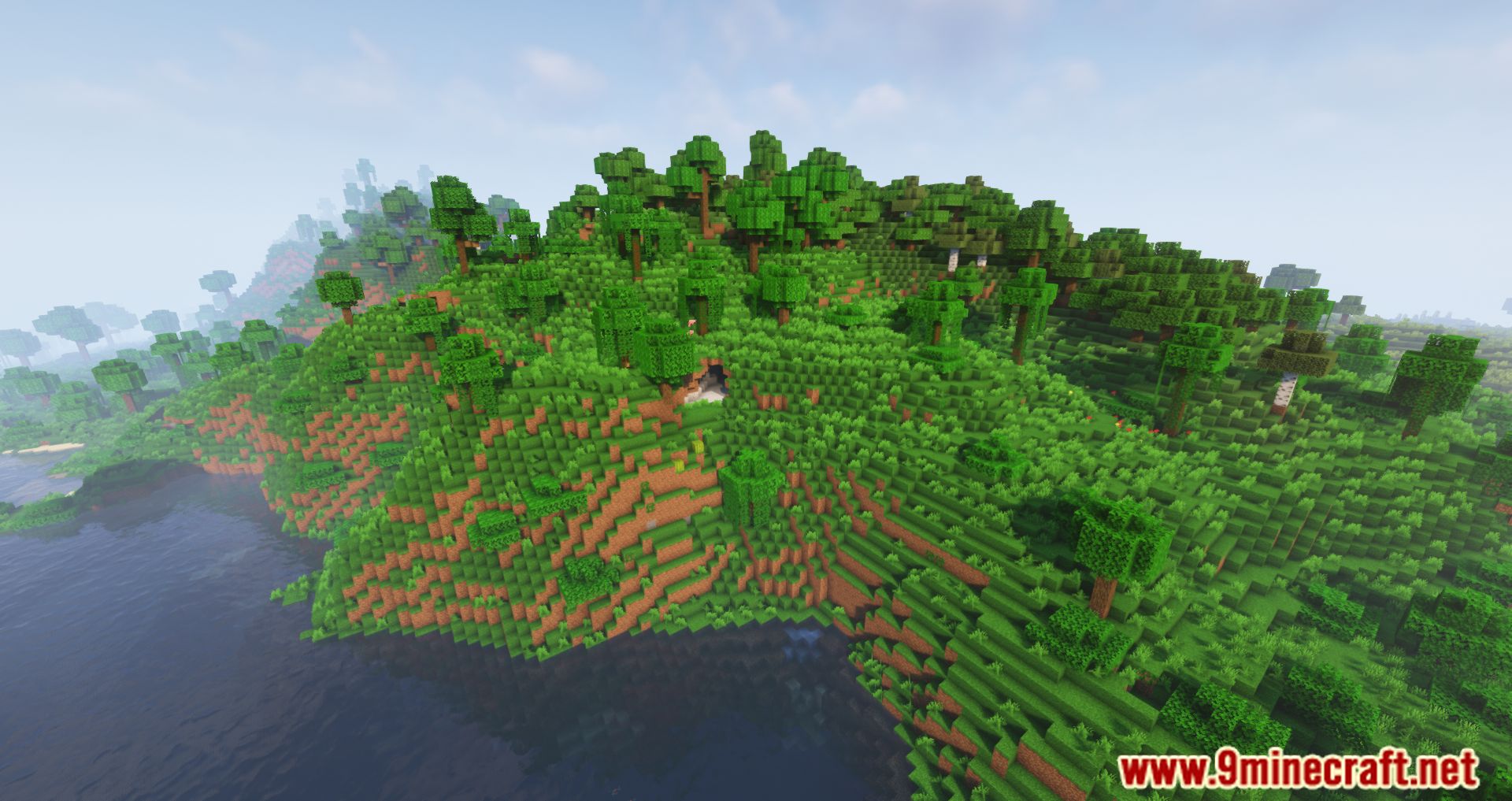
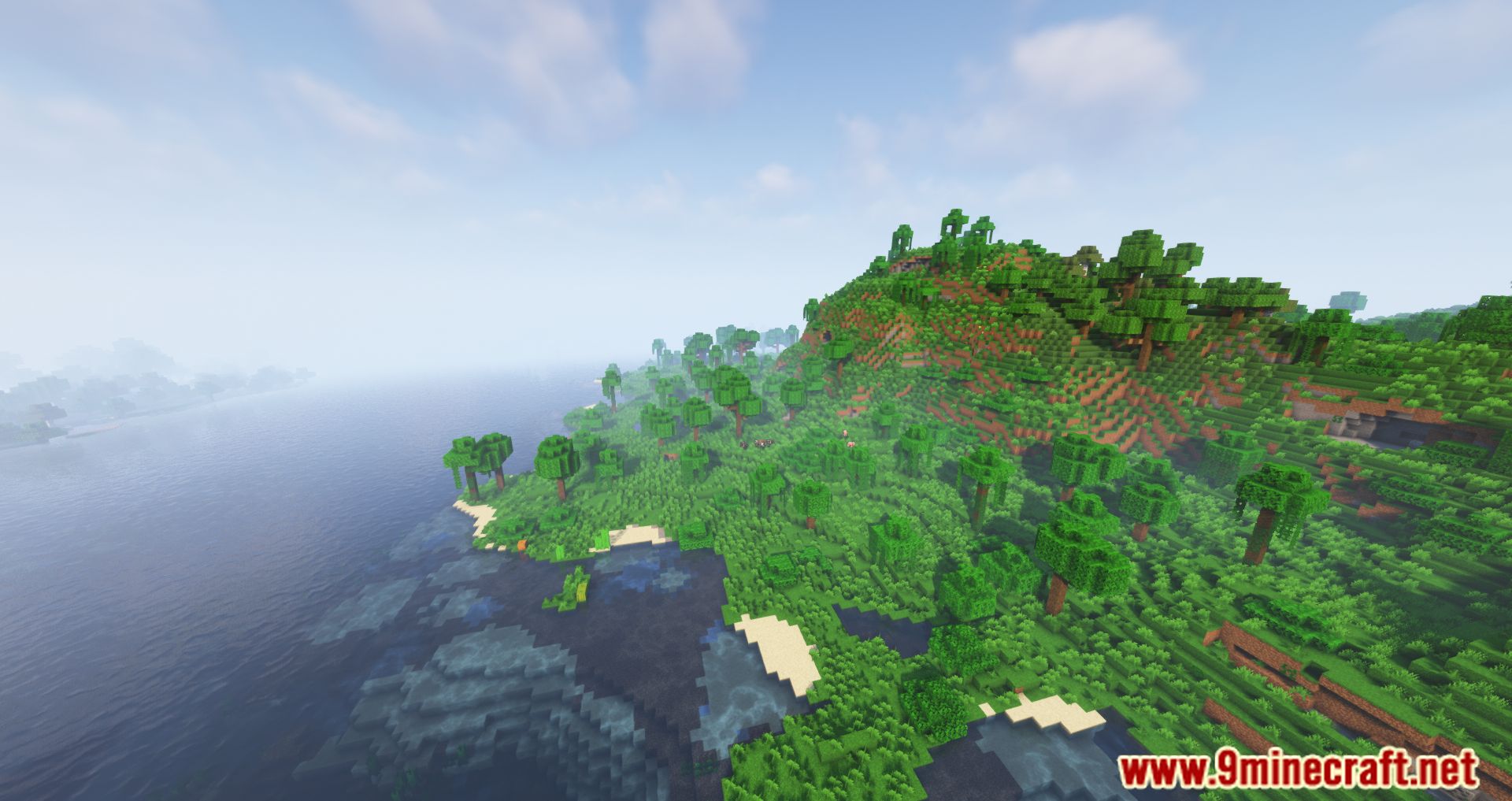
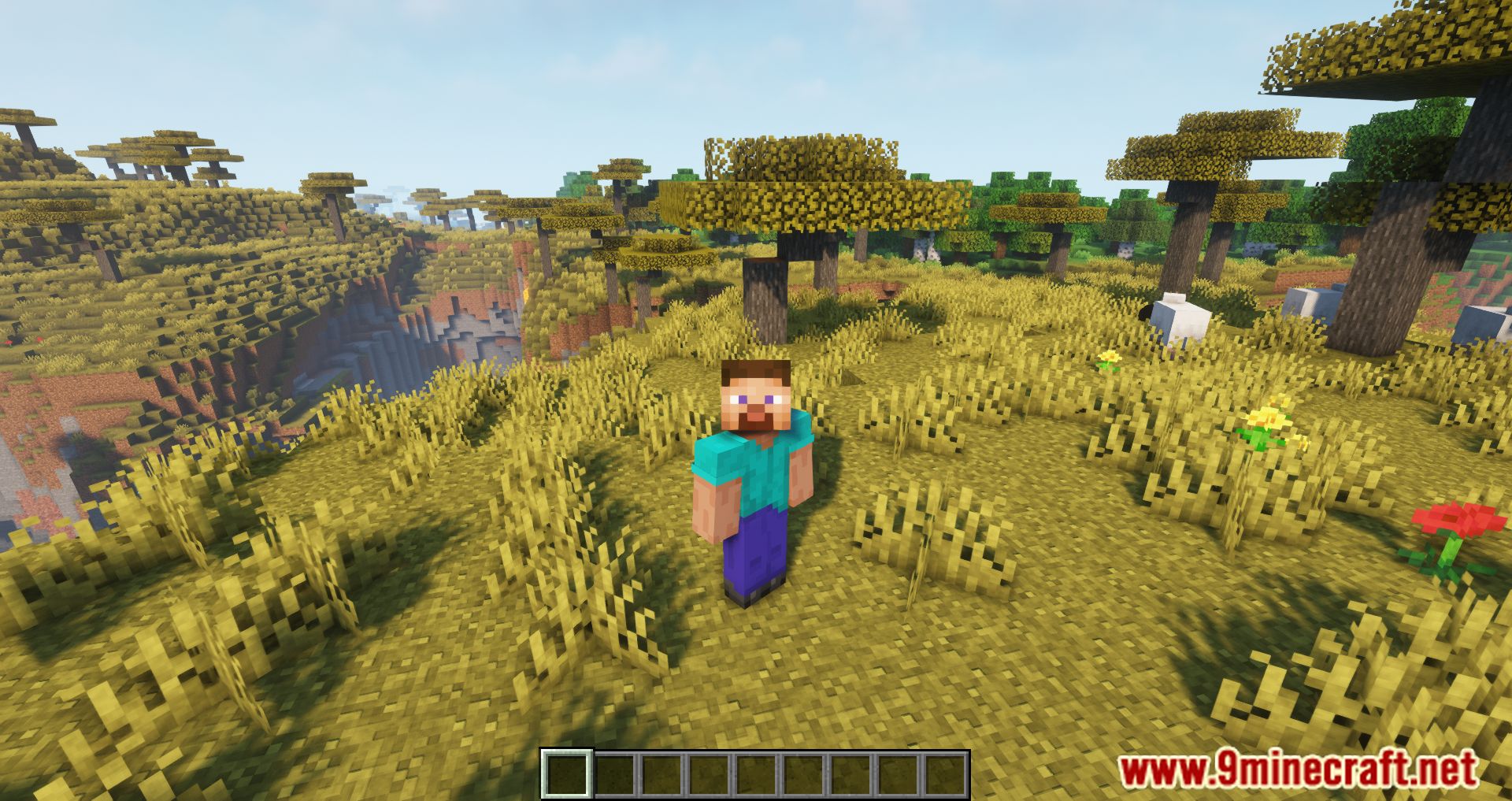
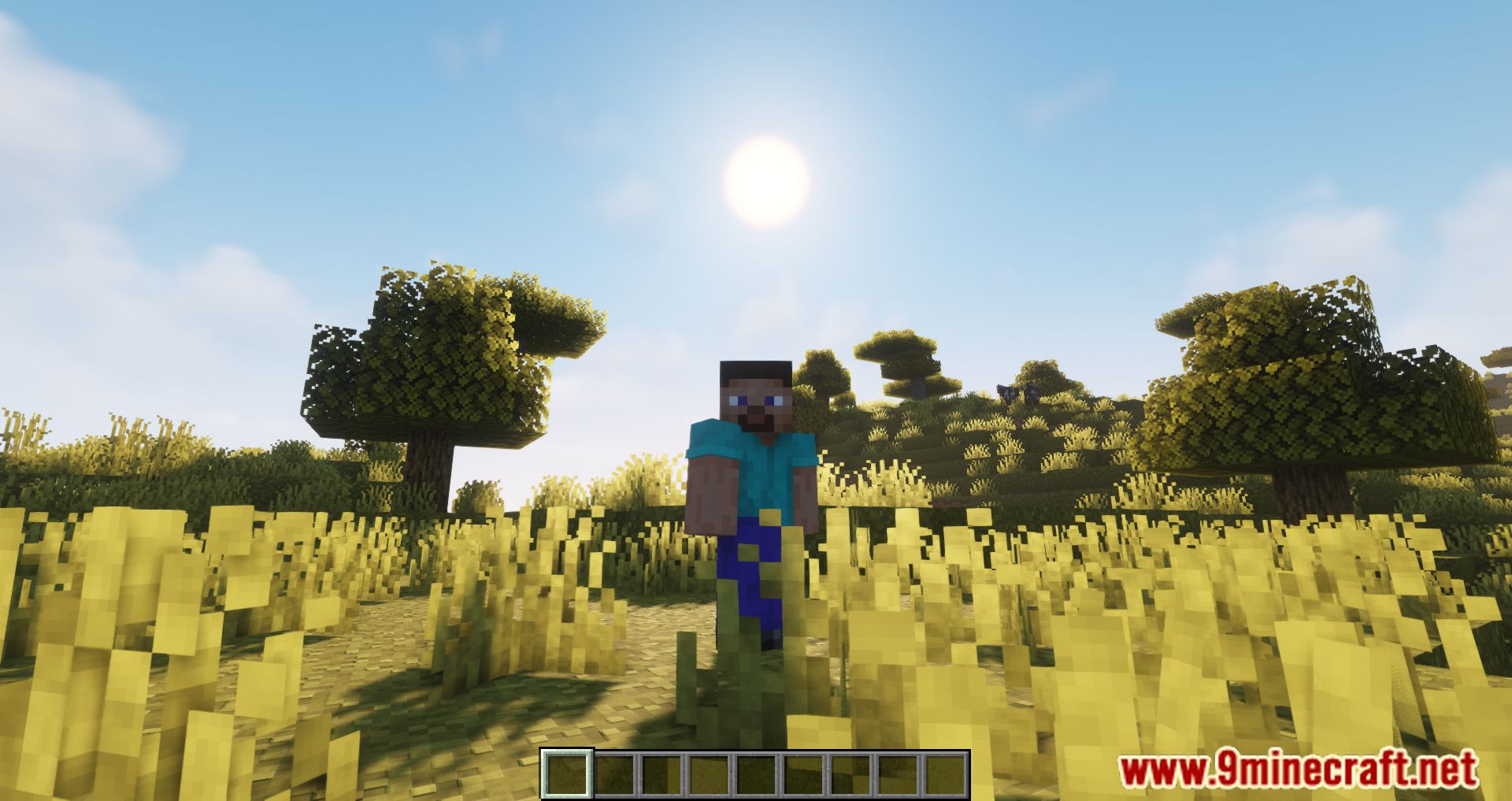
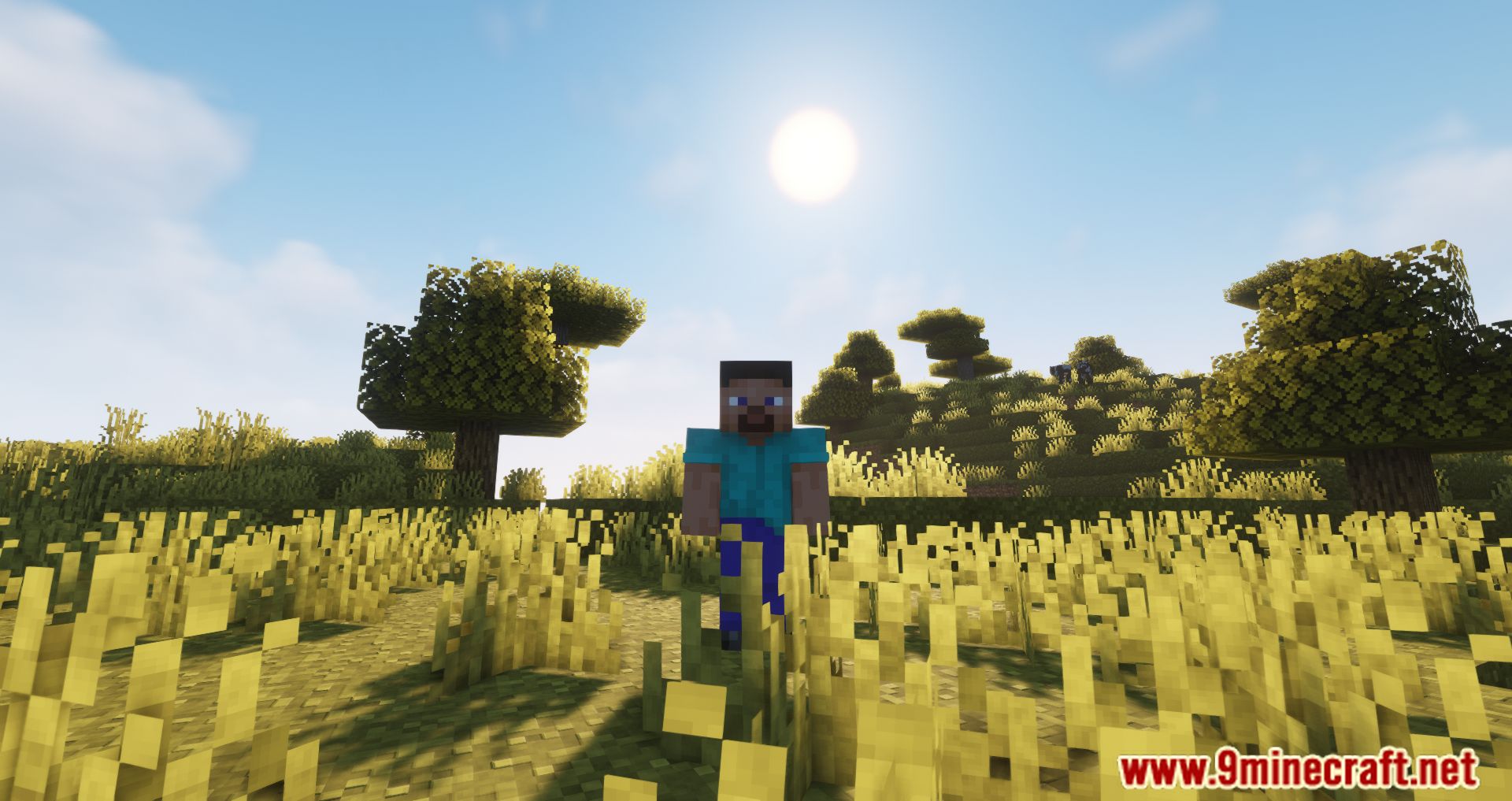
Biome Spawn Point Mod allows players to specify which biome they will spawn in when creating a new world. This works for both vanilla and modded biomes, giving players more control over their starting environment. The mod generates a configuration file (spawnbiomes.txt), where users can select biomes by removing an exclamation mark in front of the biome name. If multiple biomes are selected, the spawn location is determined by probability-for example, selecting two biomes gives each a 50% chance of being the spawn point. It is compatible with Village Spawn Point and supports bonus chest generation near the spawn location.
Features:
- Allows players to specify which biome they will spawn in when creating a new world, including both vanilla and modded biomes.
- A configuration file (spawnbiomes.txt) lets users choose their preferred spawn biomes by modifying the file.
- If multiple biomes are selected, the mod assigns a probability to each, ensuring a balanced spawn distribution.
- Bonus Chest Compatibility: If enabled, an additional bonus chest will be placed near the spawn location.
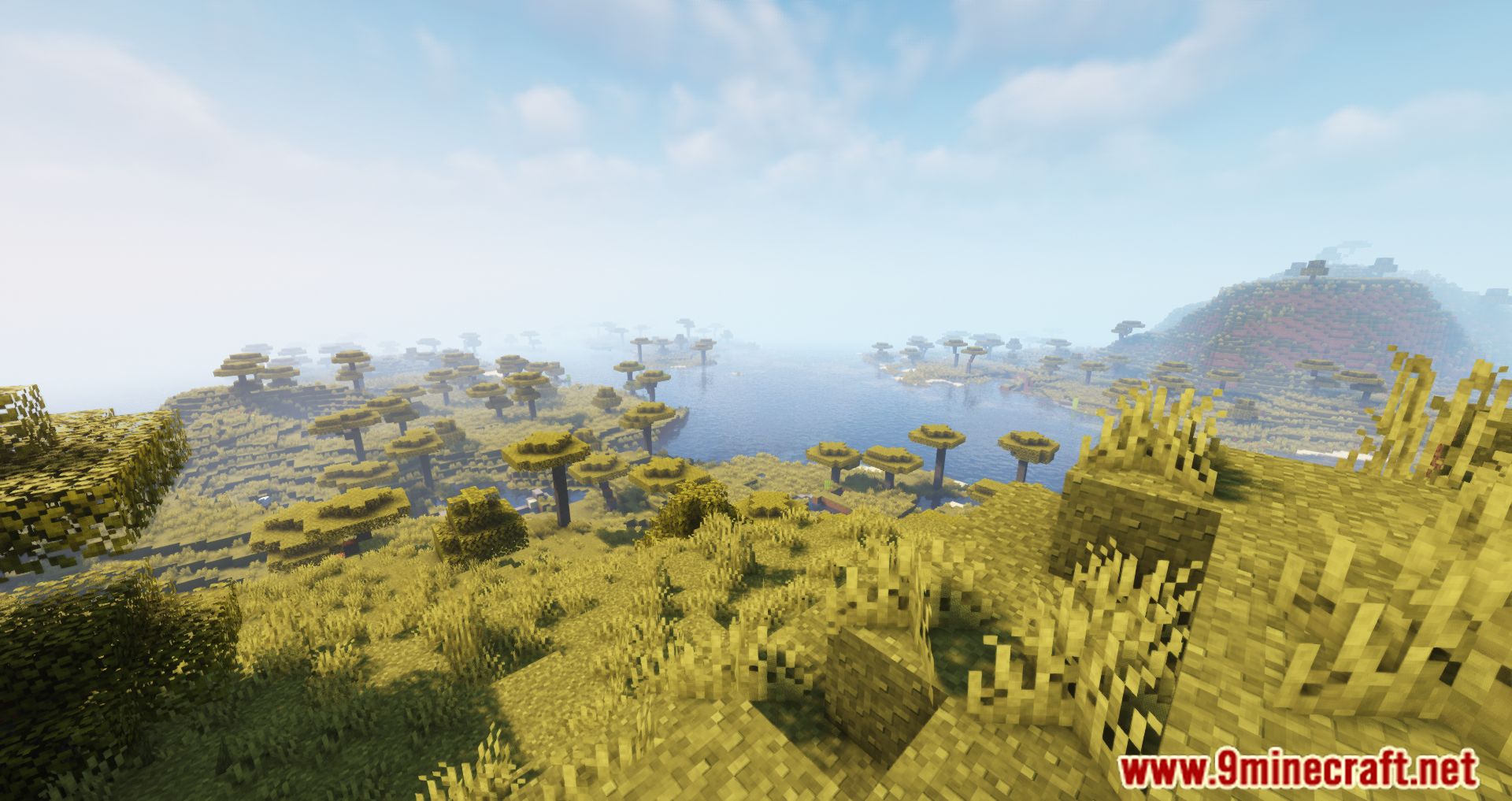
Screenshots:
Biome Spawn Point Mod Download Links
- Edition: Minecraft Java
- File type: .jar
- Minecraft version listed: 1.20.1
- How to install: Install the matching mod loader (Forge, Fabric or NeoForge) for your Minecraft version. → Download the .jar. → Put it in the .minecraft/mods folder and launch that loader profile.
- Where to get it: In MC Java Mods, or directly above on this page.
Install steps are the general flow for this file type — How to install Minecraft Java mods & modpacks walks through it step by step.
- Downloads as 83997.mcaddon
- Download size: 48 KB
- Download link checked 25 Sept 2026 — working
- Mirrored on our own servers — the download does not depend on the original host
These come from our own check of the pack file, not from the source page.