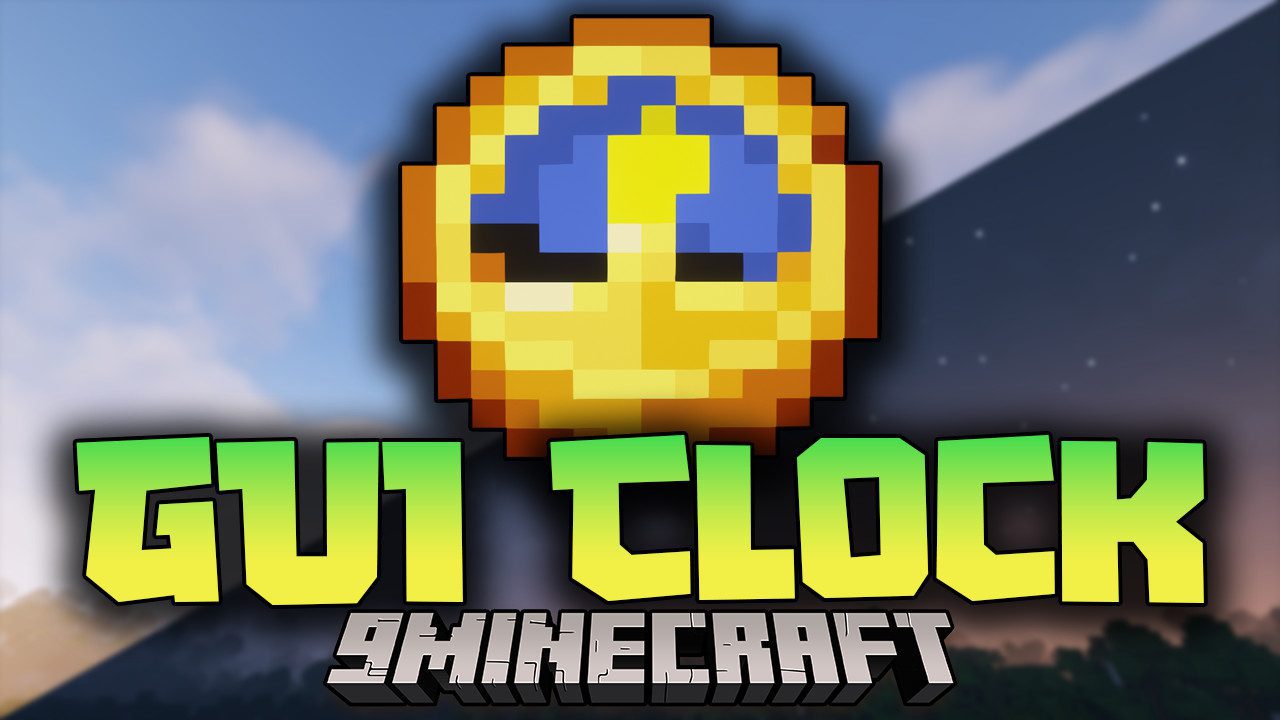
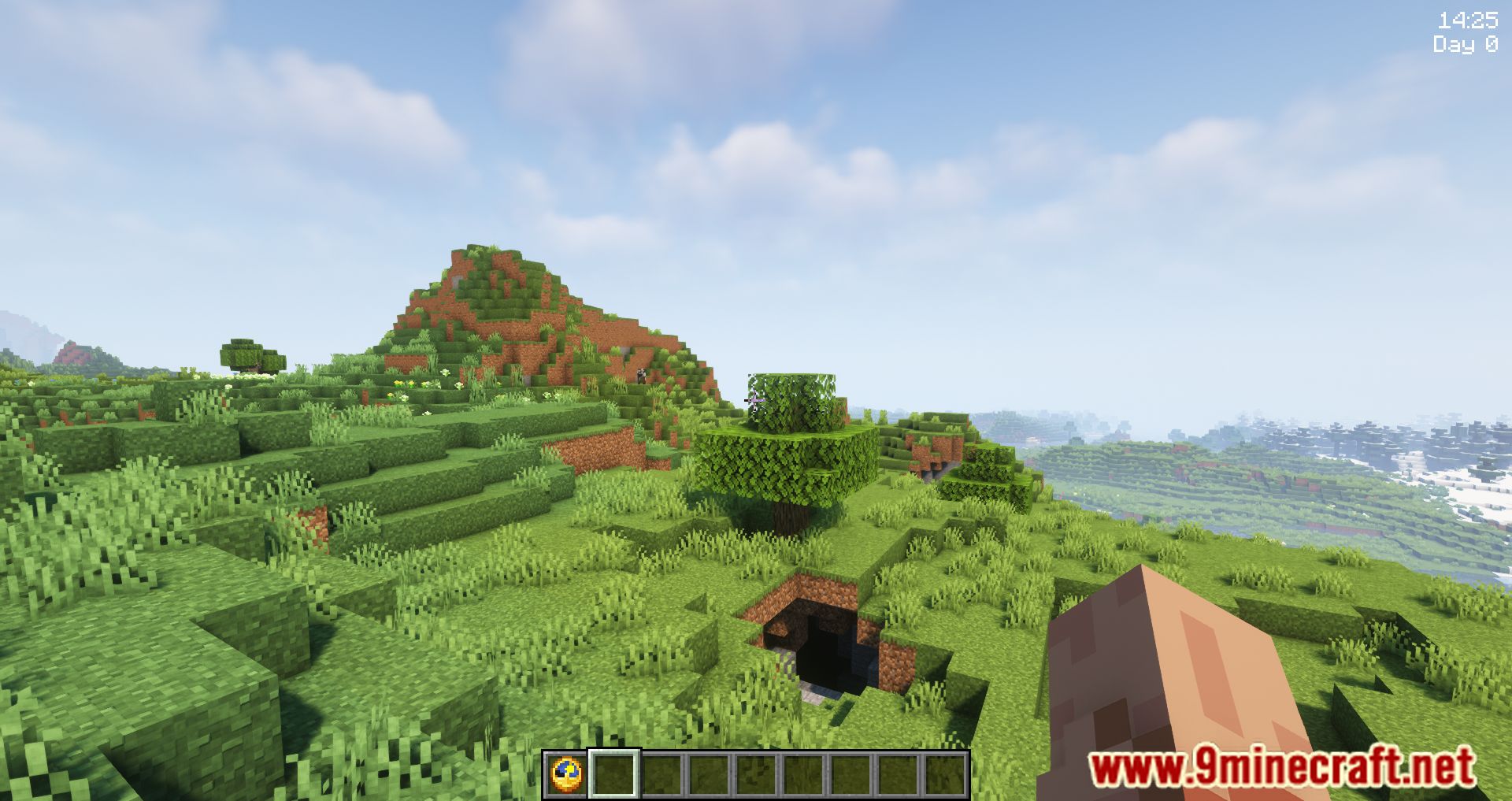
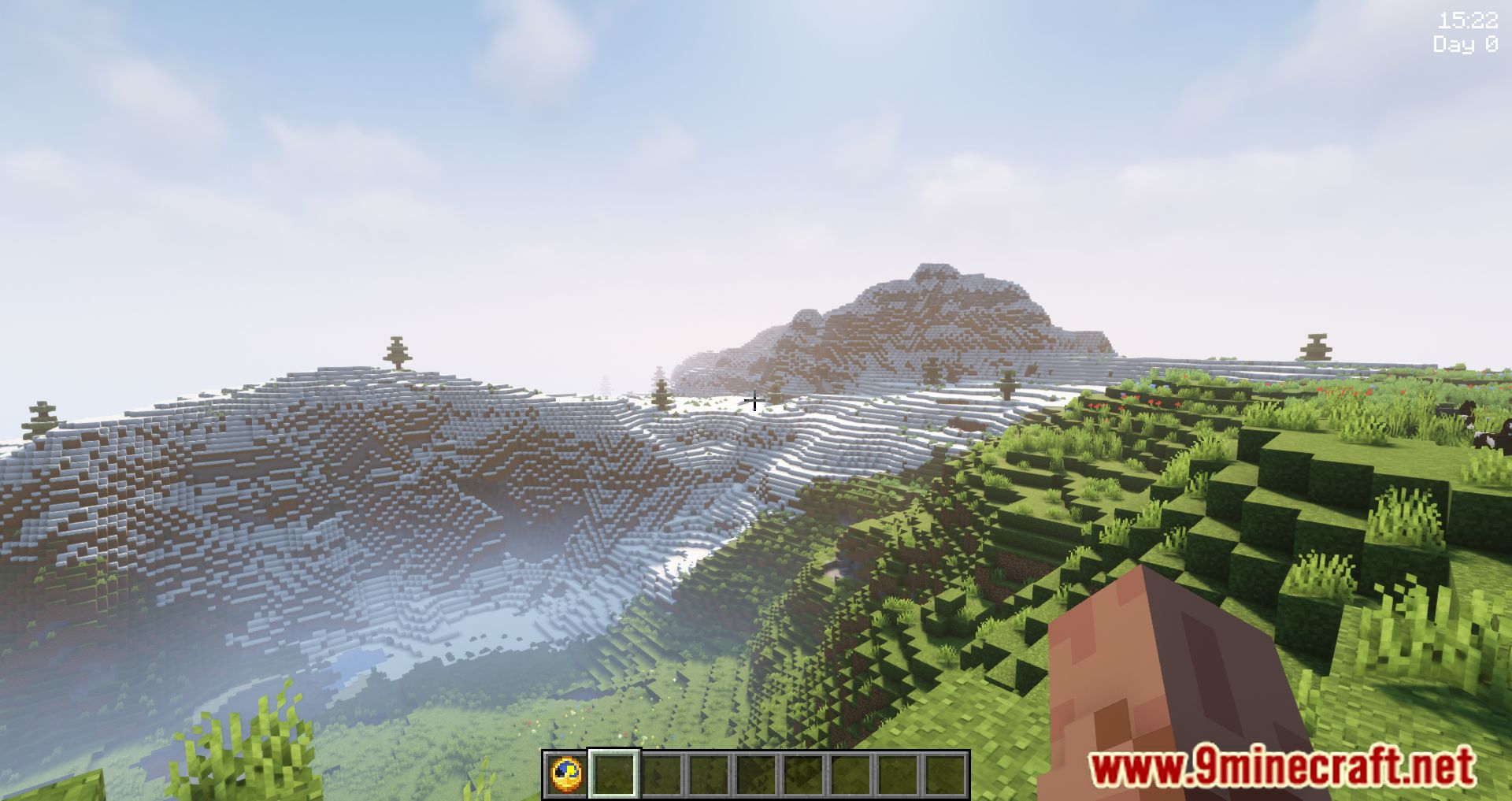
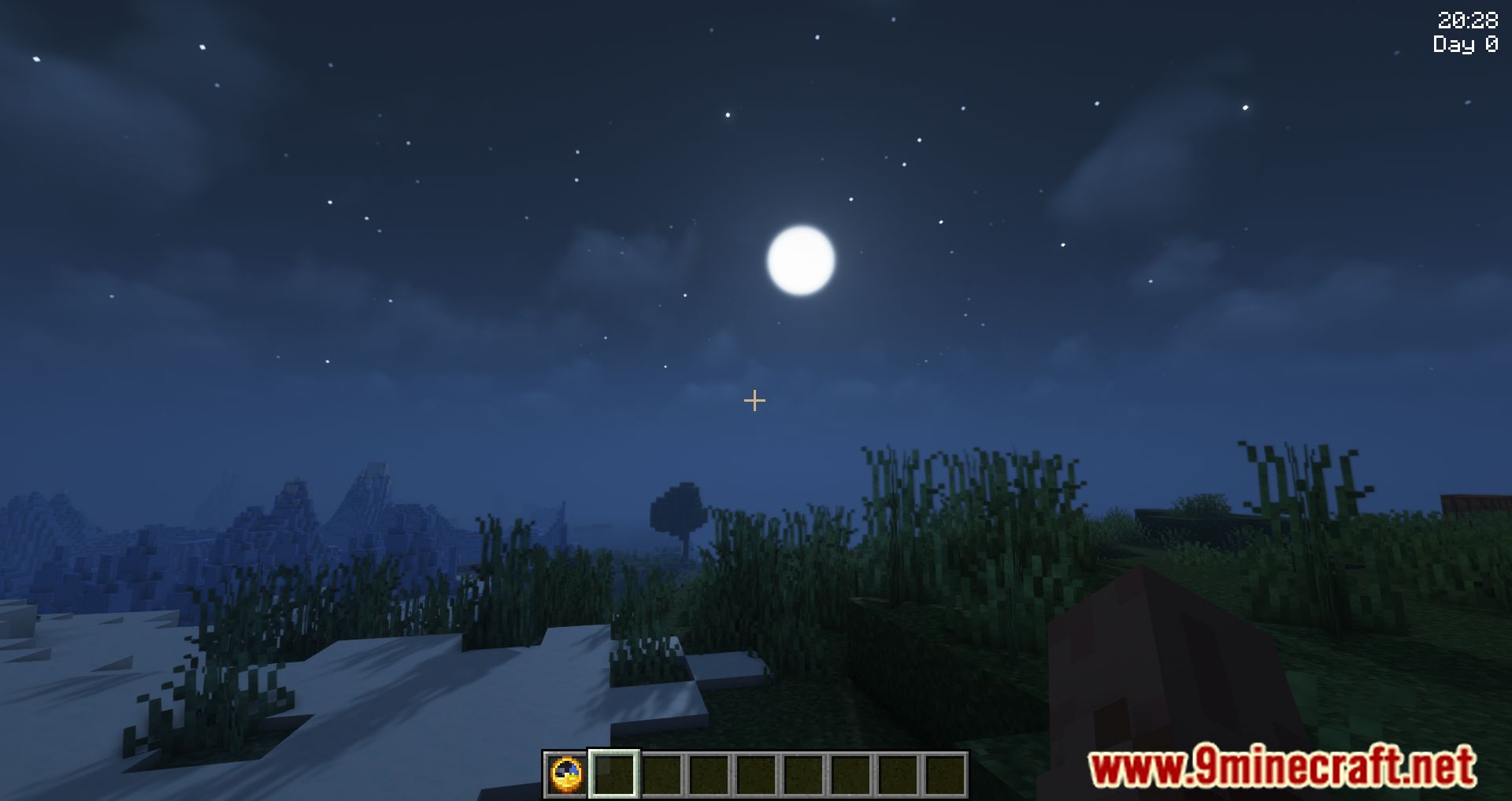
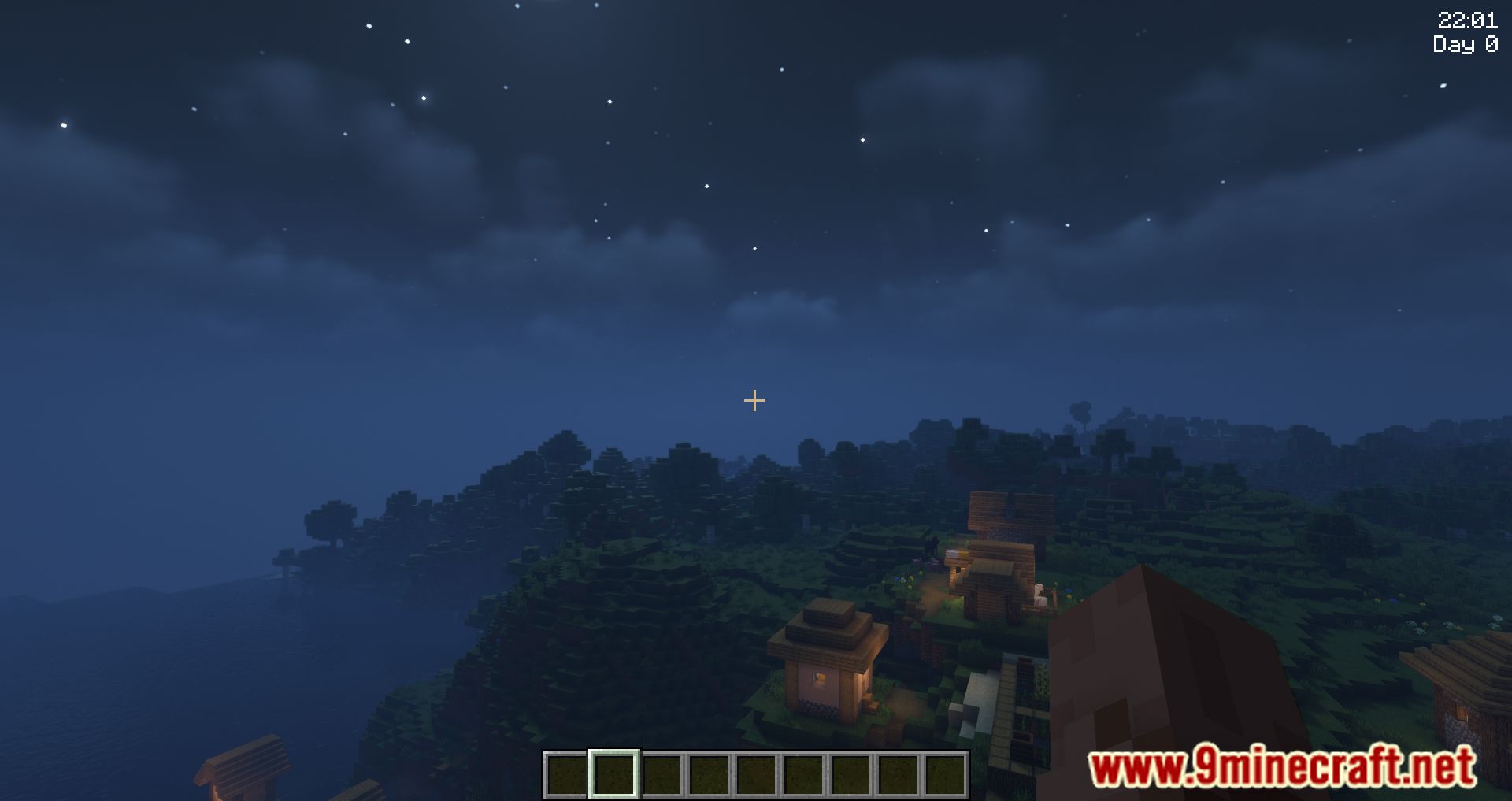
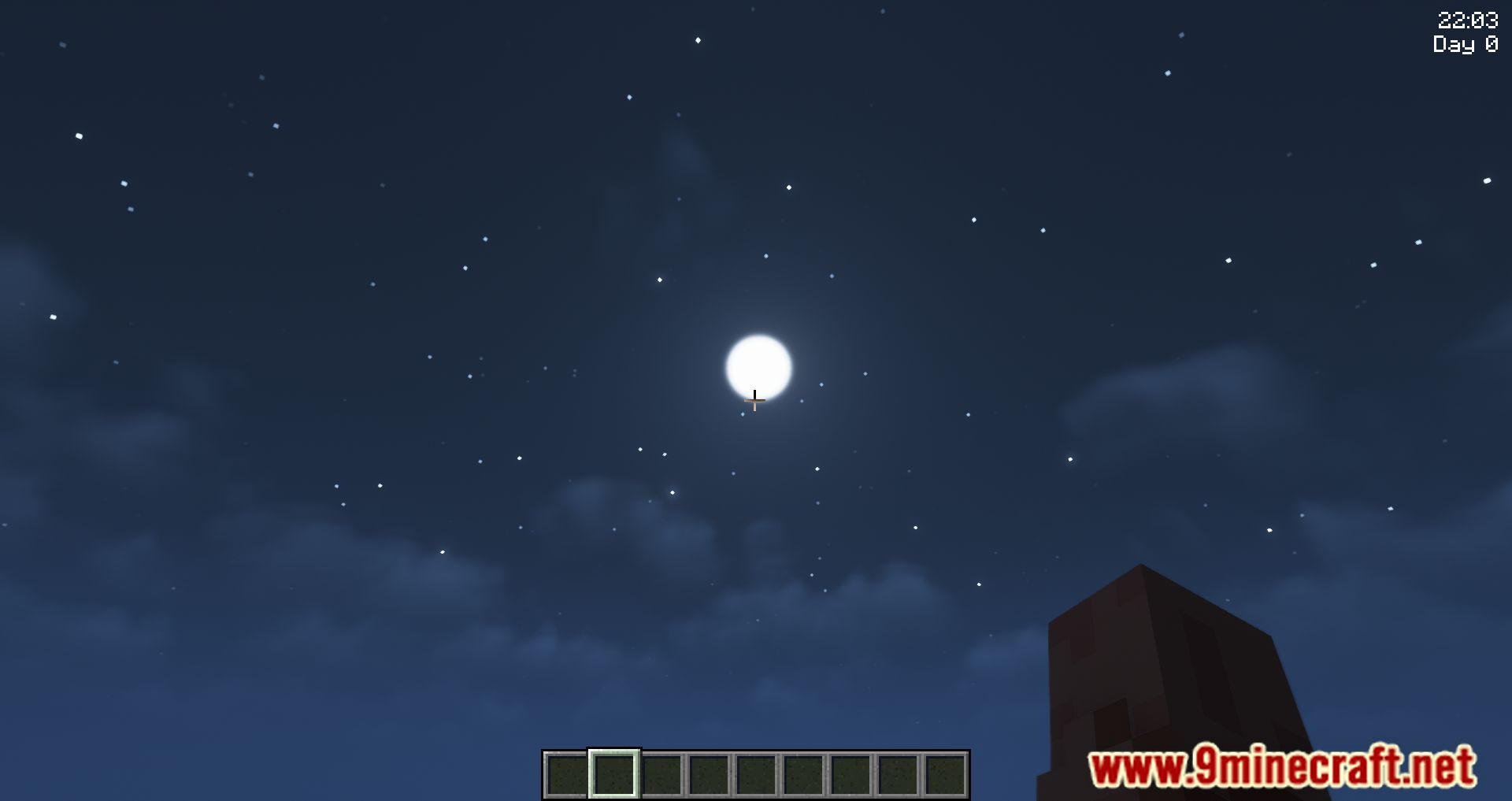

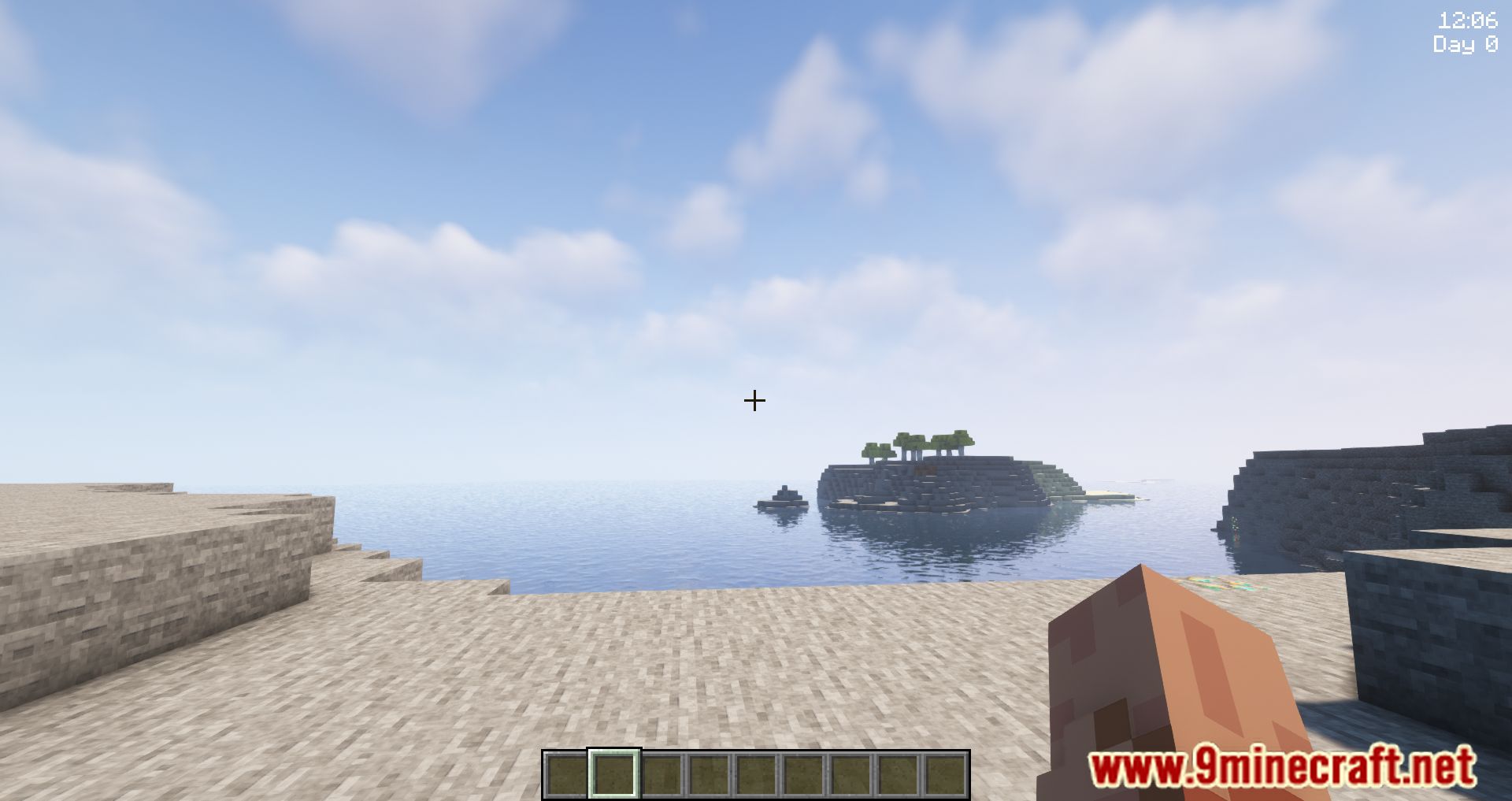
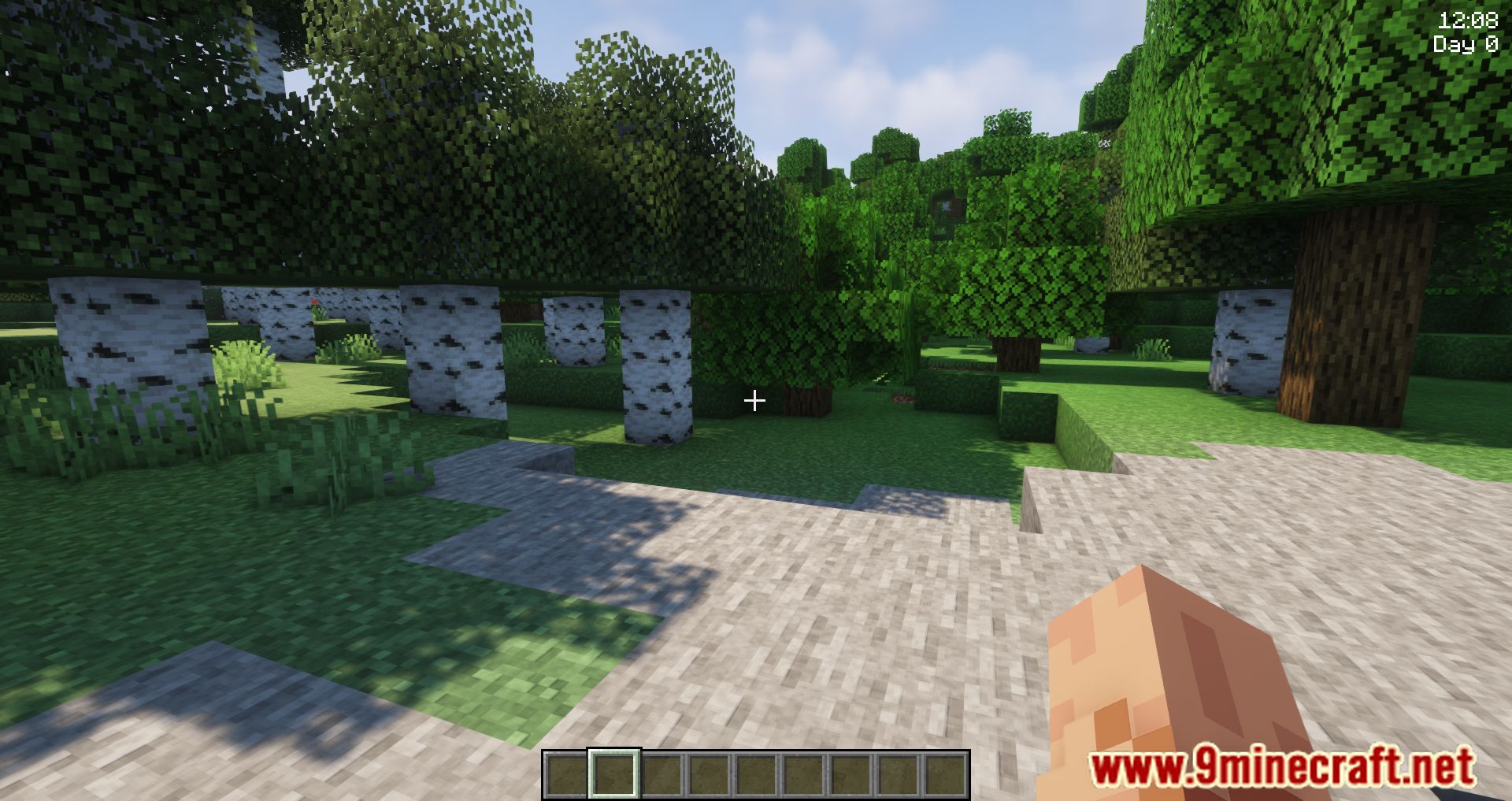
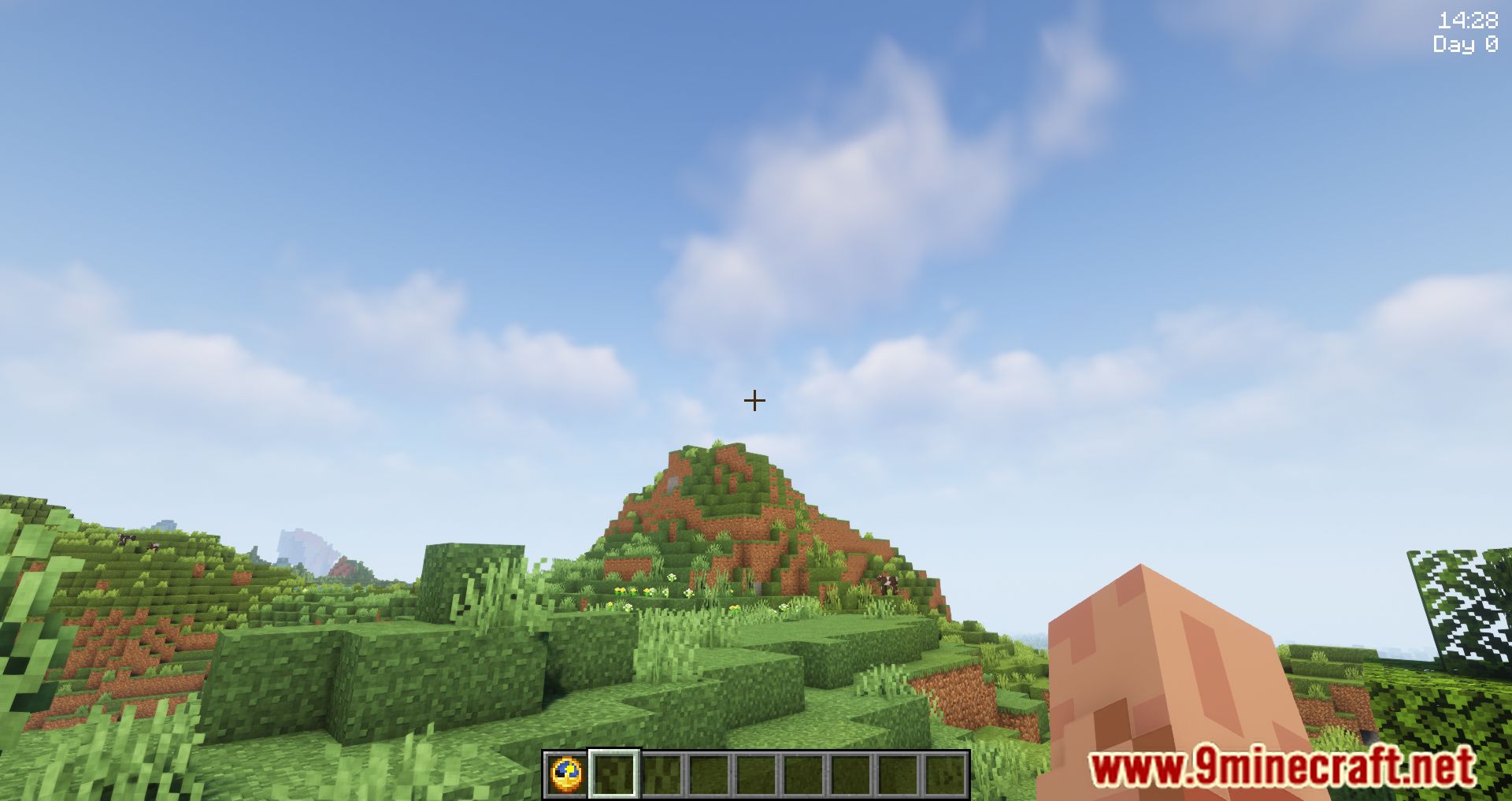
The GUI Clock Mod enhances gameplay by displaying the world time accurately whenever players use their clocks. This feature is especially helpful for players who are unfamiliar with telling time using Minecraft’s sun-clock system. The displayed time is in a 24-hour format, showing both AM and PM when appropriate. Players have the option to synchronize the GUI clock with their computer’s time zone for real-time accuracy.
Features:
- The Clock’s GUI has been upgraded to be more unequivocal.
Screenshots:
GUI Clock Mod Download Links
Quick facts
- Edition: Minecraft Java
- File type: .jar
- Minecraft version listed: 1.20.1
- How to install: Install the matching mod loader (Forge, Fabric or NeoForge) for your Minecraft version. → Download the .jar. → Put it in the .minecraft/mods folder and launch that loader profile.
- Where to get it: In MC Java Mods, or directly above on this page.
Install steps are the general flow for this file type — How to install Minecraft Java mods & modpacks walks through it step by step.
Verified by MCModsHub
- Downloads as 84021.mcaddon
- Download size: 52 KB
- Download link checked 24 Sept 2026 — working
- Mirrored on our own servers — the download does not depend on the original host
These come from our own check of the pack file, not from the source page.