
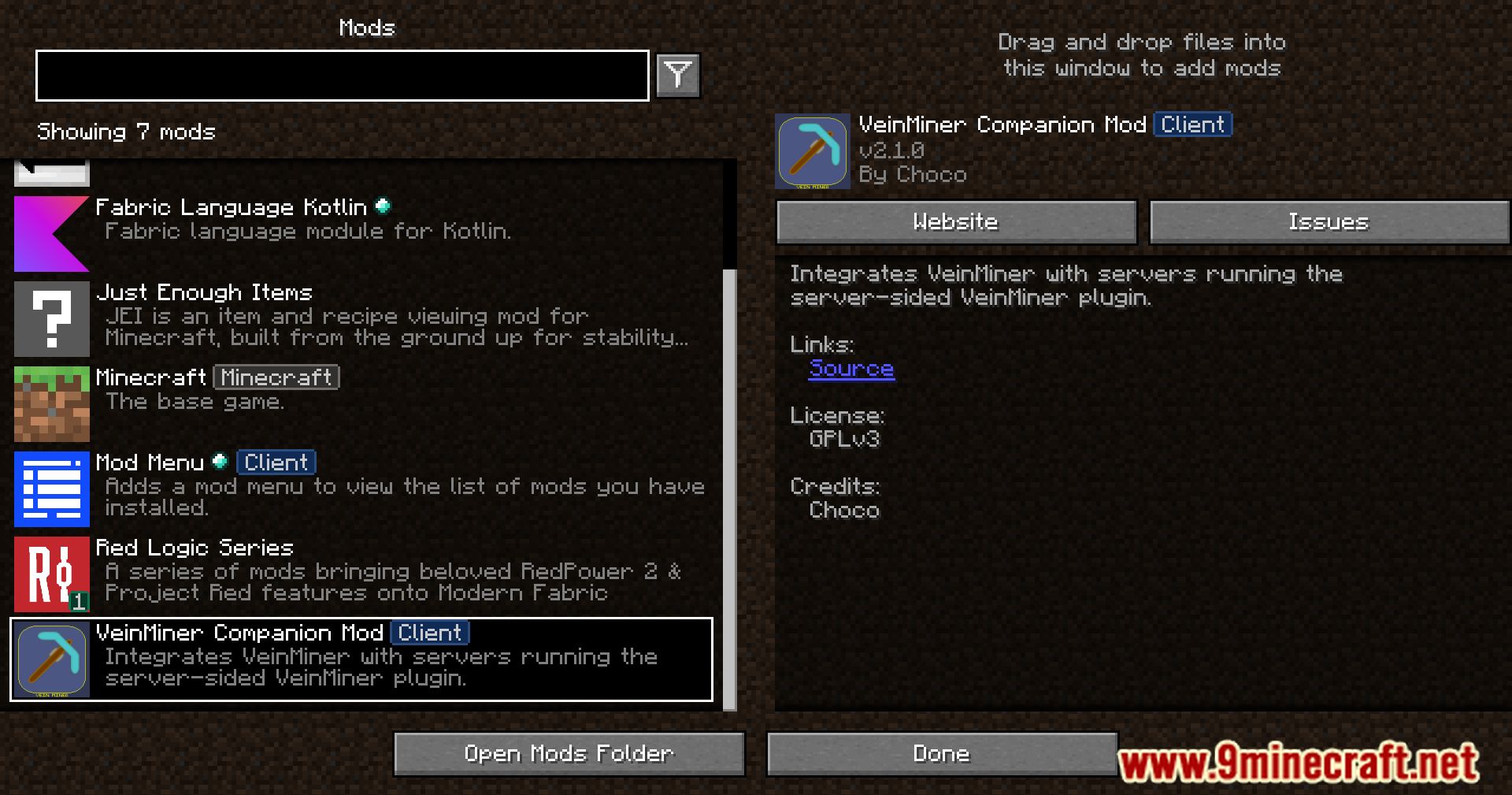

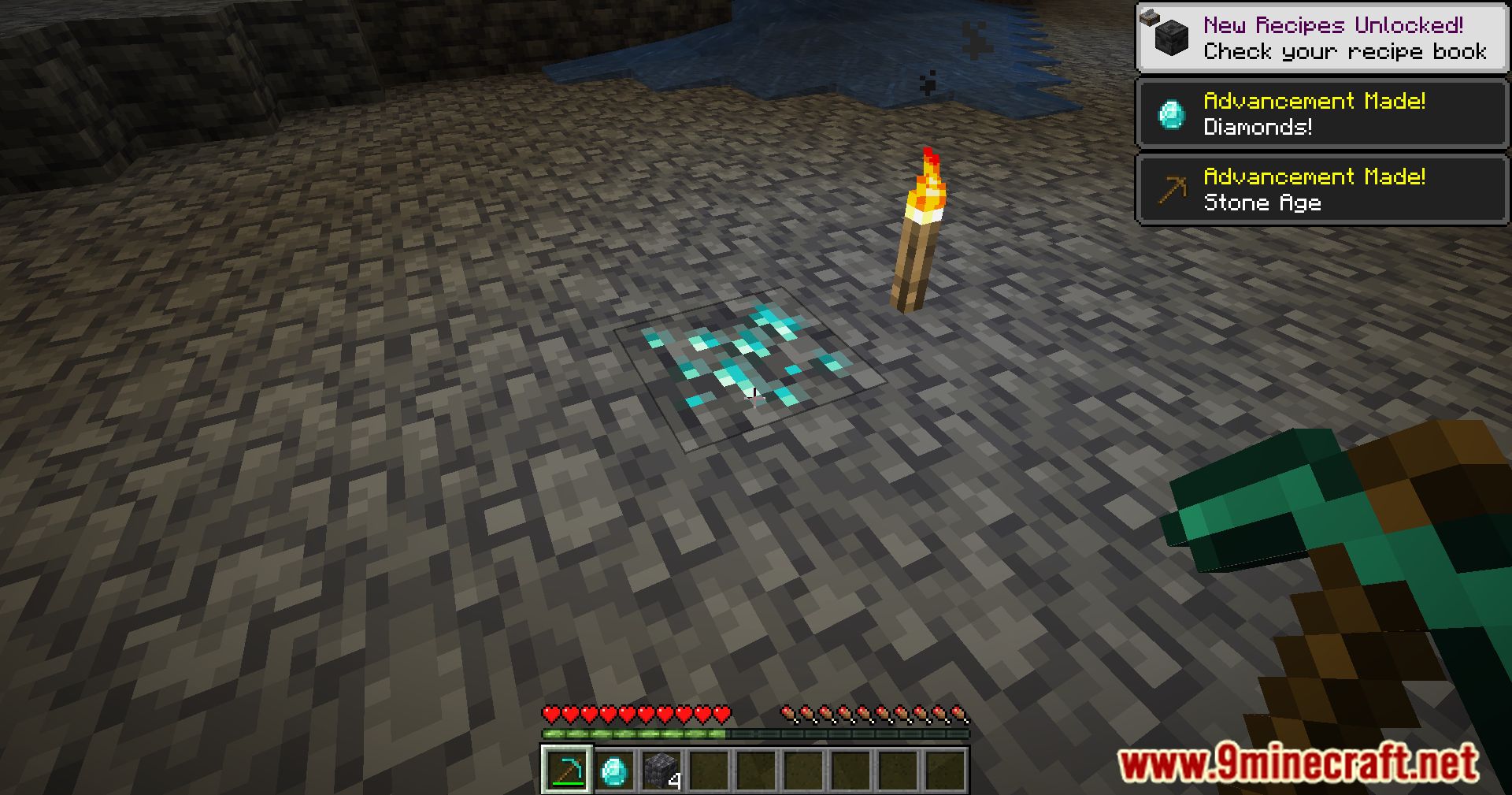
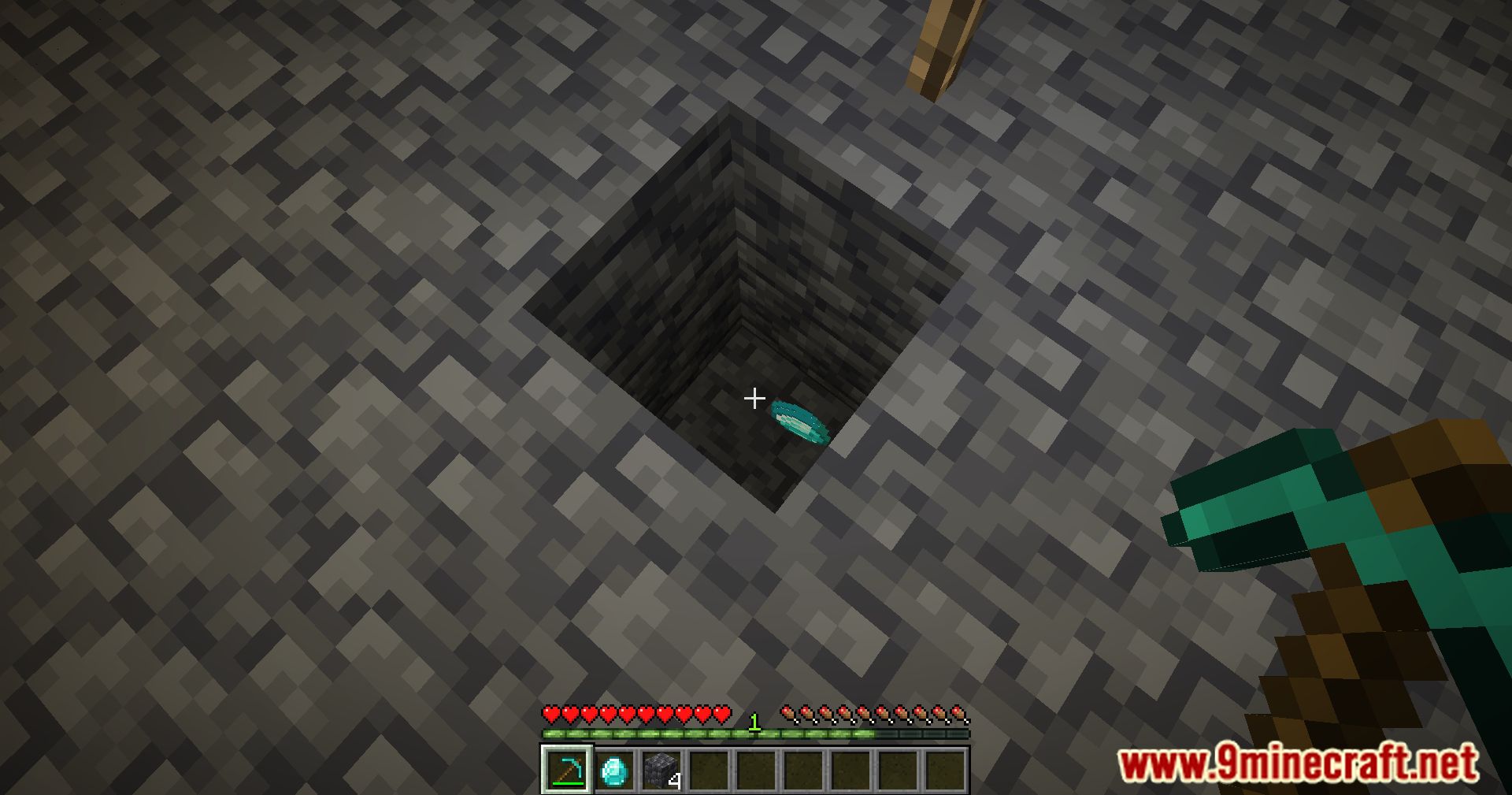
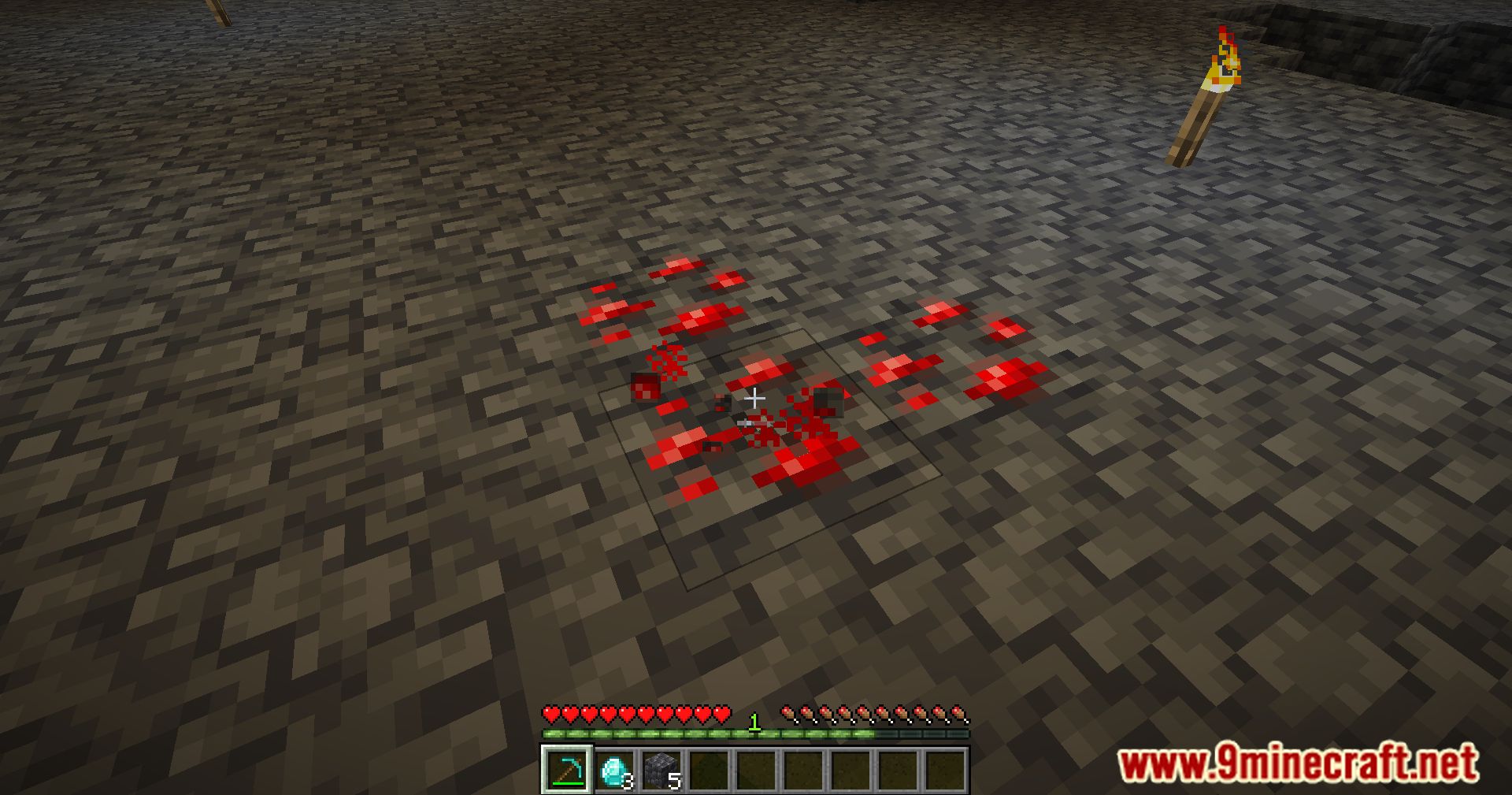
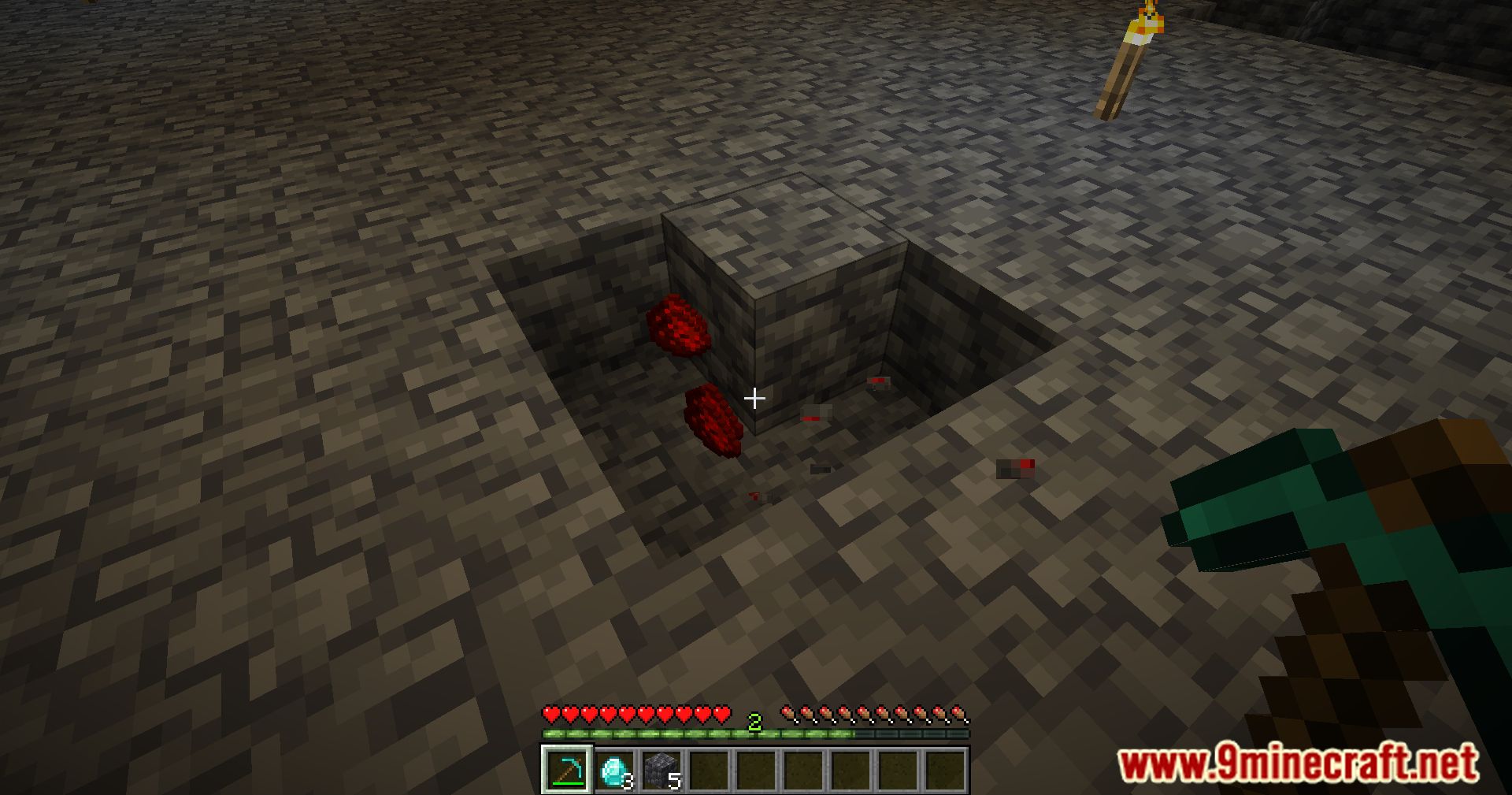
VeinMiner Companion Mod is a client-side mod designed to work together with the VeinMiner plugin on servers such as CraftBukkit and Spigot. Its purpose is to help players understand and use VeinMiner more easily while playing on supported servers.
Features:
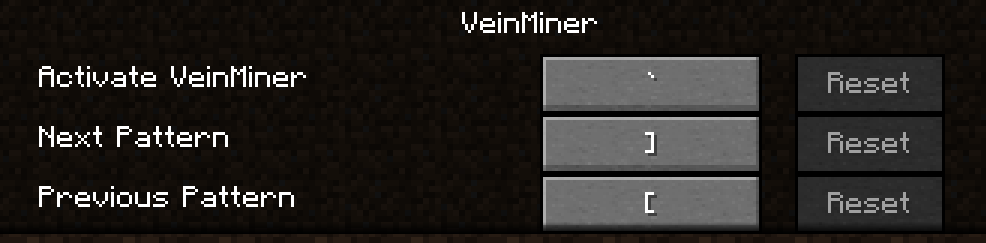
- Create a custom keybind to toggle VeinMiner on or off.
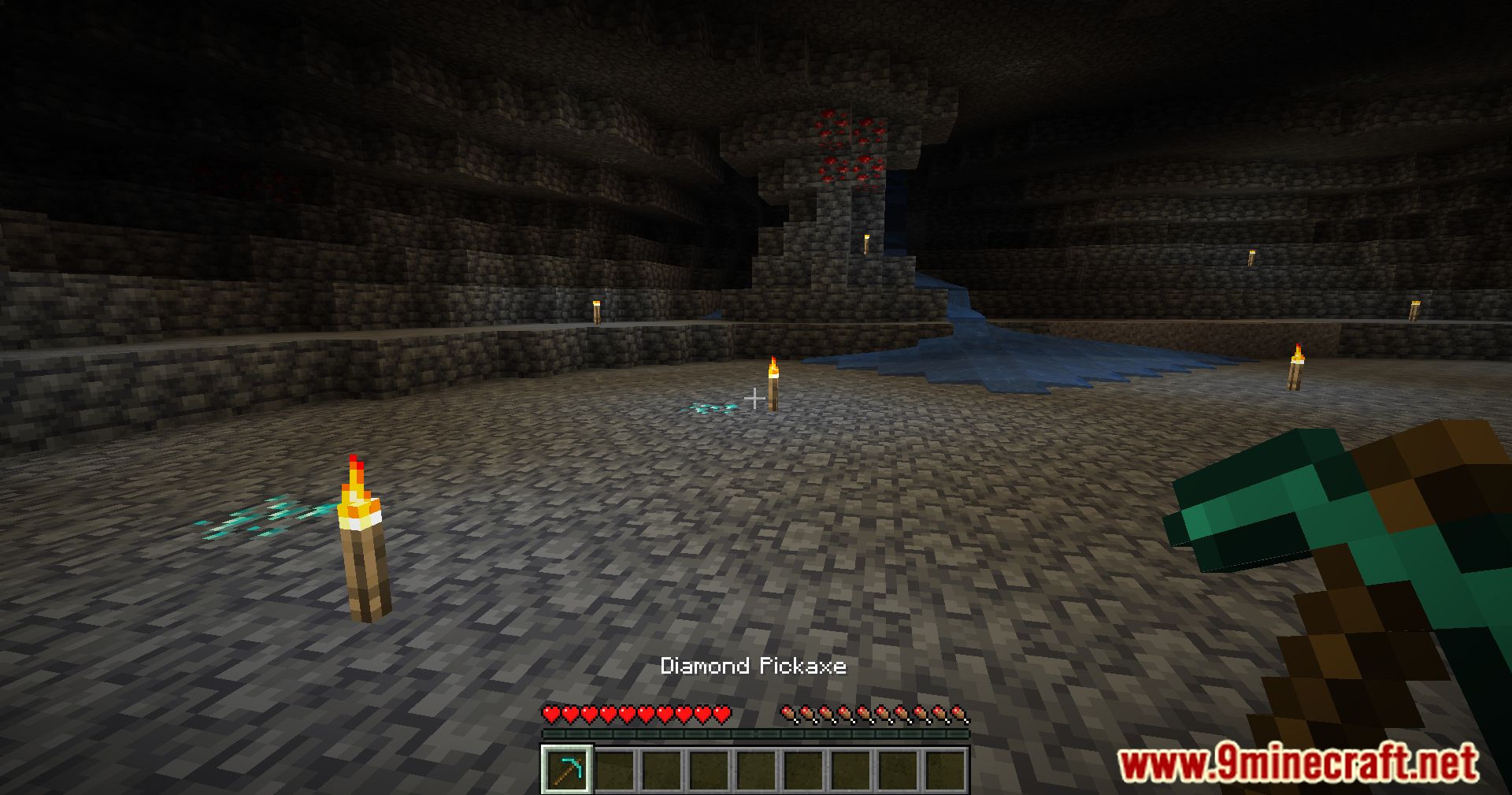
- Show a small indicator near the cursor when VeinMiner is active.
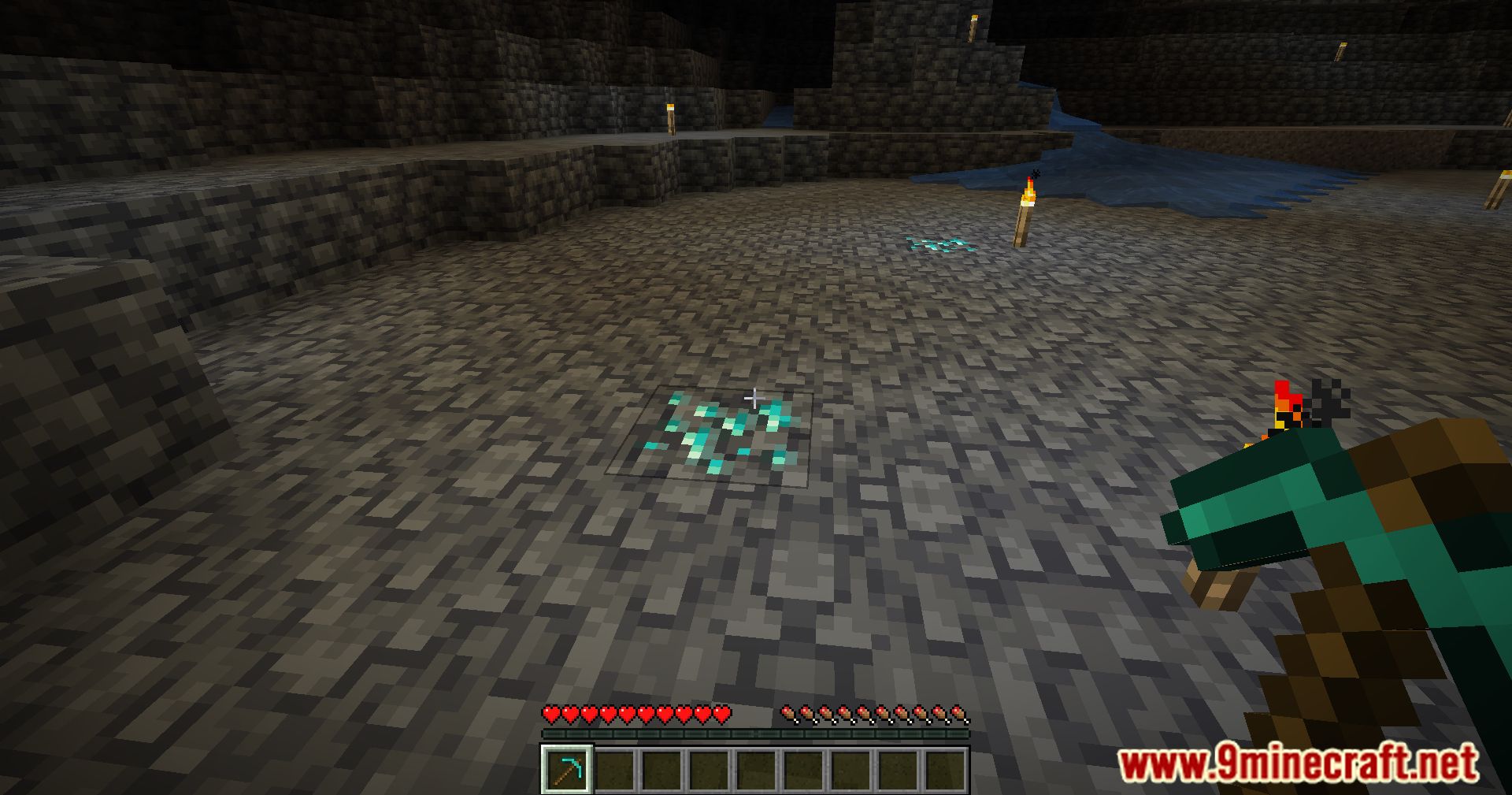
- Display a wireframe outline around the blocks that will be mined.
- Use a keybind to switch between vein mining patterns provided by the server.
Key points to know:
- This mod is optional and only improves the user experience.
- Some servers may not allow client-side mods; you will be notified if it is unsupported.
- The server controls which blocks and tools can be vein mined.
- The client mod cannot change server rules or configurations.
Screenshots:
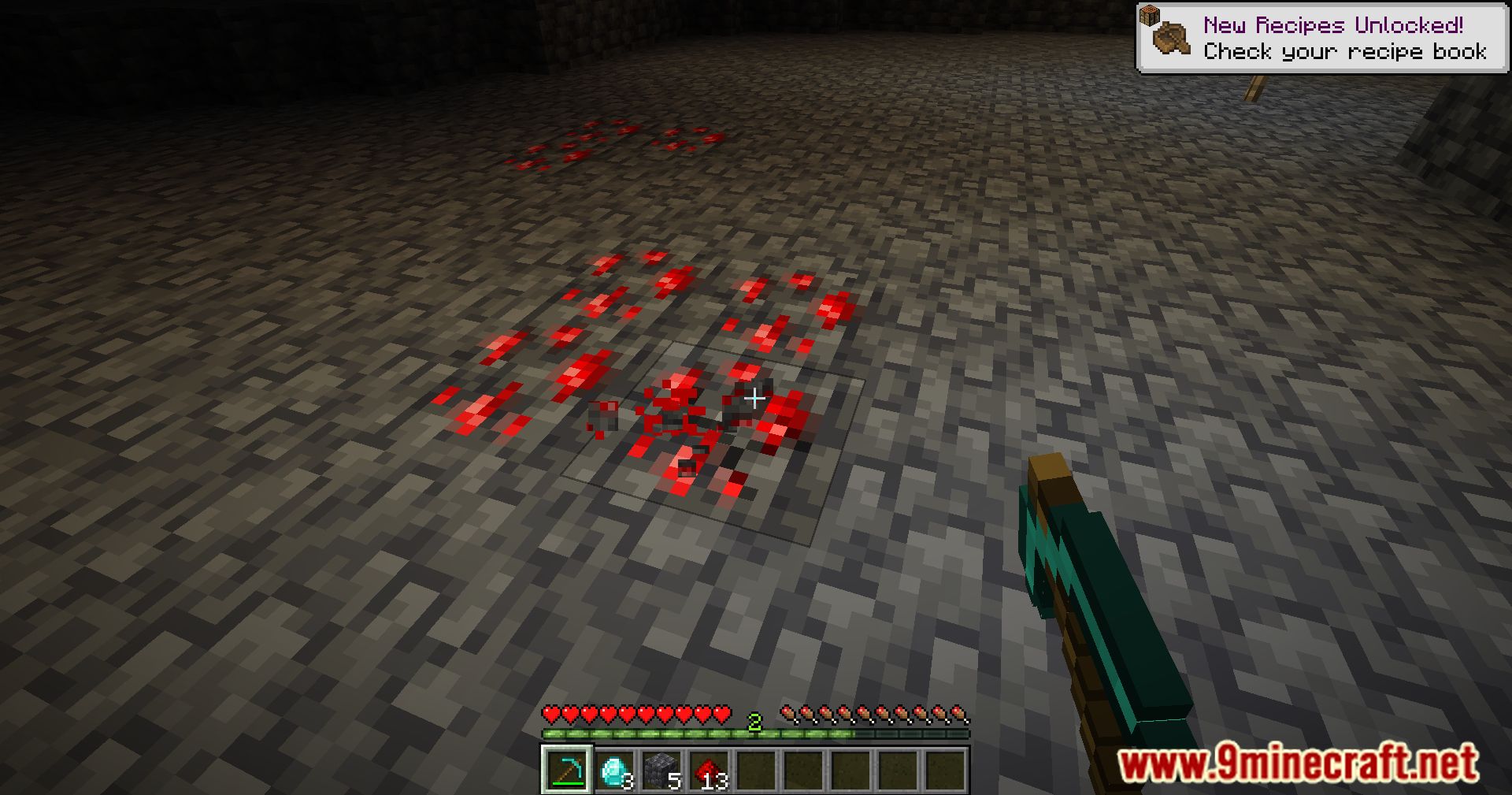
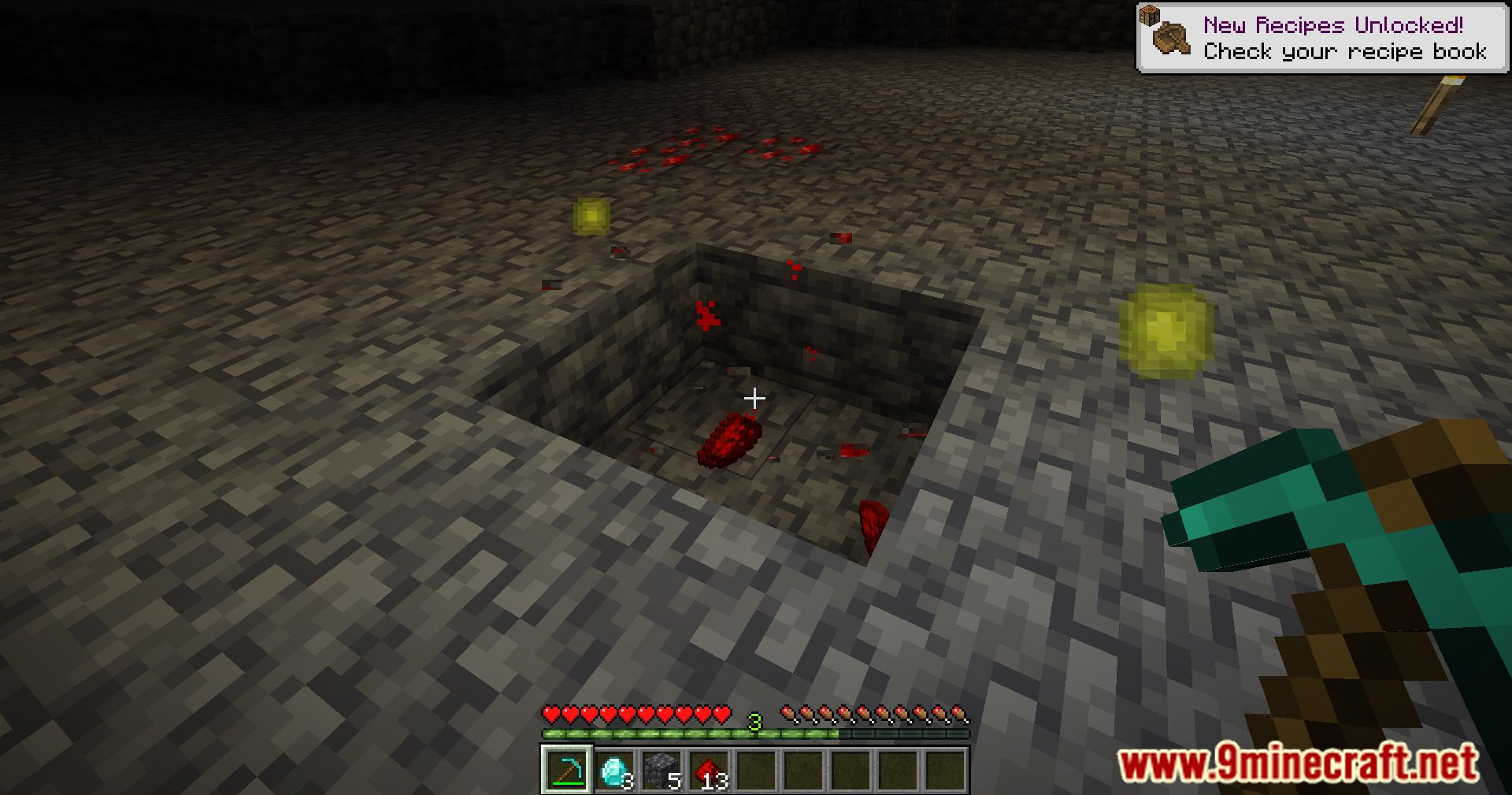


VeinMiner Companion Mod Download Links
Quick facts
- Edition: Minecraft Java
- File type: .jar
- Minecraft version listed: 1.20.1
- How to install: Install the matching mod loader (Forge, Fabric or NeoForge) for your Minecraft version. → Download the .jar. → Put it in the .minecraft/mods folder and launch that loader profile.
- Where to get it: In MC Java Mods, or directly above on this page.
Install steps are the general flow for this file type — How to install Minecraft Java mods & modpacks walks through it step by step.
Verified by MCModsHub
- Downloads as 84026.mcaddon
- Download size: 101 KB
- Download link checked 23 Sept 2026 — working
- Mirrored on our own servers — the download does not depend on the original host
These come from our own check of the pack file, not from the source page.