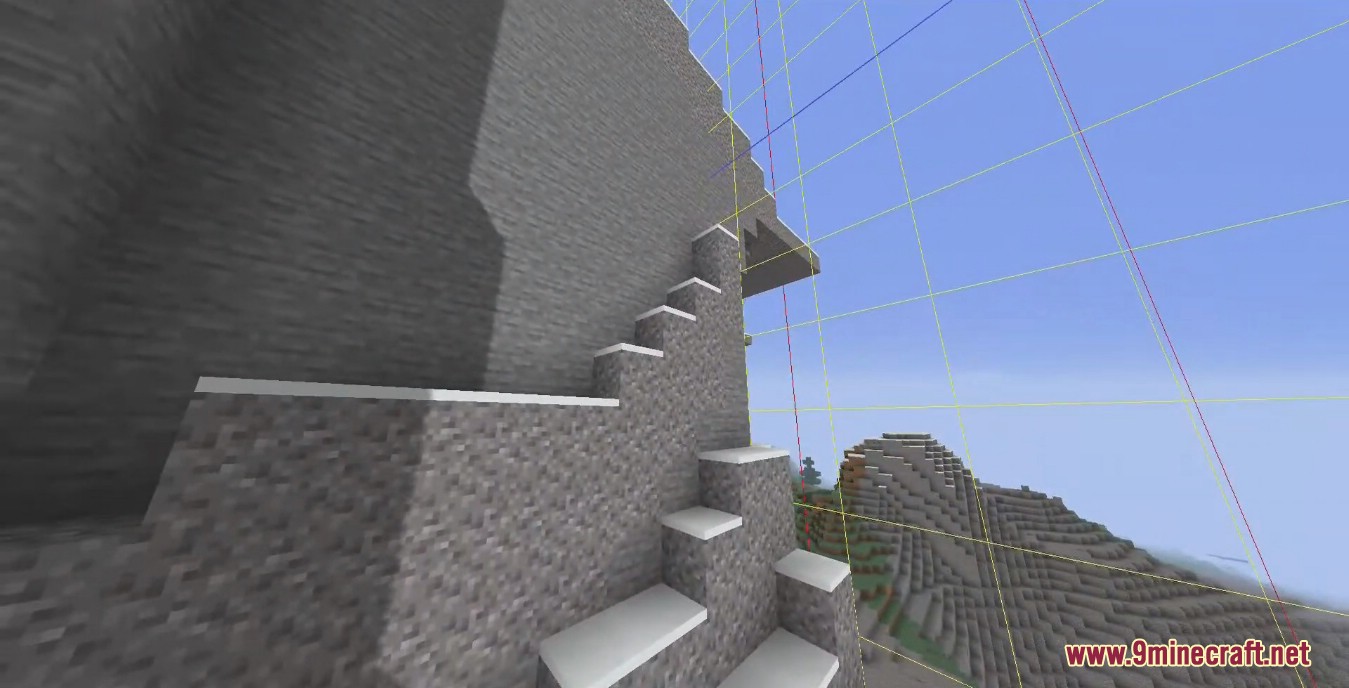
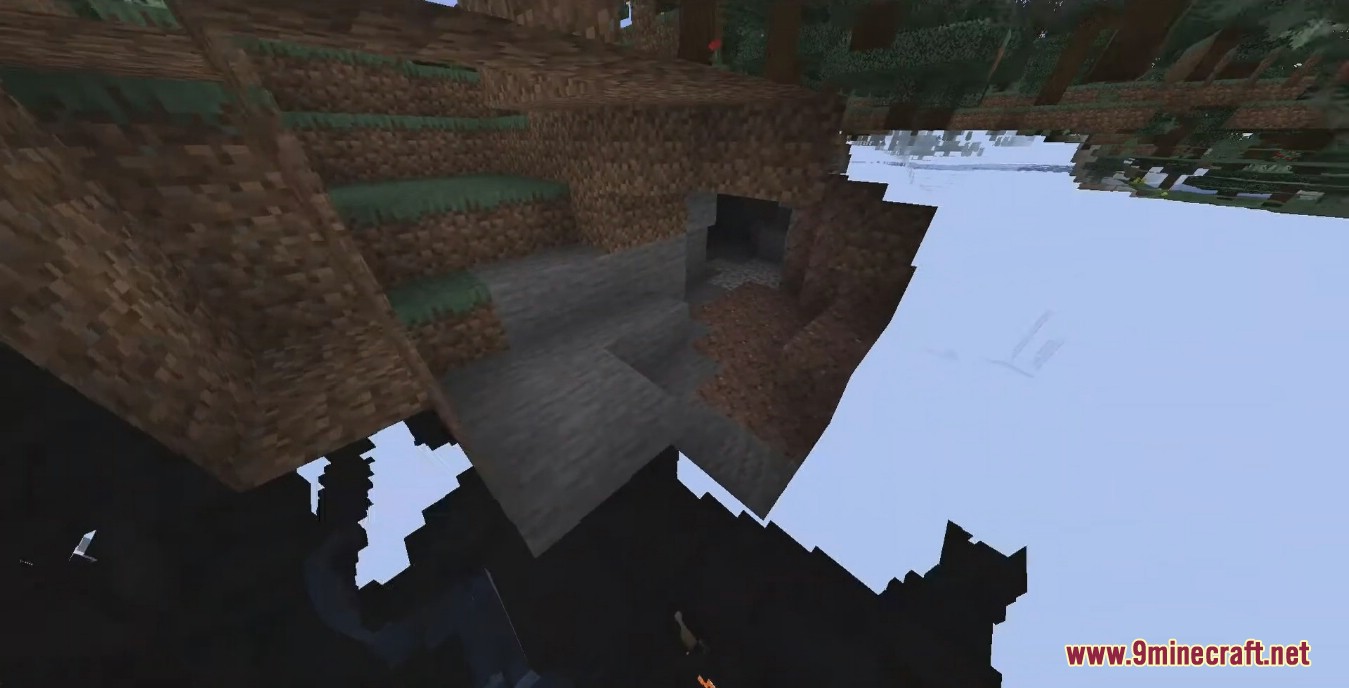
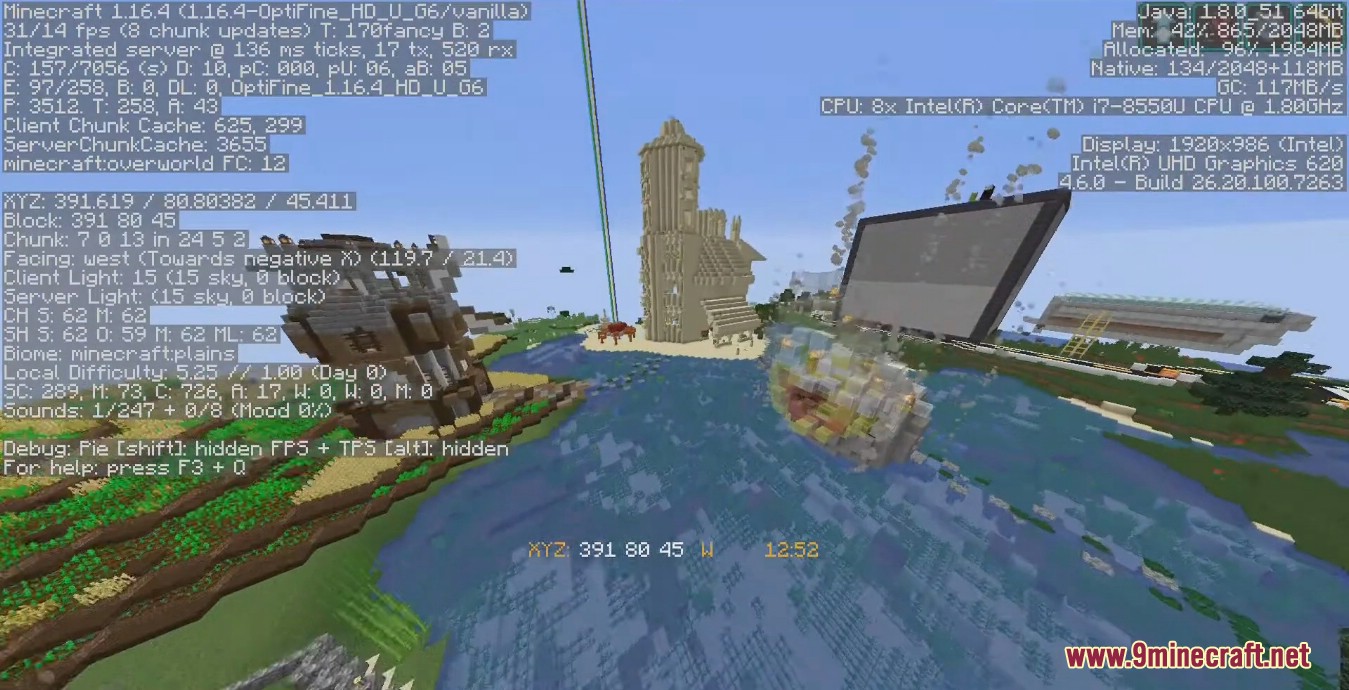
Entity Culling Mod uses async path-tracing to hide Tiles/Entities that are not visible. Minecraft skips rendering things that are behind you, so why is it rendering everything that you still can’t see because of a wall in the way? This mod utilizes your other CPU cores/threads to do really quick path-tracing from your camera to all tile/-entities to determine rather they are visible or not. During the rendering, the not visible ones will be skipped the same way entities behind you are.
This mod calculates the visibility of tile/-entities 64 blocks in each direction of the player(so a 128x128x128 cube in total), everything outside of that is considered too far away and is invisible(should somewhat line up with the vanilla “Entity Distance” setting, but future changes to this size are possible).
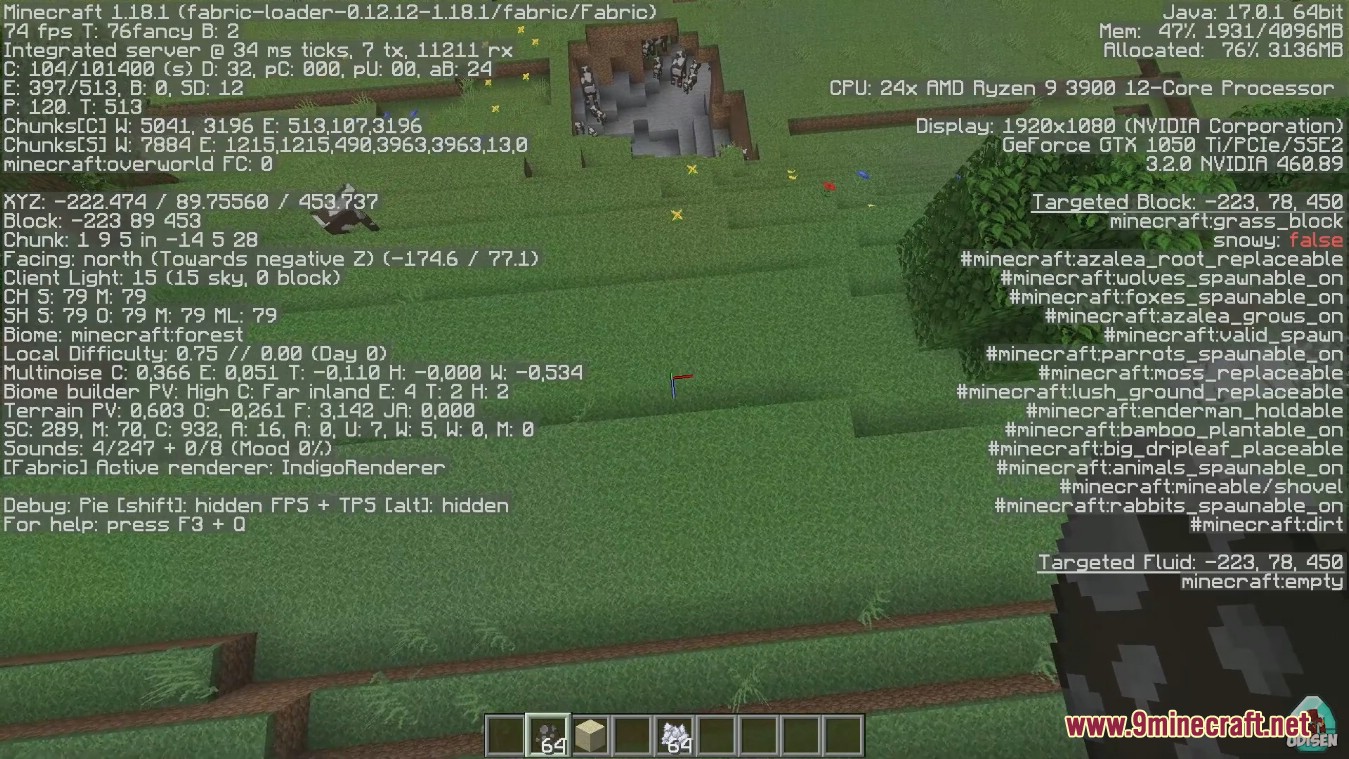
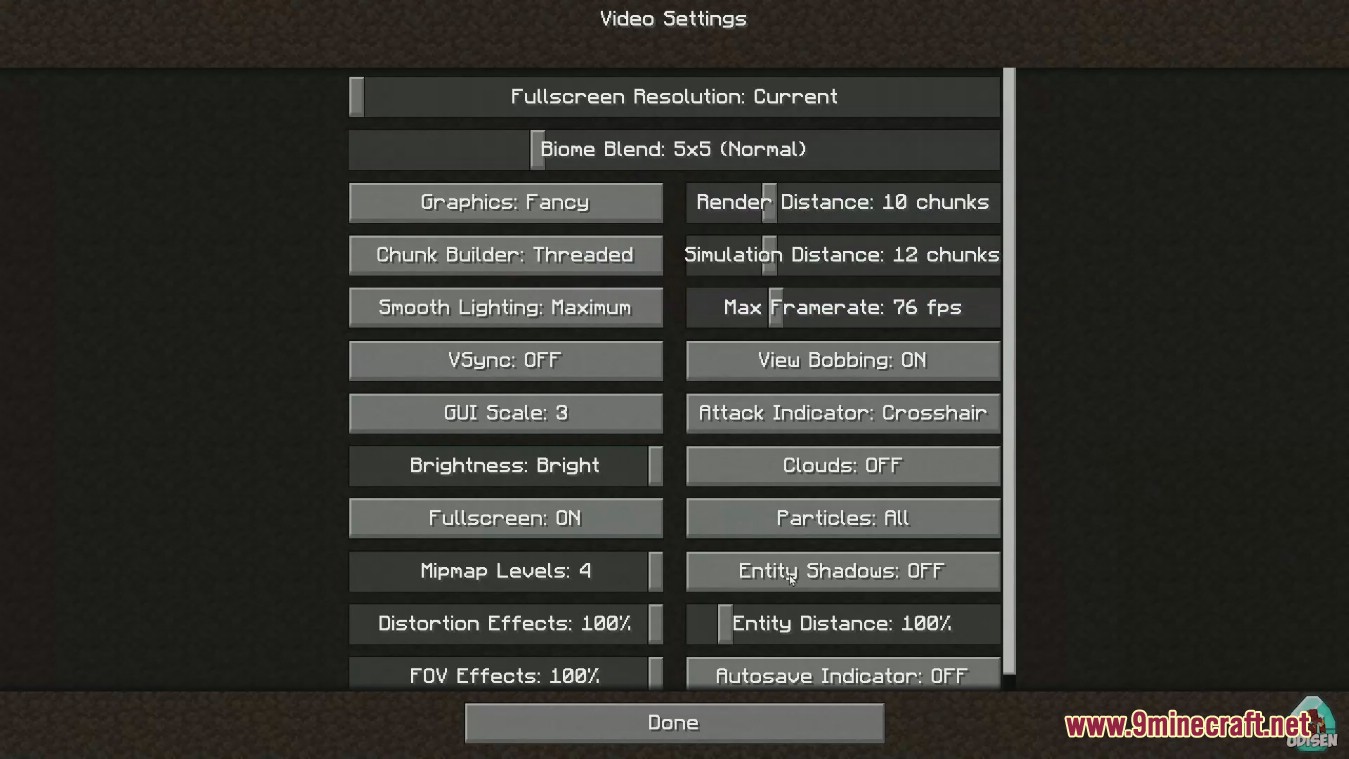
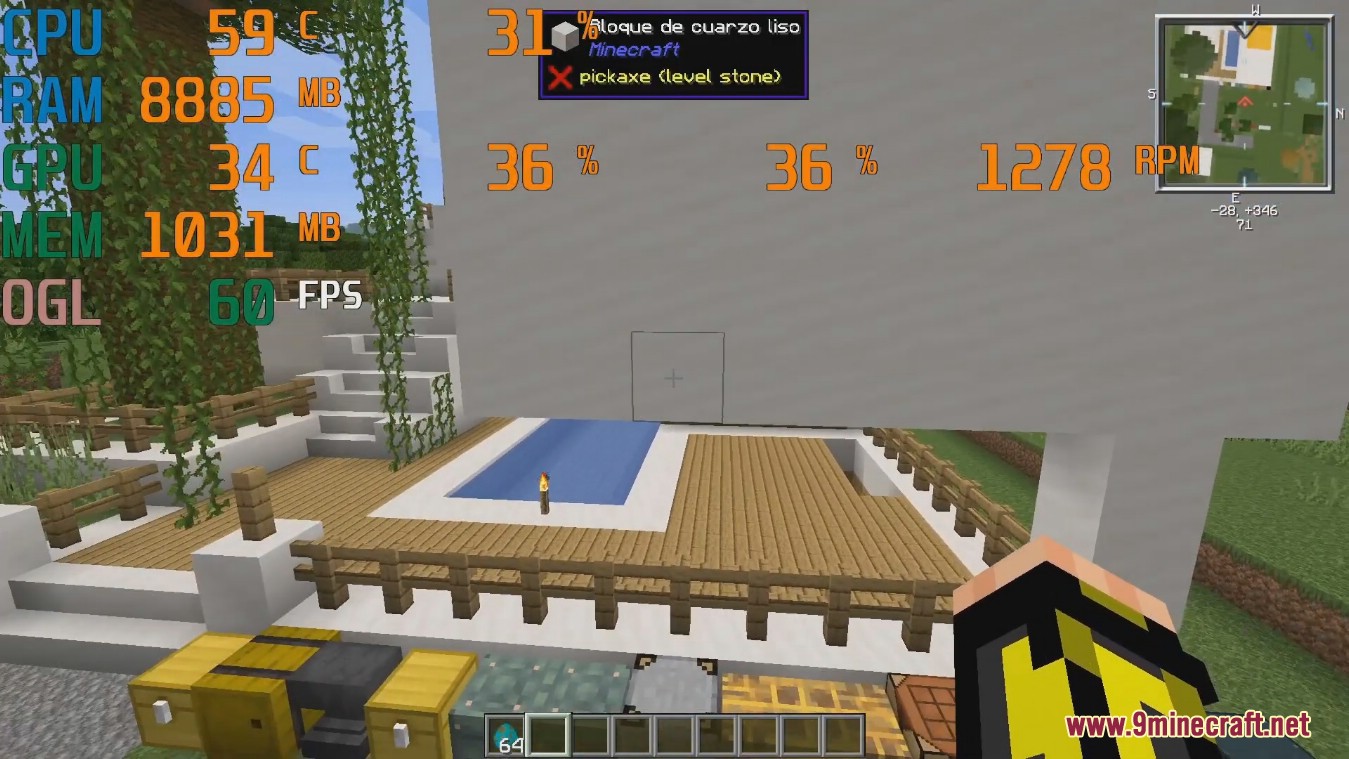
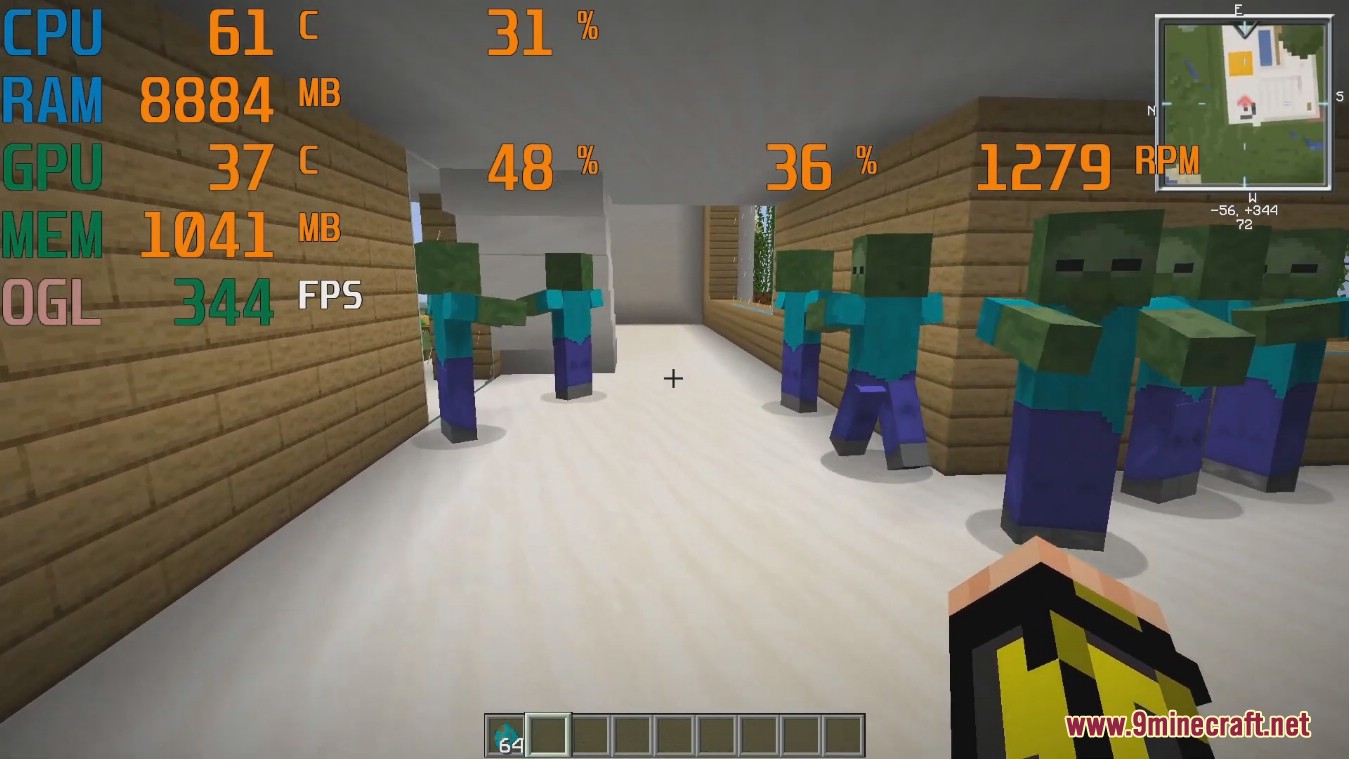
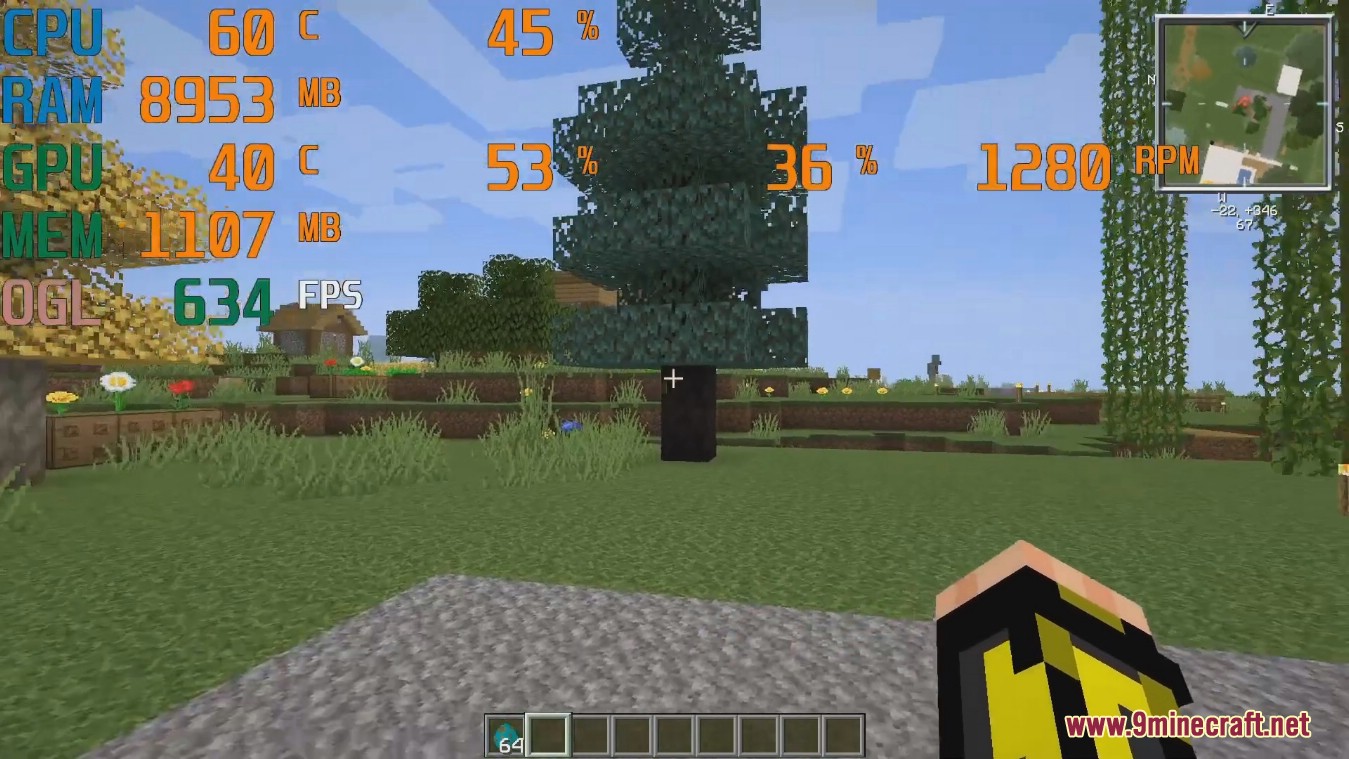
Screenshots:
Entity Culling Mod Download Links
- Edition: Minecraft Java
- File type: .jar
- Minecraft version listed: 1.20.1
- How to install: Install the matching mod loader (Forge, Fabric or NeoForge) for your Minecraft version. → Download the .jar. → Put it in the .minecraft/mods folder and launch that loader profile.
- Where to get it: In MC Java Mods, or directly above on this page.
Install steps are the general flow for this file type — How to install Minecraft Java mods & modpacks walks through it step by step.
- Downloads as 84028.mcaddon
- Download size: 1.4 MB
- Download link checked 22 Sept 2026 — working
- Mirrored on our own servers — the download does not depend on the original host
These come from our own check of the pack file, not from the source page.