
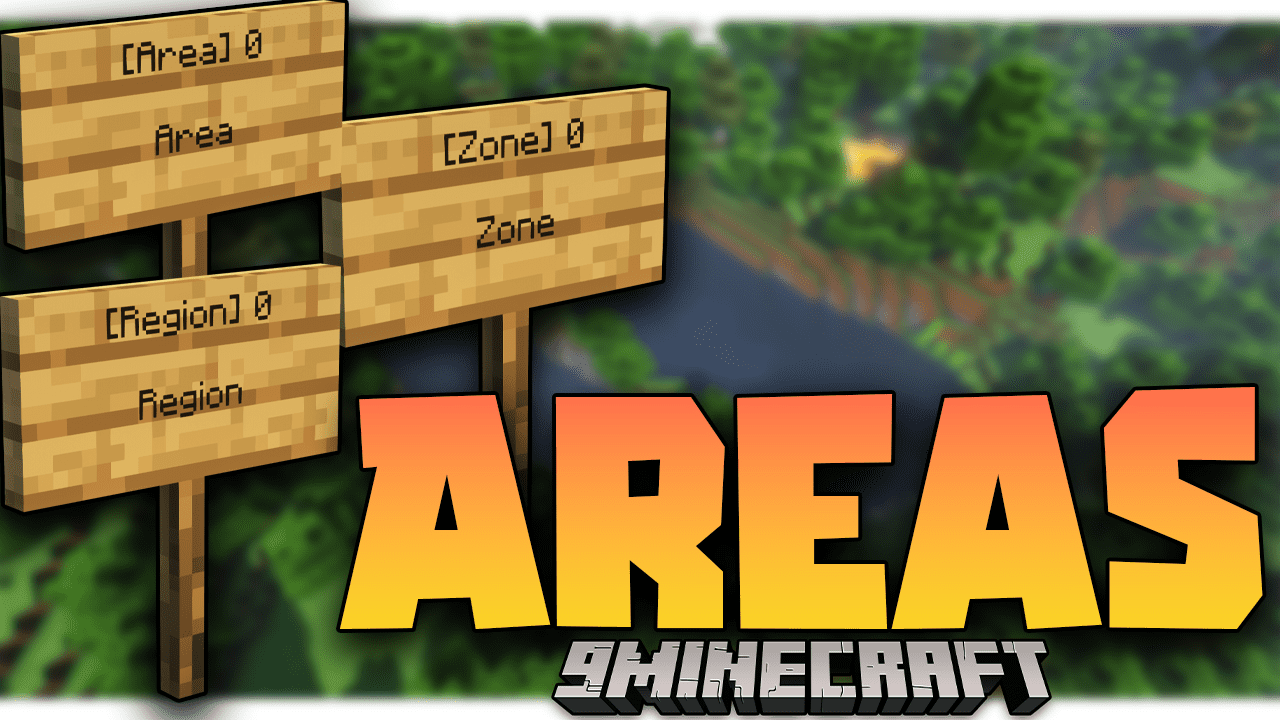
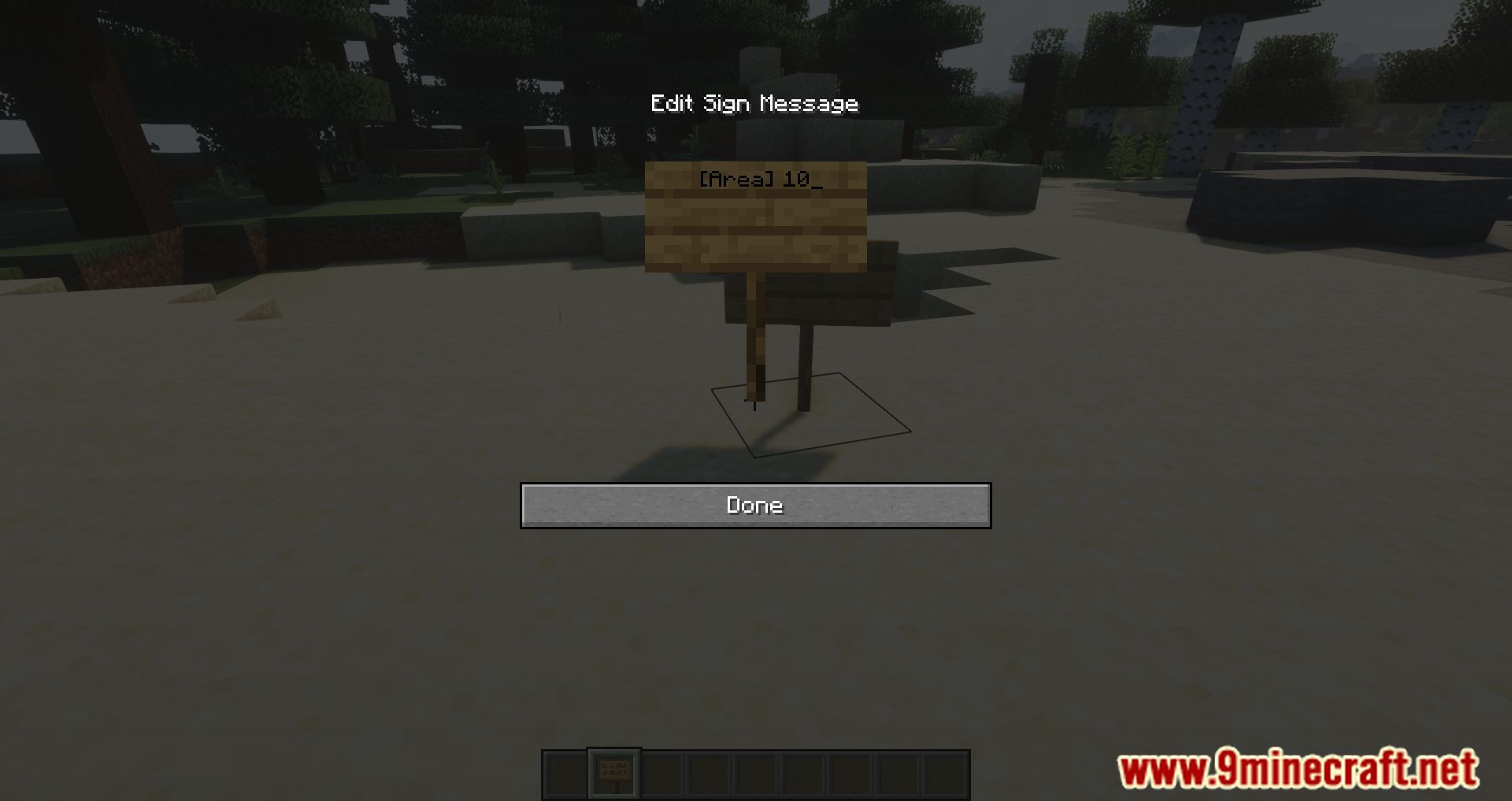
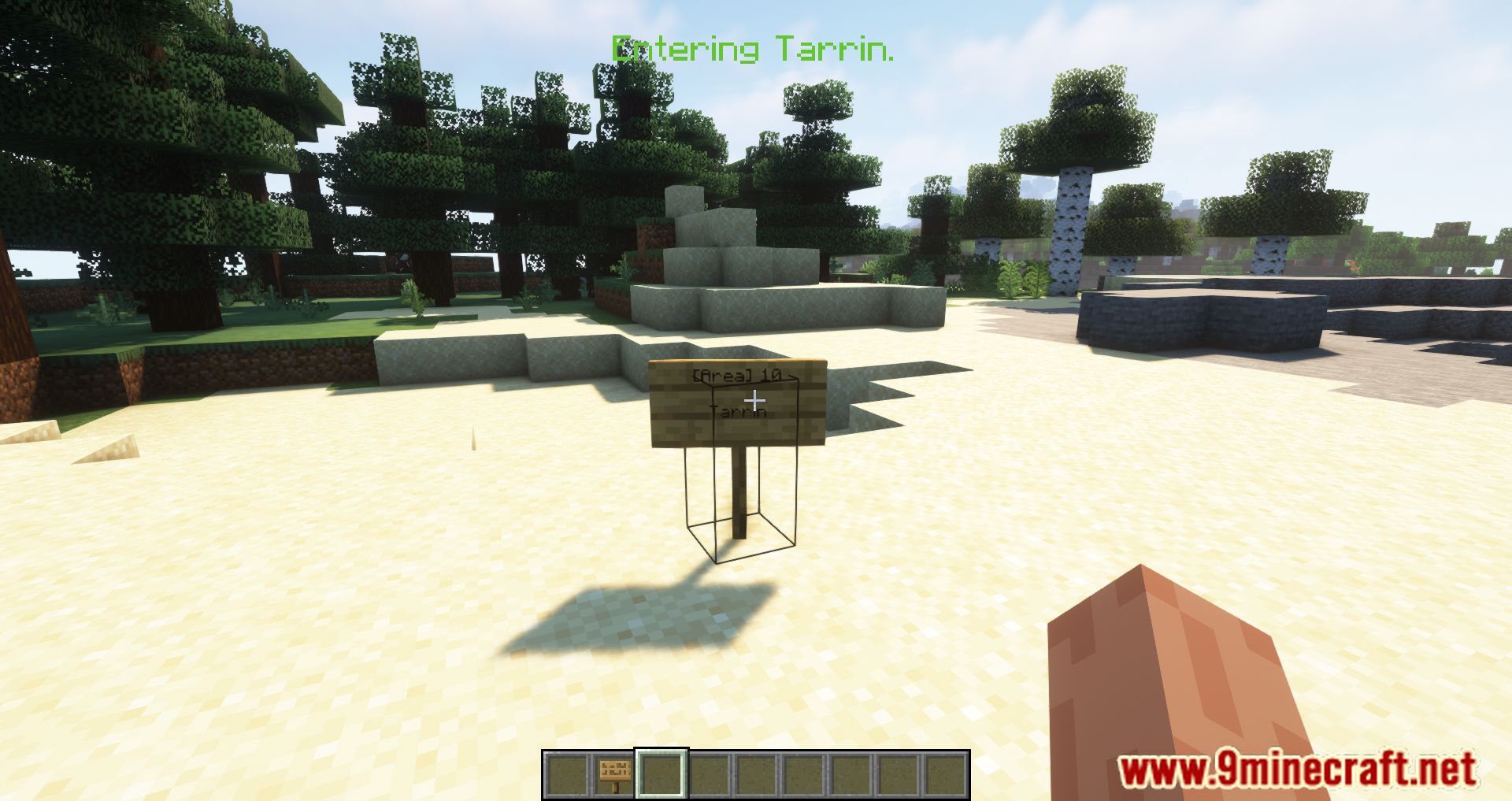
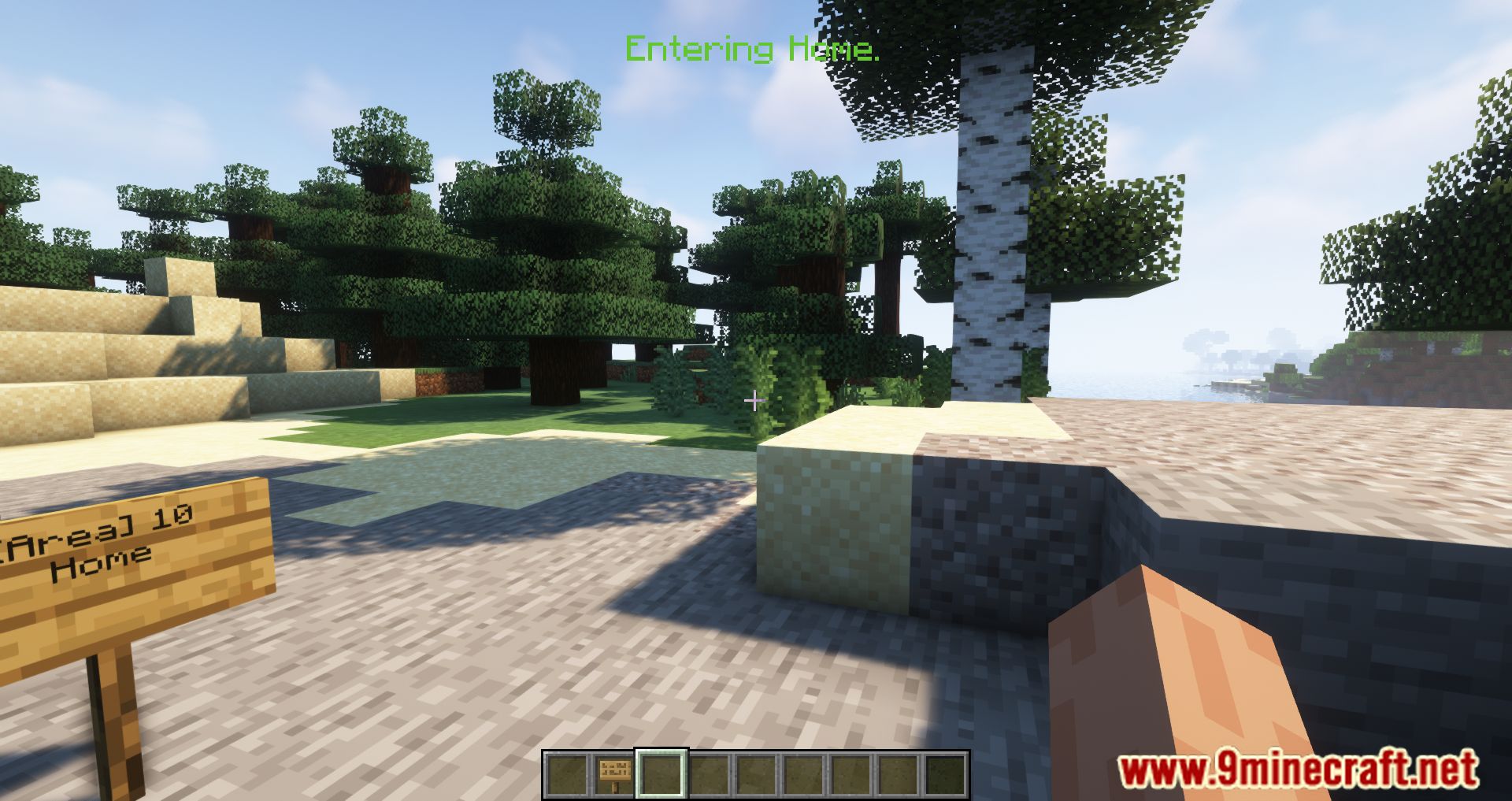
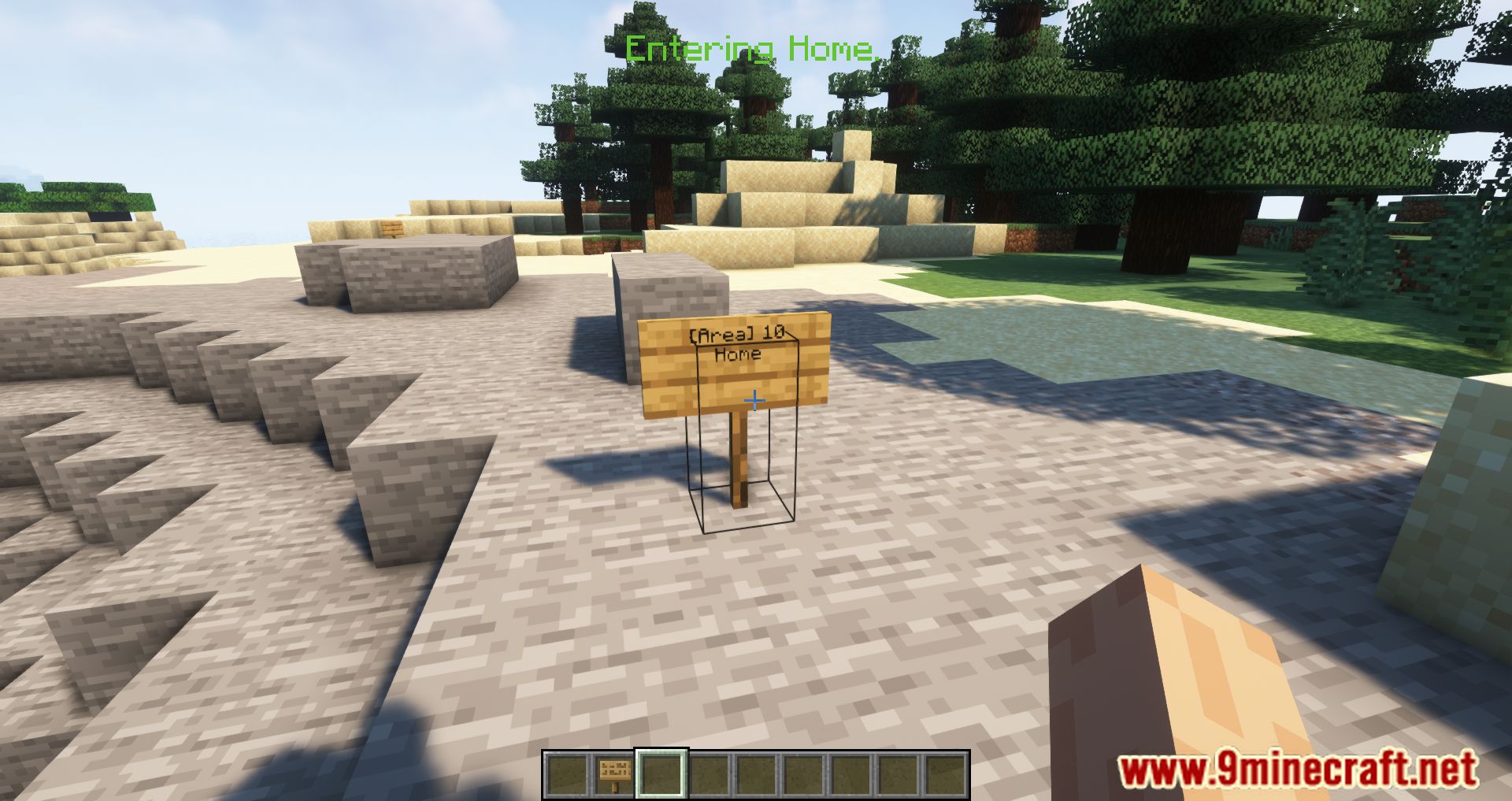
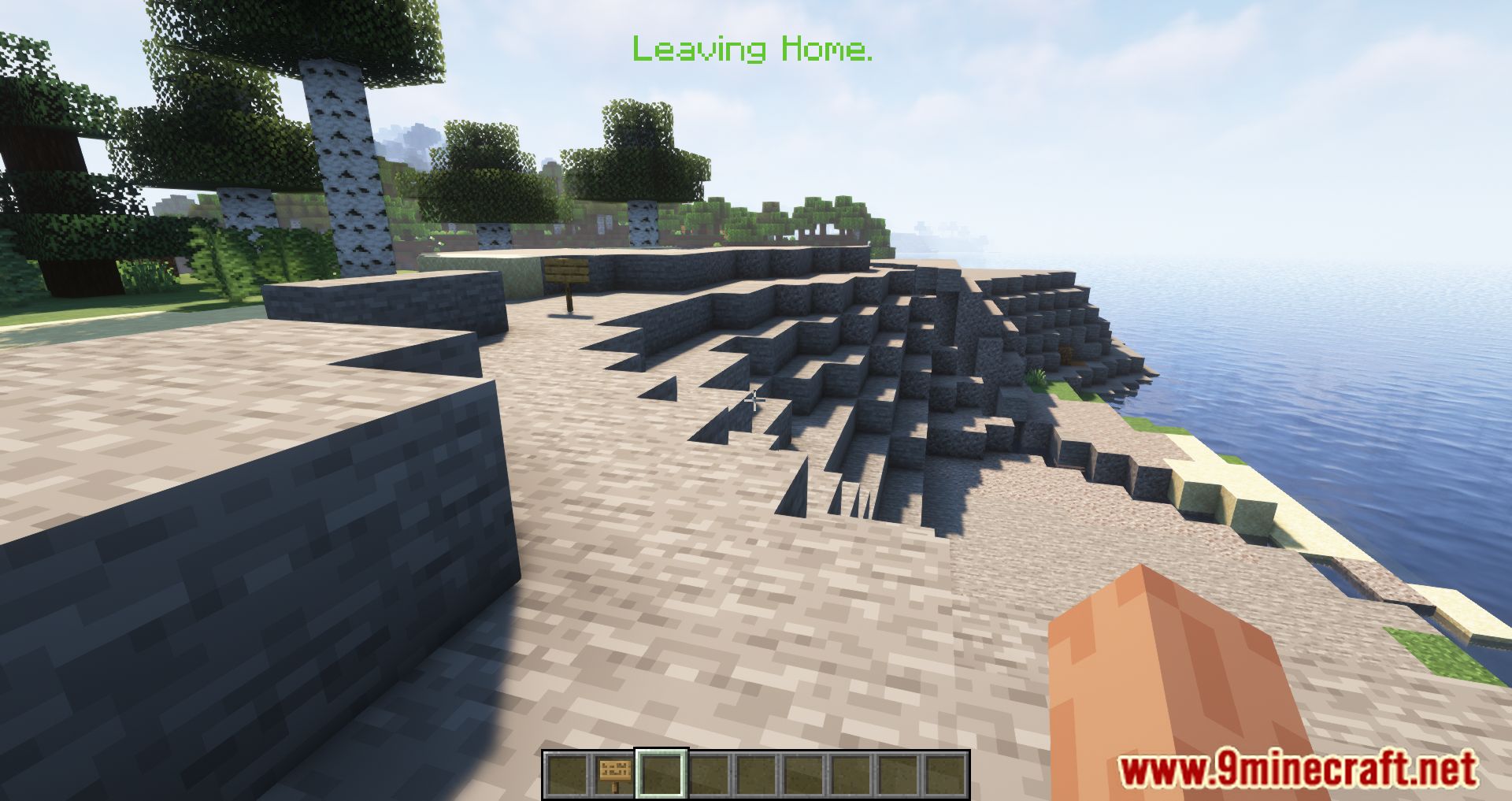
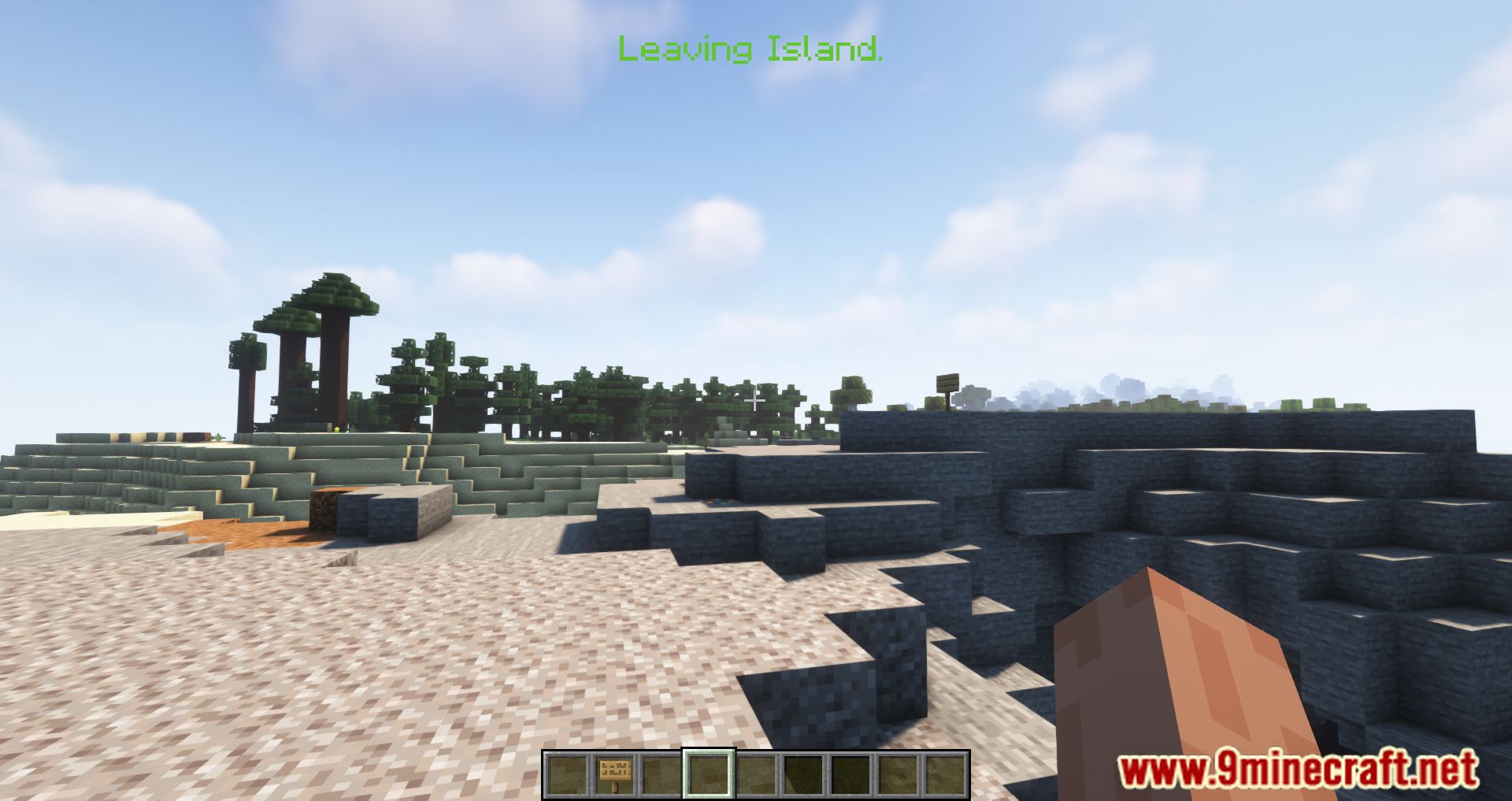
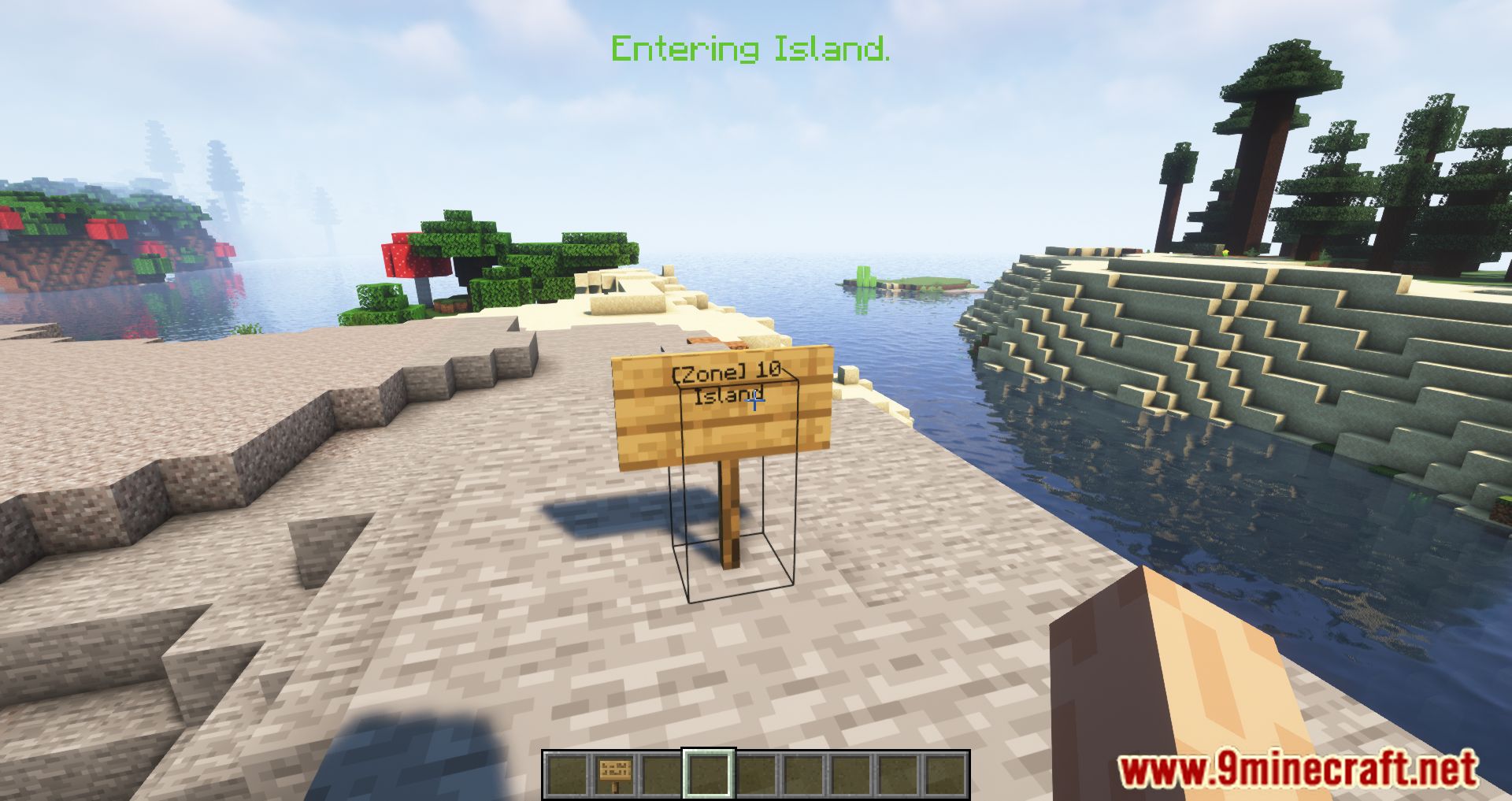
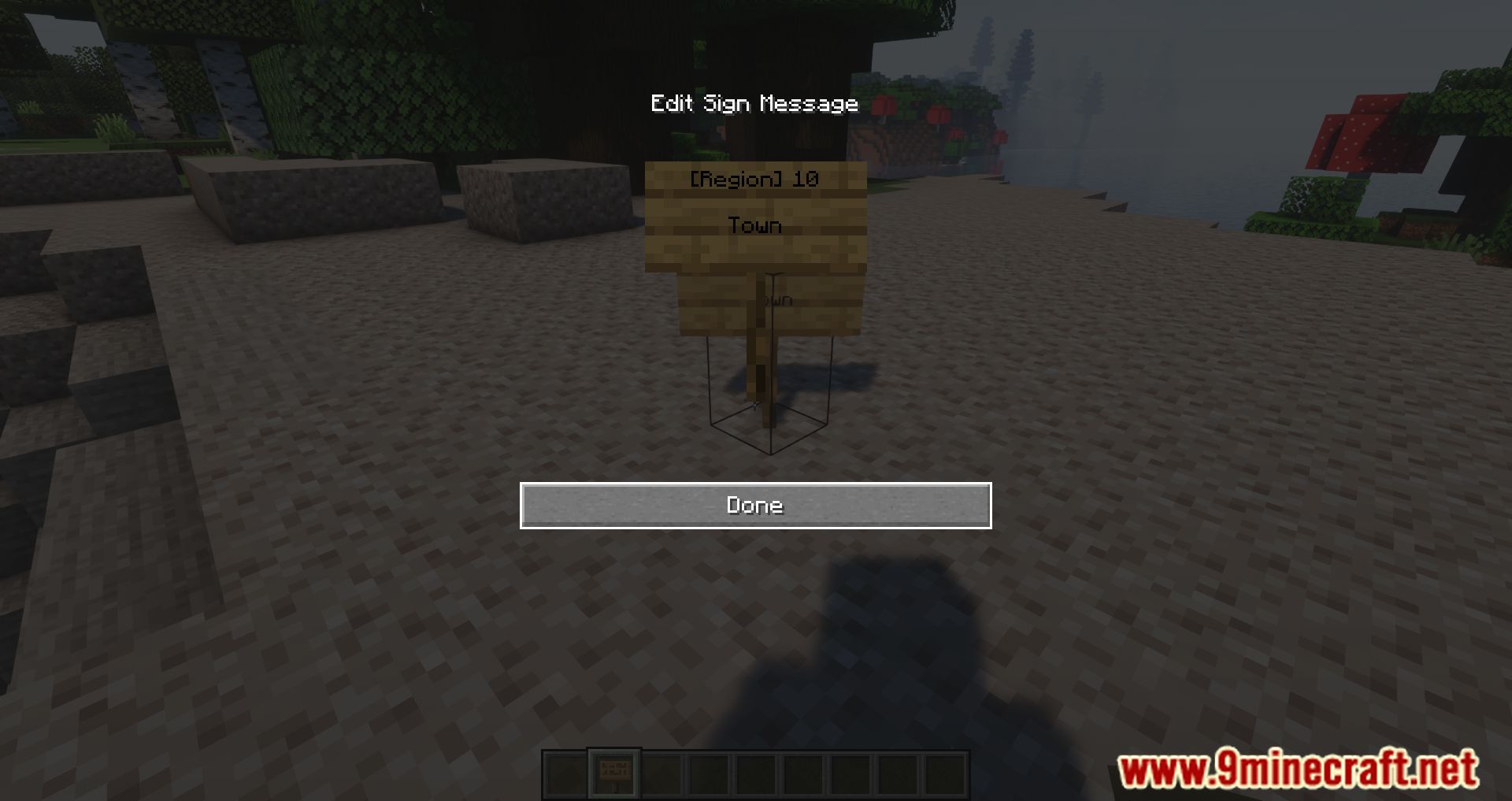
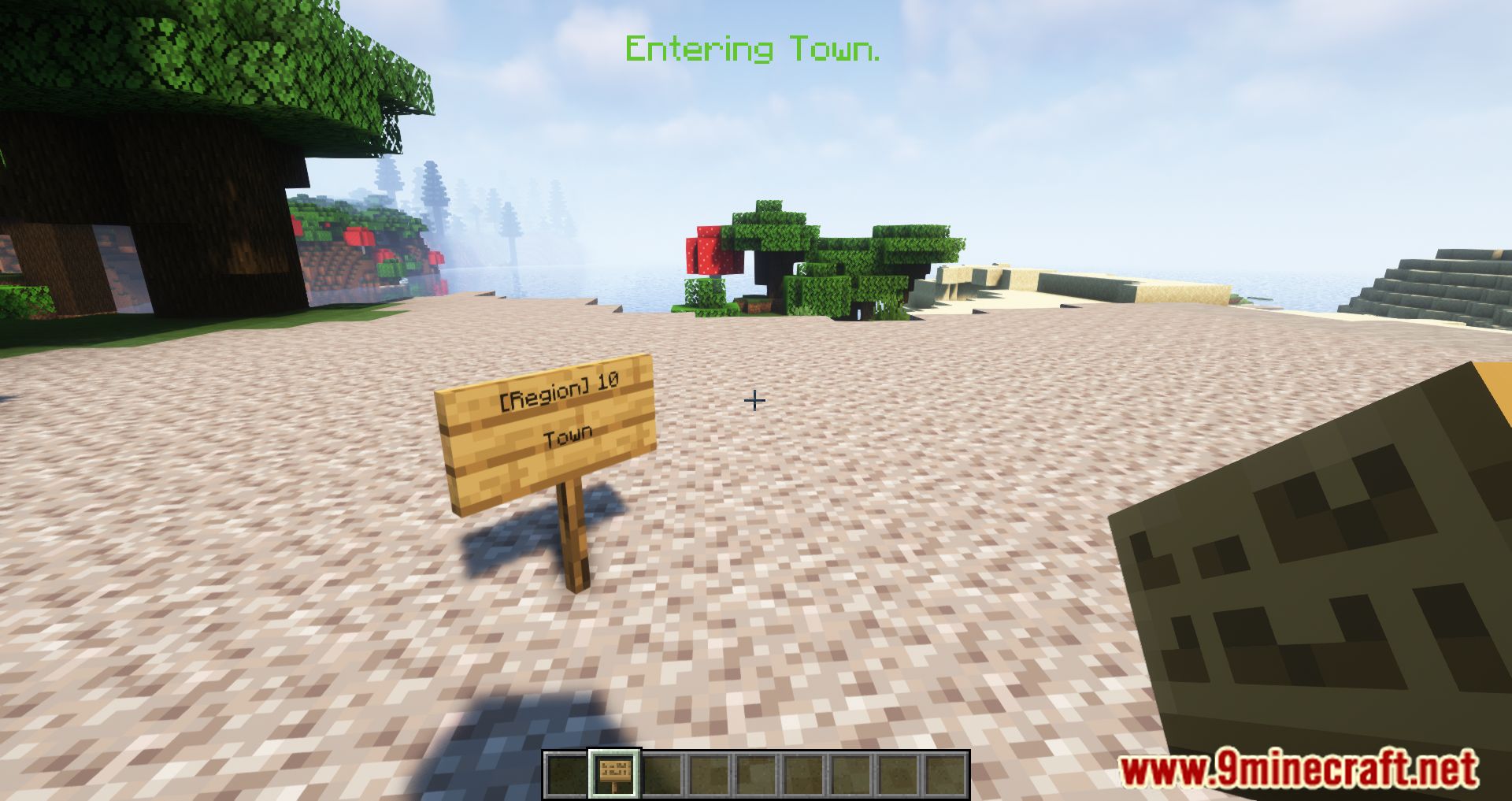
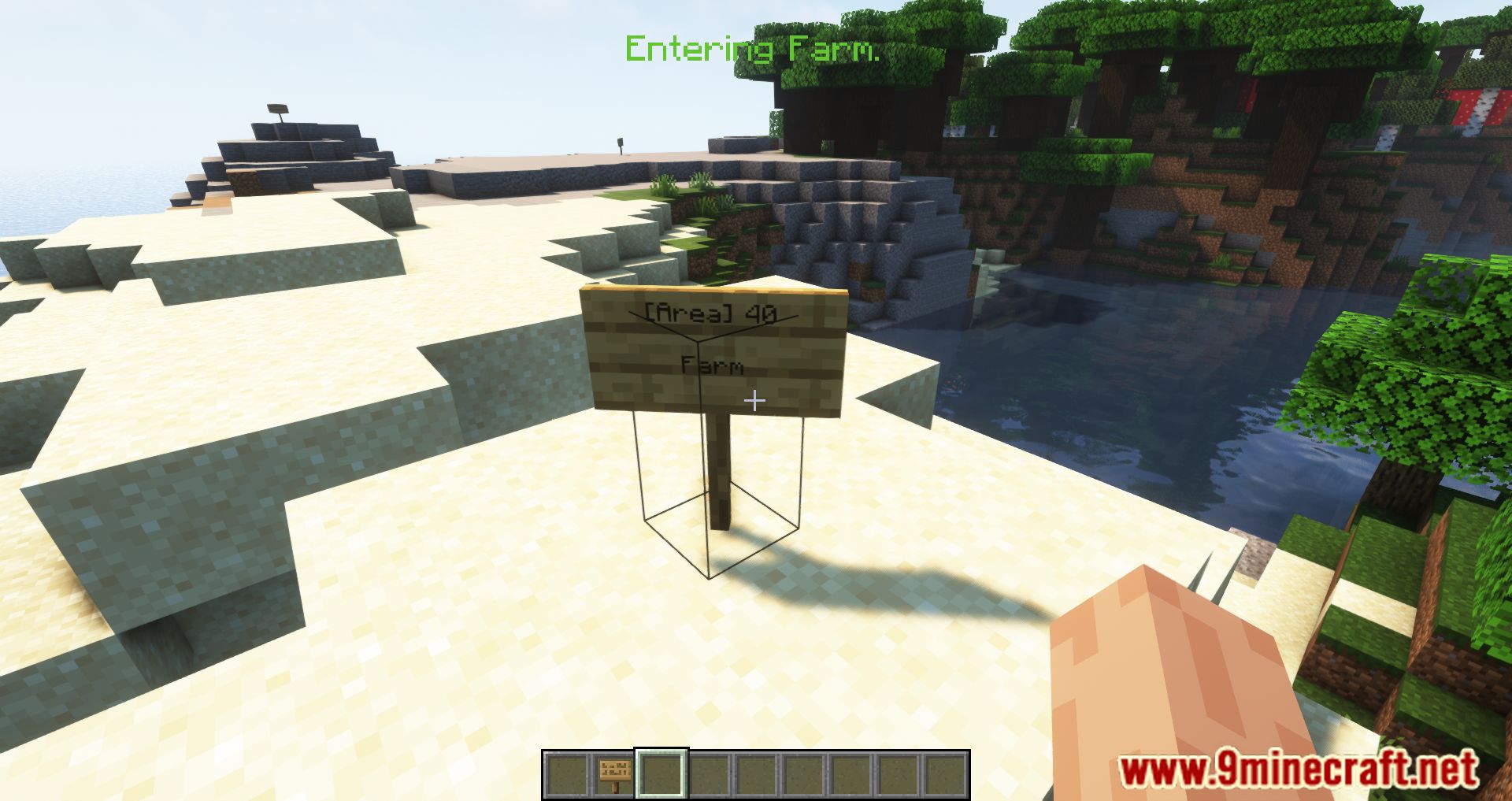
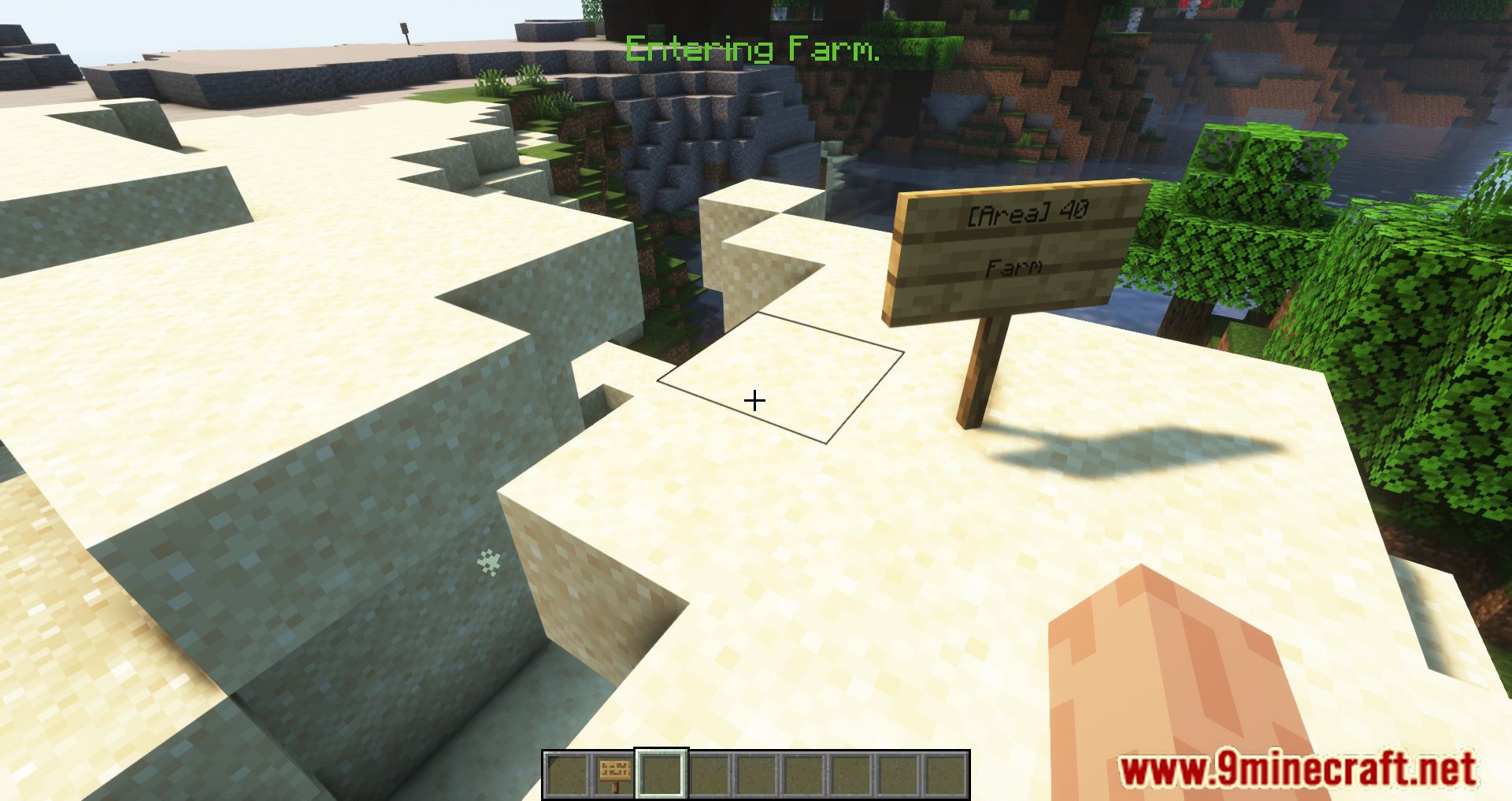
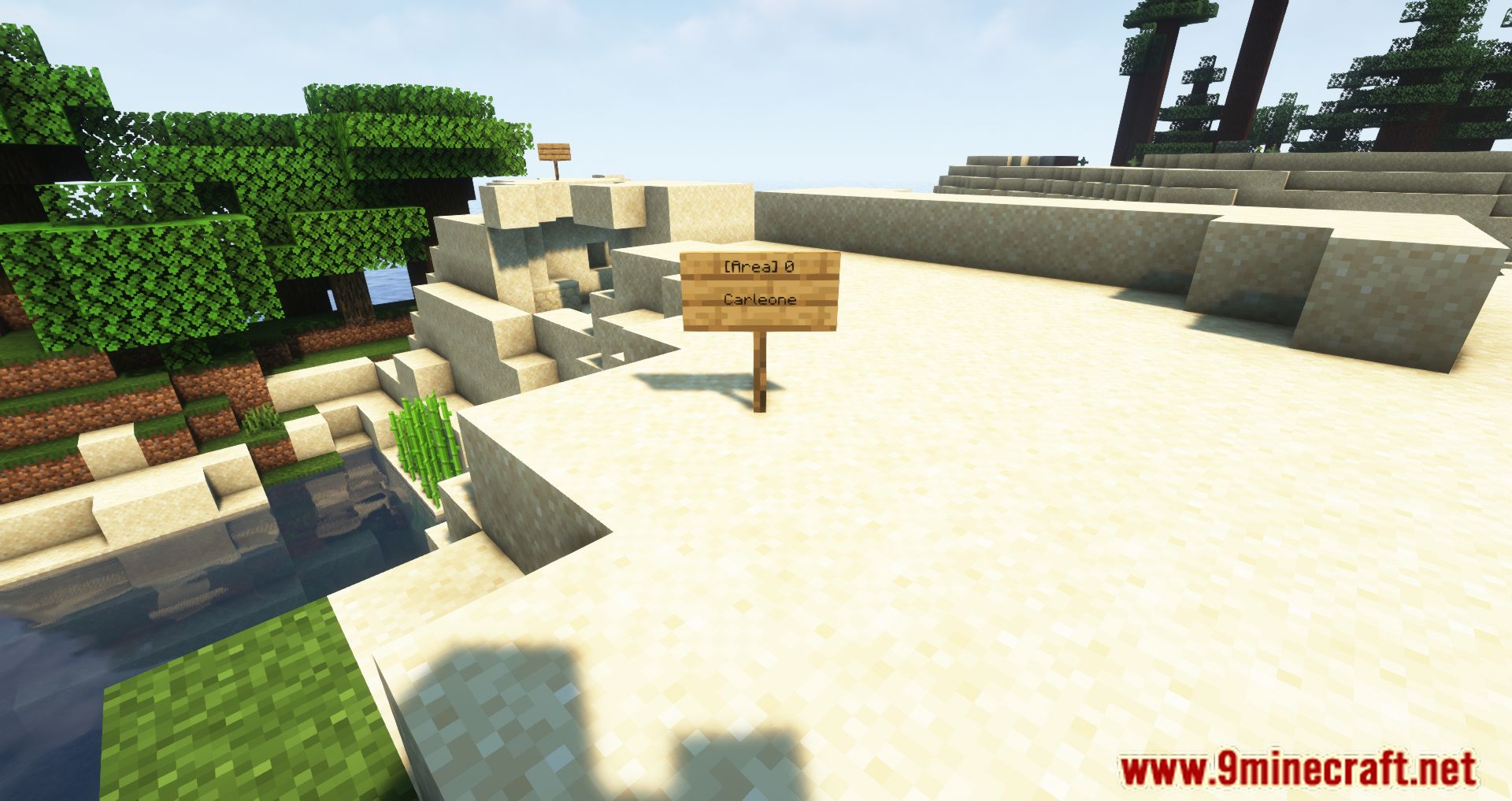
Areas Mod is a very simple mod that allows you to designate zones in the game. When entering such a zone, a notification will appear at the top of the screen, indicating that the player has entered it. You can assign any name to the zone, as well as customize its color to your liking. The radius of the zone is unlimited-you can set it to 5, 5000, or any value you wish. You can assign a zone using a sign.
Features:
- Define zones, towns, kingdoms, or any other regions by placing a sign with a specified radius.
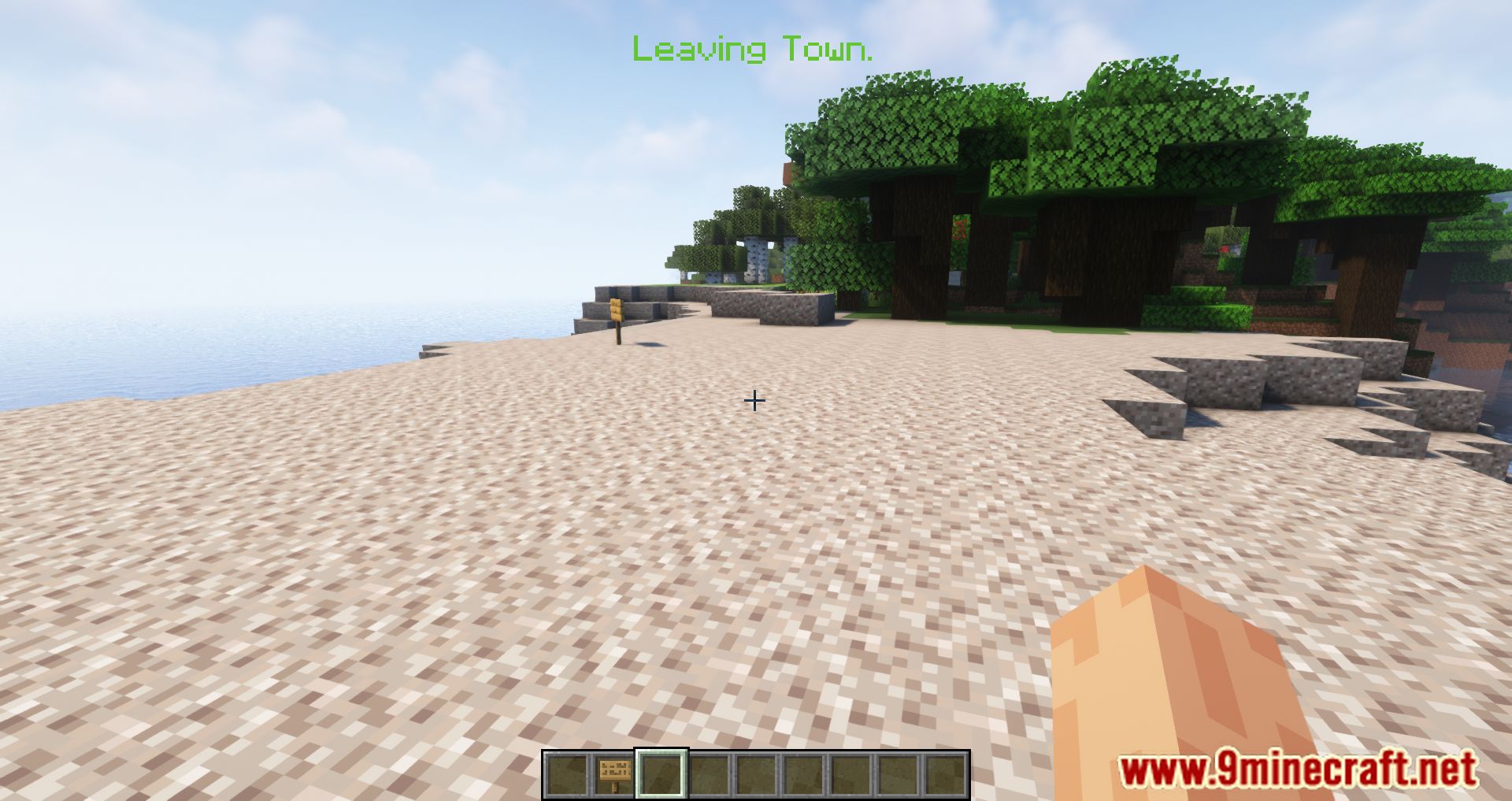
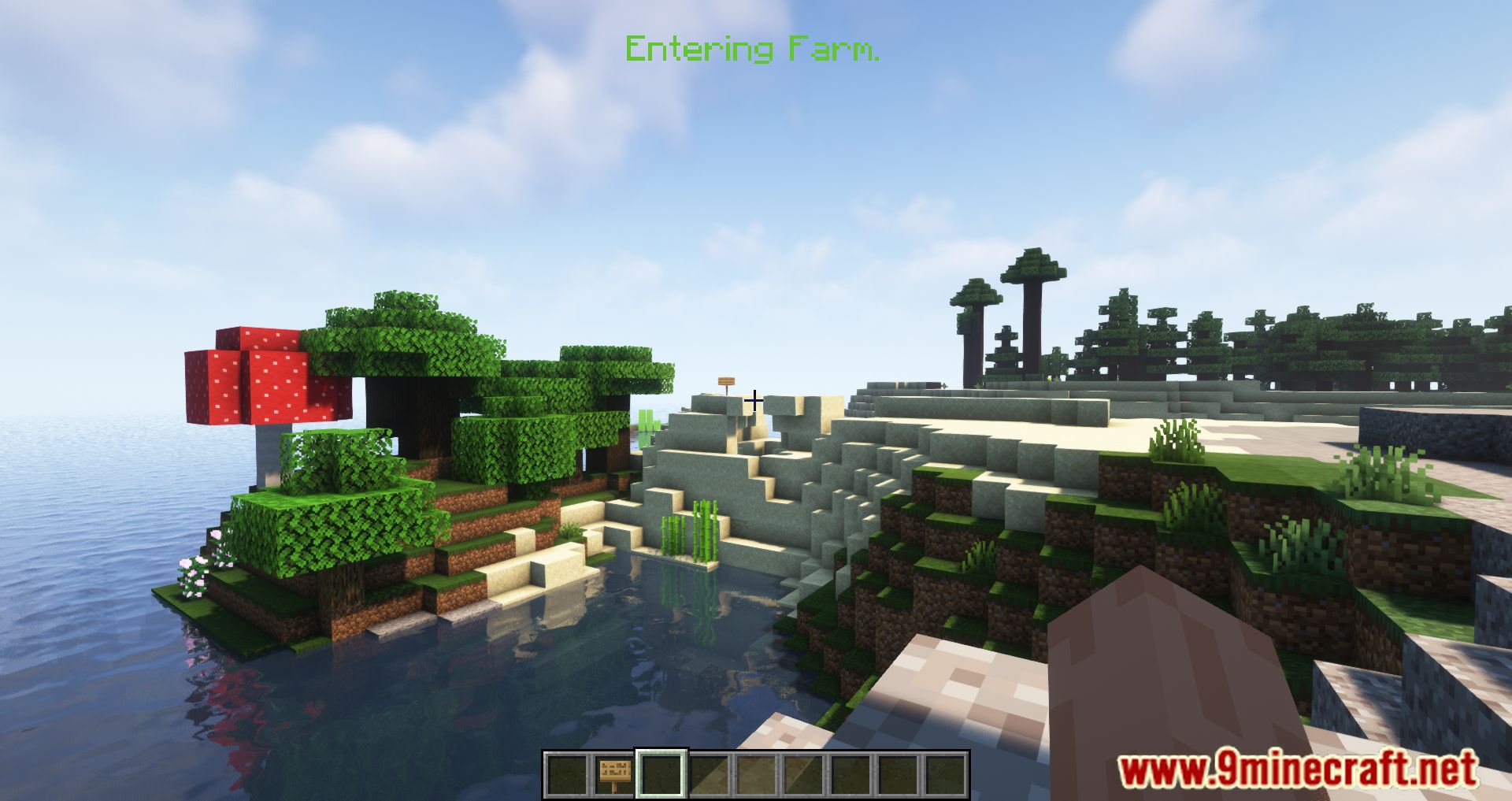
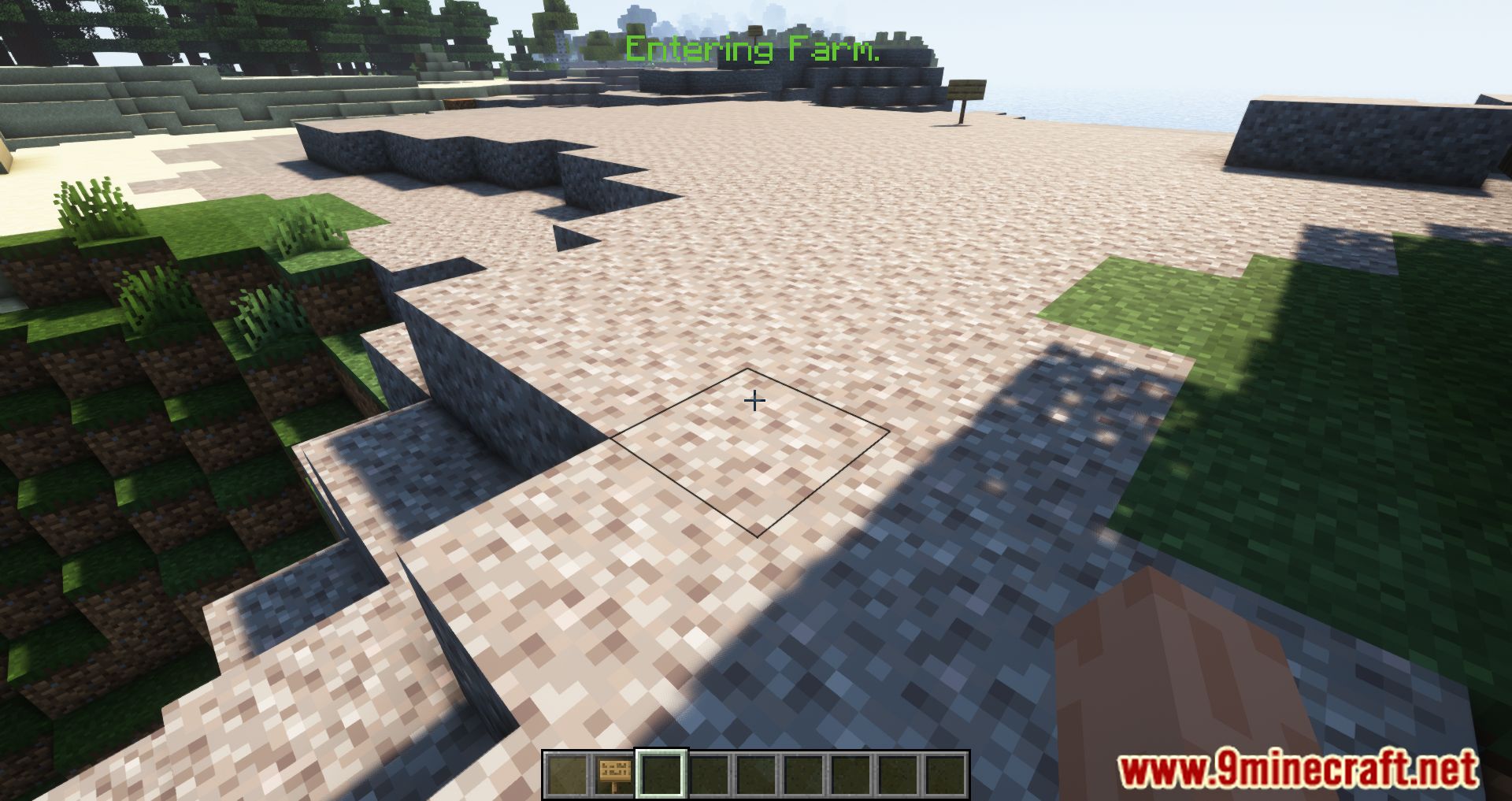
- Players receive messages when entering or leaving an area.
- Customize entry and exit messages, including prefixes and suffixes.
- Set unique colors for area notifications.
- Create complex shapes by overlapping multiple areas.
- Works on servers, but all players must have the mod installed.
- Choose whether notifications appear in the HUD or chat.
- Set default or custom area sizes via configuration.
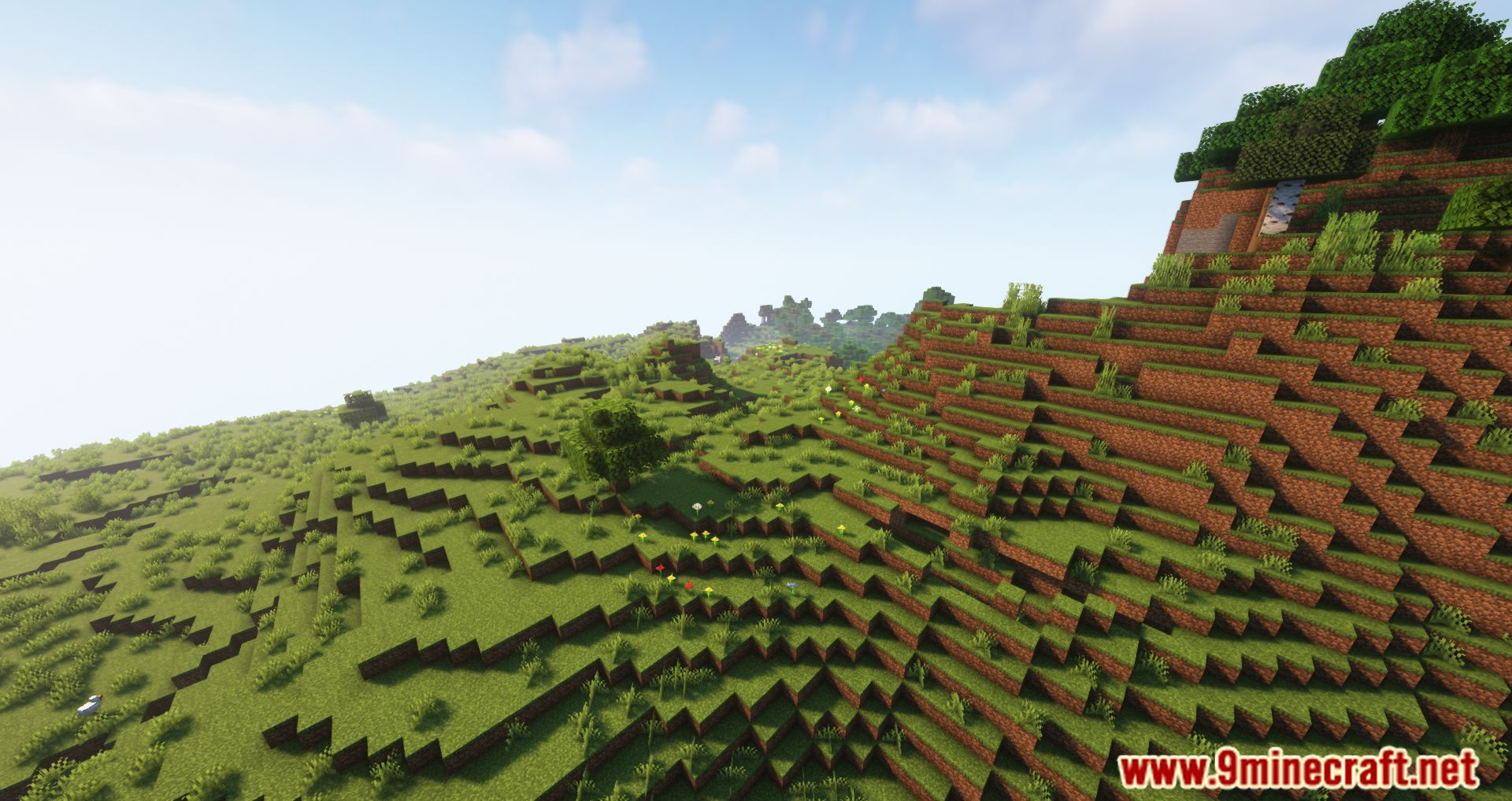
Screenshots:
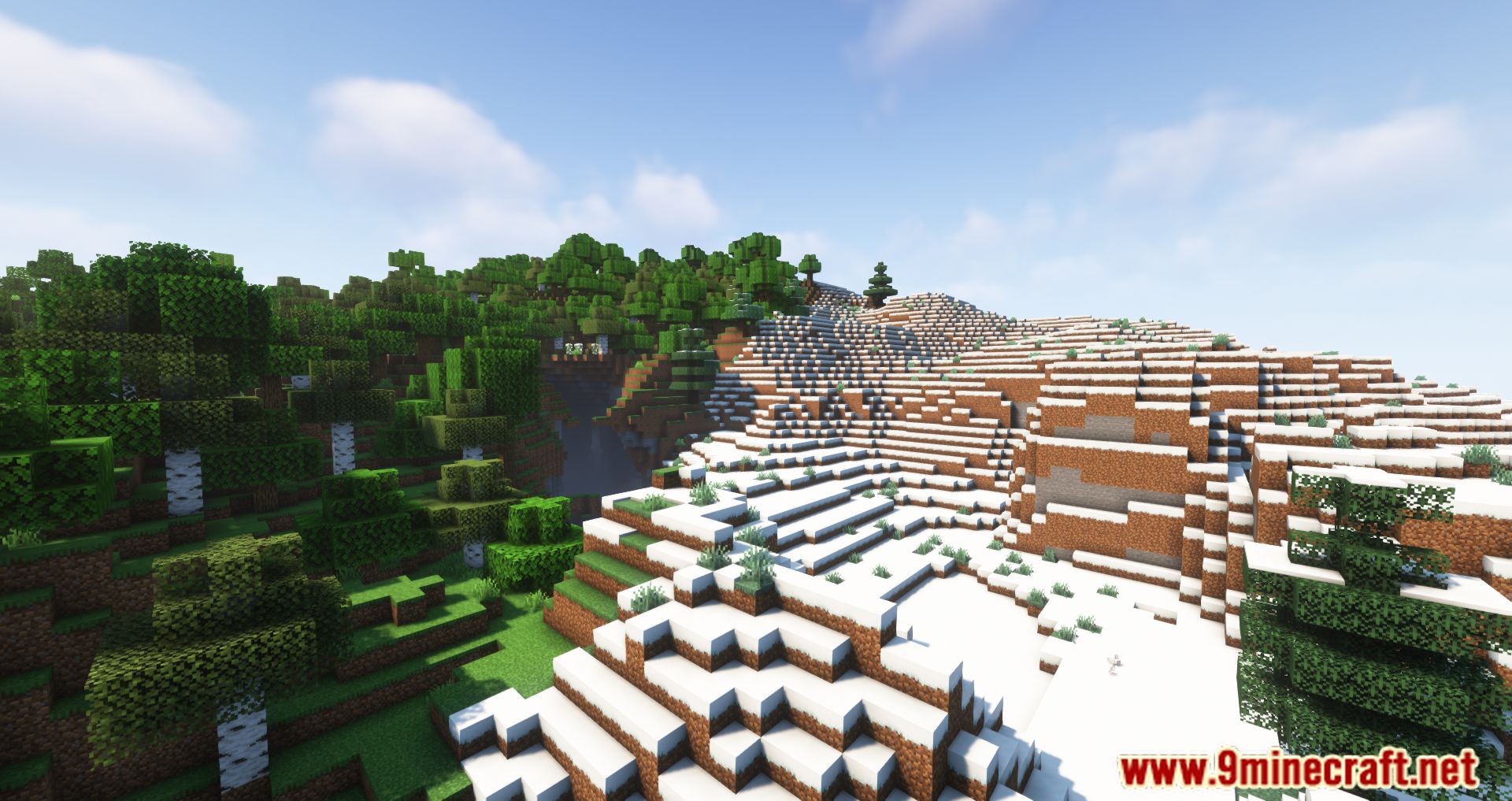
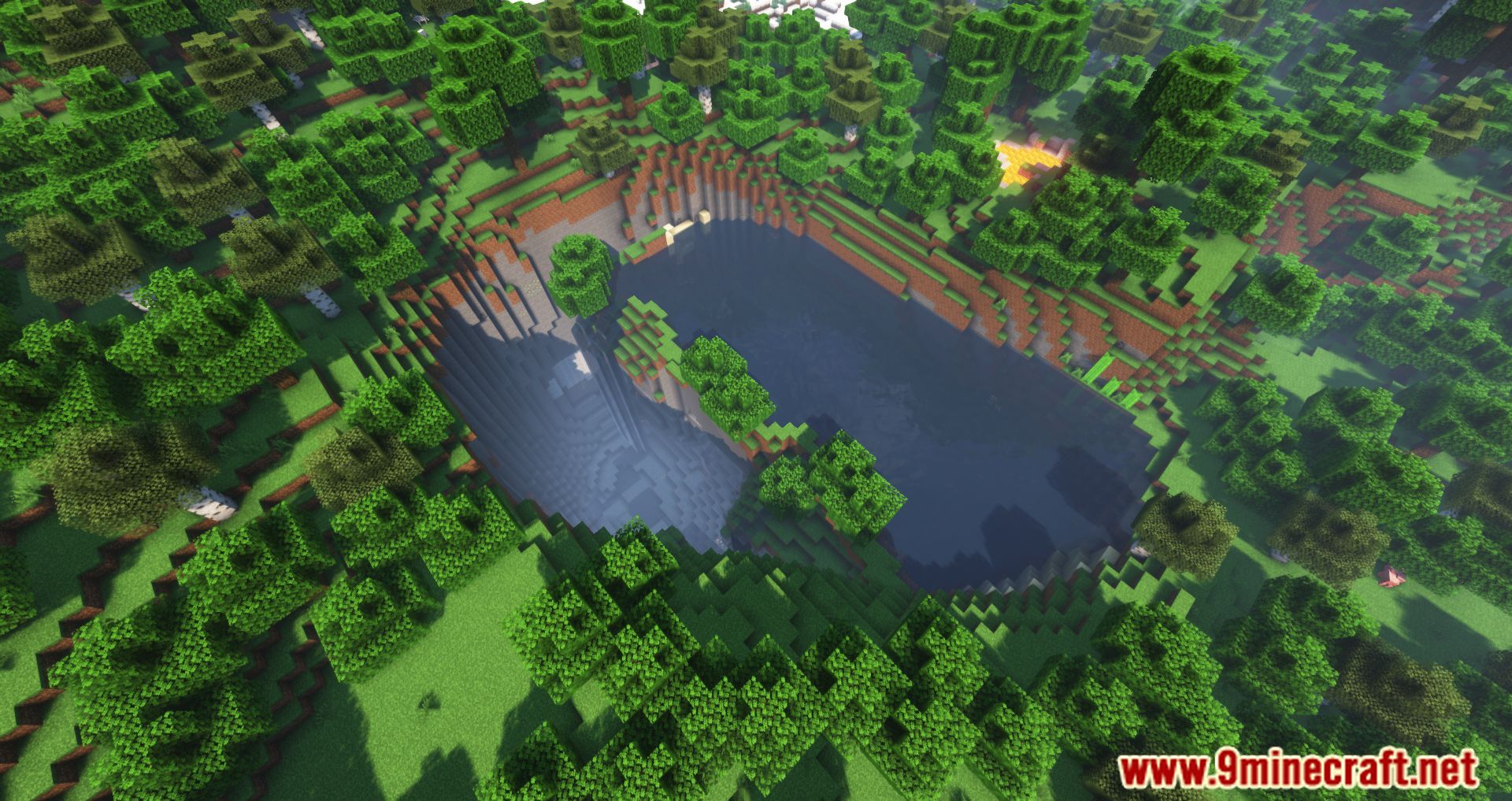
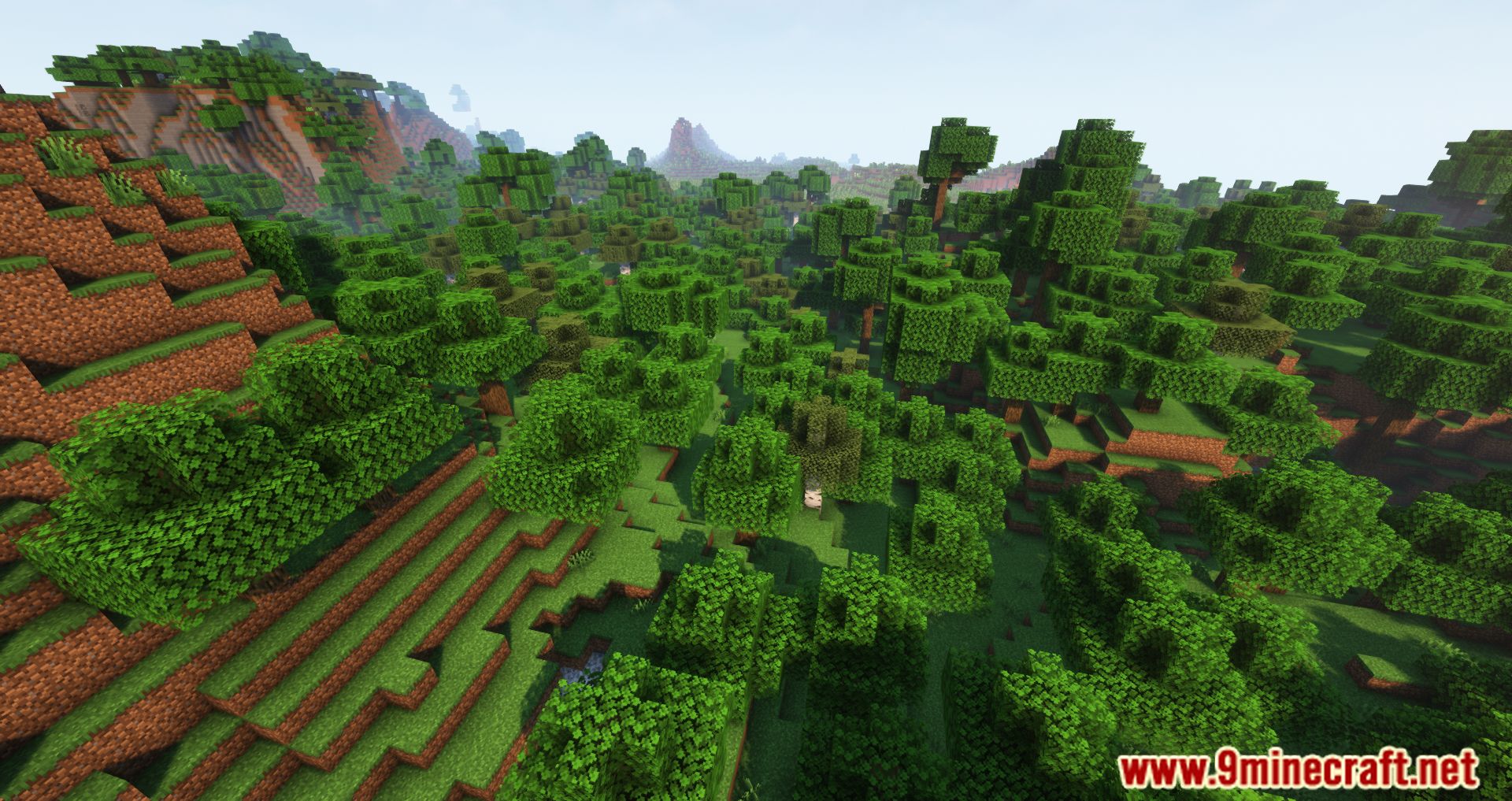
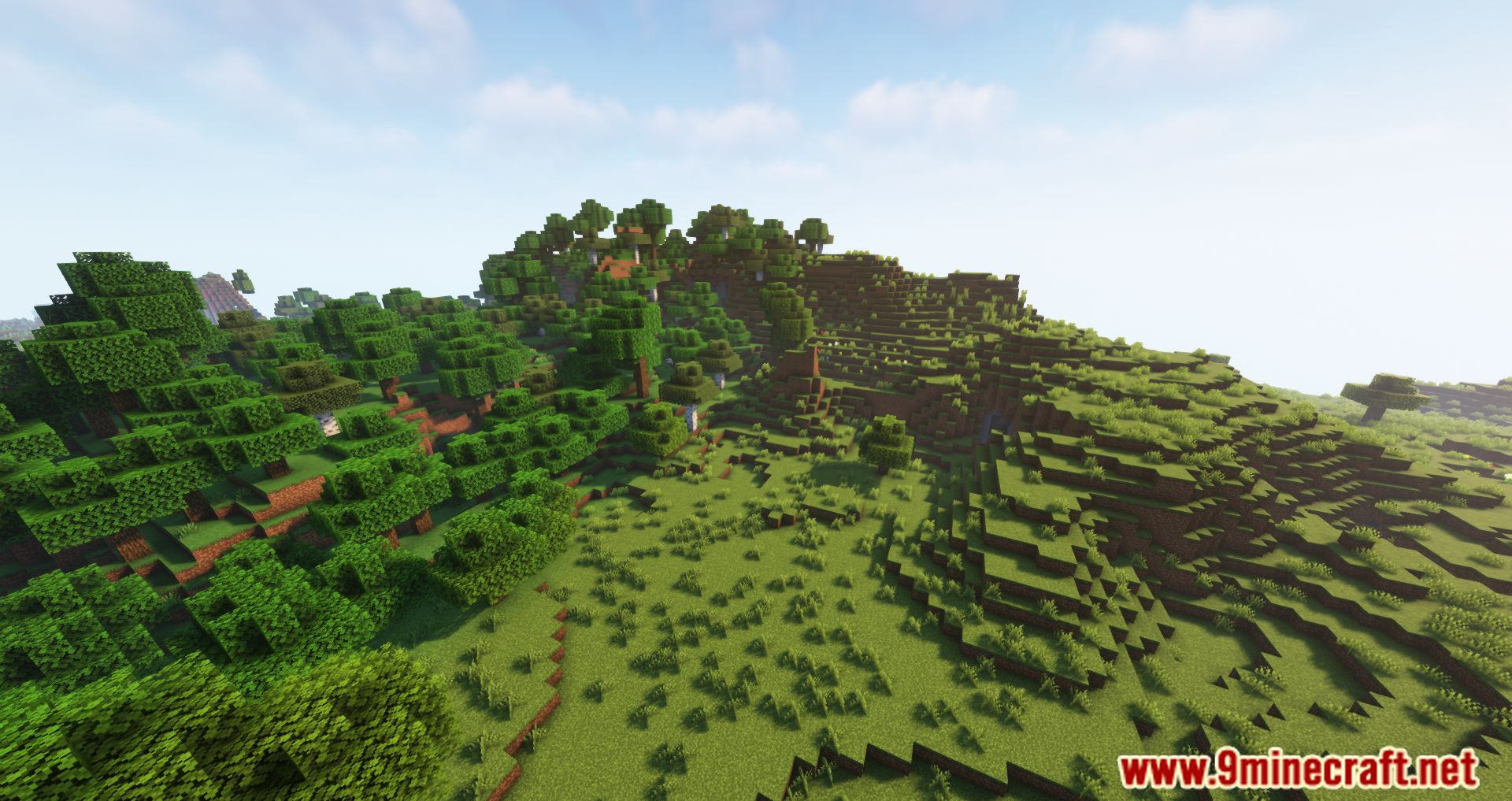
Areas Mod Download Links
Quick facts
- Edition: Minecraft Java
- File type: .jar
- Minecraft version listed: 1.20.1
- How to install: Install the matching mod loader (Forge, Fabric or NeoForge) for your Minecraft version. → Download the .jar. → Put it in the .minecraft/mods folder and launch that loader profile.
- Where to get it: In MC Java Mods, or directly above on this page.
Install steps are the general flow for this file type — How to install Minecraft Java mods & modpacks walks through it step by step.
Verified by MCModsHub
- Downloads as 84036.mcaddon
- Download size: 104 KB
- Download link checked 25 Sept 2026 — working
- Mirrored on our own servers — the download does not depend on the original host
These come from our own check of the pack file, not from the source page.