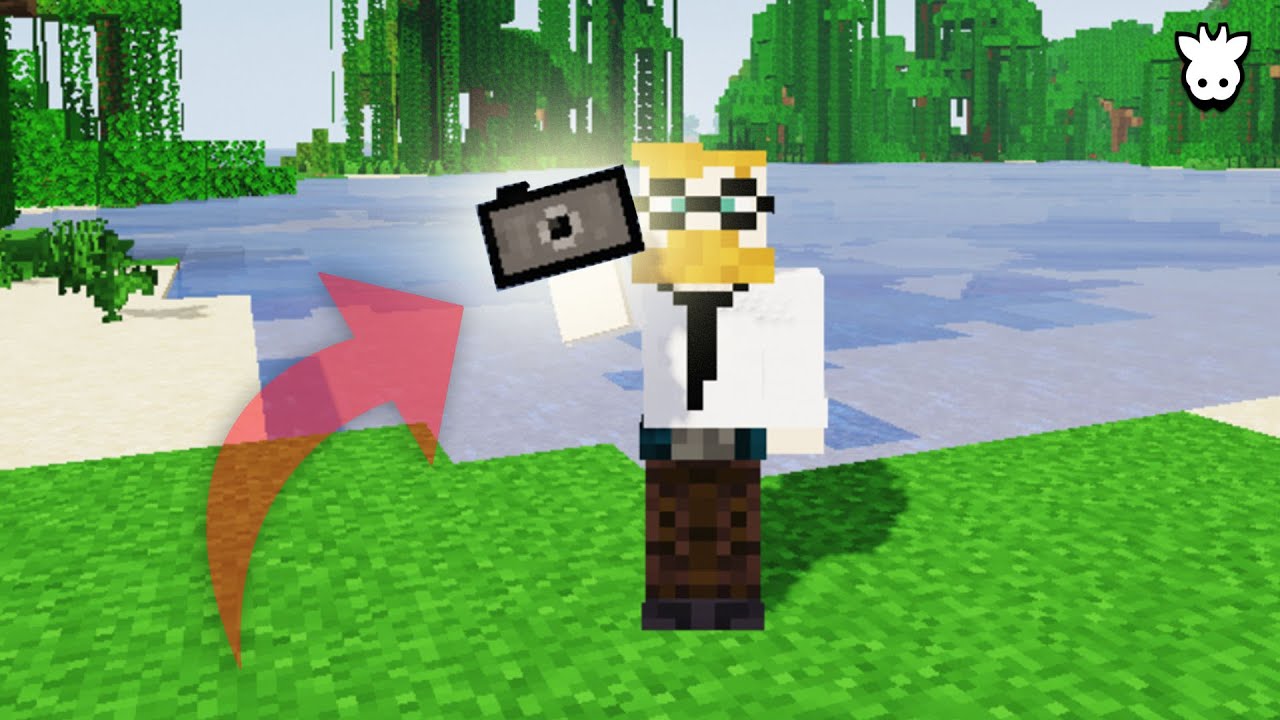
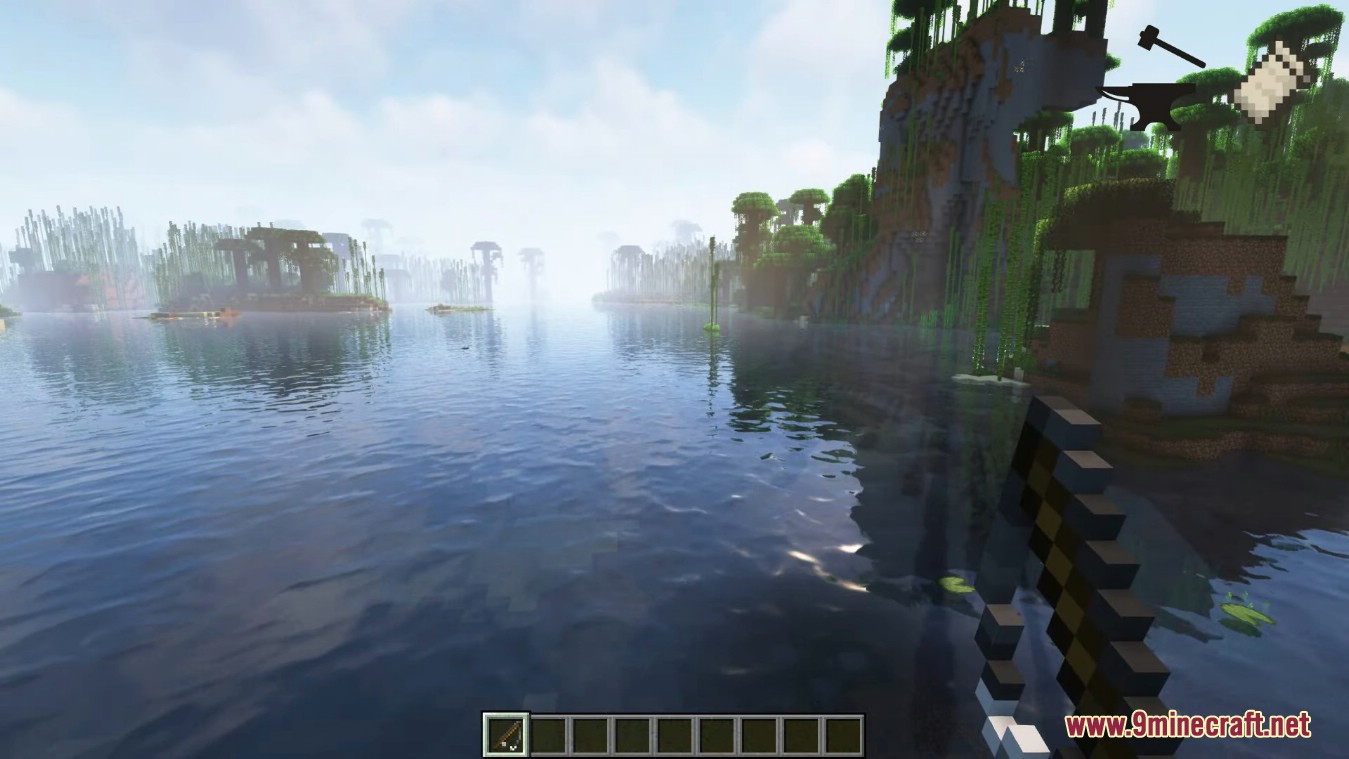
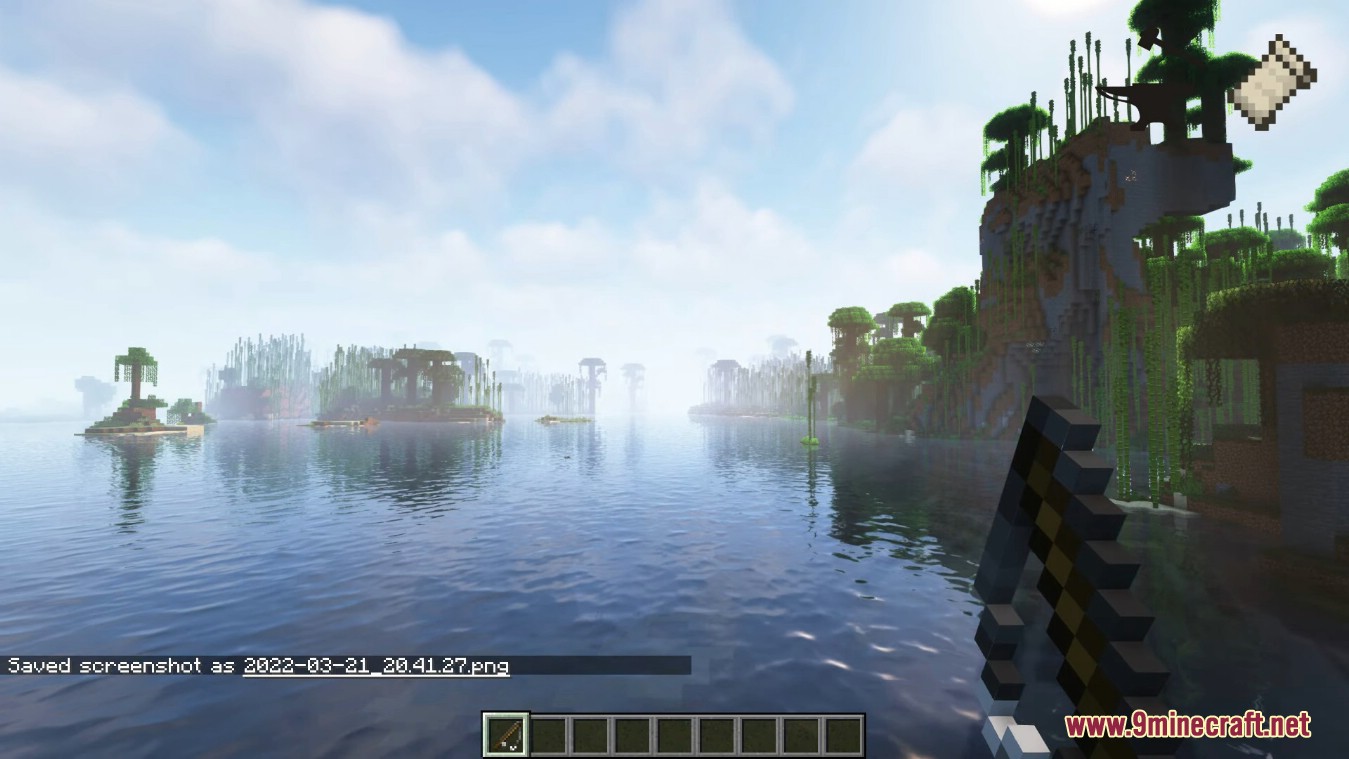
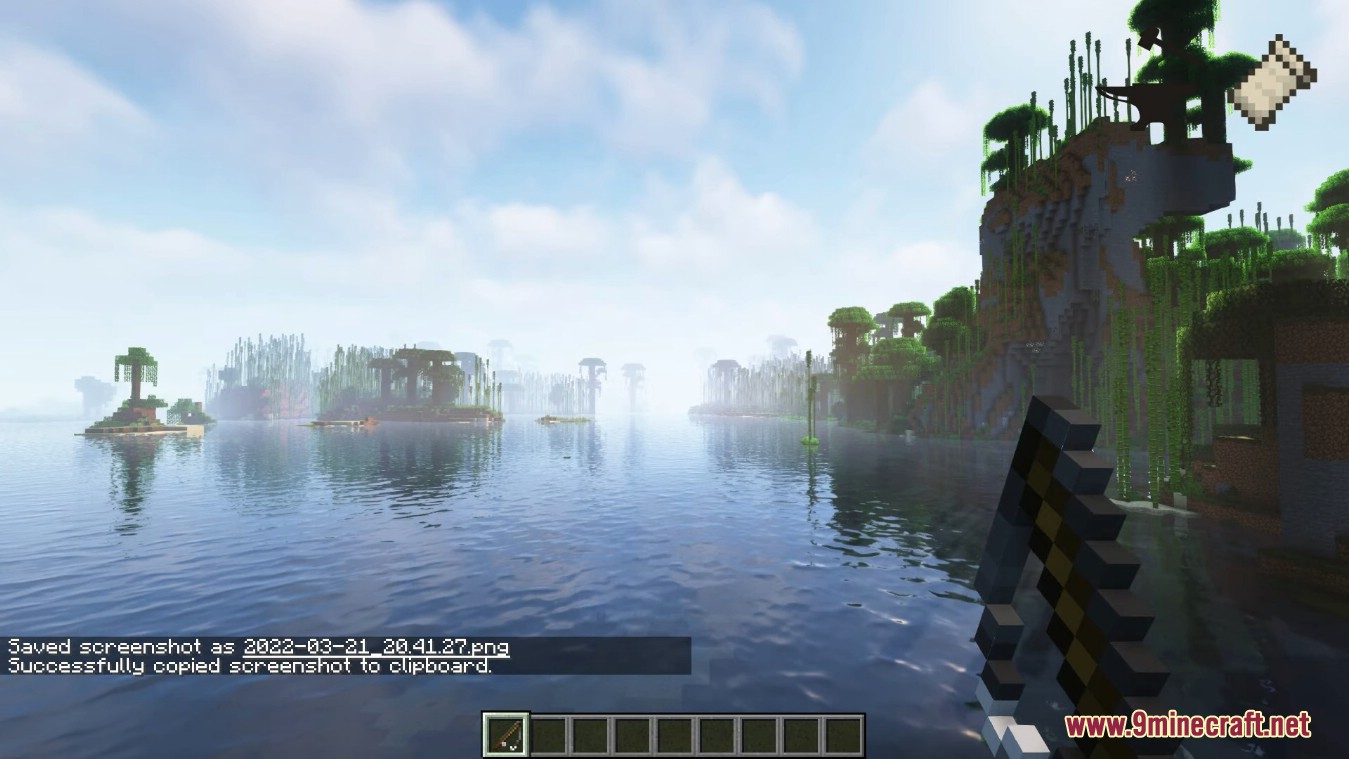
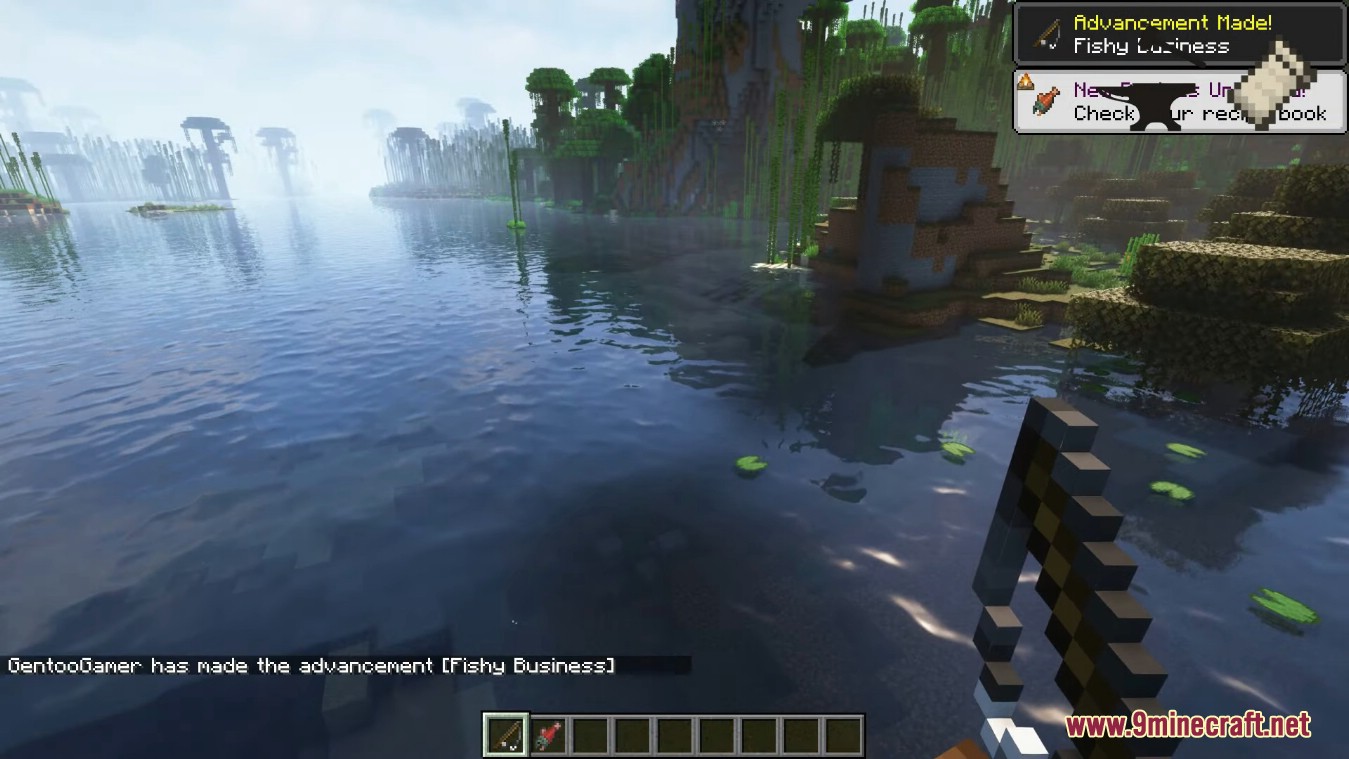
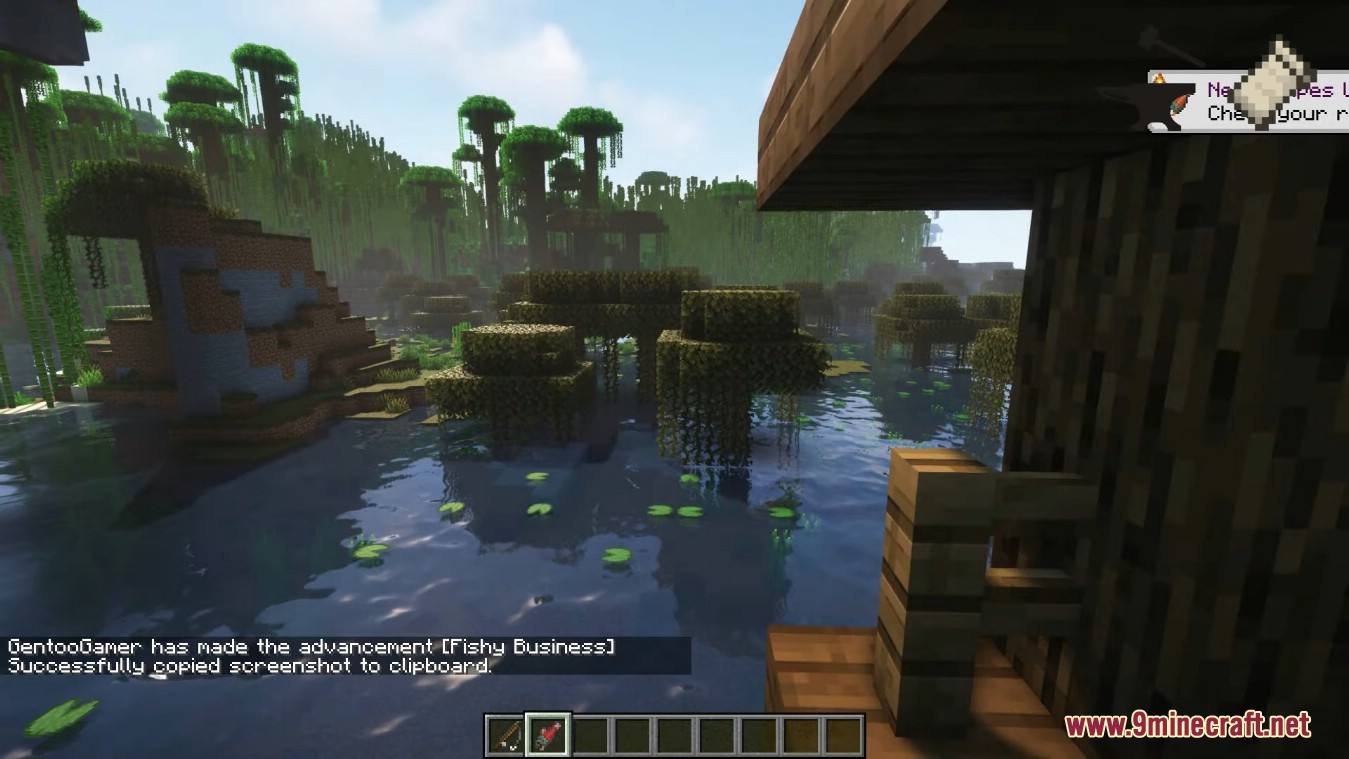
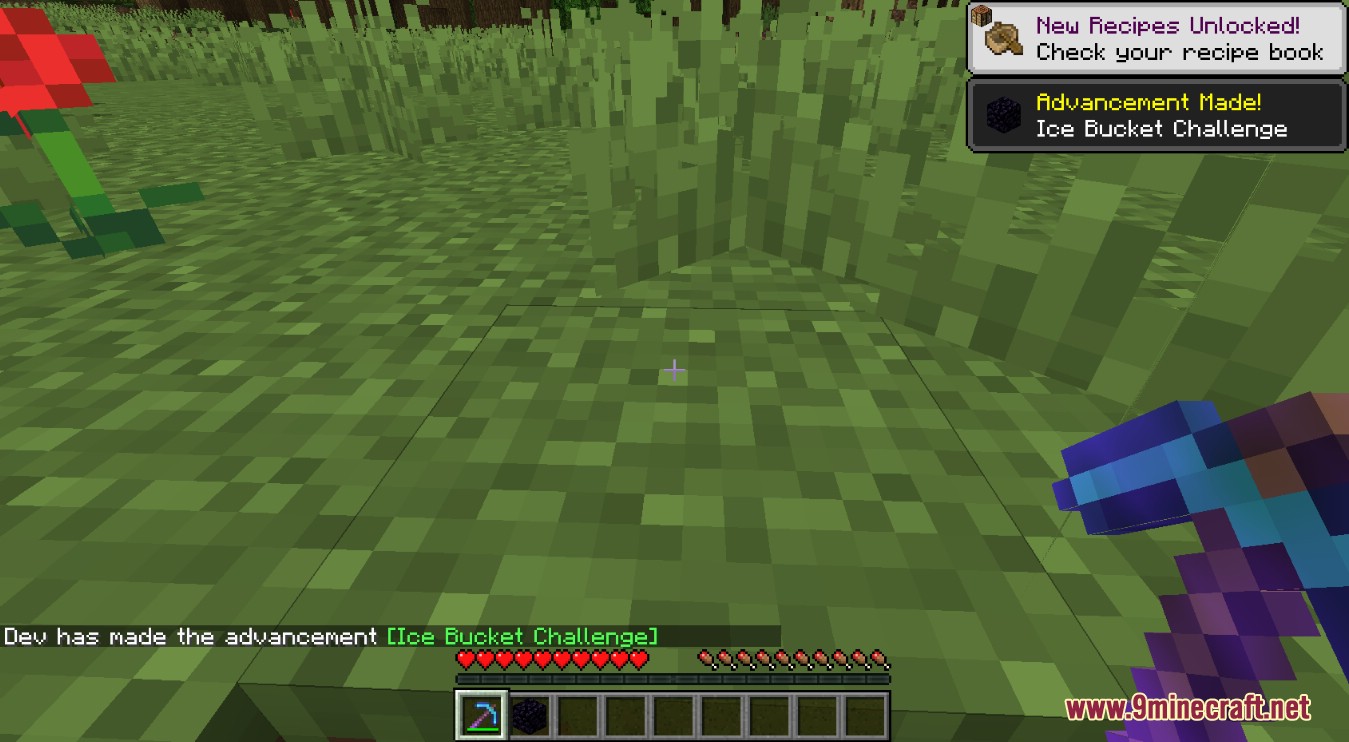
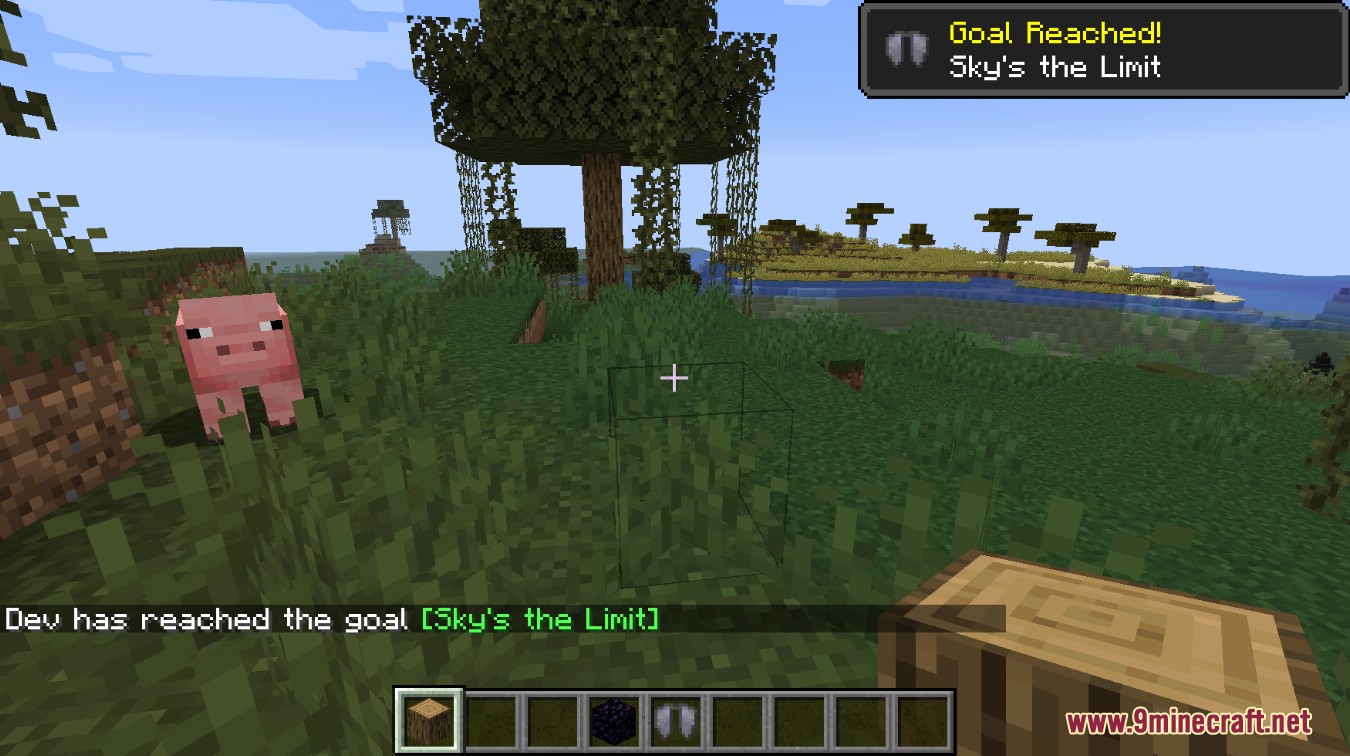
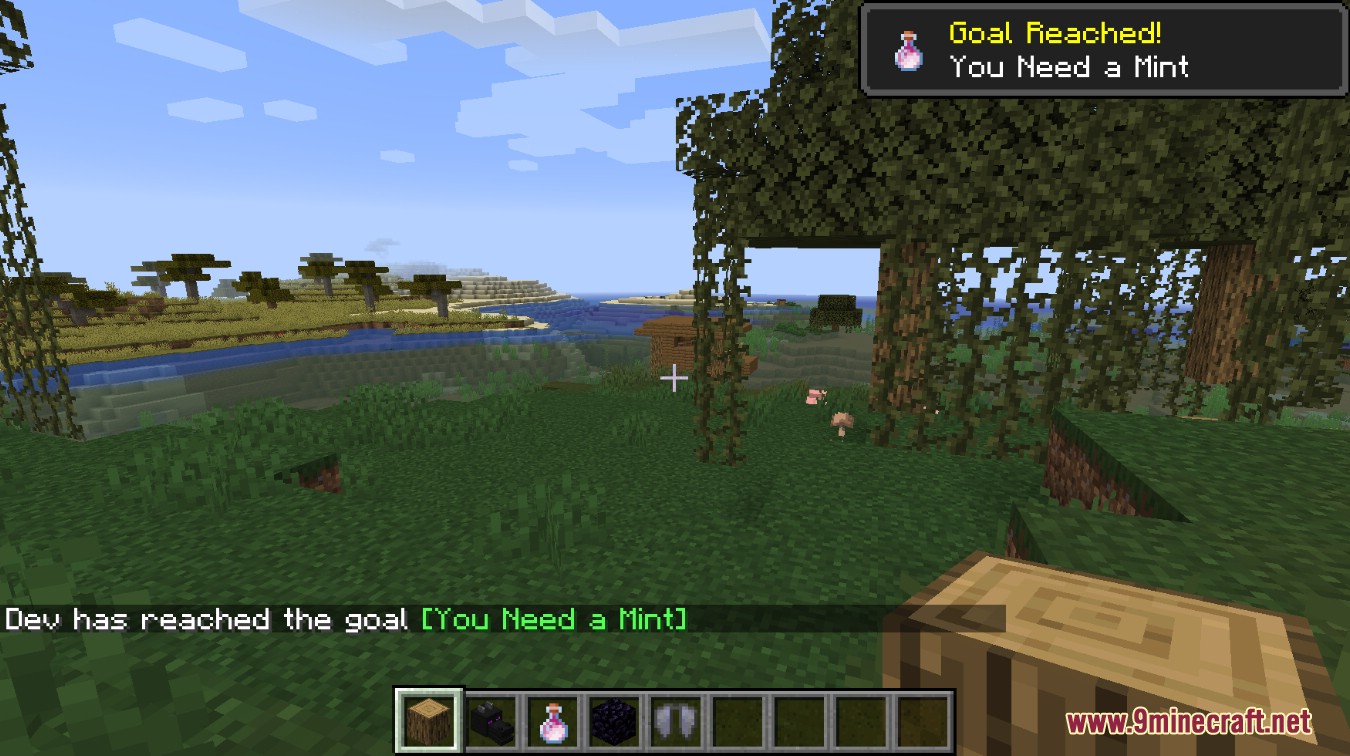
Advancement Screenshot Mod is a client-side mod which can automatically document the journey through a world without having to remember to take screenshots manually. Every time an advancement is achieved, a screenshot will be taken. The same code as the screenshot key (F2) is used, so the screenshots are located in the default folder. Works in multiplayer environments with the mod only on the client. There is a 1 second delay in between getting the advancement and the actual screenshot. This allows some time for the message in the top right to appear.
Screenshots:
Some screenshots automatically taken after an advancement
Advancement Screenshot Mod Download Links
- Edition: Minecraft Java
- File type: .jar
- Minecraft version listed: 1.20.1
- How to install: Install the matching mod loader (Forge, Fabric or NeoForge) for your Minecraft version. → Download the .jar. → Put it in the .minecraft/mods folder and launch that loader profile.
- Where to get it: In MC Java Mods, or directly above on this page.
Install steps are the general flow for this file type — How to install Minecraft Java mods & modpacks walks through it step by step.
- Downloads as 84041.mcaddon
- Download size: 41 KB
- Download link checked 26 Sept 2026 — working
- Mirrored on our own servers — the download does not depend on the original host
These come from our own check of the pack file, not from the source page.