ModsJava
Plonk Mod (26.1.2, 1.20.1) – Place or Hang Any Item
Java mod listed for Minecraft 1.20. Downloads from the MC Java Mods app on Android.
⬇ Download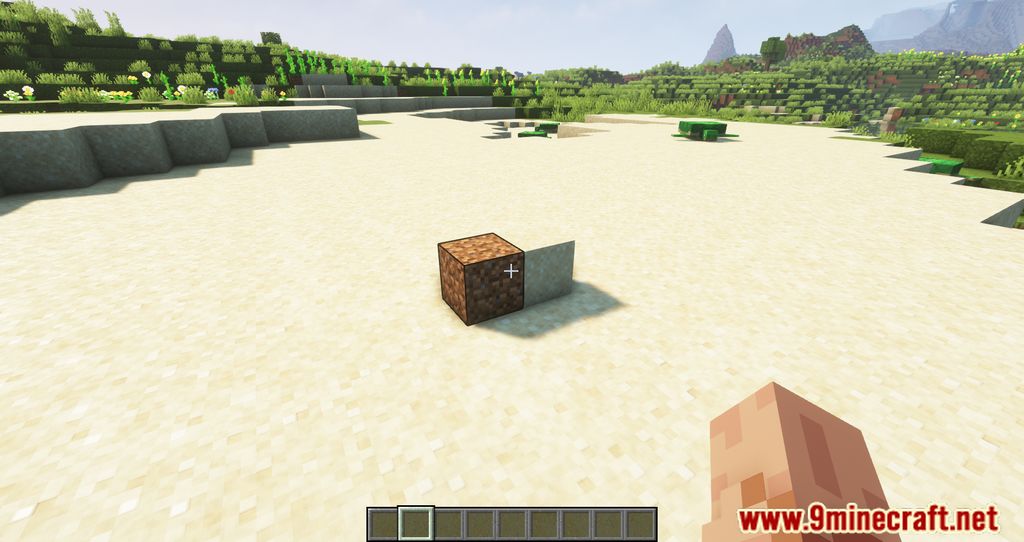
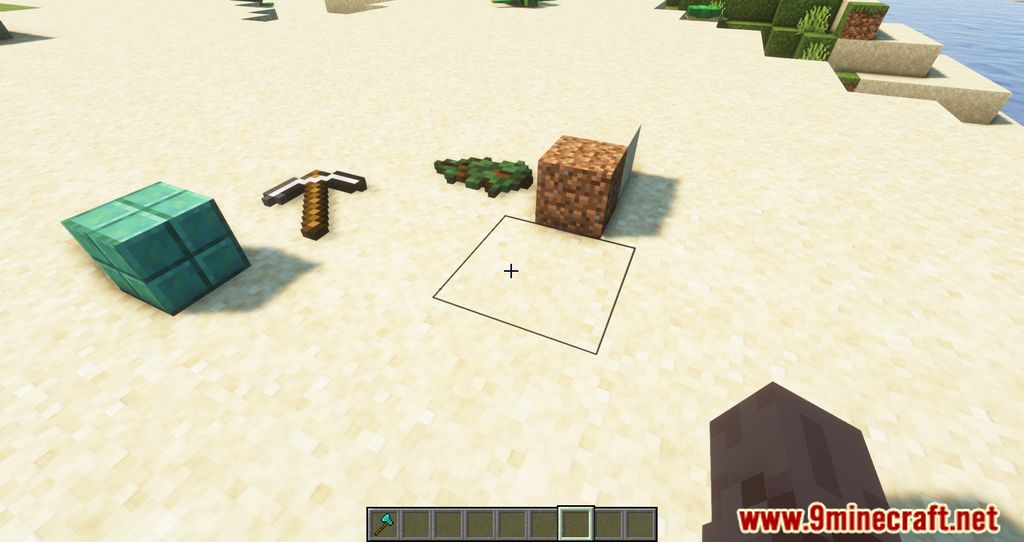
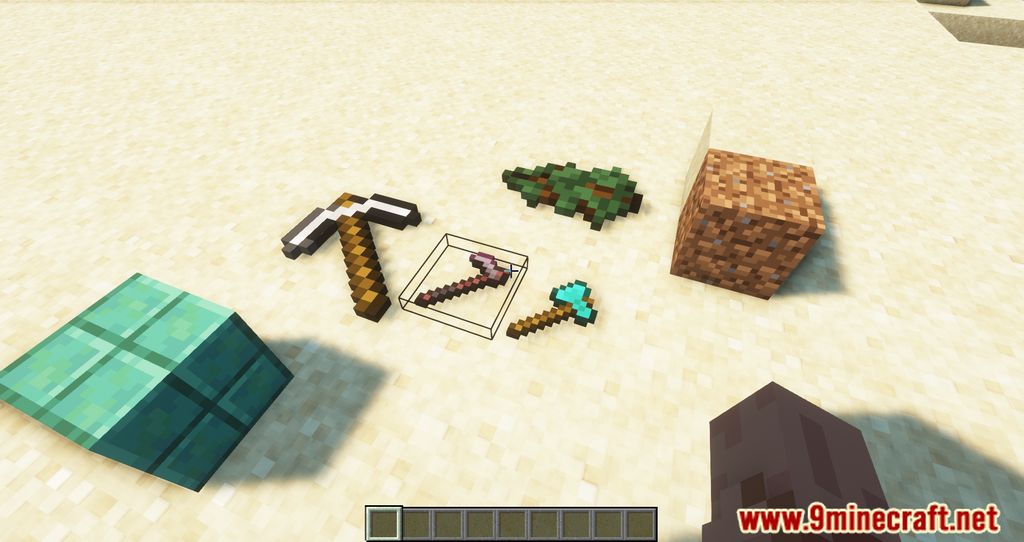
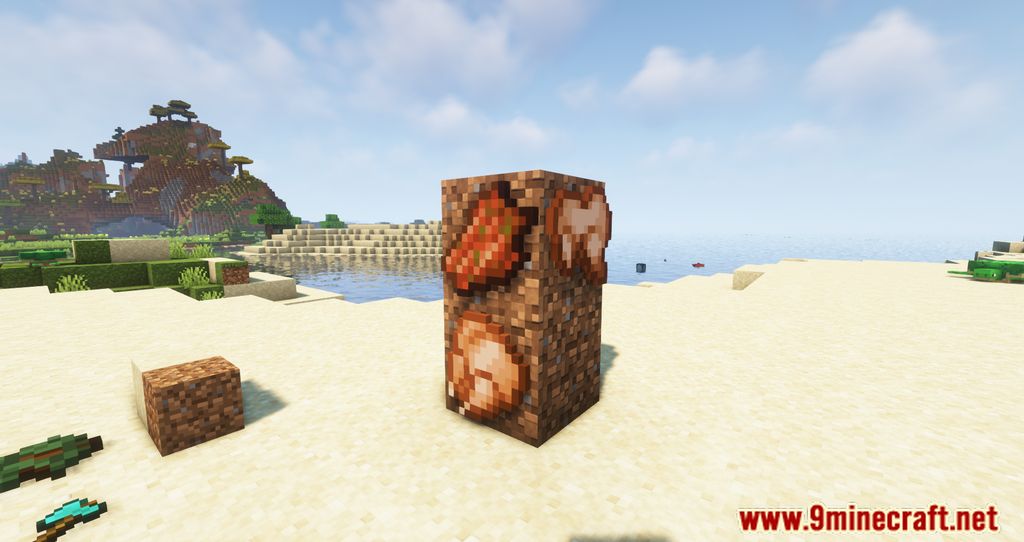
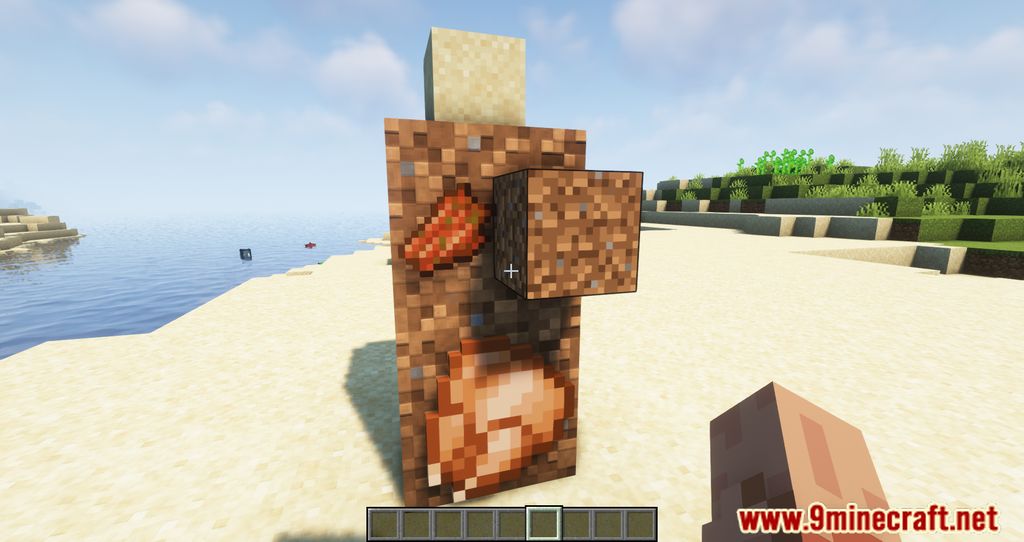
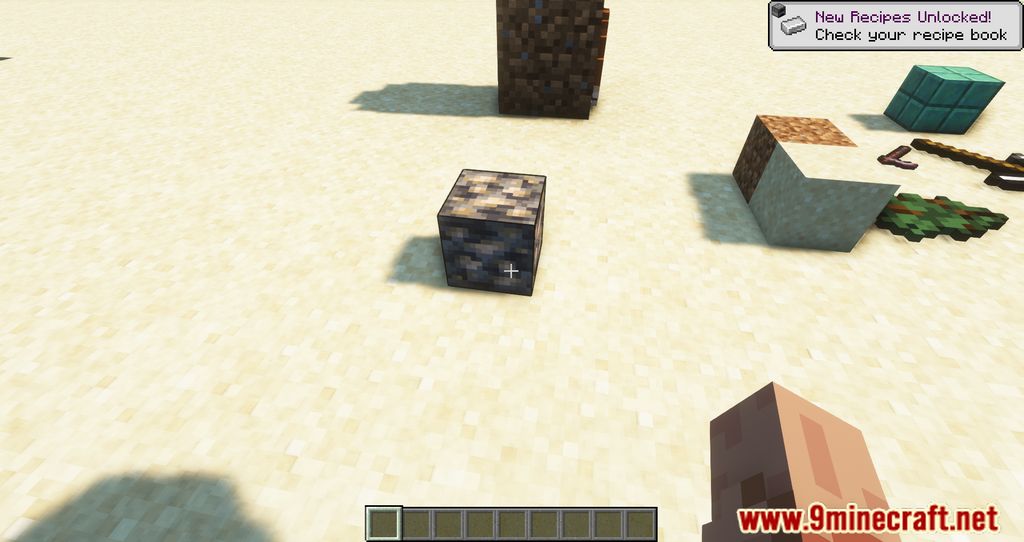
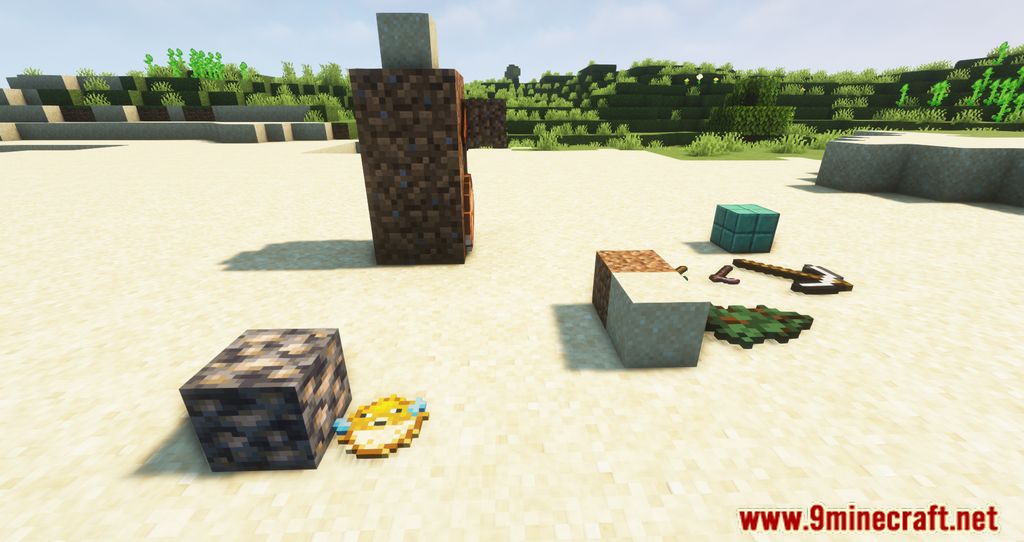
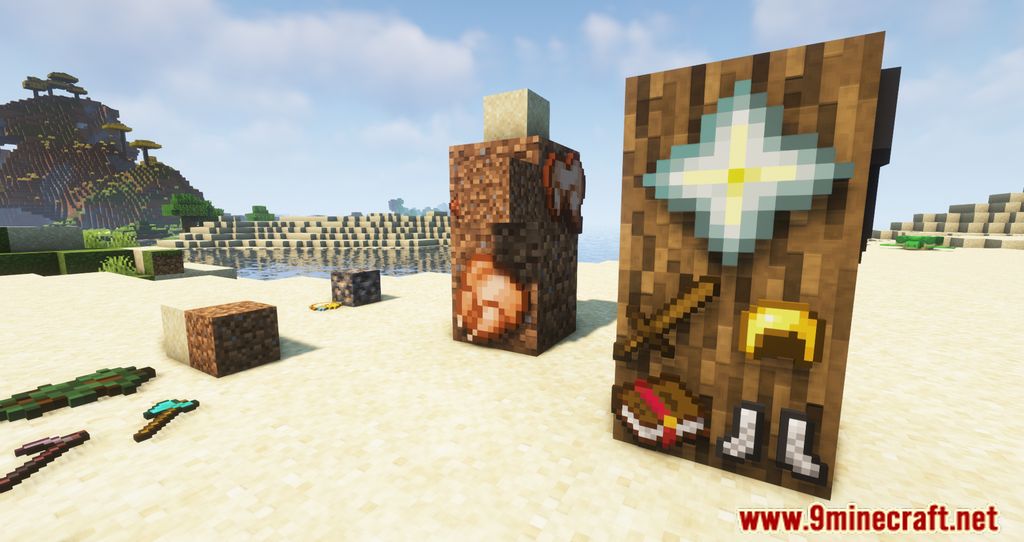
Plonk Mod allows players to place or hang any item in the Minecraft world, adding realism and enhancing decoration possibilities. You can attach or position items on any of the six sides of a block and even place multiple items at once.
Features:
- Simple Mechanics – Just press a key, and the item in your hand will be placed or hung on a block surface.
- Multi-Item Placement – Multiple items can be arranged together, appearing smaller in size.
- Stack Handling – If holding a stack of items, the entire stack will be placed but will visually appear as a single object.
- Item Removal – Break placed items with Left-Click to retrieve them.
Controls:
- Default item placement key is P, but it conflicts with other controls-change it in settings.
- Rotate items using Shift + Right-Click.
Screenshots:
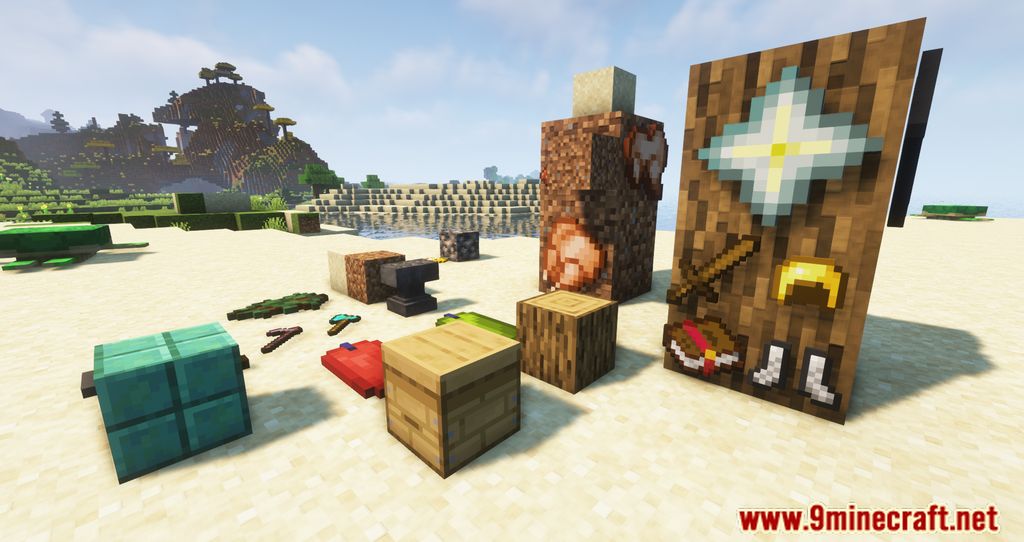
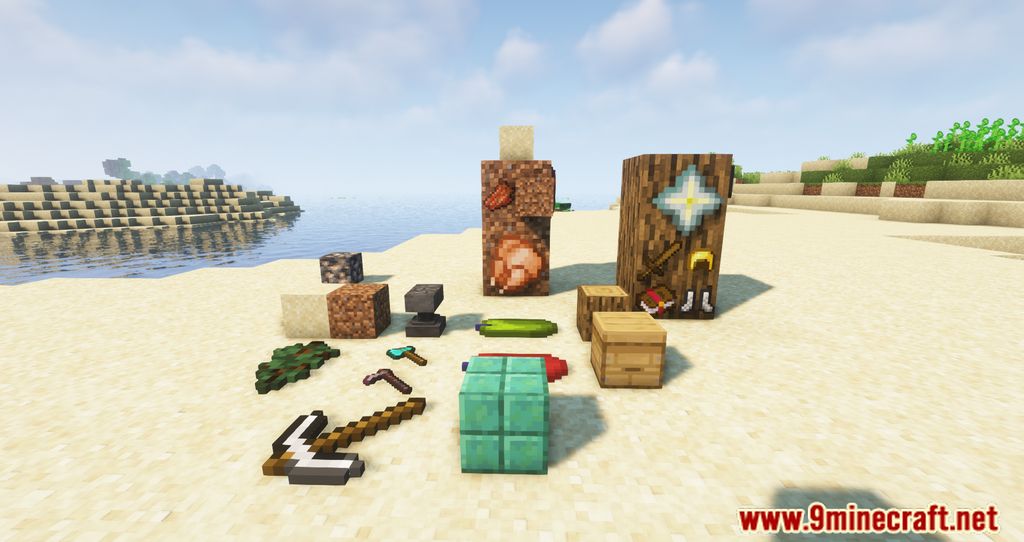
Plonk Mod Download Links
Quick facts
- Edition: Minecraft Java
- File type: .jar
- Minecraft version listed: 1.20.1
- How to install: Install the matching mod loader (Forge, Fabric or NeoForge) for your Minecraft version. → Download the .jar. → Put it in the .minecraft/mods folder and launch that loader profile.
- Where to get it: In MC Java Mods, or directly above on this page.
Install steps are the general flow for this file type — How to install Minecraft Java mods & modpacks walks through it step by step.
File checked by MCModsHub
- Downloads as 84050.mcaddon
- Download size: 162 KB
- Download link checked 6 Oct 2026 — working
- Mirrored on our own servers — the download does not depend on the original host
These come from our own check of the pack file, not from the source page.