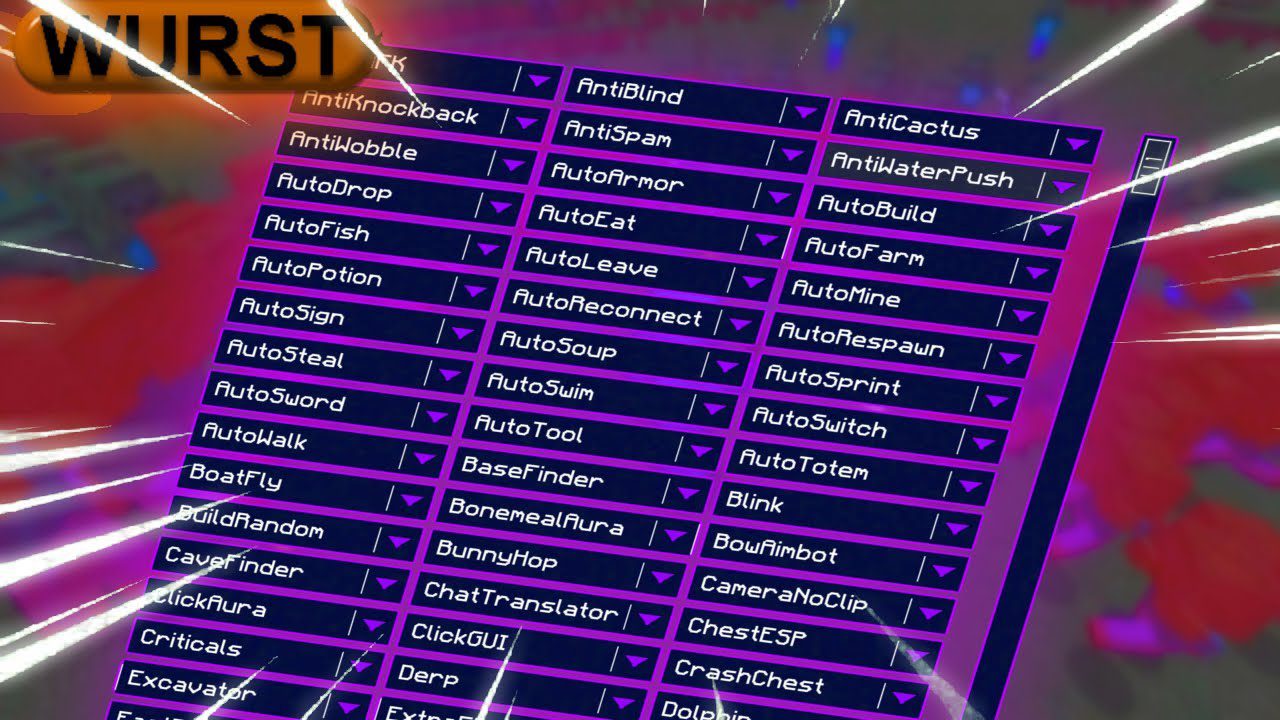
Wurst Client Mod (26.2, 1.20.1) – The Best Bypass for Minecraft
Wurst Client Mod is the most popular client in the Minecraft game and it works on all Linux, Windows and Mac computer systems. This client provides you…
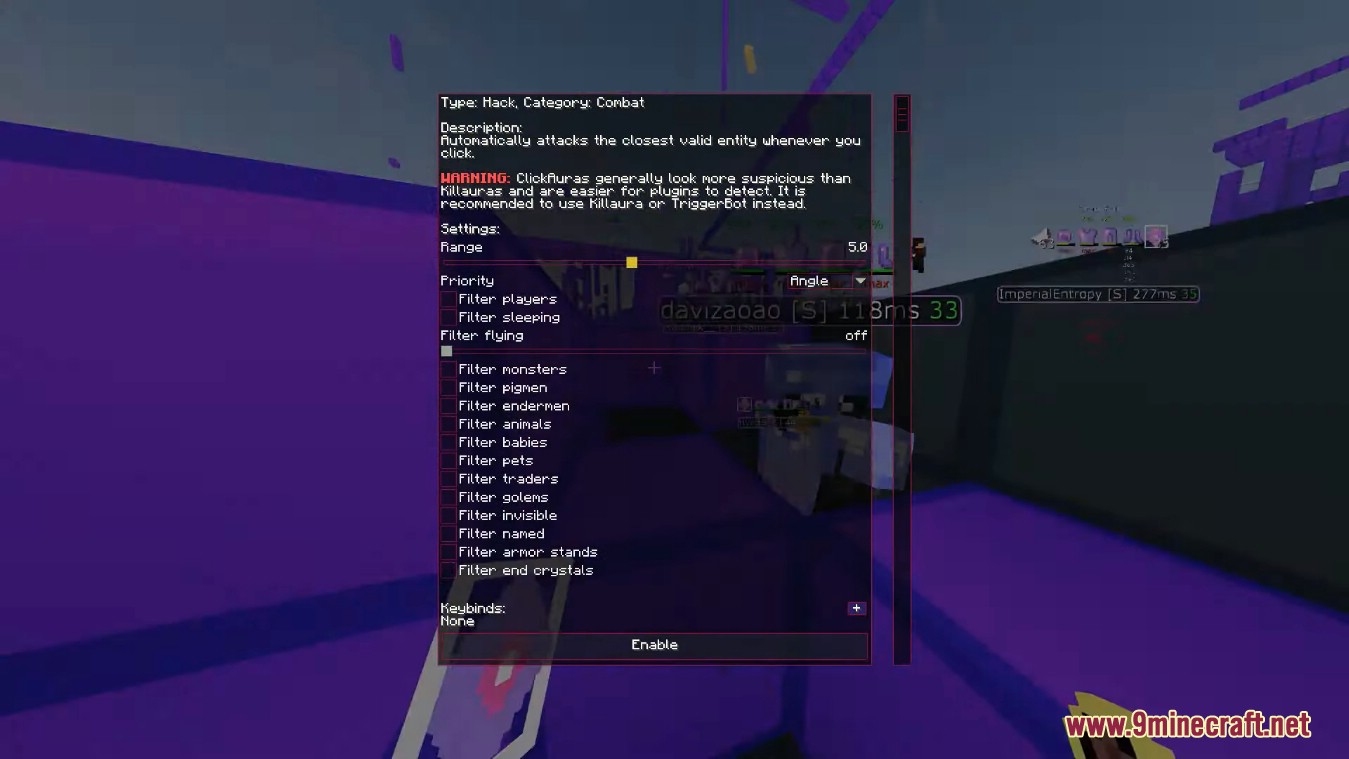
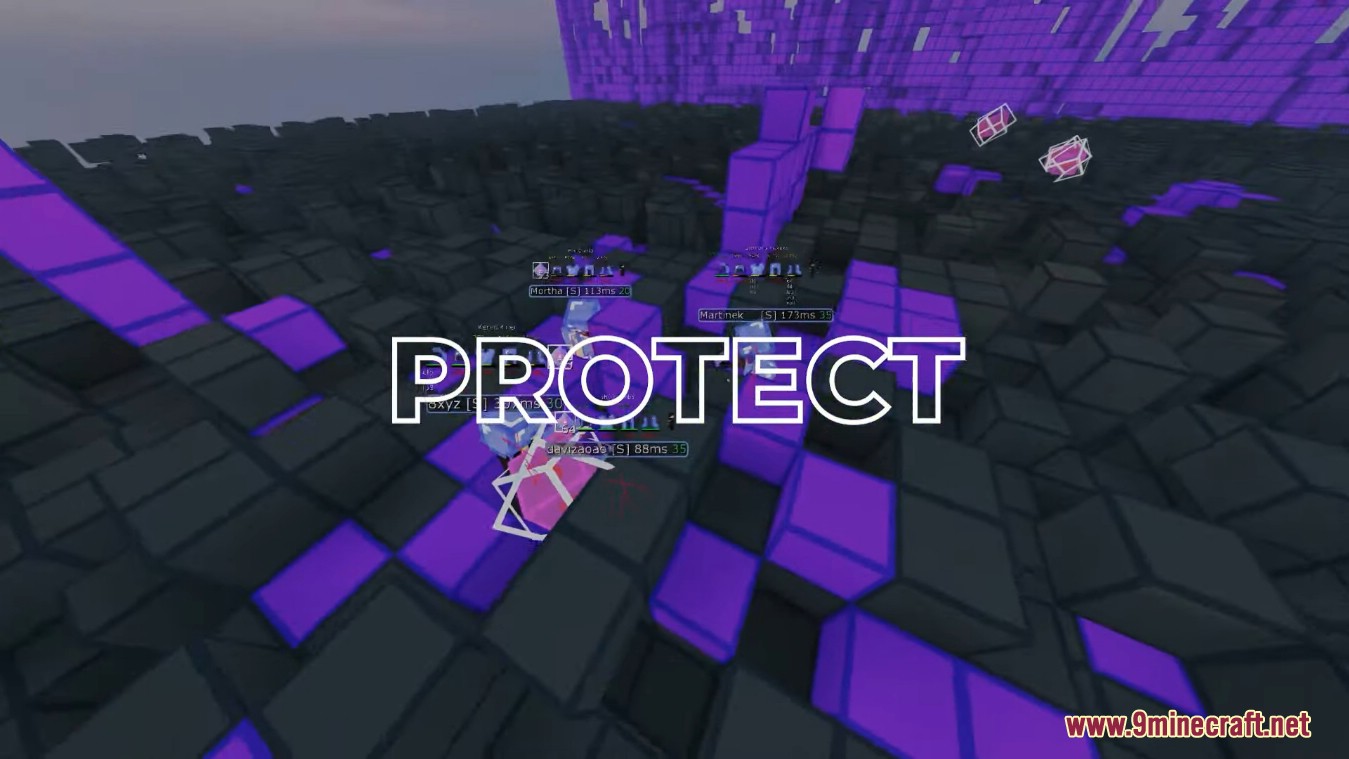
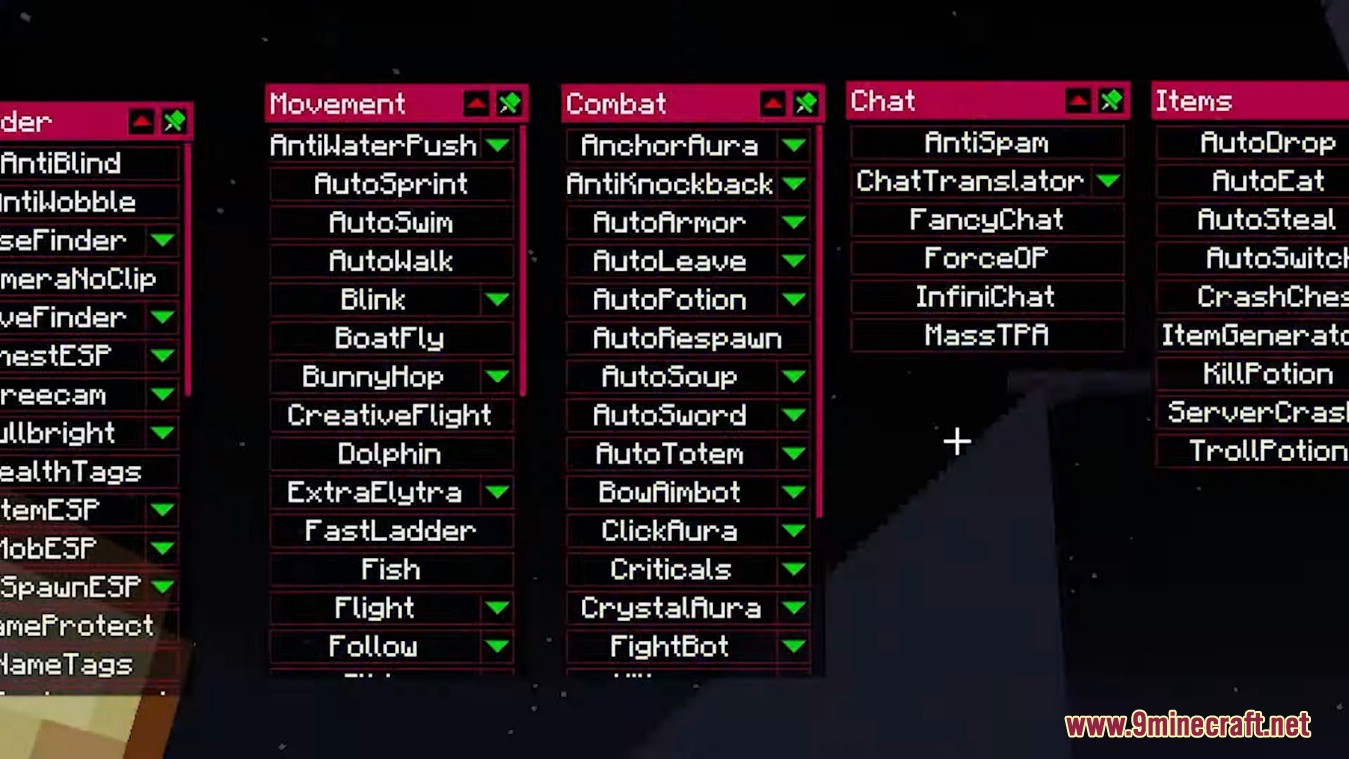
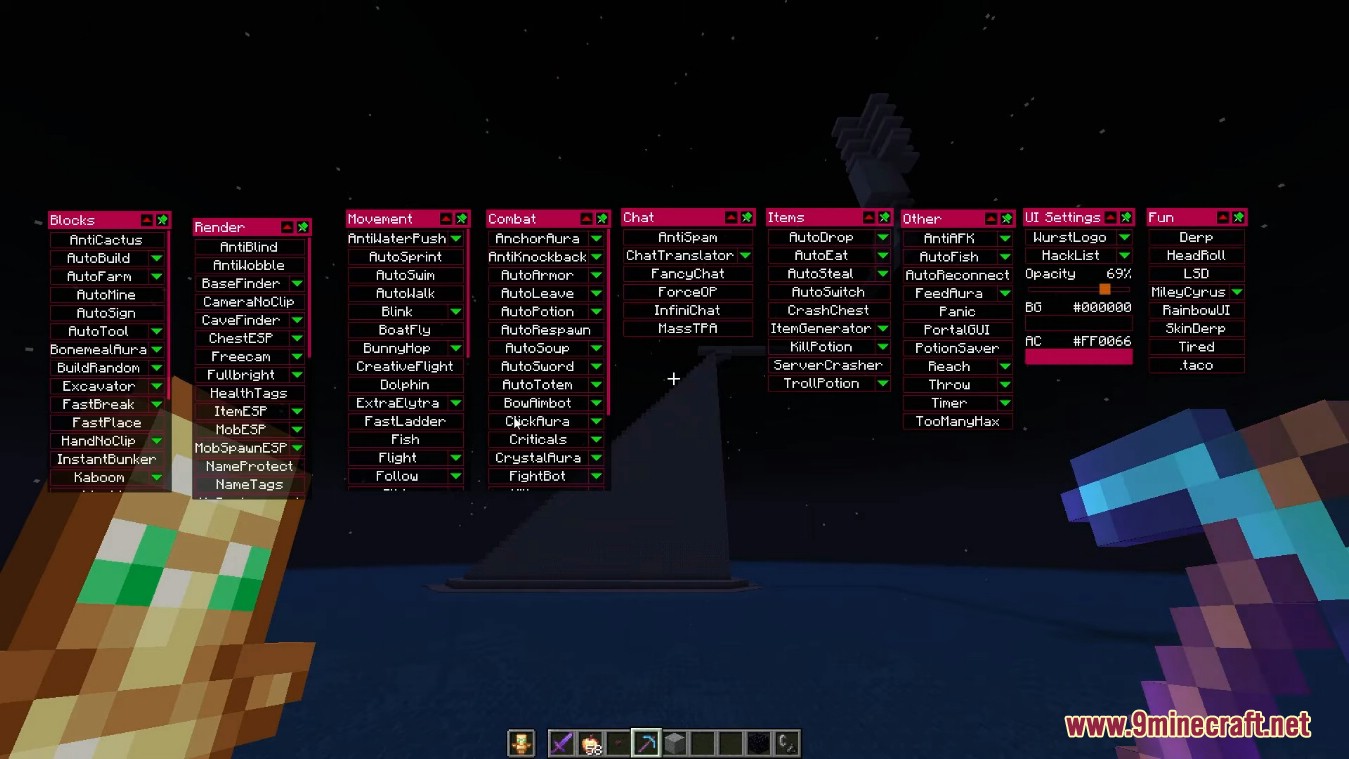
⬇ DownloadOpen in MCModsHubGet it on Google Play →Wurst Client Mod is the most popular client in the Minecraft game and it works on all Linux, Windows and Mac computer systems. This client provides you three different GUIs that are Tab GUI, window-based click GUI and Navigator. Wurst Client gives you many in-game features and commands to use. For example, auto eat, auto fish, auto mine and many more.
Features:
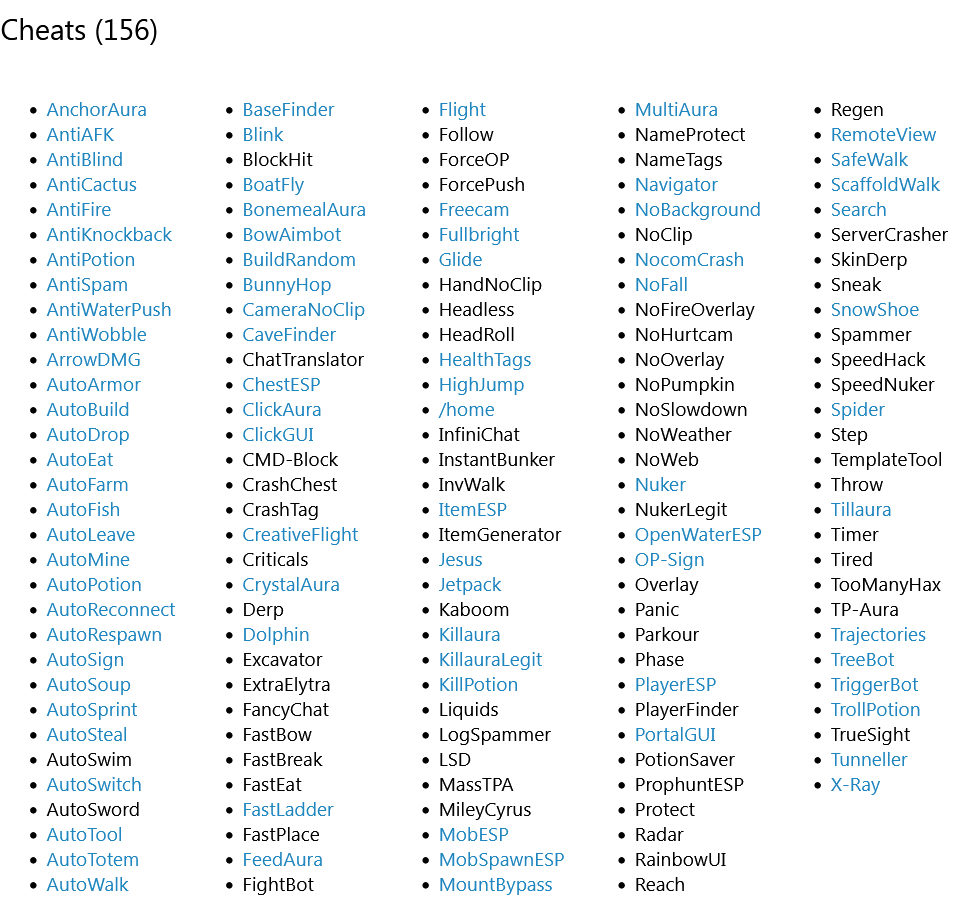
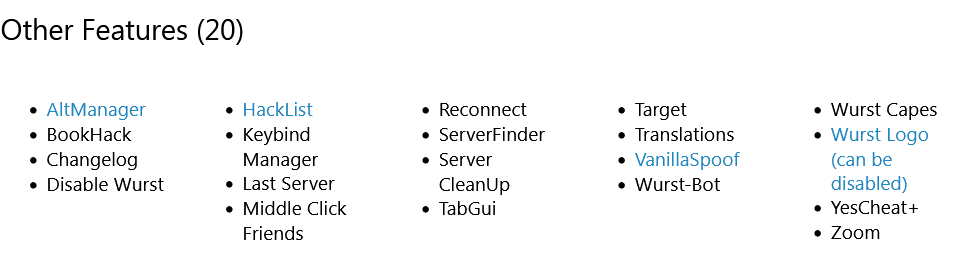
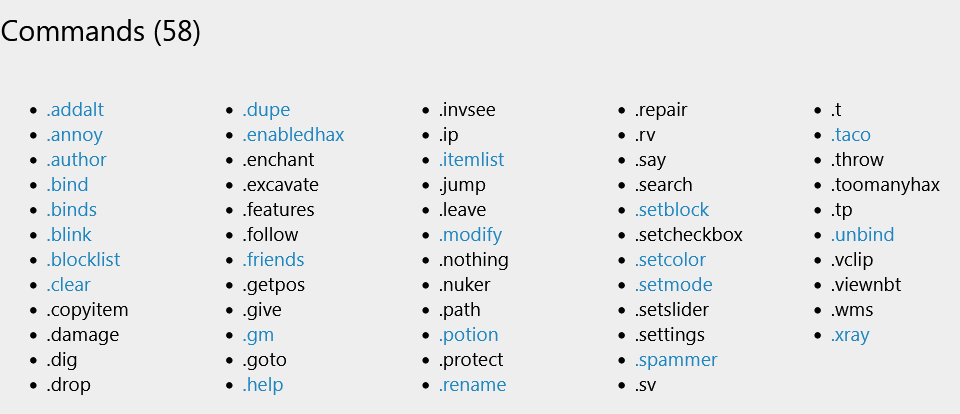
Screenshots:







How to use:
ClickGUI:
- ClickGUI opens with the Right CTRL key. When opened, it displays a window for each category, which then contains a list of every feature in that category.
Navigator:
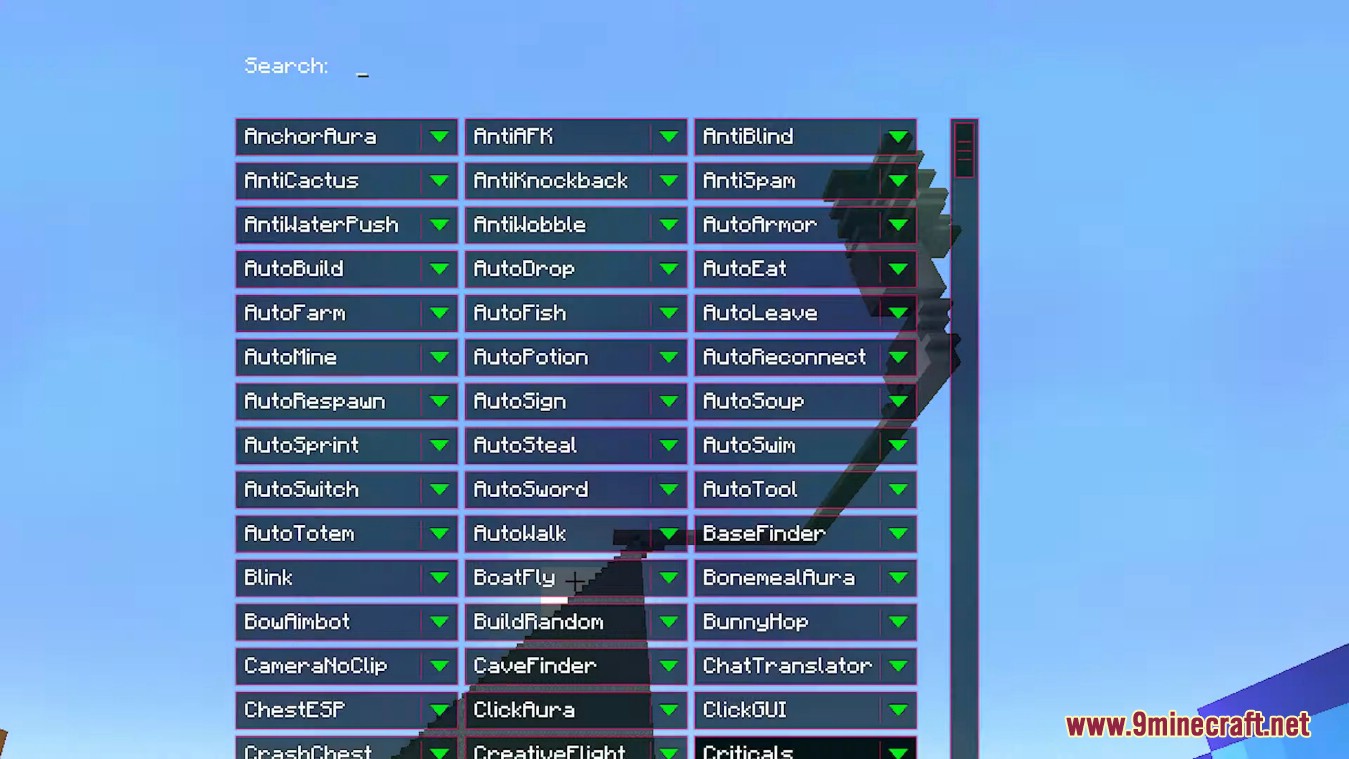
- Navigator opens with the Right Shift key. When opened, it displays a searchable list of every feature in Wurst.
TabGUI:
- TabGUI does not have a default keybind. You can enable it by opening the Navigator GUI and searching for “TabGUI” (don’t worry, you only need to do this once).
- Once enabled, you can use TabGUI with the Arrow Keys to change the selection and Enter to toggle the selected feature.
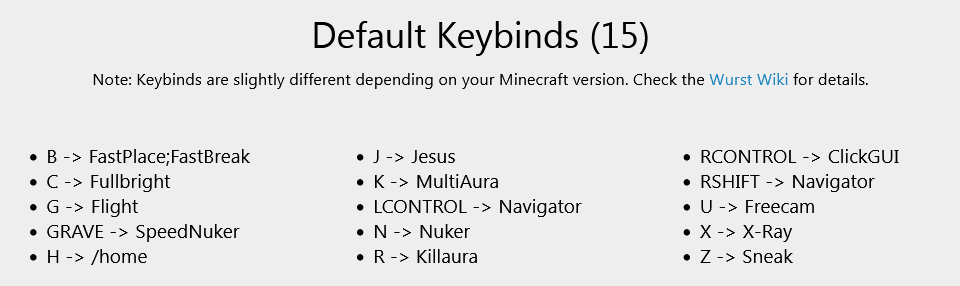
Default Keybinds:
All keybinds can be changed in-game. Go to Wurst Options > Keybinds or type .help binds in the chat.
- B -> FastPlace, FastBreak
- C -> Fullbright
- G -> Flight
- Ö -> SpeedNuker
- H -> /home
- J -> Jesus
- K -> MultiAura
- N -> Nuker
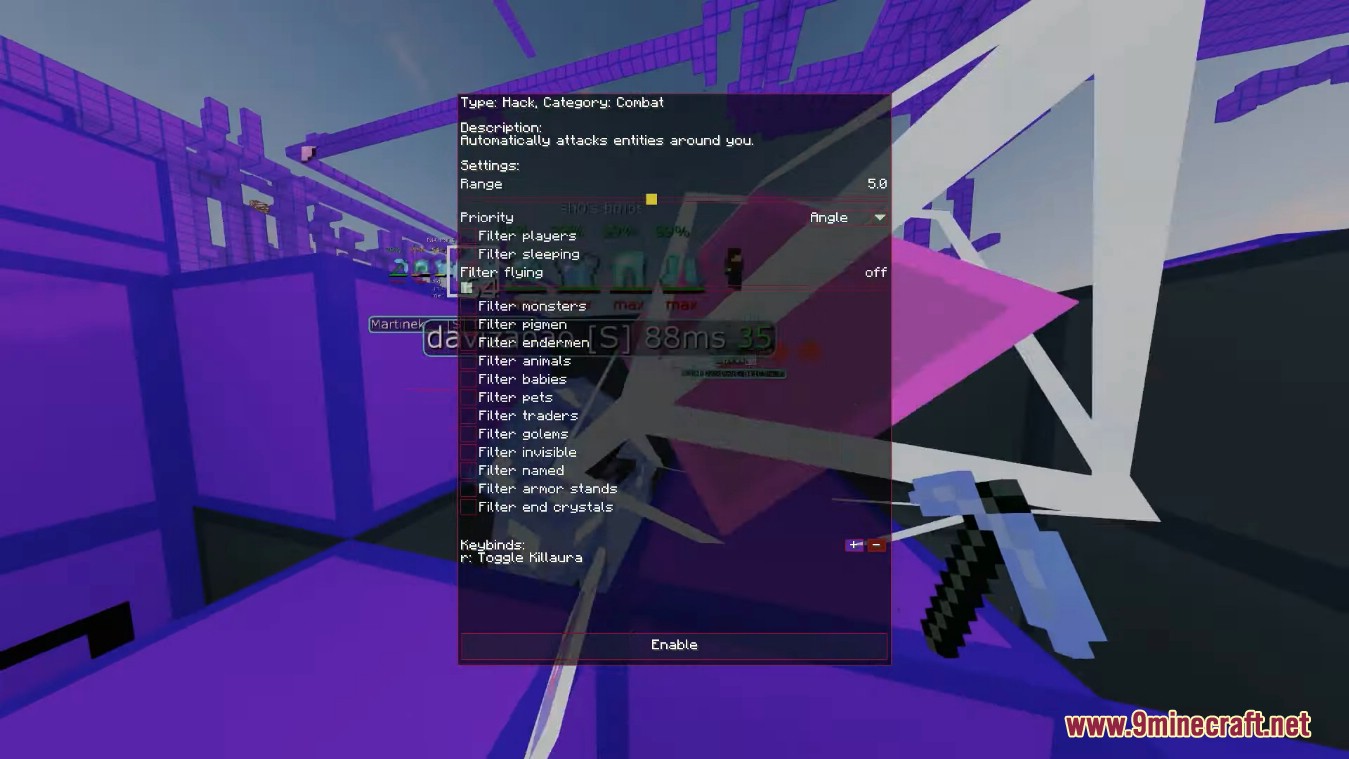
- R -> Killaura
- Right CTRL -> ClickGUI
- Right Shift -> Navigator
- U -> Freecam
- X -> X-Ray
- Z -> Sneak
Wurst Client Mod Download Links
Wurst Client Mod (26.2, 1.20.1) – The Best Bypass for Minecraft is a free Minecraft Java mod. Compatible with Minecraft 1.20.1. Download it and open it directly in the game.