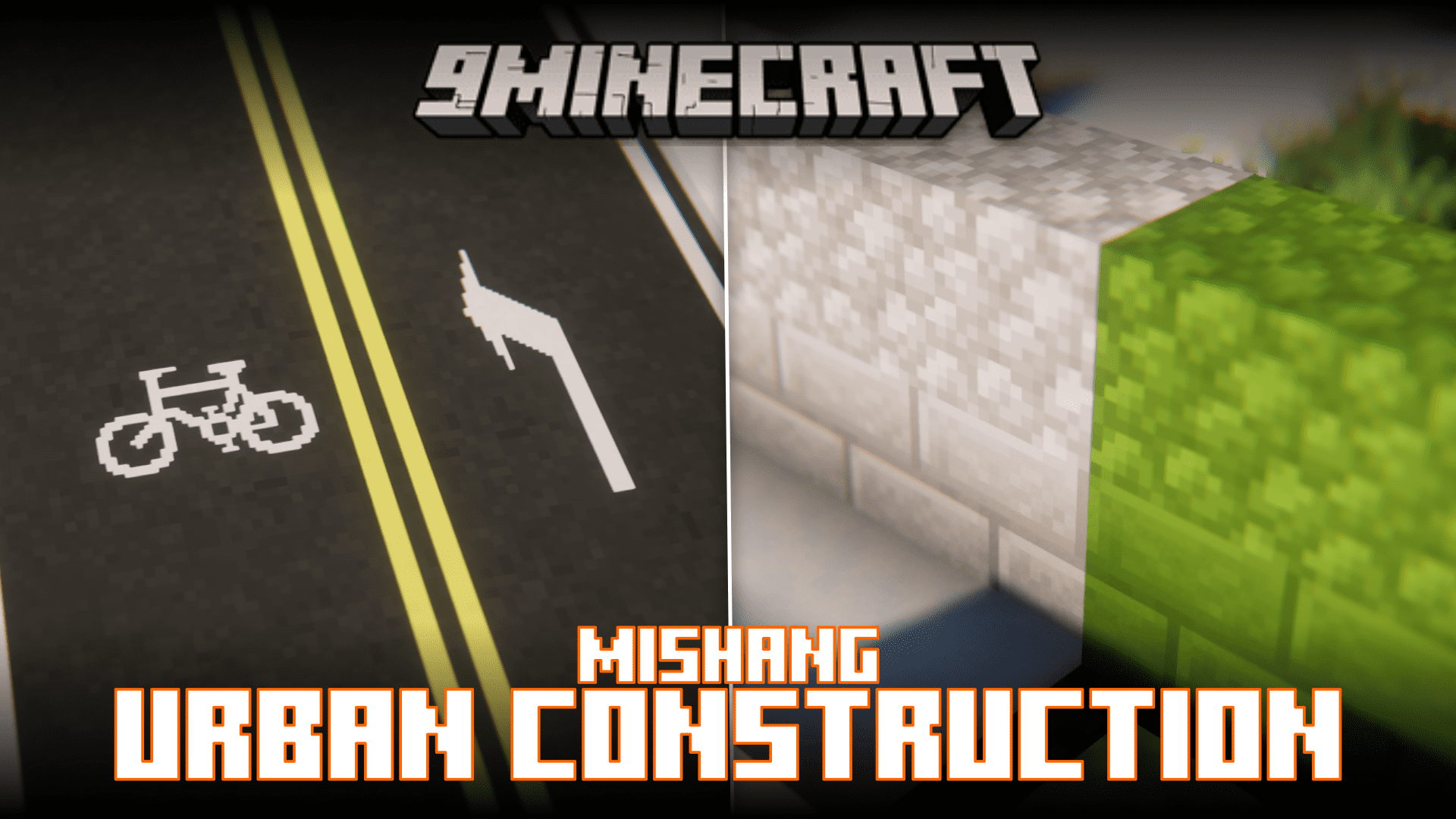
Mishang Urban Construction Mod (26.1.2, 1.20.1) – New Blocks and Decoration Items
Java mod listed for Minecraft 1.20. Downloads from the MC Java Mods app on Android.
⬇ Download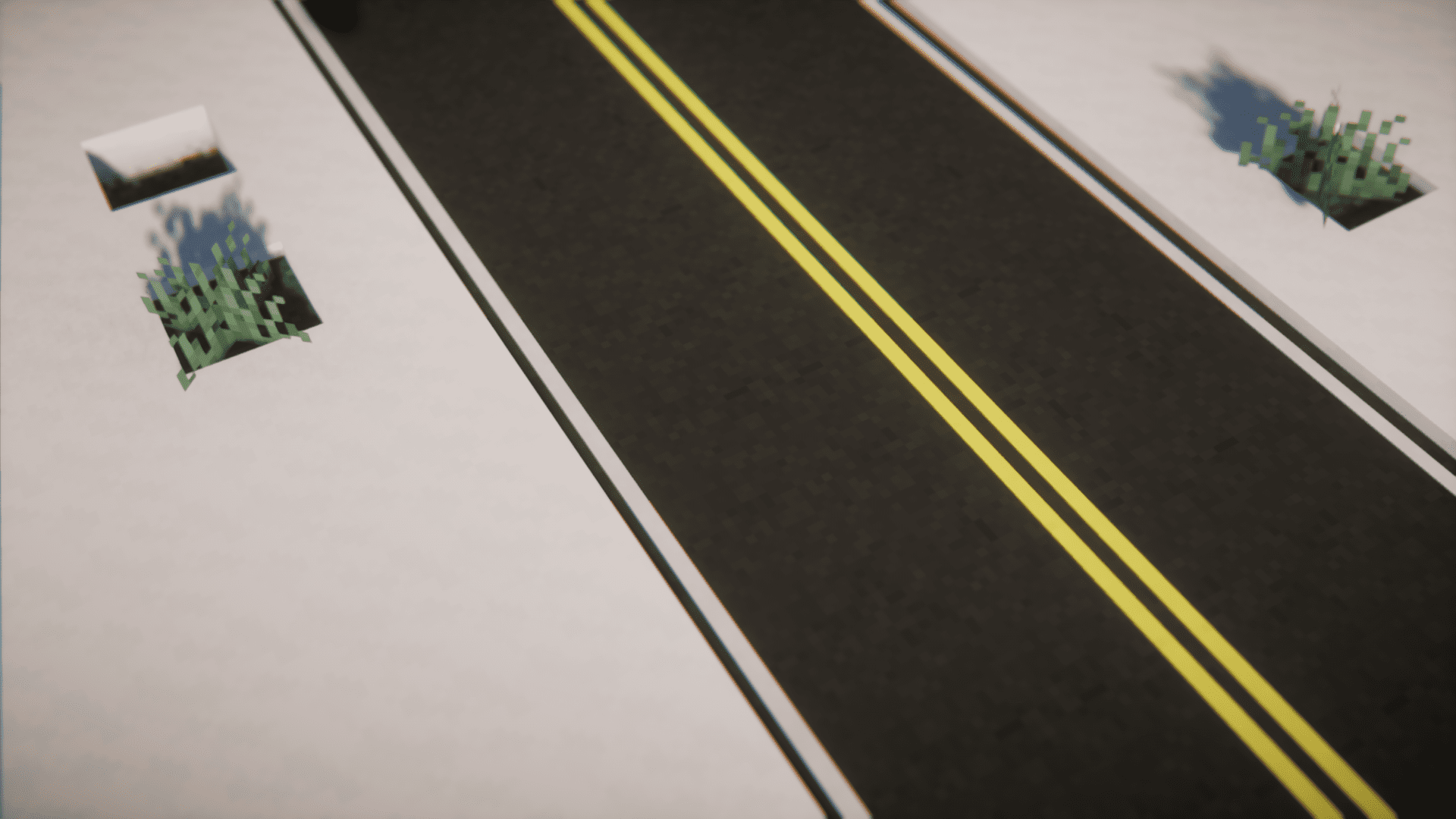
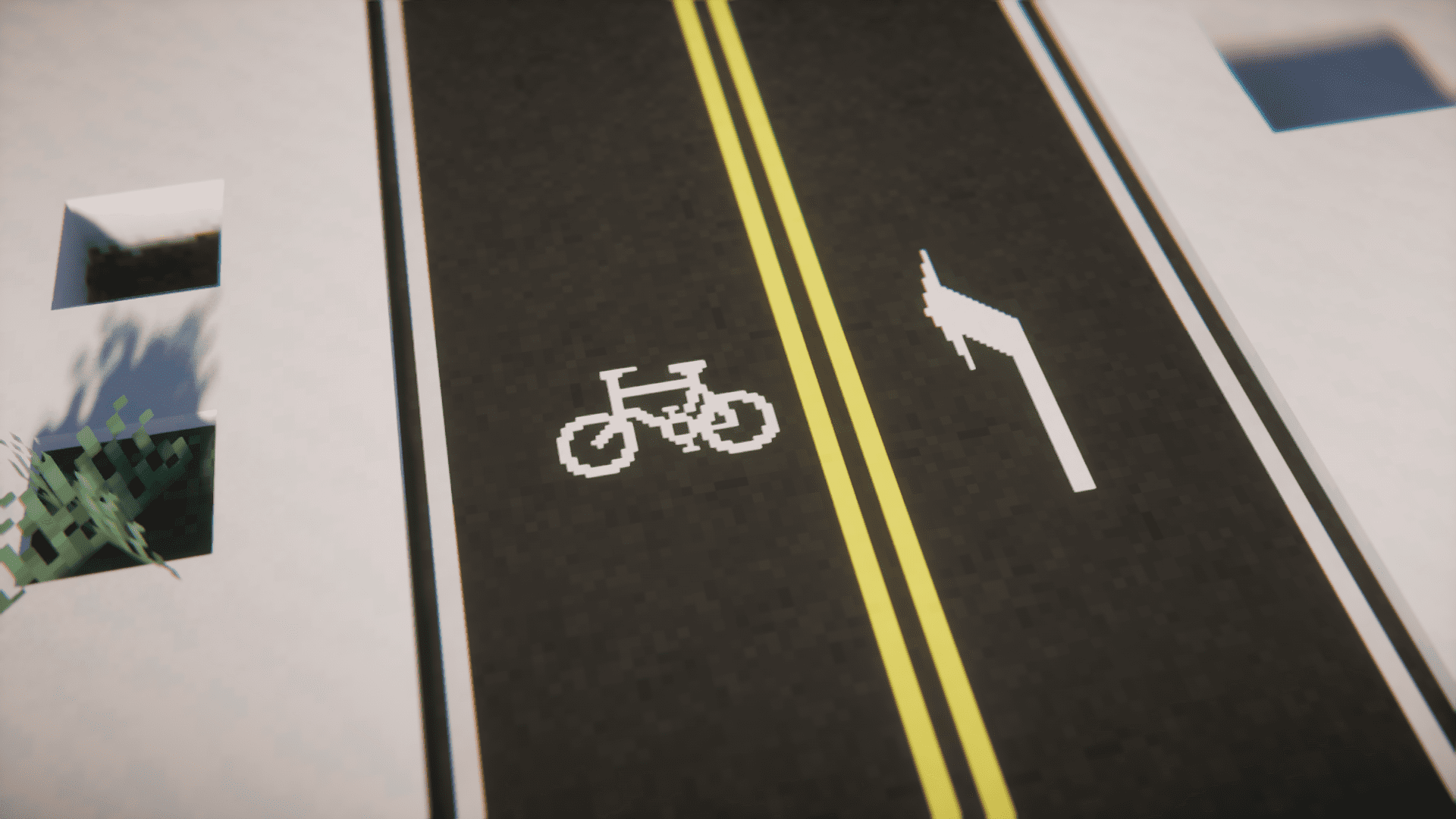
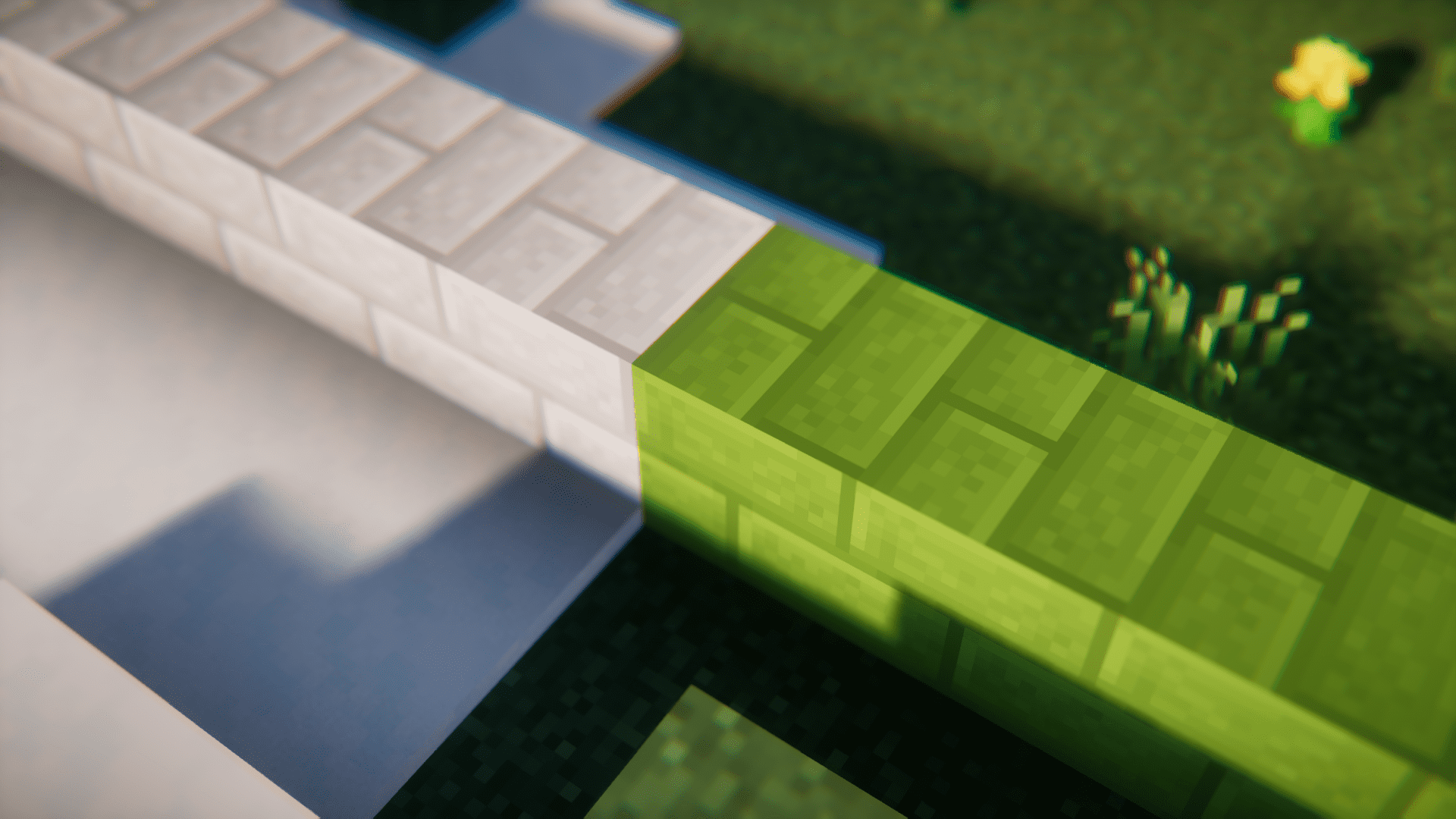
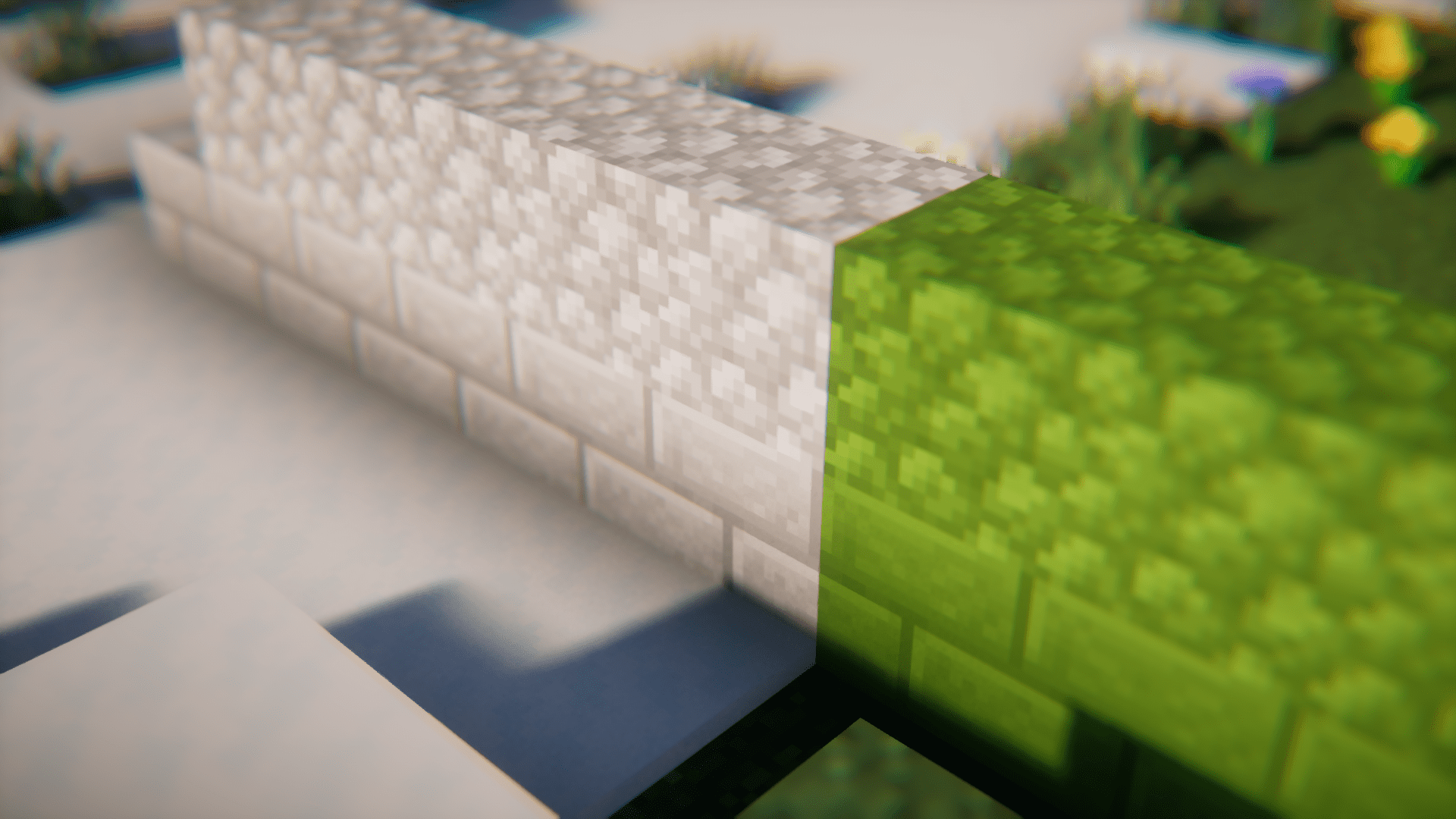
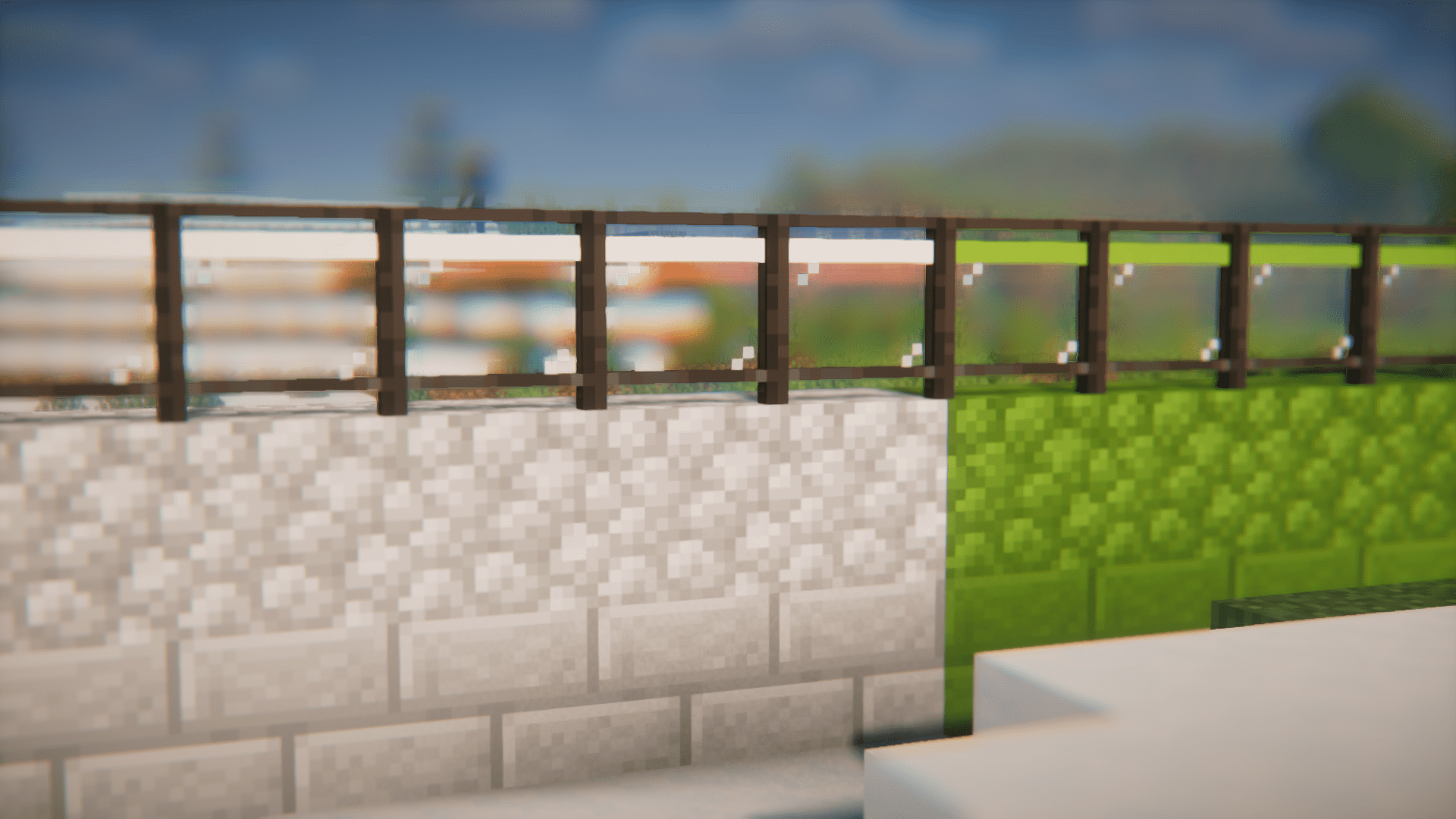
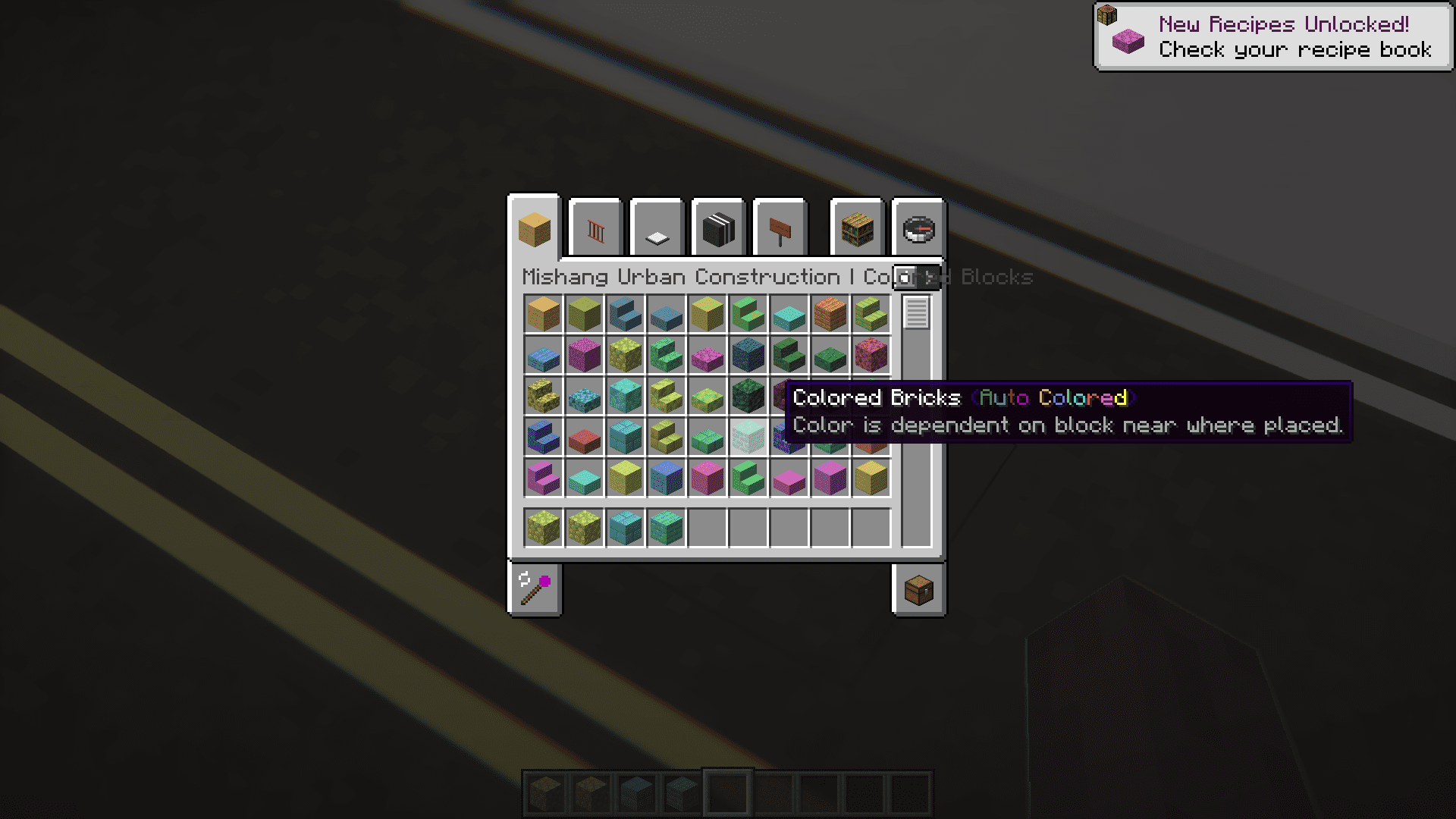
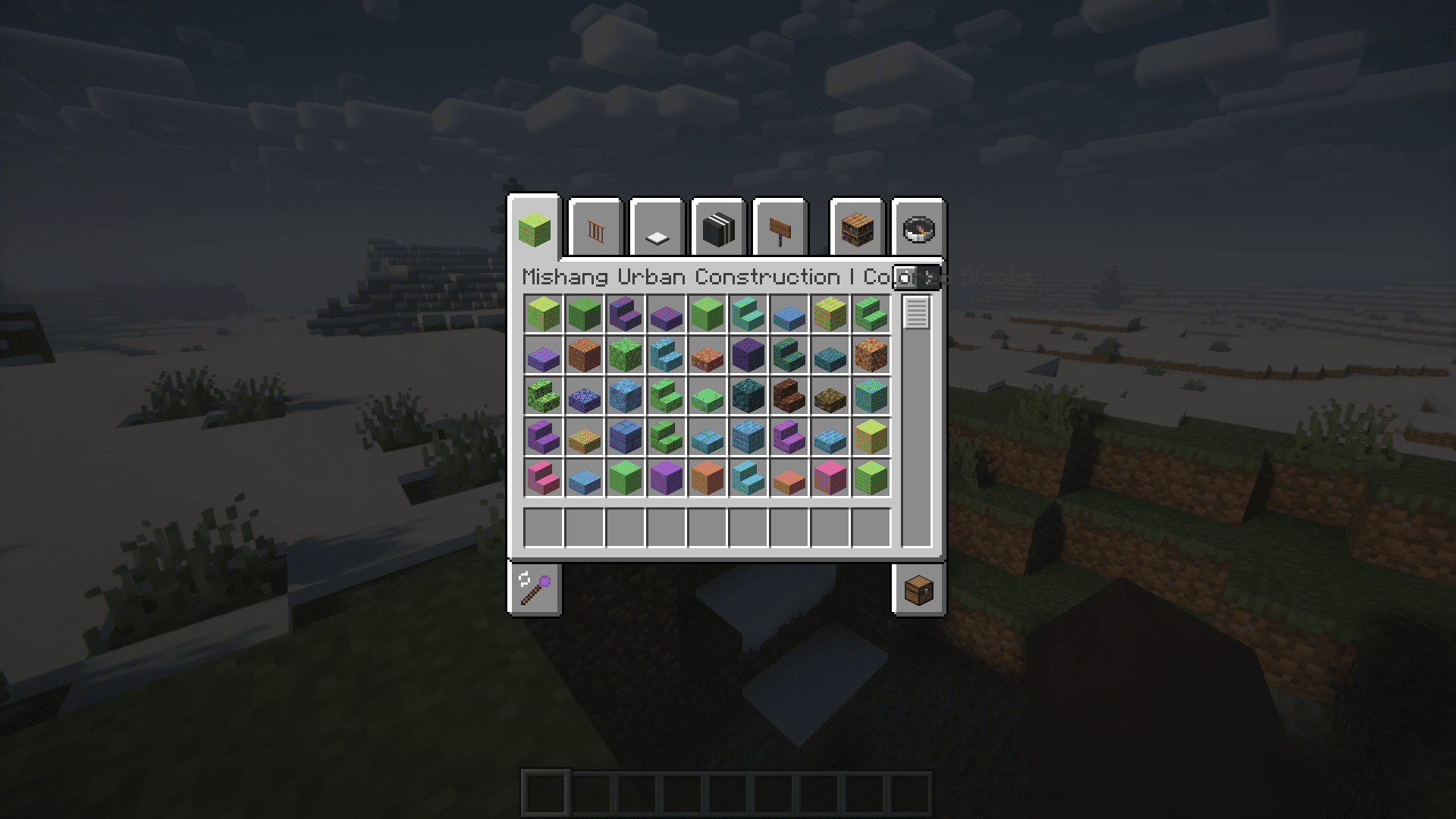
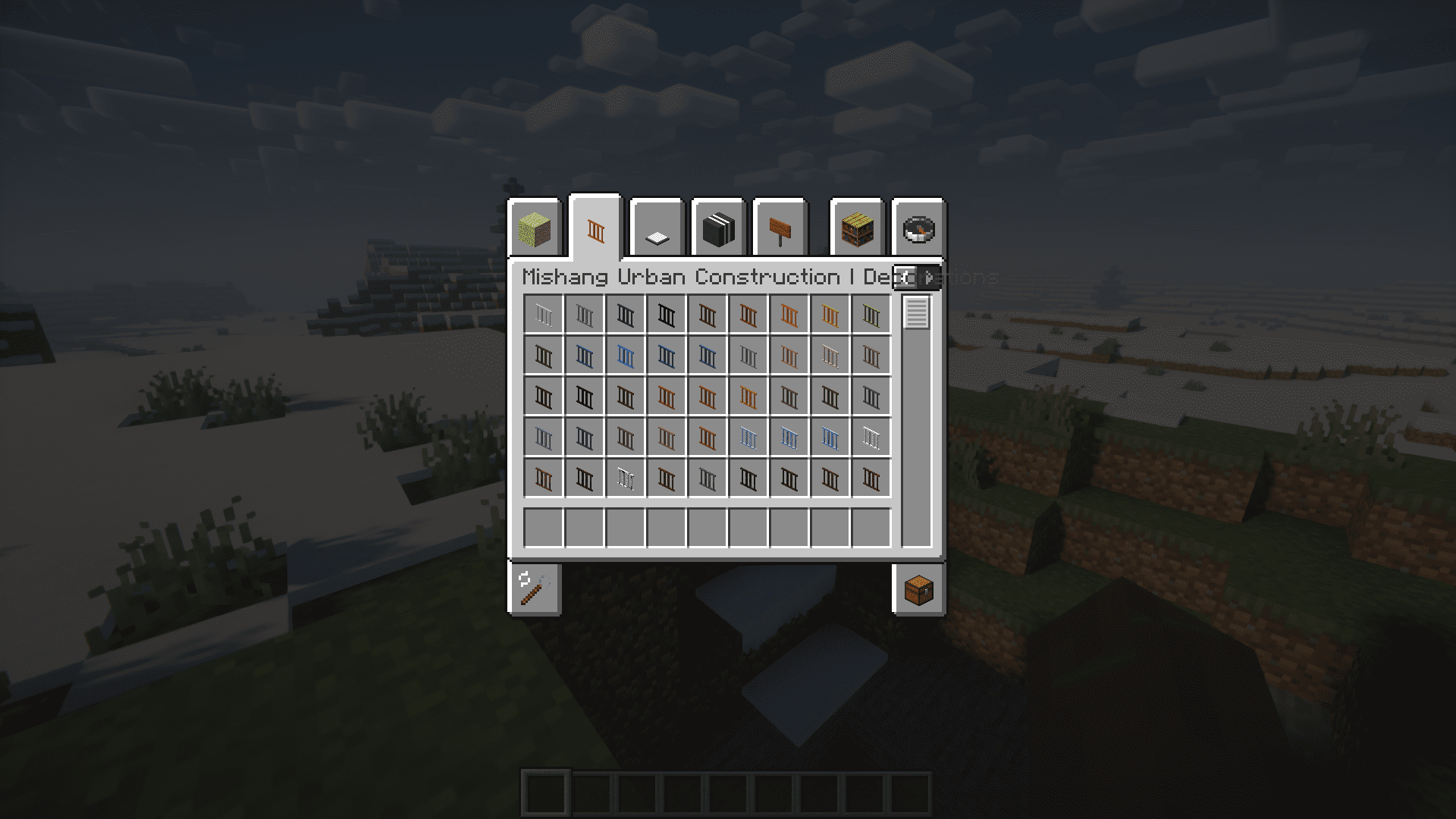
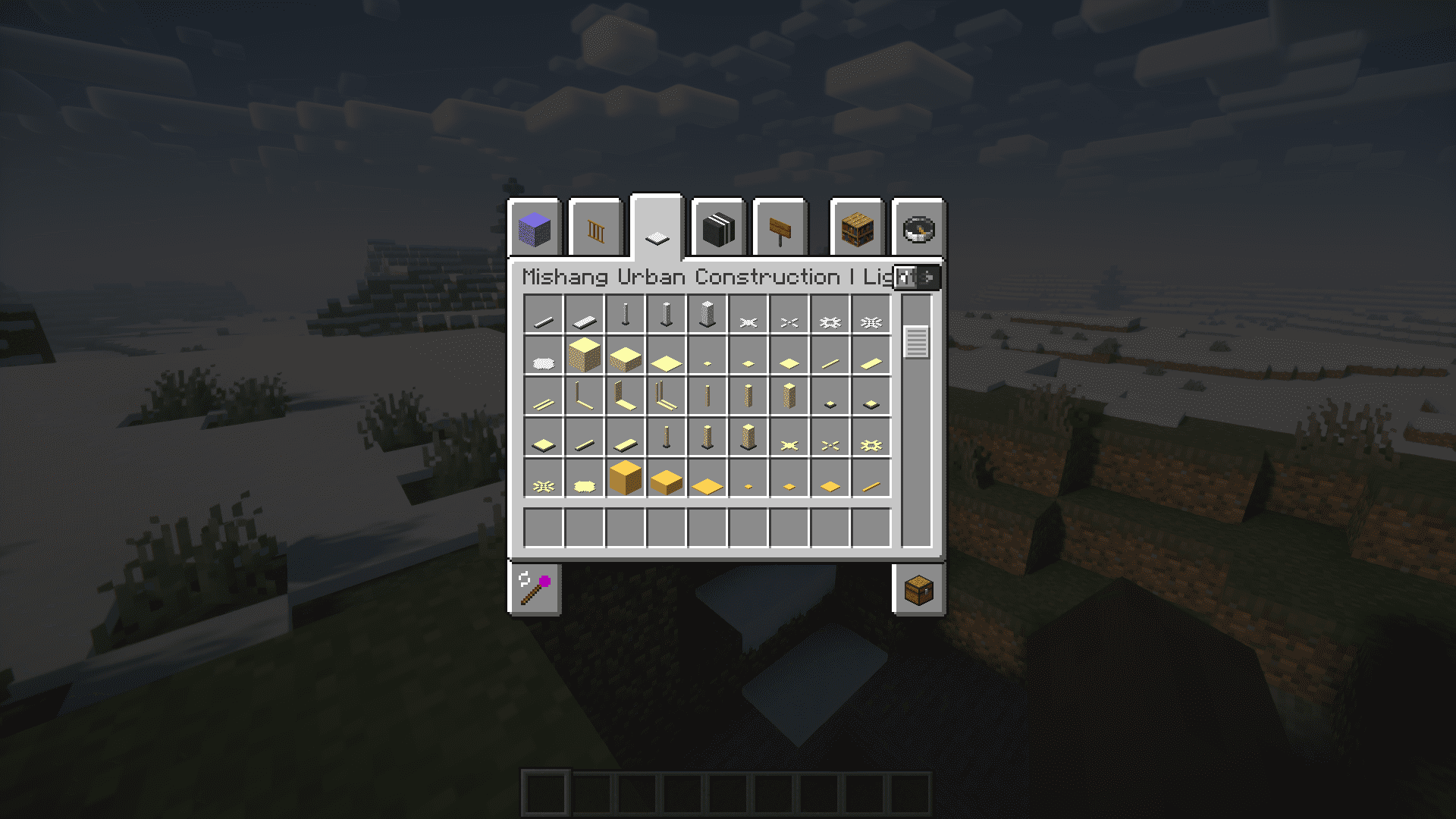
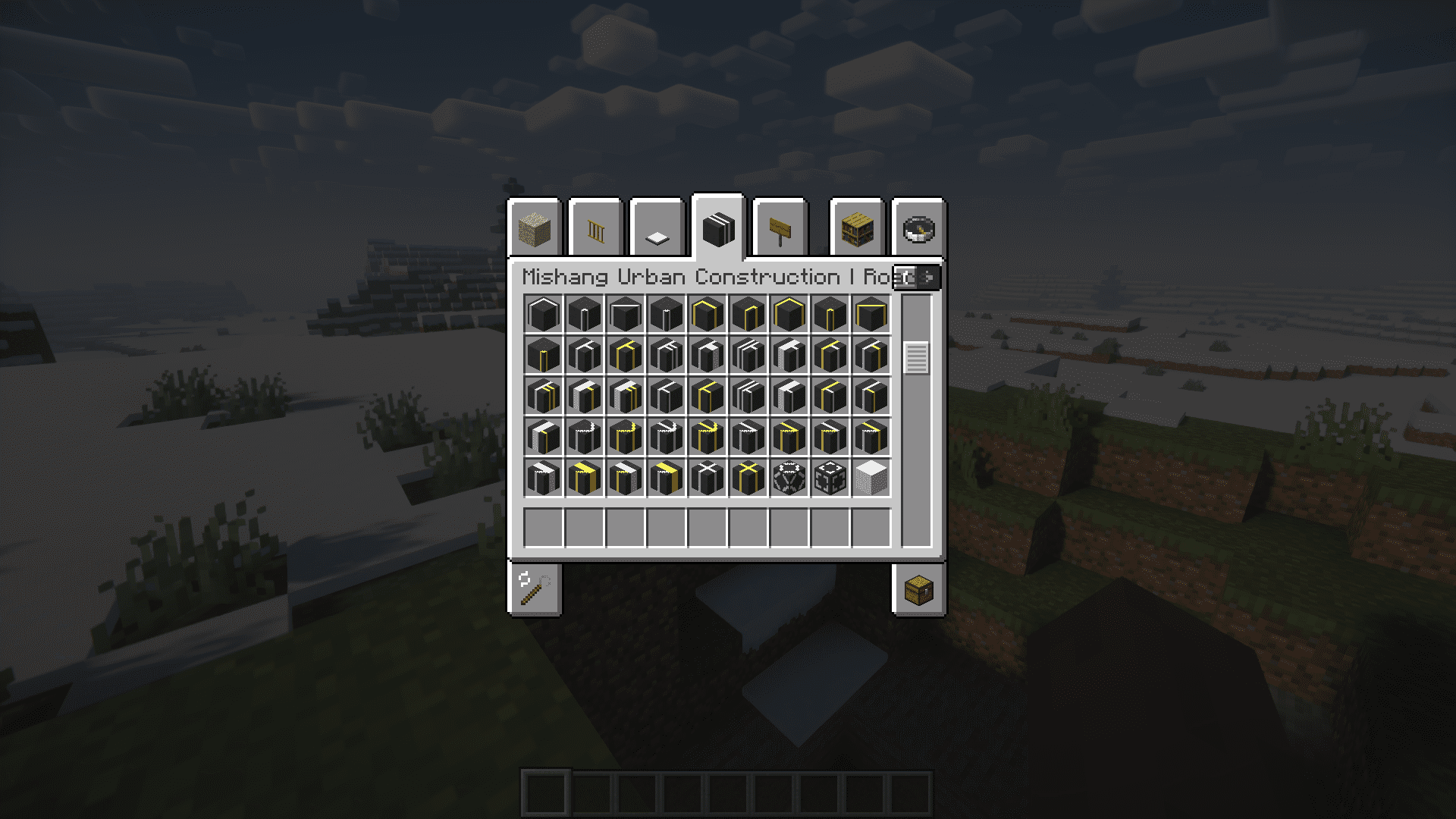
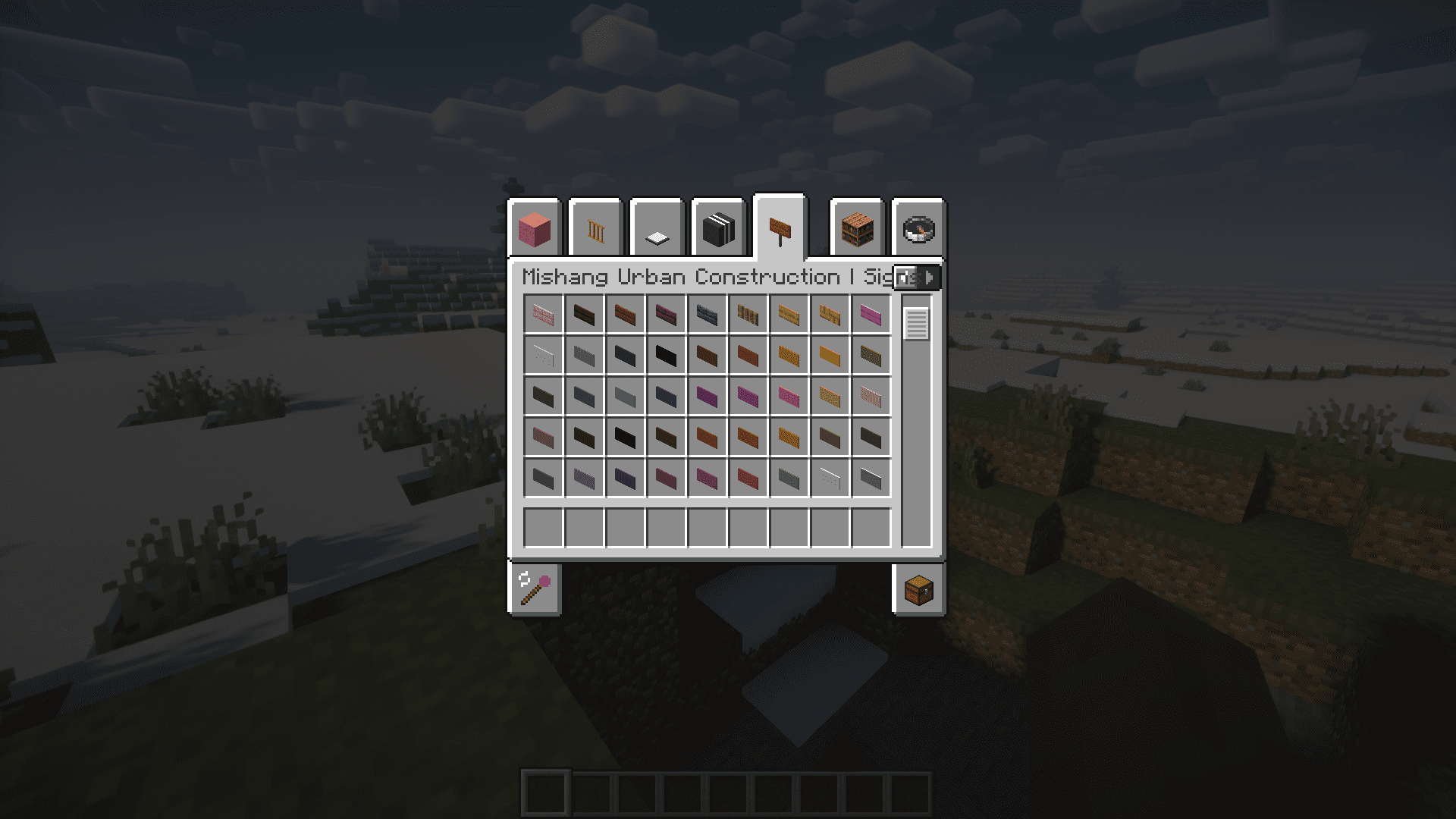
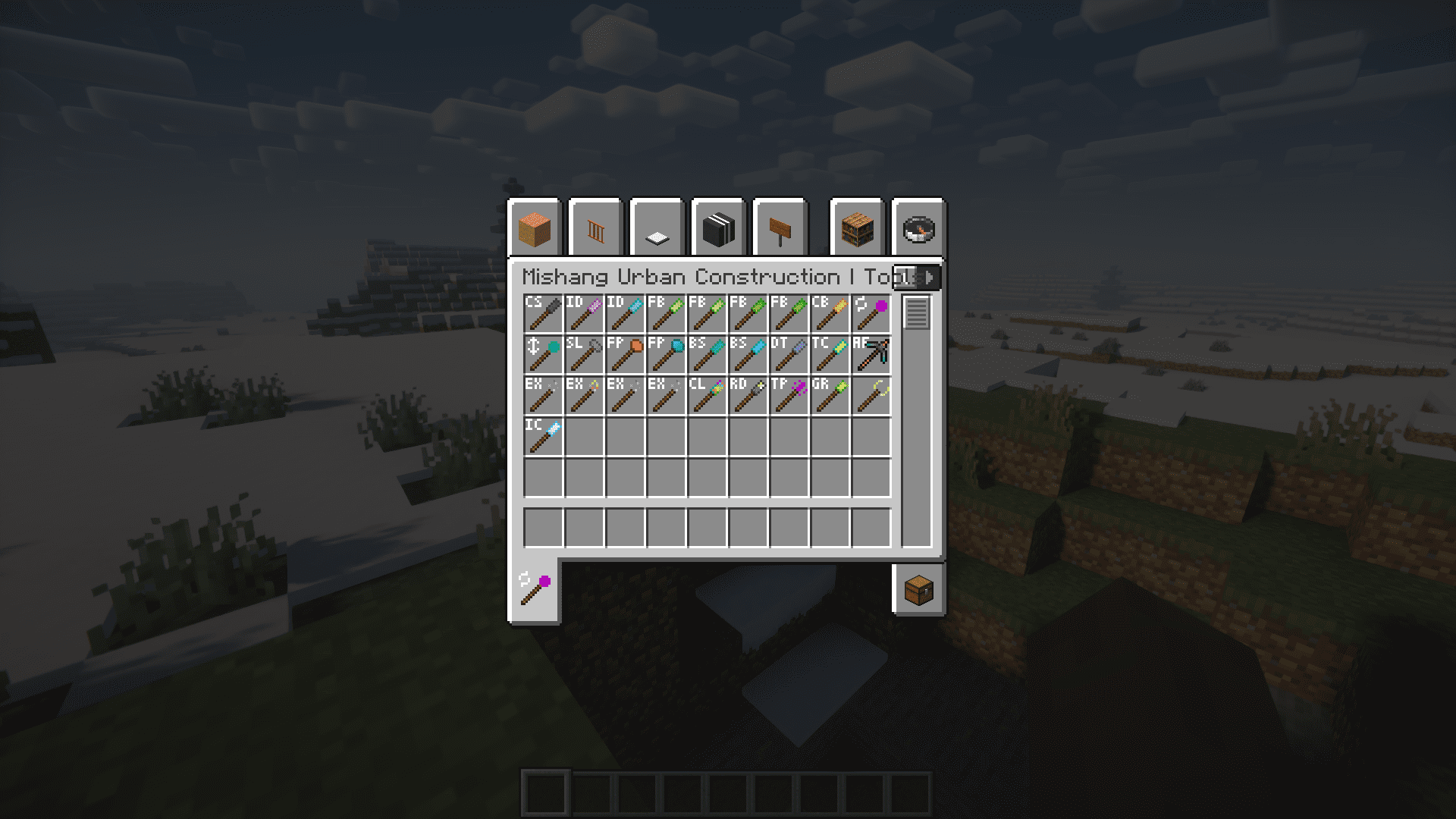
Mishang Urban Construction Mod adds plenty of new blocks and items that will help you make your builds much more detailed and beautiful. This includes color variant versions of several vanilla blocks like stone, cobblestone and bricks. These blocks are unique in their own way as they have no fixed color. Their color depends on the block that they are placed on. Take a look at the images to see the color change in cobblestone that is placed on snow compared to a cobblestone placed on a grass block. Both the blocks remain as the same item when placed in your inventory, but the color changes once you place them down. Another set of blocks added by this mod are the road blocks and road signs. There are road blocks for every situation possible – turns, curves, aligned borders, etc. There are also signs that you can place on these roads for different purposes.
Screenshots:
Image of the different road blocks added by this mod.
Road signs can be placed on the road to differentiate between road/tracks used for different purposes. There are also road signs to mark turns and bends.
This image shows how the same blocks will have a different appearance based on the block that it is placed on.
More Screenshots
Mishang Urban Construction Mod Download Links
- Edition: Minecraft Java
- File type: .jar
- Minecraft version listed: 1.20.1
- How to install: Install the matching mod loader (Forge, Fabric or NeoForge) for your Minecraft version. → Download the .jar. → Put it in the .minecraft/mods folder and launch that loader profile.
- Where to get it: In MC Java Mods, or directly above on this page.
Install steps are the general flow for this file type — How to install Minecraft Java mods & modpacks walks through it step by step.
- Downloads as 84058.mcaddon
- Download size: 6.6 MB
- Download link checked 24 Sept 2026 — working
- Mirrored on our own servers — the download does not depend on the original host
These come from our own check of the pack file, not from the source page.