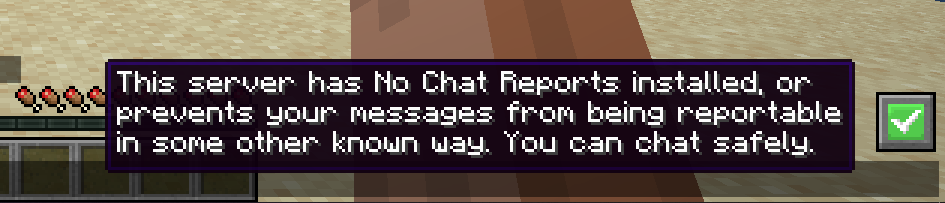



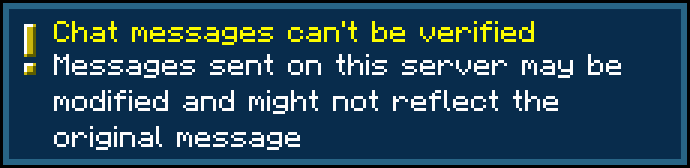
No Chat Reports Mod strips cryptographic signatures from player messages, making it impossible to track and associate them with your Mojang/Microsoft account, as well as use Player Chat Reporting feature.
Features:
- Removes cryptographic signatures from messages, making it impossible to link chat messages to your Minecraft or Microsoft account.
- Prevents other players from reporting your messages via the Social Interactions screen.
- You can install it on just the client, just the server, or both for full protection.
- Disables Minecraft’s telemetry feature (Snooper), which collects gameplay data.
Screenshots:
How to use:
This mod supports both Forge and Fabric, just download the version for respective modloader. It can be installed on either client, server, or both sides, and will function differently depending on which sides it is present at:
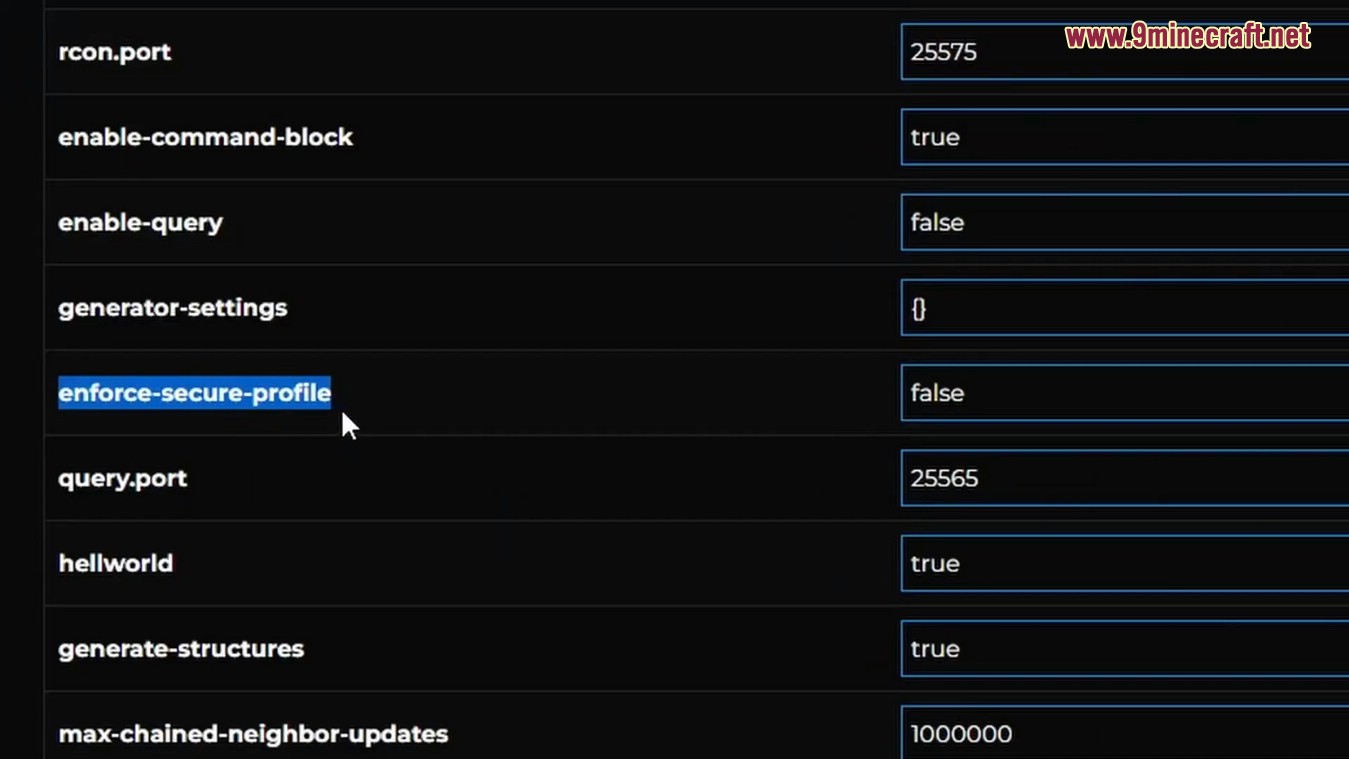
- 1. Only Client: Client will refuse to send account’s public key to the server, and signatures will be stripped from the messages that you send. This way it won’t be useful to try and report your messages, as there will be no proof they were actually sent from your account. Server will relay them unless “enforce-secure-profile” option is set to true in server options (which it is by default since 1.19.1), in which case you will not be able to join, unless you agree to sent signed messages (the mod will supply warning screen).
- 2. Only Server: Clients will still attach signatures when sending messages to the server, but the server will strip them before relaying them to other players. This way Chat Reporting will not work for any players that join. You can enable player to system message conversion in config, to prevent players without the mod from seeing them as “Not Secure”.
- 3. Both Client and Server: Signature will be stripped on client side before sending messages to server, server will make no attempt to verify message signatures. Chat Reporting and Only Show Secure Chat will not function, and players will be notified that those features are disabled by the mod when trying to use them.
- Even though the mod can function when present on only one of the sides, it can be configured to demand itself to be installed on another side in order to play. This way you can install it on server and require all clients that join to have this mod in order to have full functionality, but can also leave it server-only if you prefer. Configuration file is named NoChatReports.json and is located in default config folder.
- Additionally, if installed on client, this mod will disable telemetry (similarly to how No Telemetry Mod does).
Configuration Files:
Right now No Chat Reports has a single configuration file – NoChatReports.json, which is located in config folder of .minecraft directory or server installation directory. In the future it is planned to split configuration into server and client files.
Available Options:
Option: demandOnClient
- Side: Server
- Description: Makes the server require all joining clients to have No Chat Reports installed.
Option: demandOnServer
- Side: Client
- Description: Prevents the client from joining servers that don’t have No Chat Reports installed.
Option: enableDebugLog
- Side: Both
- Description: Enables logging of certain debug information. This is generally useless for non-developers.
Option: convertToGameMessage
- Side: Server
- Description: Makes the server convert all player messages into system messages. System messages don’t have any signatures attached and cannot be reported; on unmodified clients they will display with gray bar to the left.
Option: showServerSafety
- Side: Client
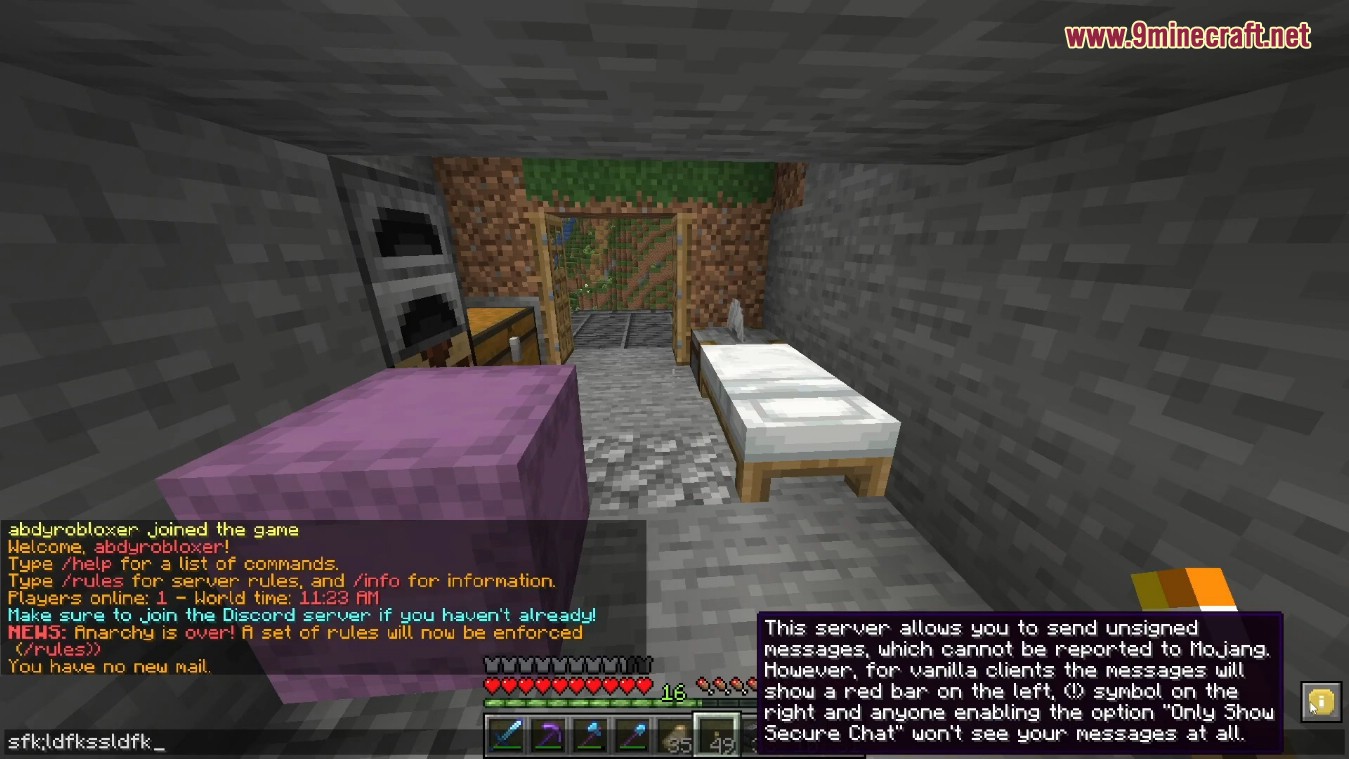
- Description: Allows the client to display server safety status in bottom-right corner of chat screen. The icon is hoverable for additional information:
Currently, there are 3 safety levels:
- ✅ Secure. The server has No Chat Reports installed, or prevents chat reporting on entire server in some other way.
- ℹ️ Unintrusive. Server itself does not prevent chat reports, but has enforce-secure-profile disabled and allows players to send unsigned messages. Players on vanilla clients are still at risk, but No Chat Reports can protect you and them if installed on client.
- ⚠️ Insecure. Server does not prevent chat reports and has enforce-secure-profile enabled, not allowing anyone to send unsigned messages. Every message you send can be reported.
Option: hideRedChatIndicators
- Side: Client
- Description: Prevents the client from displaying “Not Secure” indicators, in the form of red bar to the left and (!) icon to the right of chat message:
Option: hideYellowChatIndicators
- Side: Client
- Description: Prevents the client from displaying “Modified” indicators, in the form of yellow bar to the left and (?) icon to the right of chat message:
Option: hideGrayChatIndicators
- Side: Client
- Description: Prevents the client from displaying special indicators for system messages, in the form of gray bar to the left:
Option: hideWarningToast
- Side: Client
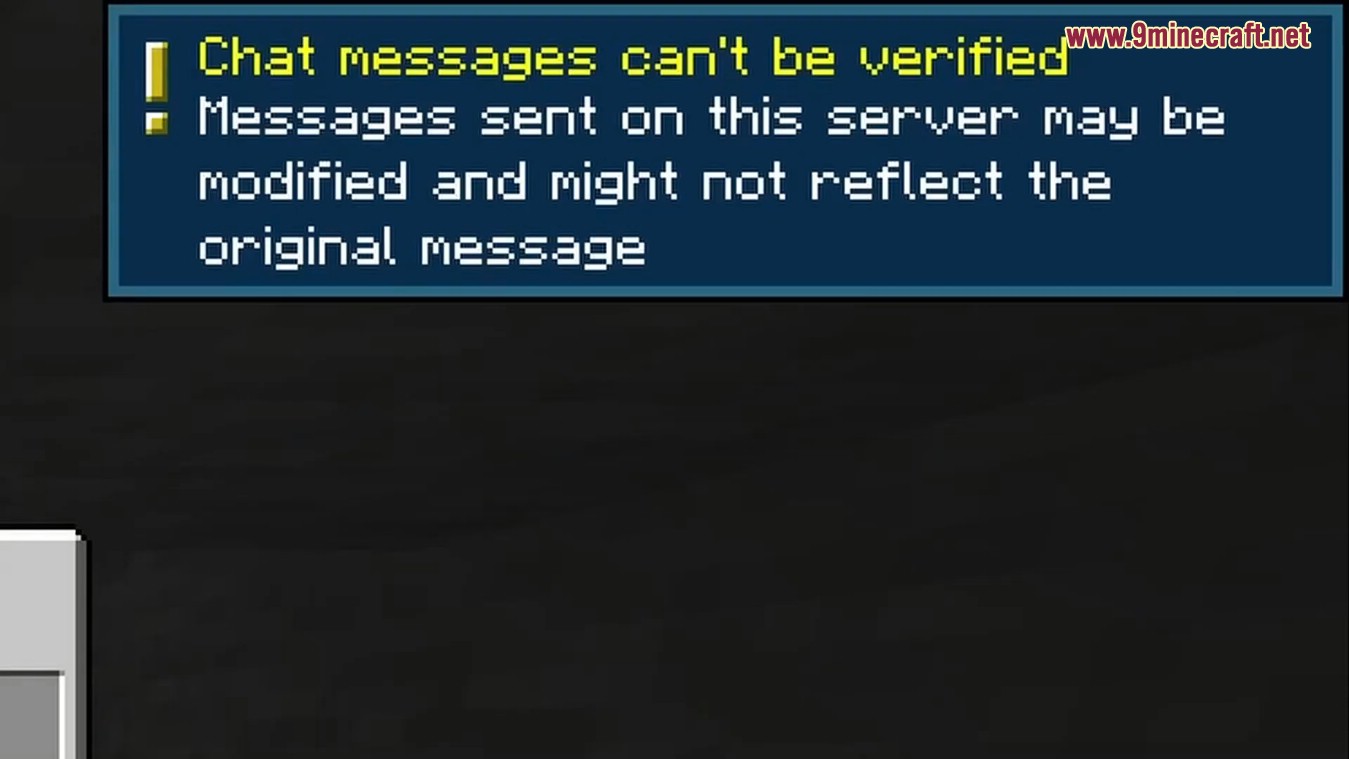
- Description: Removes a warning toast that is displayed when entering servers with disabled enforce-secure-profile:
Option: alwaysHideReportButton
- Side: Client
- Description: Prevents the client from ever showing report button in Social Interactions screen. This is disabled by default, and mod simply makes button inactive on servers that have No Chat Reports installed, adding an explanation to the tooltip of the button.
Option: disableTelemetry
- Side: Client
- Description: Allows the mod to disable built-in telemetry, similar to how No Telemetry does.
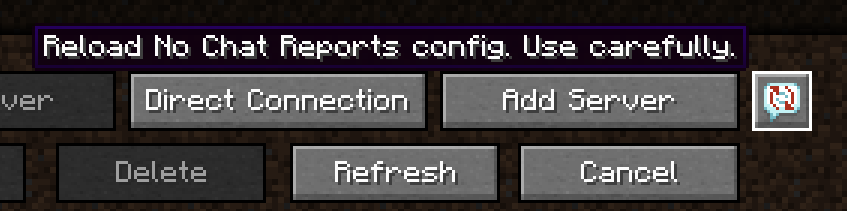
Option: showReloadButton
- Side: Client
- Description: Adds a button for config reloading to Multiplayer menu:
Option: whitelistedServers
- Side: Client
- Description: Contains servers for which “Unsafe Server” warning screen should never display. Servers are added to this list automatically when you check “Do not show again for this server” box in that screen. Format is that of a common JSON array, each entry is a string that is formatted as :.
Option: whitelistAllServers
- Side: Client
- Description: Makes the mod behave as if all servers were added to whitelistedServers list.
No Chat Reports Mod Download Links
- Edition: Minecraft Java
- File type: .jar
- Minecraft version listed: 1.20.1
- How to install: Install the matching mod loader (Forge, Fabric or NeoForge) for your Minecraft version. → Download the .jar. → Put it in the .minecraft/mods folder and launch that loader profile.
- Where to get it: Opens on the file's original source — not every file is mirrored on our own servers.
Install steps are the general flow for this file type — How to install Minecraft Java mods & modpacks walks through it step by step.
No Chat Reports Mod (26.2, 1.20.1) – How to Disable Chat Reporting is a free Minecraft Java mod. Compatible with Minecraft 1.20.1. Download it and open it directly in the game.