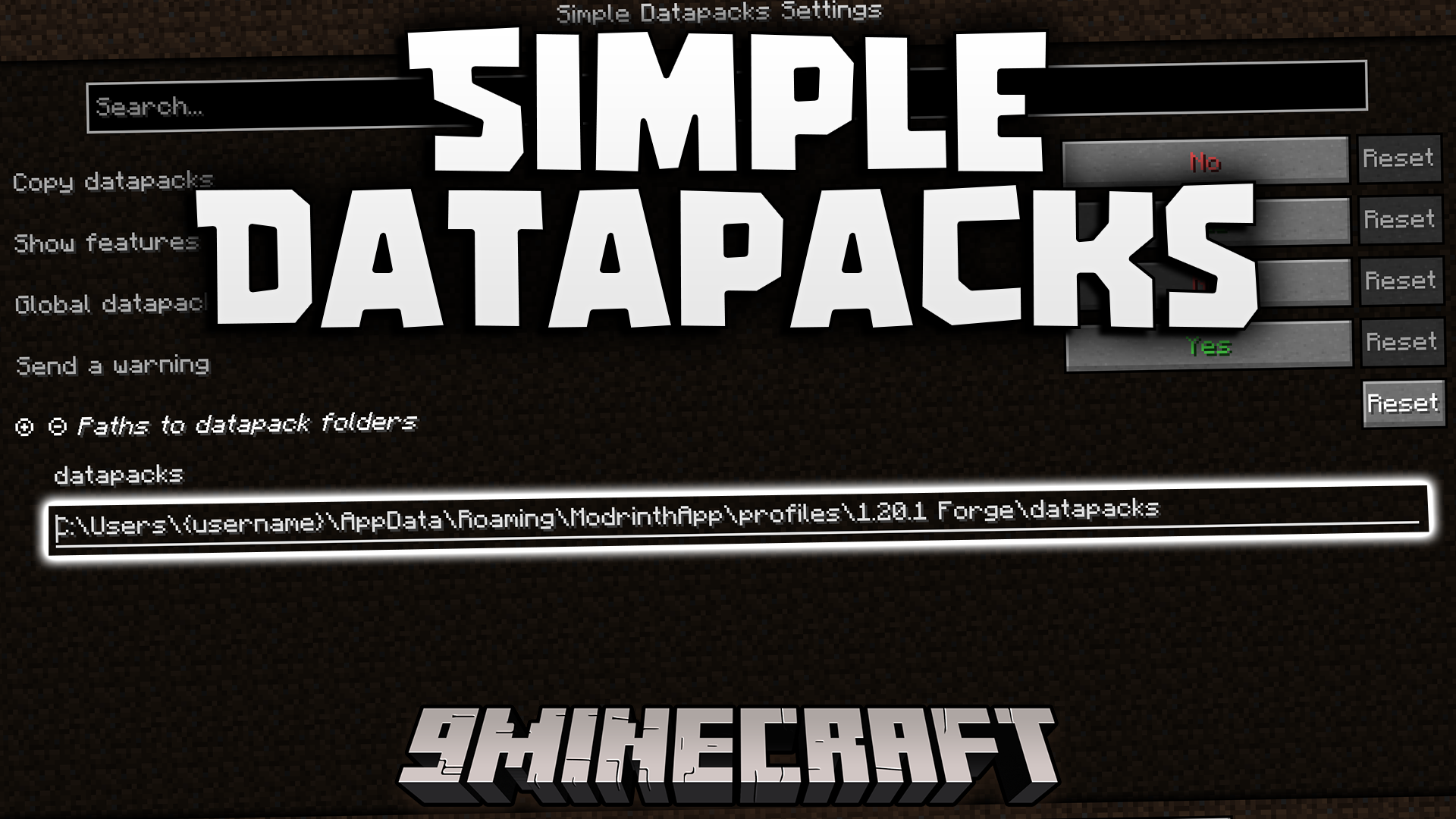
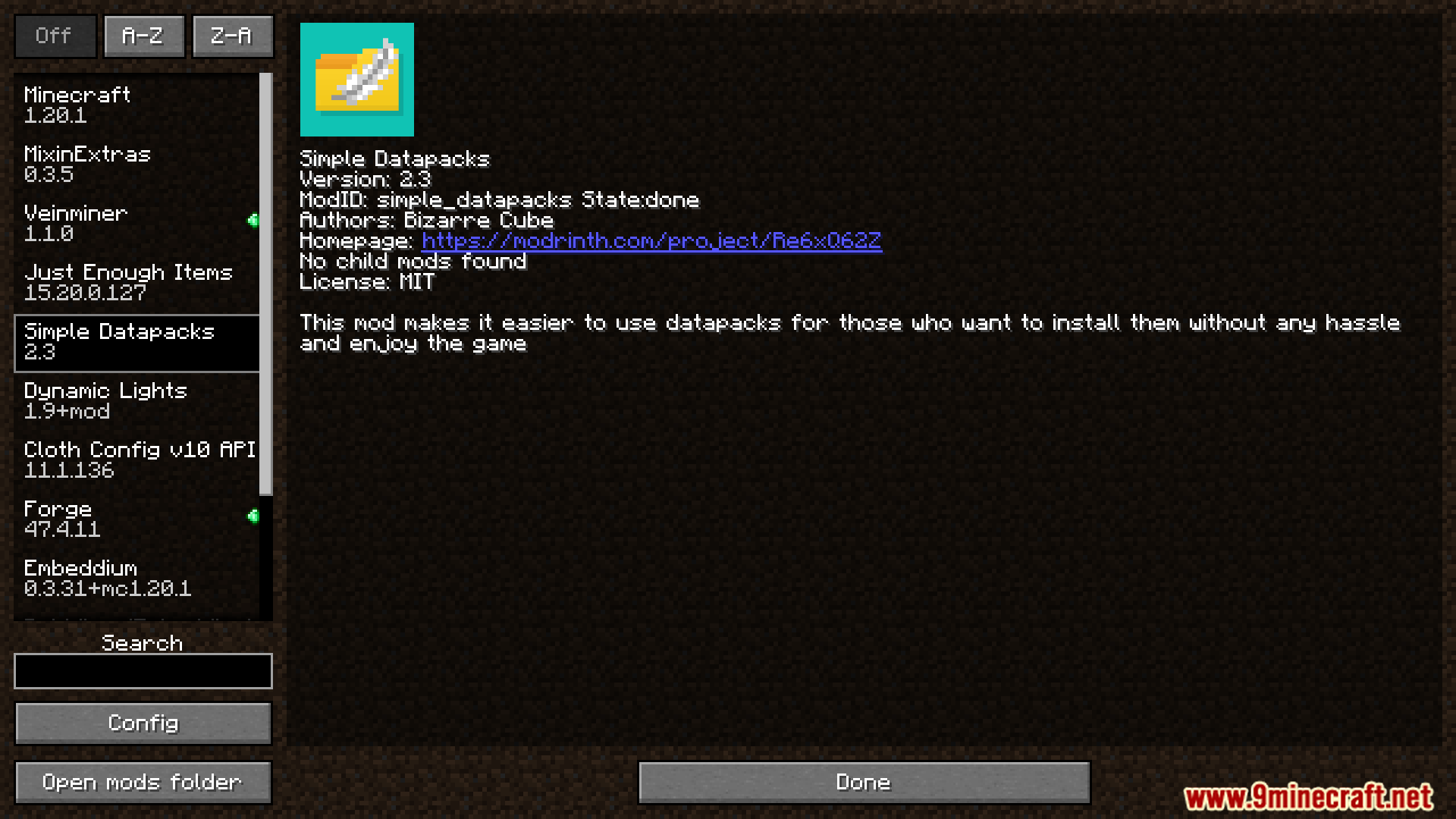
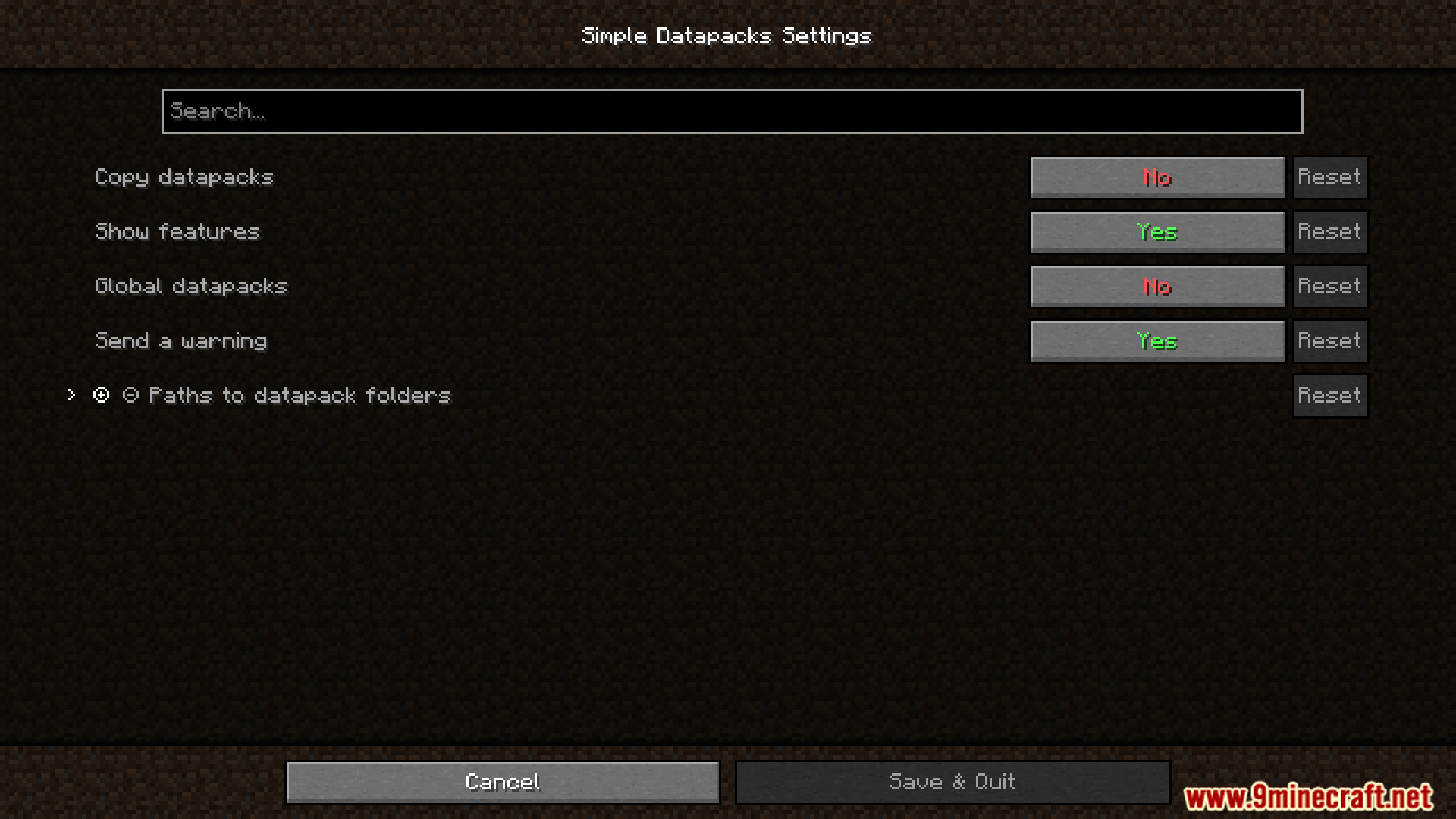
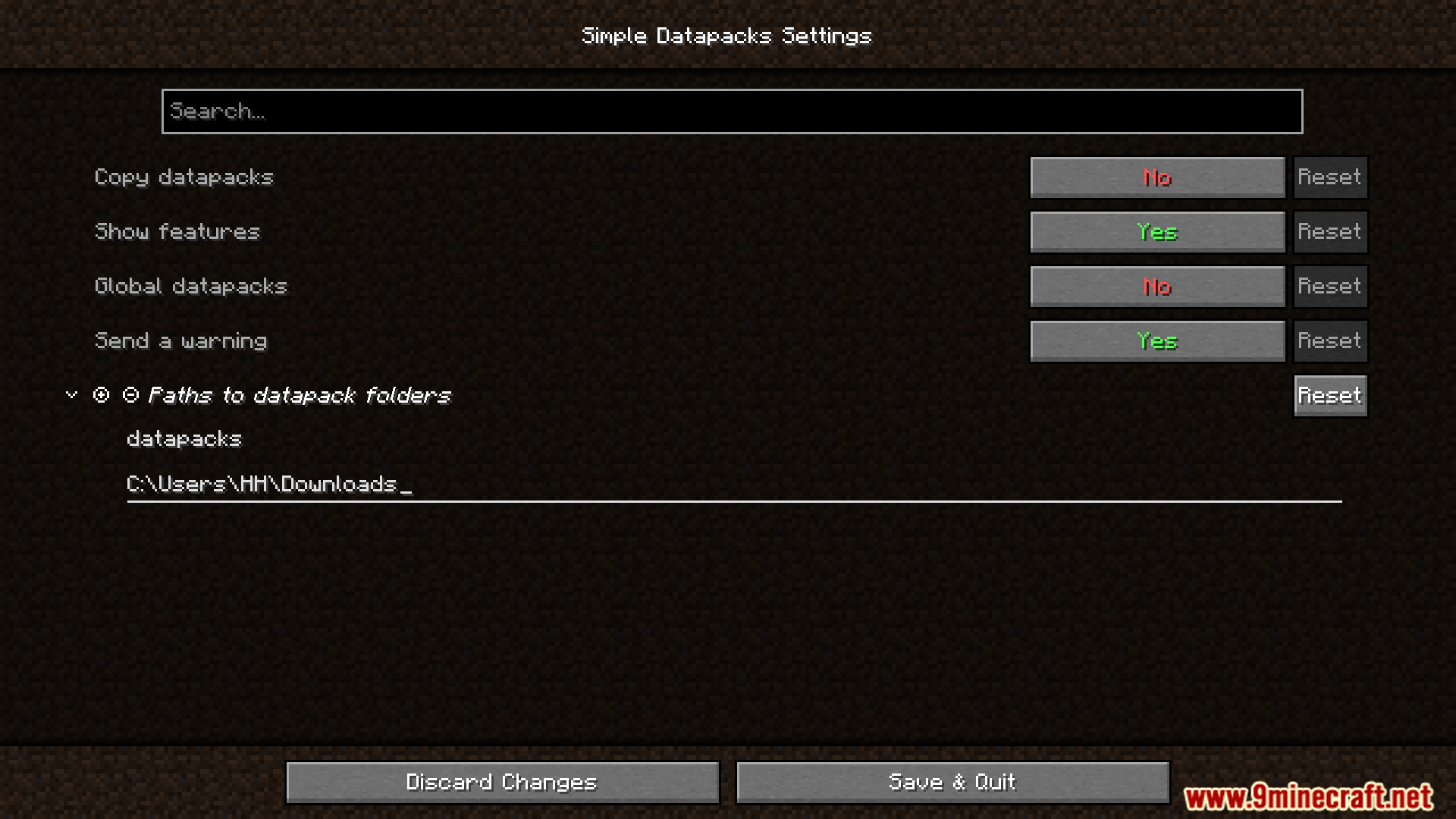
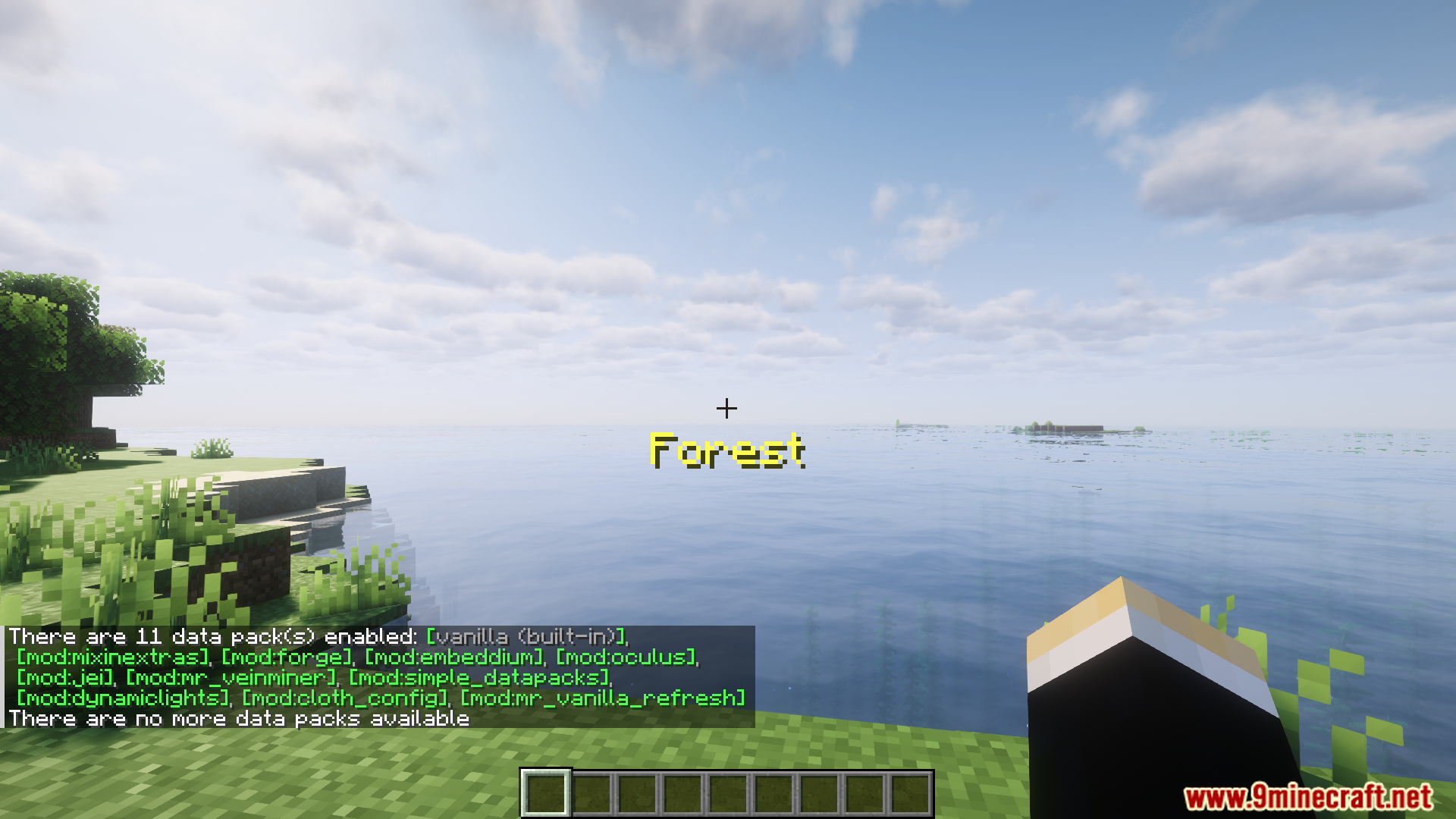
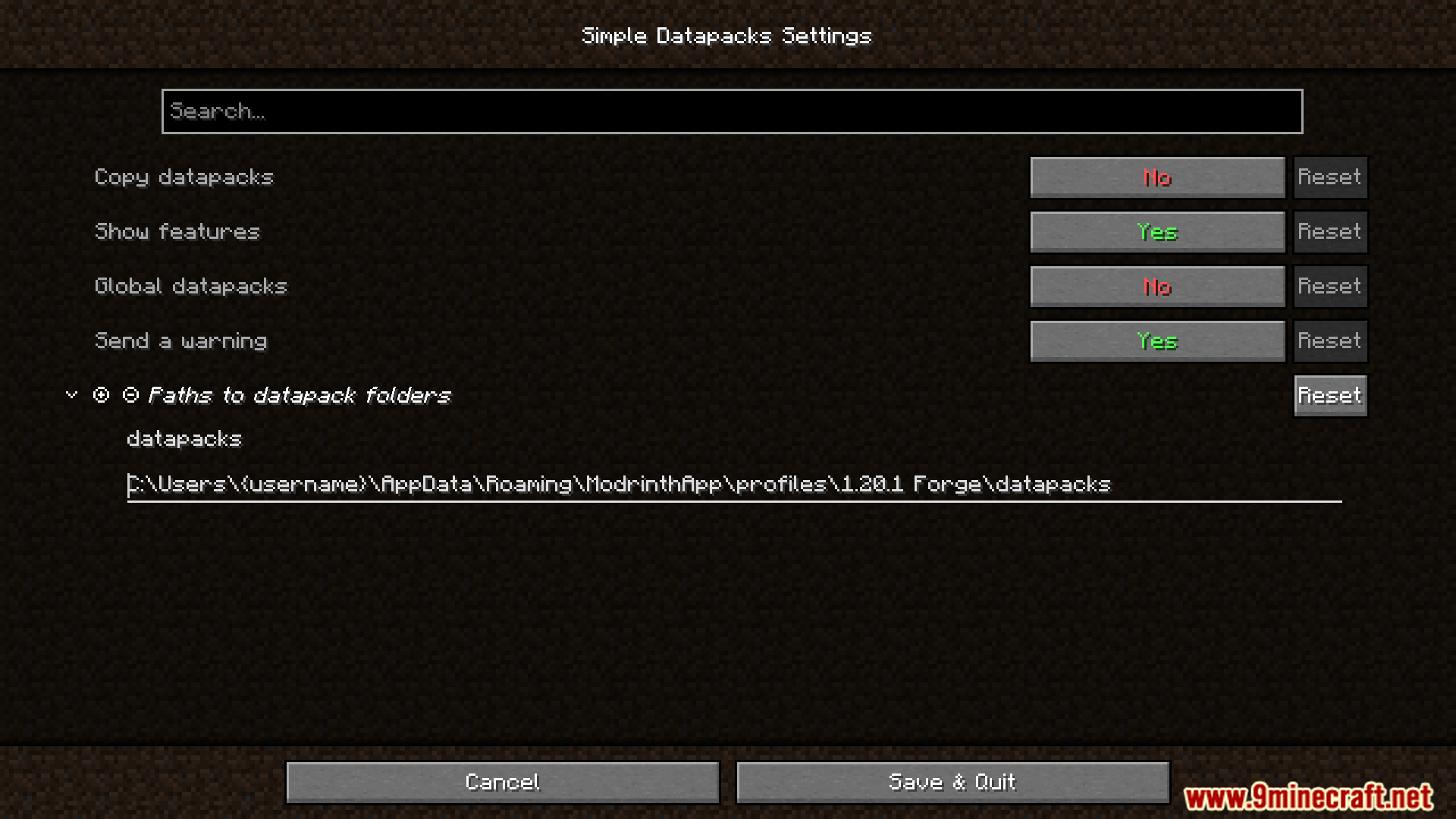
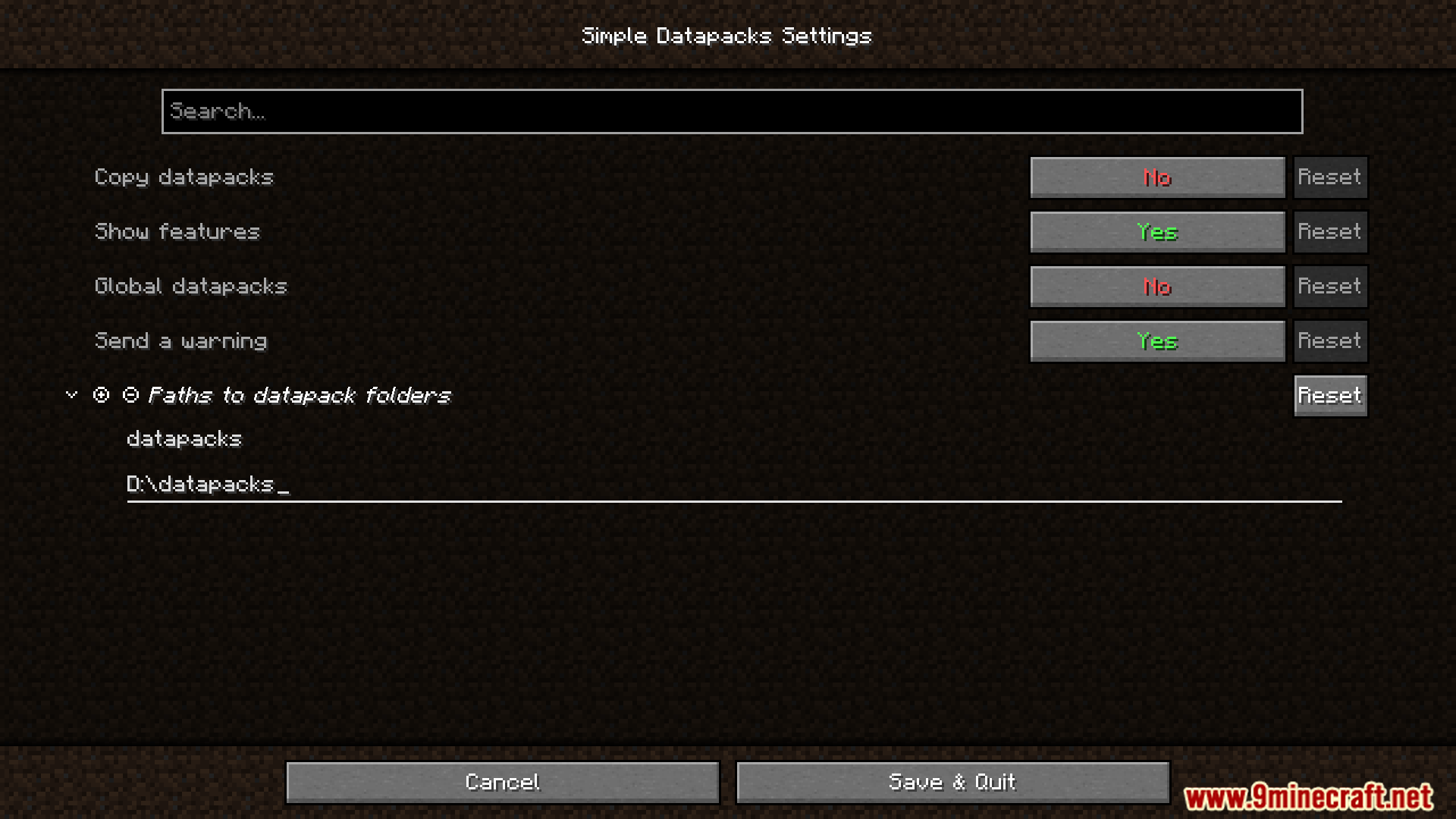
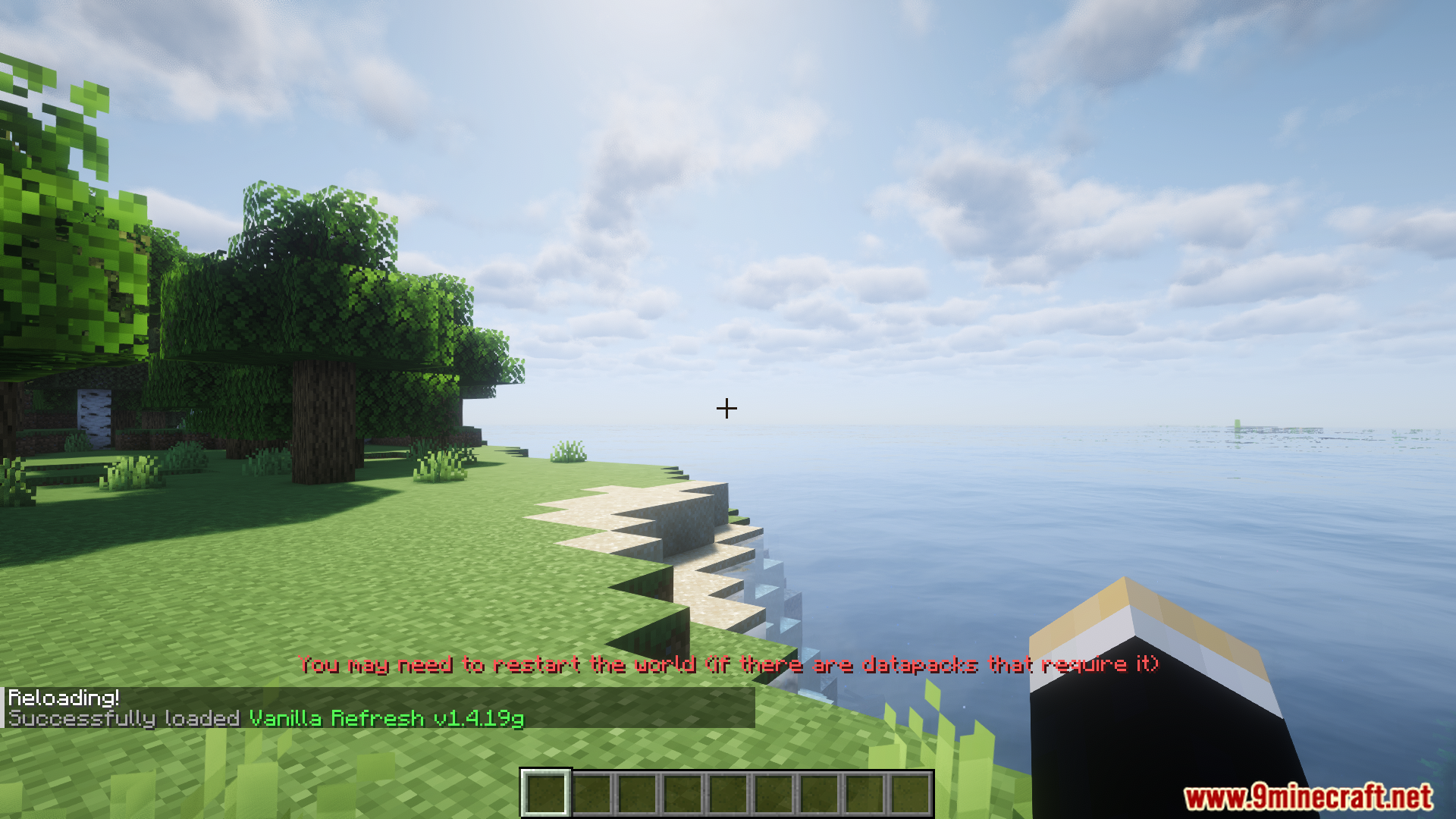
Simple Datapacks Mod streamlines the use of datapacks by adding a dedicated in‑game menu for managing, enabling, and disabling them without leaving the game. Normally, datapacks require manual installation and toggling through folders or commands. This mod removes that hassle by giving players a simple, user‑friendly interface to handle datapacks directly in‑game.
Features:
- Manage datapacks through an in‑game menu.
- Enable or disable datapacks without restarting the game.
- Simplifies datapack usage for casual players.
- Lightweight and focused on usability.
- Keeps the experience close to vanilla while adding convenience.
Screenshots:
Simple Datapacks Mod Download Links
Quick facts
- Edition: Minecraft Java
- File type: .jar
- Minecraft version listed: 1.20.1
- How to install: Install the matching mod loader (Forge, Fabric or NeoForge) for your Minecraft version. → Download the .jar. → Put it in the .minecraft/mods folder and launch that loader profile.
- Where to get it: In MC Java Mods, or directly above on this page.
Install steps are the general flow for this file type — How to install Minecraft Java mods & modpacks walks through it step by step.
Verified by MCModsHub
- Downloads as 84064.mcaddon
- Download size: 25 KB
- Download link checked 23 Sept 2026 — working
- Mirrored on our own servers — the download does not depend on the original host
These come from our own check of the pack file, not from the source page.