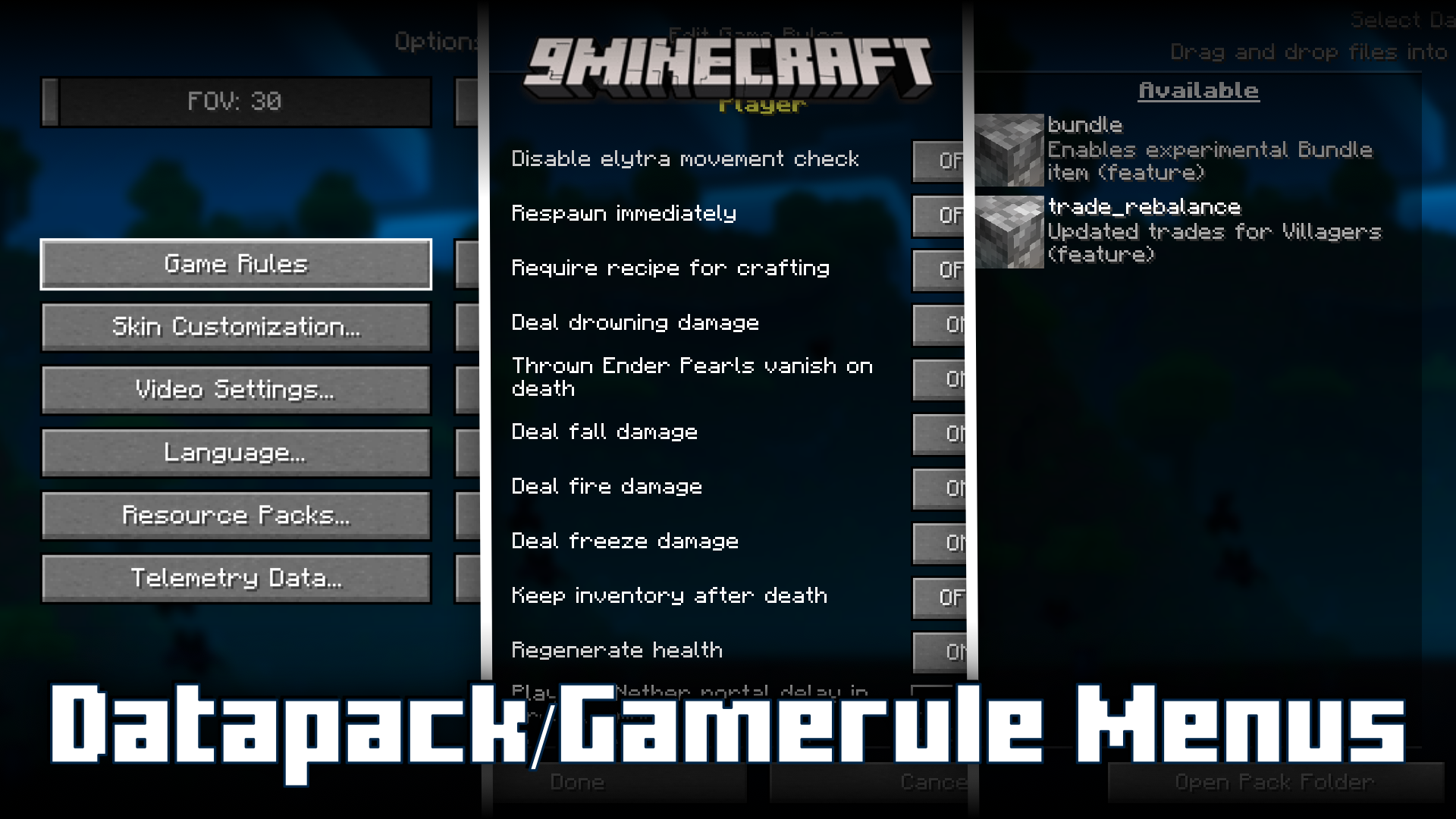
Datapack/Gamerule Menus Mod (26.2, 1.20.1) – Edit Gamerules Even After World Creation
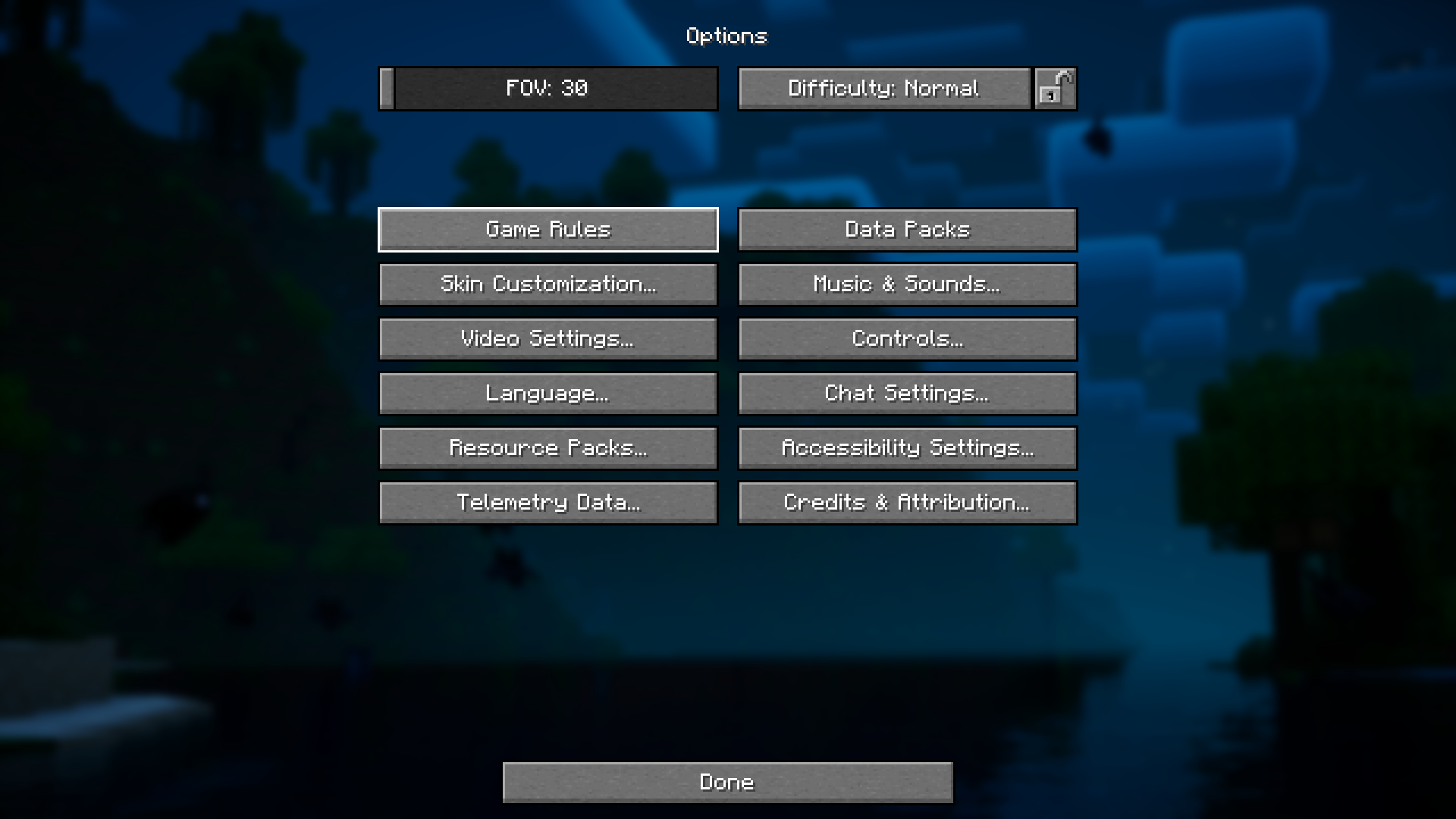
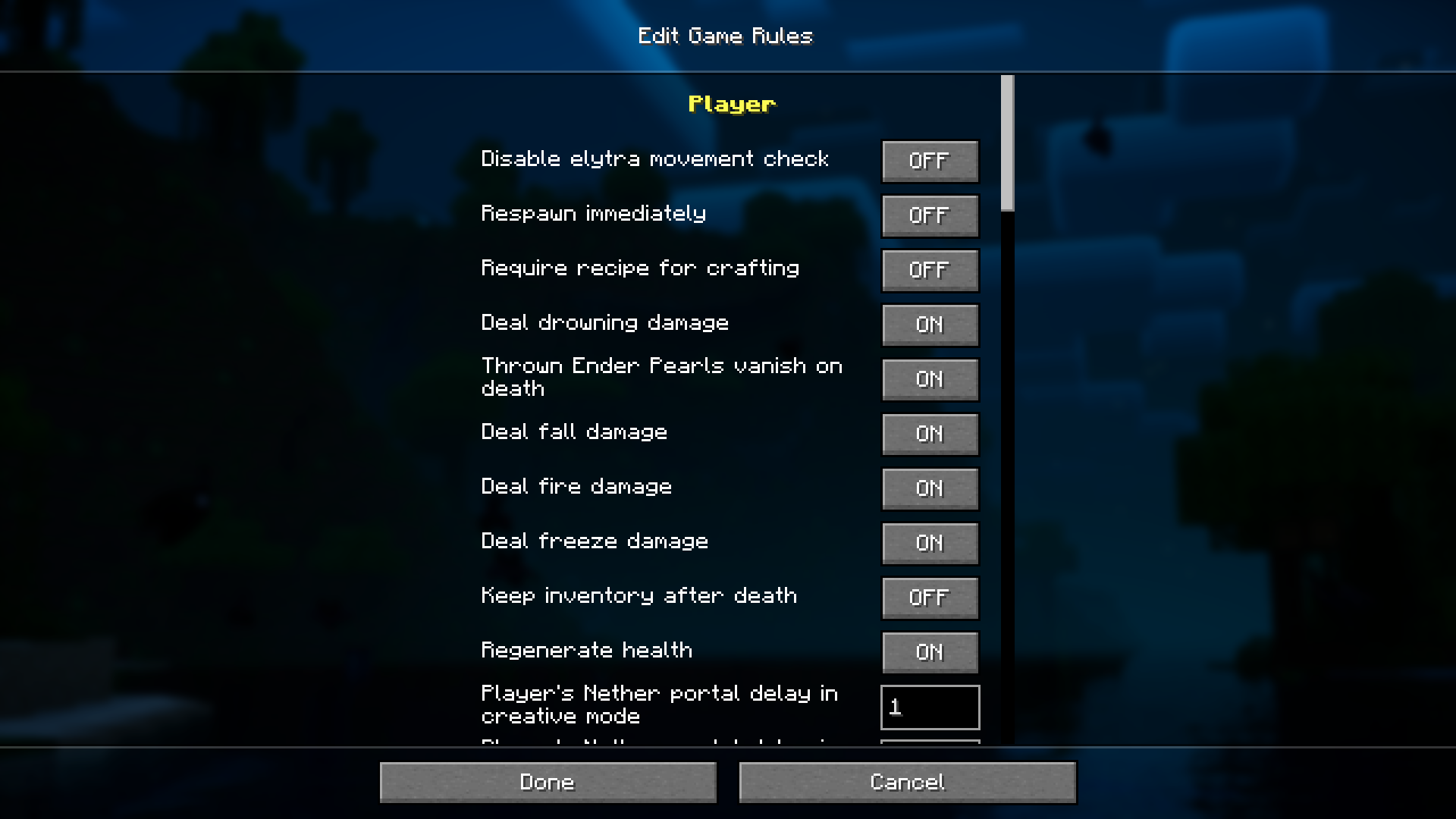
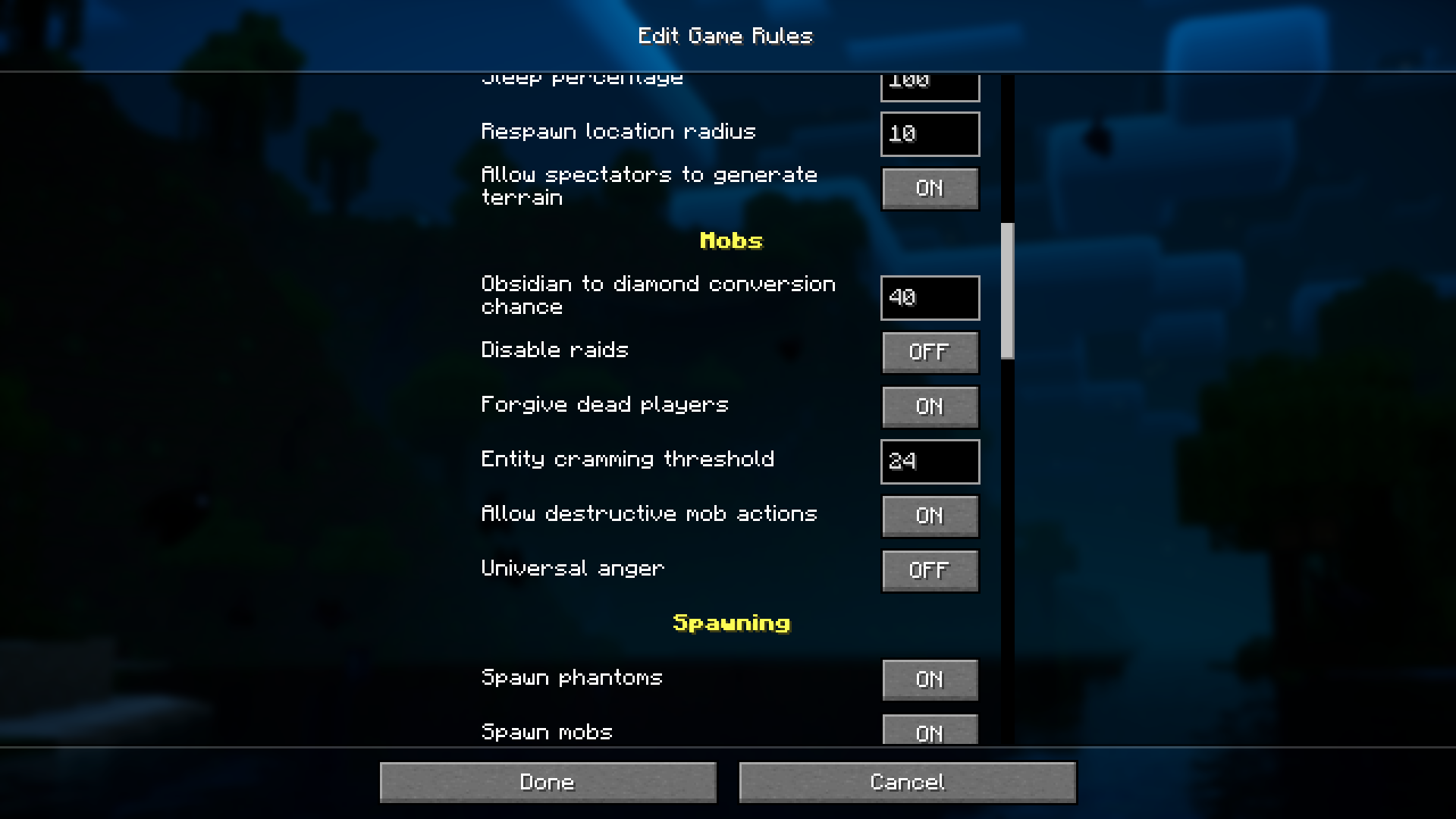
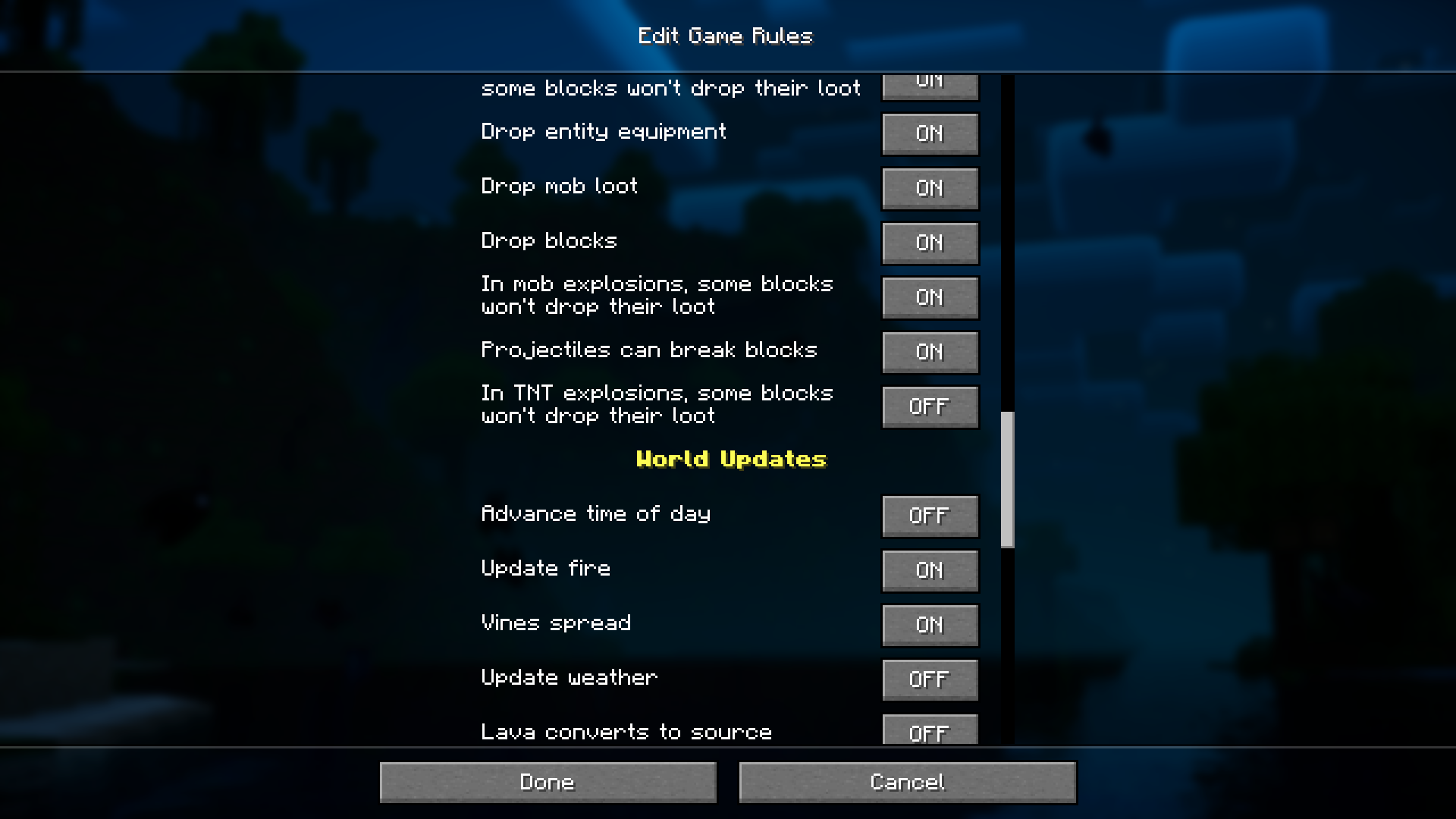
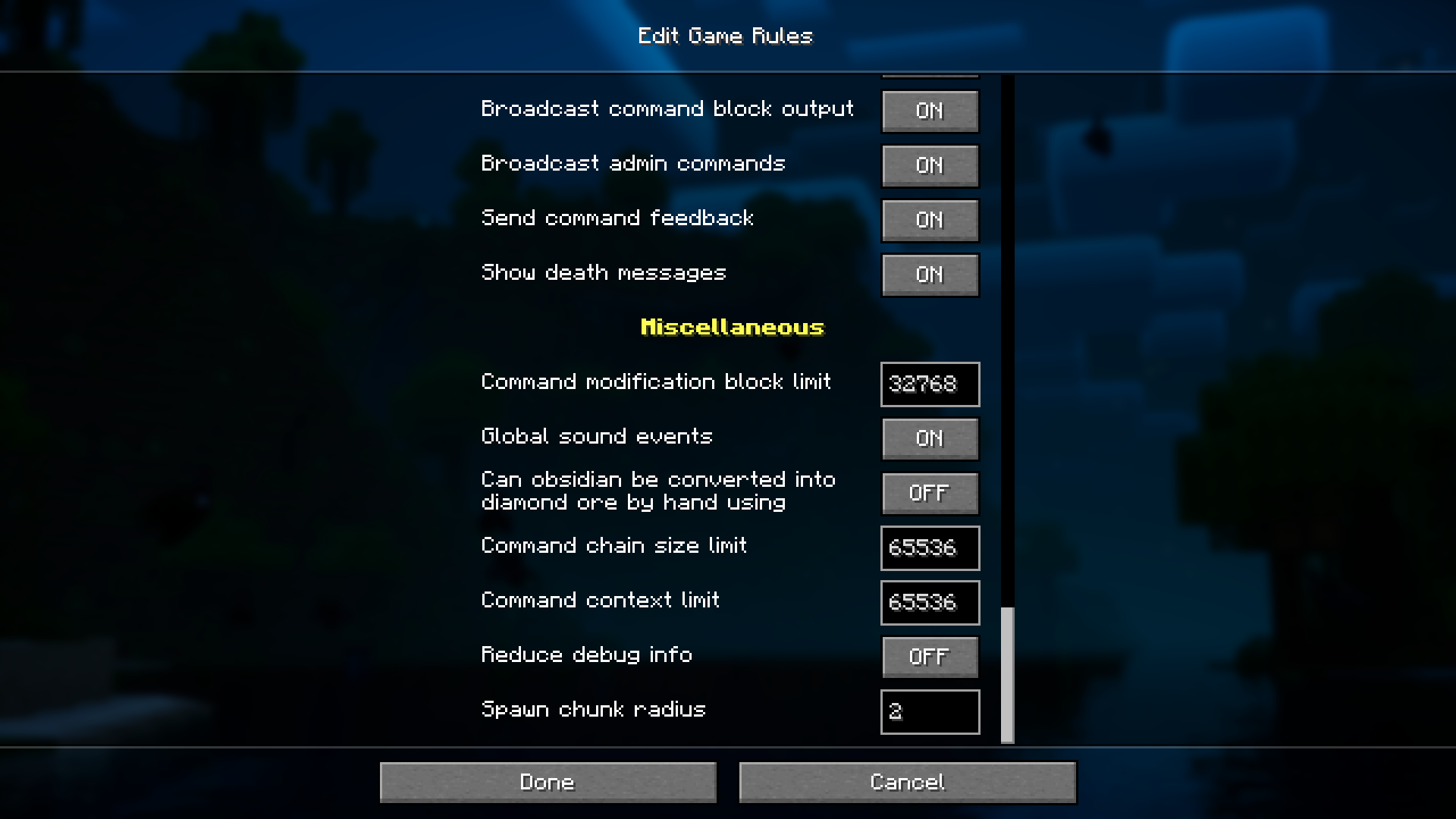
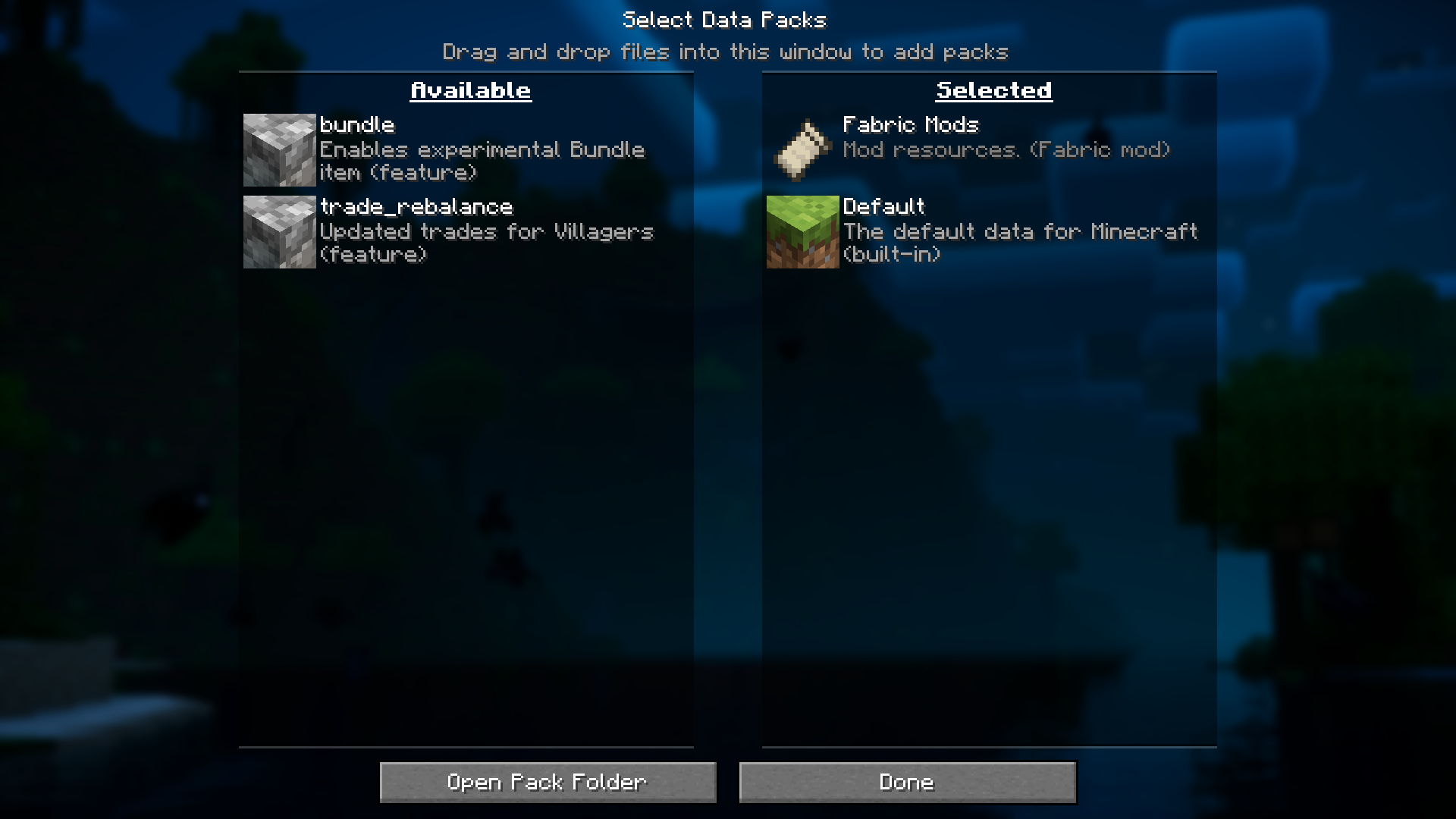
In Minecraft, when you are creating a new world, the world creation screen gives you the option to edit certain gamerules. Gamerules are functions that determine how the world works. For example, setting the “Deal fall damage” gamerule to false will make it so that fall damage will no longer deal damage to the player. Once you have created a world, you will be unable to change the gamerules, unless you have access to commands. But not anymore! Datapack/Gamerule Menus Mod allows you to change gamerules and datapaks even after world creation.
Features:
- Edit gamerules and datapacks even after world creation.
- Custom buttons in the options screen.
- Separate buttons for Gamerules and Datapacks.
Screenshots:
Datapack/Gamerule Menus Mod Download Links
- Edition: Minecraft Java
- File type: .jar
- Minecraft version listed: 1.20.1
- How to install: Install the matching mod loader (Forge, Fabric or NeoForge) for your Minecraft version. → Download the .jar. → Put it in the .minecraft/mods folder and launch that loader profile.
- Where to get it: Opens on the file's original source — not every file is mirrored on our own servers.
Install steps are the general flow for this file type — How to install Minecraft Java mods & modpacks walks through it step by step.
Datapack/Gamerule Menus Mod (26.2, 1.20.1) – Edit Gamerules Even After World Creation is a free Minecraft Java mod. Compatible with Minecraft 1.20.1. Download it and open it directly in the game.