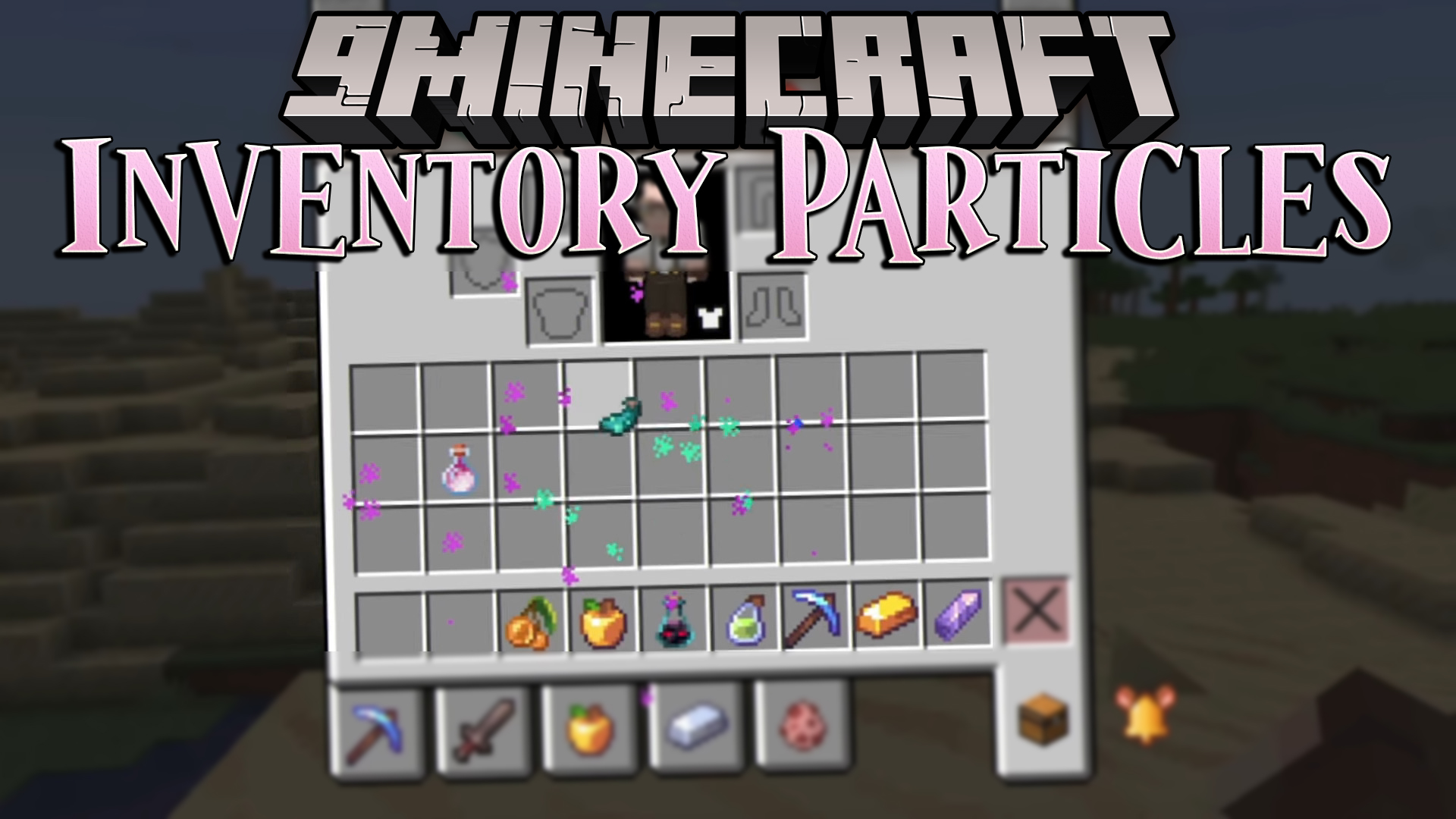
Inventory Particles Mod (26.2, 1.20.1) – Beautiful Item Animations in The Inventory
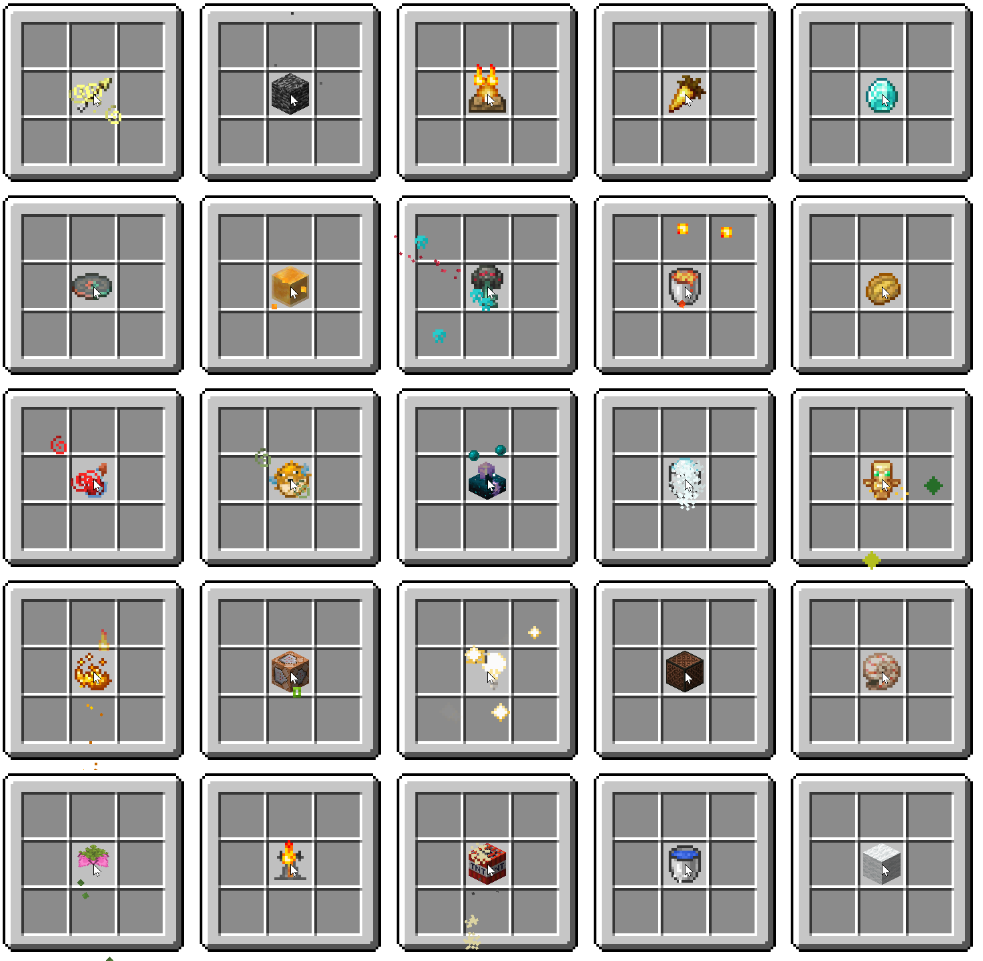
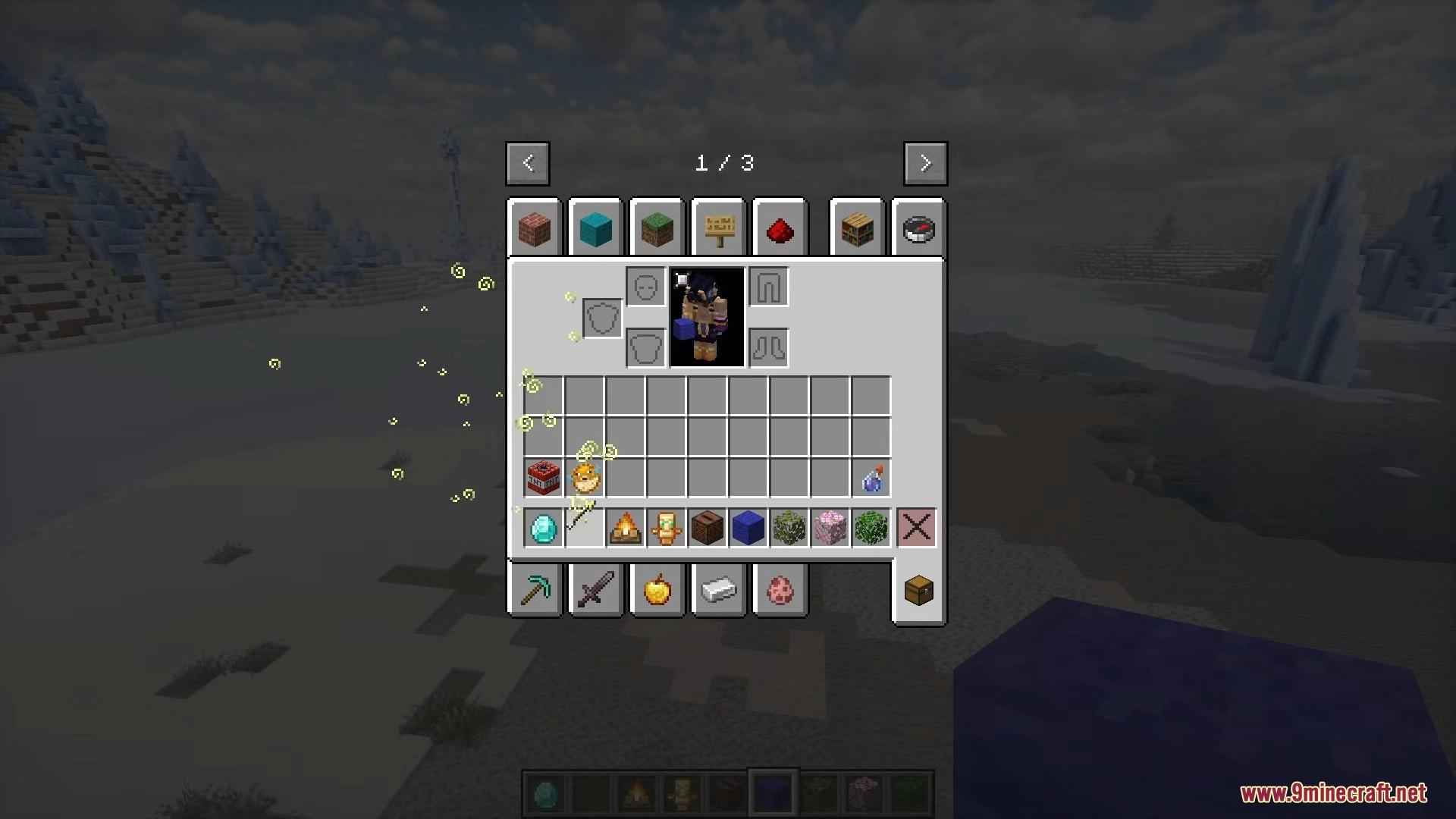
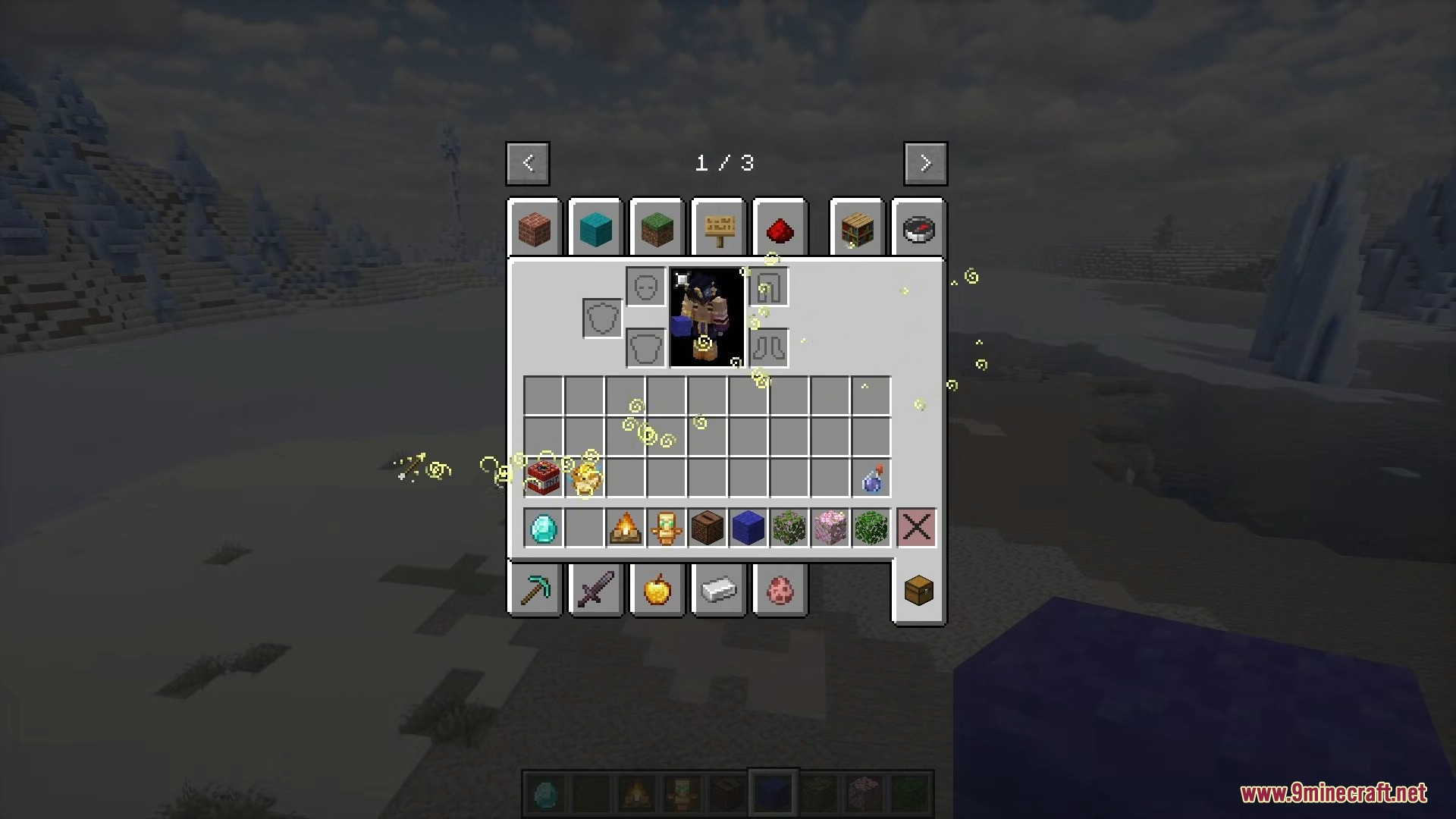
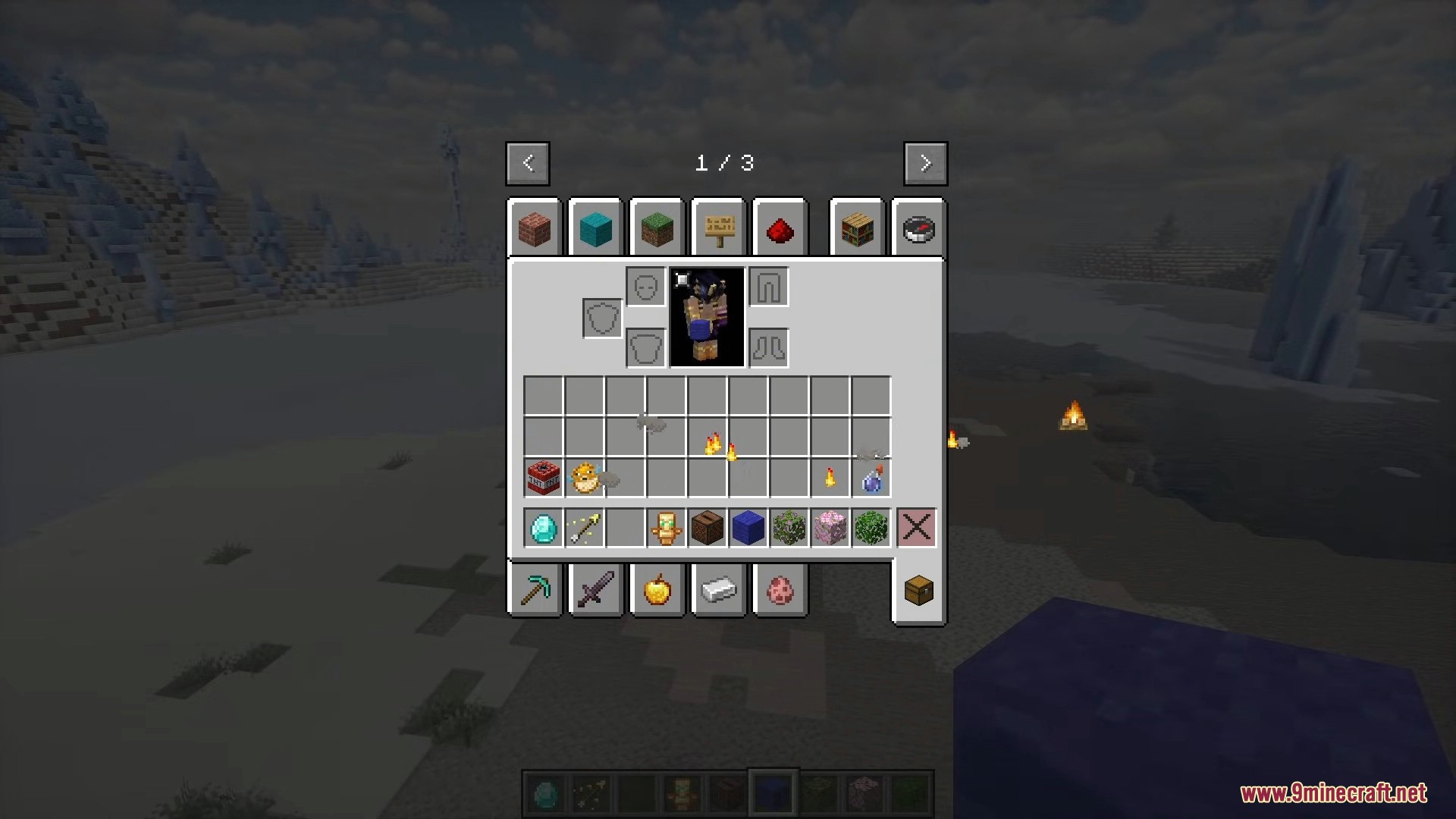
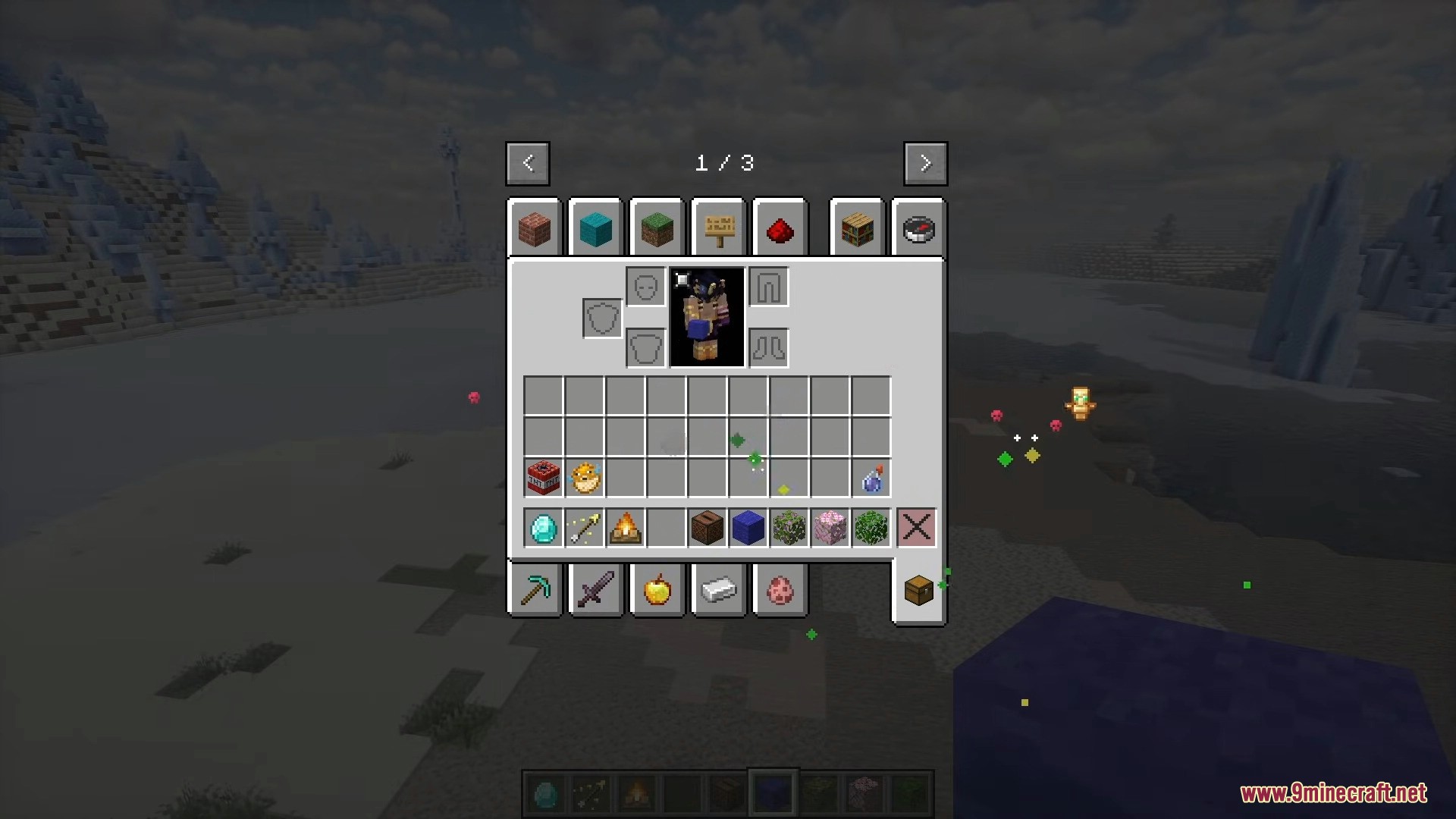
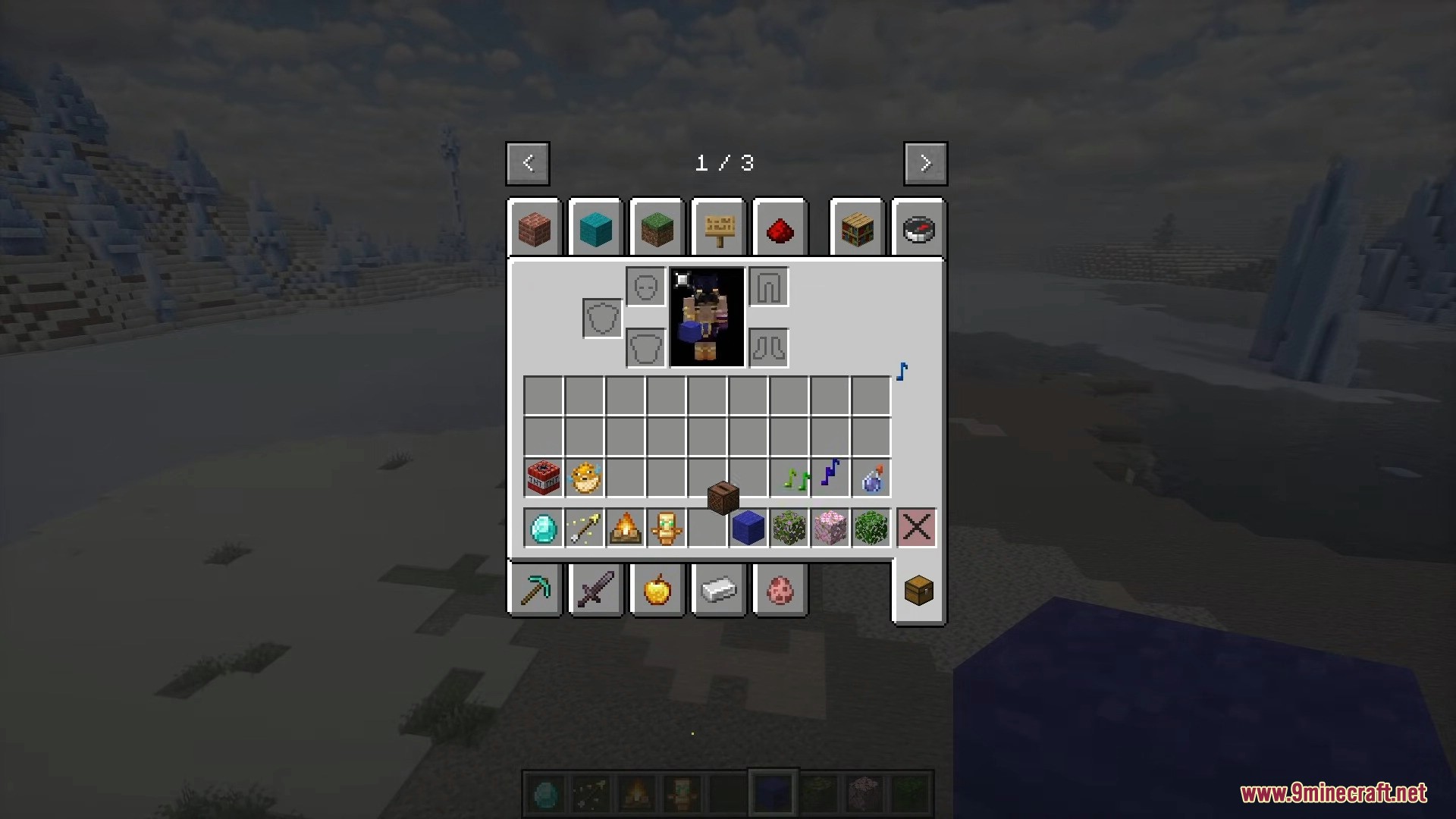
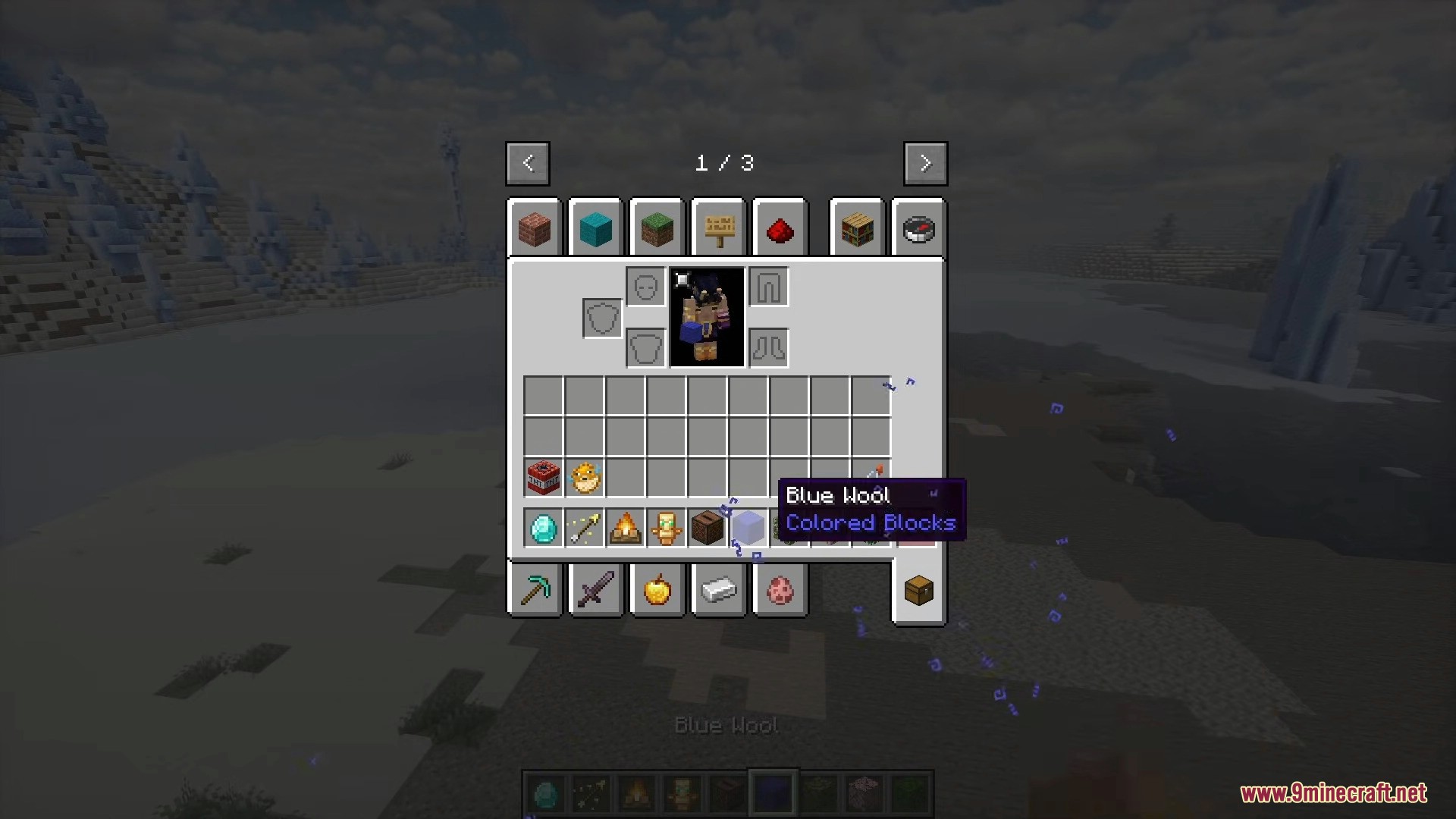
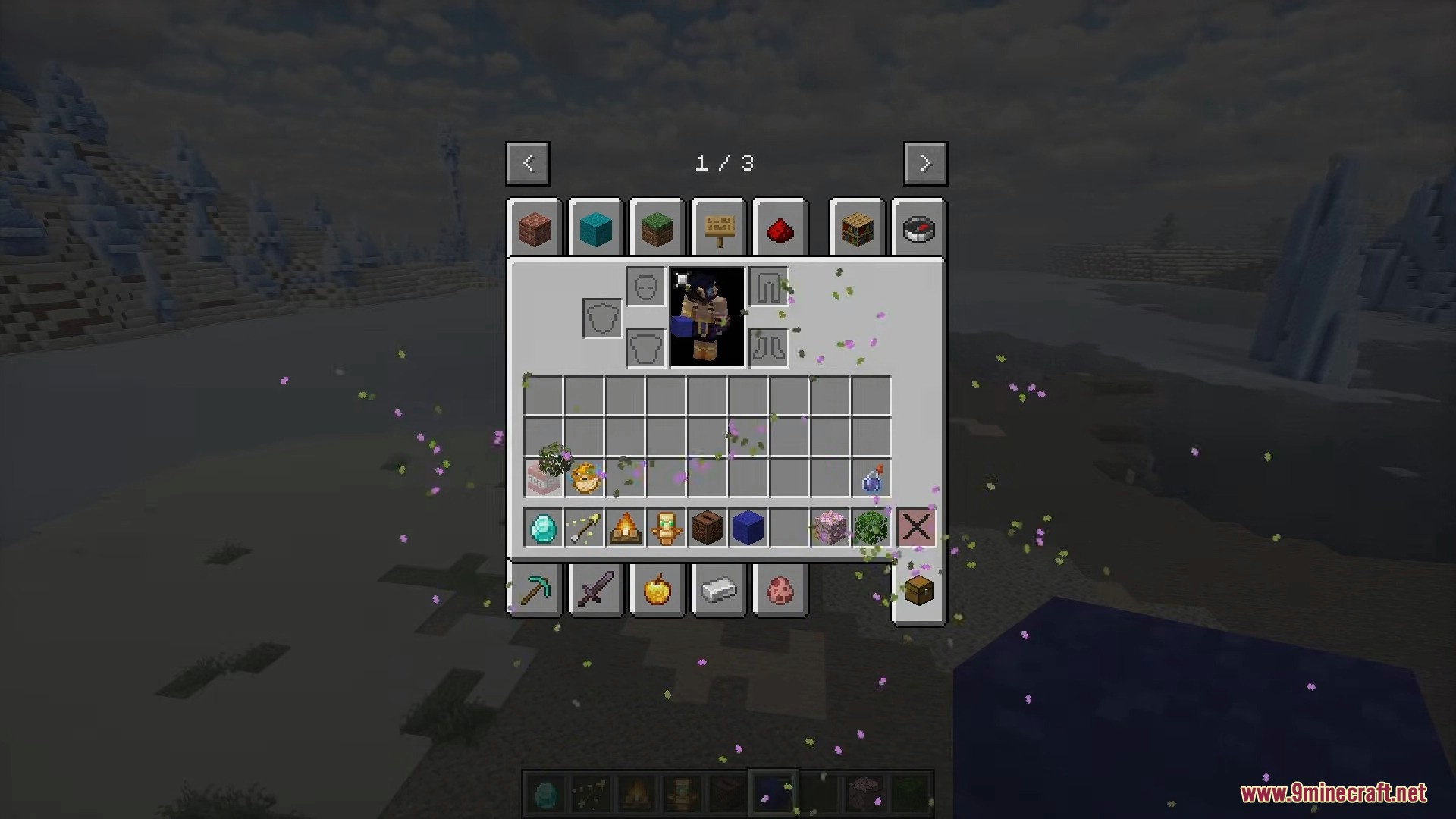
Inventory Particles Mod adds animations to almost all items (blocks and items) in the inventory when you interact with them: fire emits smoke, diamonds sparkle, potions display the animation of the effect applied to the player, honey blocks drip, lava in a bucket bursts upward, note blocks emit musical notes, and so on.
All these animations look incredibly polished and fit so well into the game world that it feels like they should have been part of vanilla from the start. With this mod, interacting with items in the inventory becomes much more dynamic and visually appealing.
Features:
- Visual-only mod that adds animated particles to inventory items
- Completely client-side, does not affect gameplay or servers
- Works with most items and blocks in the inventory
- Vanilla-friendly visuals that blend naturally into the game
- Makes inventory interactions more dynamic and lively
- Supports a large number of particle textures and spawn areas via resource packs
Configs:
- Data-driven system using
.jsonfiles - Supports customization through resource packs
- You can configure:
- Physics: speed, acceleration, braking, impulses, turbulence
- Rotation: particle rotation and texture rotation
- Size: static size or animated size over time
- Color: fixed, random, gradient, animated color modes
- Textures: single or multiple textures with animation
- Spawn behavior: spawn area, count, frequency
- Life time: particle duration in ticks
- Item binding: assign particles to specific items (e.g.
minecraft:potion) - NBT conditions: optional advanced checks for precise control
Screenshots:
Inventory Particles Mod Download Links
- Edition: Minecraft Java
- File type: .jar
- Minecraft version listed: 1.20.1
- How to install: Install the matching mod loader (Forge, Fabric or NeoForge) for your Minecraft version. → Download the .jar. → Put it in the .minecraft/mods folder and launch that loader profile.
- Where to get it: In MC Java Mods, or directly above on this page.
Install steps are the general flow for this file type — How to install Minecraft Java mods & modpacks walks through it step by step.
- Downloads as 84073.mcaddon
- Download size: 1.7 MB
- Download link checked 25 Sept 2026 — working
- Mirrored on our own servers — the download does not depend on the original host
These come from our own check of the pack file, not from the source page.