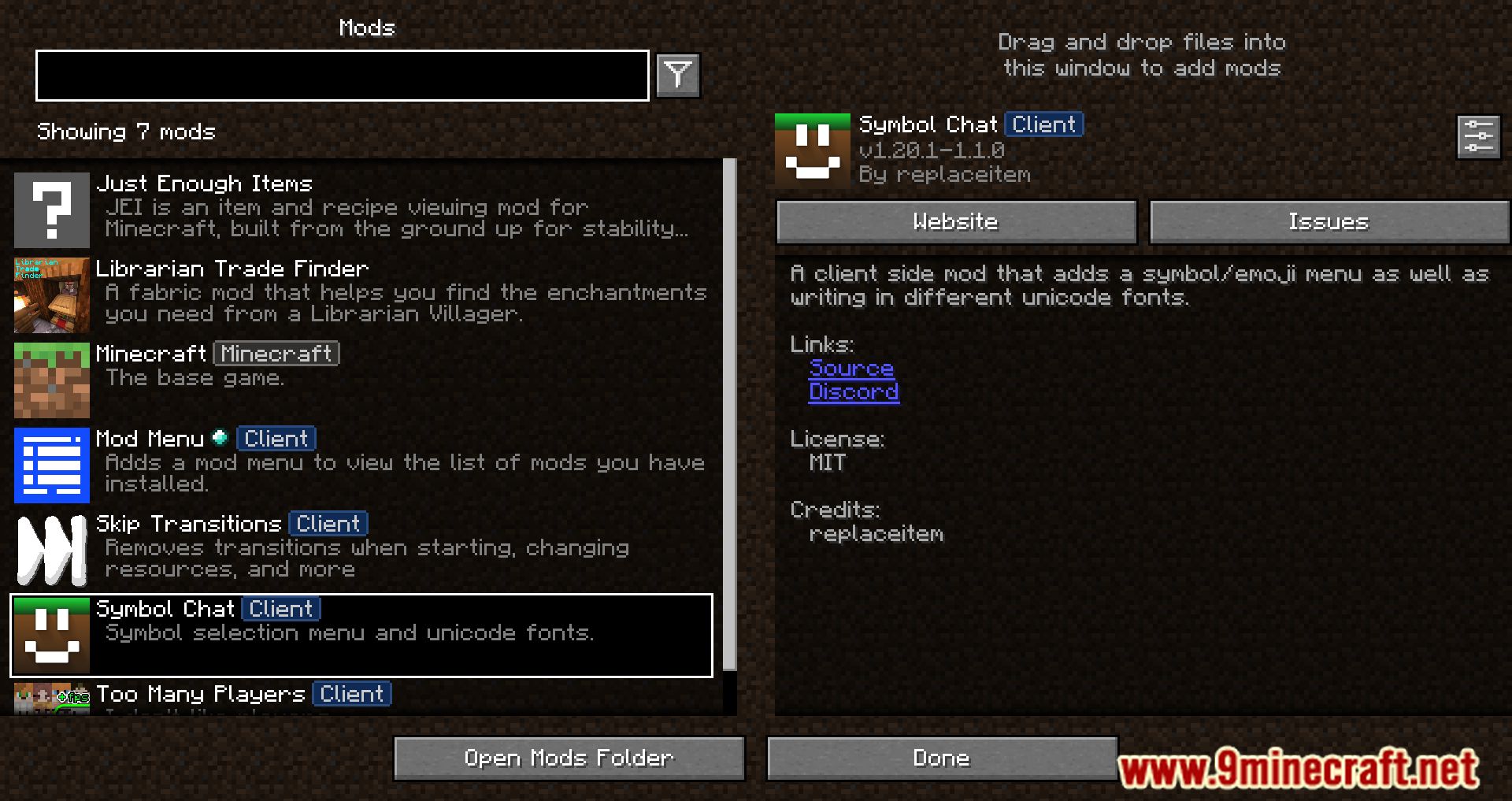
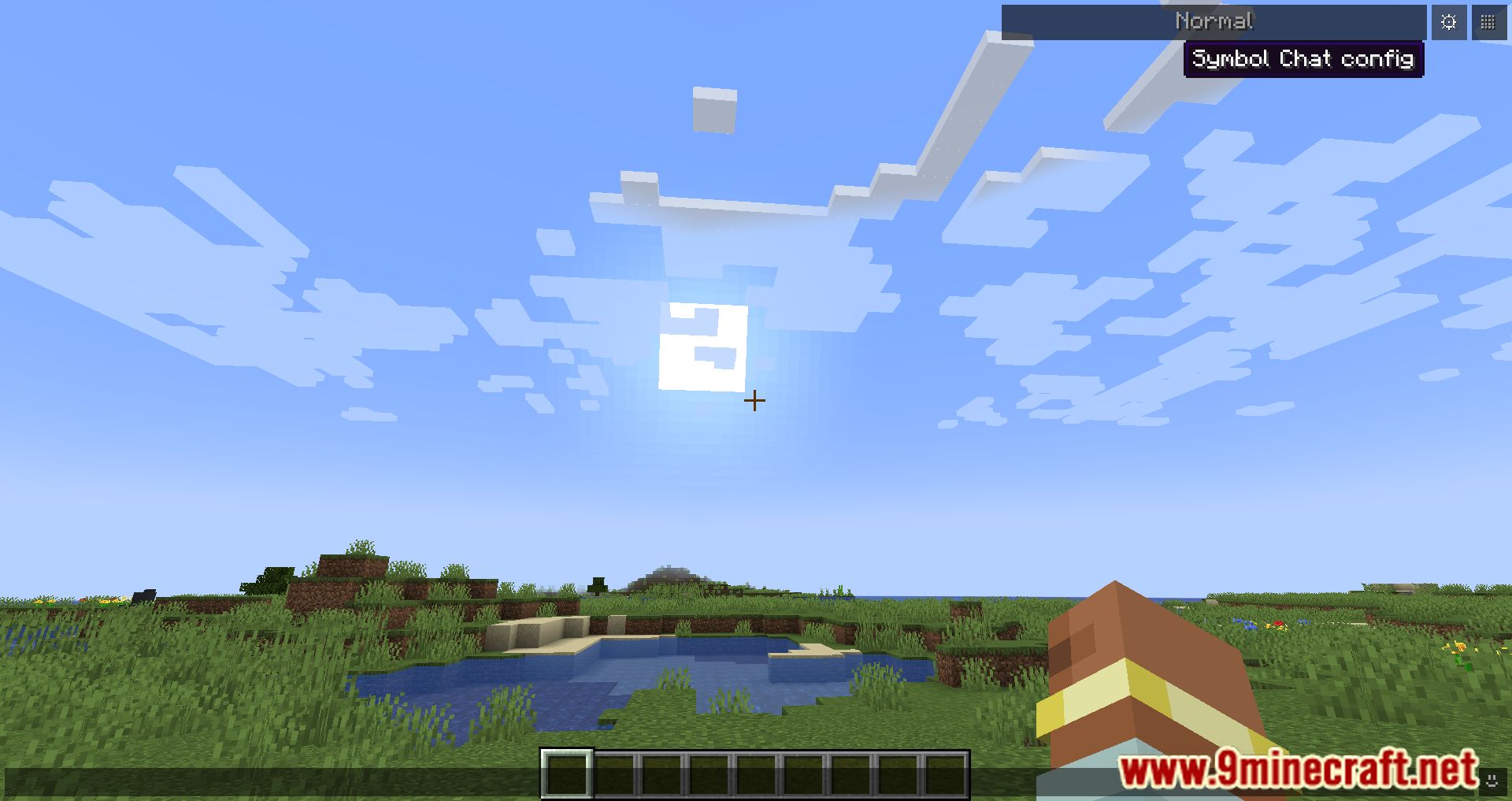
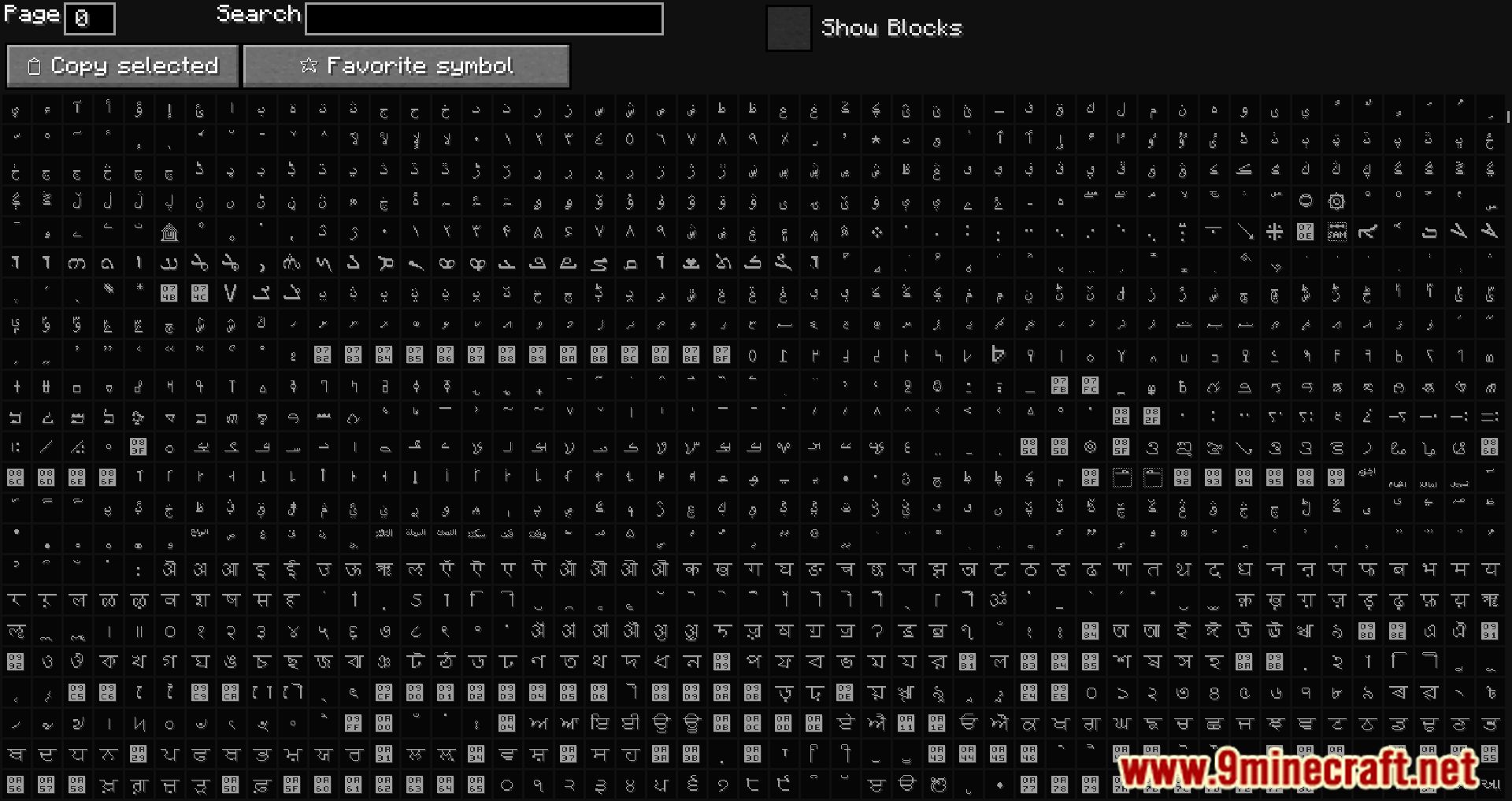
Symbol Chat Mod is a client-side Minecraft mod that lets you spice up your in-game communication with special characters, emojis, kaomojis, and fancy Unicode fonts-all without needing the mod installed on the server or other players’ clients.
Features:
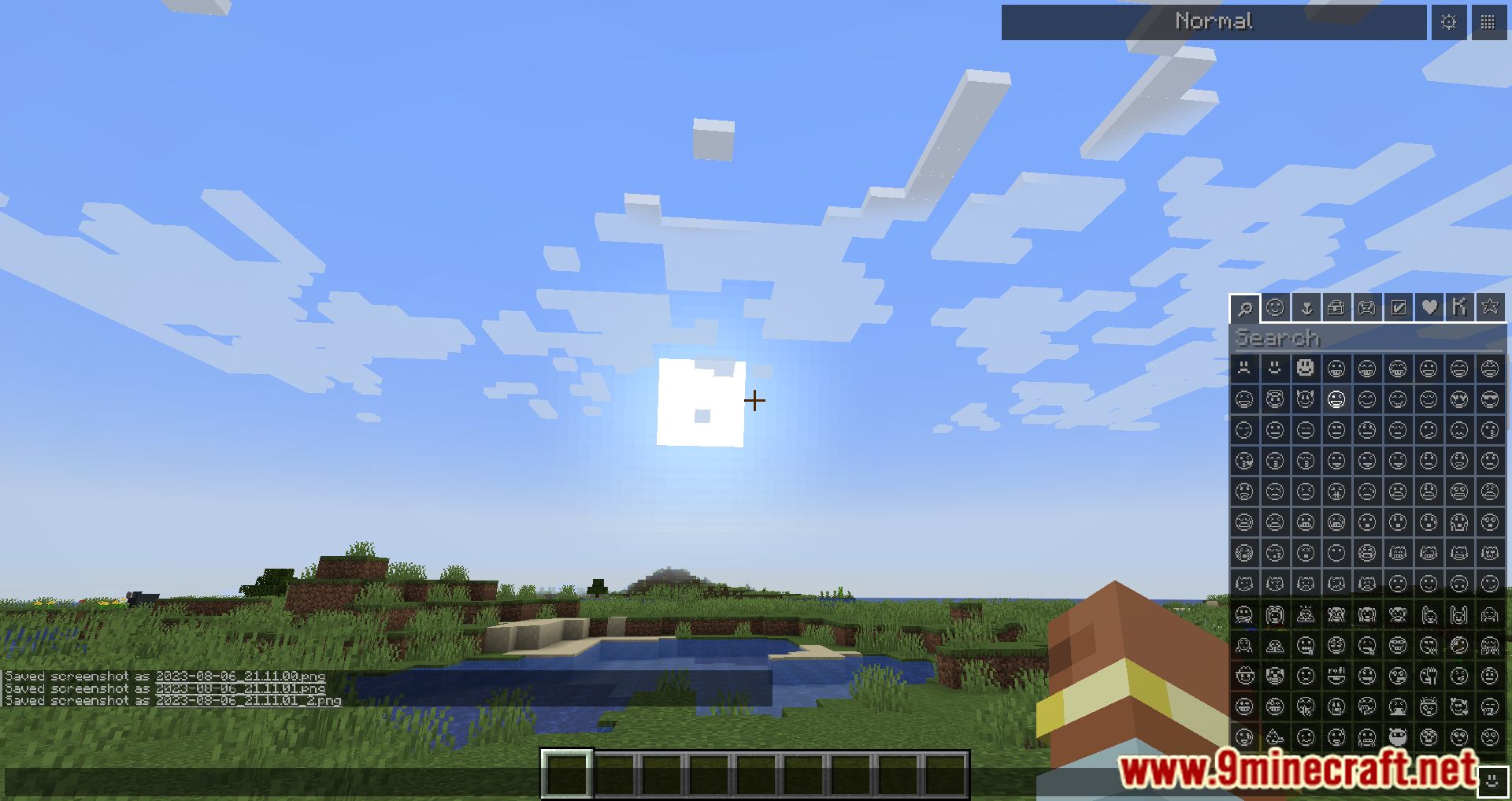
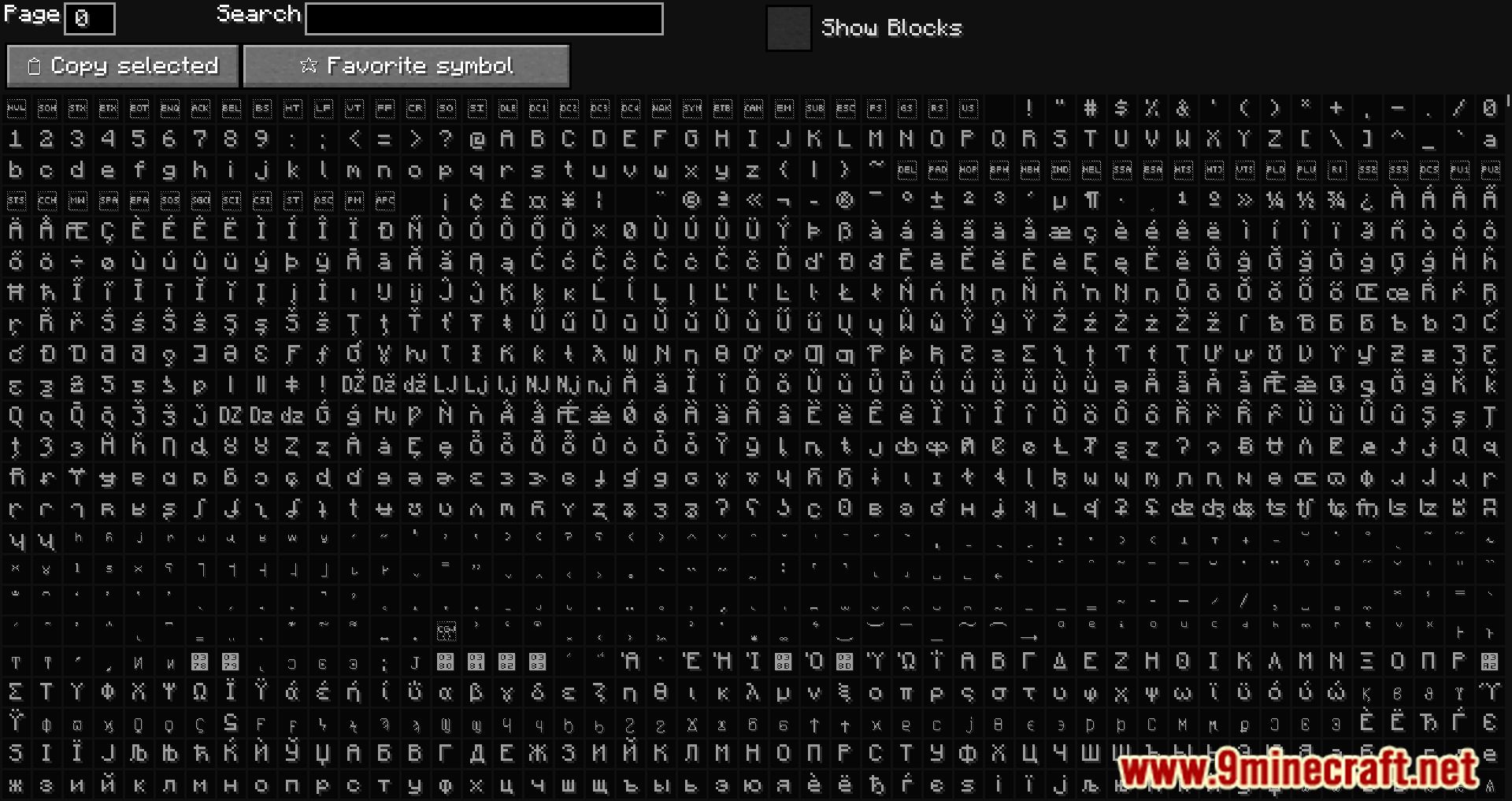
- Symbol Panel: Accessed via a small button in chat, sign, book, and anvil screens. Symbols are grouped into tabs like:
- Faces & People
- Nature & Food
- Activities & Places
- Shapes & Symbols
- Kaomojis (like ¯(ツ)/¯)
- Favorites (customizable!)
- Quick Suggestions: Type
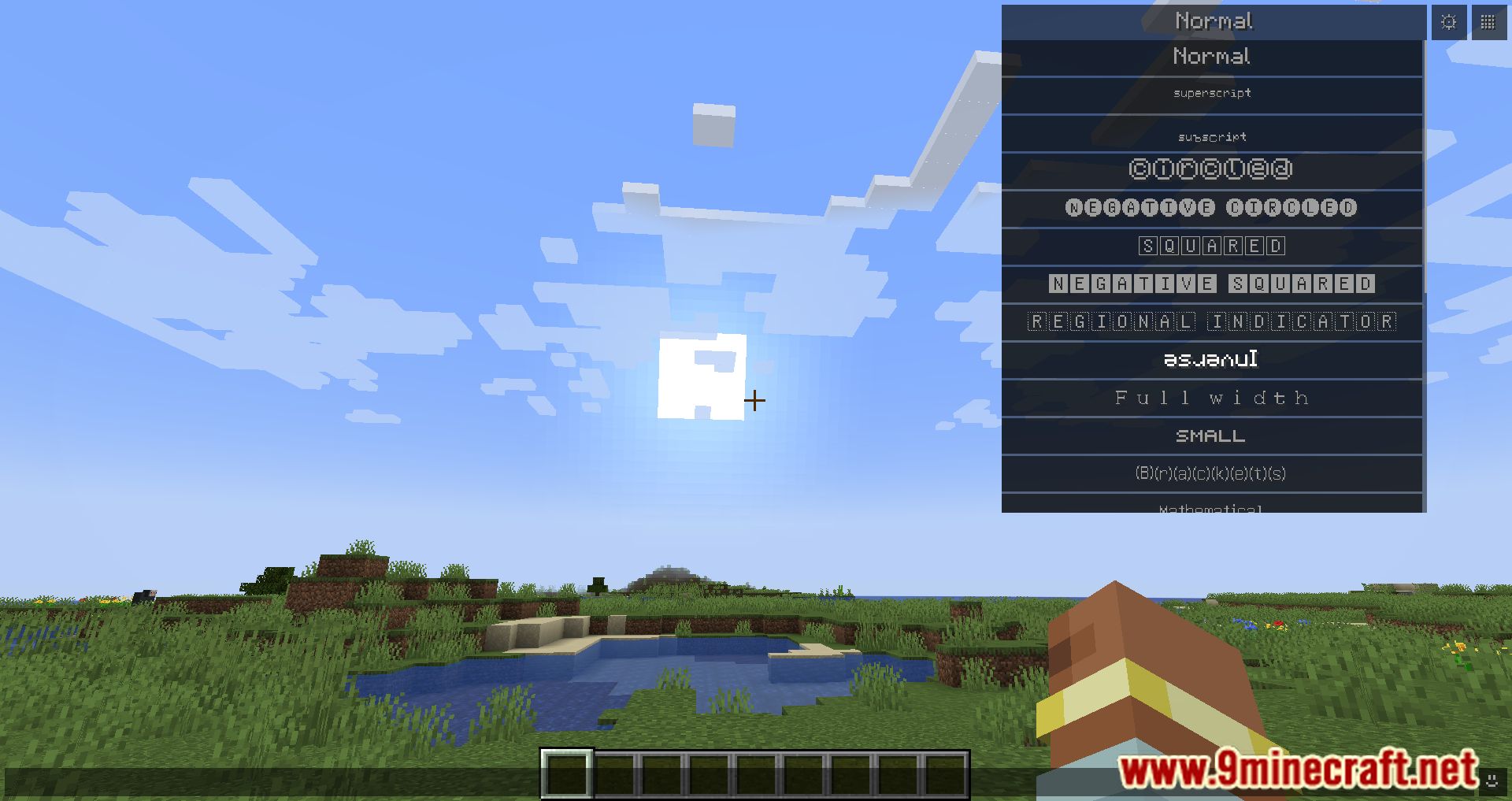
:followed by a keyword (e.g.:cro) and get symbol suggestions like , , . - Unicode Fonts: Choose from various fonts that transform your text into stylized Unicode characters visible to all players.
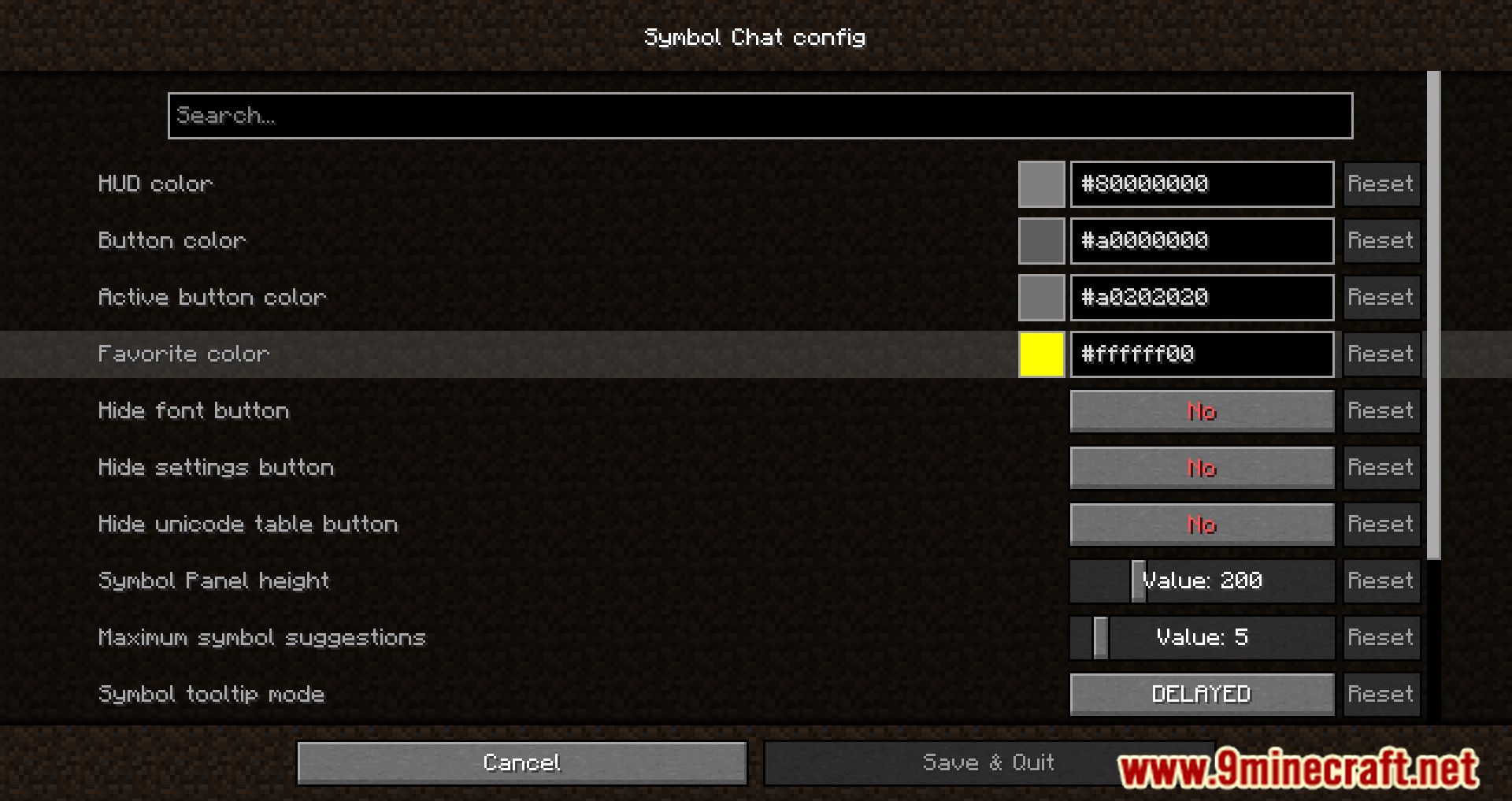
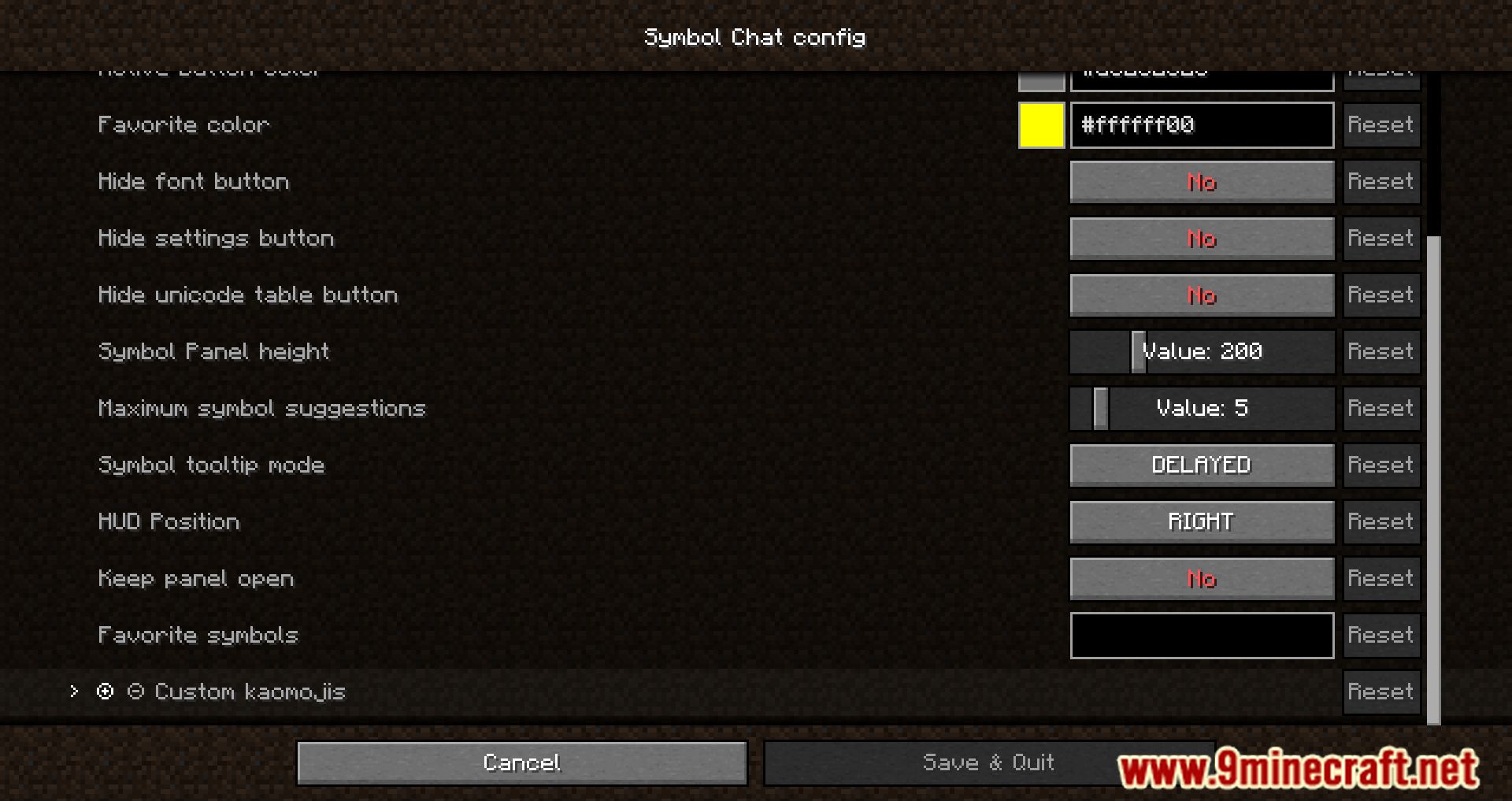
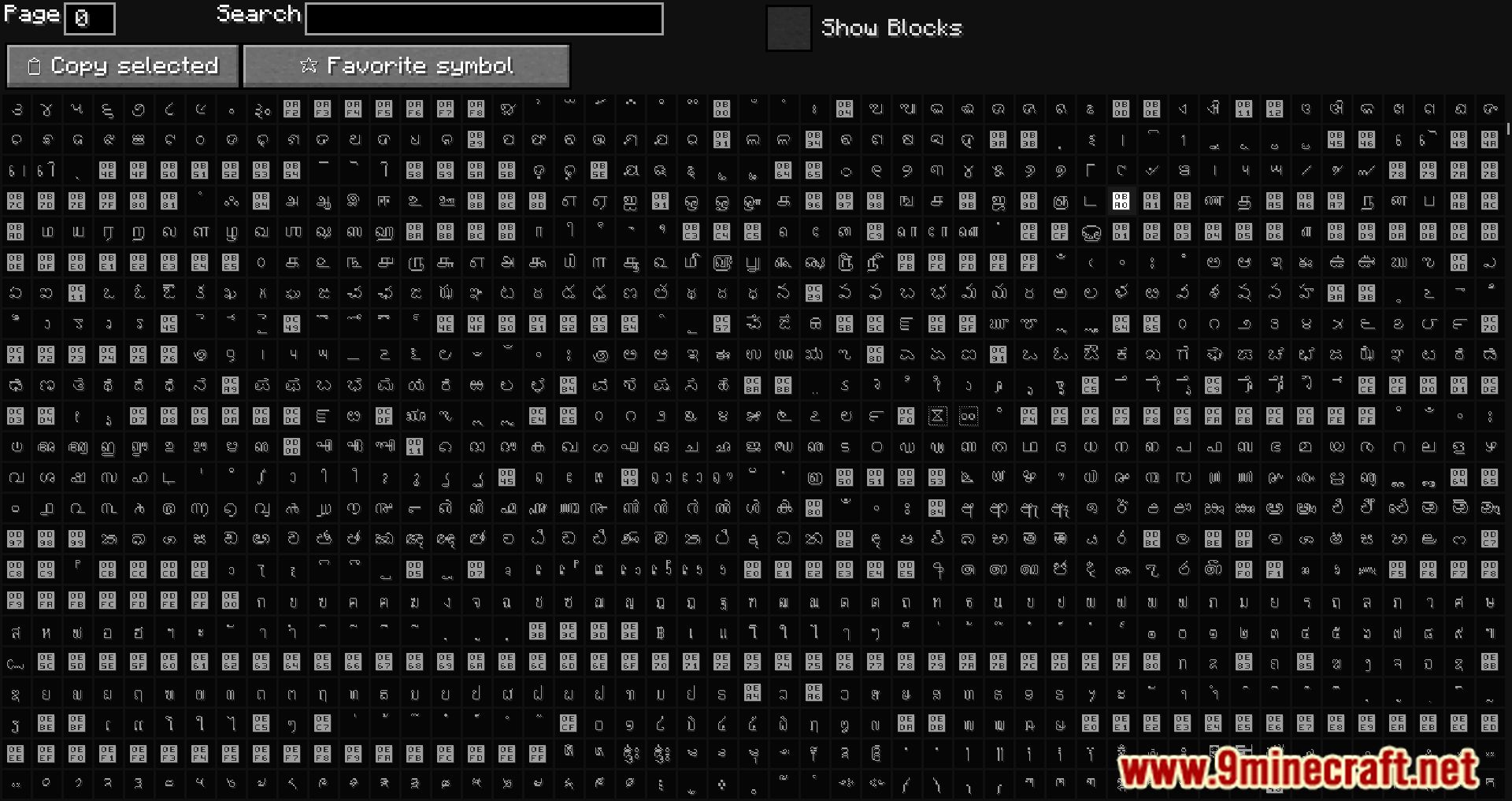
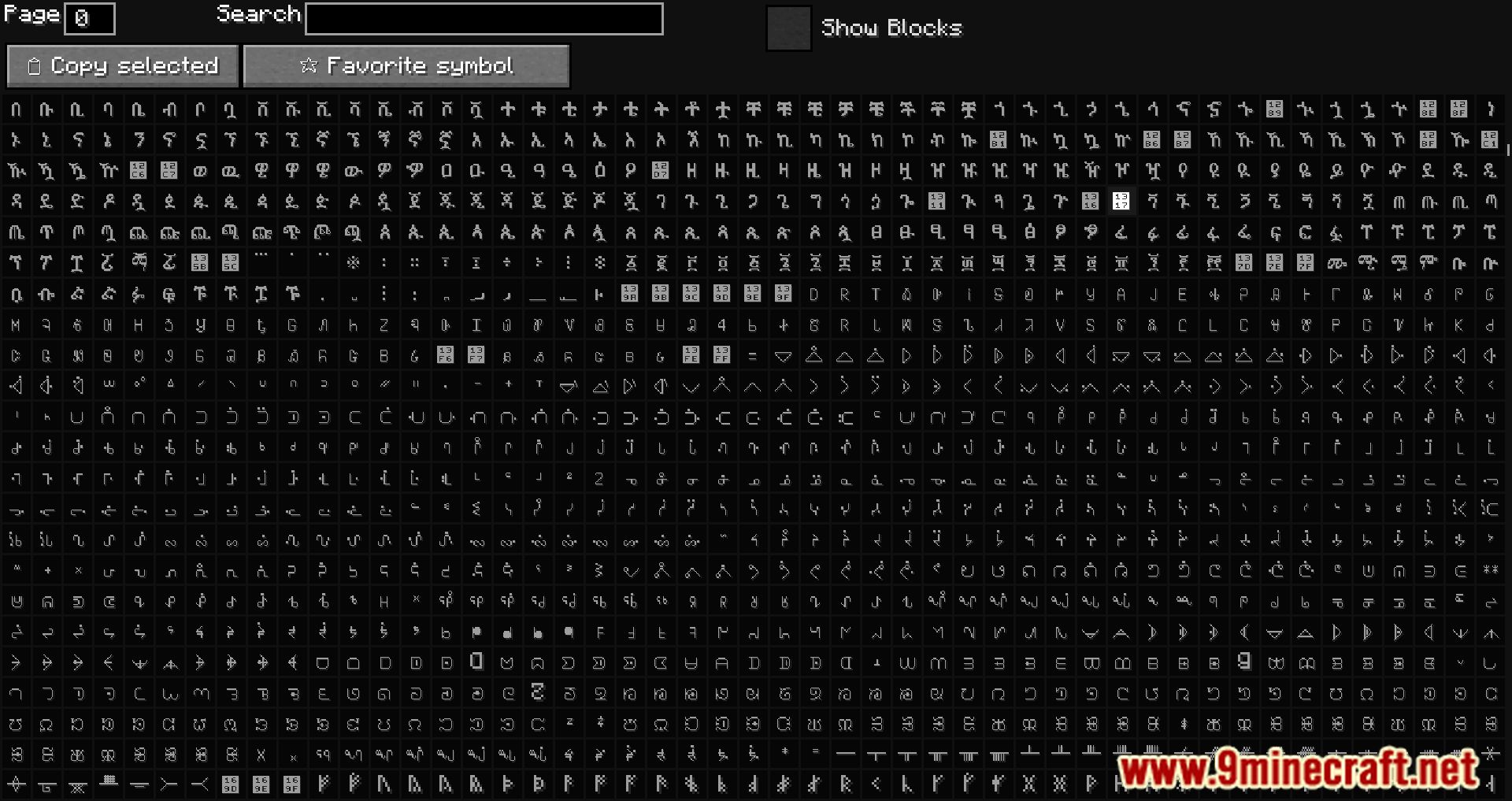
- Customization: Add your own symbols and kaomojis, tweak the HUD, and even access a full Unicode table for advanced editing.
Screenshots:
Symbol Chat Mod Download Links
Quick facts
- Edition: Minecraft Java
- File type: .jar
- Minecraft version listed: 1.20.1
- How to install: Install the matching mod loader (Forge, Fabric or NeoForge) for your Minecraft version. → Download the .jar. → Put it in the .minecraft/mods folder and launch that loader profile.
- Where to get it: In MC Java Mods, or directly above on this page.
Install steps are the general flow for this file type — How to install Minecraft Java mods & modpacks walks through it step by step.
Verified by MCModsHub
- Downloads as 84074.mcaddon
- Download size: 440 KB
- Download link checked 26 Sept 2026 — working
- Mirrored on our own servers — the download does not depend on the original host
These come from our own check of the pack file, not from the source page.