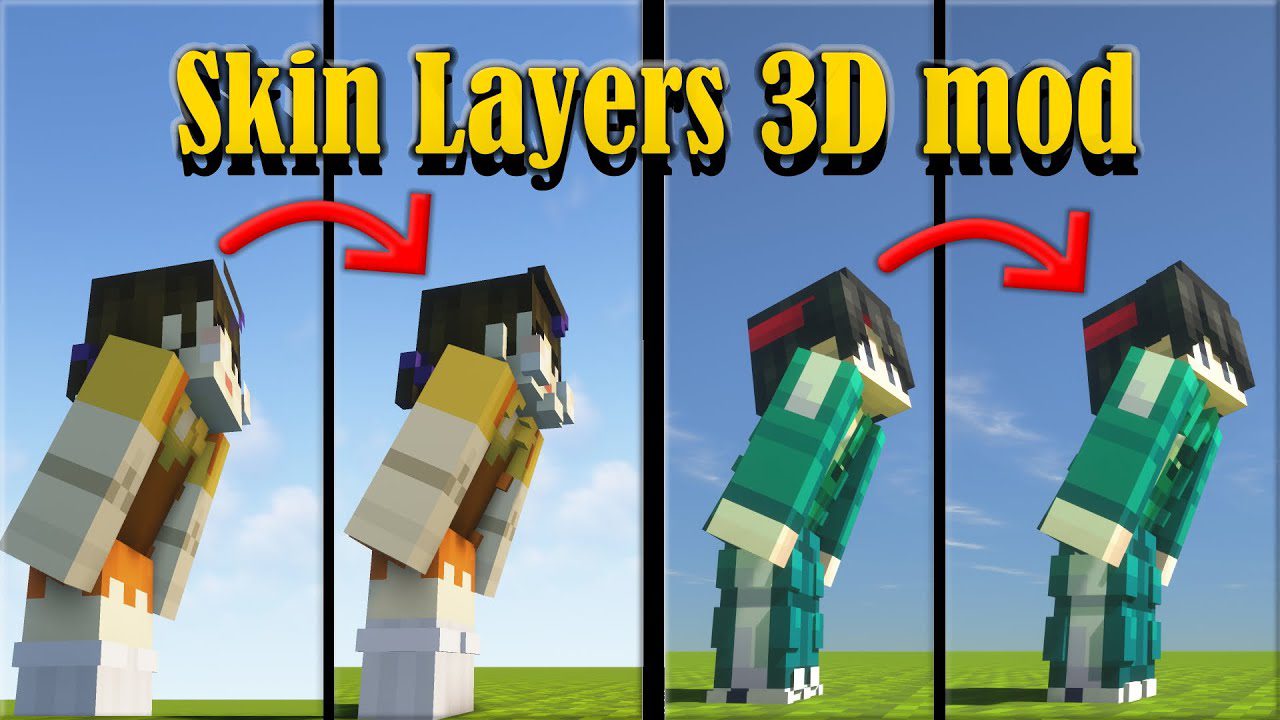
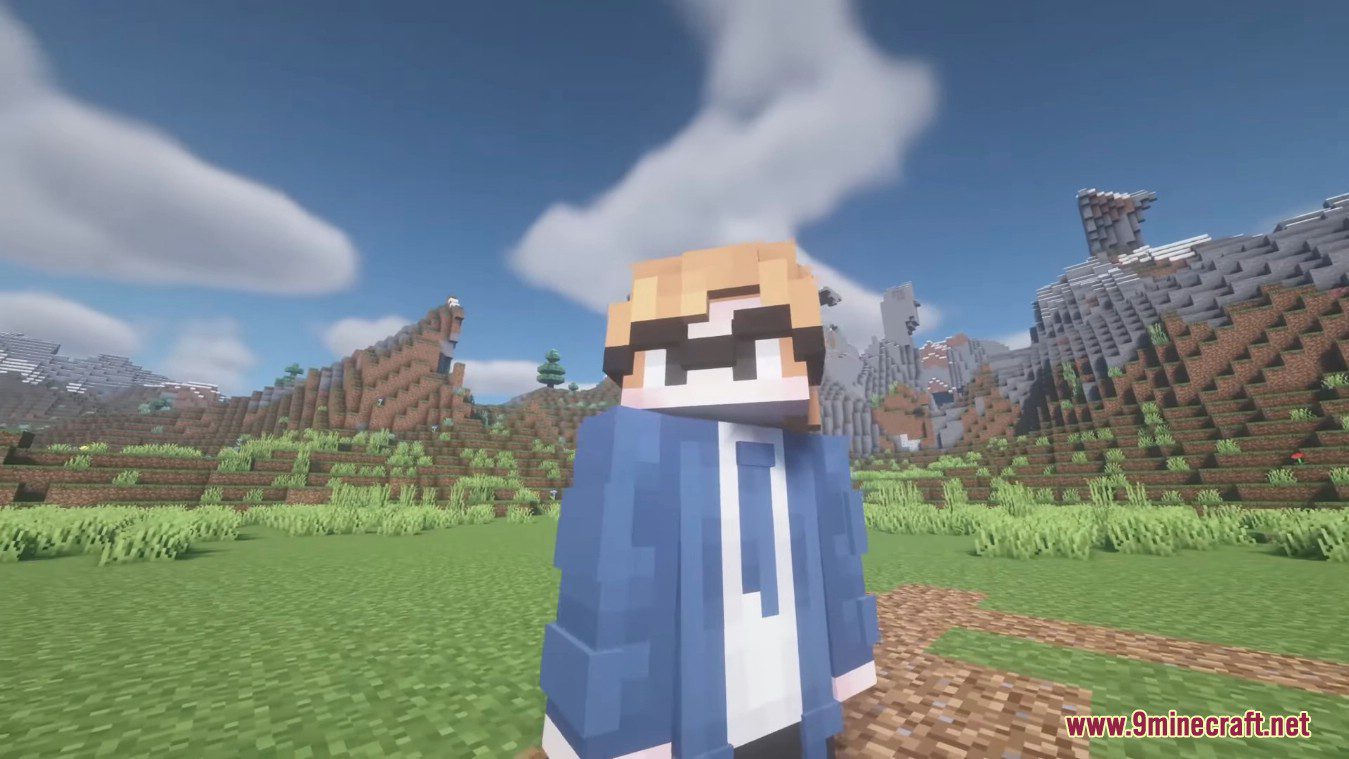
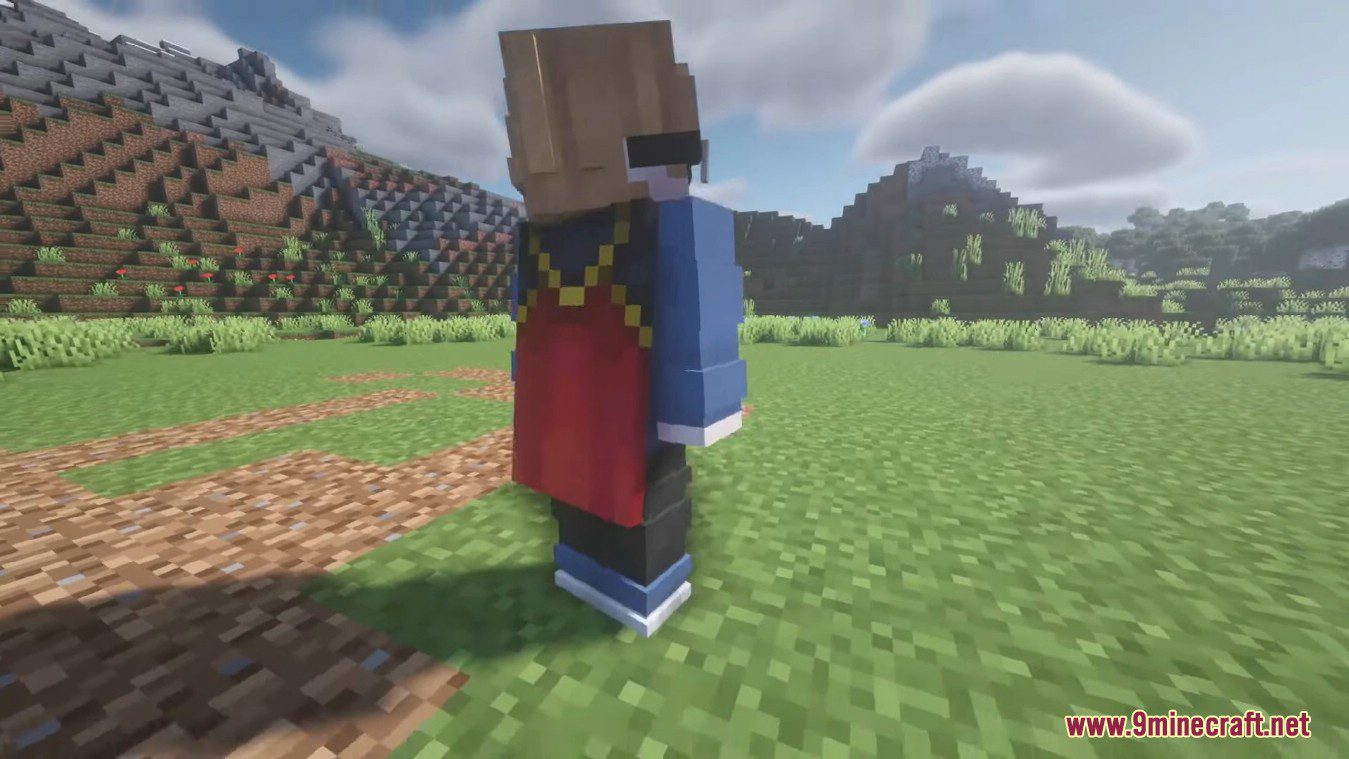
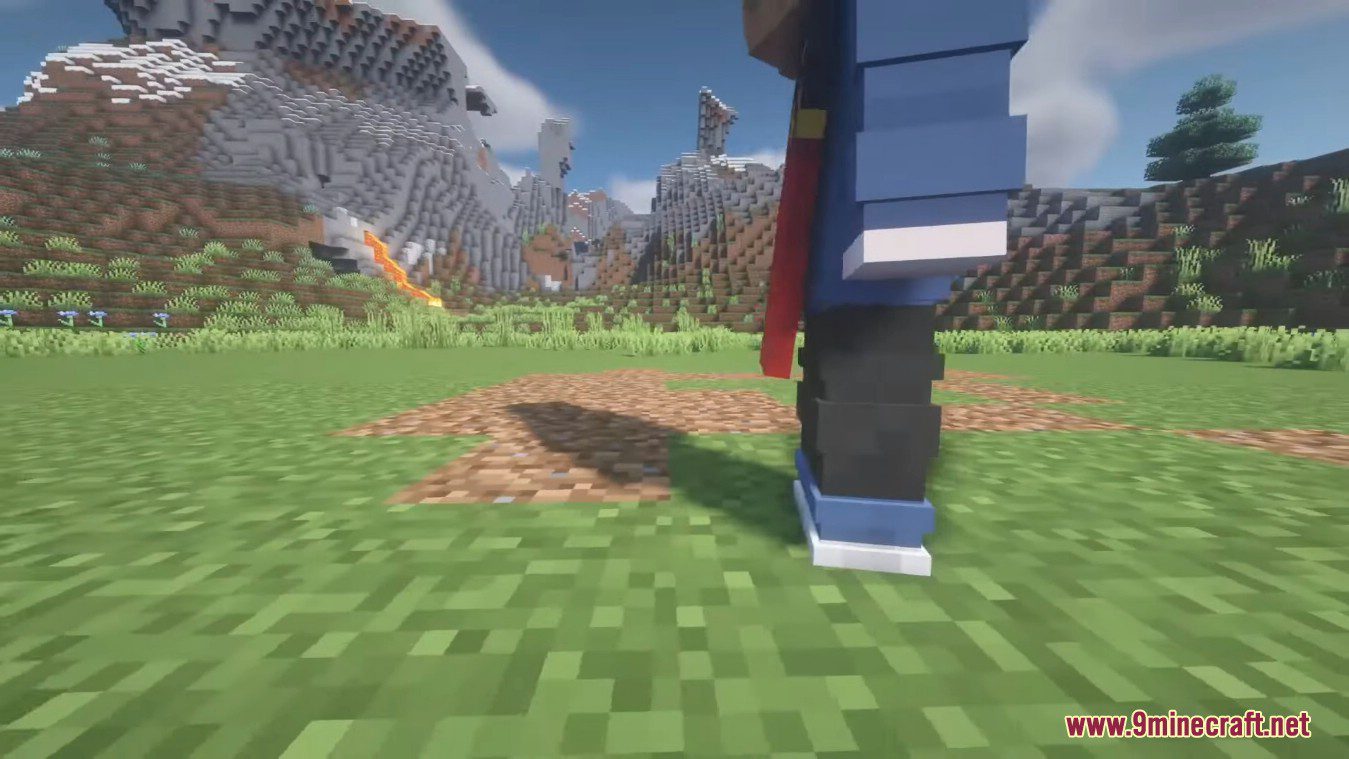
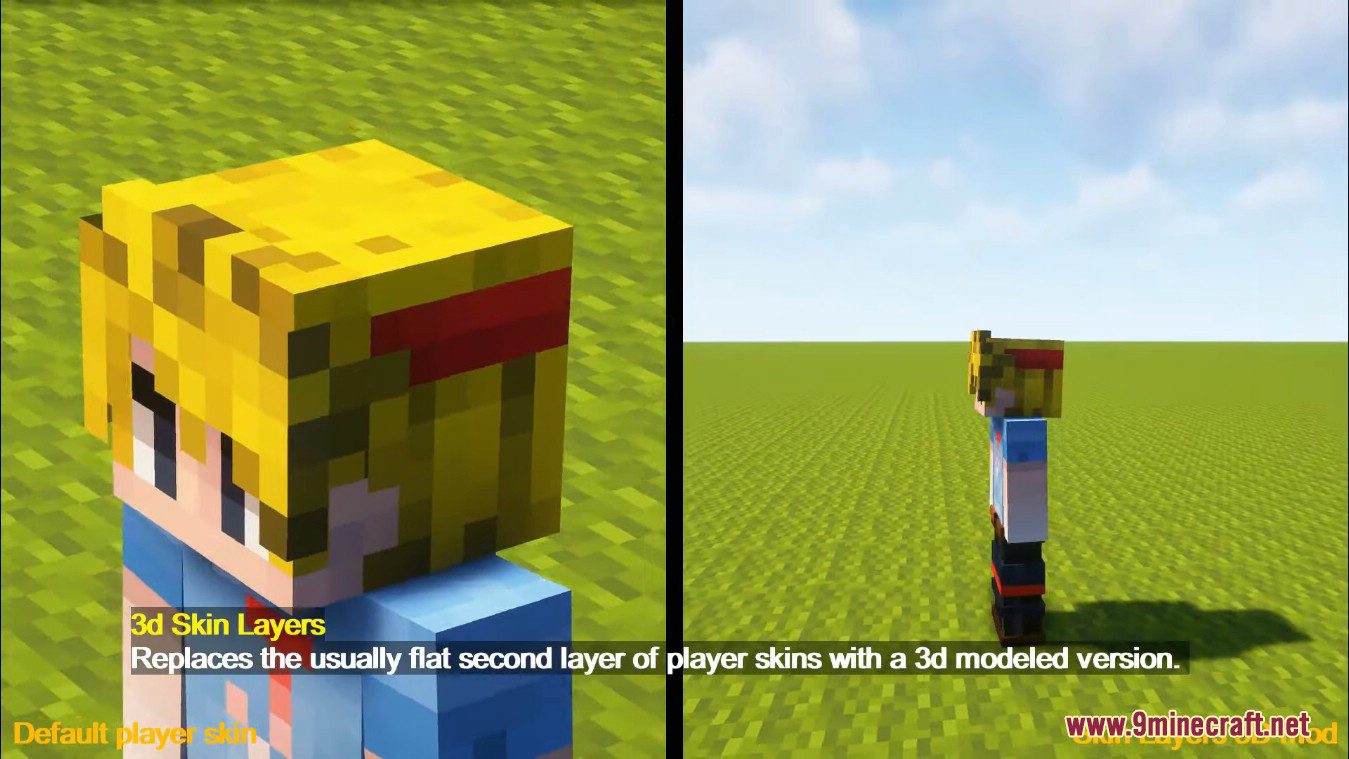
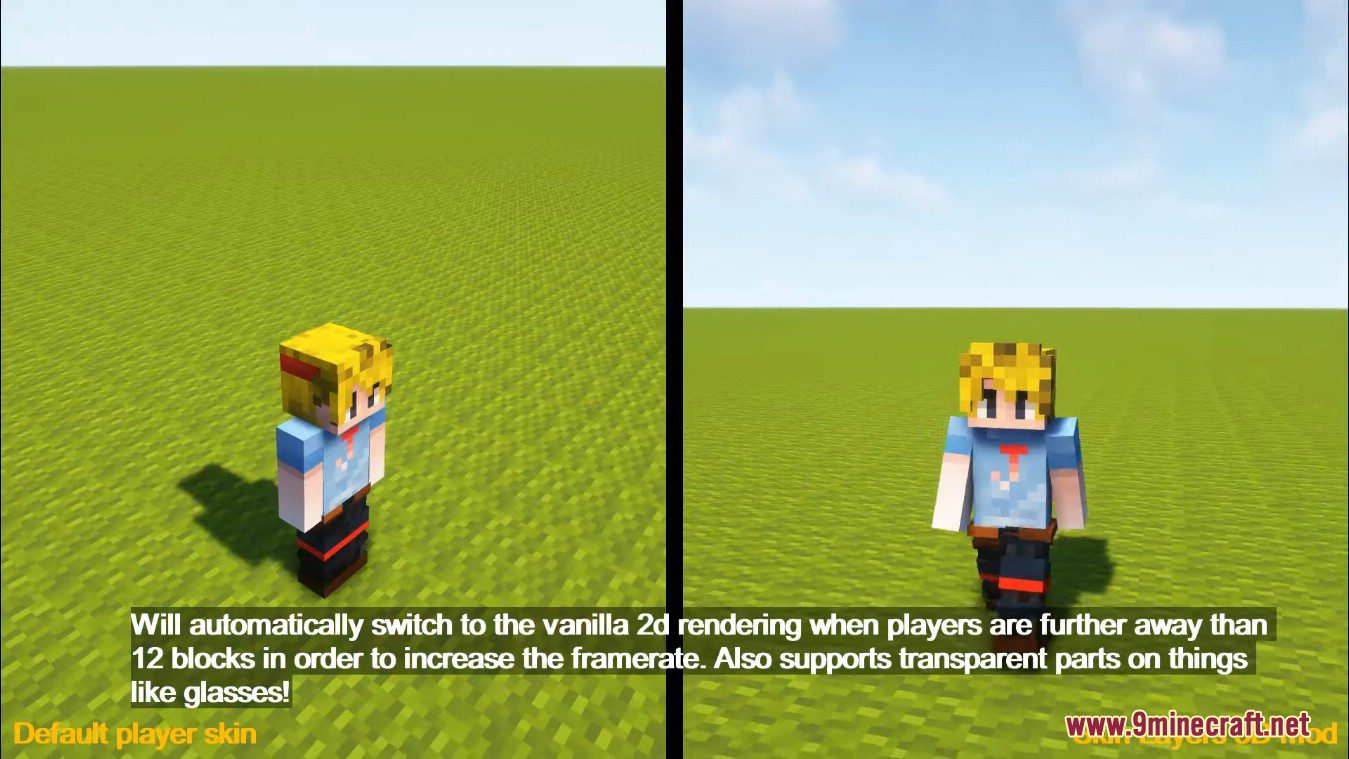
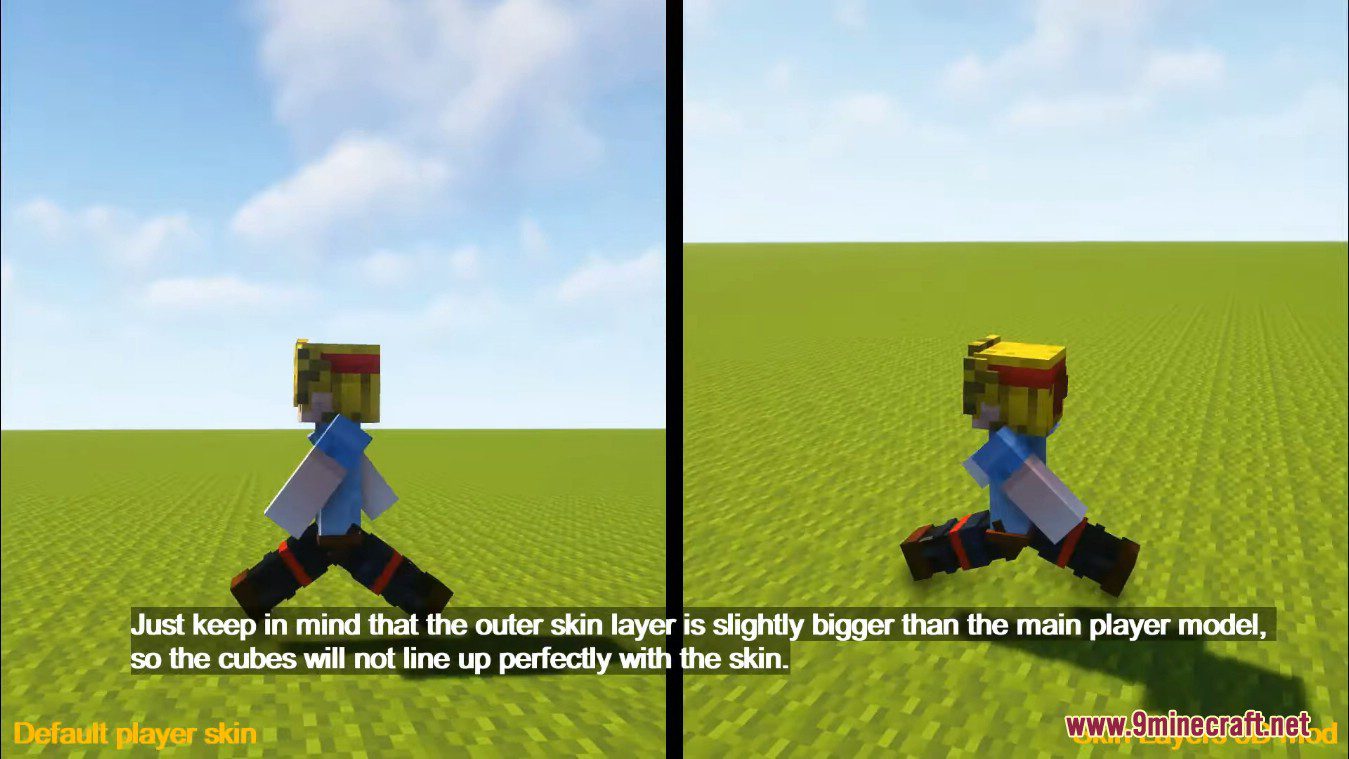
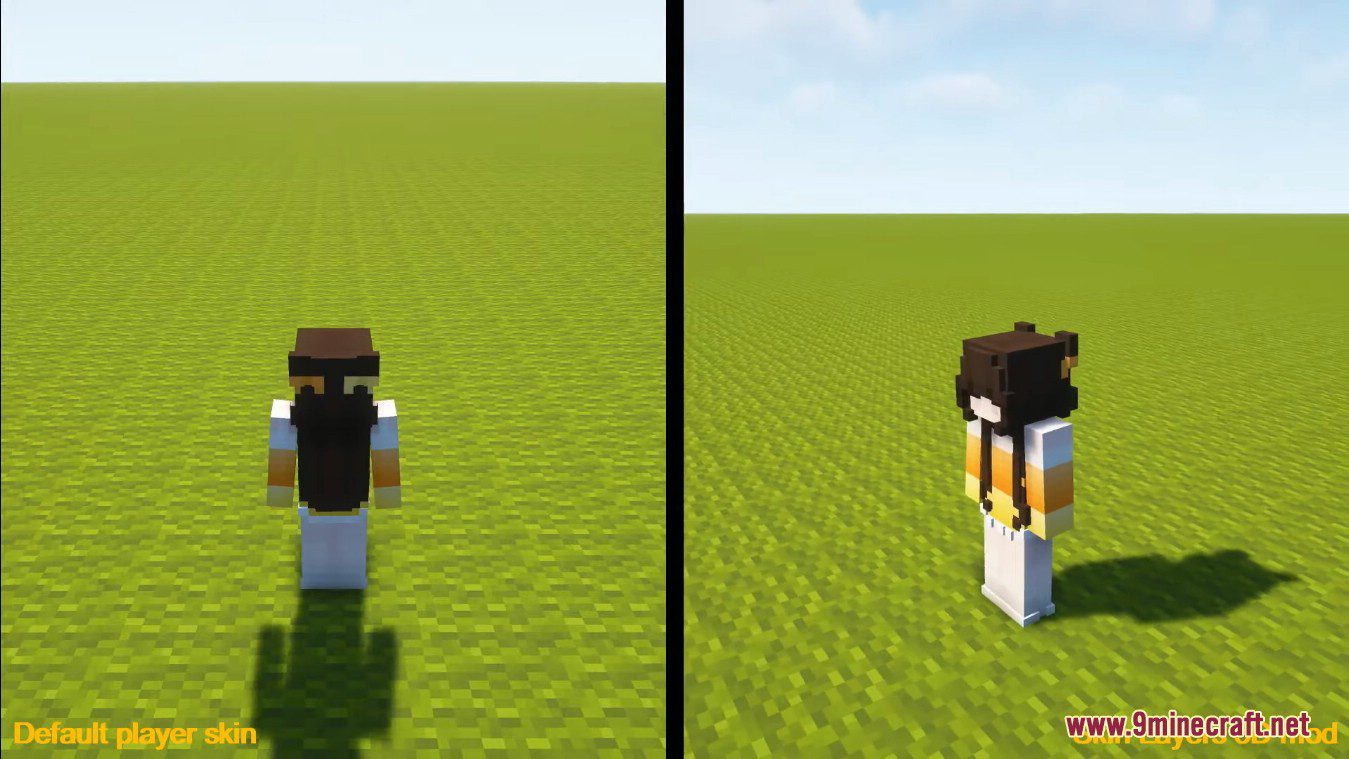
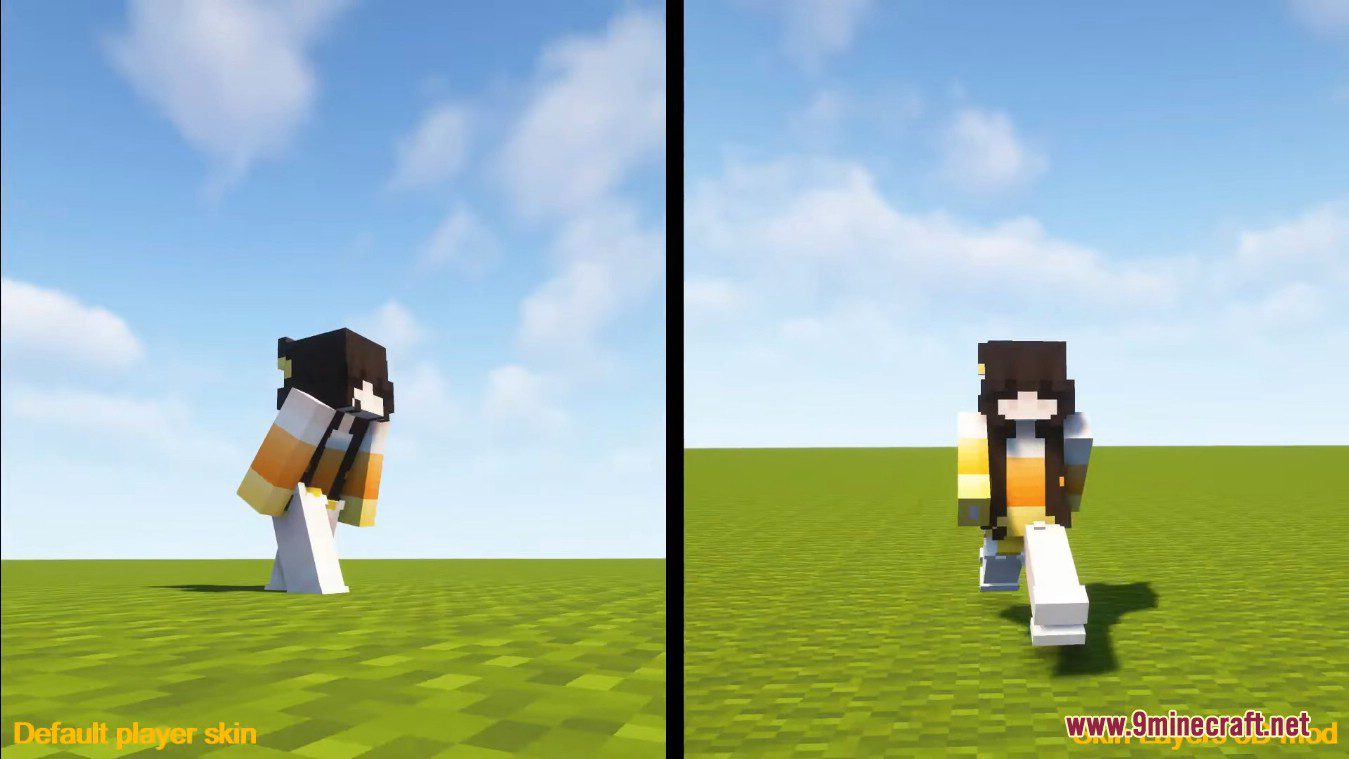
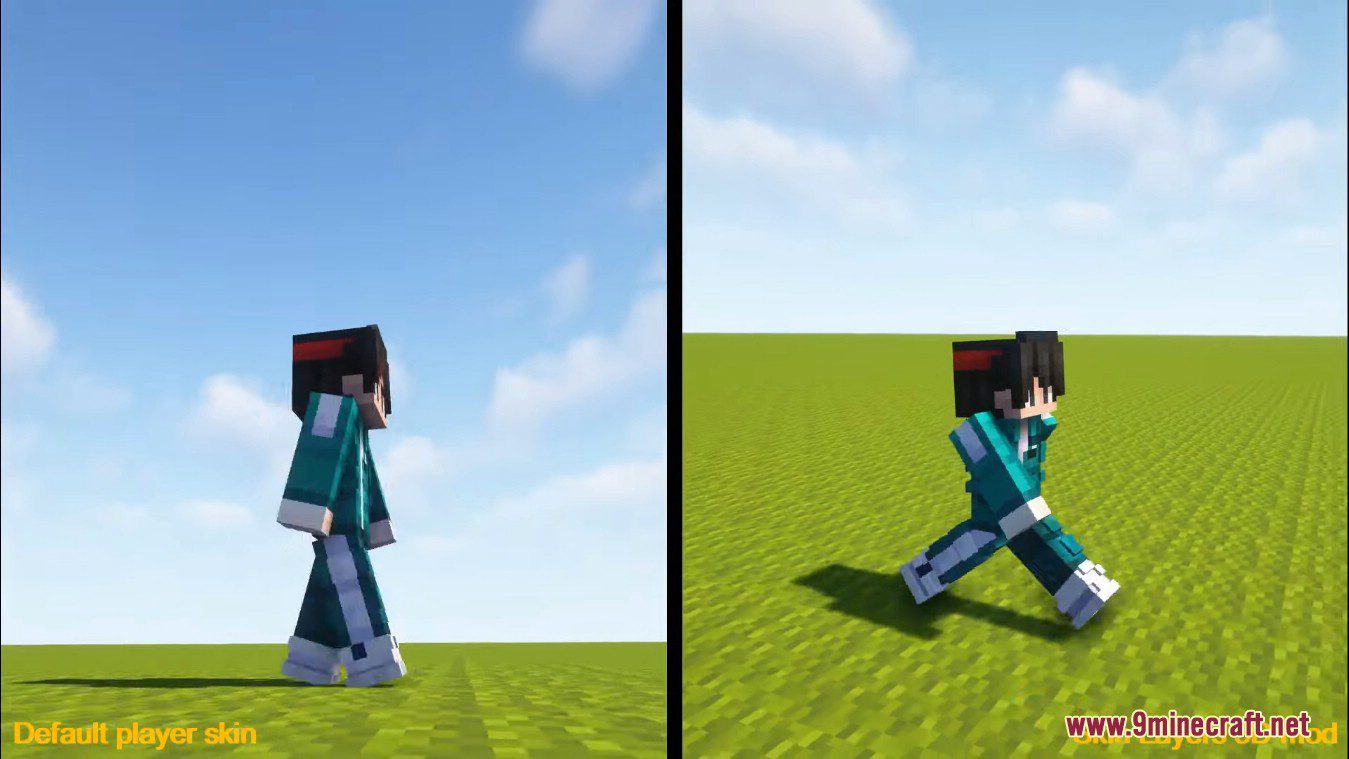
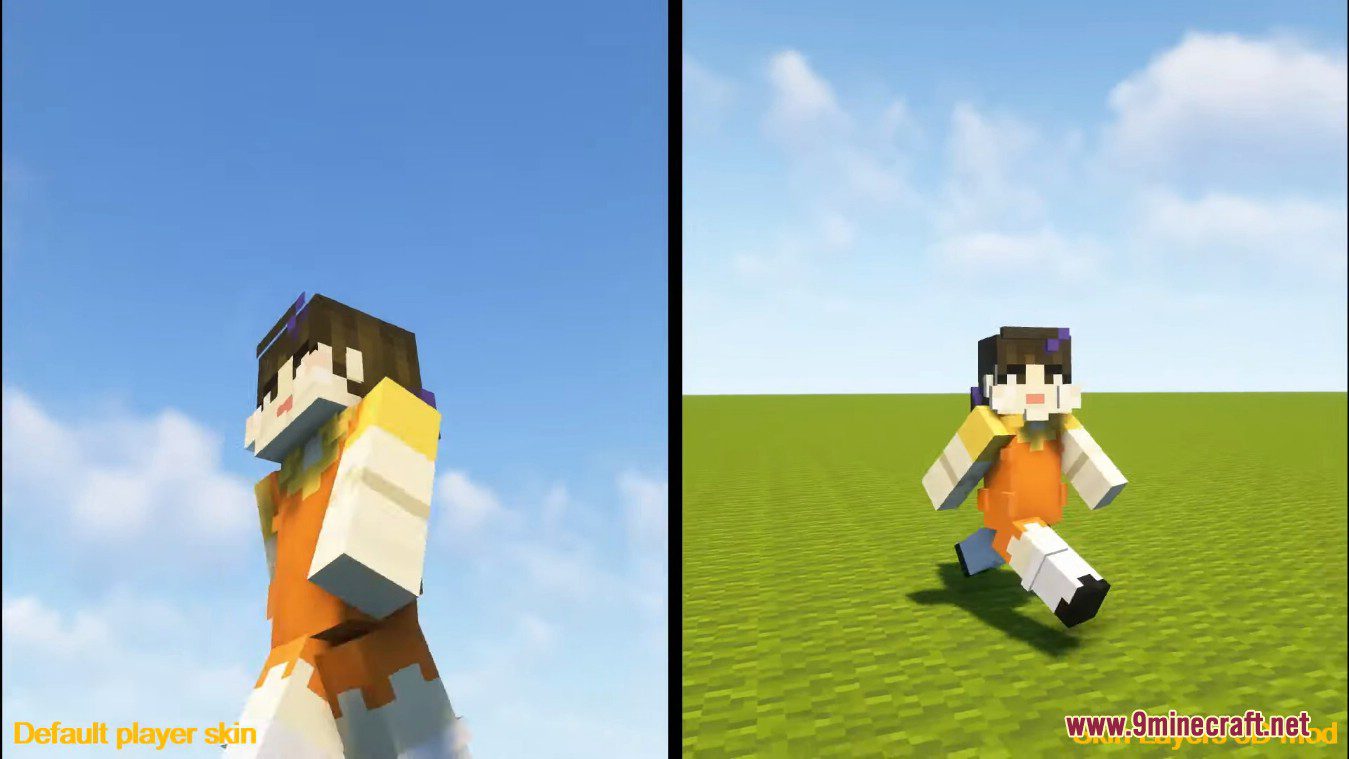
Skin Layers 3D Mod replaces the usually flat second layer of player skins with a 3d modeled version. Will automatically switch to the vanilla 2d rendering when players are further away than 12 blocks in order to increase the framerate. Also supports transparent parts on things like glasses! Just keep in mind that the outer skin layer is slightly bigger than the main player model, so the cubes will not line up perfectly with the skin. Since this mod is purely visual and fully clientside, so it doesn’t have to be installed on servers and works everywhere.
Features:
- Converts the typically flat second layer of player skins into a 3D modeled version, adding a sense of depth.
- Automatically switches to the vanilla 2D rendering when players are more than 12 blocks away to maintain smooth gameplay.
- Allows for transparent elements, such as glasses, to be displayed on skins.
- This mod is purely visual and works without needing to be installed on servers.
Screenshots:
Skin Layers 3D Mod Download Links
- Edition: Minecraft Java
- File type: .jar
- Minecraft version listed: 1.20.1
- How to install: Install the matching mod loader (Forge, Fabric or NeoForge) for your Minecraft version. → Download the .jar. → Put it in the .minecraft/mods folder and launch that loader profile.
- Where to get it: In MC Java Mods, or directly above on this page.
Install steps are the general flow for this file type — How to install Minecraft Java mods & modpacks walks through it step by step.
- Downloads as 84075.mcaddon
- Download size: 1.8 MB
- Download link checked 25 Sept 2026 — working
- Mirrored on our own servers — the download does not depend on the original host
These come from our own check of the pack file, not from the source page.