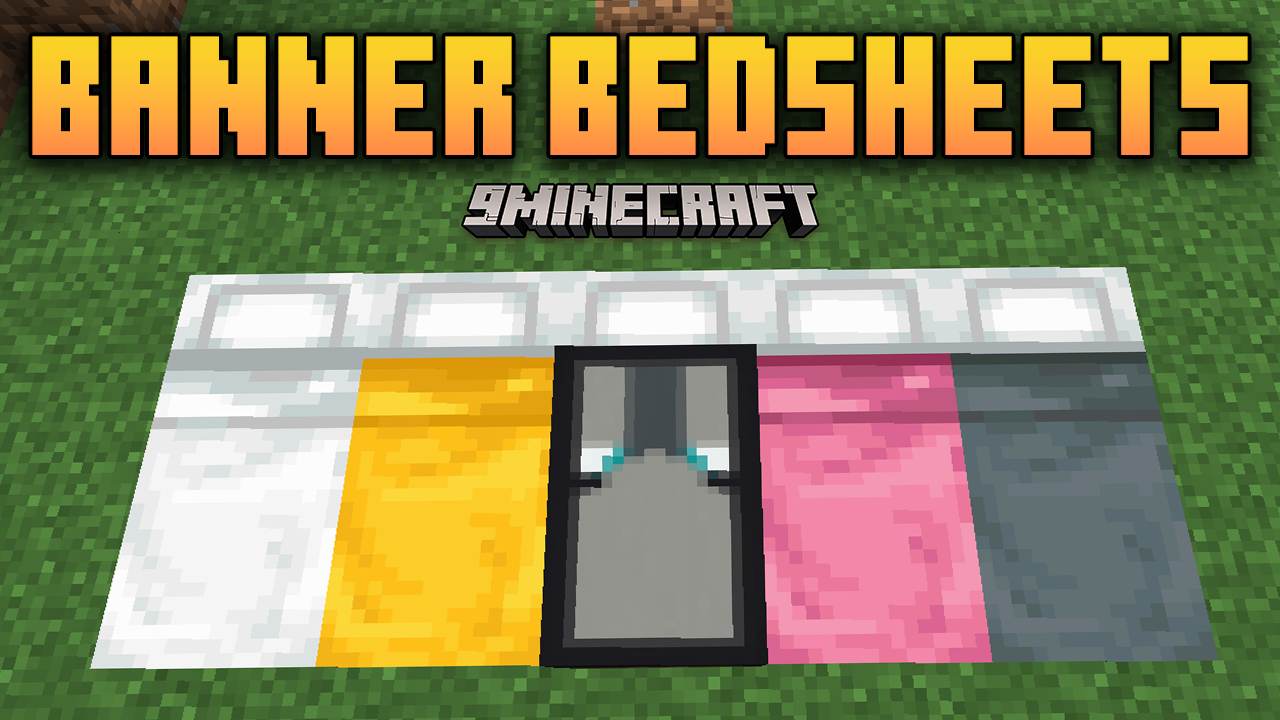
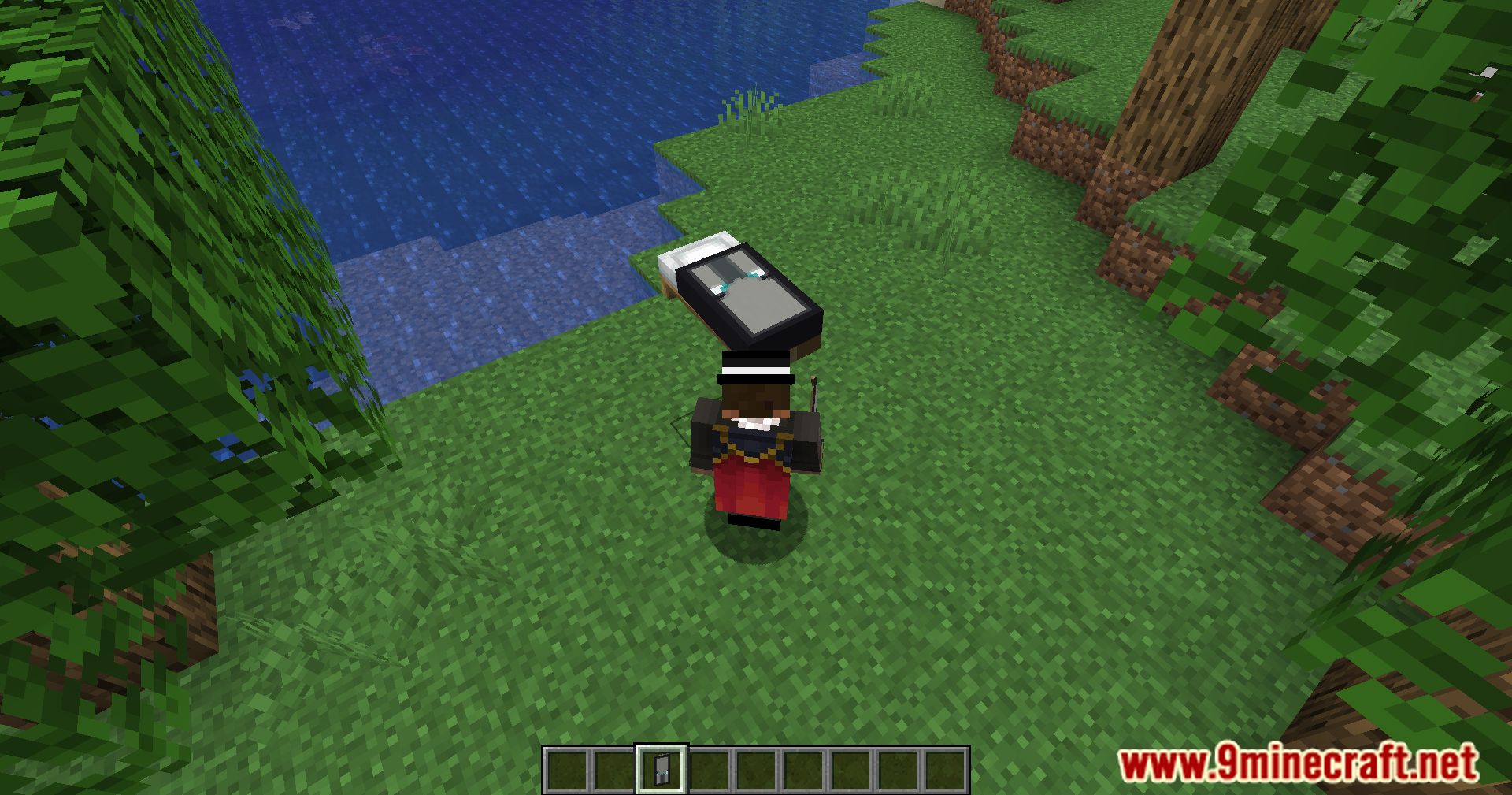
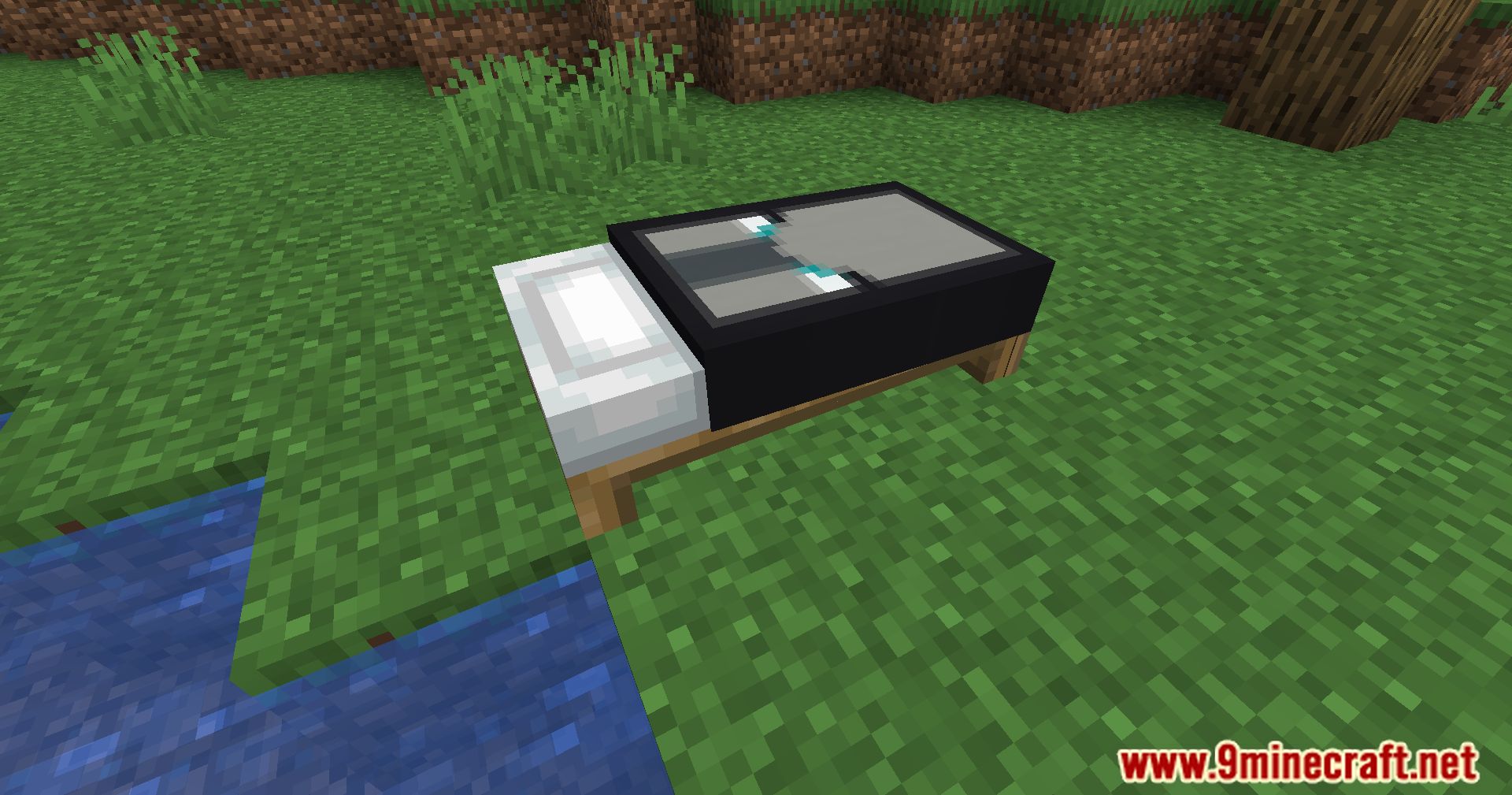
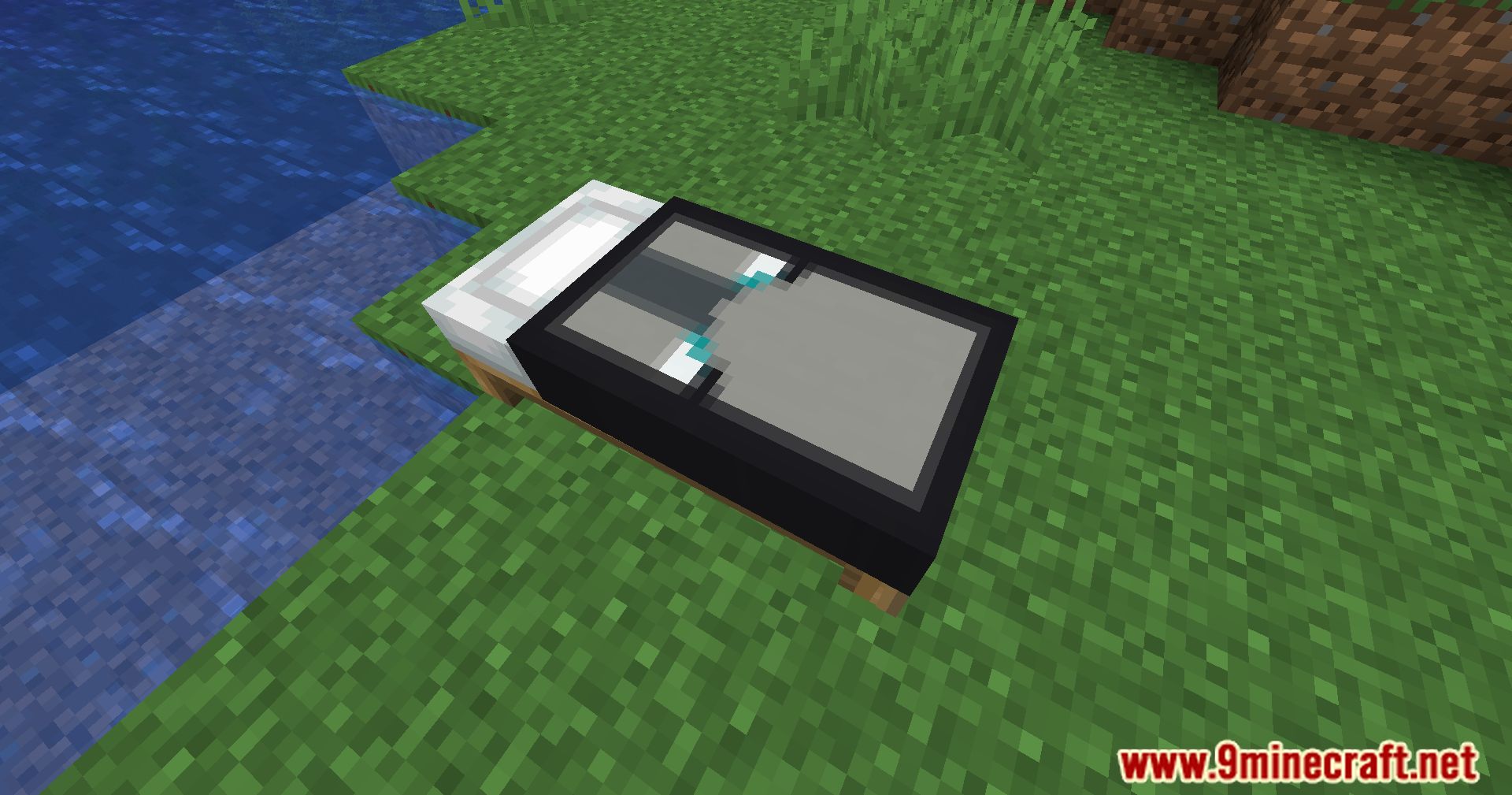
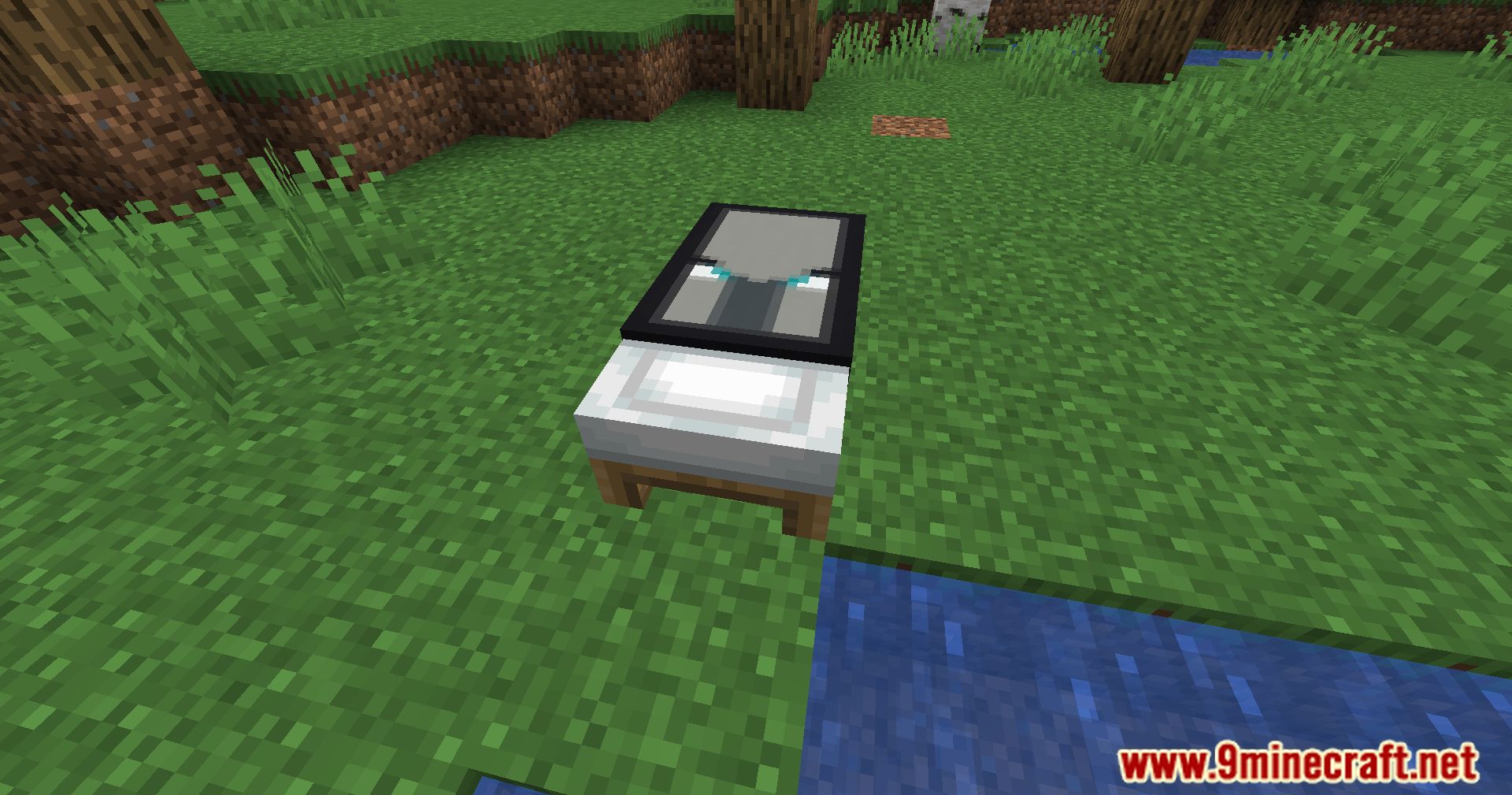
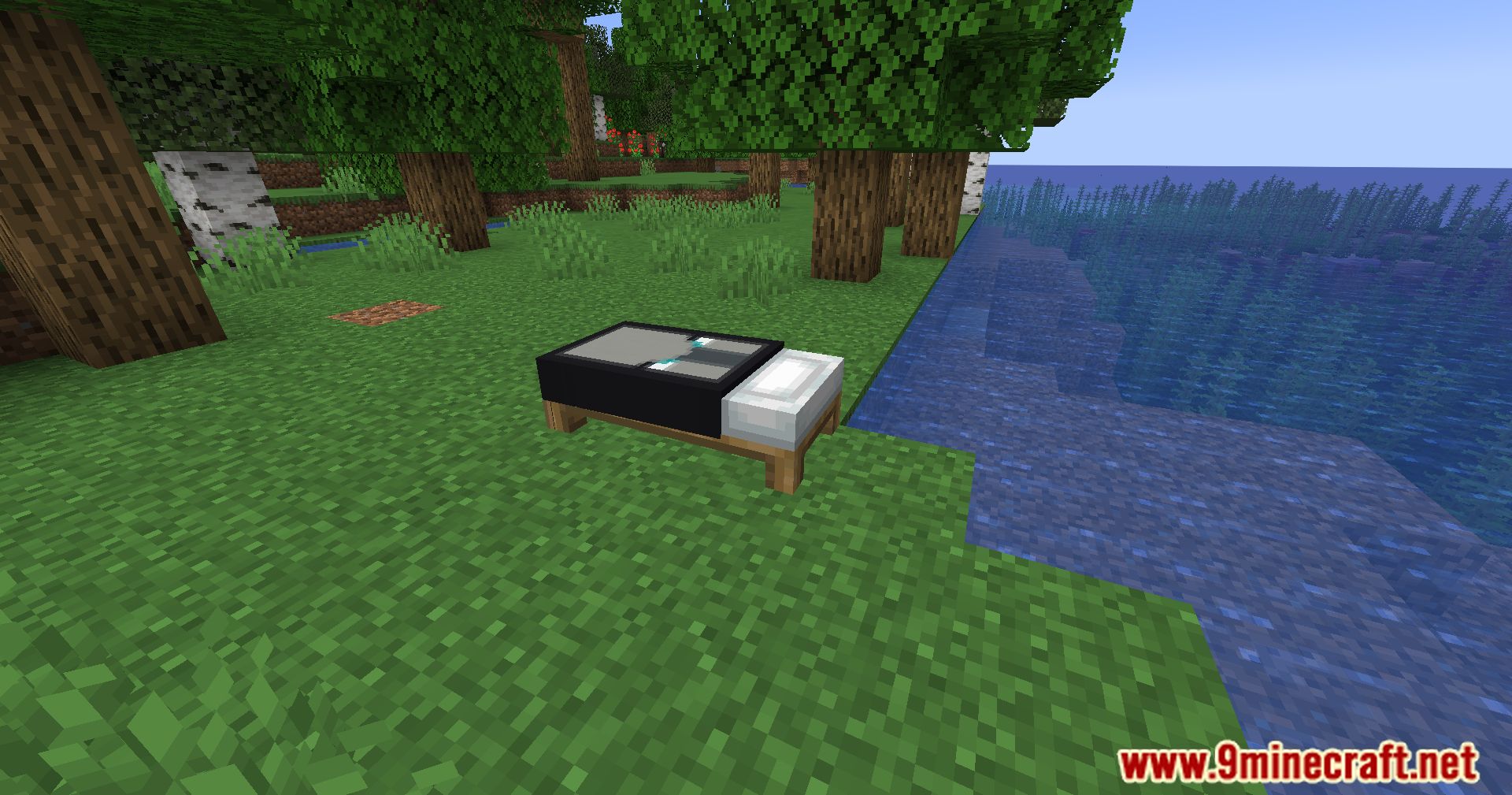
Banner Bedsheets Mod lets you personalize your bedsheets with any banner design, adding a touch of creativity and uniqueness to your Minecraft home. With this simple yet effective feature, you can make your bed stand out and reflect your personal style.
Features:
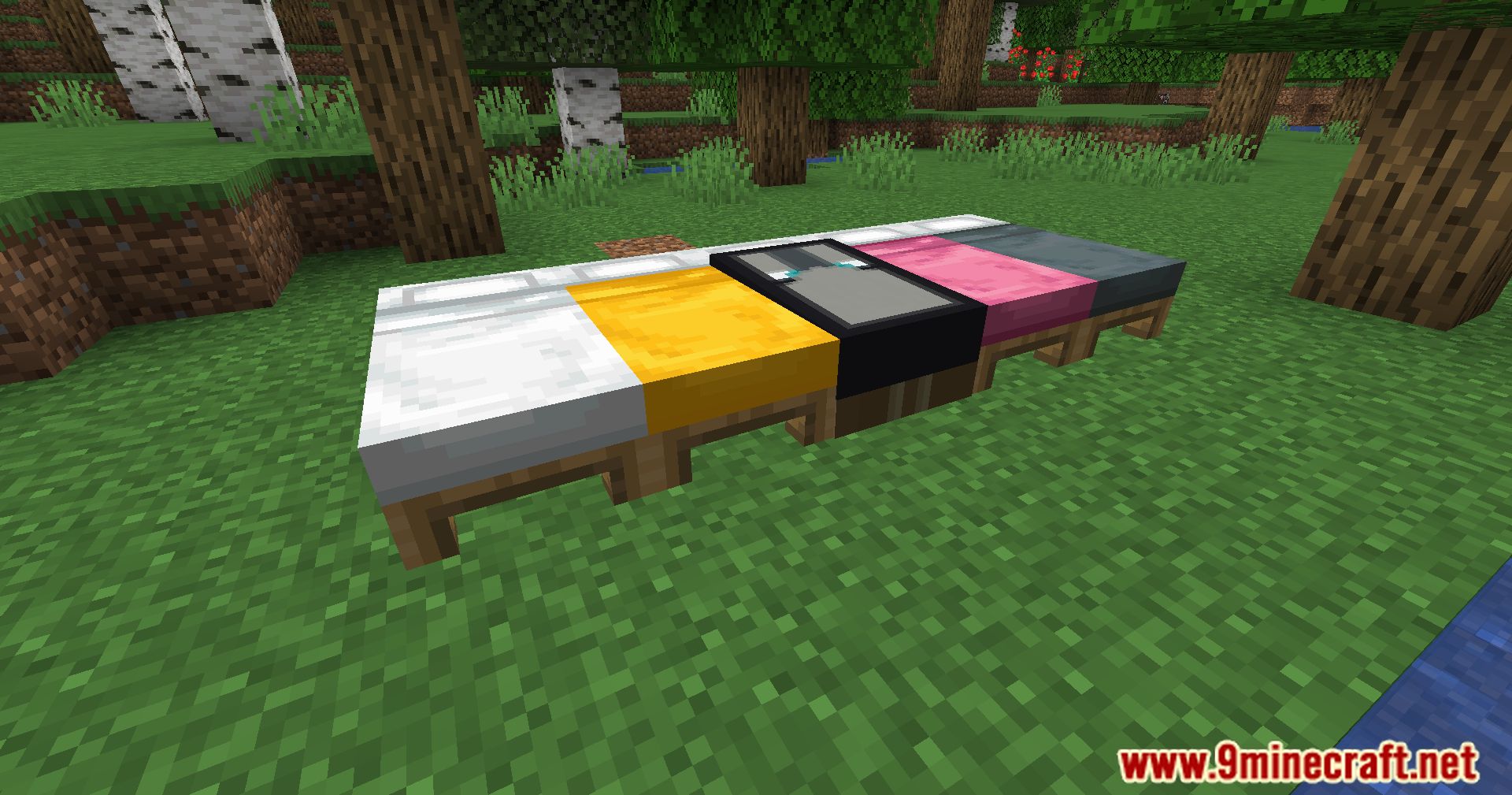
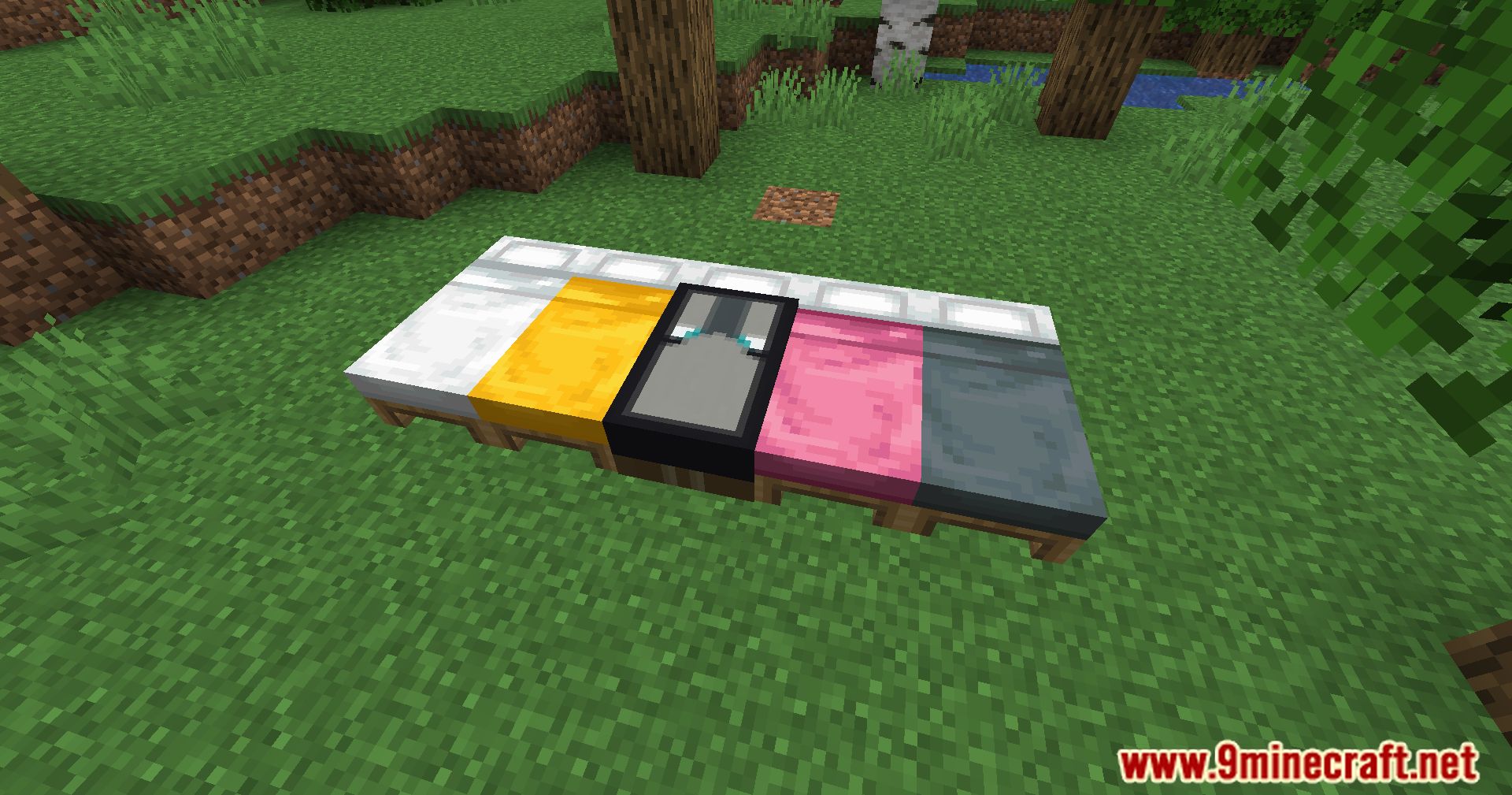
- This mod lets you decorate your bed using any banner design, making your bedroom more unique and personal.
How to use:
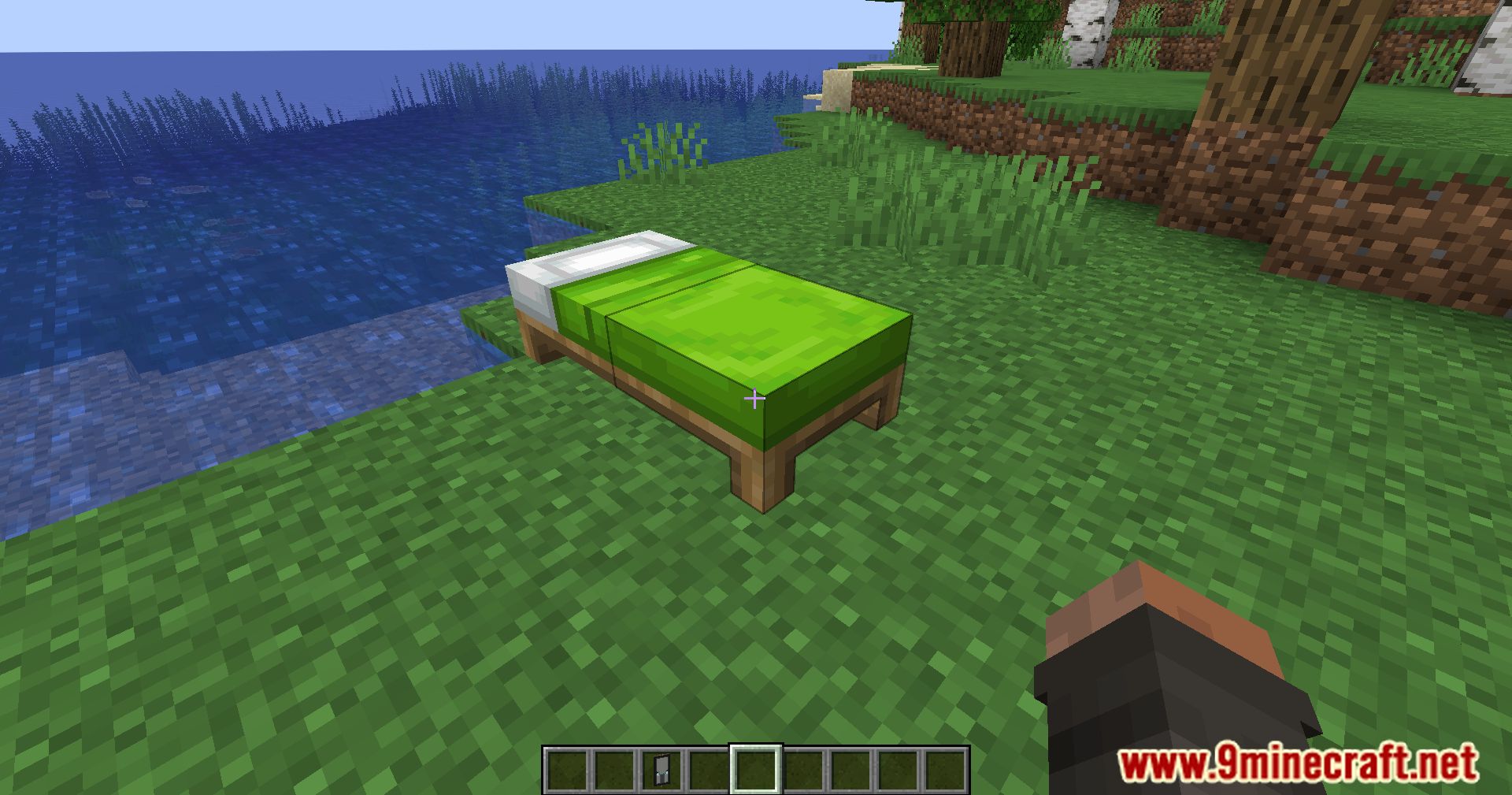
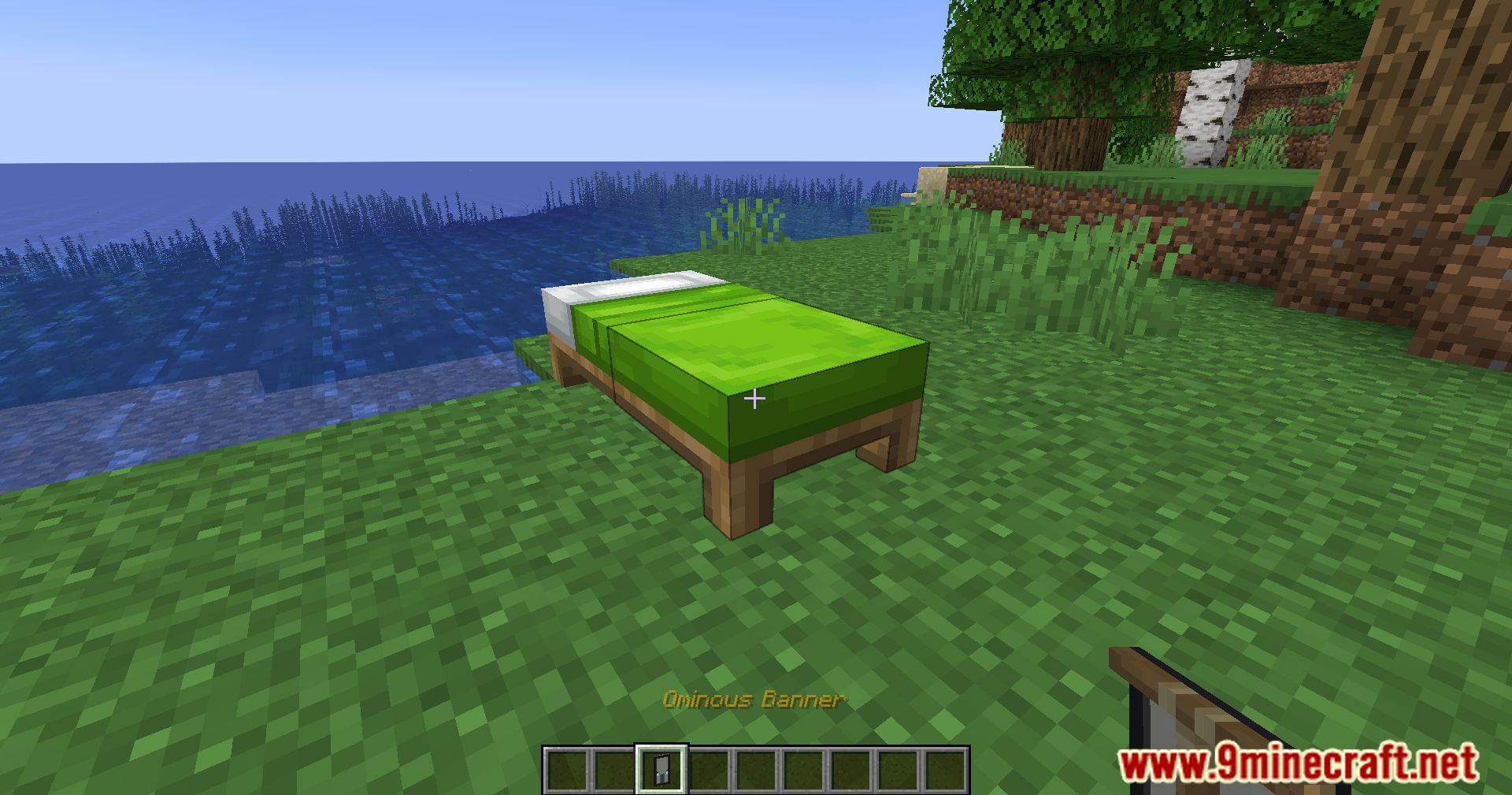
- Crouch (sneak) and place a banner at the end of a bed.
- The banner will automatically turn into a bedsheet on the bed.
- You can also place the banner from the other end of the bed:
- This flips the banner design.
- Note: the banner pole will be visible on that side.
Removing a bedsheet:
- Simply break the bed to remove the bedsheet.
Performance:
- Fully optimized – no commands or functions run every game tick.
Uninstallation:
- If the mod is still installed:
- Manually break all beds that have bedsheets, or
- Run the command
/function bannerbedsheets:removeall- Warning: banners will not be returned.
- If the mod has already been removed:
- Run the following command to clean up remaining bedsheets:
/execute at @e run kill @e[type=minecraft:item_display,tag=bedsheet]- Warning: banners will not be returned.
Screenshots:
Banner Bedsheets Mod Download Links
Quick facts
- Edition: Minecraft Java
- File type: .jar
- Minecraft version listed: 1.20.1
- How to install: Install the matching mod loader (Forge, Fabric or NeoForge) for your Minecraft version. → Download the .jar. → Put it in the .minecraft/mods folder and launch that loader profile.
- Where to get it: In MC Java Mods, or directly above on this page.
Install steps are the general flow for this file type — How to install Minecraft Java mods & modpacks walks through it step by step.
Verified by MCModsHub
- Downloads as 84078.mcaddon
- Download size: 24 KB
- Download link checked 22 Sept 2026 — working
- Mirrored on our own servers — the download does not depend on the original host
These come from our own check of the pack file, not from the source page.