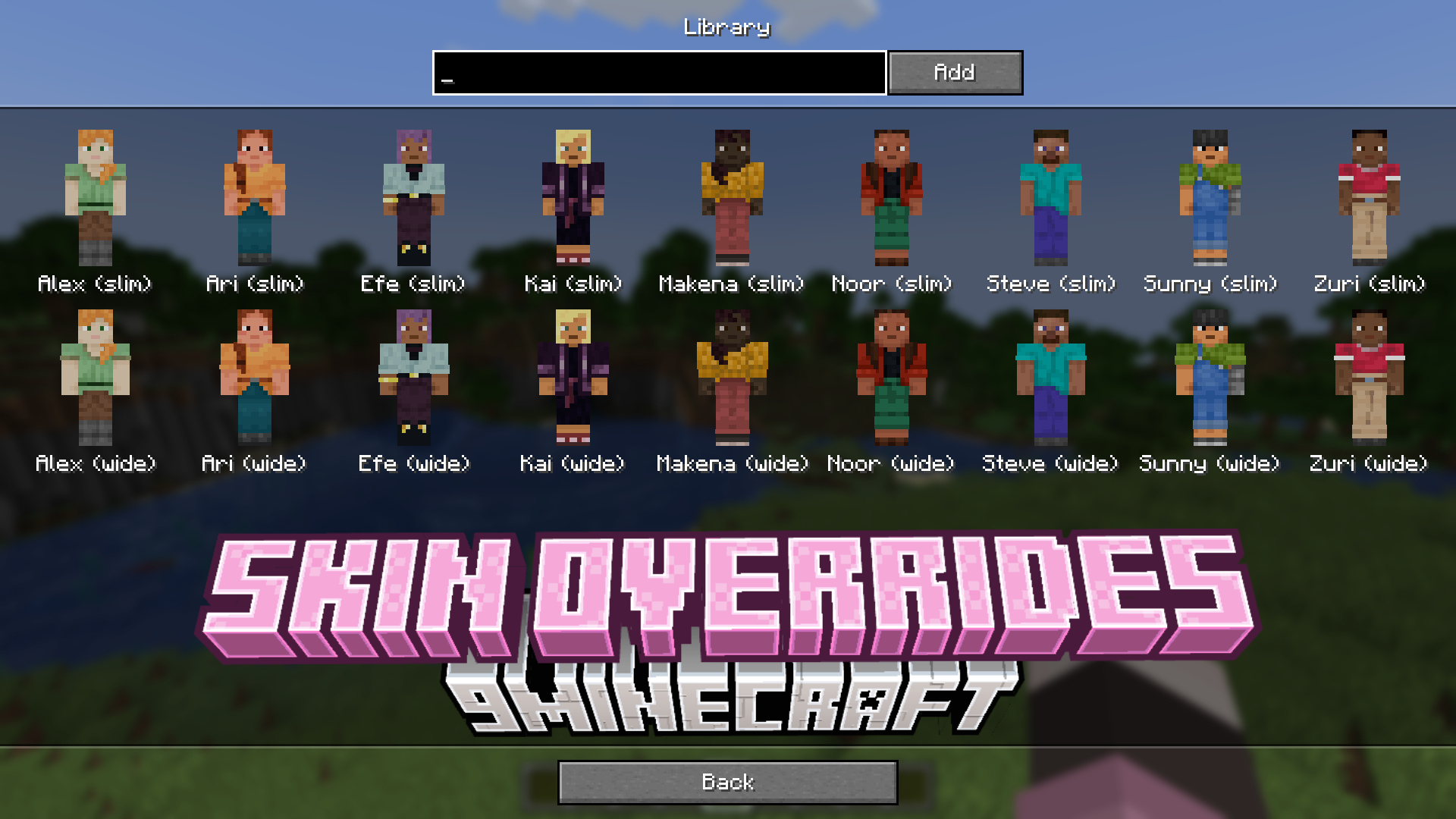
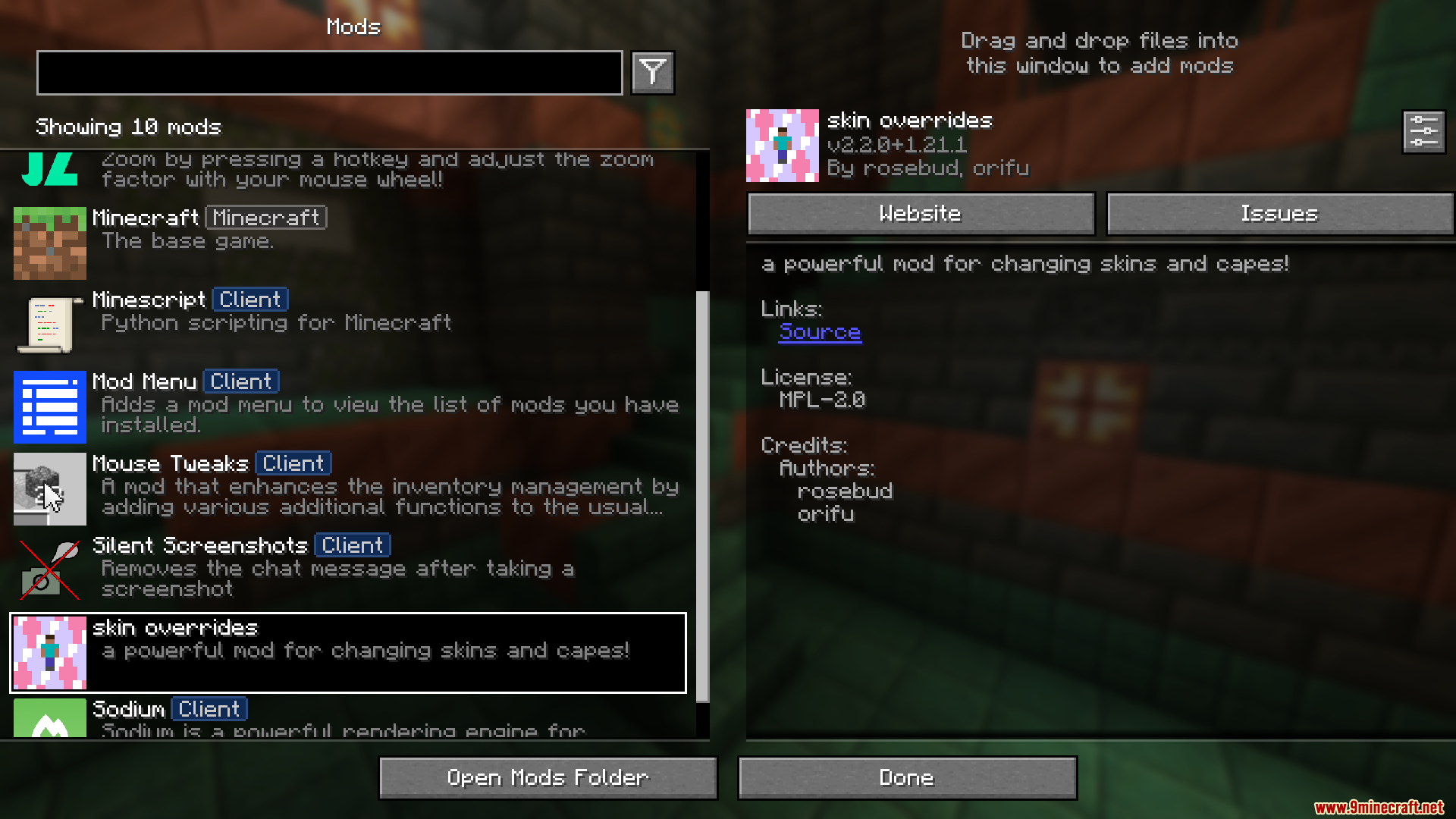
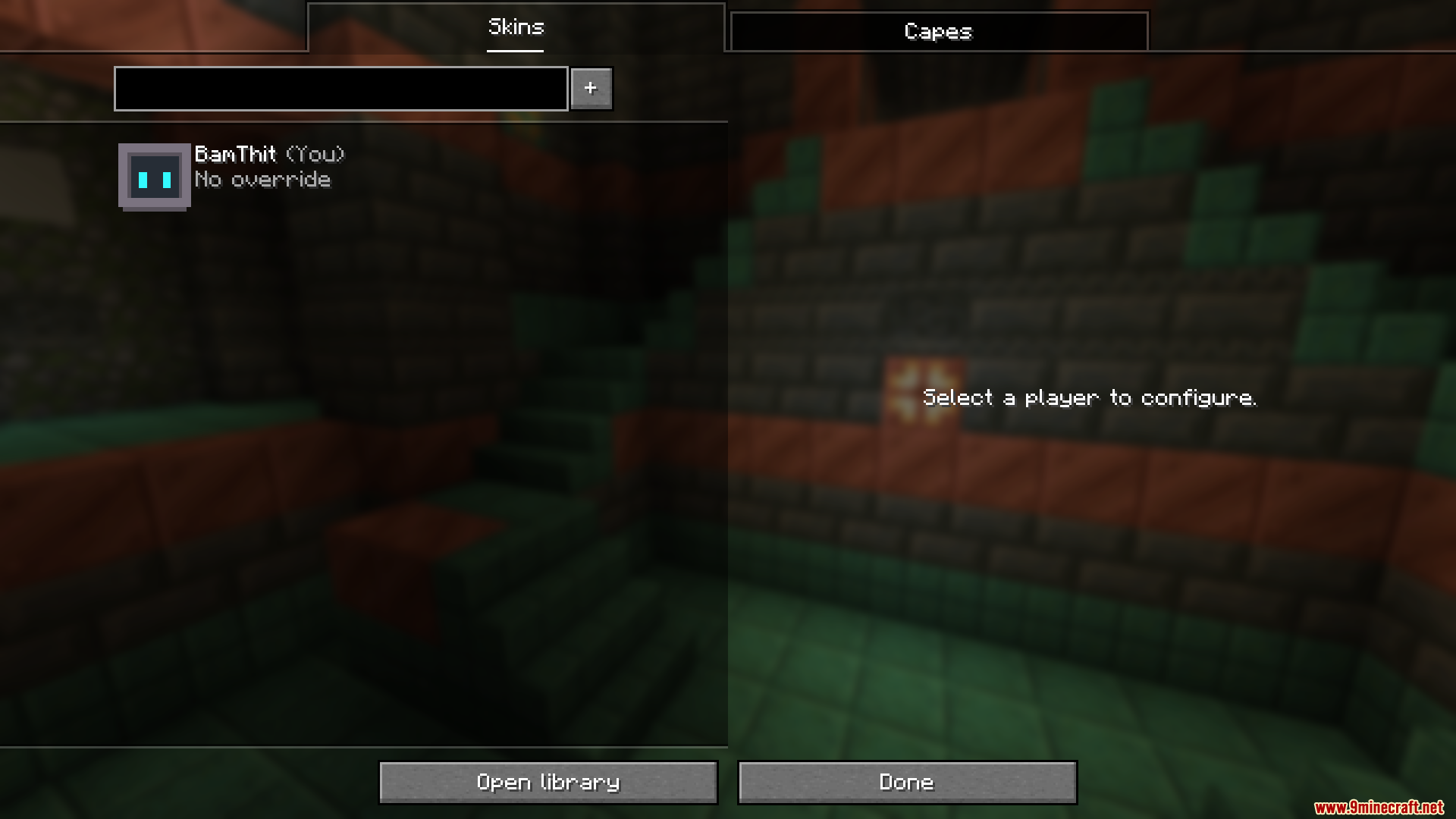
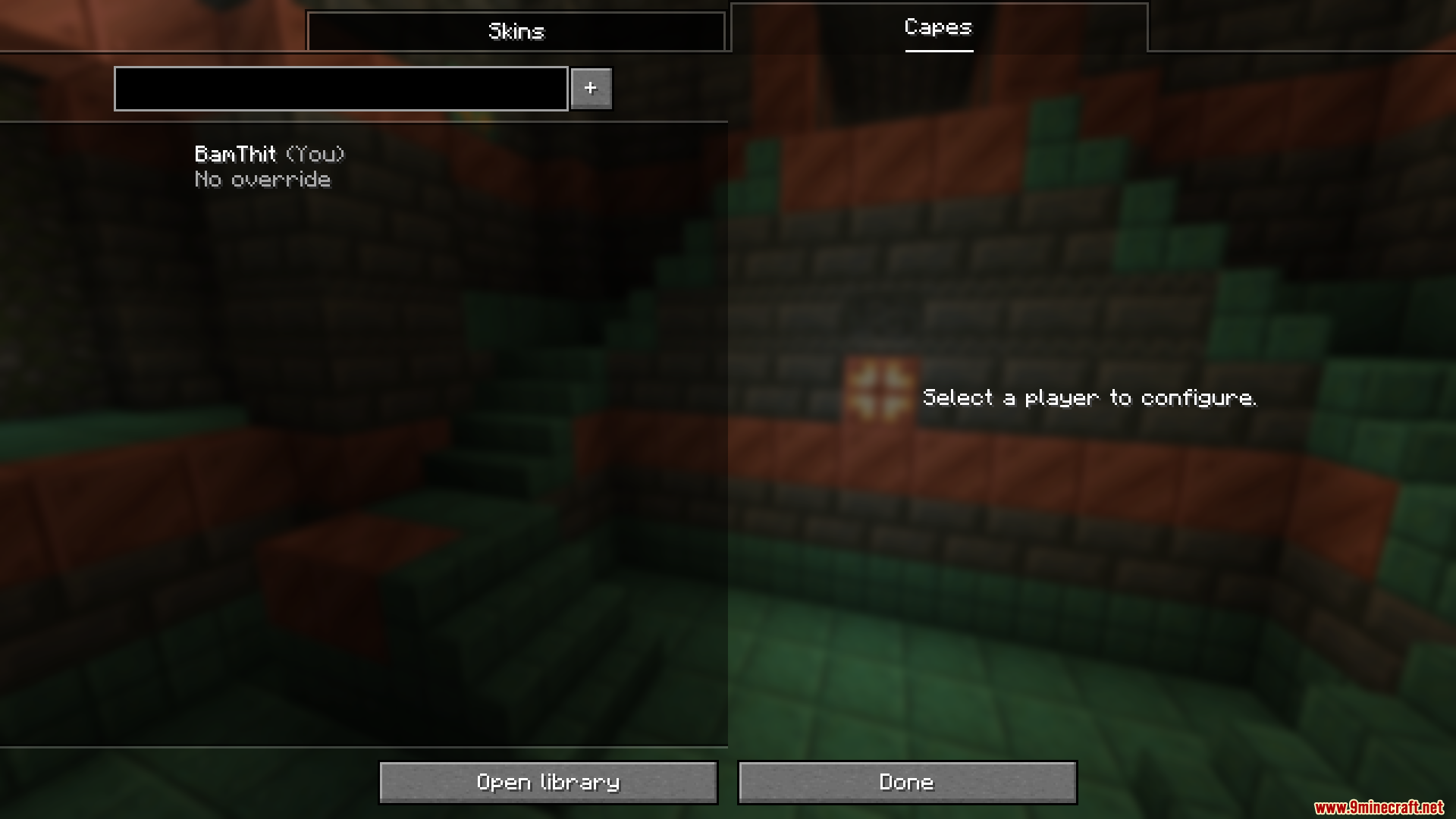
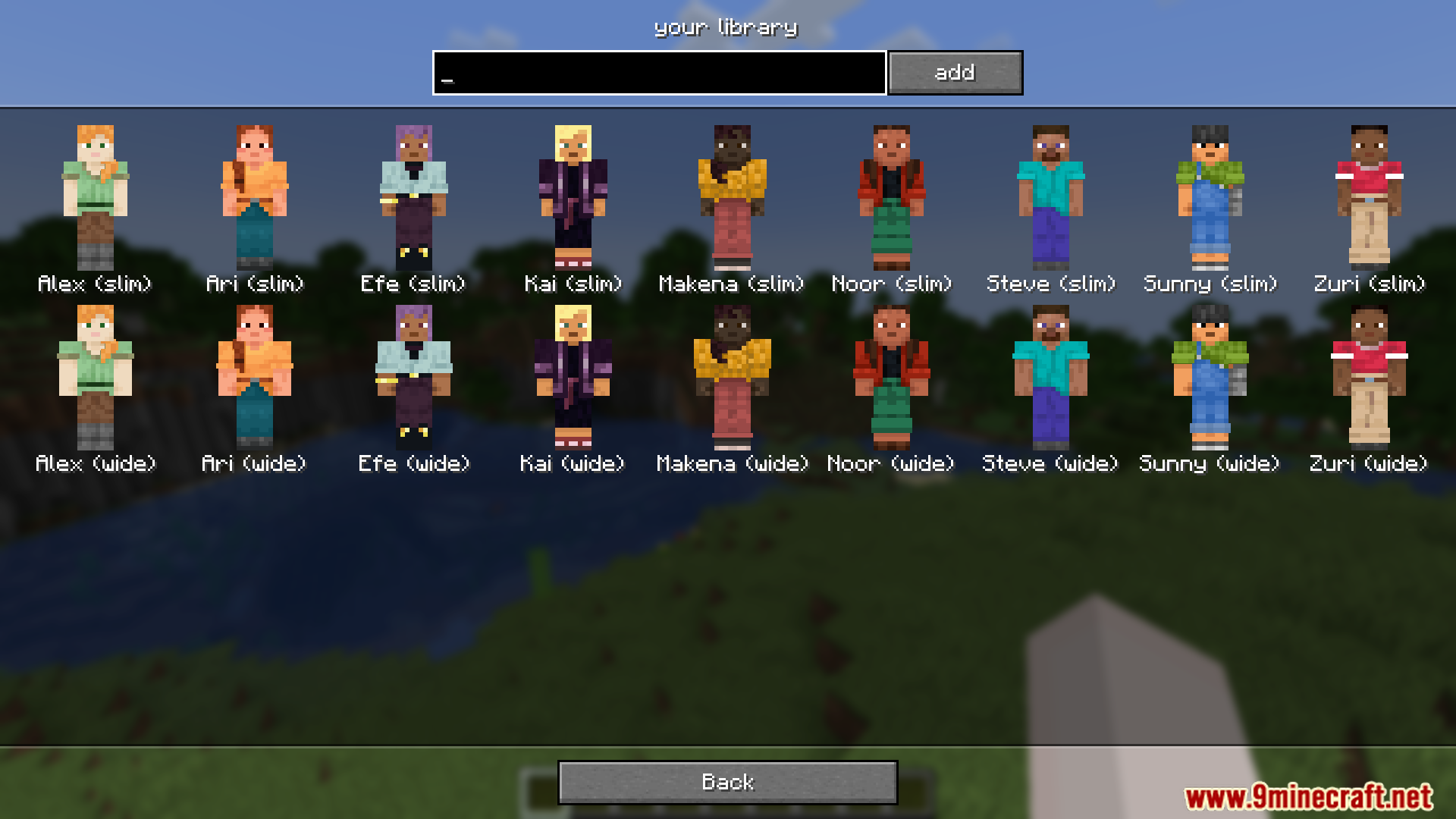
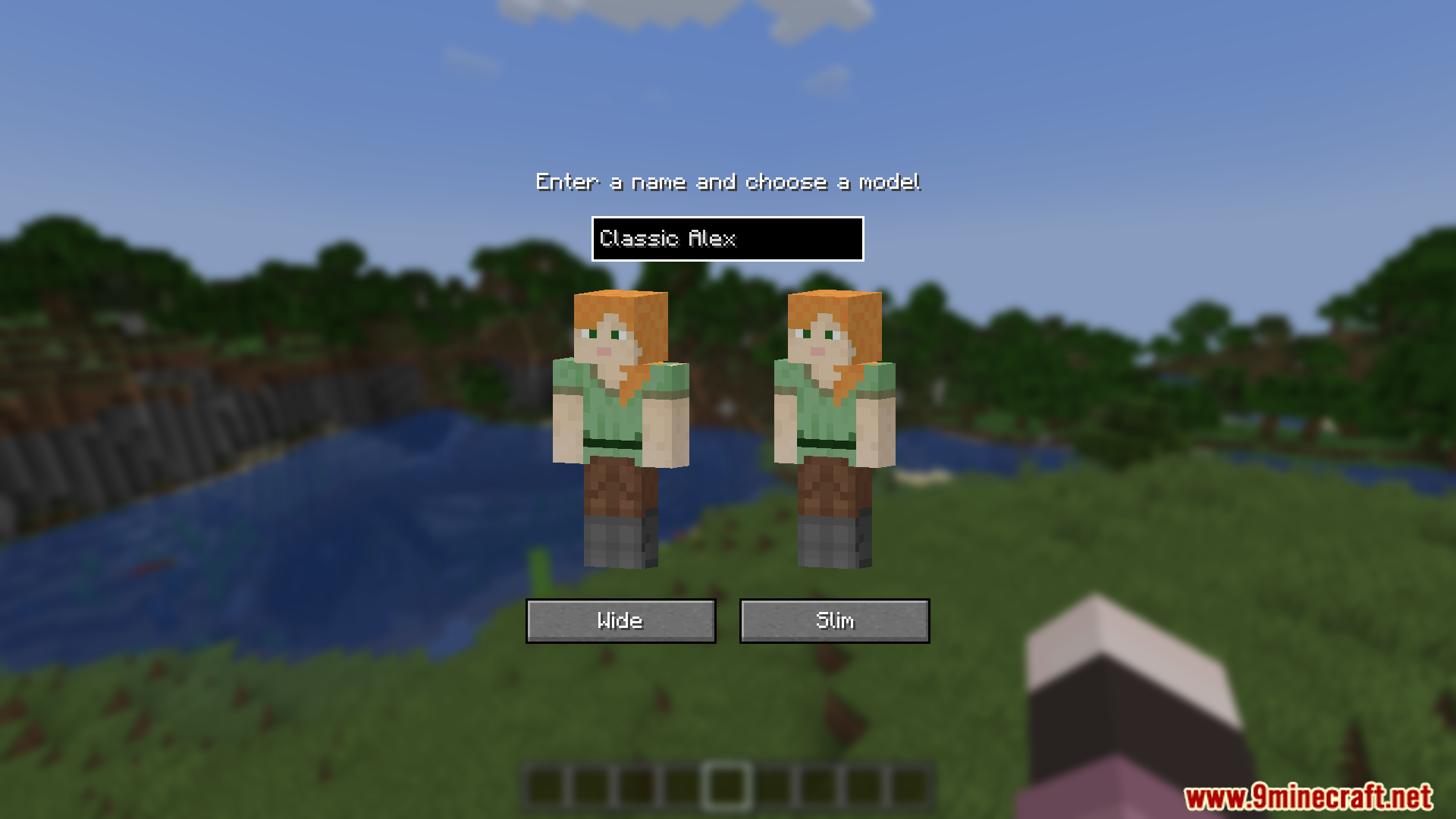
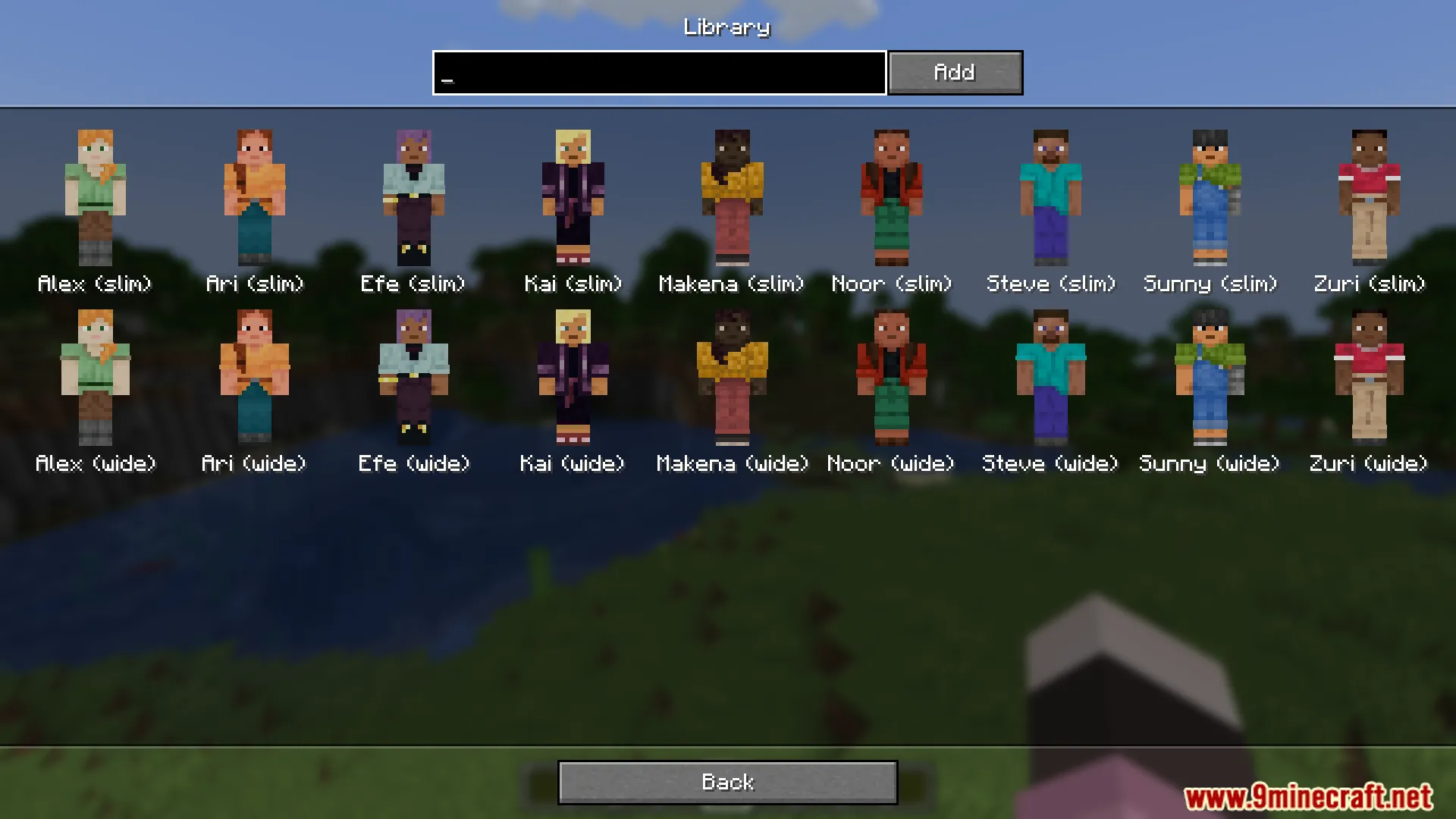
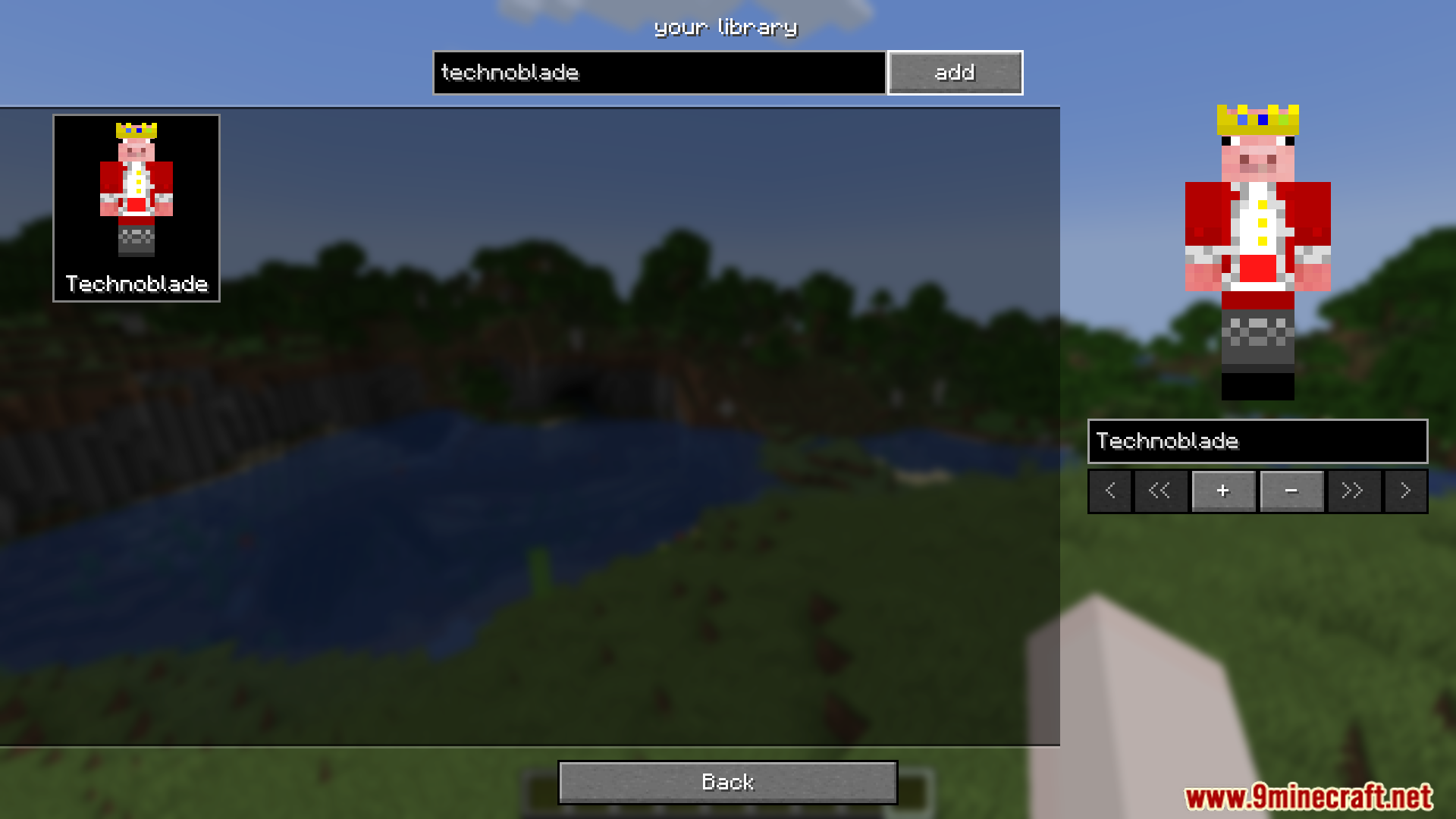
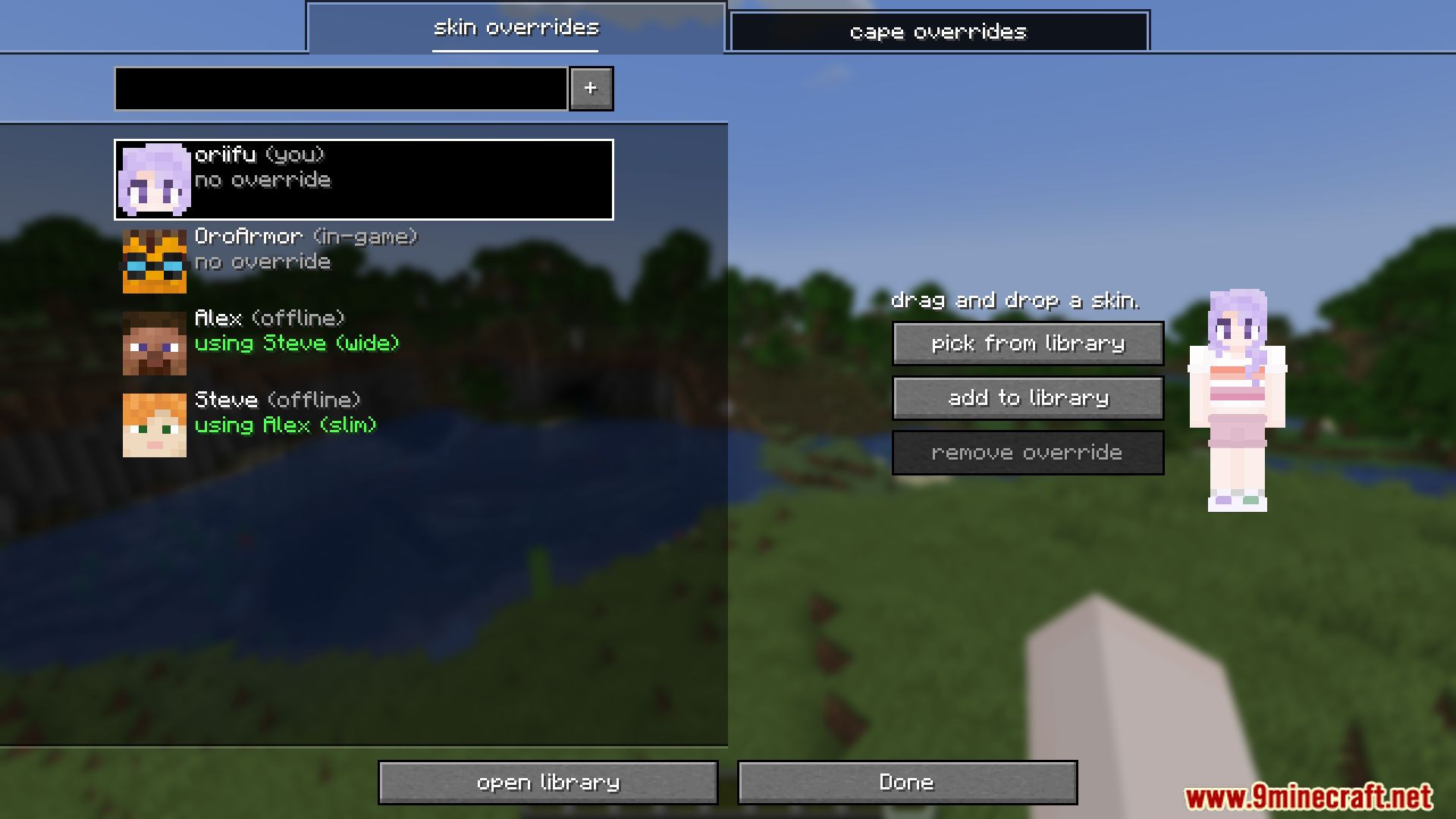
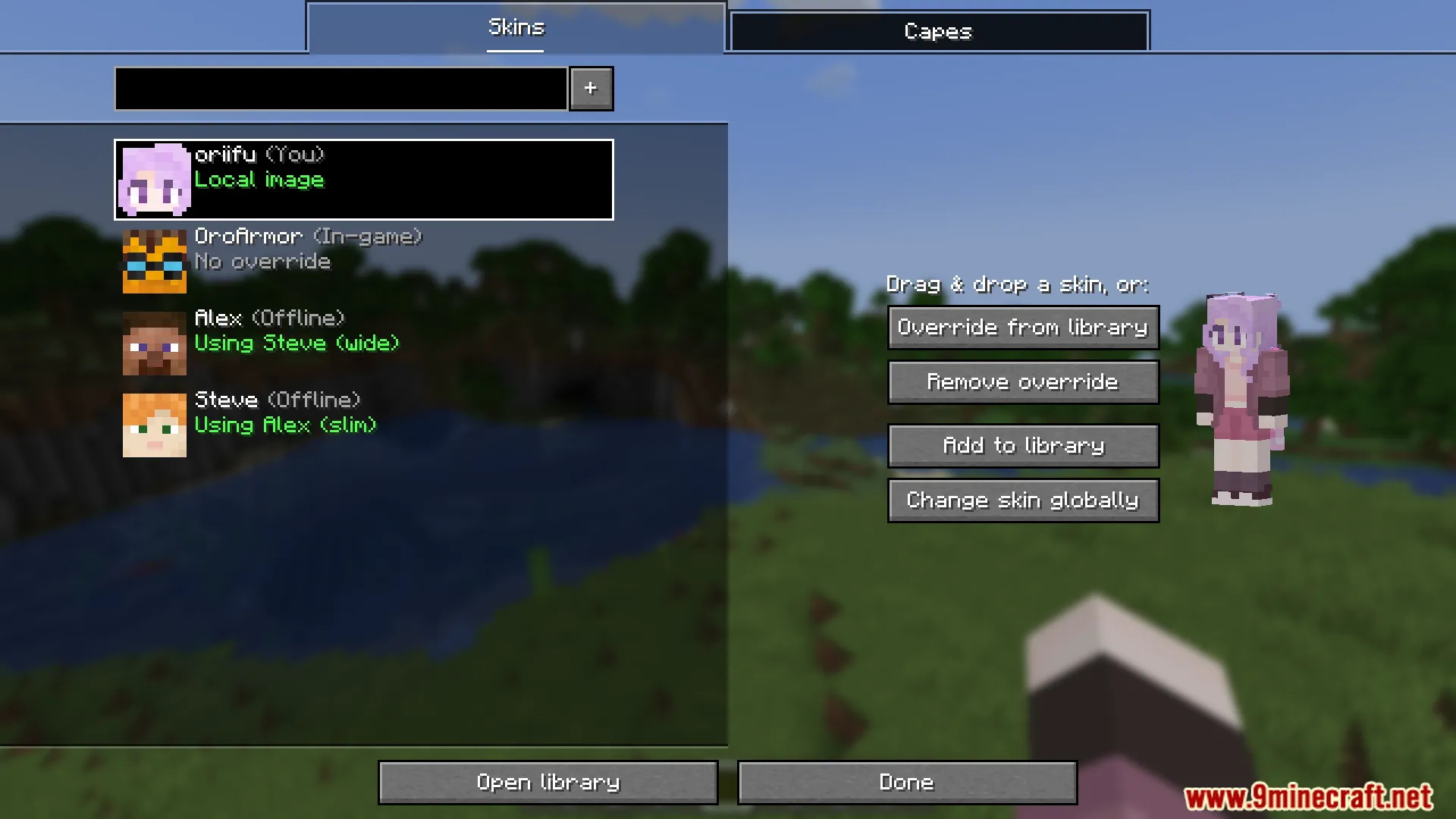
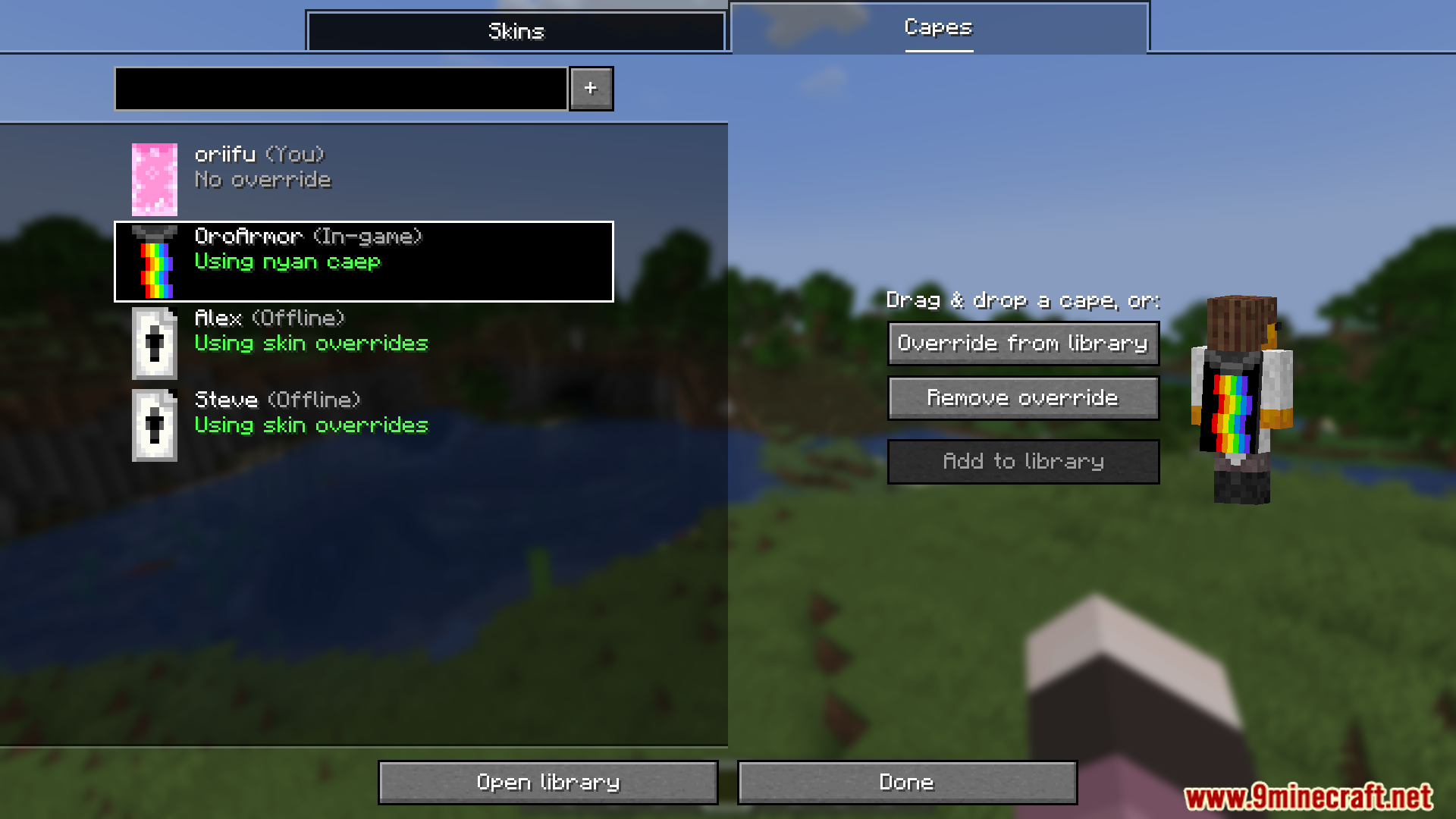
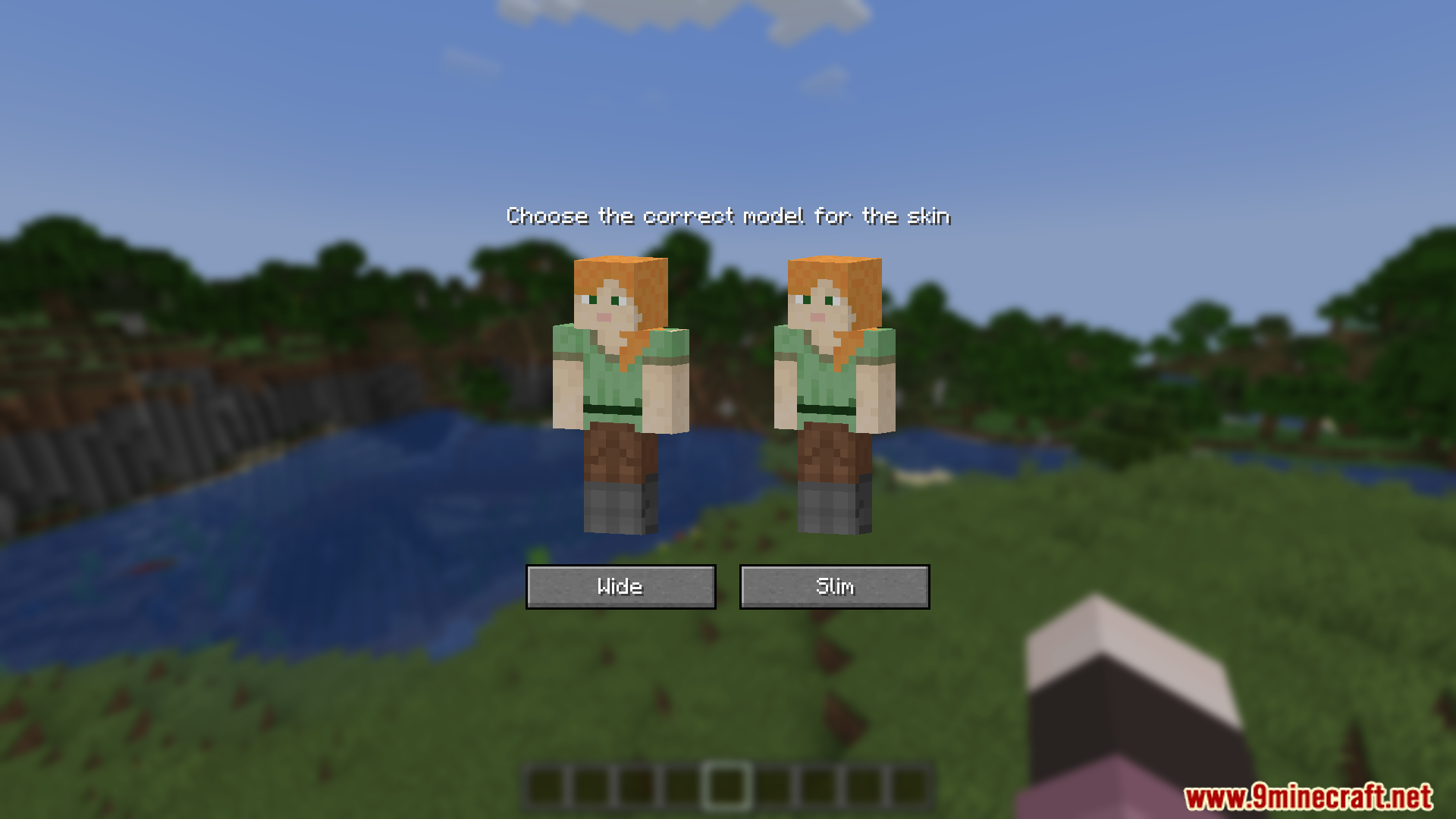
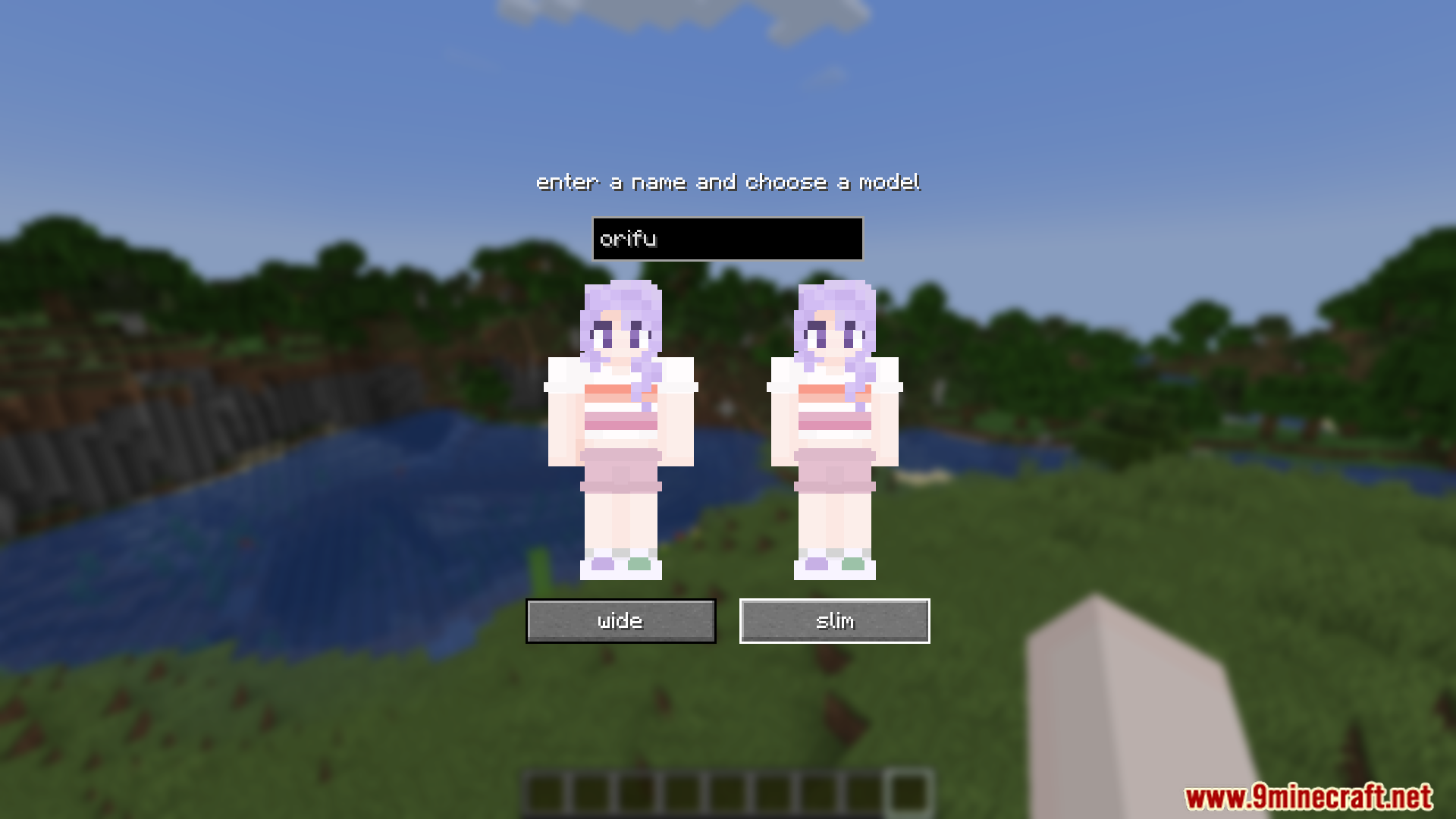
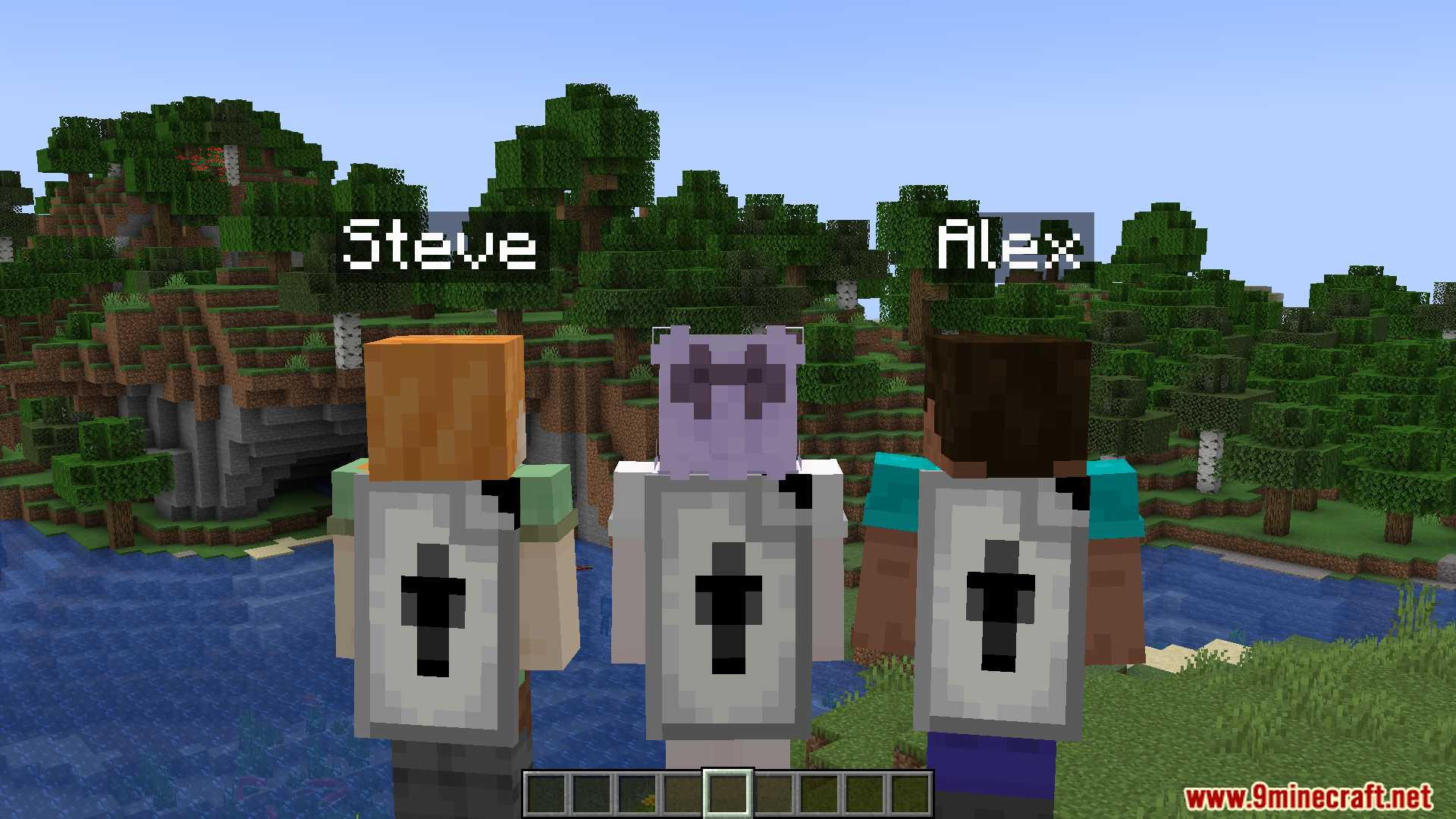
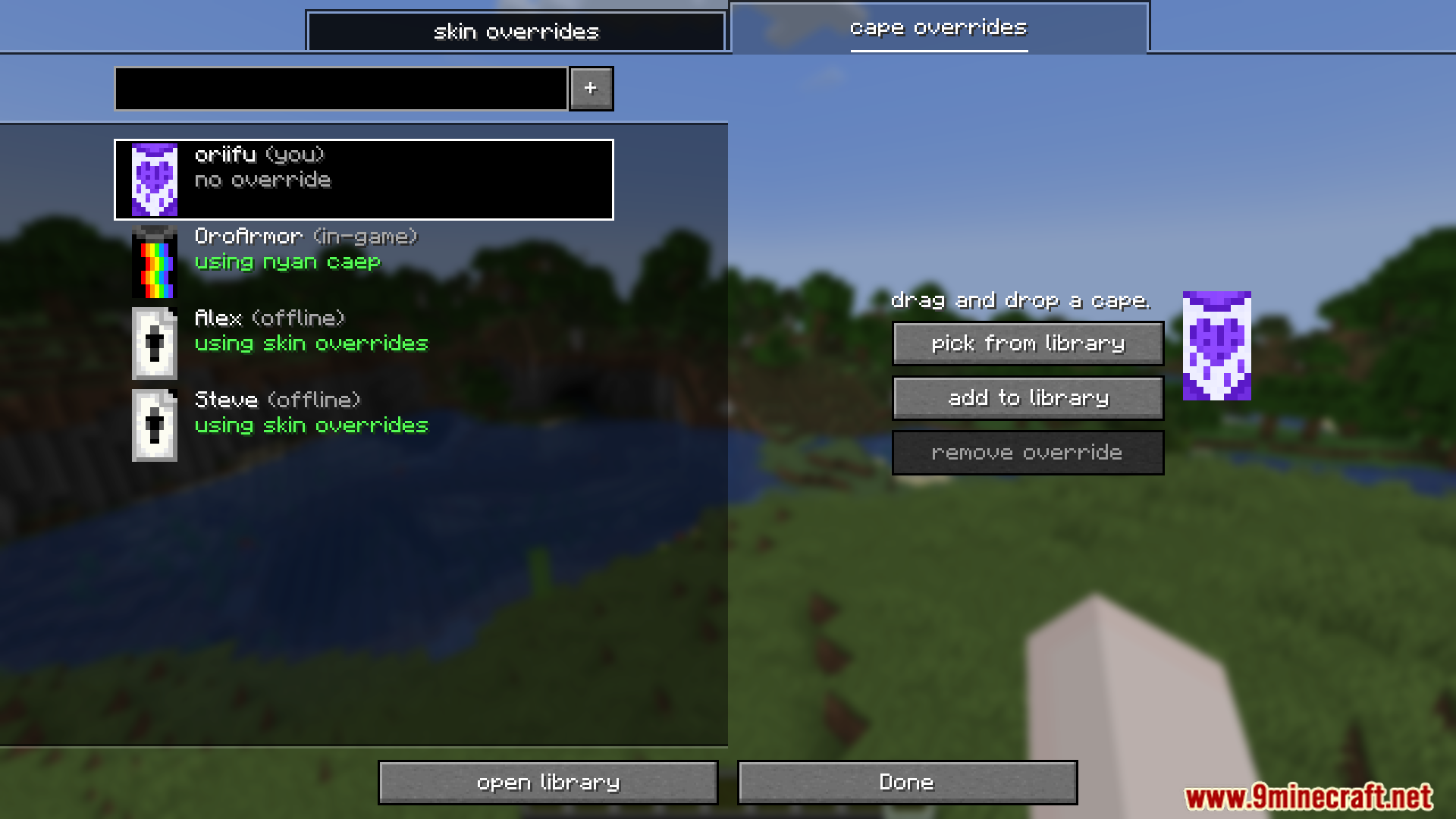
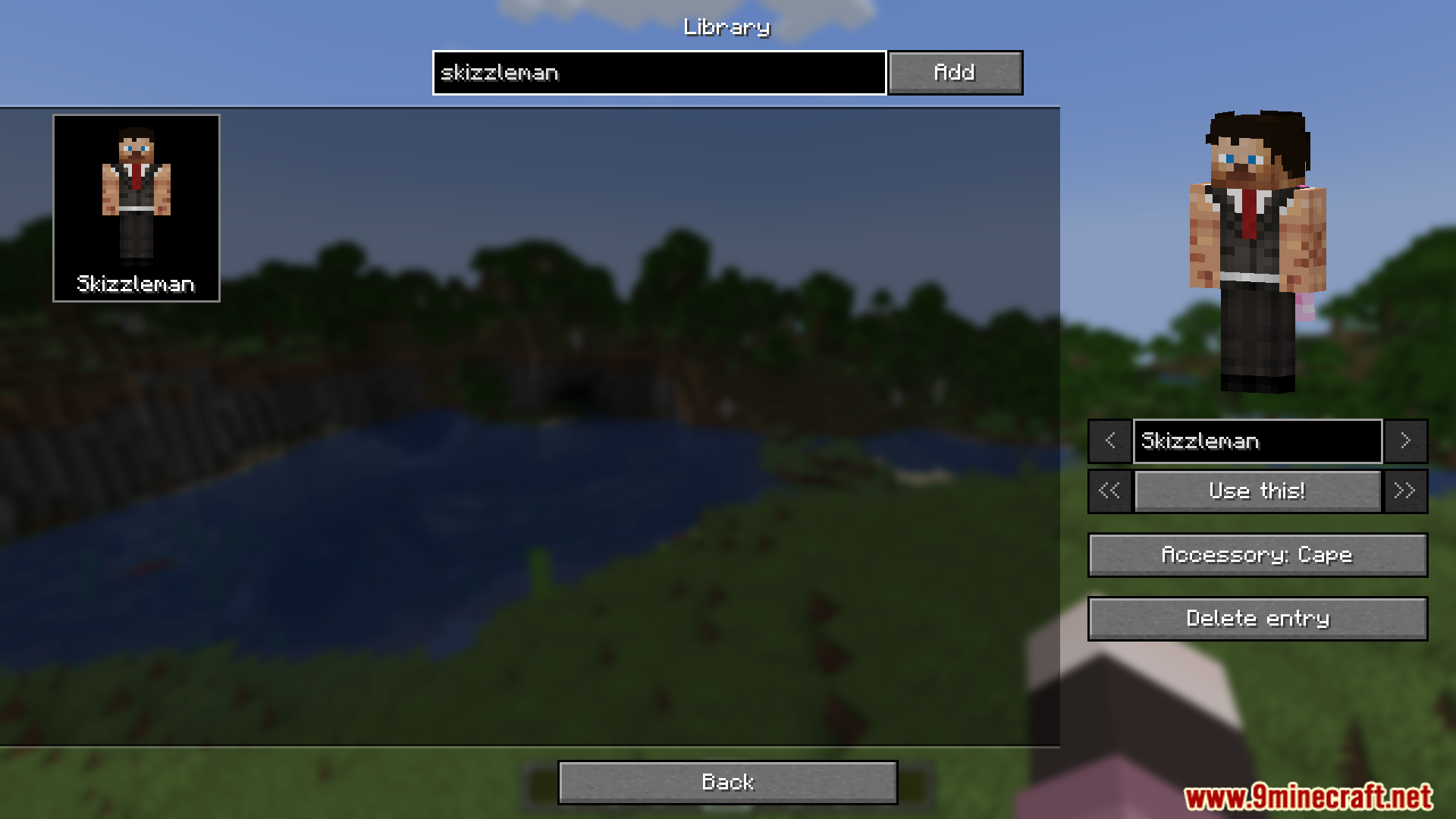
Skin Overrides Mod gives players the power to change skins and capes instantly, making it perfect for roleplaying or quick costume changes. Using the Overrides screen, players can adjust any player’s skin or cape, accessible from the mod menu or by pressing the default “O” key. A personal library feature lets players store and switch between multiple skins and capes, and even share these overrides with friends online.
Features:
- Instantly change skins and capes from the Overrides screen.
- Accessible through mod menu or default “O” key.
- A personal library to store and manage multiple skins and capes.
- Easily share overrides with other online players.
Screenshots:
Skin Overrides Mod Download Links
Quick facts
- Edition: Minecraft Java
- File type: .jar
- Minecraft version listed: 1.20.1
- How to install: Install the matching mod loader (Forge, Fabric or NeoForge) for your Minecraft version. → Download the .jar. → Put it in the .minecraft/mods folder and launch that loader profile.
- Where to get it: Opens on the file's original source — not every file is mirrored on our own servers.
Install steps are the general flow for this file type — How to install Minecraft Java mods & modpacks walks through it step by step.
Skin Overrides Mod (26.1.2, 1.20.1) – Instantly Change Skins and Capes on Screen is a free Minecraft Java mod. Compatible with Minecraft 1.20.1. Download it and open it directly in the game.