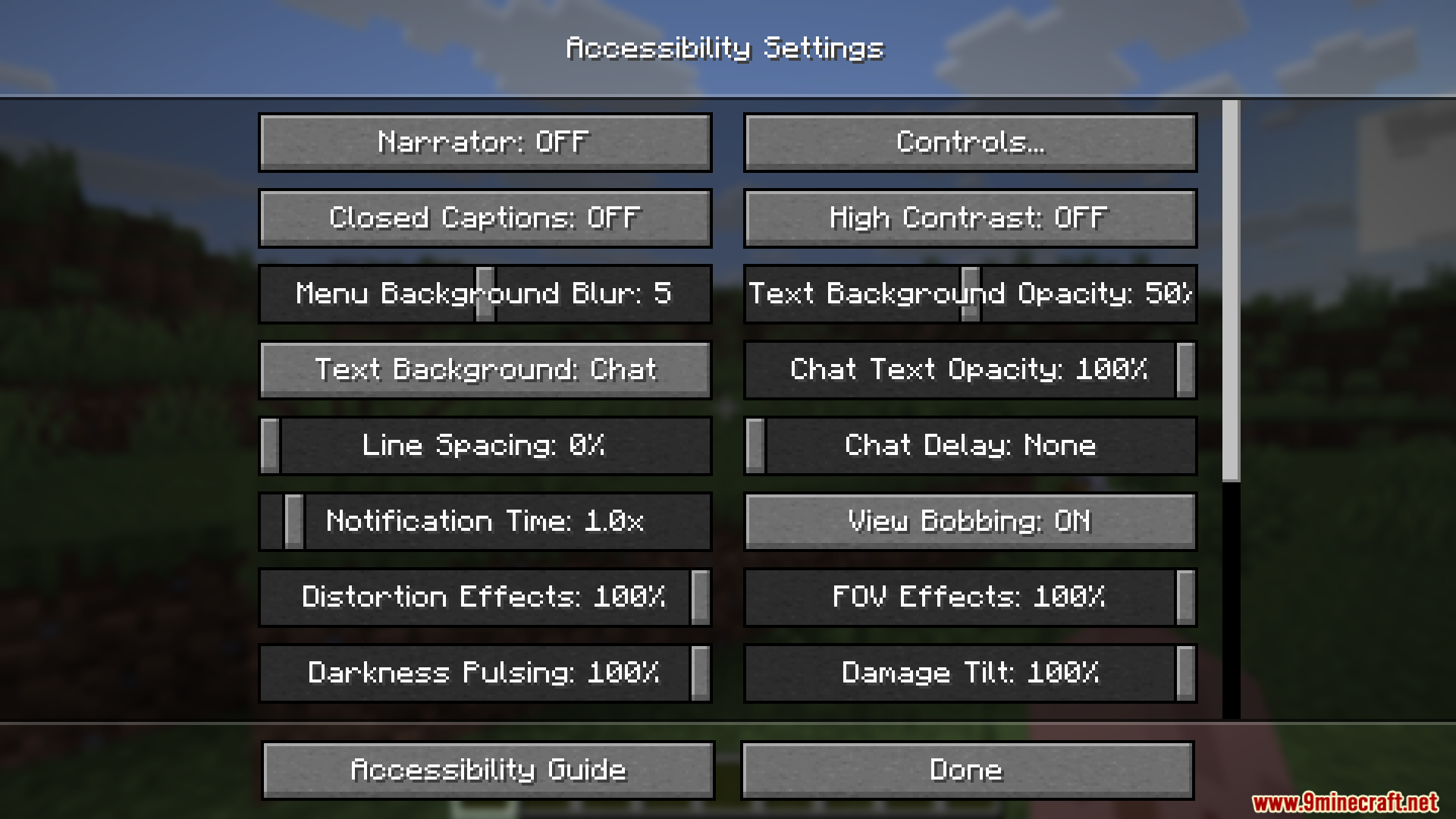
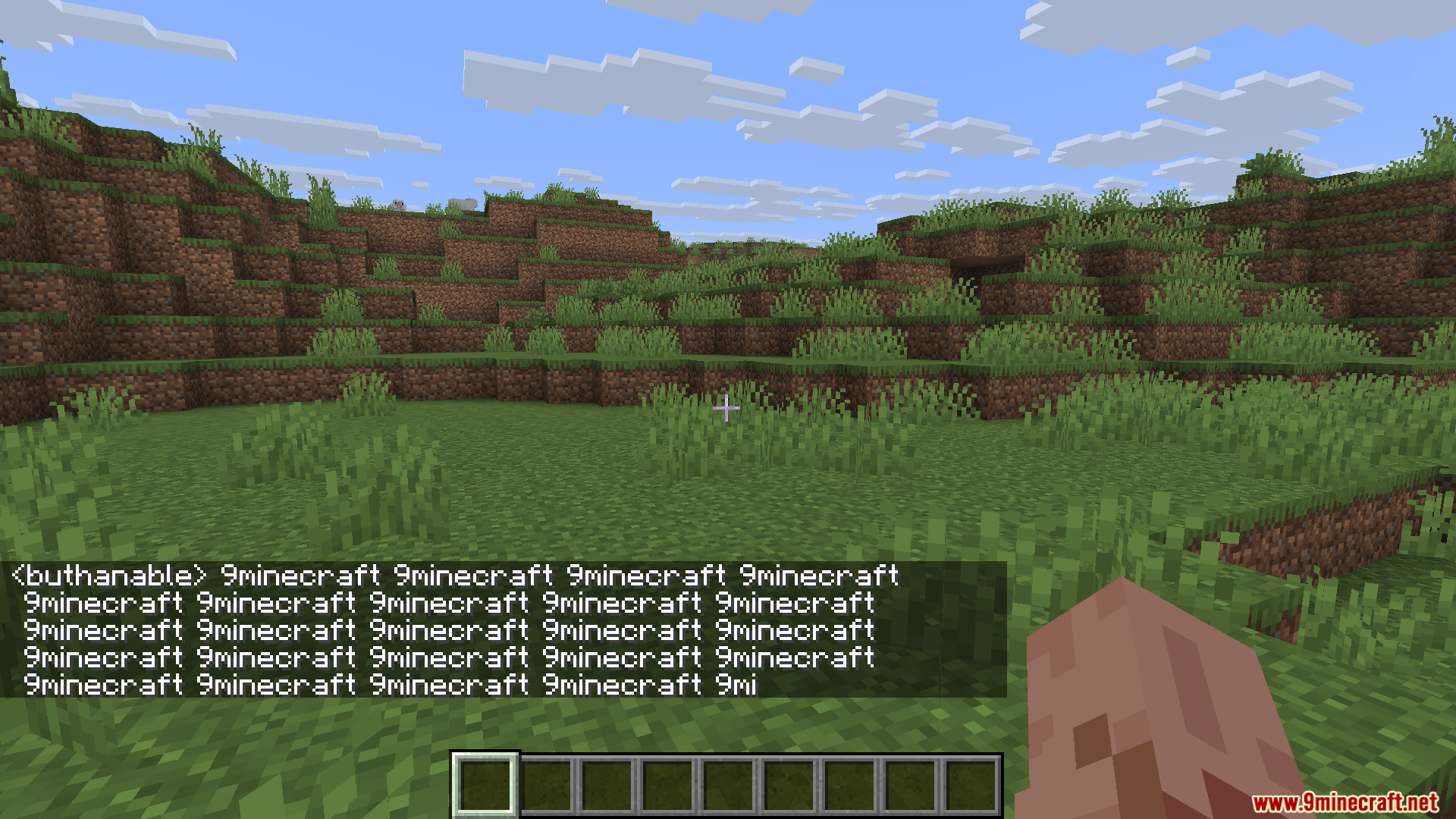
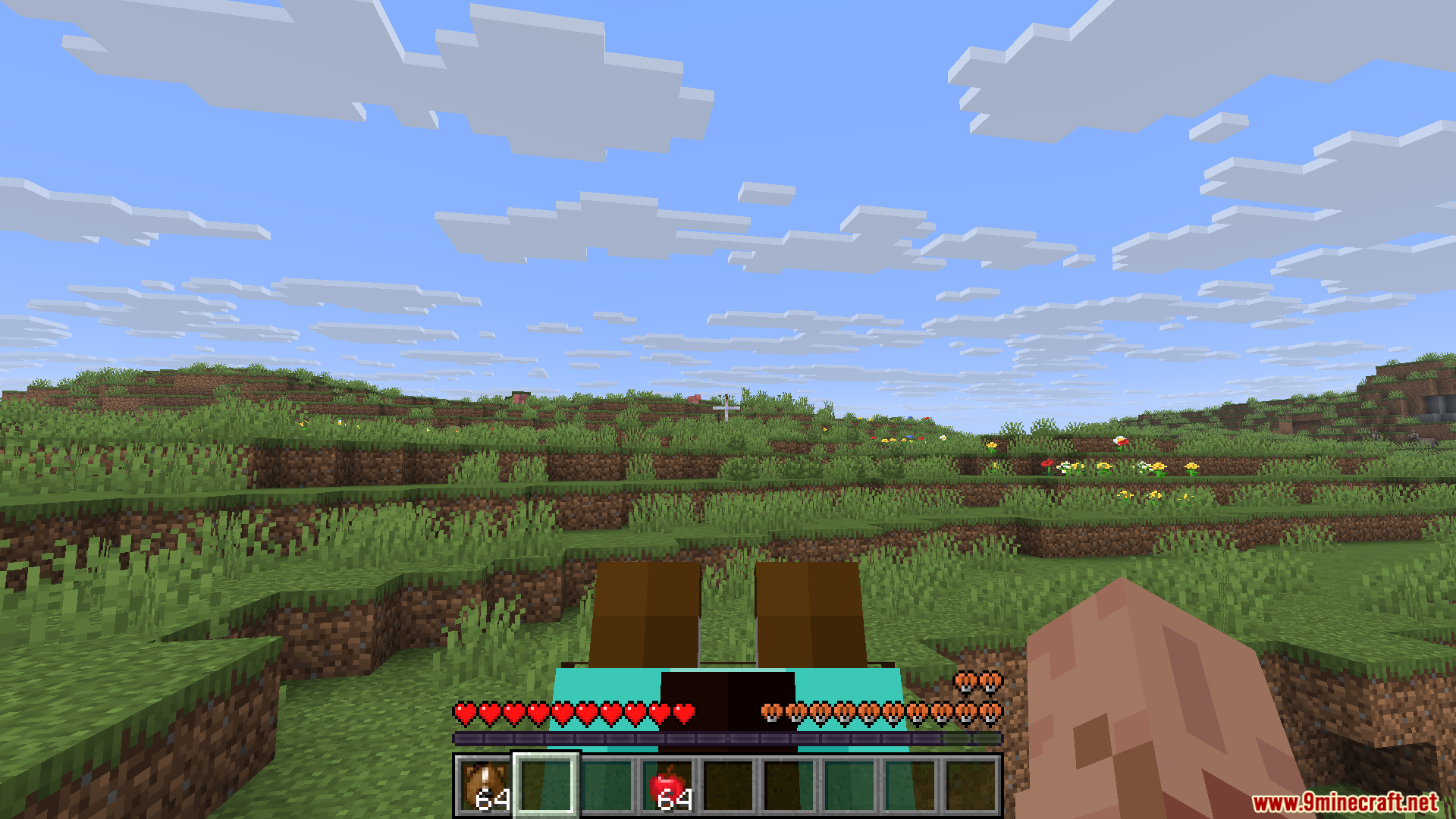
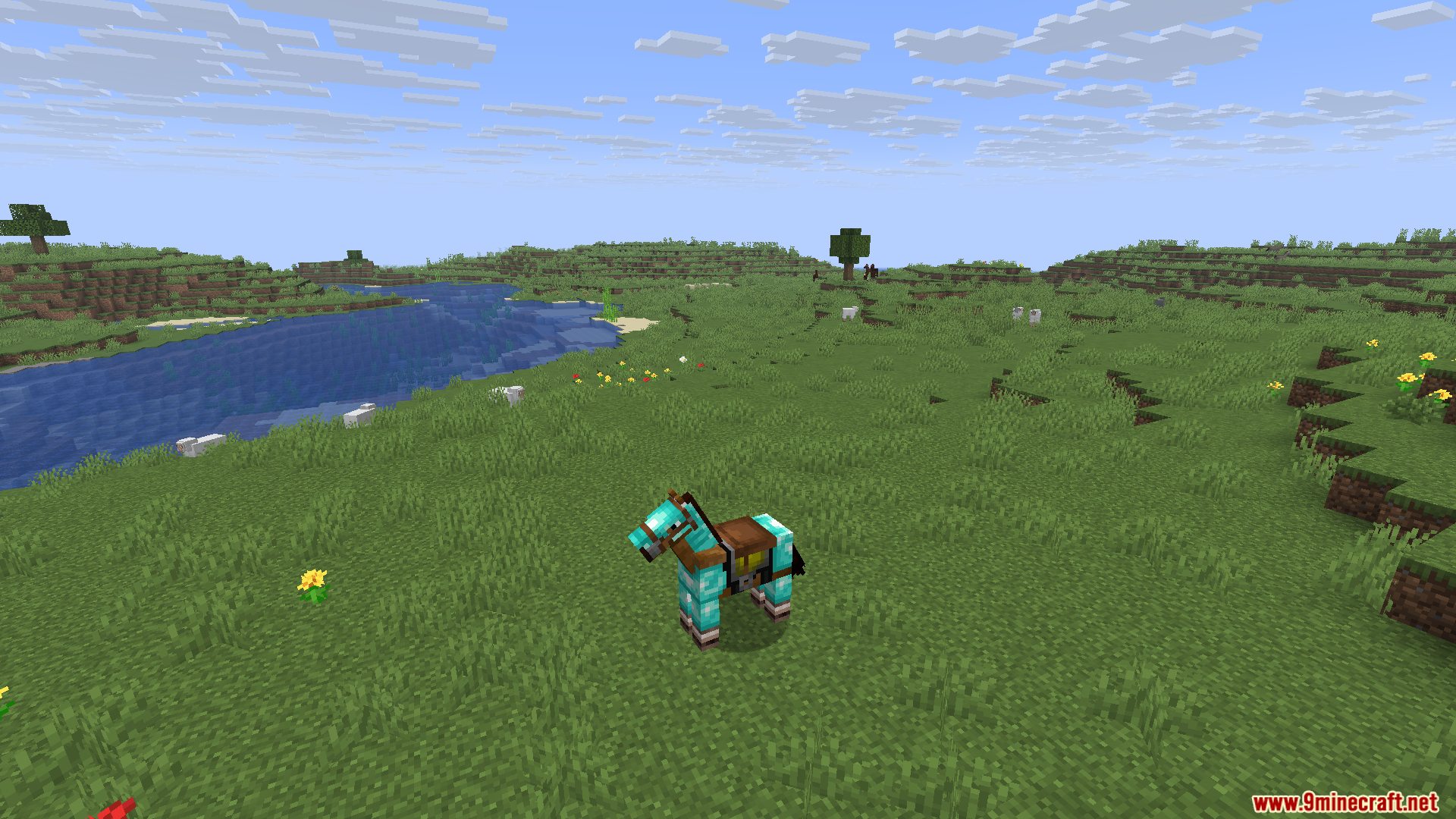
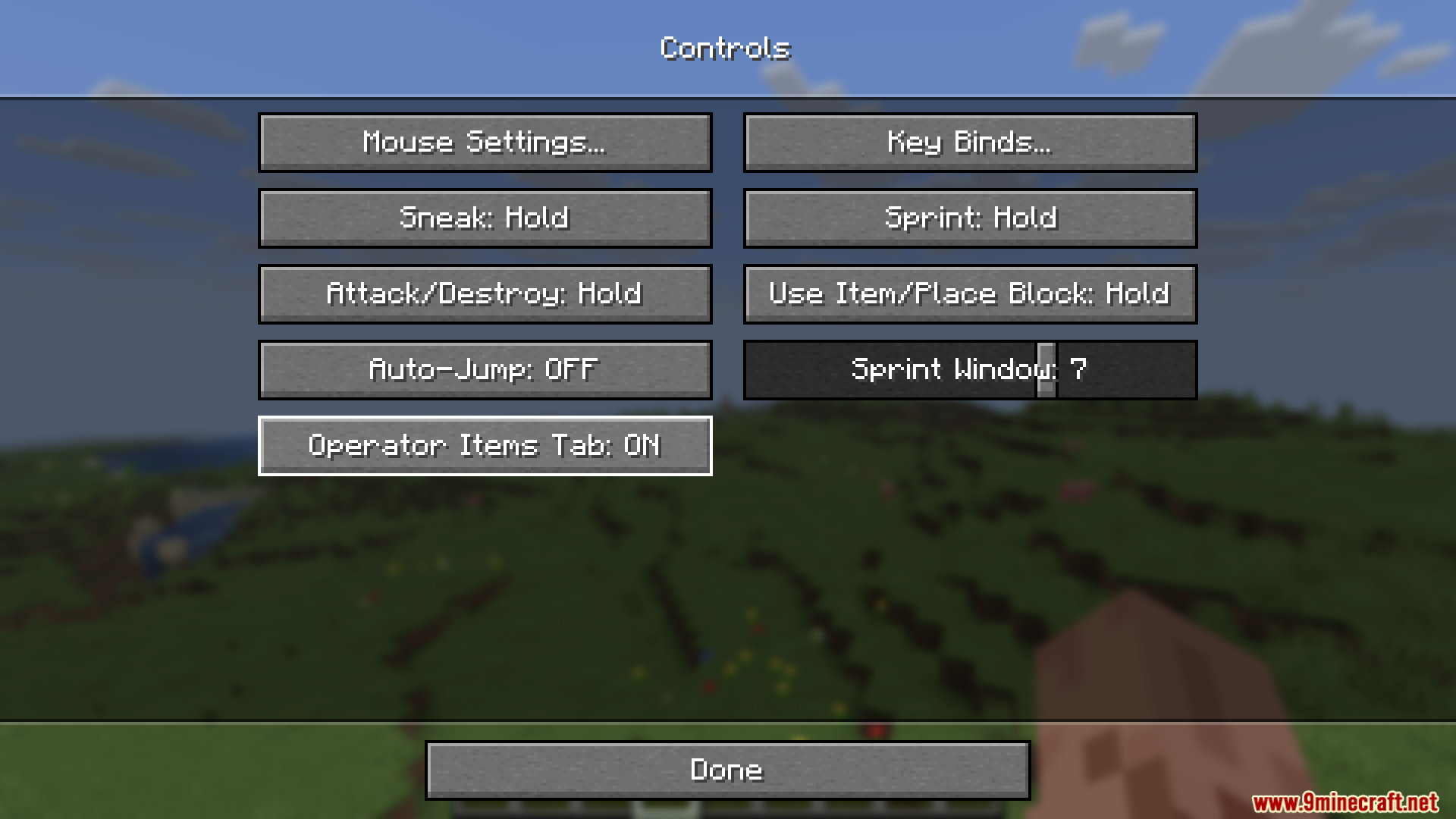
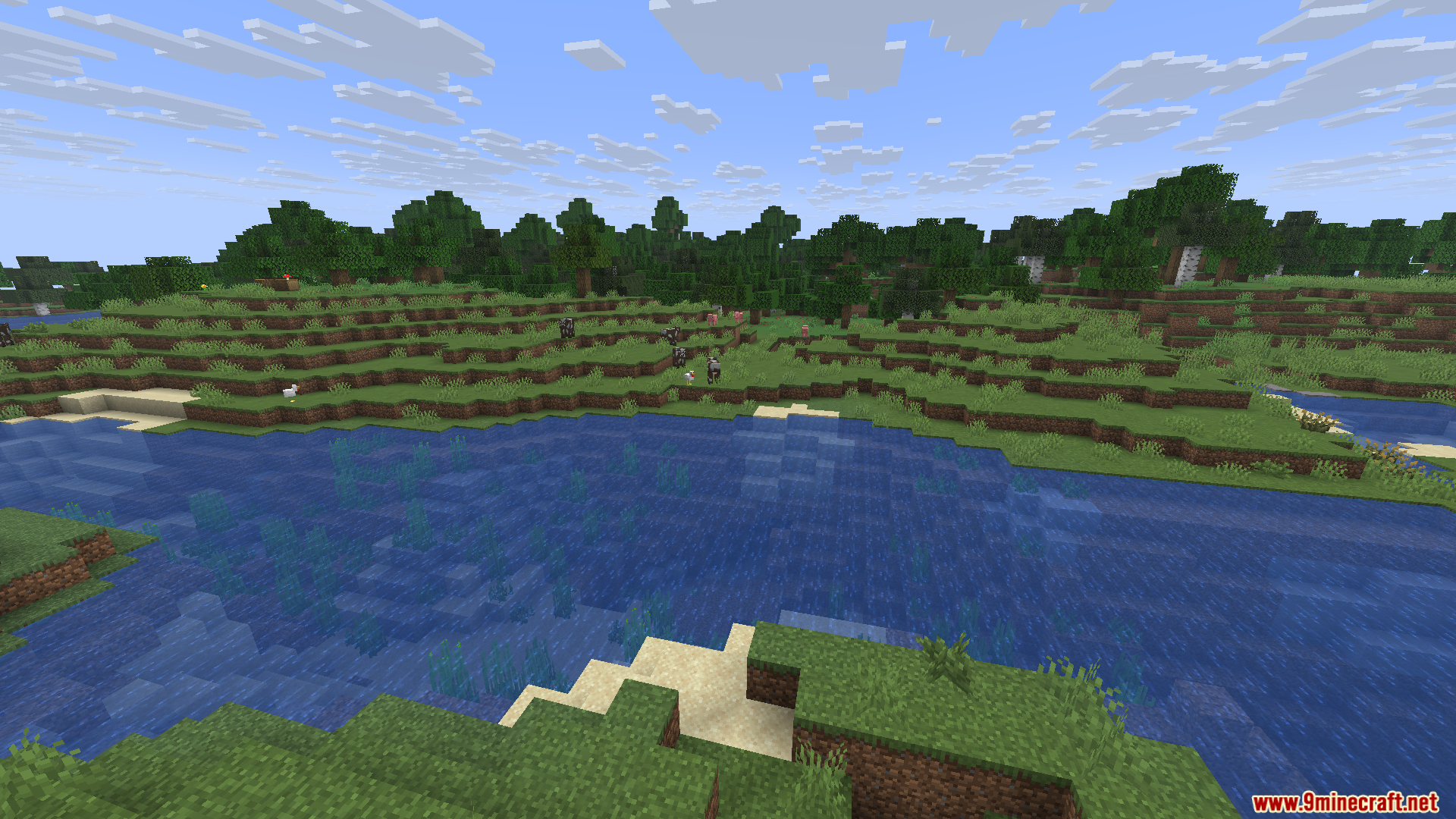
Shuttfup Mod focused on giving players more control over game clutter and performance. It allows turning off pop-up messages, toasts, character narrations and chat spam, while also offering faster world-loading and streamlined UI.
Features:
- Disable or hide chat toasts, advancement pop-ups, narrator messages.
- Toggle particle effects, block animations, and reduce UI clutter to improve FPS.
- Speed up world loading, reduce interruptions, enable a cleaner experience.
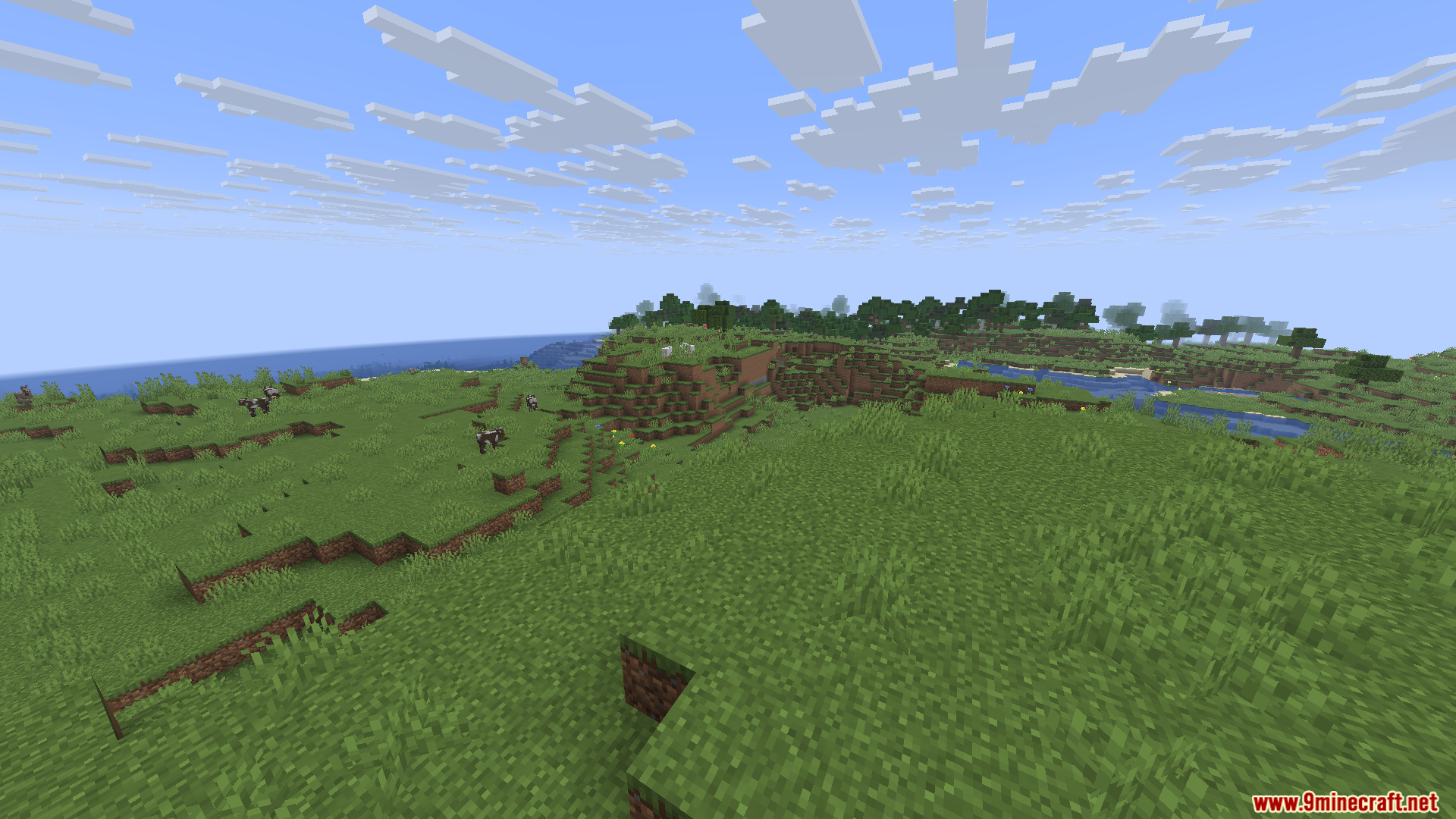
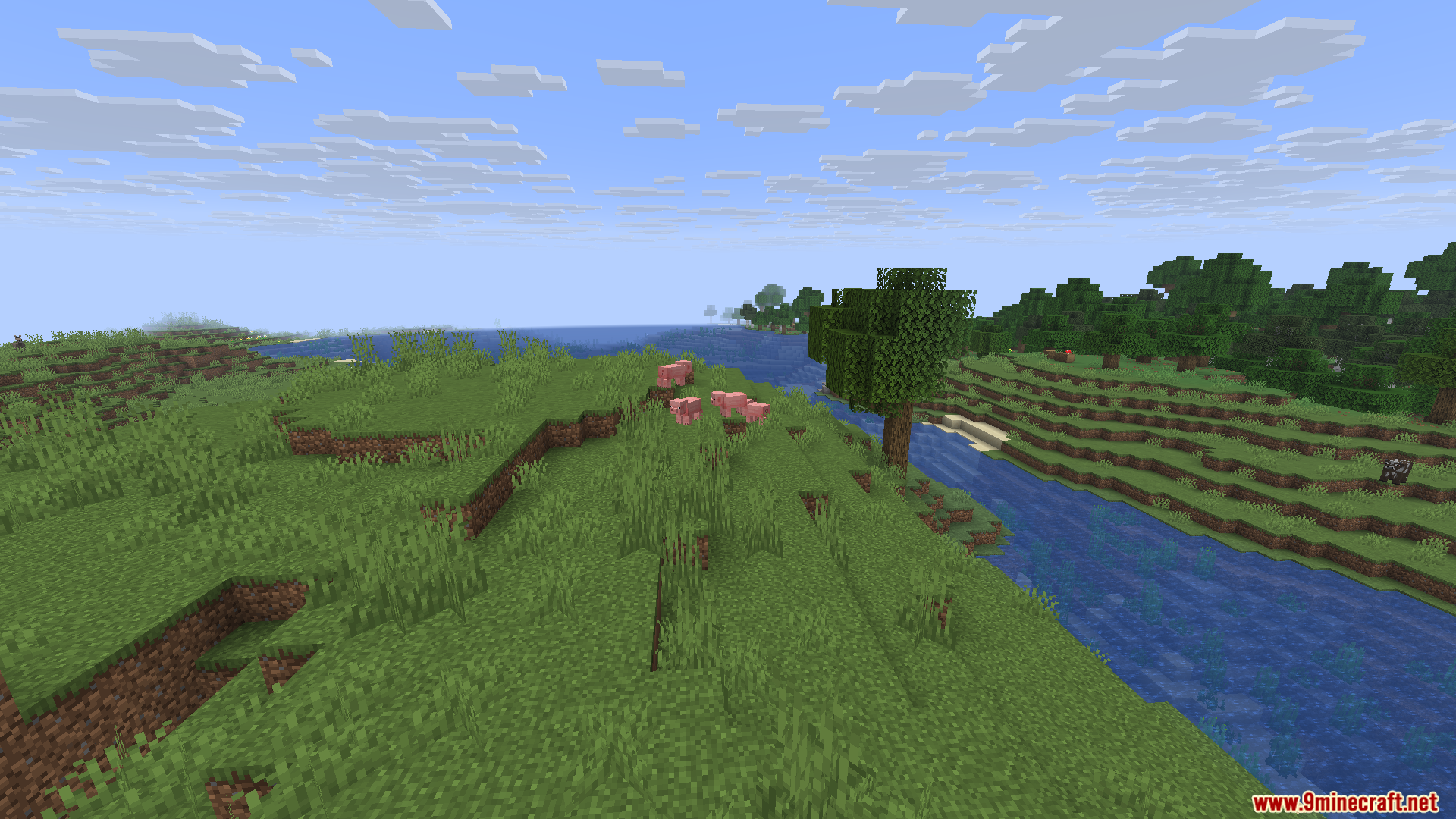
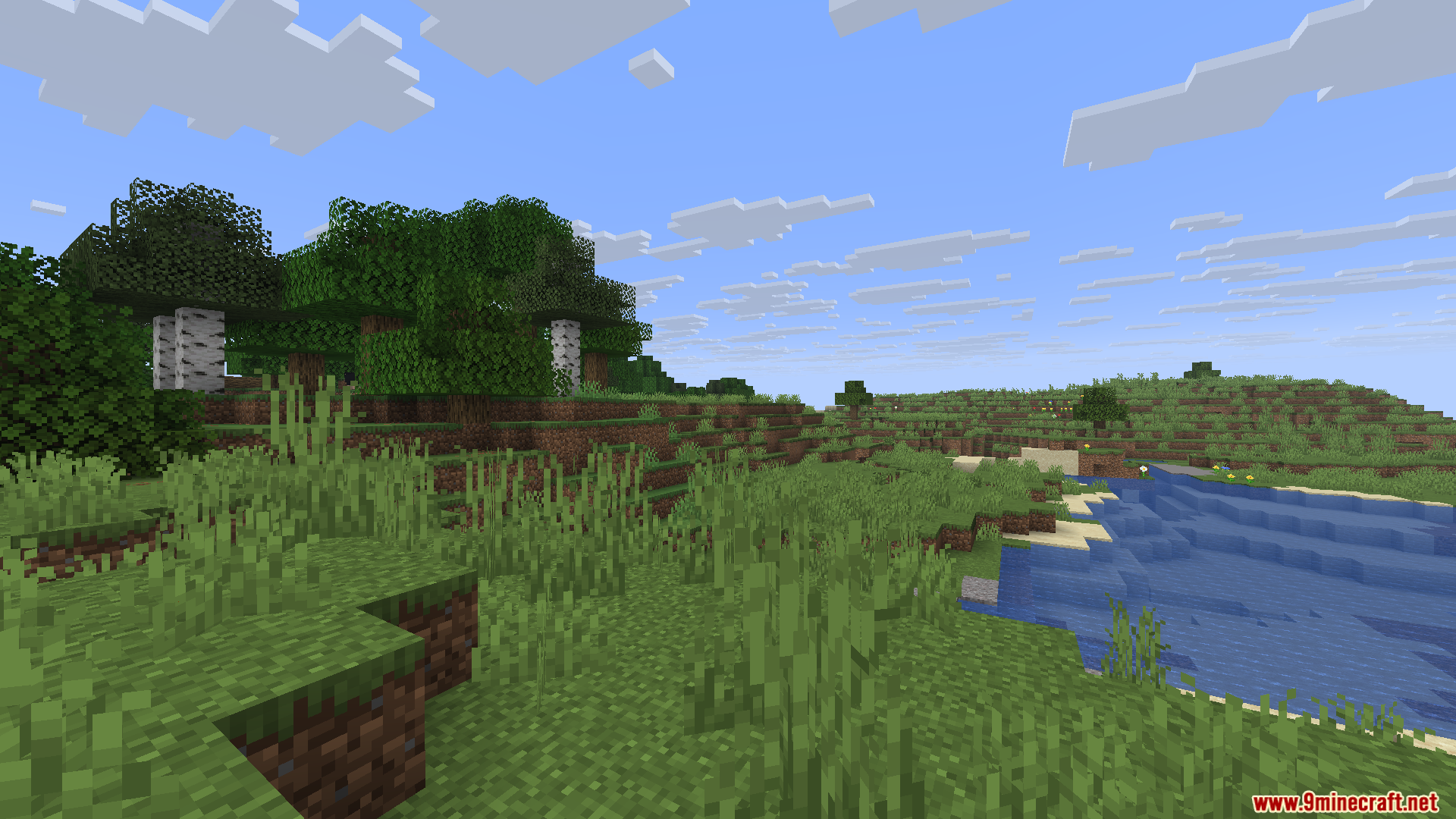
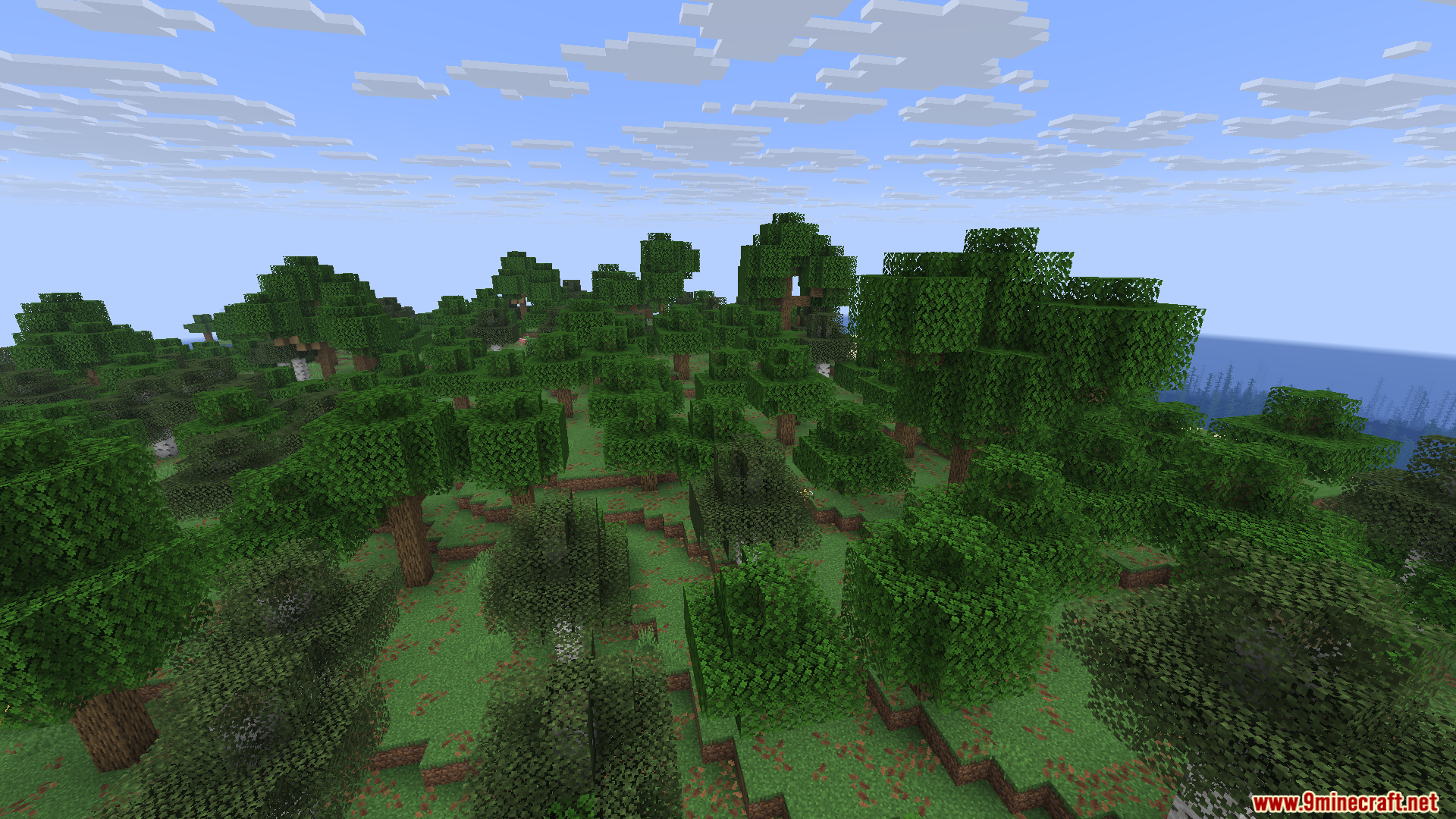
Screenshots:
Shuttfup Mod Download Links
Quick facts
- Edition: Minecraft Java
- File type: .jar
- Minecraft version listed: 1.20.1
- How to install: Install the matching mod loader (Forge, Fabric or NeoForge) for your Minecraft version. → Download the .jar. → Put it in the .minecraft/mods folder and launch that loader profile.
- Where to get it: Opens on the file's original source — not every file is mirrored on our own servers.
Install steps are the general flow for this file type — How to install Minecraft Java mods & modpacks walks through it step by step.
Shuttfup Mod (26.1.2, 1.20.1) – Quiet The Noise is a free Minecraft Java mod. Compatible with Minecraft 1.20.1. Download it and open it directly in the game.