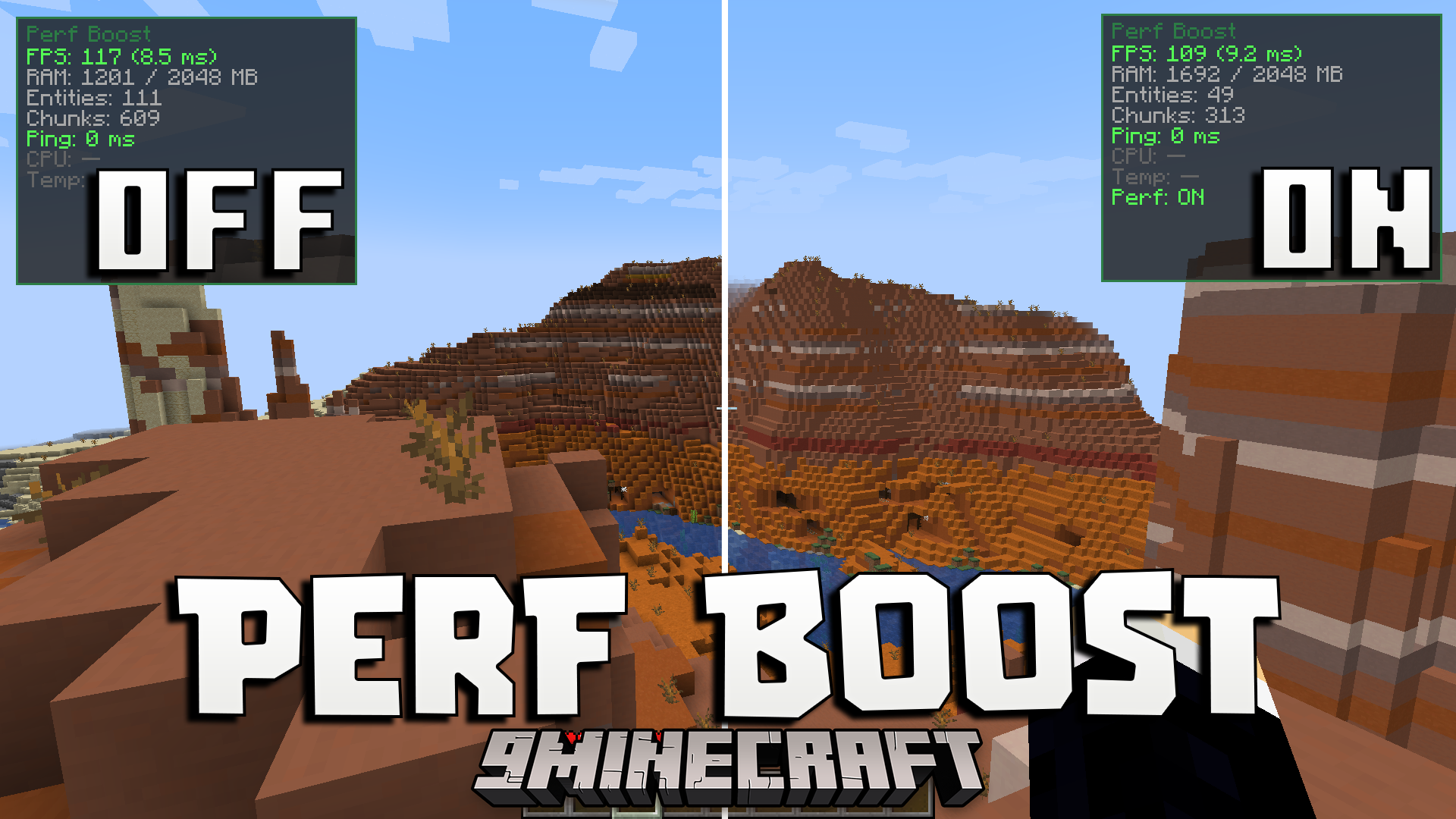
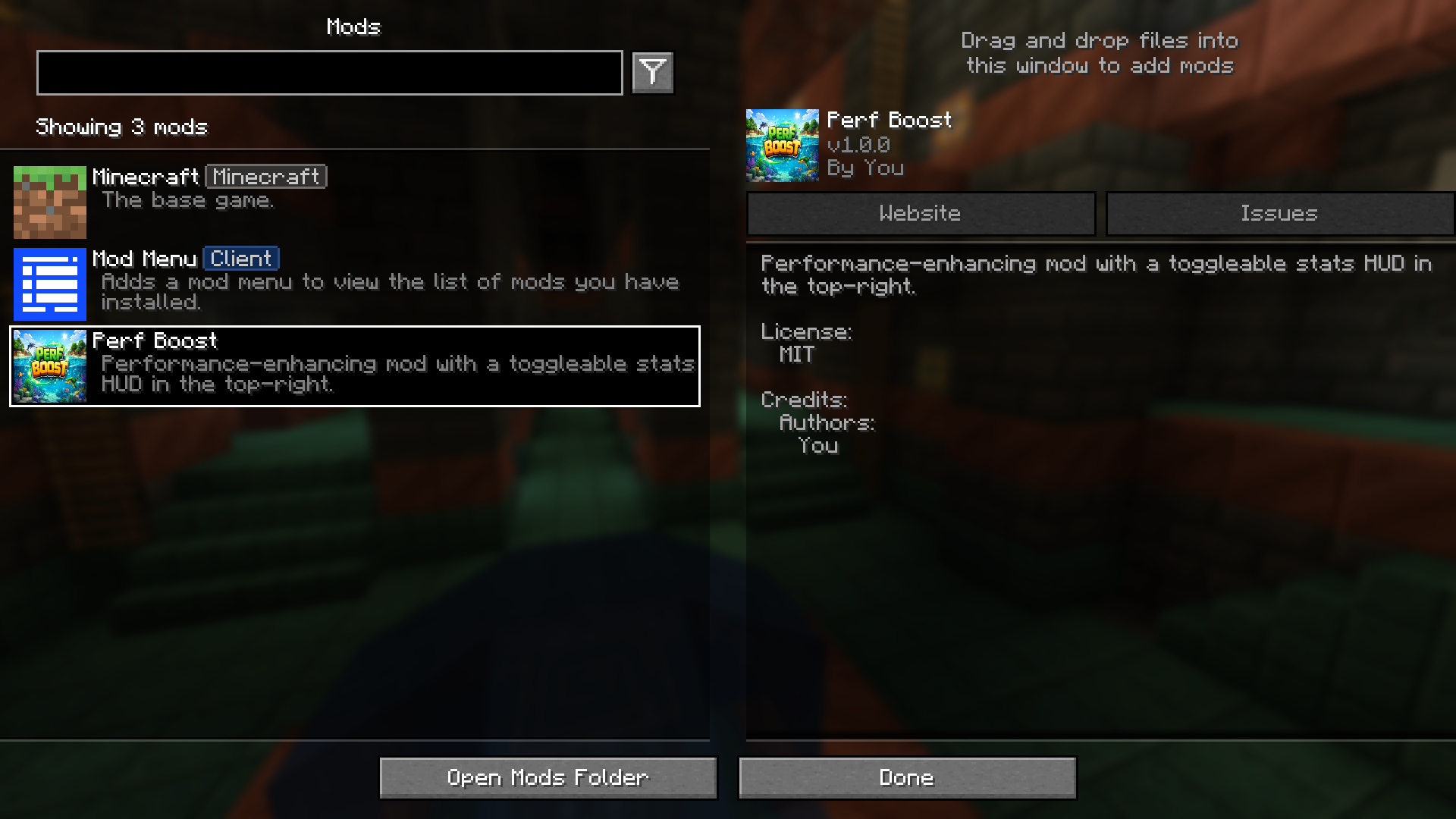
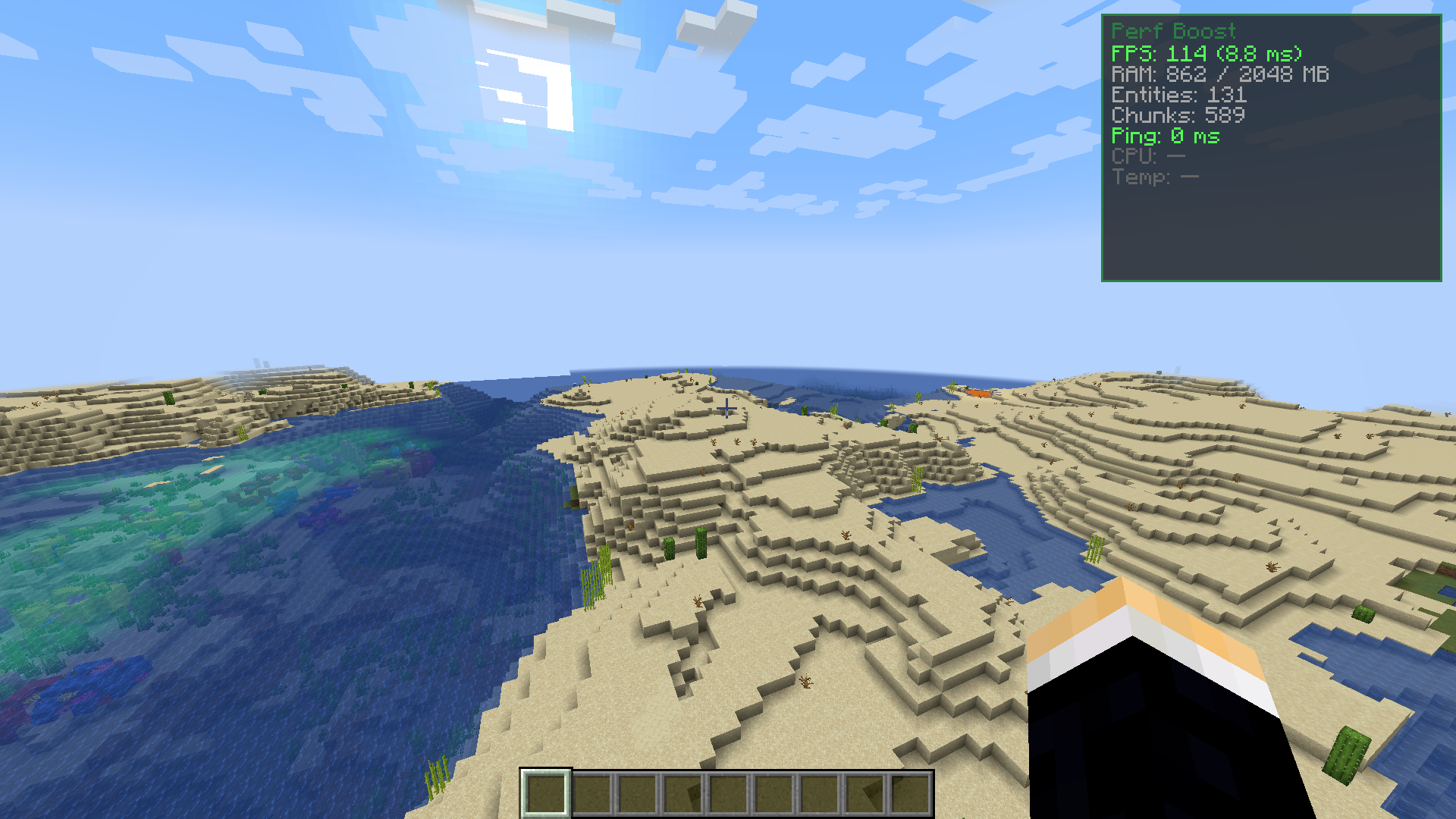
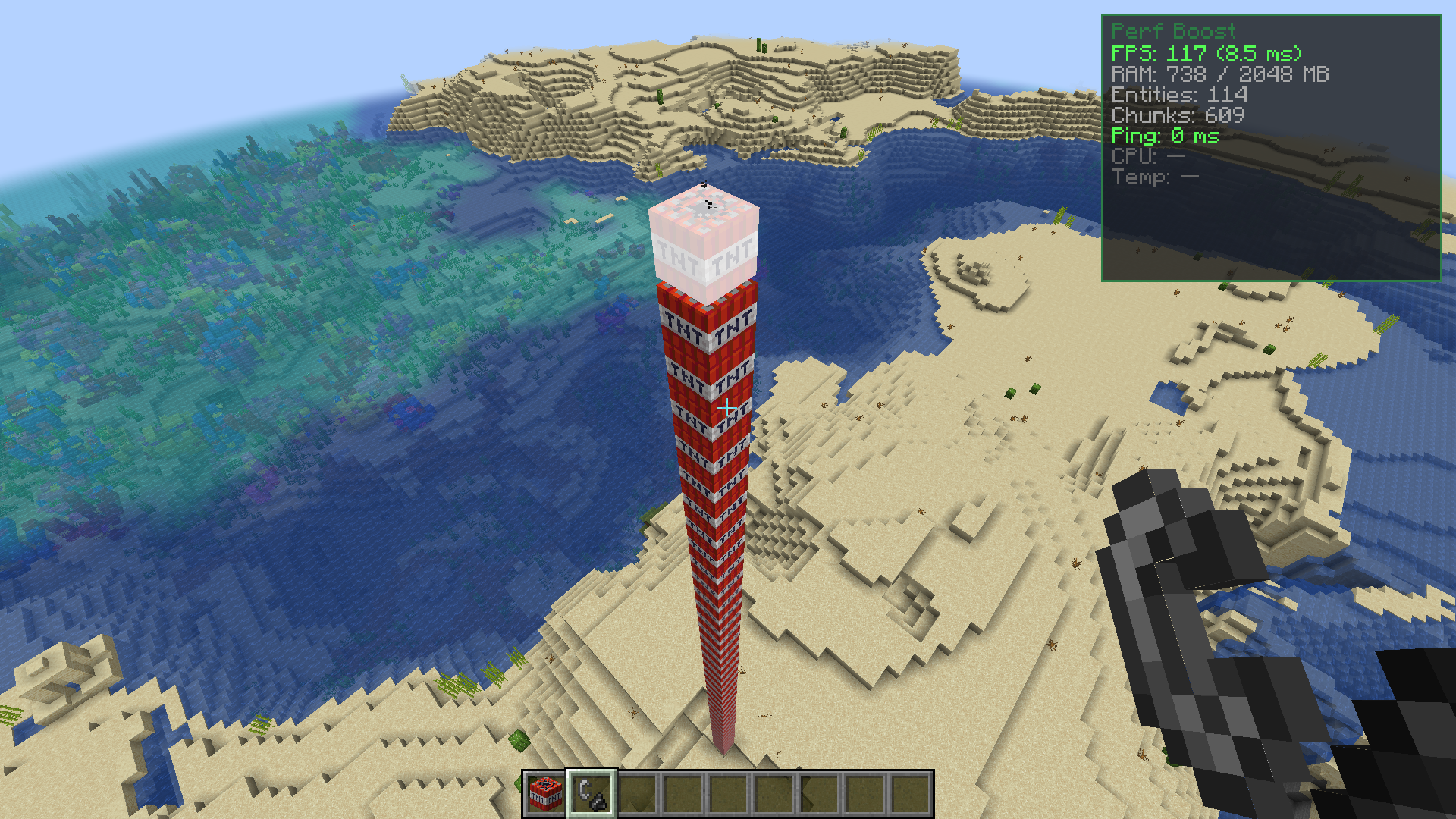
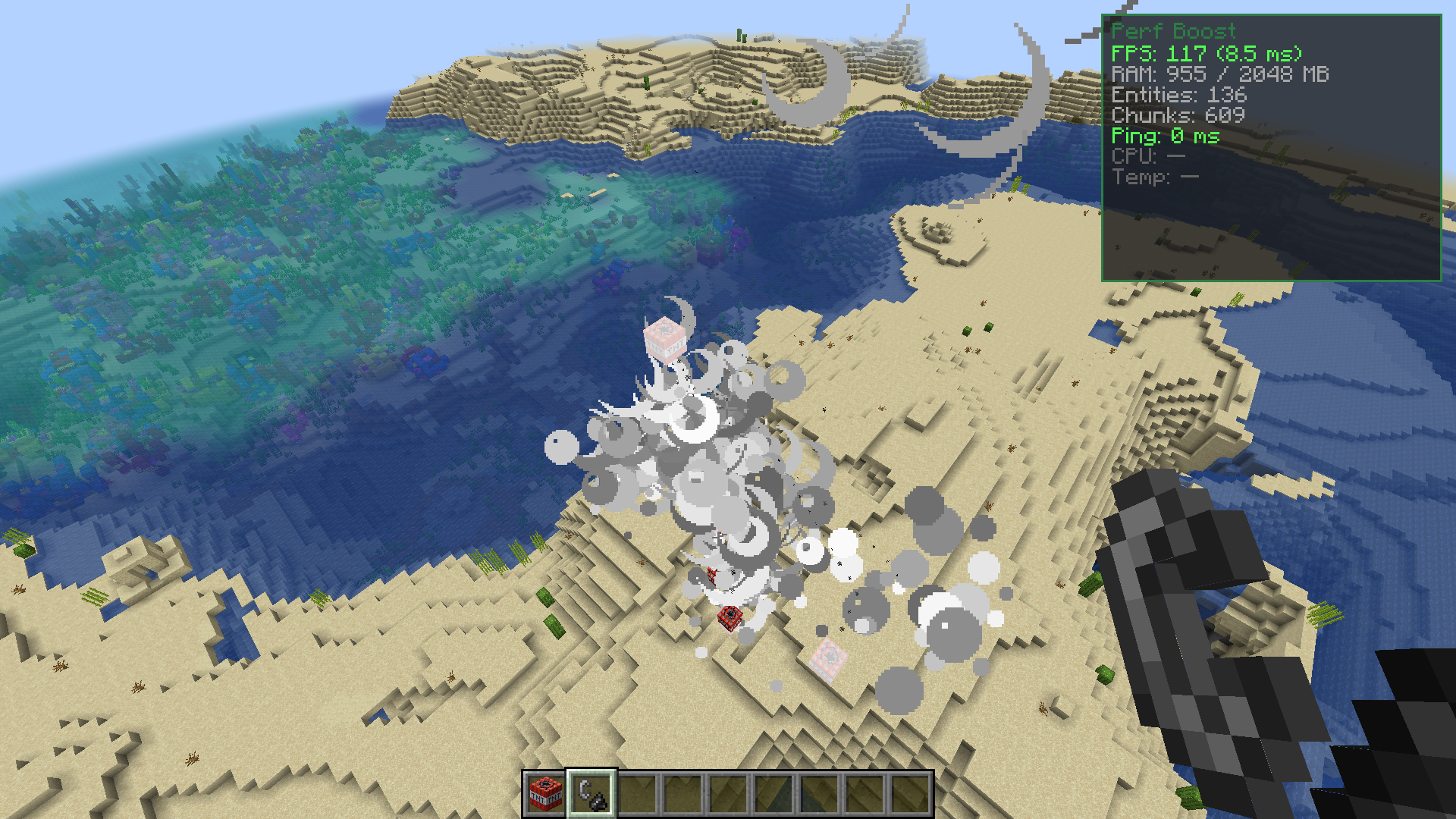
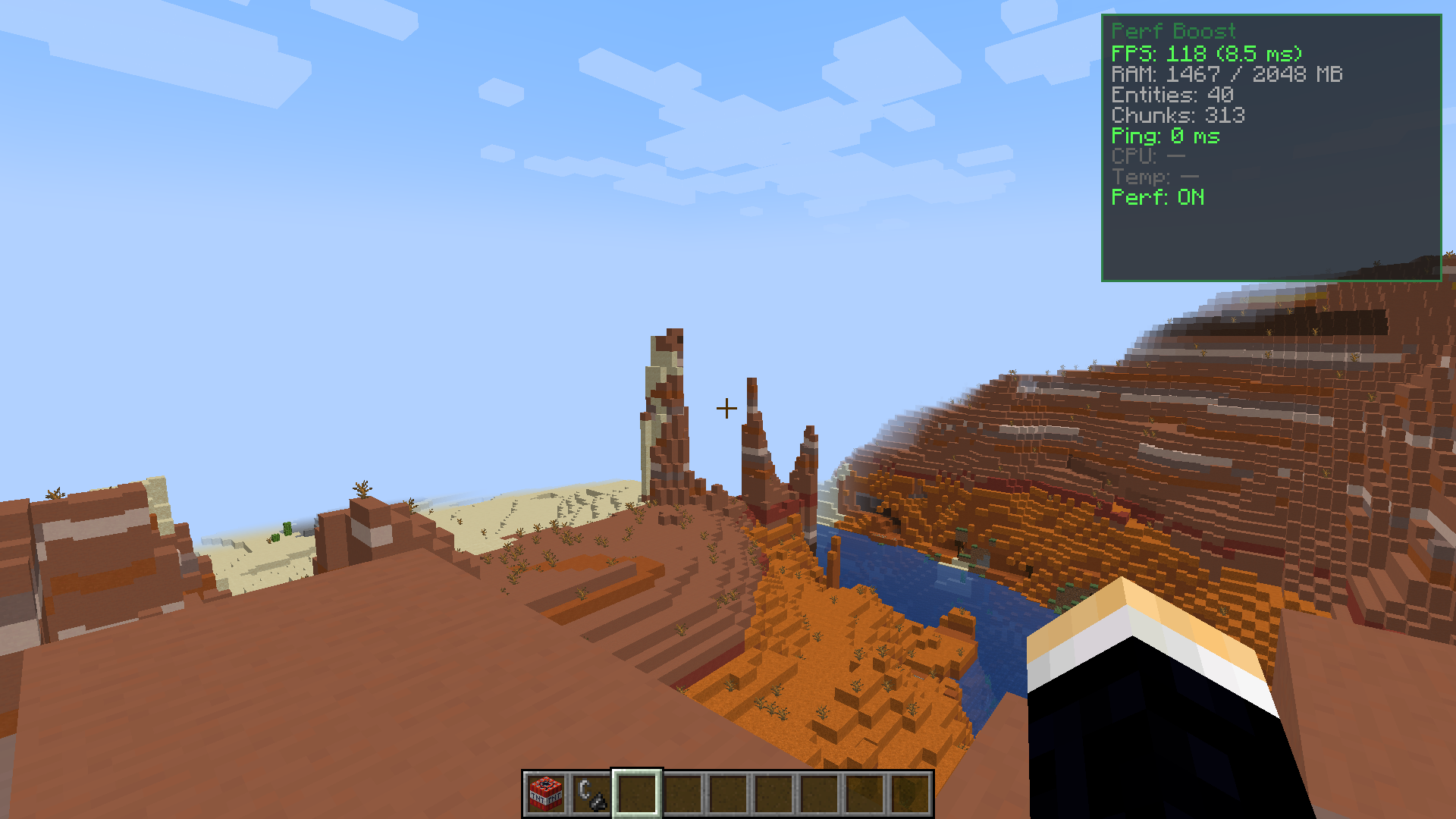
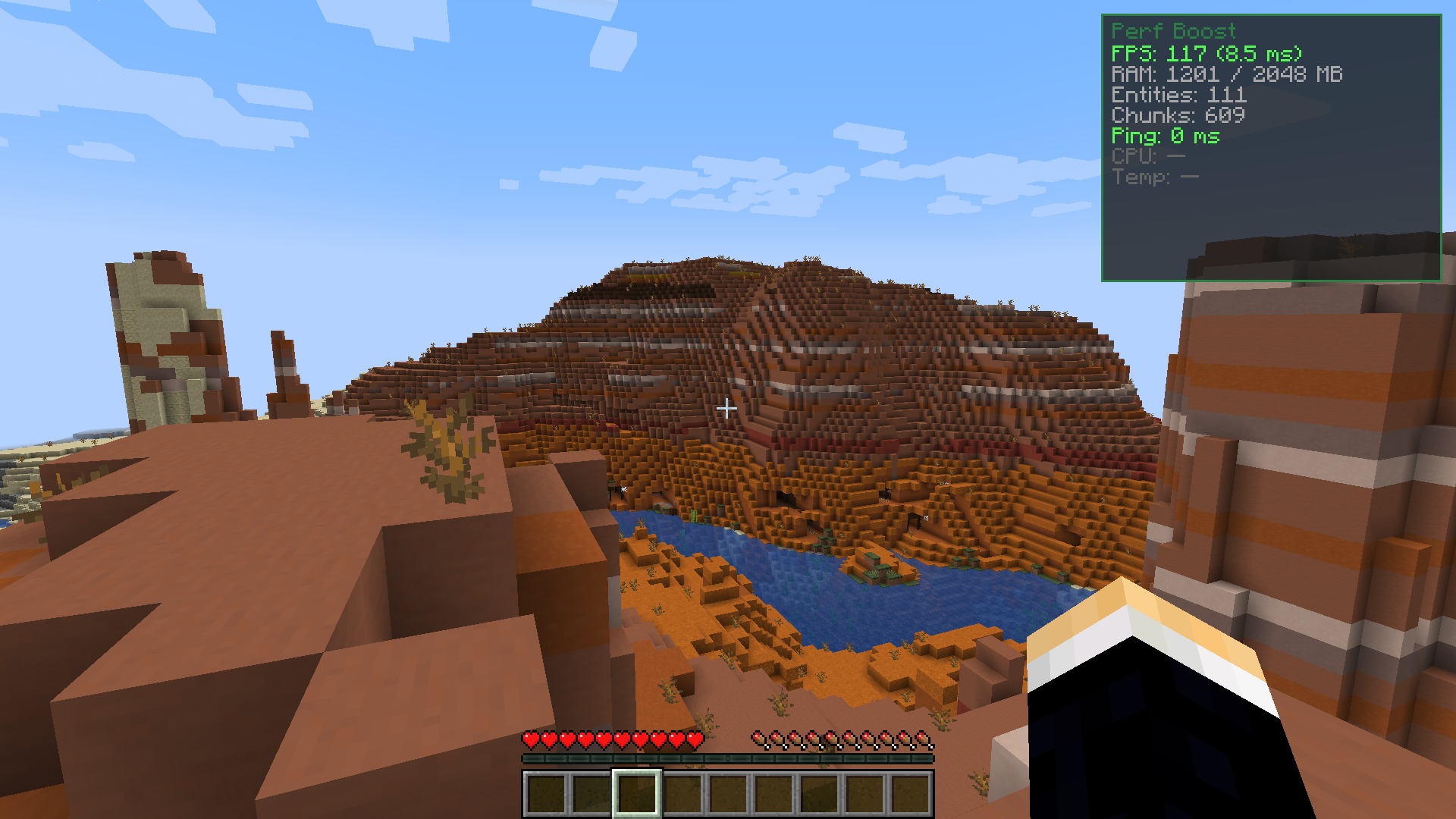
Perf Boost Mod adds a helpful screen to show your game stats and gives you a quick way to make your game run faster. It lets you see details like your frames per second and how much memory you are using. It also brings a special mode that quickly lowers your graphics settings to stop lag when there is too much happening on your screen.
Features:
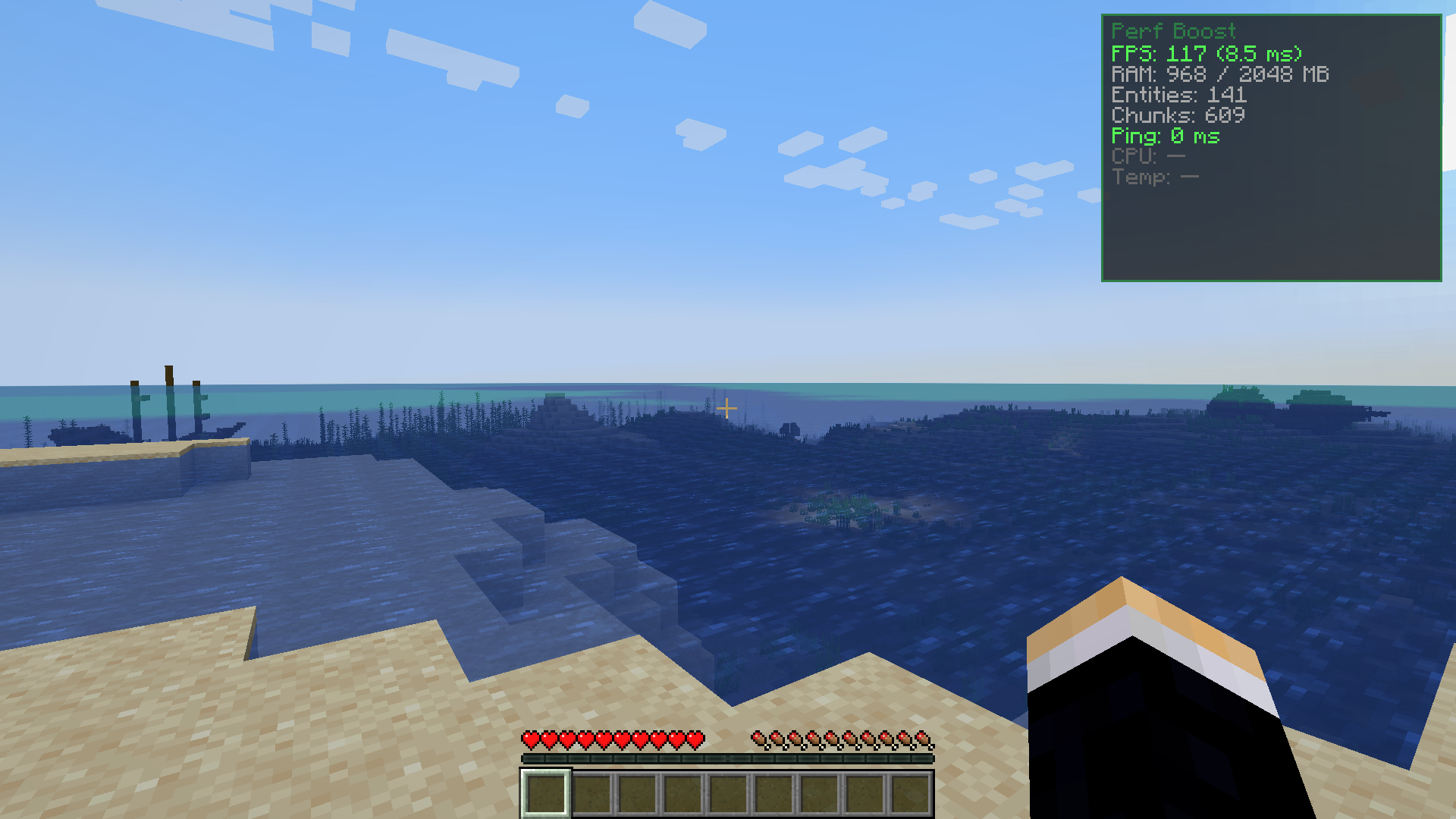
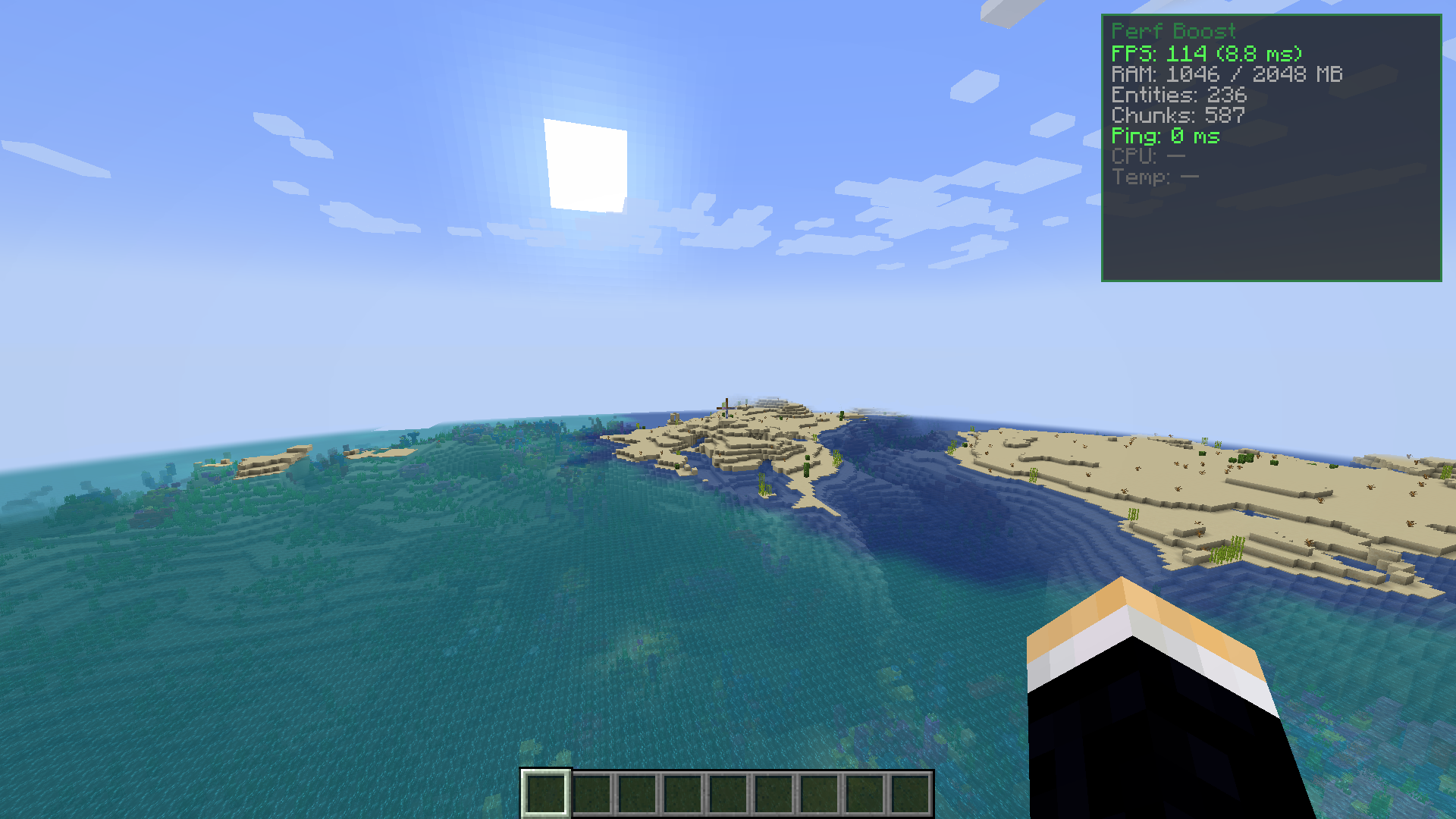
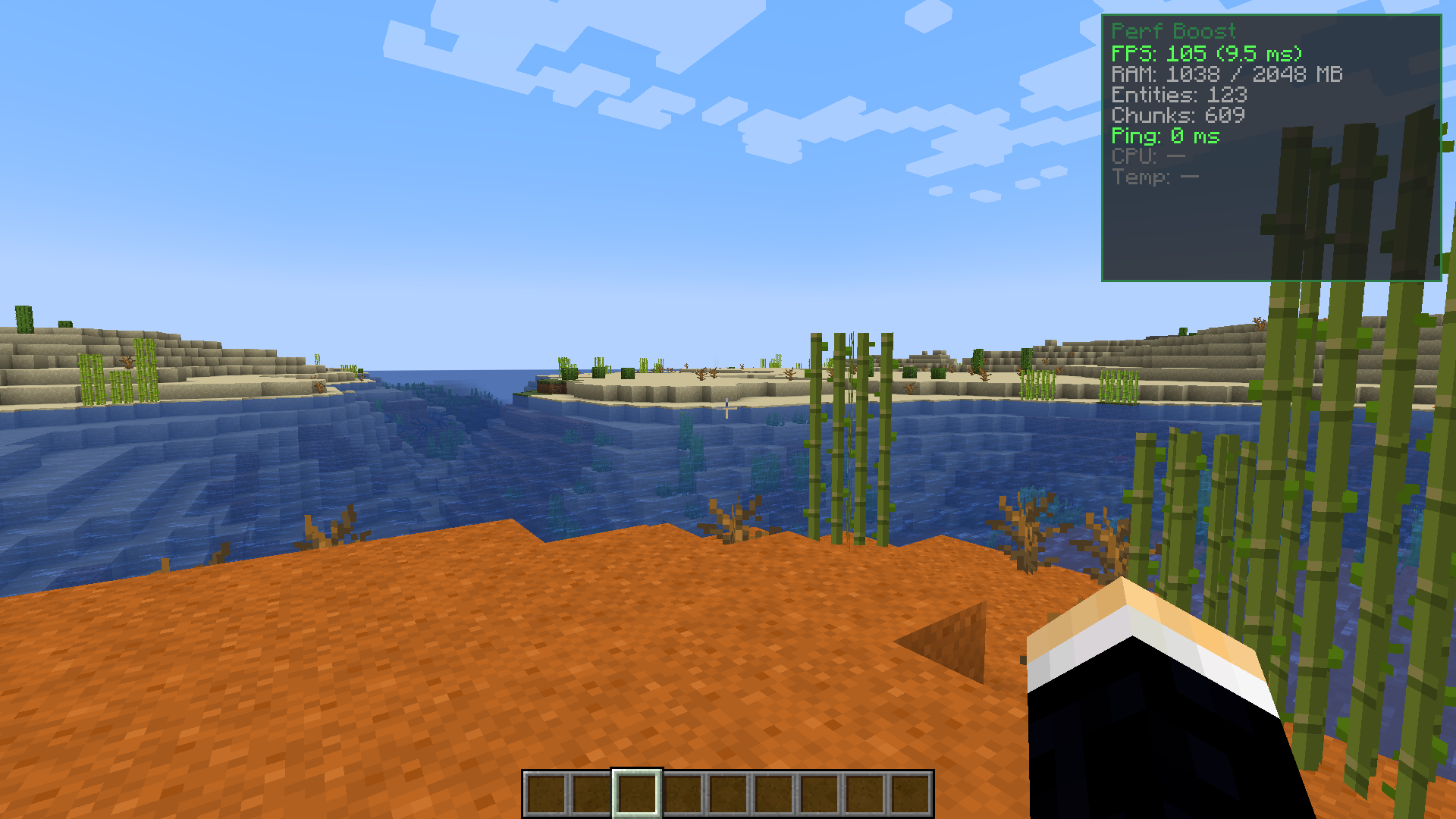
- Shows a stats screen in the top right corner.
- Displays your FPS and frame time.
- Shows how much RAM your game is using.
- Counts the entities and chunks around you.
- Checks your ping when you play multiplayer.
- Shows your CPU usage and temperature.
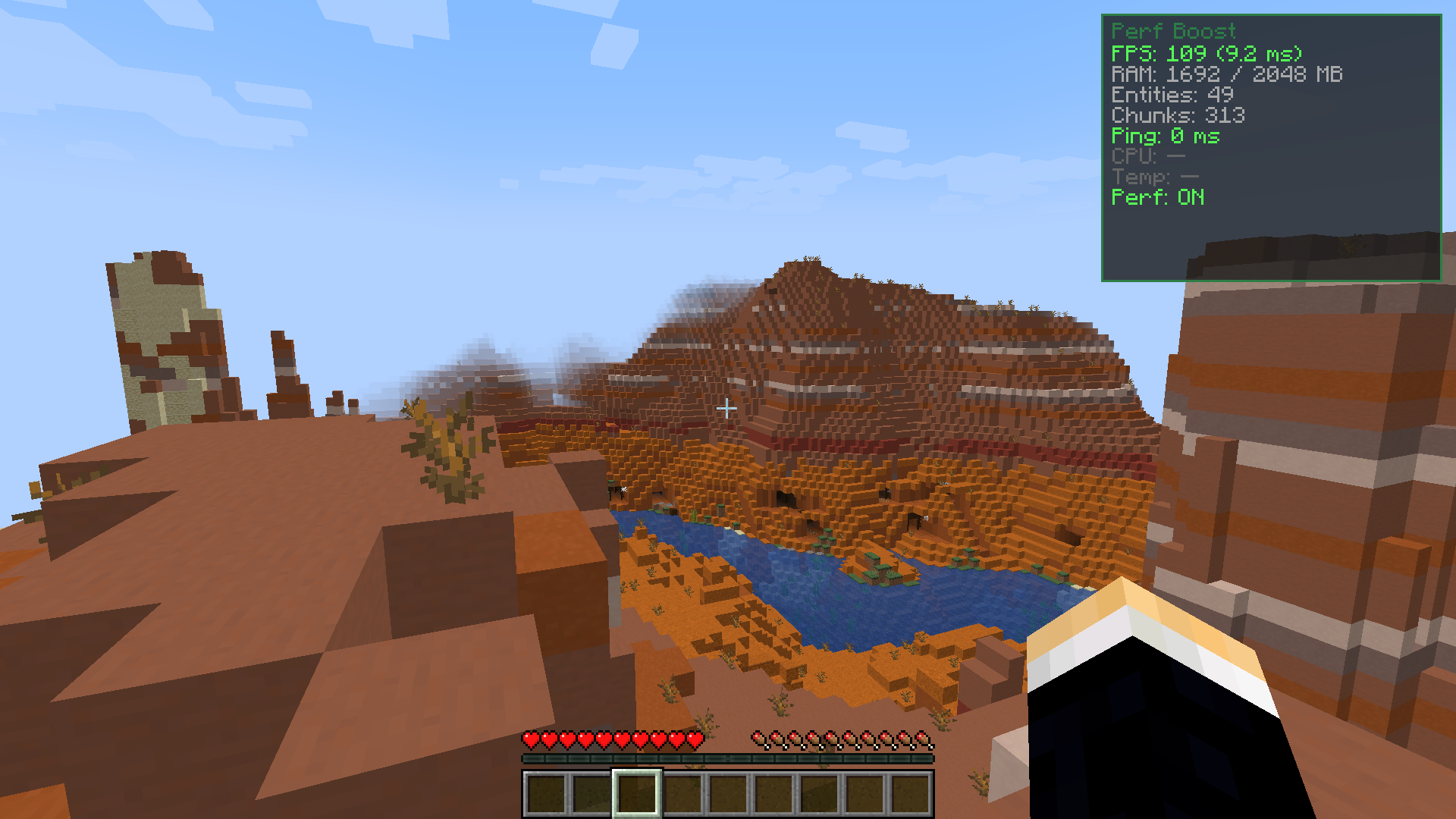
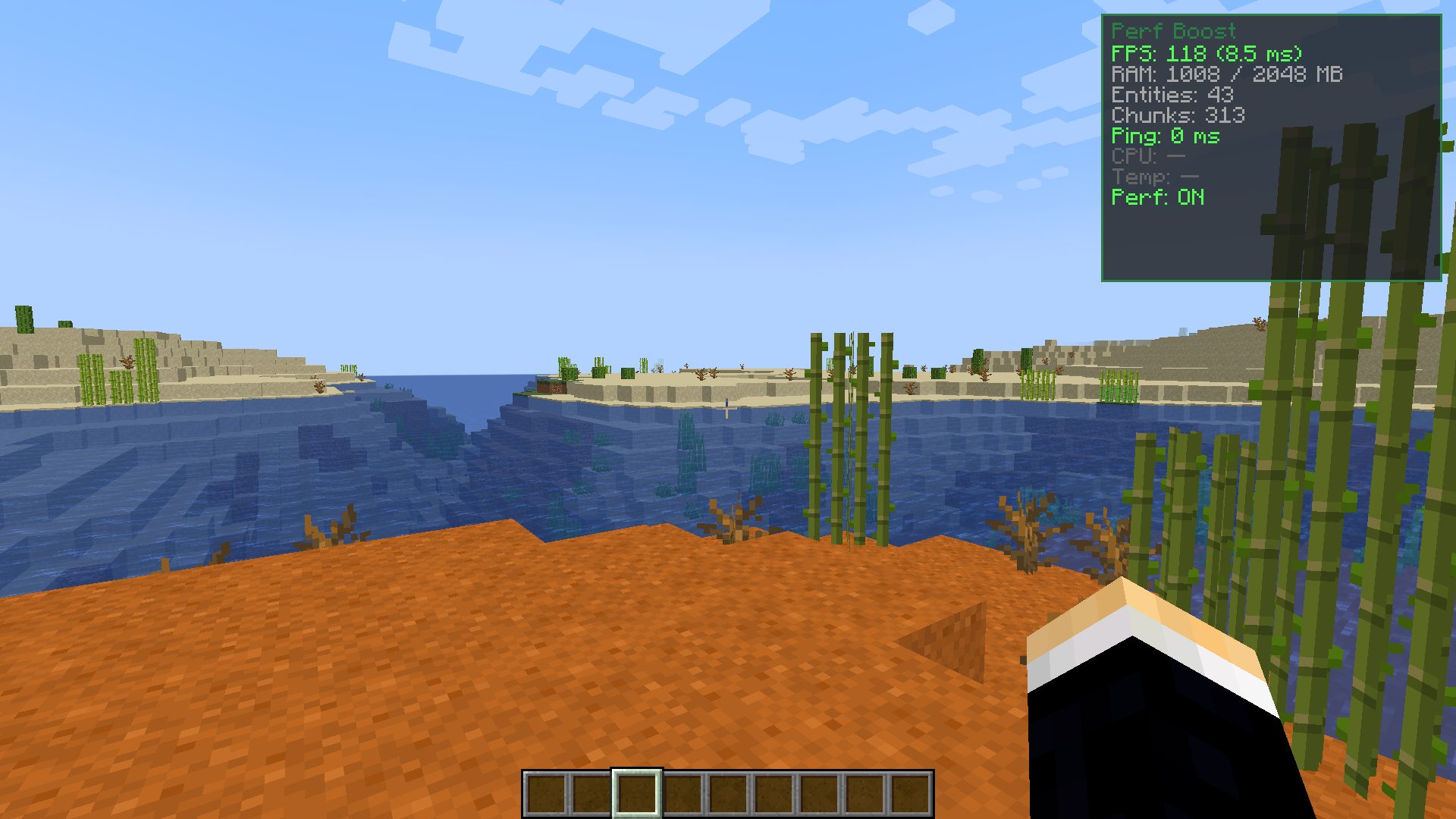
- Performance mode: Lowers graphics quickly to stop lag.
- Caps active particles at 2,000 to save frames.
- Reduces render distance to 8 chunks.
- Lowers simulation distance to 6 chunks.
- Turns off ambient occlusion and entity shadows.
- Restores your old settings when you turn it off.
- Does not save changes to your main options file.
How to Use:
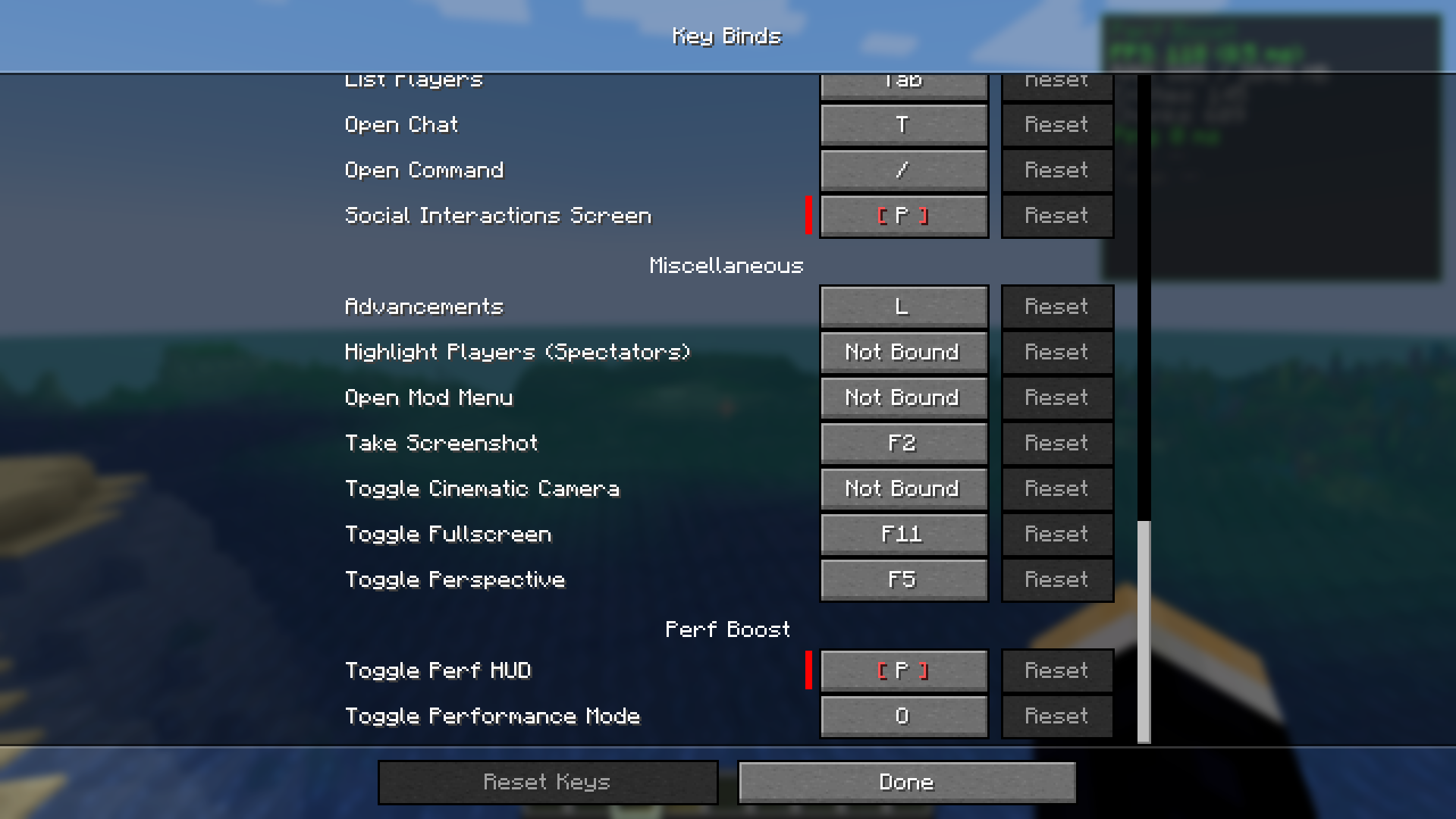
- Press P to open or close the stats screen.
- Press O to turn performance mode on or off.
- Go to your controls menu to change these keys.
Screenshots:
Perf Boost Mod Download Links
Quick facts
- Edition: Minecraft Java
- File type: .jar
- Minecraft version listed: 1.21.10
- How to install: Install the matching mod loader (Forge, Fabric or NeoForge) for your Minecraft version. → Download the .jar. → Put it in the .minecraft/mods folder and launch that loader profile.
- Where to get it: In MC Java Mods, or directly above on this page.
Install steps are the general flow for this file type — How to install Minecraft Java mods & modpacks walks through it step by step.
Verified by MCModsHub
- Downloads as 84120.mcaddon
- Download size: 936 KB
- Download link checked 25 Sept 2026 — working
- Mirrored on our own servers — the download does not depend on the original host
These come from our own check of the pack file, not from the source page.