
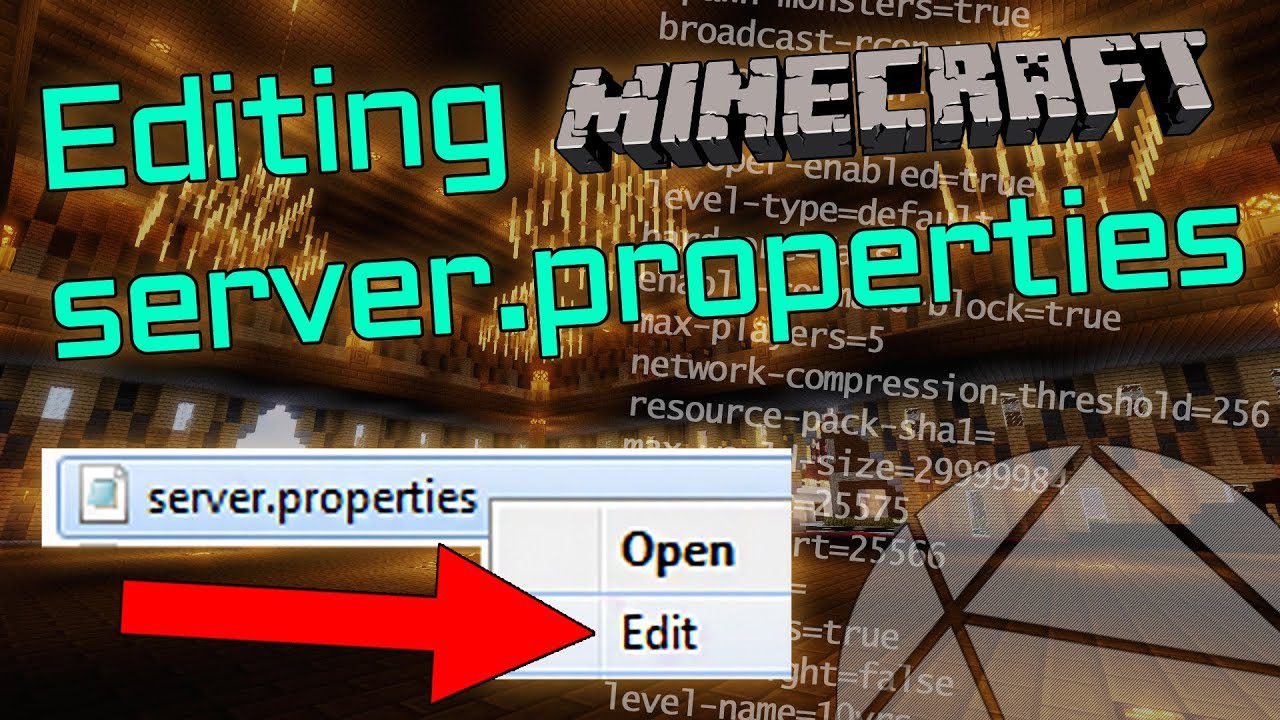
Default Server Properties Mod lets modpack developers set up custom server settings from the start. It uses a special default-server.properties file that you place in the main game folder. When a new server is created, this file automatically provides the settings, ensuring every player has the same intended experience without manual setup.
Features:
- Lets modpack makers define a custom
default-server.propertiesfile. - Automatically overrides the standard server settings when a world is first created.
- You only need to list the settings you want to change, not the entire file.
- Helps ensure consistent server settings for all users of a modpack.
How to Use:
- Create a file named
default-server.propertiesin the main game folder. - Add any server properties you want to change to this file.
- The mod will automatically apply these settings when a new server is generated.
Default Server Properties Mod Download Links
Quick facts
- Edition: Minecraft Java
- File type: .jar
- Minecraft version listed: 1.20.1
- How to install: Install the matching mod loader (Forge, Fabric or NeoForge) for your Minecraft version. → Download the .jar. → Put it in the .minecraft/mods folder and launch that loader profile.
- Where to get it: In MC Java Mods, or directly above on this page.
Install steps are the general flow for this file type — How to install Minecraft Java mods & modpacks walks through it step by step.
Verified by MCModsHub
- Downloads as 84128.mcaddon
- Download size: 6 KB
- Download link checked 26 Sept 2026 — working
- Mirrored on our own servers — the download does not depend on the original host
These come from our own check of the pack file, not from the source page.