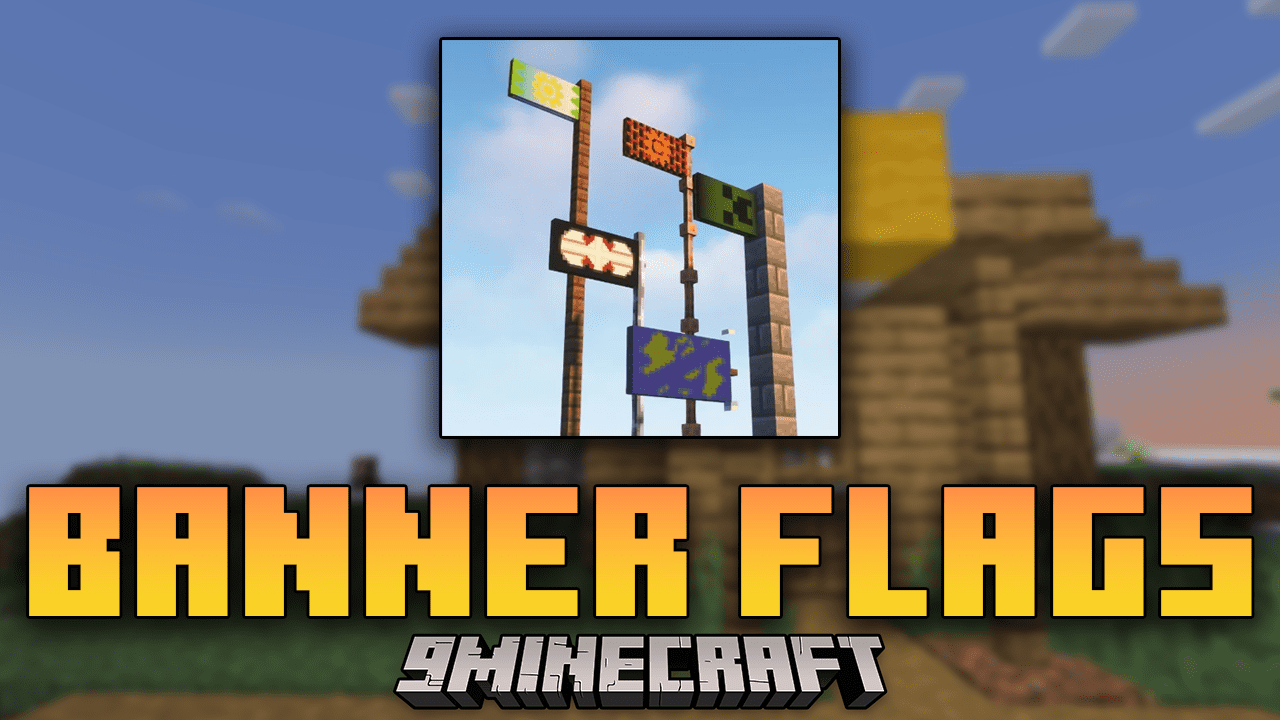
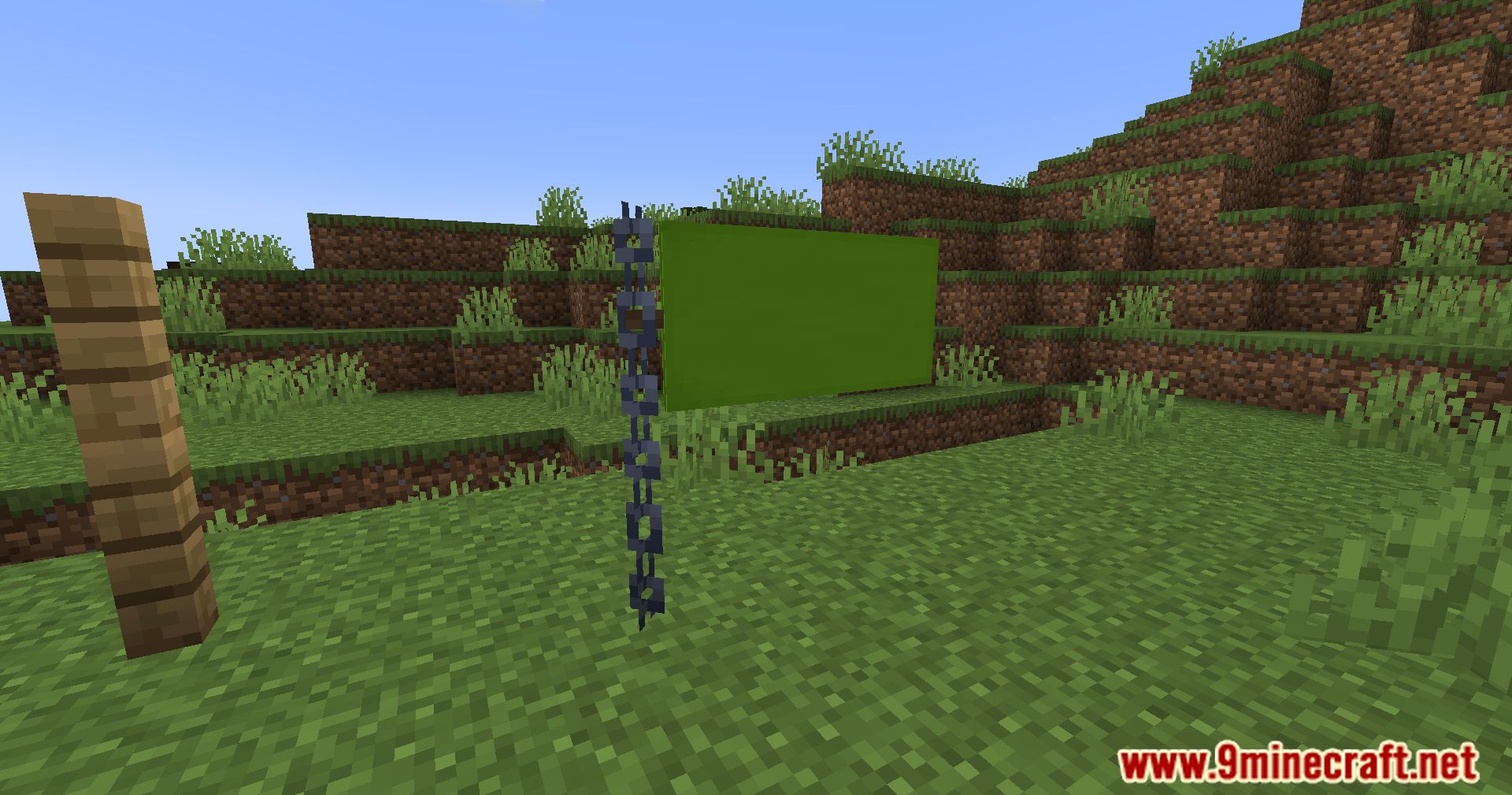
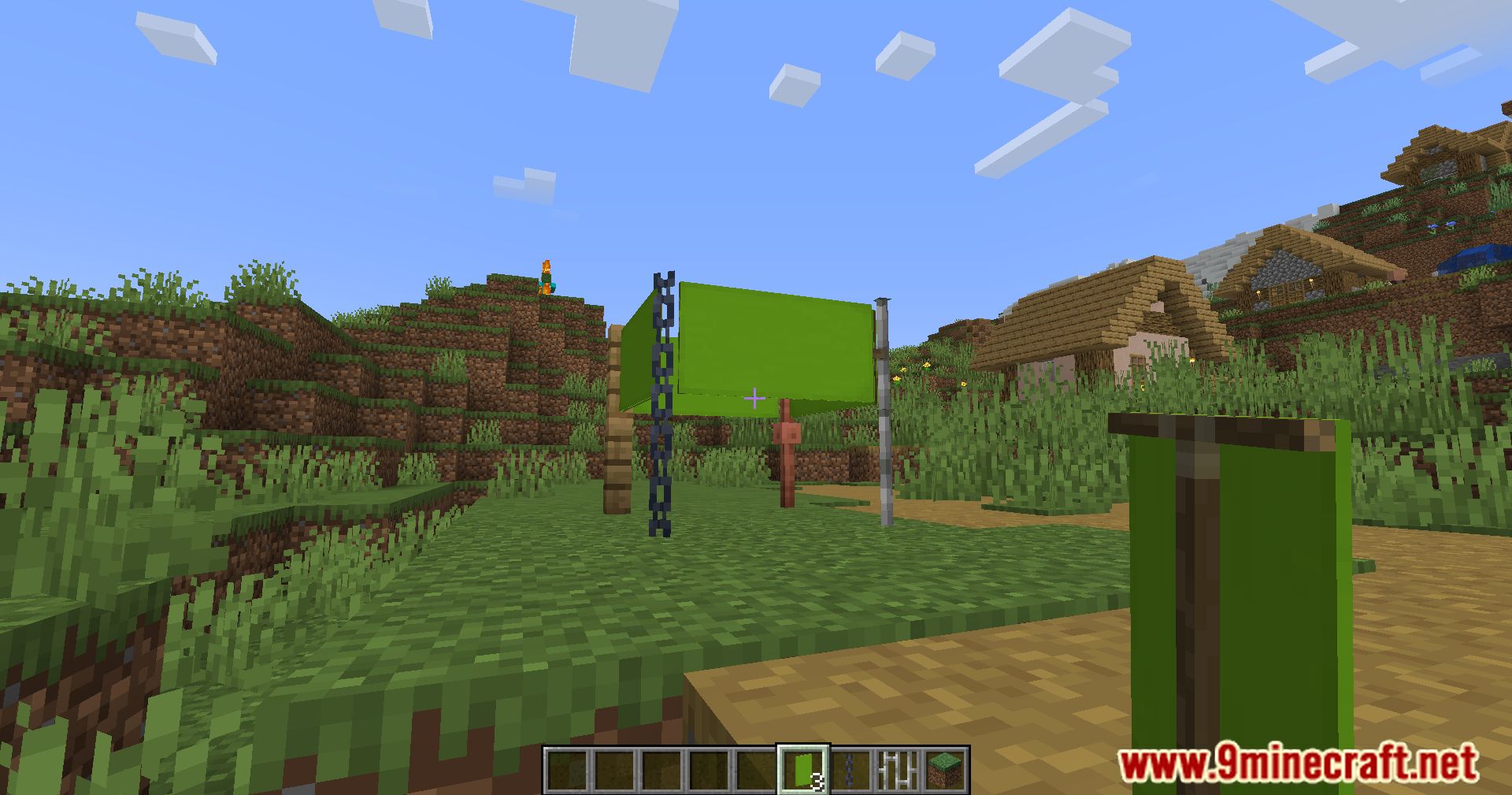
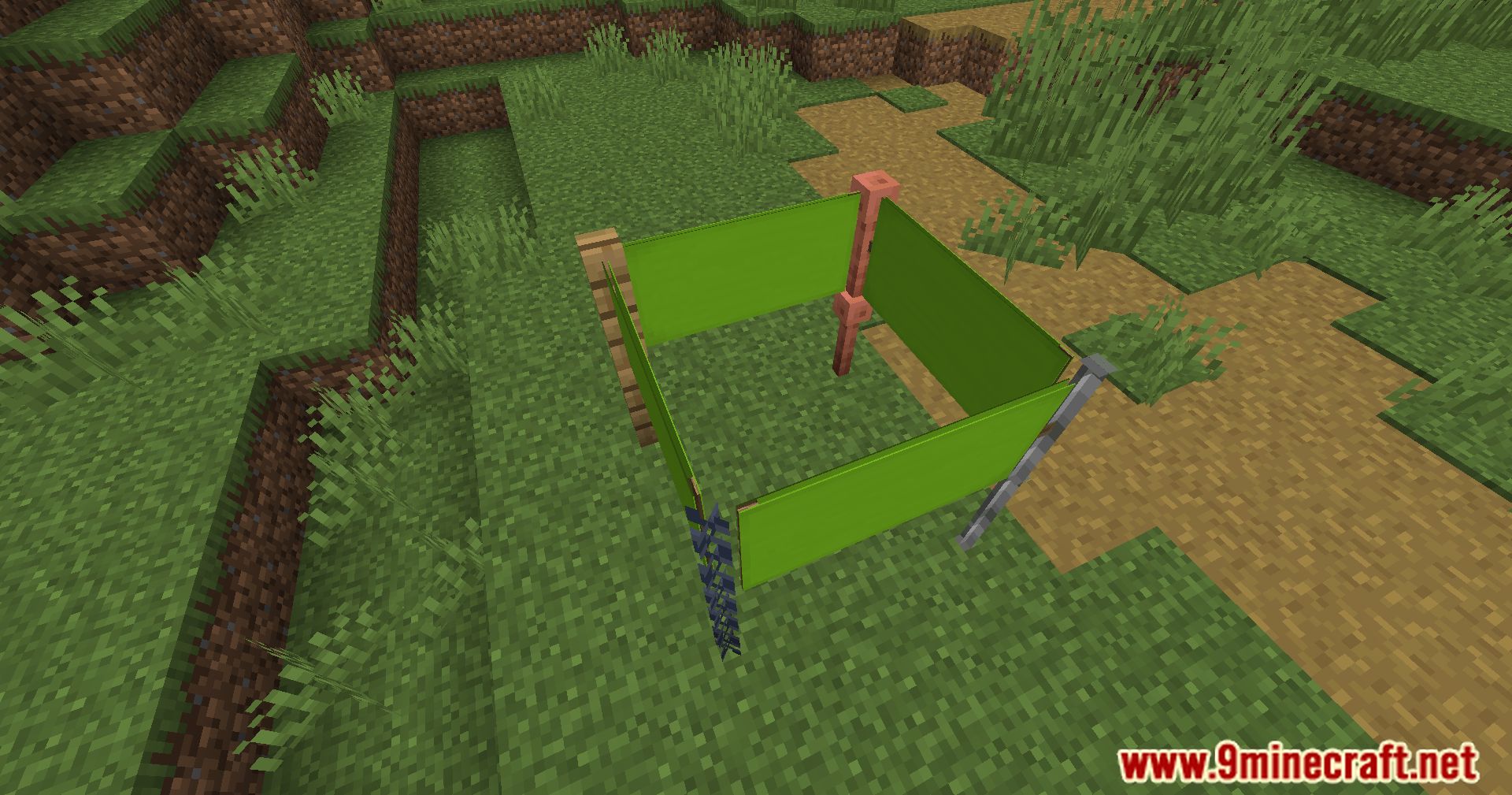
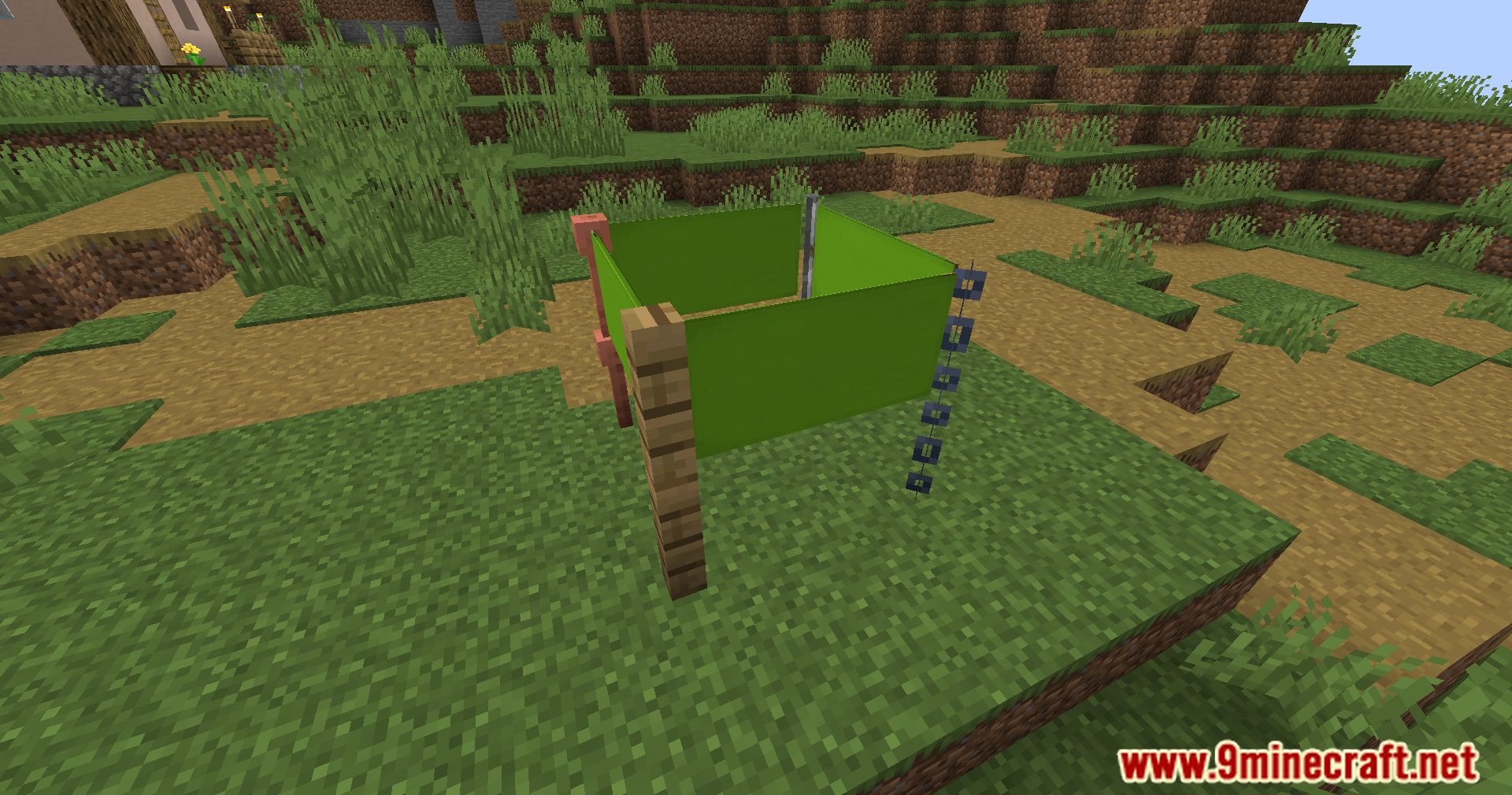
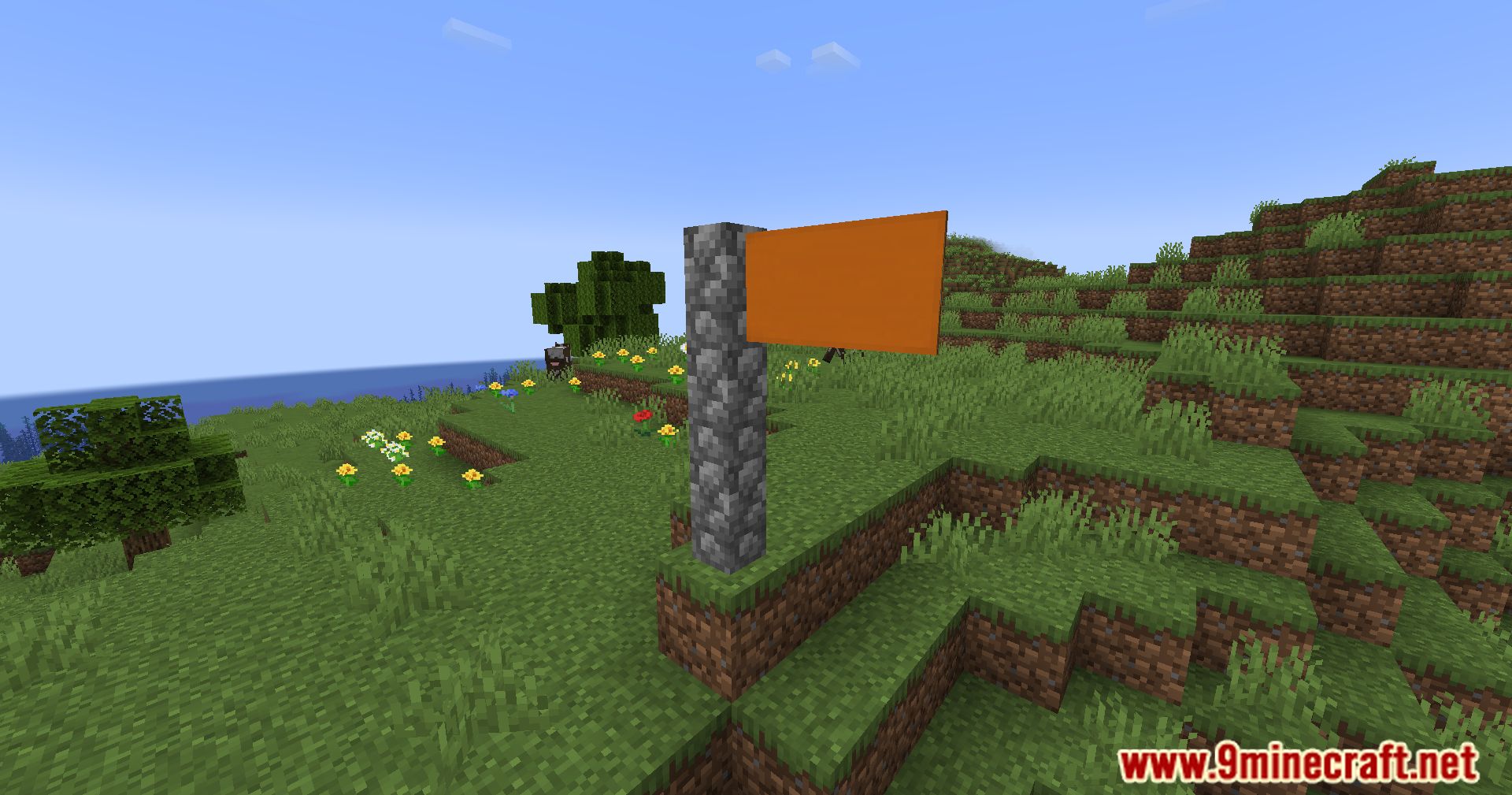
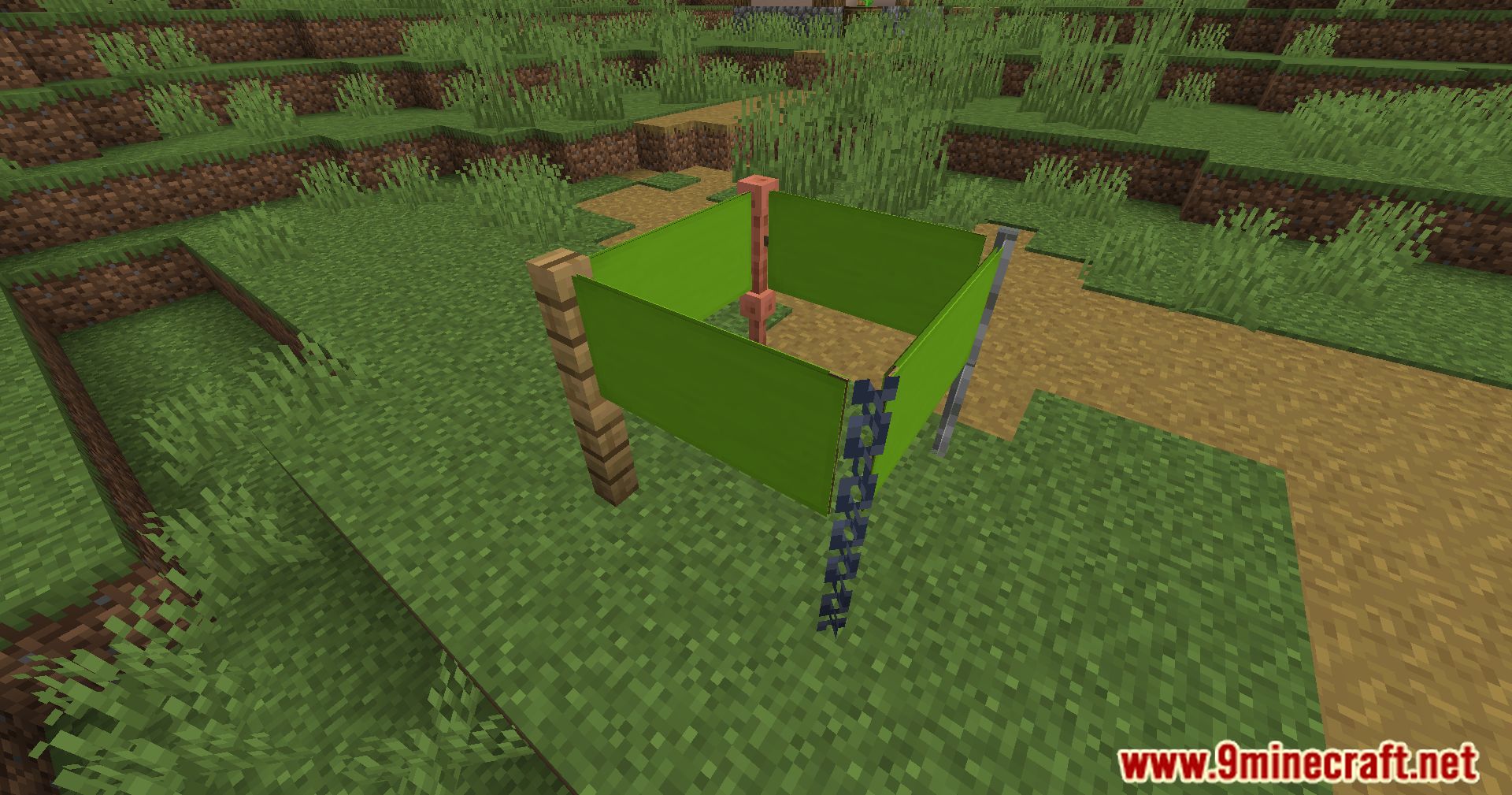
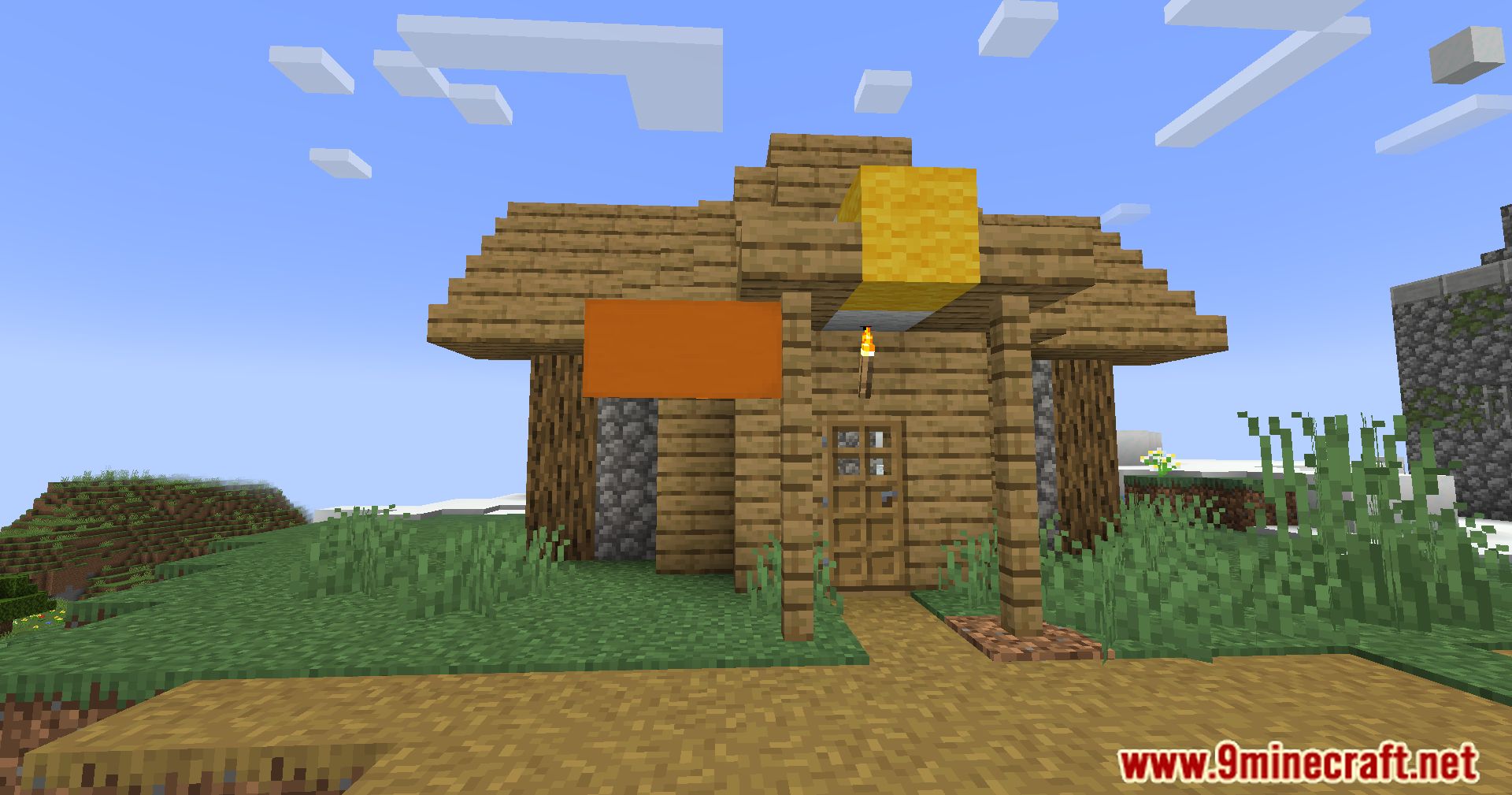
Use Banner Flags Mod to fly your banners high and leave your mark on the world. With the flexibility to arrange flags in four different directions, this add-on gives you the ability to display your banners precisely as you have envisioned. With it, your banners will appear precisely where you placed them, making sure that everyone can see an accurate representation of your designs. Additionally, the break-the-block flag can be used to retrieve your banner and experiment with different designs when it’s time to switch things up. You can share your banner designs with friends and other adventurers to jointly make your mark on the world, as multiplayer and survival gameplay modes are supported.
Features:
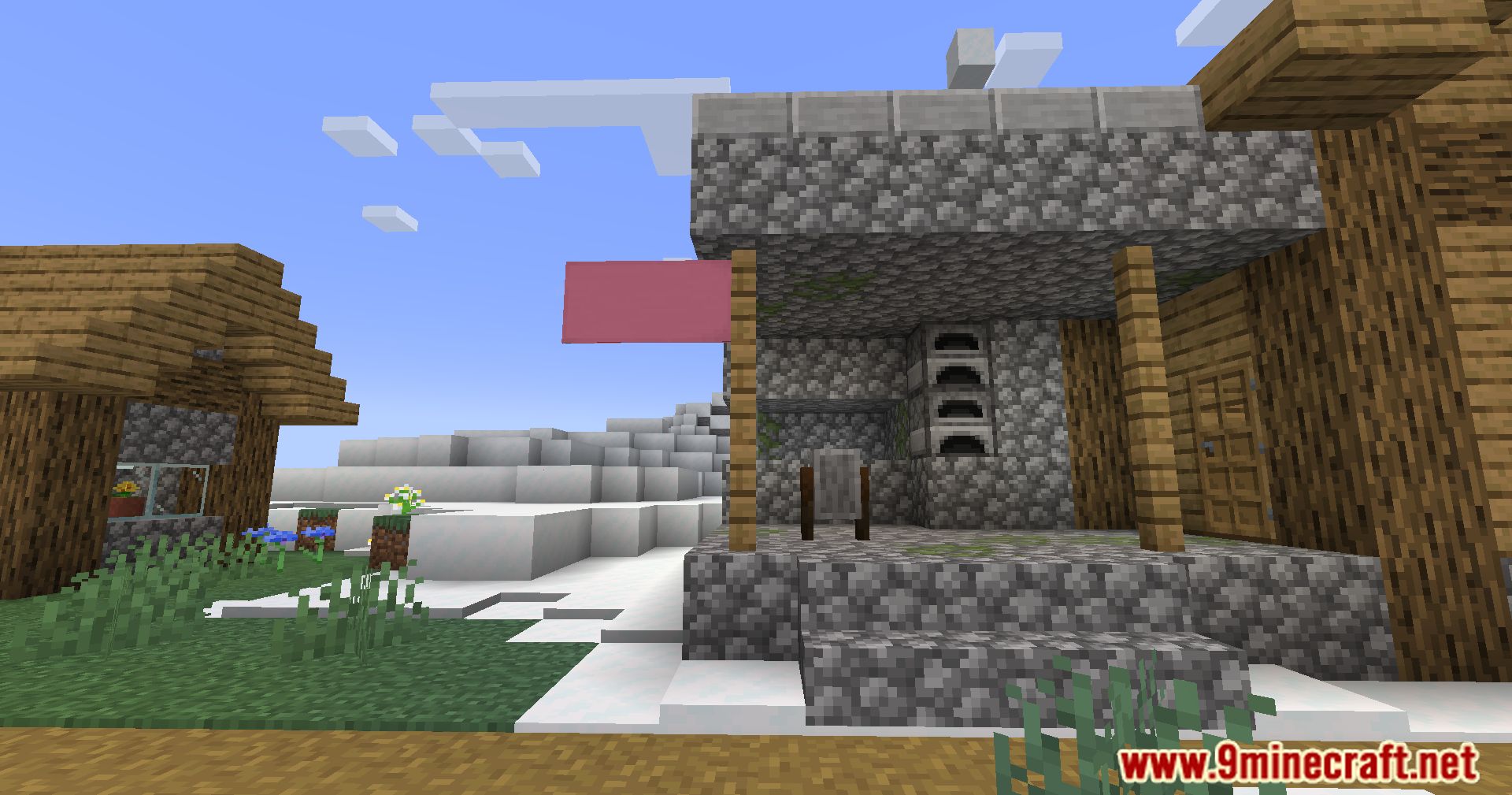
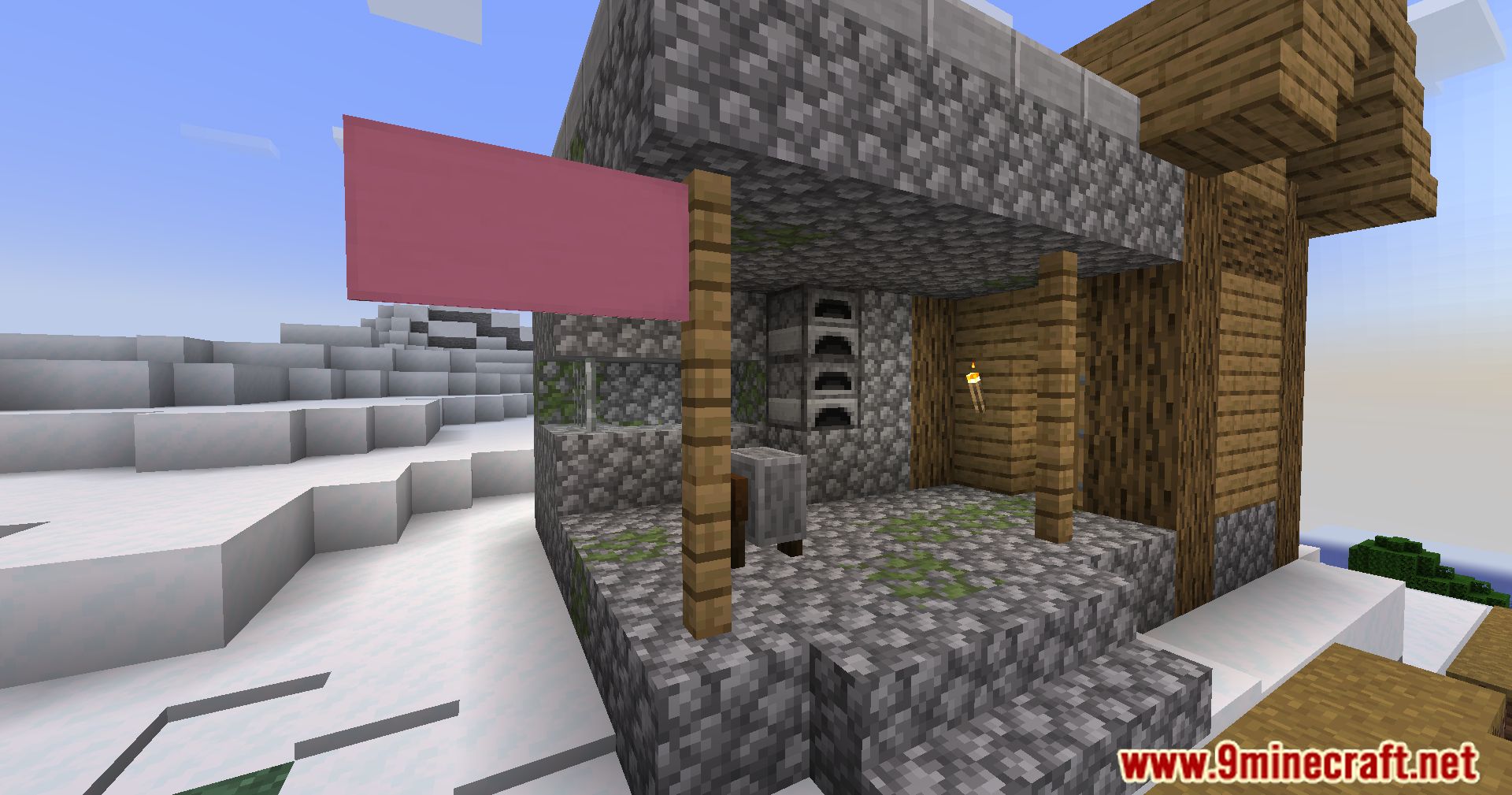
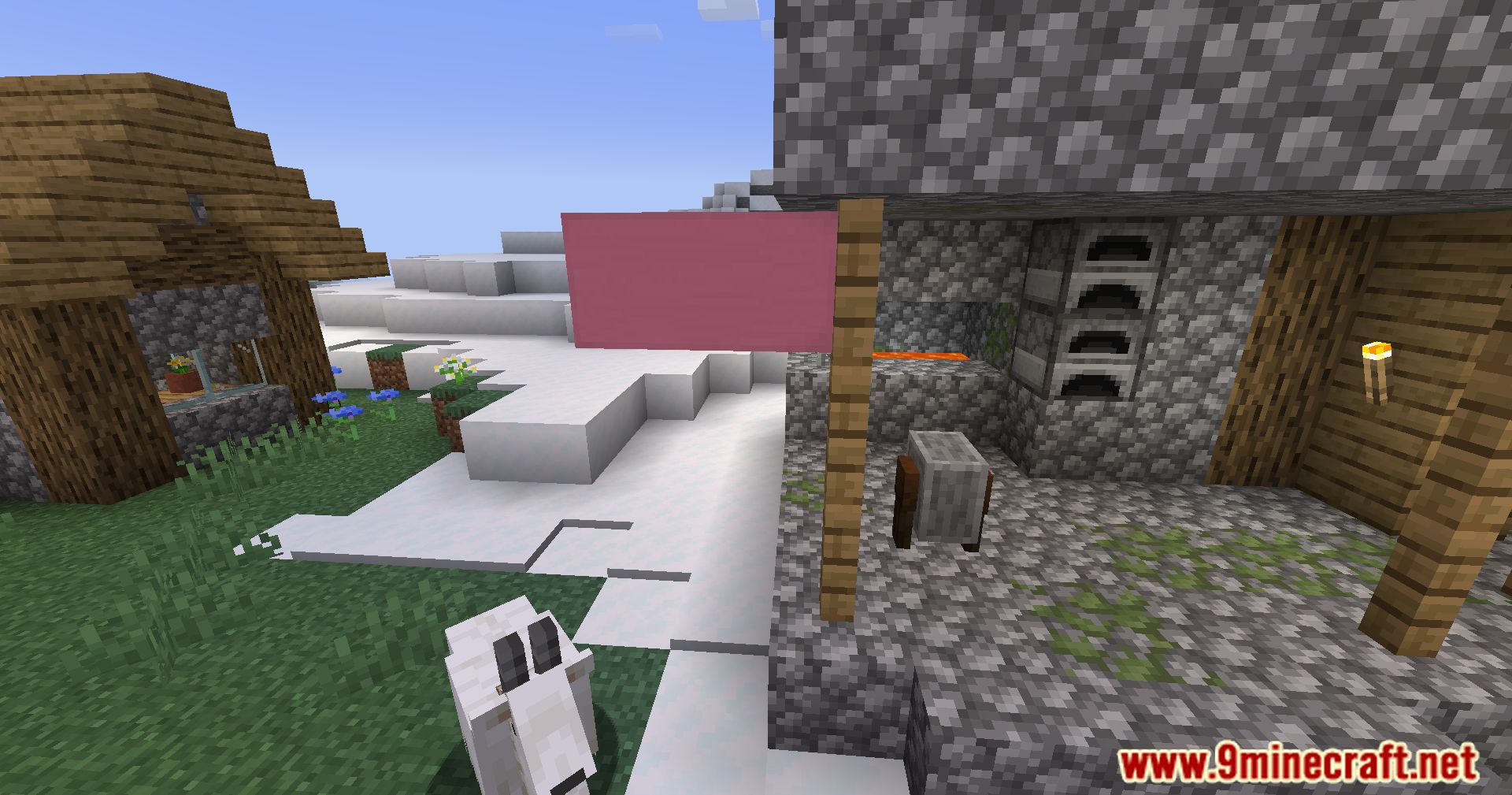
- Place flags in four directions for maximum visibility.
- Display banners exactly as you placed them.
- Retrieve banners by breaking the block they’re placed on.
- Place multiple flags on the same block for added customization.
- Multiplayer and survival friendly.
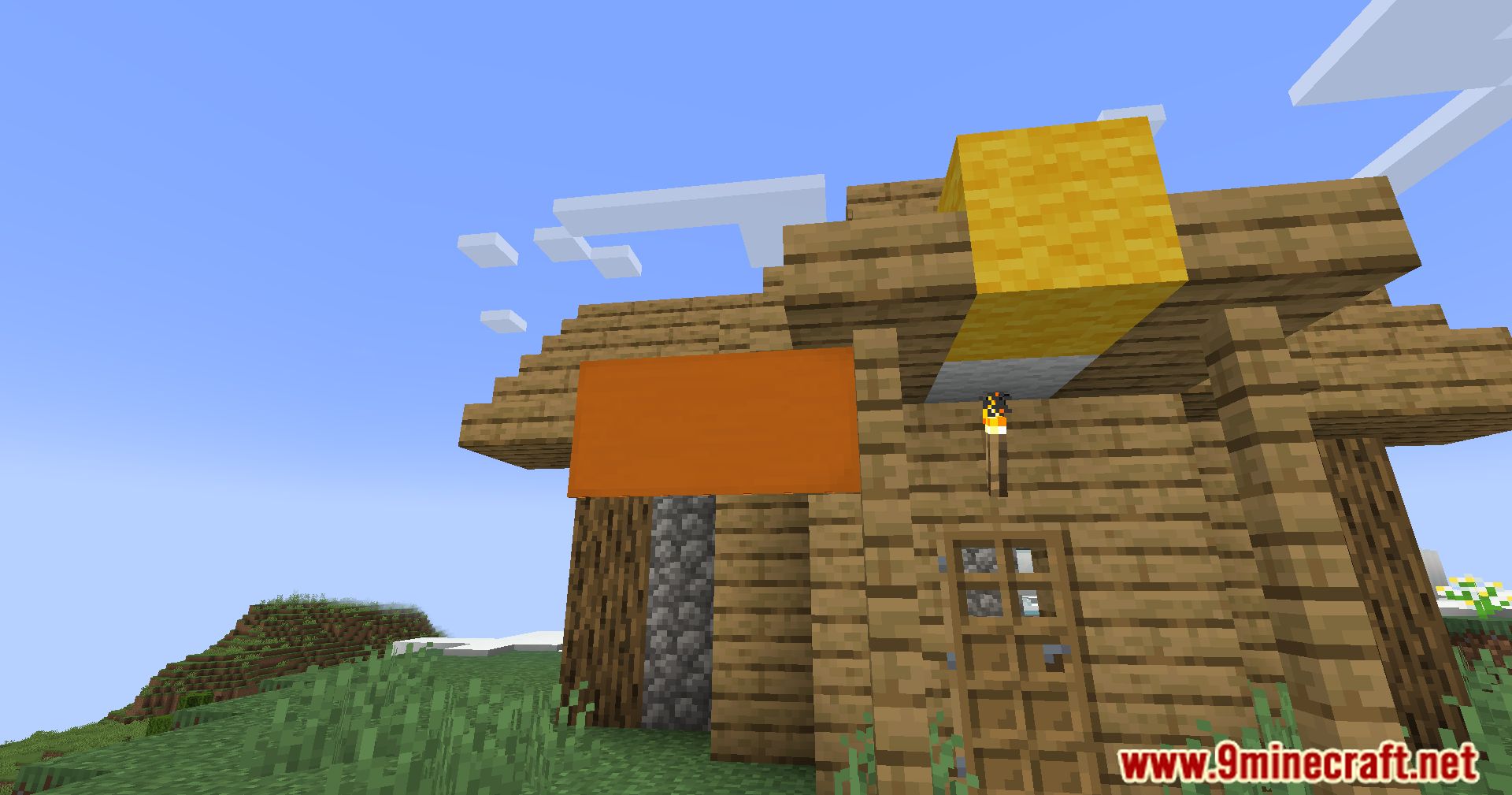
Screenshots:
Banner Flags Mod Download Links
- Edition: Minecraft Java
- File type: .jar
- Minecraft version listed: 1.20.1
- How to install: Install the matching mod loader (Forge, Fabric or NeoForge) for your Minecraft version. → Download the .jar. → Put it in the .minecraft/mods folder and launch that loader profile.
- Where to get it: In MC Java Mods, or directly above on this page.
Install steps are the general flow for this file type — How to install Minecraft Java mods & modpacks walks through it step by step.
- Downloads as 84147.mcaddon
- Download size: 60 KB
- Download link checked 26 Sept 2026 — working
- Mirrored on our own servers — the download does not depend on the original host
These come from our own check of the pack file, not from the source page.