ModsJava
Coordinates Display Mod (26.2, 1.20.1) – Minecraft Explorer's Companion
Java mod listed for Minecraft 1.20. Downloads from the MC Java Mods app on Android.
⬇ Download
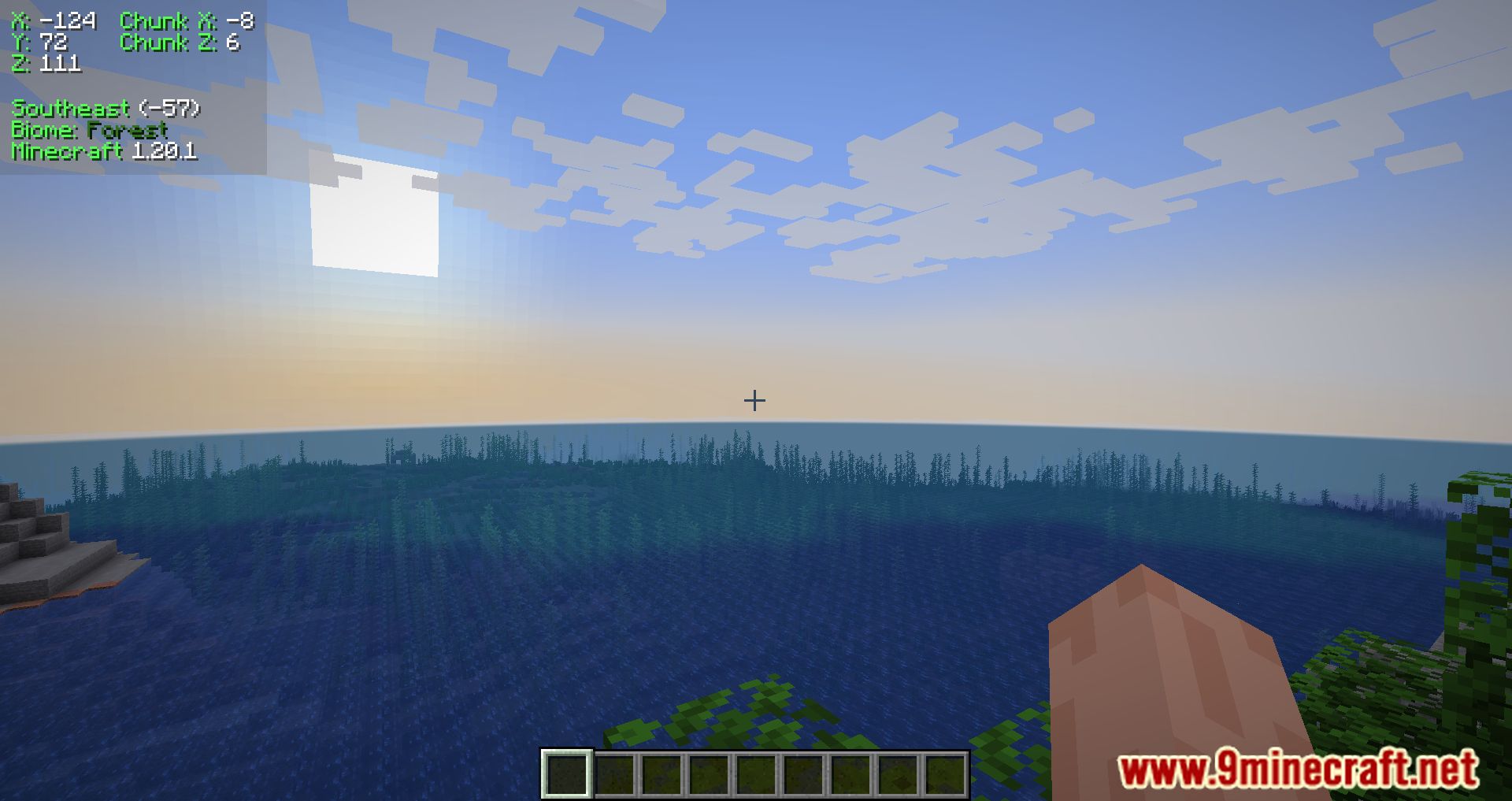
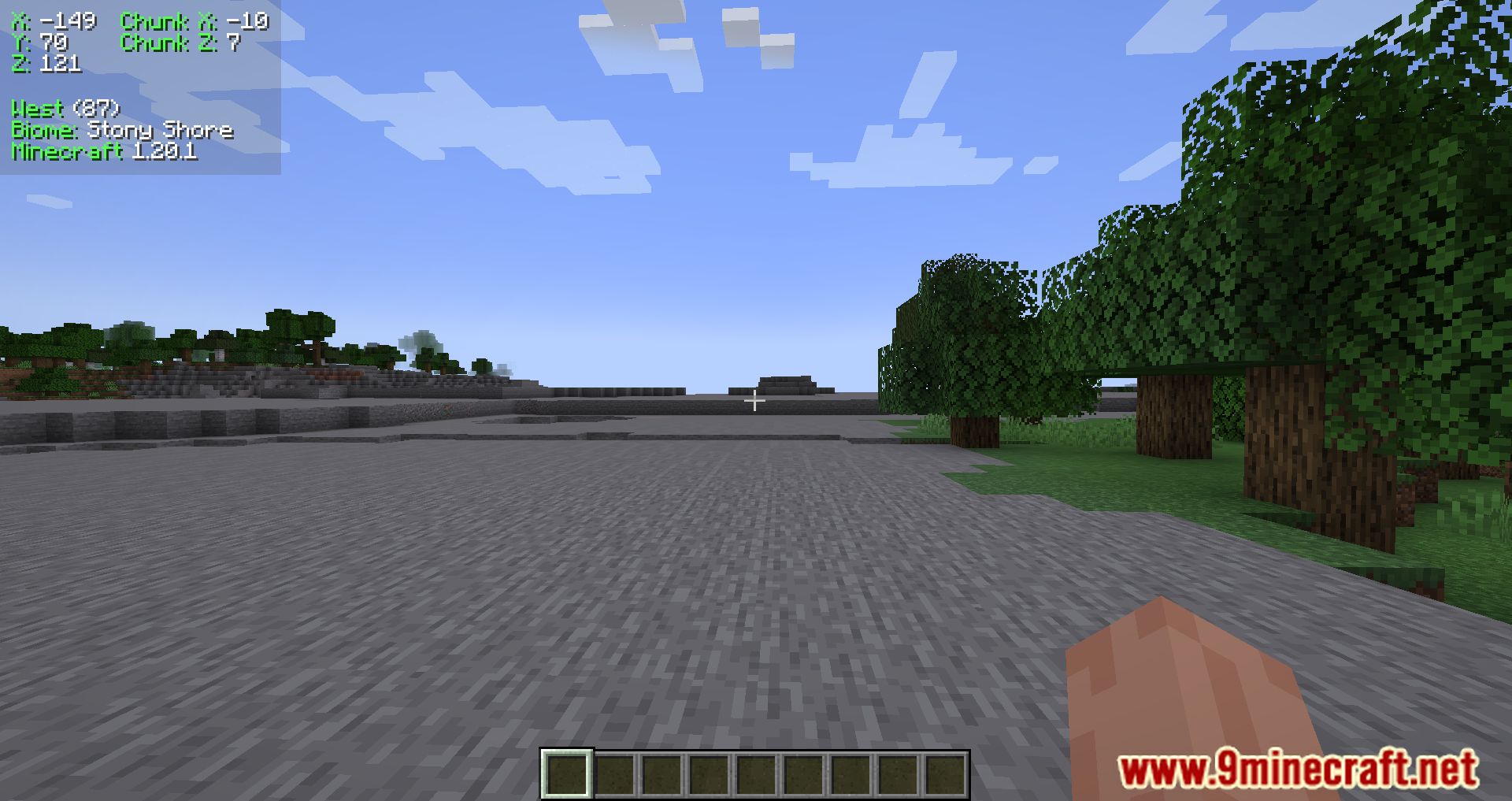
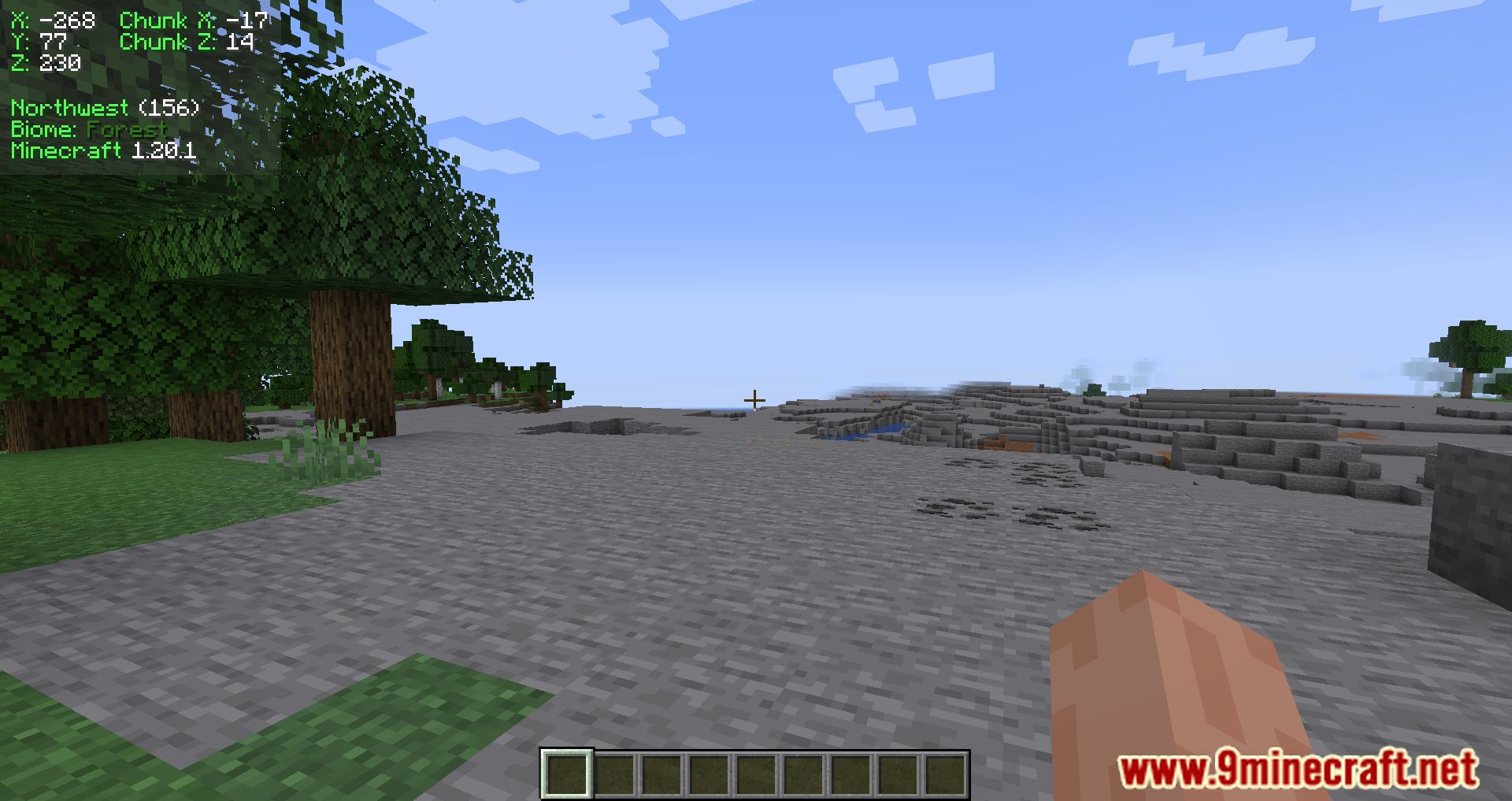
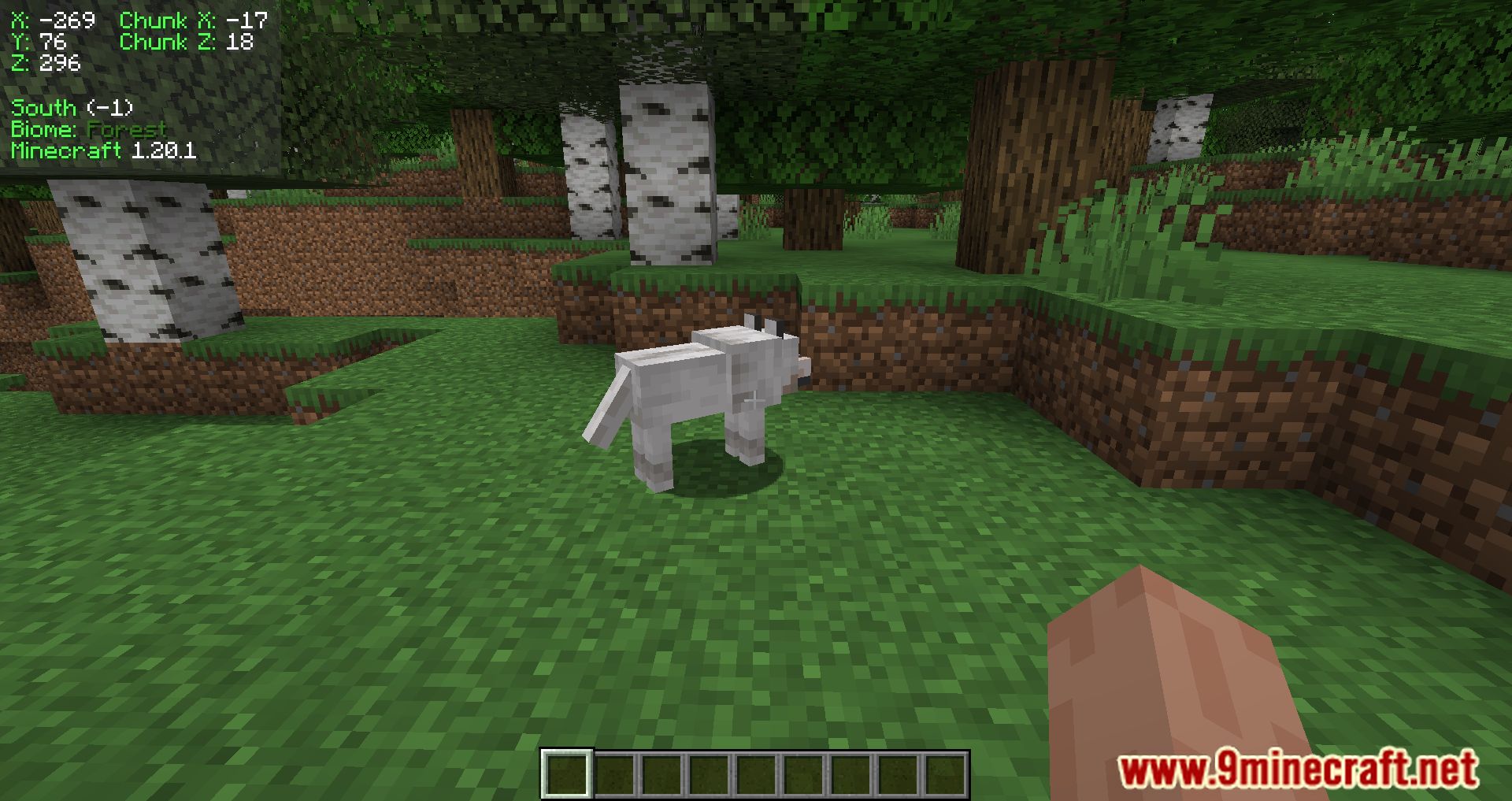
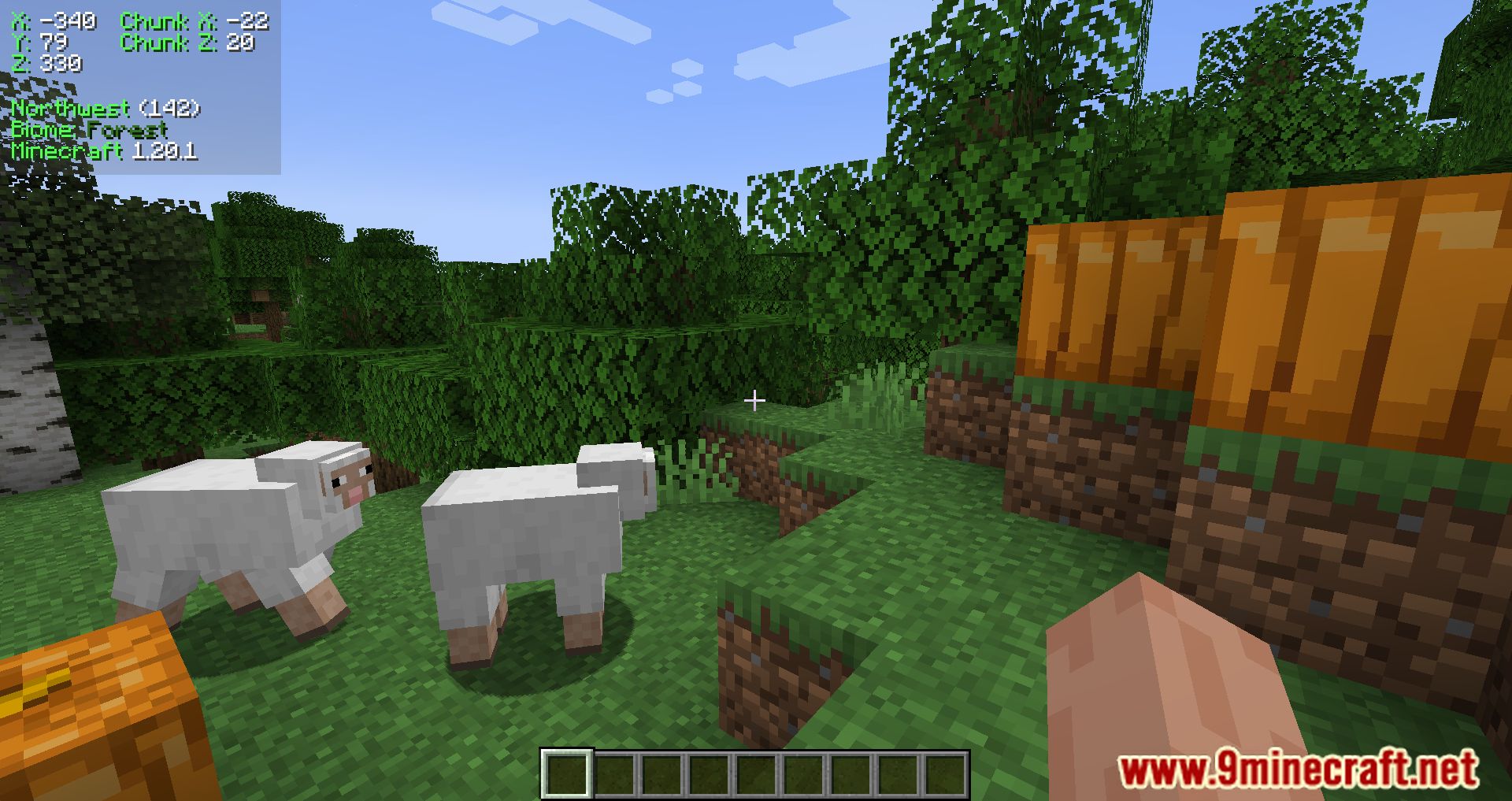
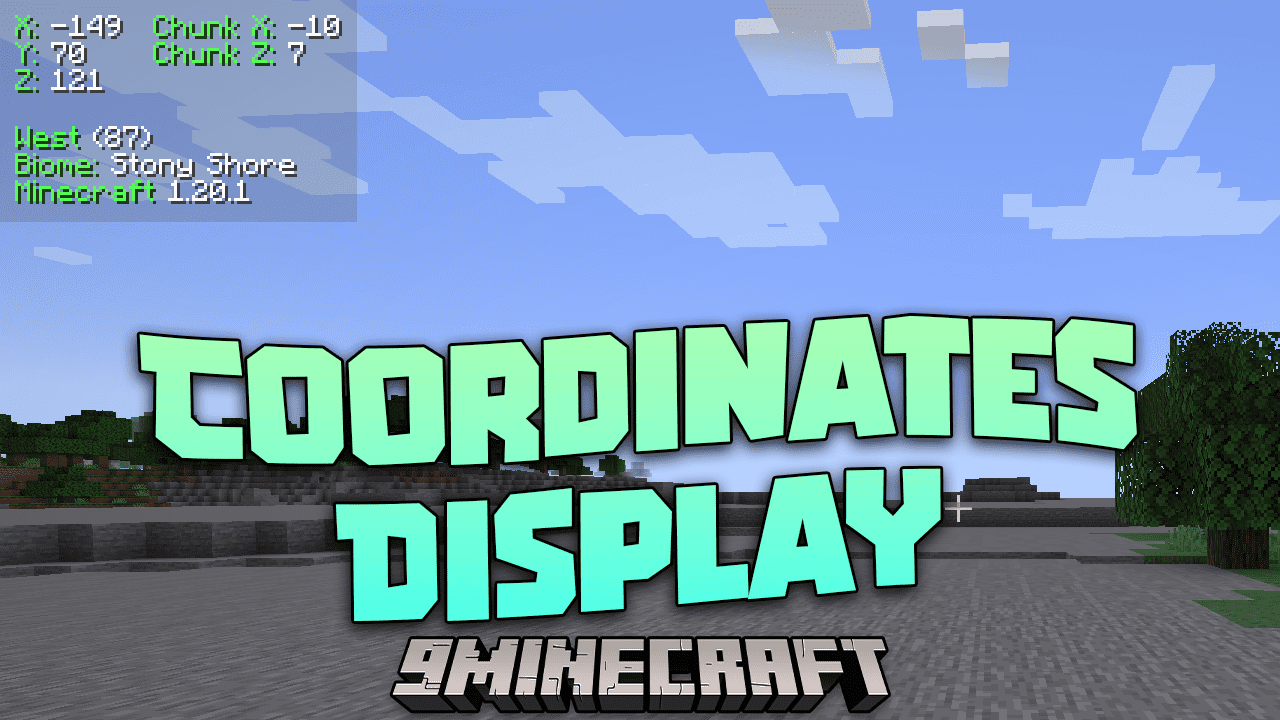
Coordinates Display Mod is a client-side mod that adds an HUD to show your position, your chunk position, the direction you are looking in, the name of the biome you are in, and your Minecraft version.
Features:
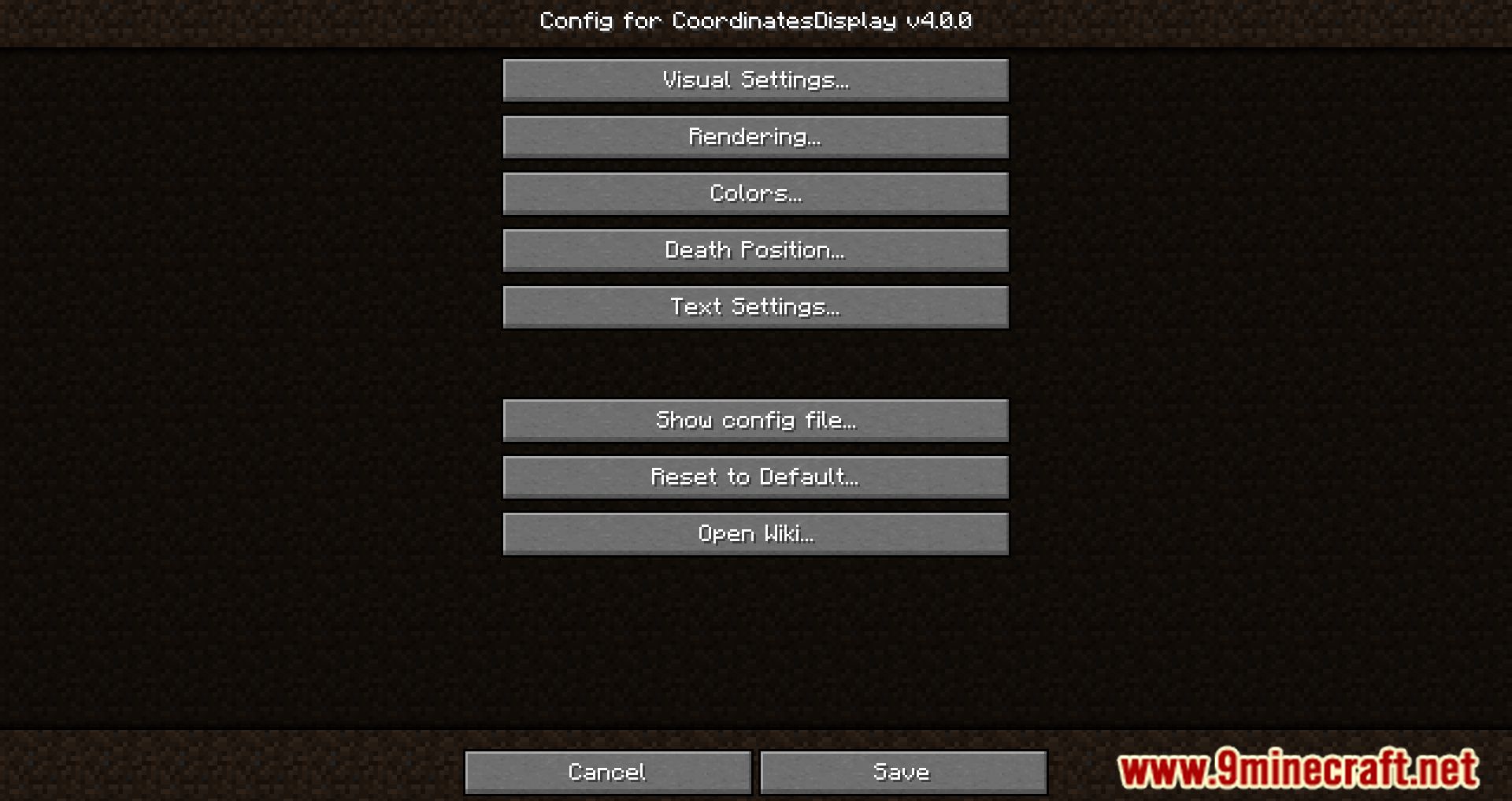
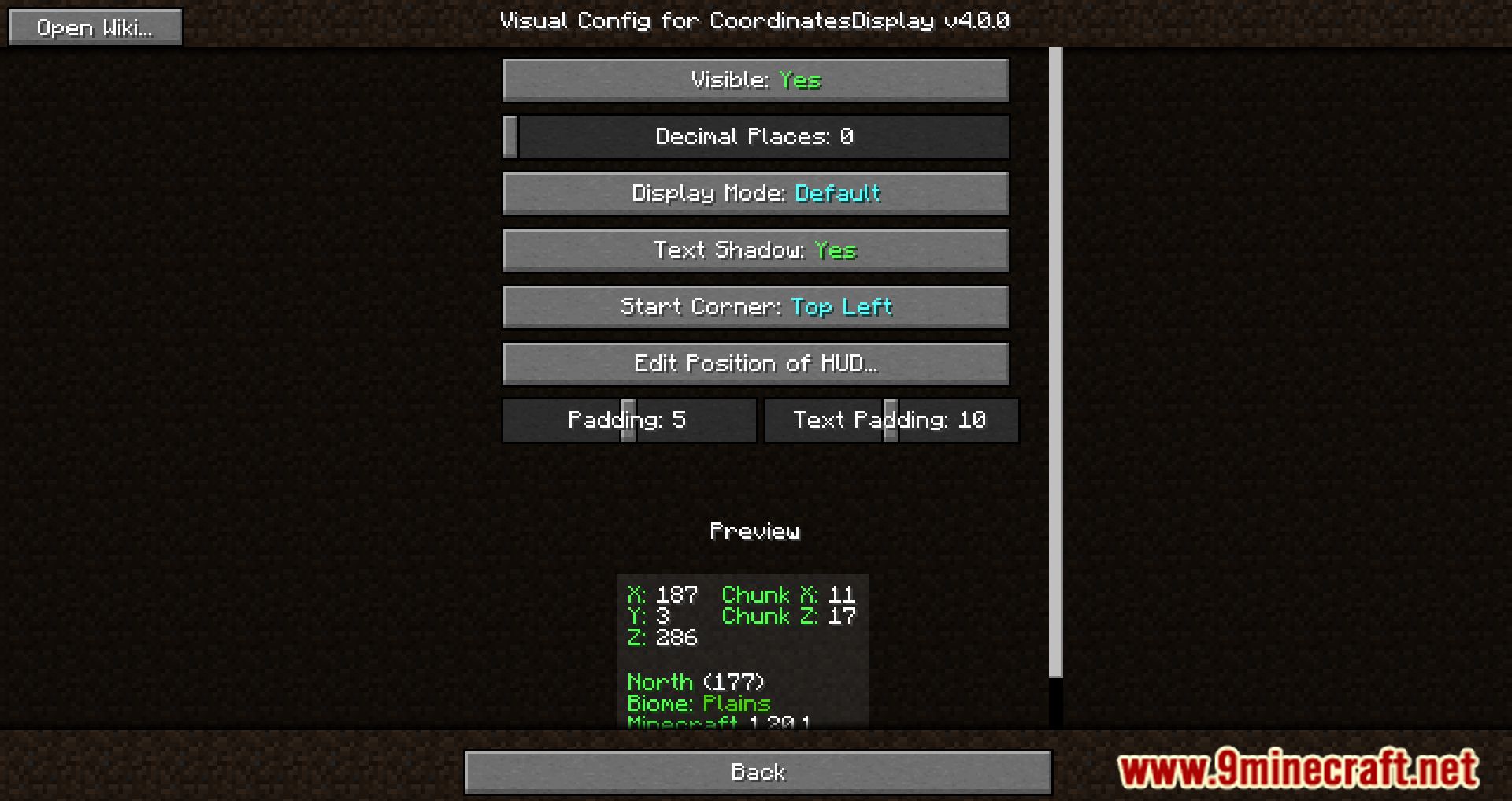
- Visual Settings: Modify how the HUD looks. Use this GUI to customize its appearance.
- Visible: Toggle to show or hide the HUD. Default: Yes.
- Round with Decimals: Toggle to display numbers with decimals. Default: Yes.
- Minimum Mode: Toggle to use a minimal HUD style (similar to Lunar Client). Default: No.
- Change Position of HUD: Click to move the HUD with the mouse, click again to set its position. Press Escape to exit.
- Padding: Controls the space between text and screen edge. Default: 5.
- Text Padding: Controls spacing between each HUD text section. Default: 15.
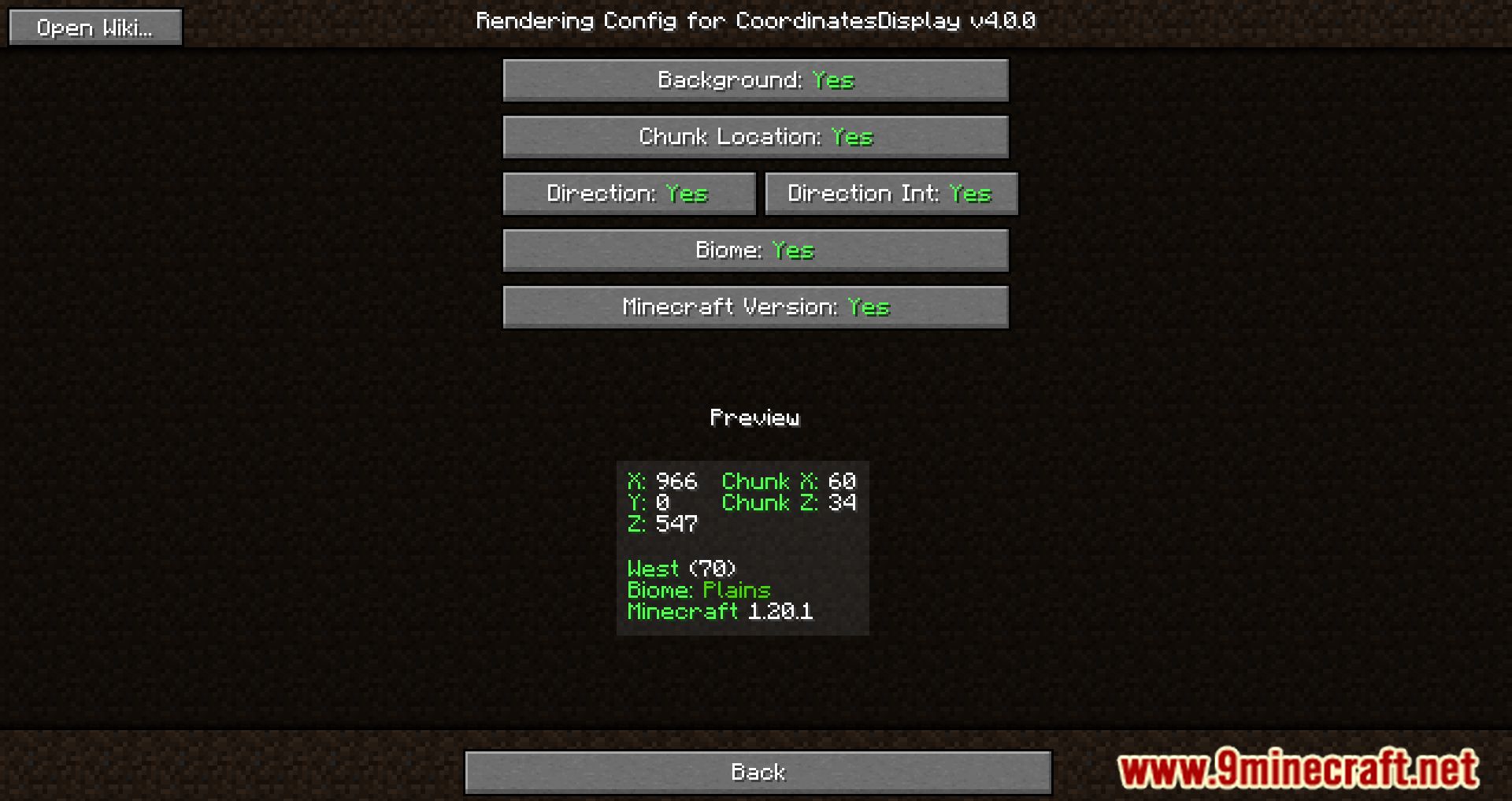
- Rendering Settings: Modify which information appears on the HUD.
- Background: Toggle to show or hide HUD background. Default: Yes.
- Chunk Location: Toggle to display Chunk X and Z. Default: Yes.
- Direction: Toggle to display player’s facing direction. Default: Yes.
- Biome: Toggle to display player’s current biome. Default: Yes.
- Direction Int: Toggle to display player’s yaw. Default: Yes.
- Minecraft Version: Toggle to display the game version. Default: Yes.
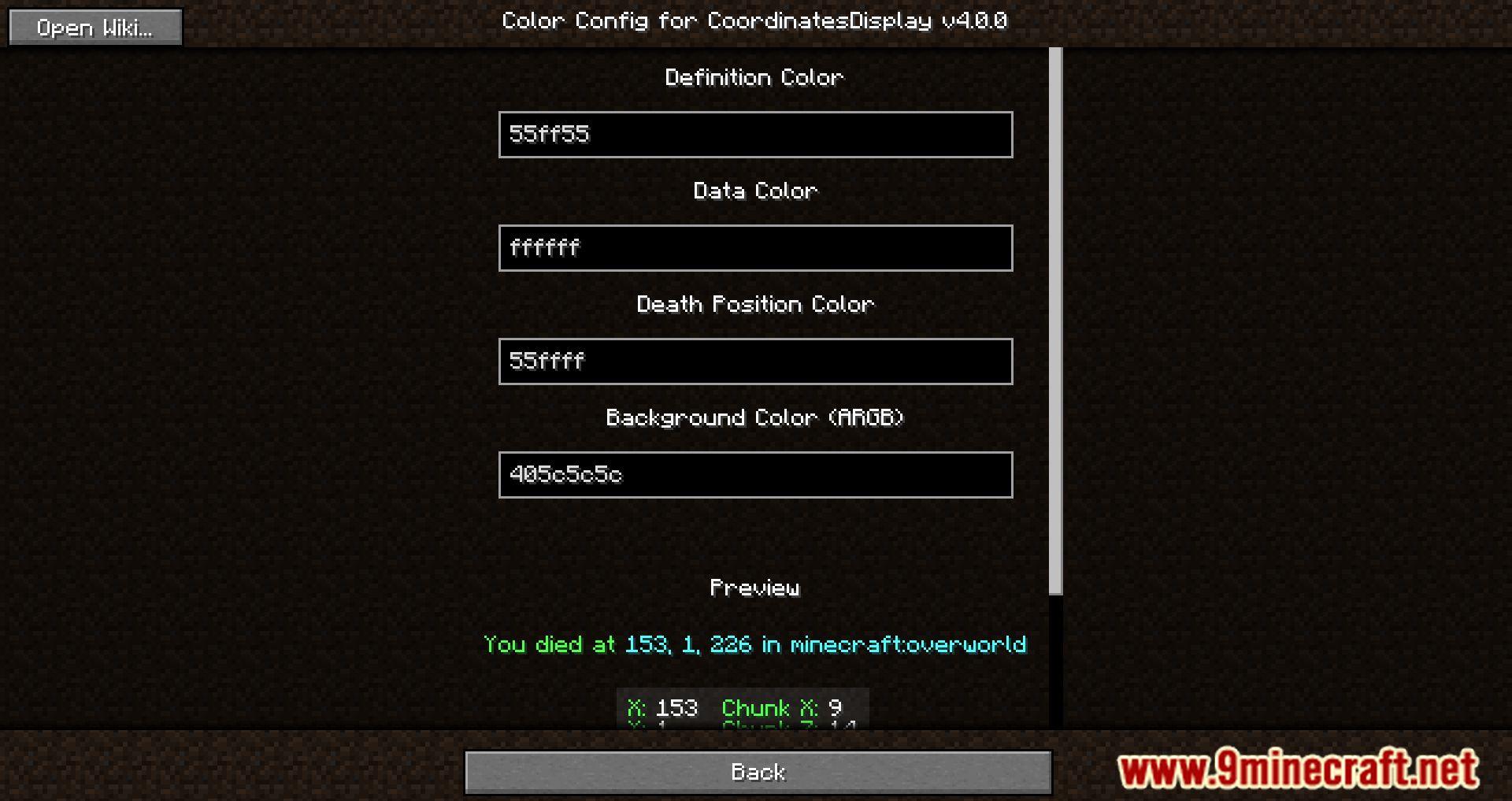
- Color Settings: Customize HUD colors (Fabric version only).
- Definition Color: Color for definition text (e.g., labels). Default: #55ff55.
- Data Color: Color for data text (e.g., coordinates). Default: #ffffff.
- Death Position Color: Color for death position text. Default: #55ffff.
- Background Color: Color for HUD background (ARGB format). Default: #405c5c5c.
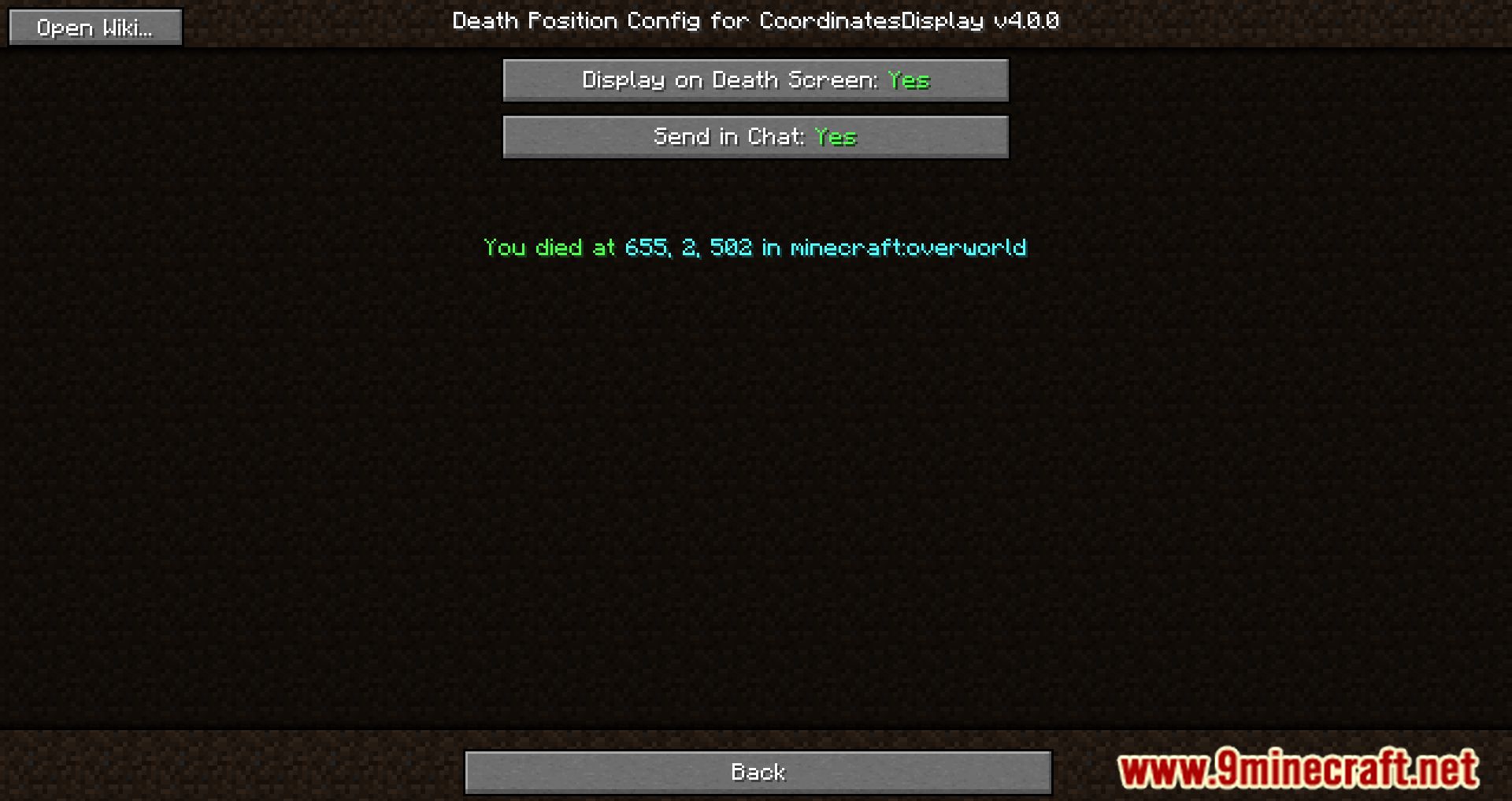
- Death Position Settings: Configure how death position is displayed.
- Display on Death Screen: Show death position on death screen. Default: Yes.
- Send in Chat: Send death position info in chat. Default: Yes.
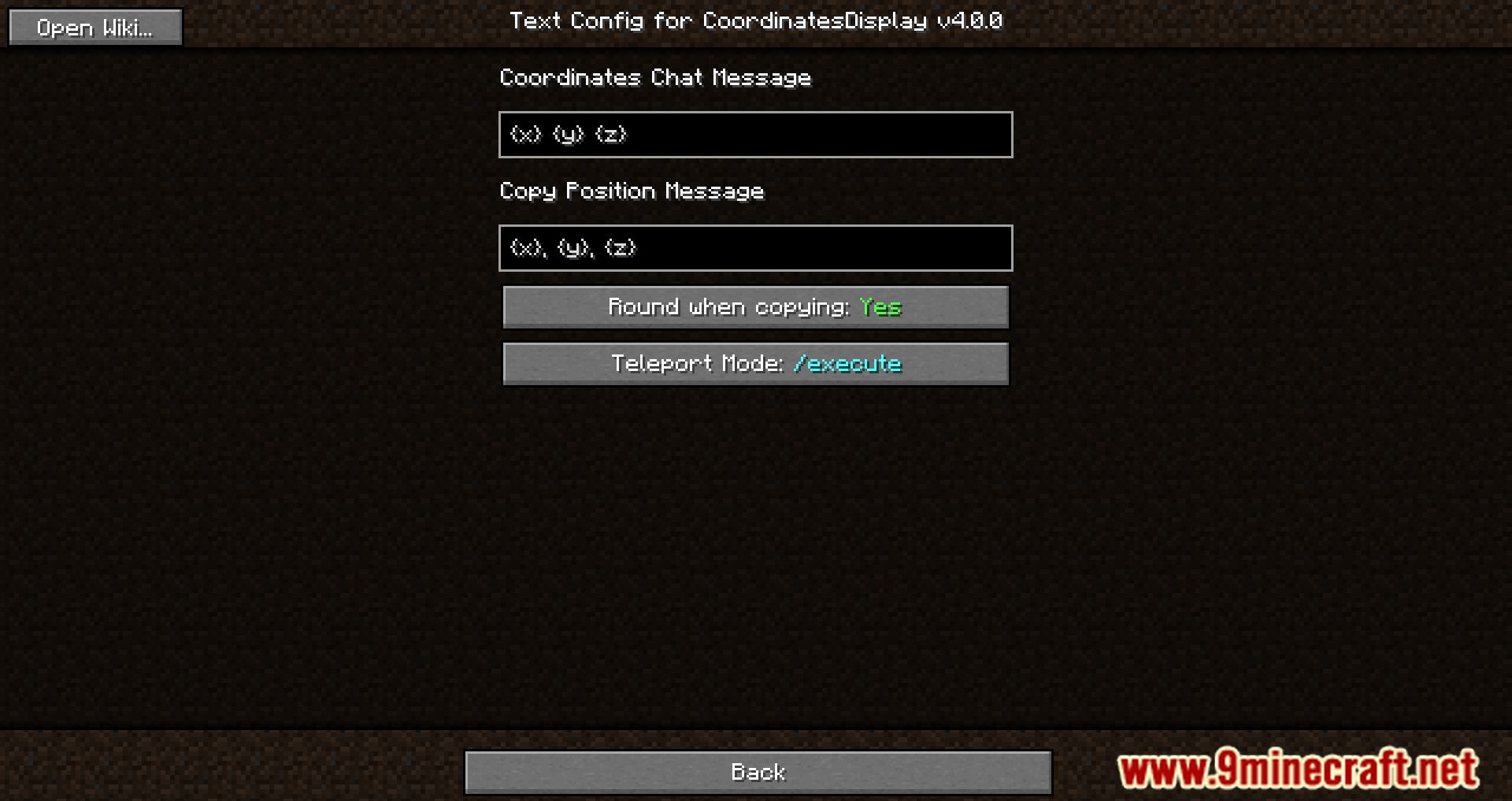
- Text Settings: Customize text templates for chat and clipboard messages.
- Variables: {x}, {y}, {z} = position; {dimension} = dimension; {direction} = direction; {name} = player name.
- Coordinates Chat Message: Text sent in chat when keybind is pressed. Default: {x} {y} {z}.
- Copy Position Message: Text copied to clipboard when keybind is pressed. Default: {x}, {y}, {z}.
Screenshots:
Coordinates Display Mod Download Links
Quick facts
- Edition: Minecraft Java
- File type: .jar
- Minecraft version listed: 1.20.1
- How to install: Install the matching mod loader (Forge, Fabric or NeoForge) for your Minecraft version. → Download the .jar. → Put it in the .minecraft/mods folder and launch that loader profile.
- Where to get it: In MC Java Mods, or directly above on this page.
Install steps are the general flow for this file type — How to install Minecraft Java mods & modpacks walks through it step by step.
File checked by MCModsHub
- Downloads as 84149.mcaddon
- Download size: 296 KB
- Download link checked 22 Sept 2026 — working
- Mirrored on our own servers — the download does not depend on the original host
These come from our own check of the pack file, not from the source page.