Flat Bedrock Mod (26.2, 1.20.1) – Make The World Have Flat Bedrock
Java mod listed for Minecraft 1.20. Downloads from the MC Java Mods app on Android.
⬇ Download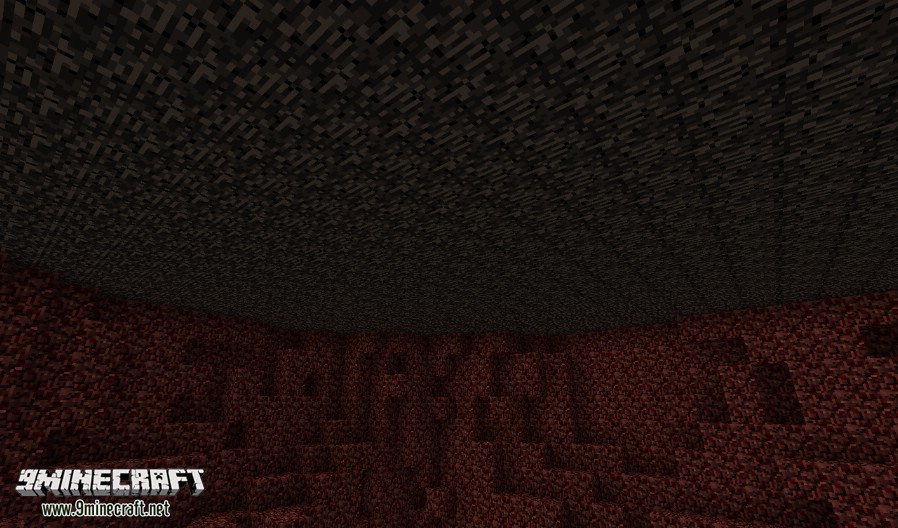
Flat Bedrock Mod by default generates the bedrock layer from the overworld en both bedrock layers in the nether flat. Other dimensions can easily be added to this list by creating a custom JSON file (see below). Most dimensions should work with this.
Screenshots:
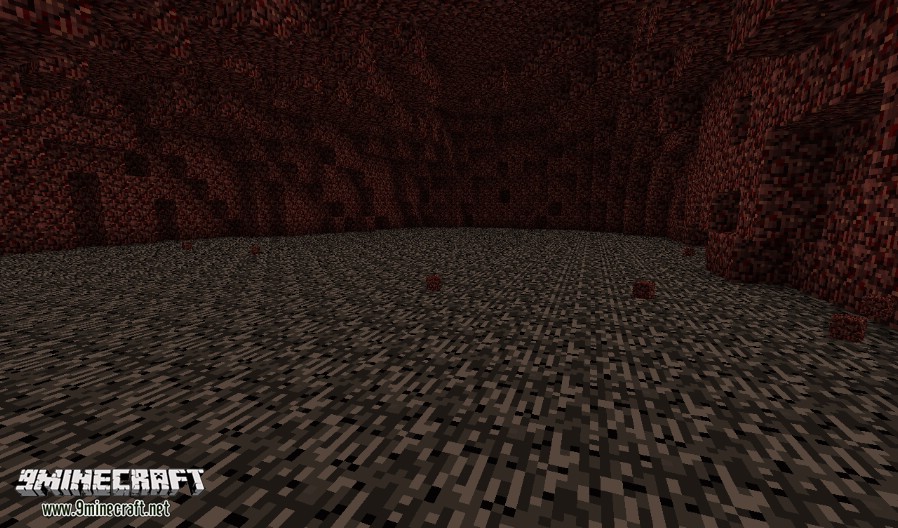
FlatBedrock nether floor
FlatBedrock nether roof
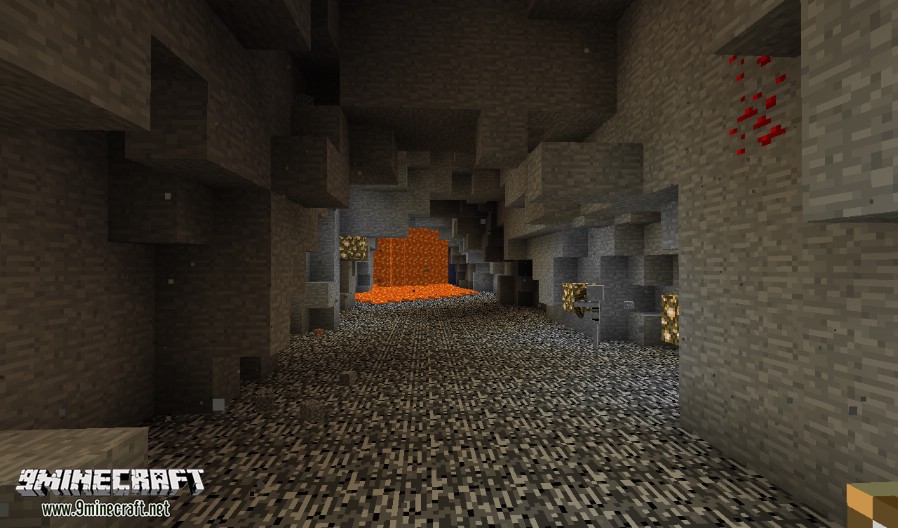
FlatBedrock overworld
Config:
Which layers and in which dimensions you have a flat layer can be configured. Navigate to the /config/flatbedrock/dimensions/ folder. By default there should two files there: overworld.json and nether.json. They should look like this:
{
"dimID": 1,
"genTop": false,
"genBottom": true,
"retroGenTop": false,
"retroGenBottom": false,
"fillBlock": "minecraft:stone"
}
The dimID stands for the numerical ID of the dimension. 1 in this case being the overworld. The genTop and genBottom require a true or false value. When true it means that it needs to generate a flat layer there, when false it doesn’t care. The retroGenTop and retroGenBottom will be explained below. Last is the fillBlock. Here you specify what block should replace the bedrock, for the overworld that is minecraft:stone.
Add a modded dimensions (for users):
If you have a mod installed that adds a new dimension, you can also make sure that it will get a nice flat bedrock layer. Go to the config folder and navigate to the /flatbedrock/dimensions/ folder. You create a new file or copy one of the defaults and name it eg twilightforrest.json.
{
"dimID": 7,
"genTop": false,
"genBottom": true,
"retroGenTop": false,
"retroGenBottom": false,
"fillBlock": "minecraft:stone"
}
Just edit the values to what is needed for that dimension and you’re done. Note that the only difference here with the overworld is that the Twilight Forrest has a dimension ID of 7.
Generating a flat bedrock layer in an already existing world:
Yes, it is possible to apply this flat bedrock layer to an already generated world. But make sure you backup first! To enable the retroactive generation in a dimension you navigate (again) to the /config/flatbedrock/dimensions folder. Open the file that corresponds to the dimensions you want to edit. and change the retroGenBottom and retroGenTop values to true. Open your world again and you should see a nice flat bedrock layer.
Flat Bedrock Mod Download Links
- Edition: Minecraft Java
- File type: .jar
- Minecraft version listed: 1.20.1
- How to install: Install the matching mod loader (Forge, Fabric or NeoForge) for your Minecraft version. → Download the .jar. → Put it in the .minecraft/mods folder and launch that loader profile.
- Where to get it: In MC Java Mods, or directly above on this page.
Install steps are the general flow for this file type — How to install Minecraft Java mods & modpacks walks through it step by step.
- Downloads as 84154.mcaddon
- Download size: 6 KB
- Download link checked 26 Sept 2026 — working
- Mirrored on our own servers — the download does not depend on the original host
These come from our own check of the pack file, not from the source page.