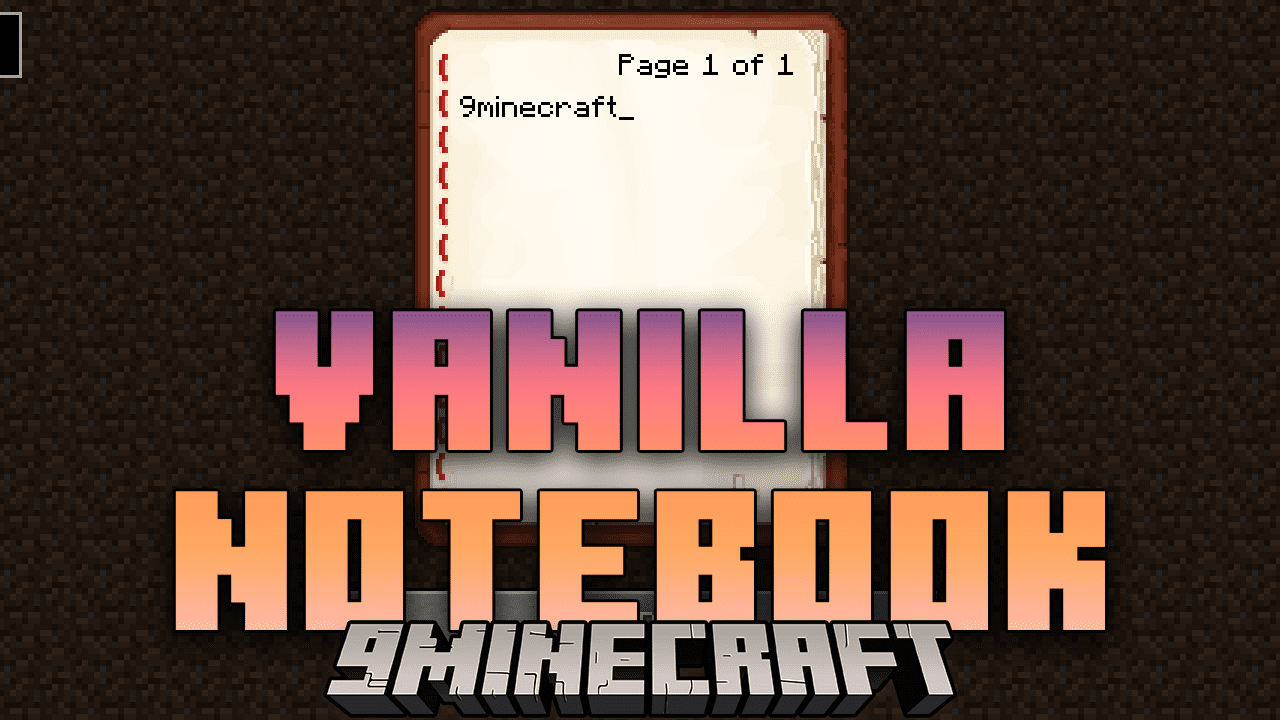
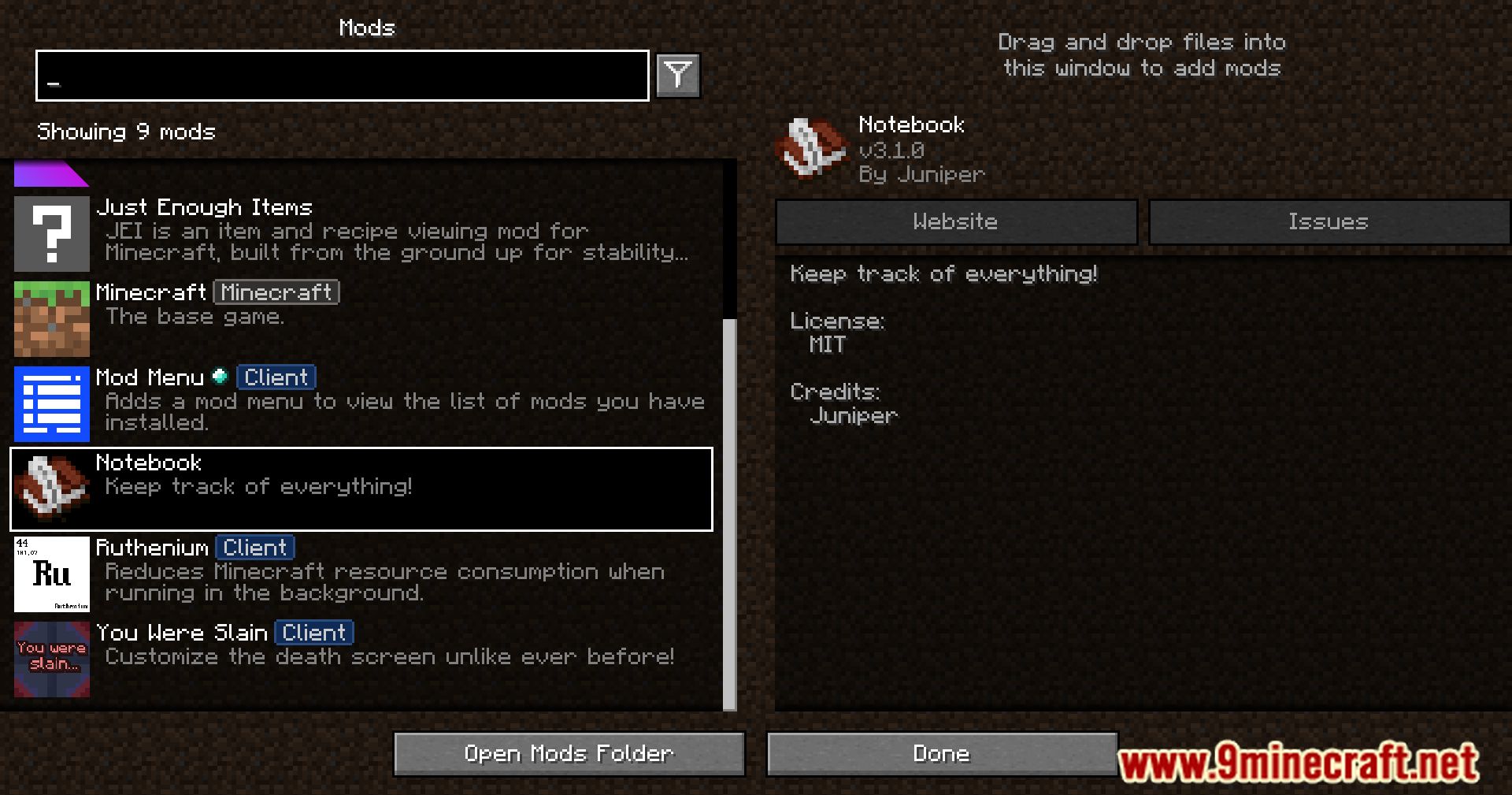
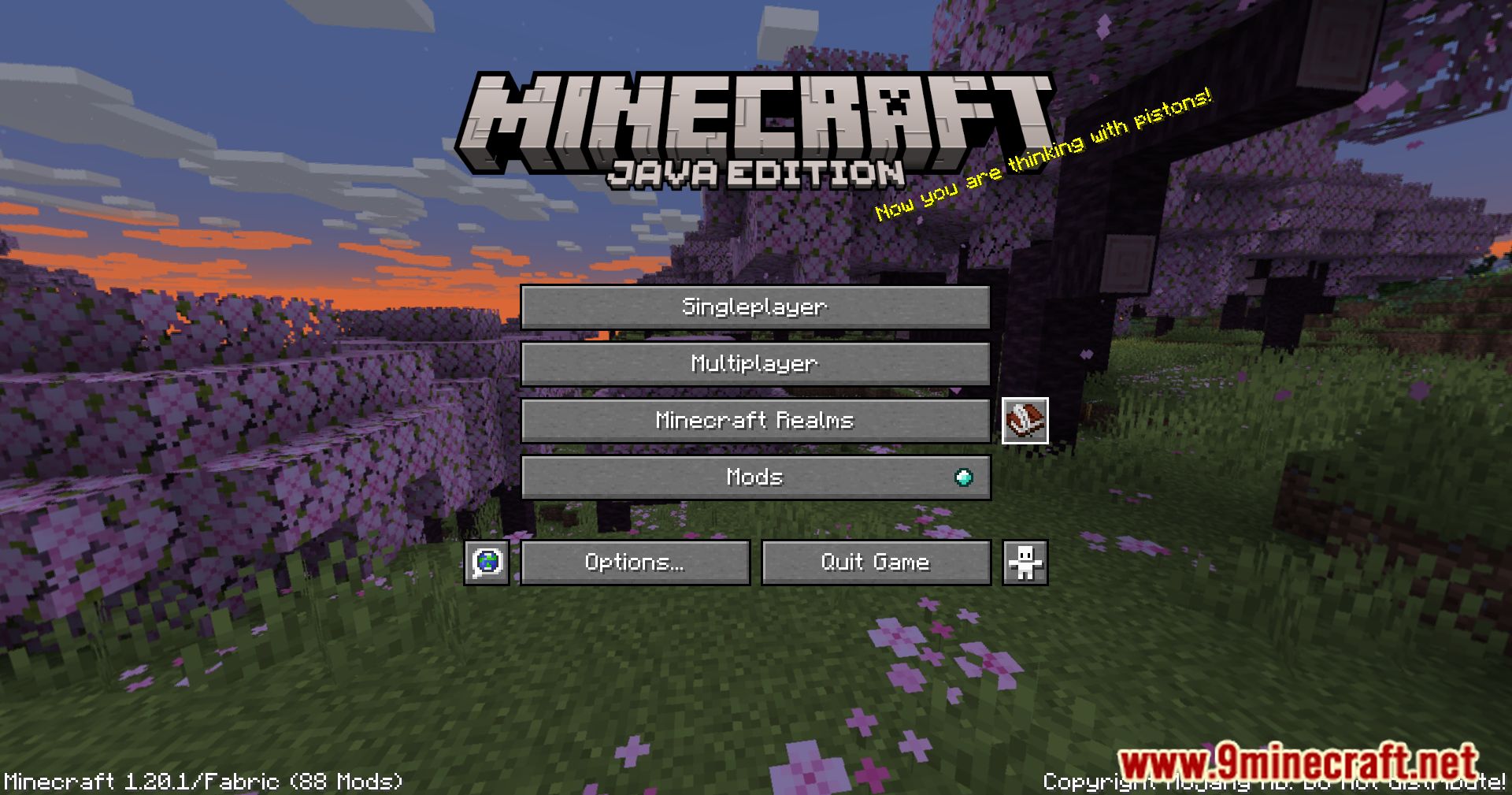
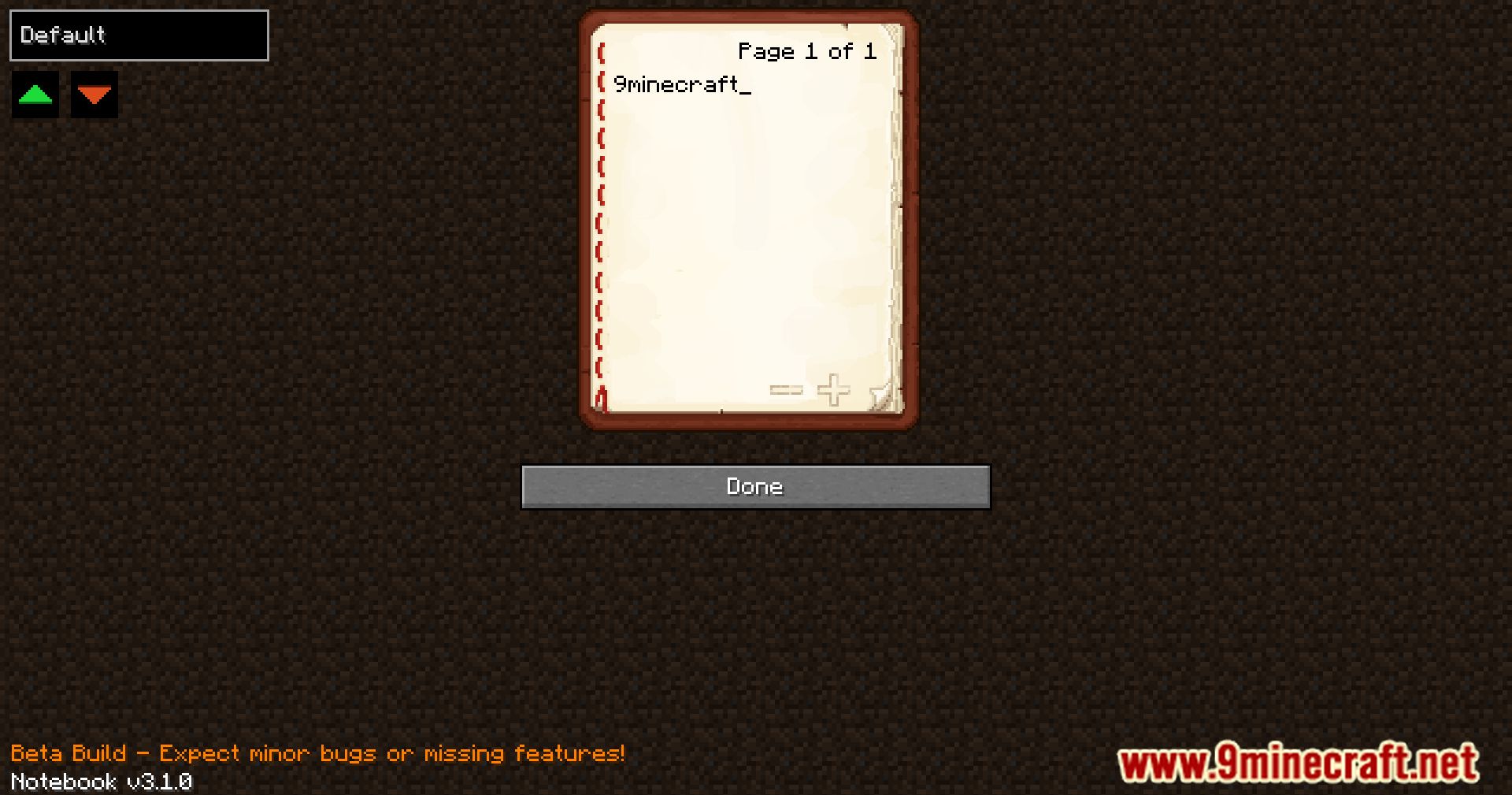
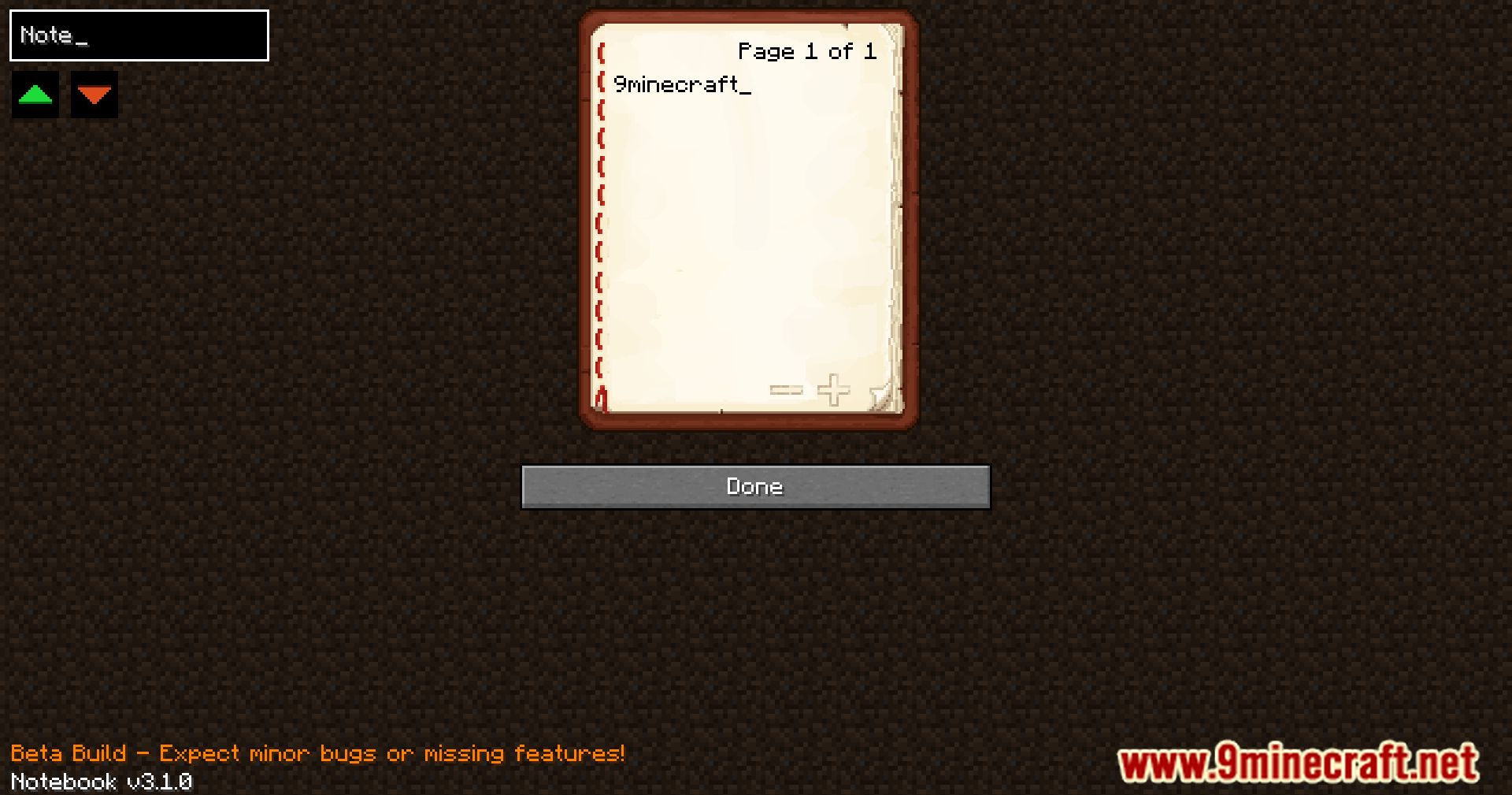
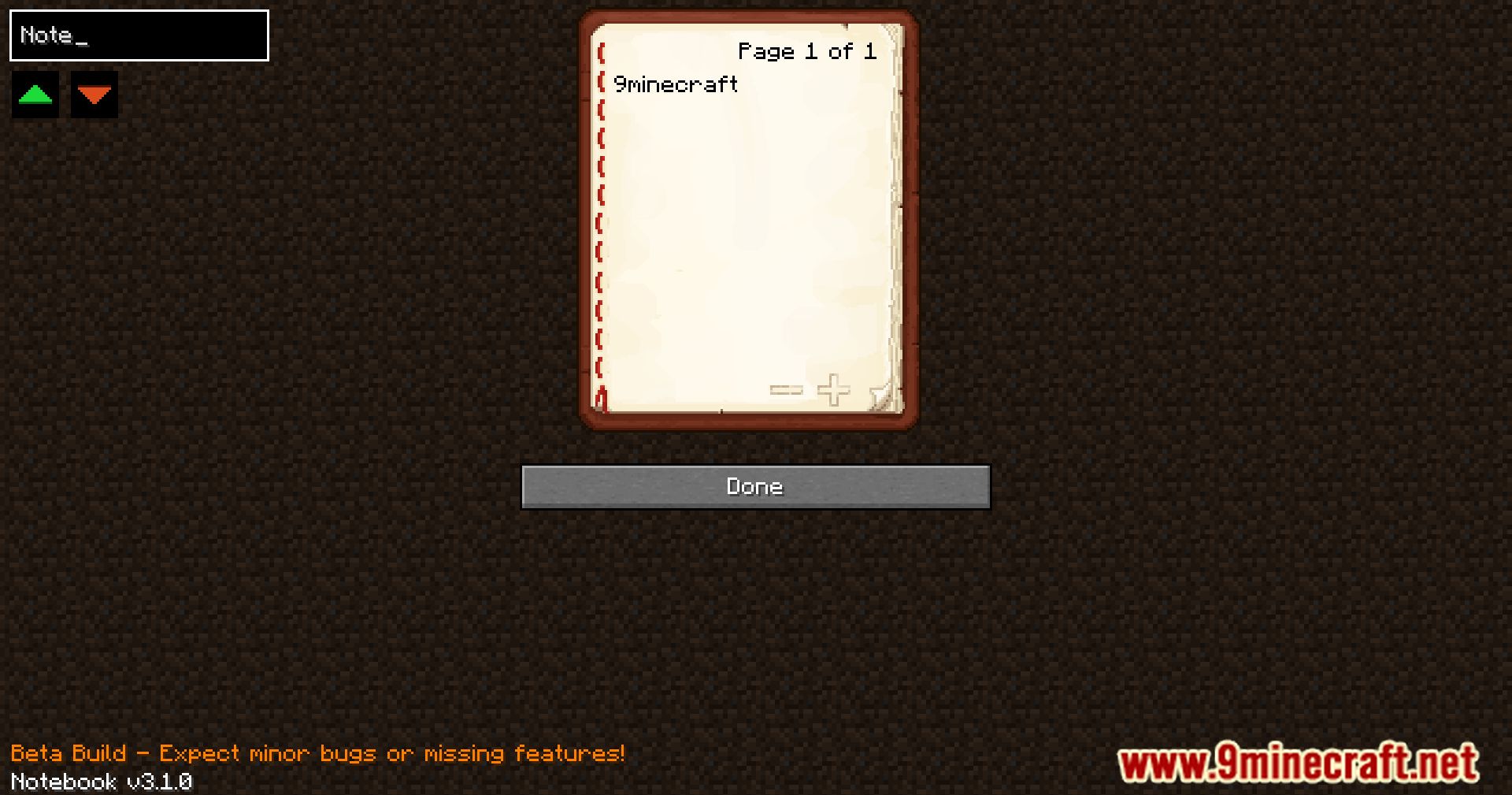
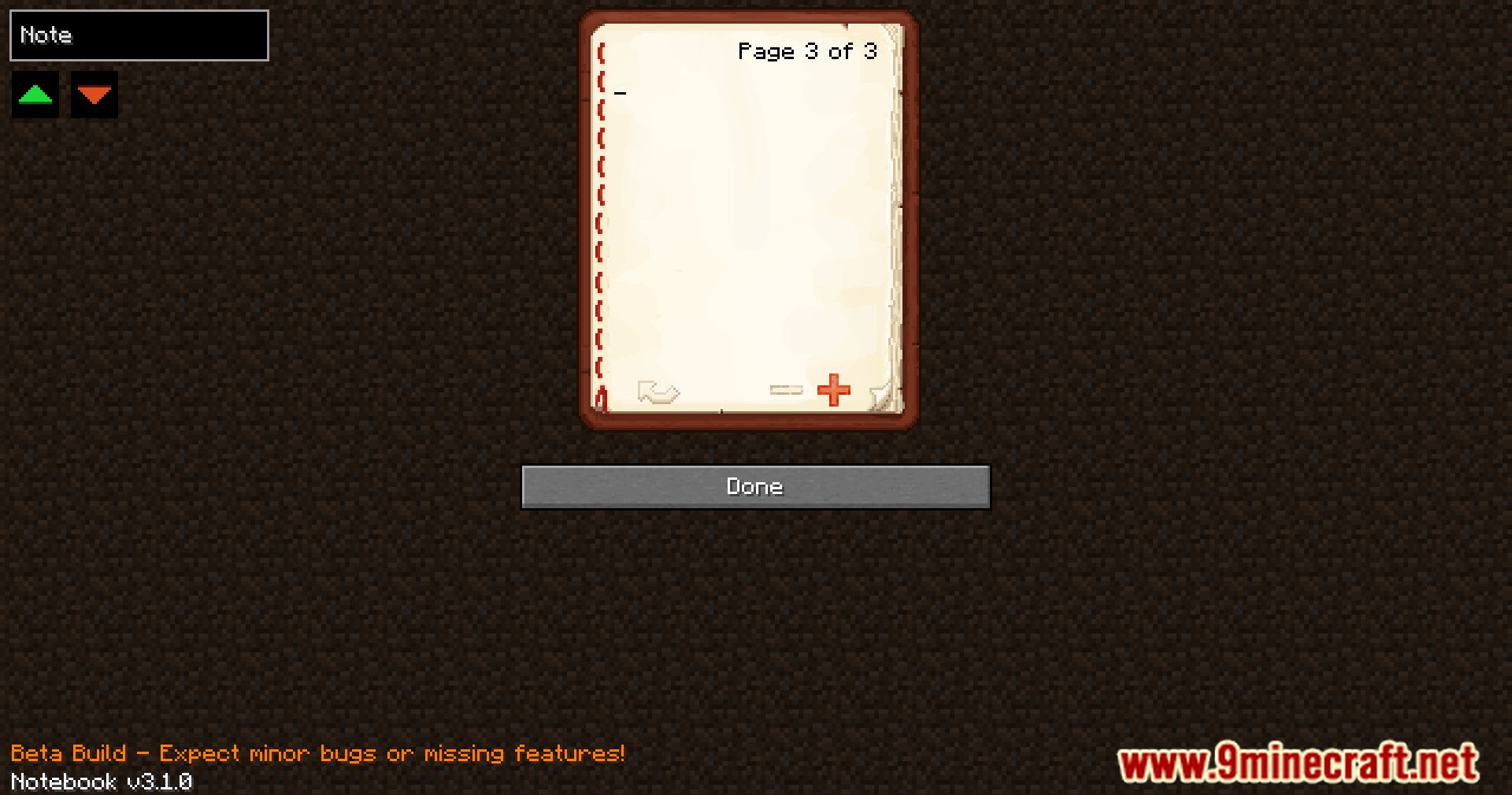

Vanilla Notebook Mod is a charmingly simple vanilla-styled mod designed to add a handy notebook directly into your GUI. “Notebook” functions as a virtual book within your Minecraft interface, providing a convenient platform for jotting down notes, reminders, or anything else you might need to remember during your adventures. Its unobtrusive presence ensures that it seamlessly blends into the game’s aesthetics, offering a familiar and intuitive interface for players.
Features:
- Adds a notebook to your GUI for convenient note-taking.
- Vanilla-styled design that seamlessly integrates into Minecraft.
- Use it to jot down coordinates, write notes, or keep track of plans.
Screenshots:
Vanilla Notebook Mod Download Links
Quick facts
- Edition: Minecraft Java
- File type: .jar
- Minecraft version listed: 1.20.1
- How to install: Install the matching mod loader (Forge, Fabric or NeoForge) for your Minecraft version. → Download the .jar. → Put it in the .minecraft/mods folder and launch that loader profile.
- Where to get it: In MC Java Mods, or directly above on this page.
Install steps are the general flow for this file type — How to install Minecraft Java mods & modpacks walks through it step by step.
Verified by MCModsHub
- Downloads as 84155.mcaddon
- Download size: 53 KB
- Download link checked 24 Sept 2026 — working
- Mirrored on our own servers — the download does not depend on the original host
These come from our own check of the pack file, not from the source page.