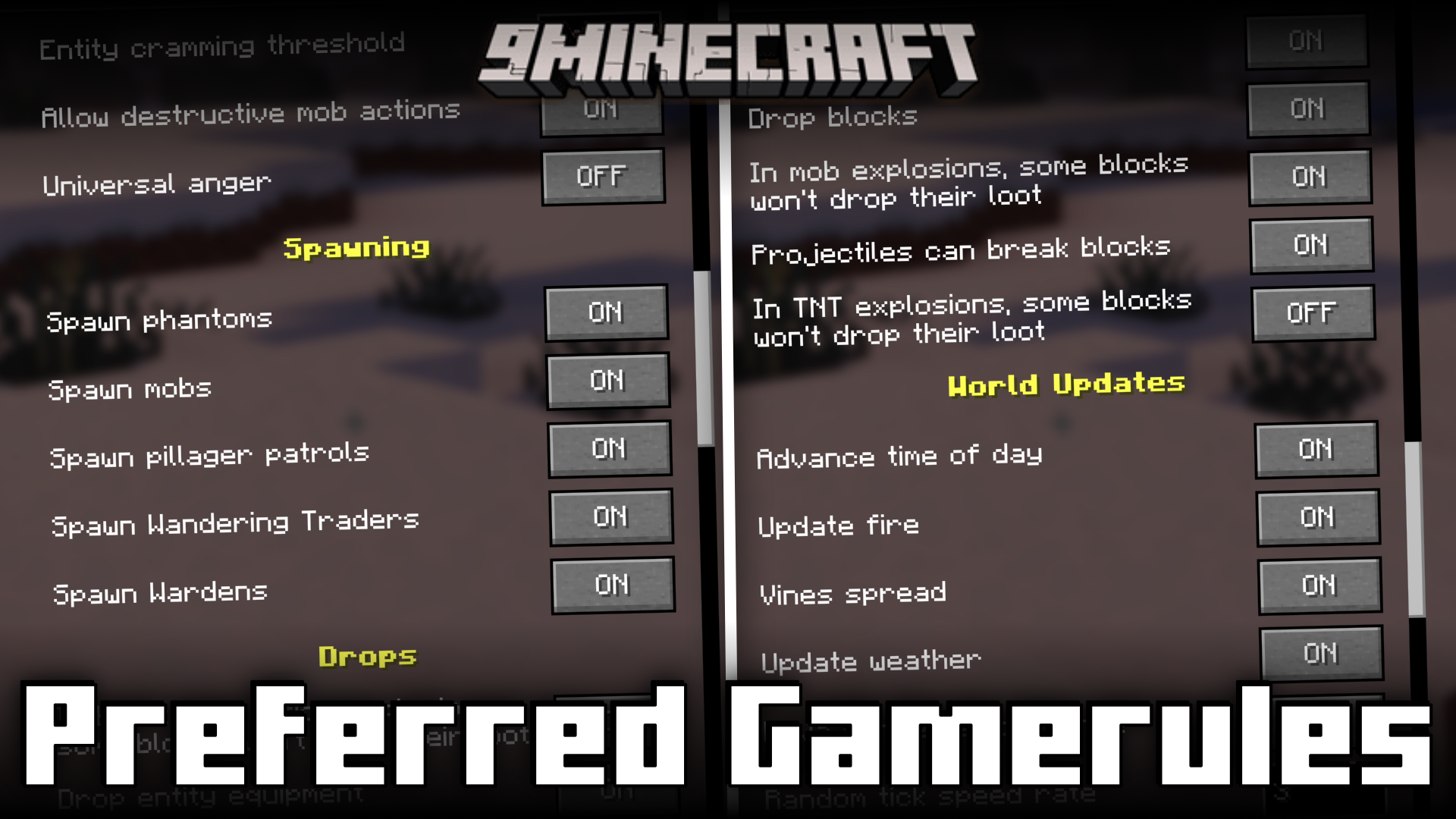
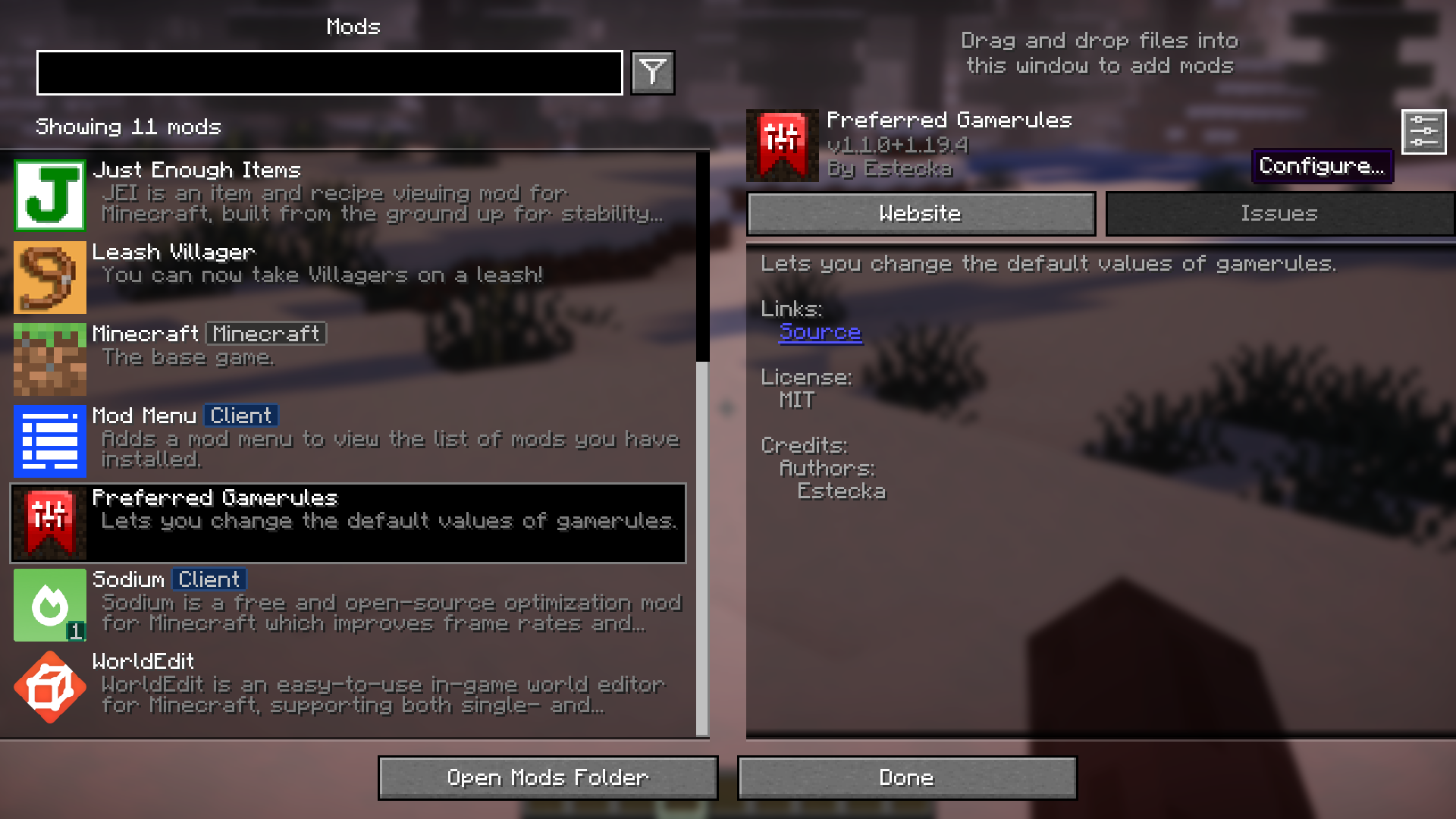
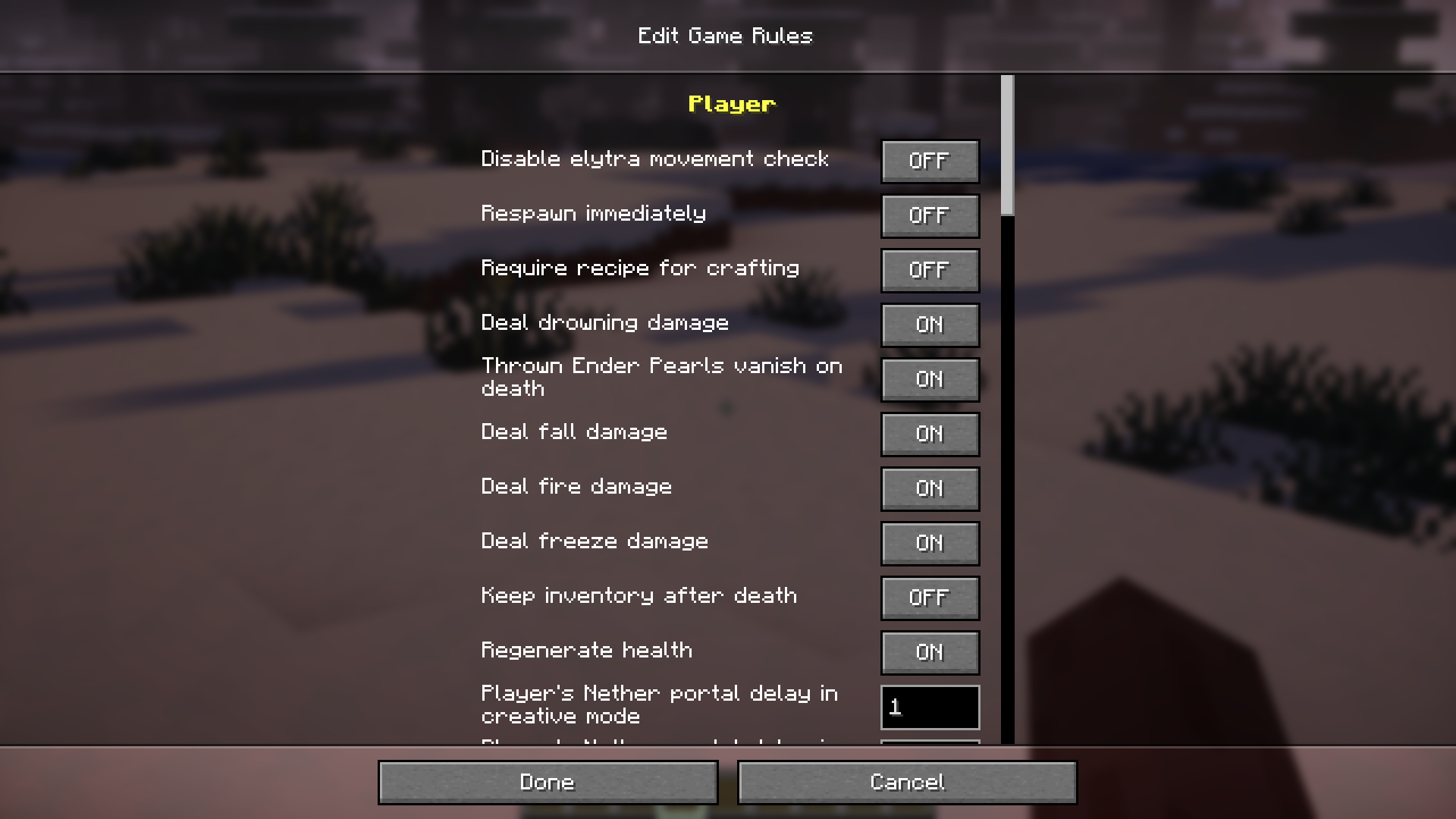
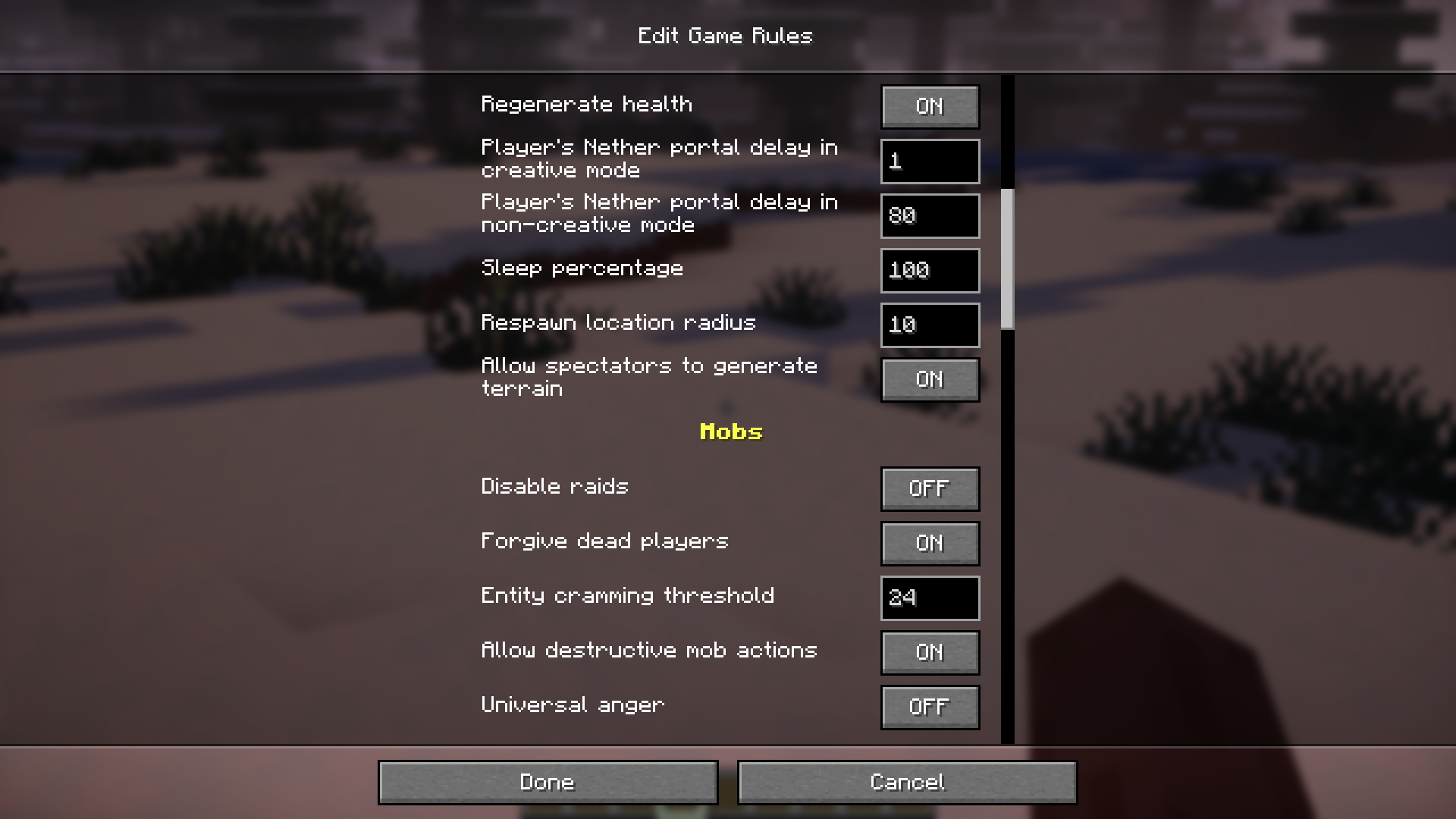
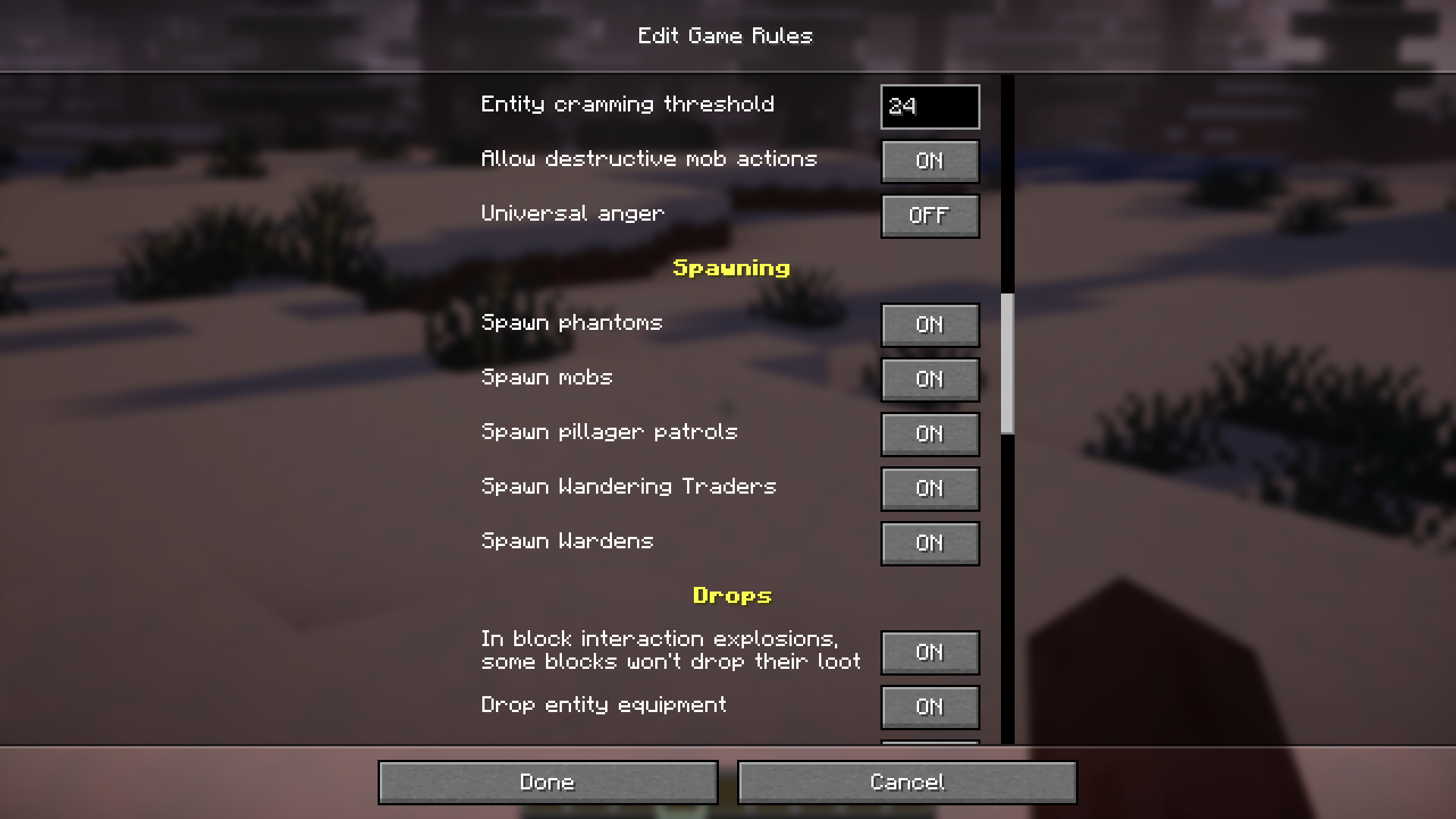
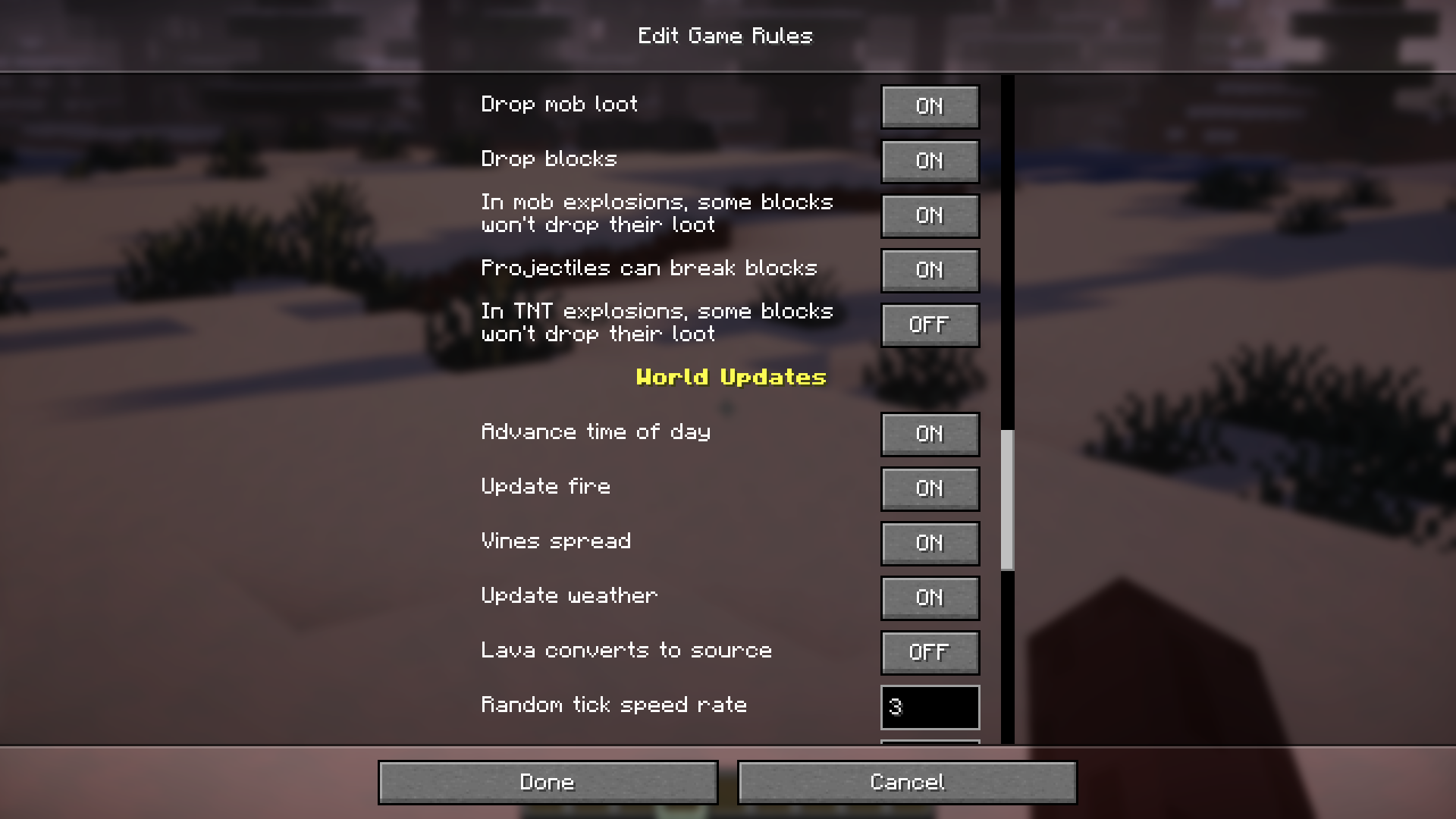
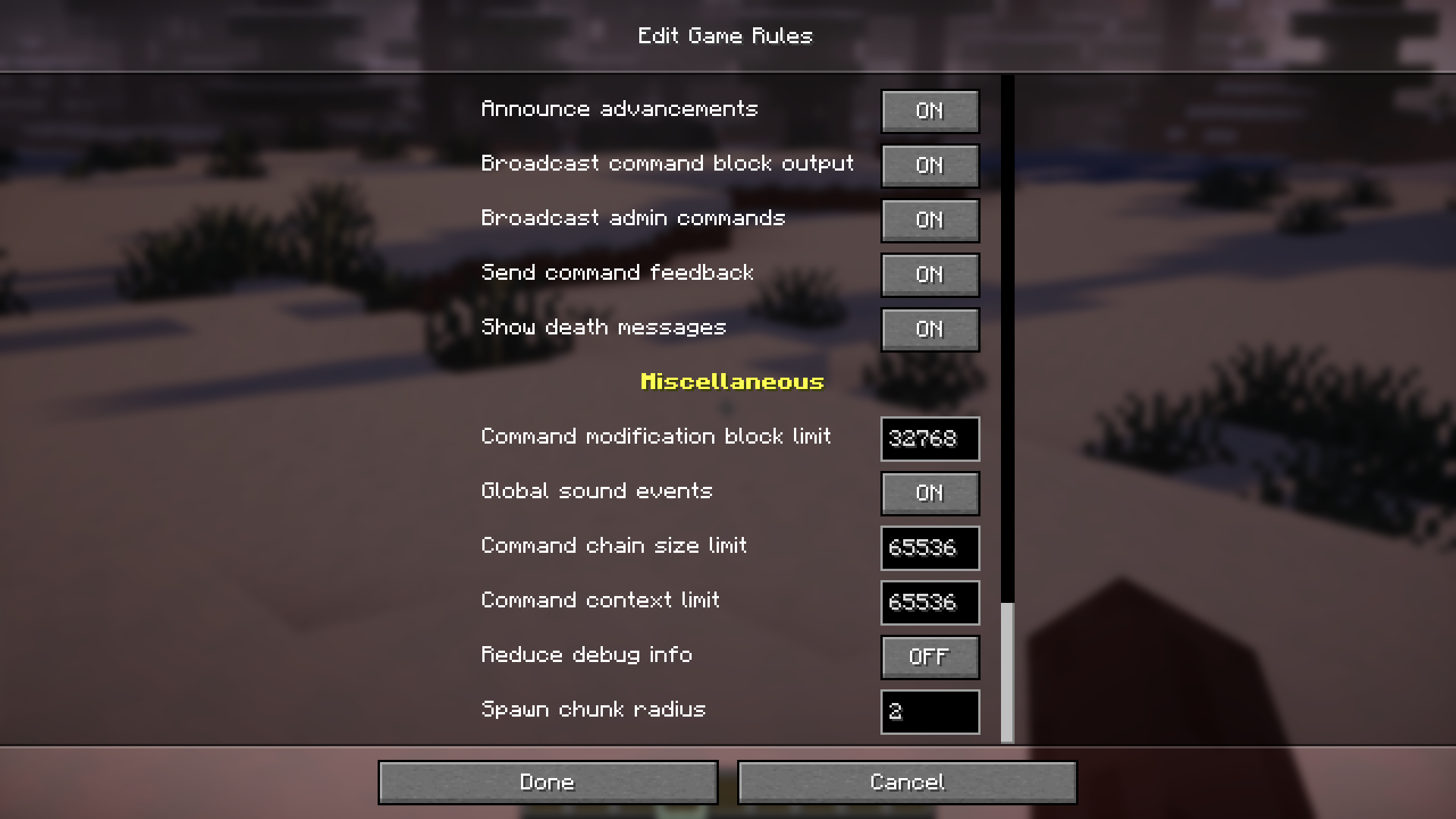
While creating a new world in Minecraft, the game gives you the option to tweak several gamerules of that specific word. Gamerules are a special set of data that allows you to manipulate how the world works. For example, turning off the “Advance time of day” gamerule allows you to pause the day-night cycle in the game. Once you have created your survival world, you will no longer have the option to tweak these gamerules, unless you have access to commands. But not anymore! Preferred Gamerules Mod allows you to tweak the gamerules even after you have created a world. This is done using the config option provided by Mod Menu’s config screen.
Features:
- Tweak gamerules of a world that has been created.
- Access the config in-game via Mod Menu.
- Easy to understand config options.
Screenshots:
Preferred Gamerules Mod Download Links
- Edition: Minecraft Java
- File type: .jar
- Minecraft version listed: 1.20.1
- How to install: Install the matching mod loader (Forge, Fabric or NeoForge) for your Minecraft version. → Download the .jar. → Put it in the .minecraft/mods folder and launch that loader profile.
- Where to get it: In MC Java Mods, or directly above on this page.
Install steps are the general flow for this file type — How to install Minecraft Java mods & modpacks walks through it step by step.
- Downloads as 84160.mcaddon
- Download size: 24 KB
- Download link checked 24 Sept 2026 — working
- Mirrored on our own servers — the download does not depend on the original host
These come from our own check of the pack file, not from the source page.