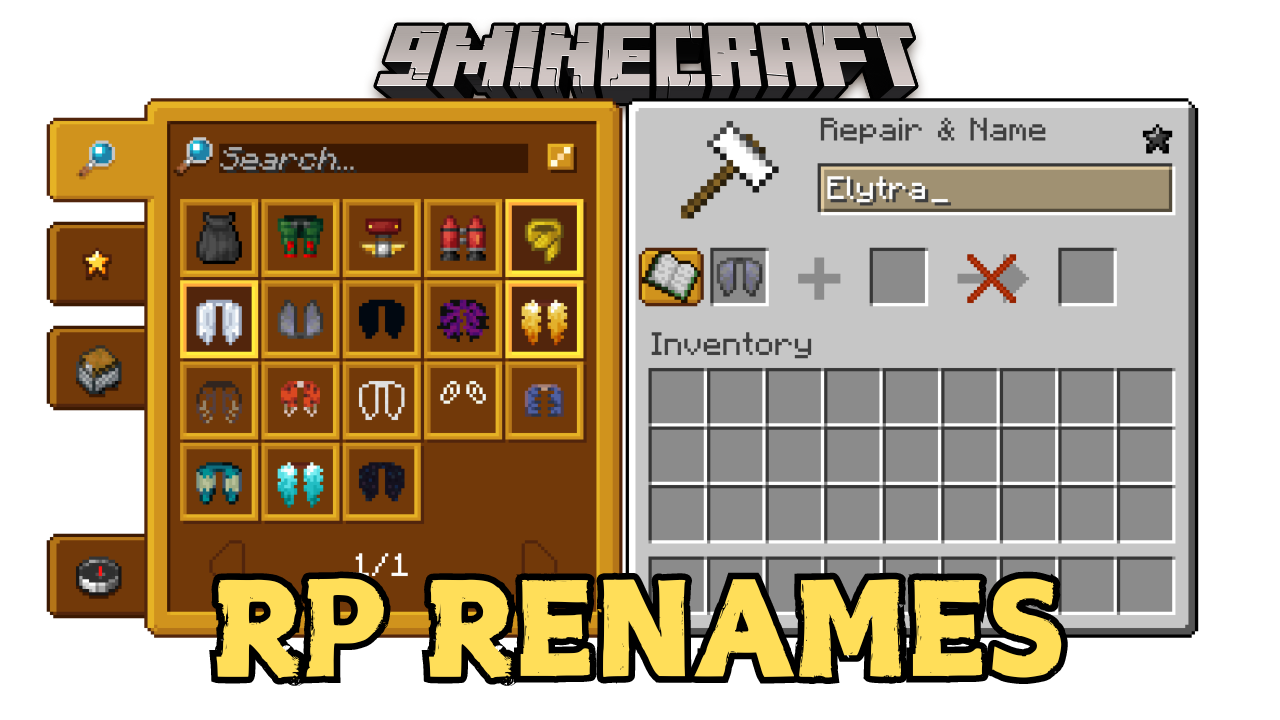
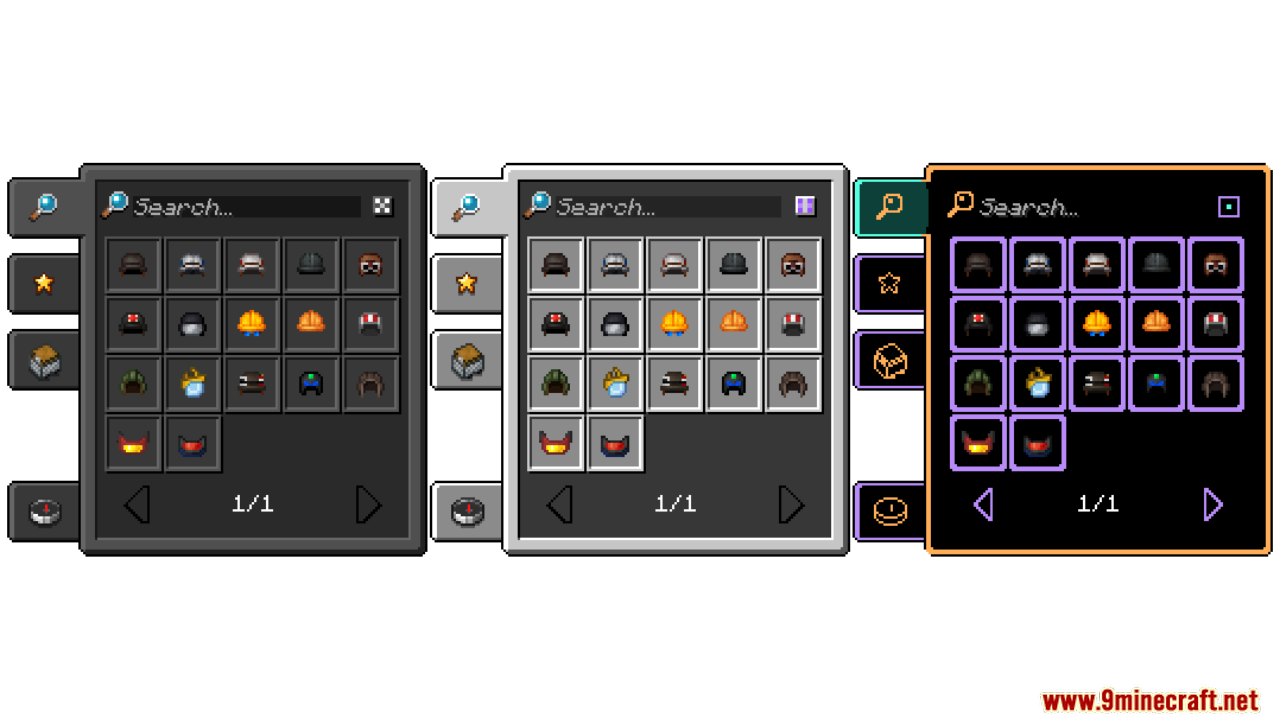
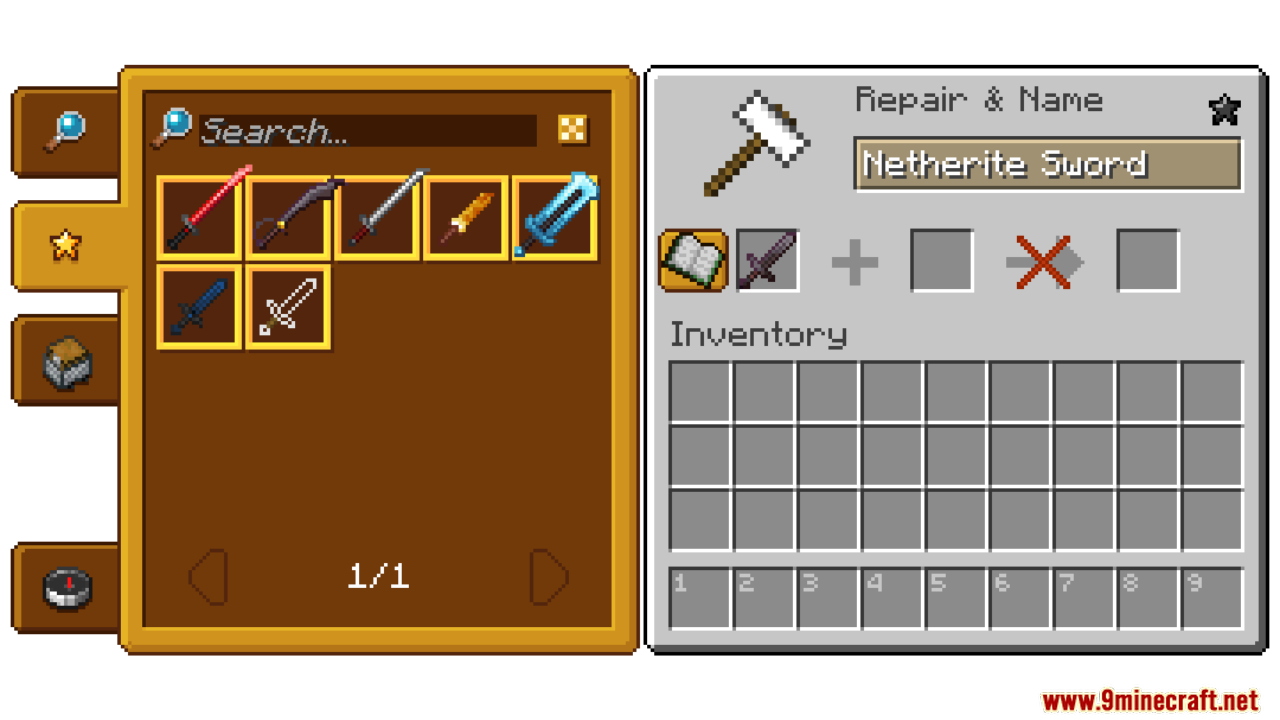
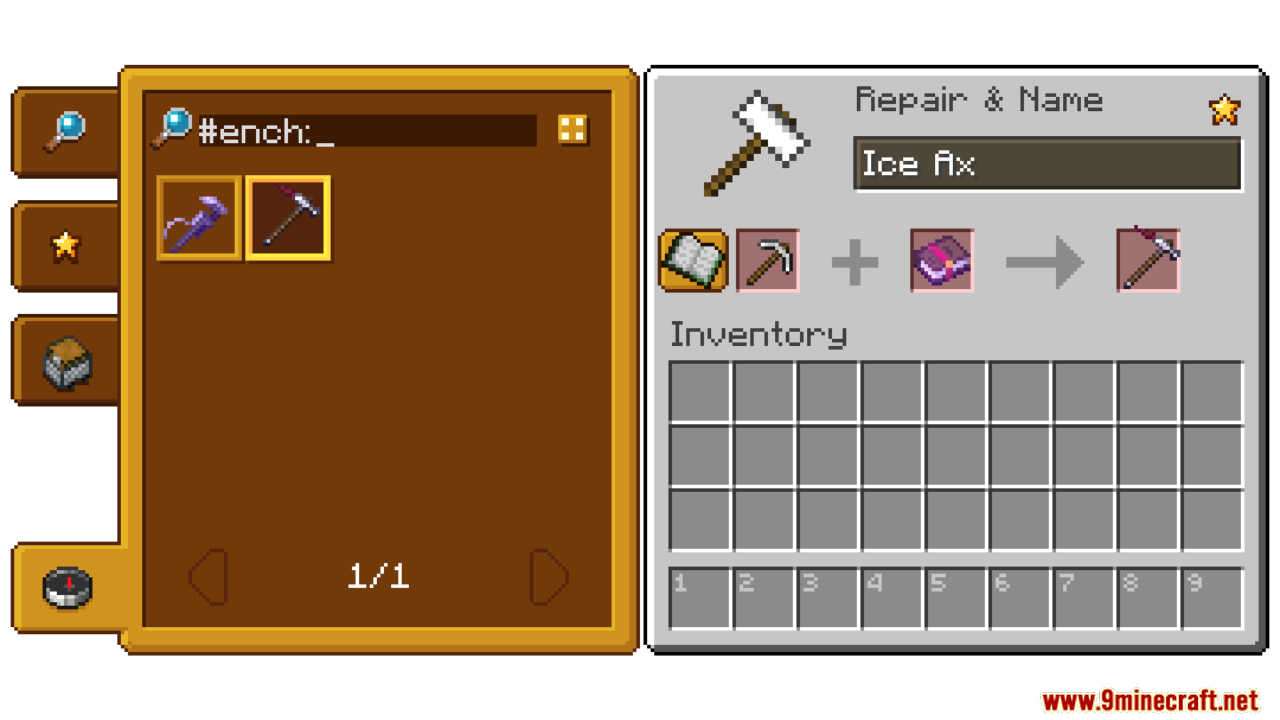
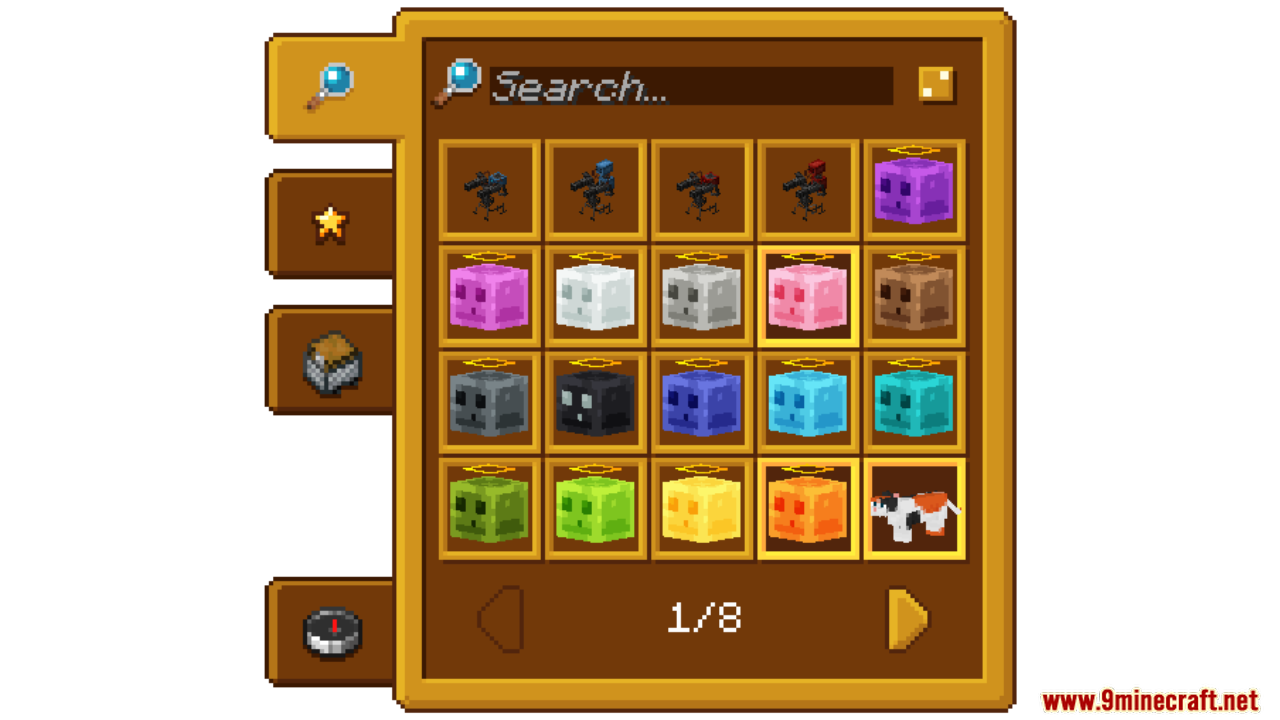
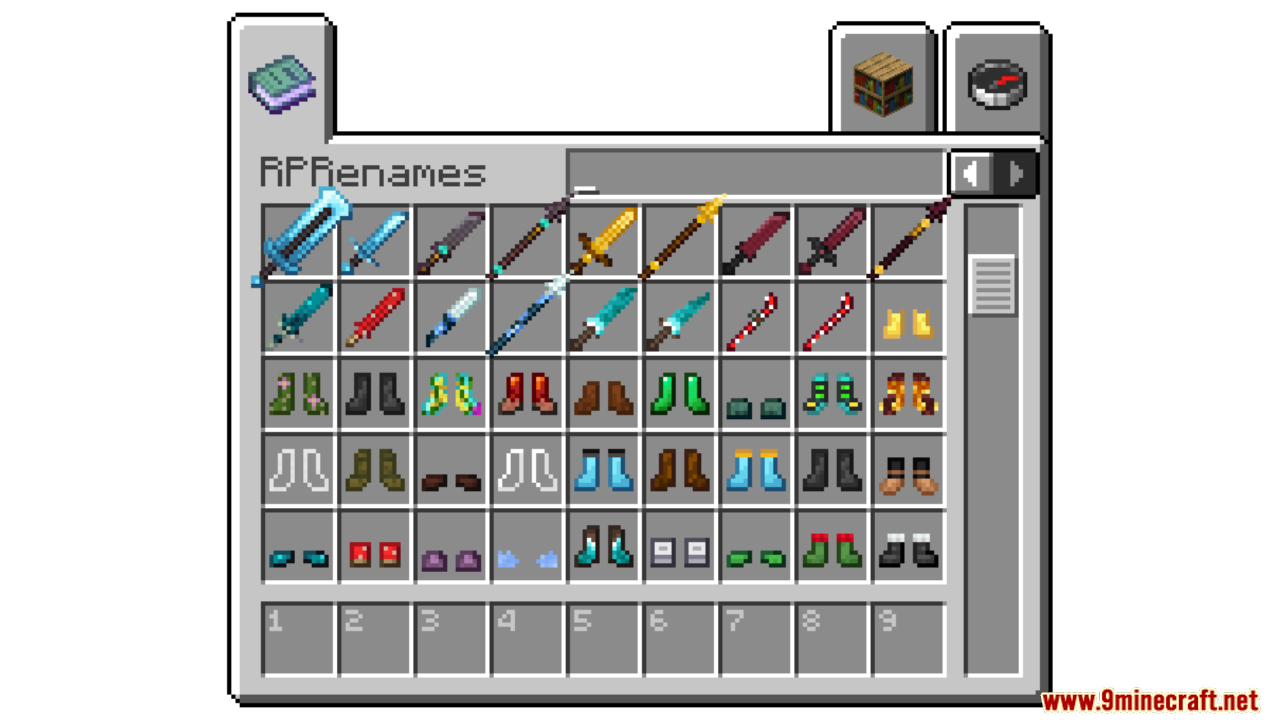
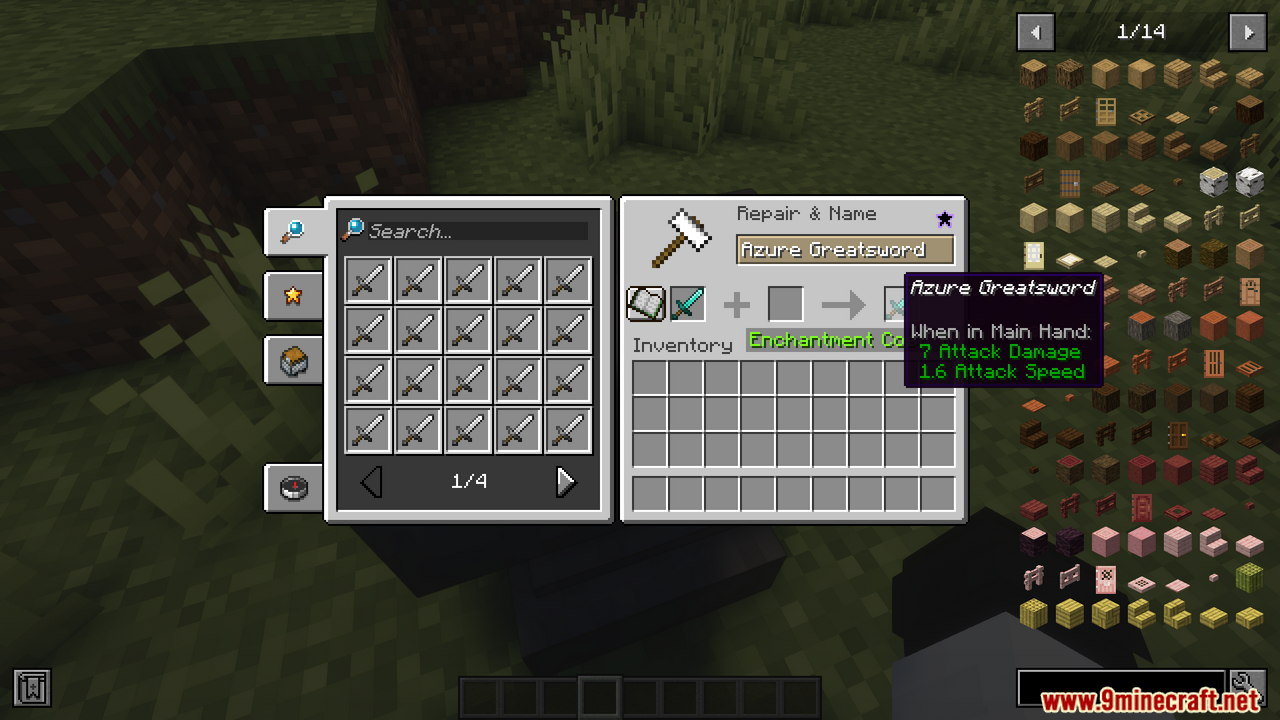
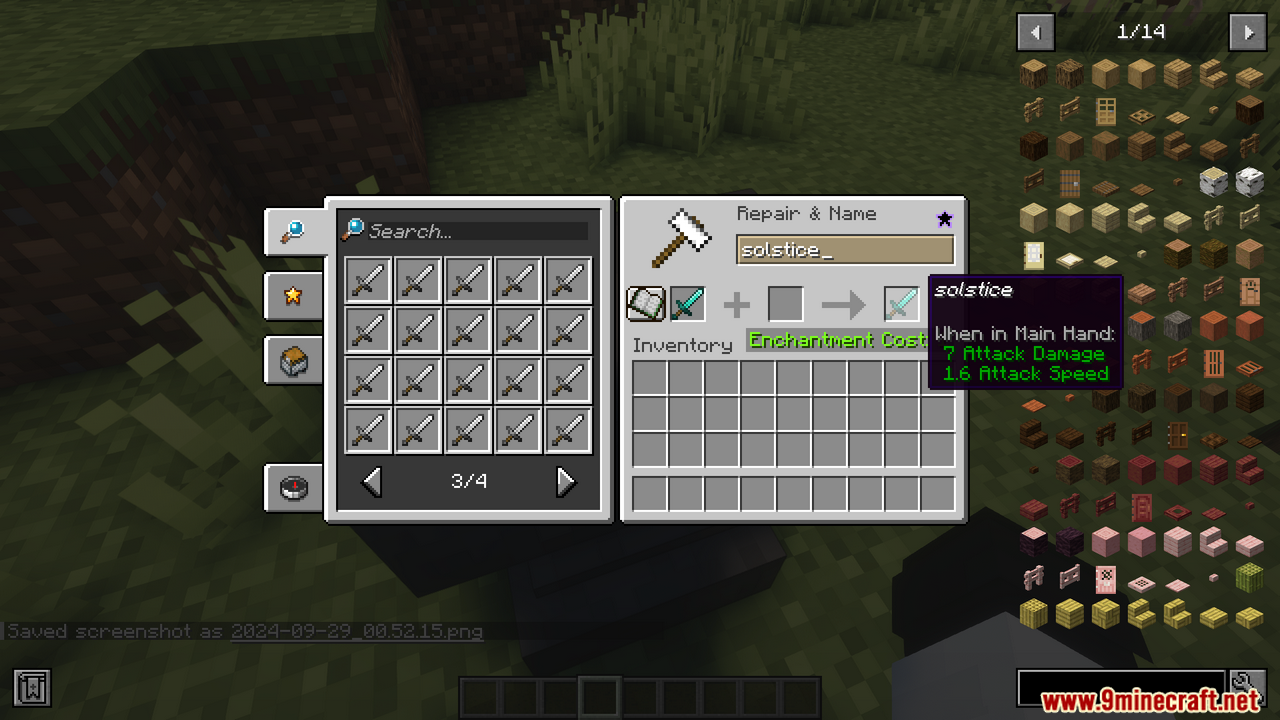
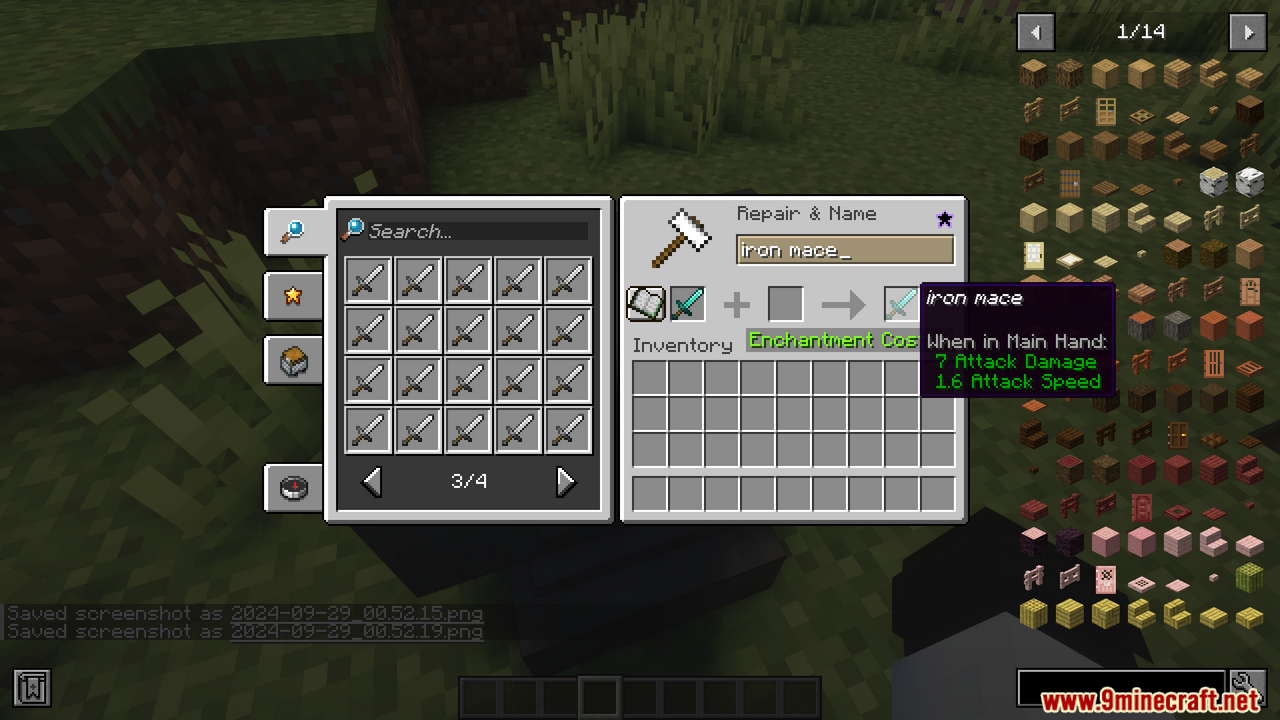
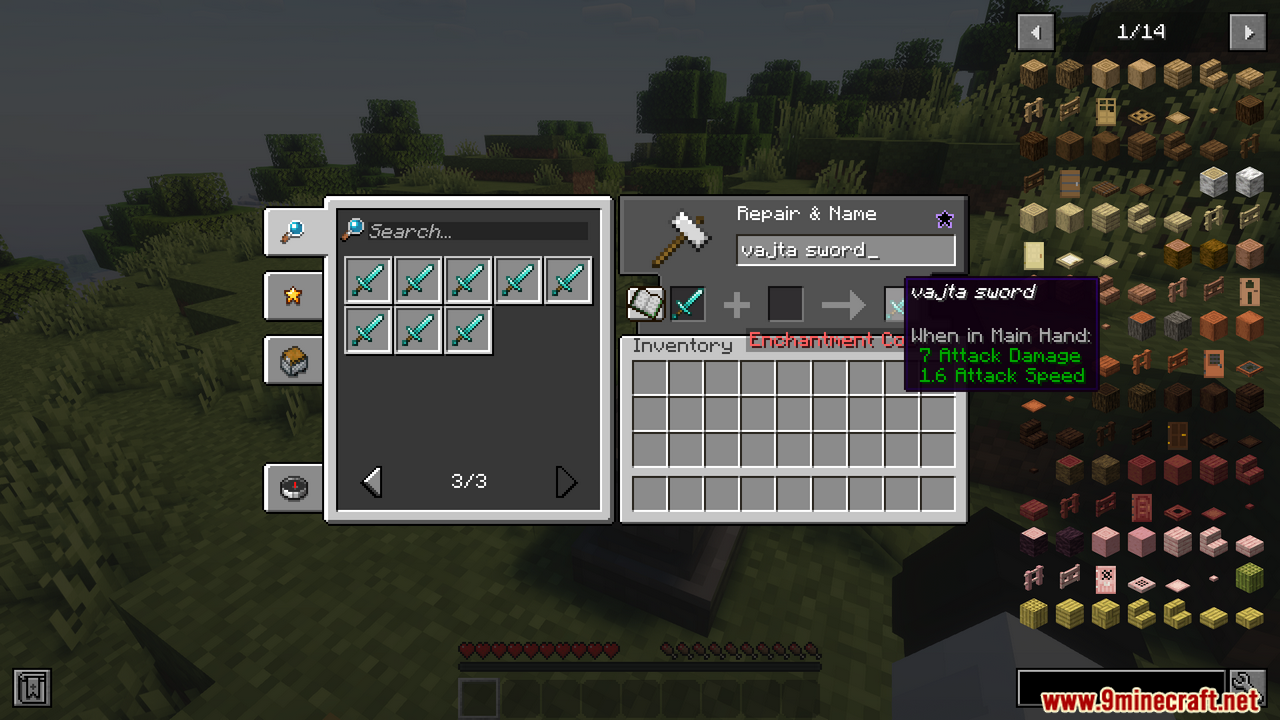
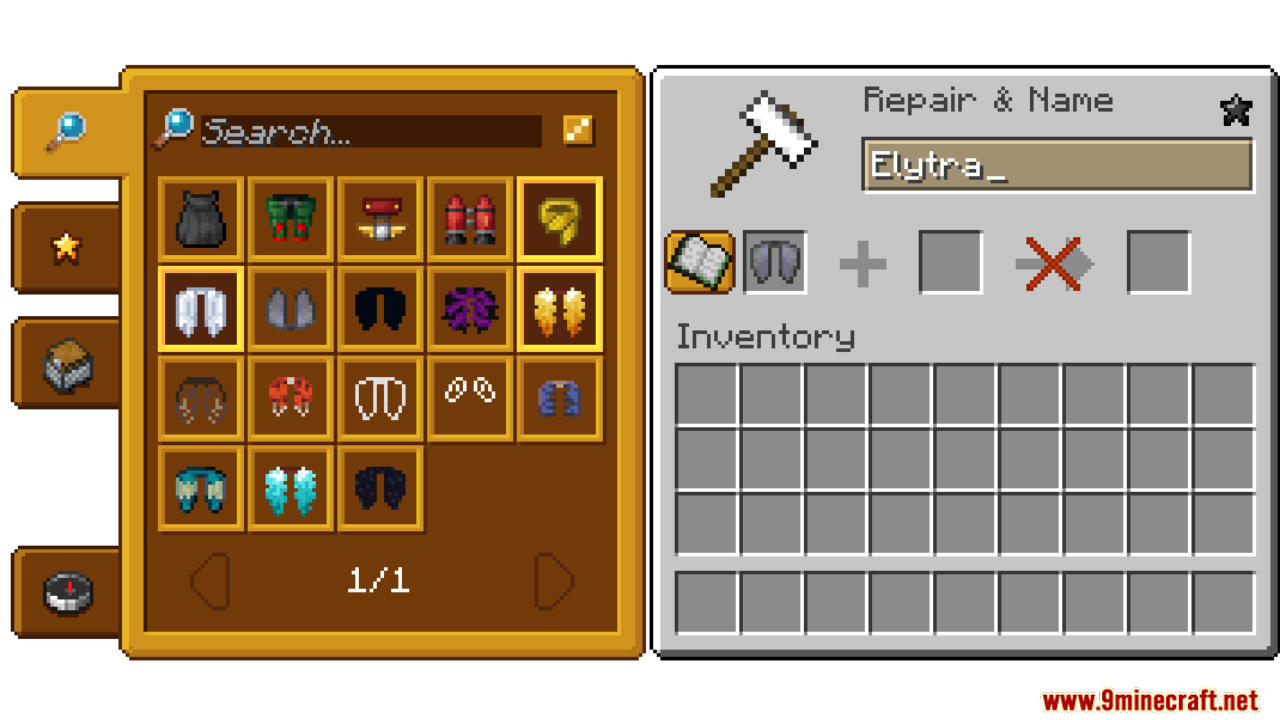
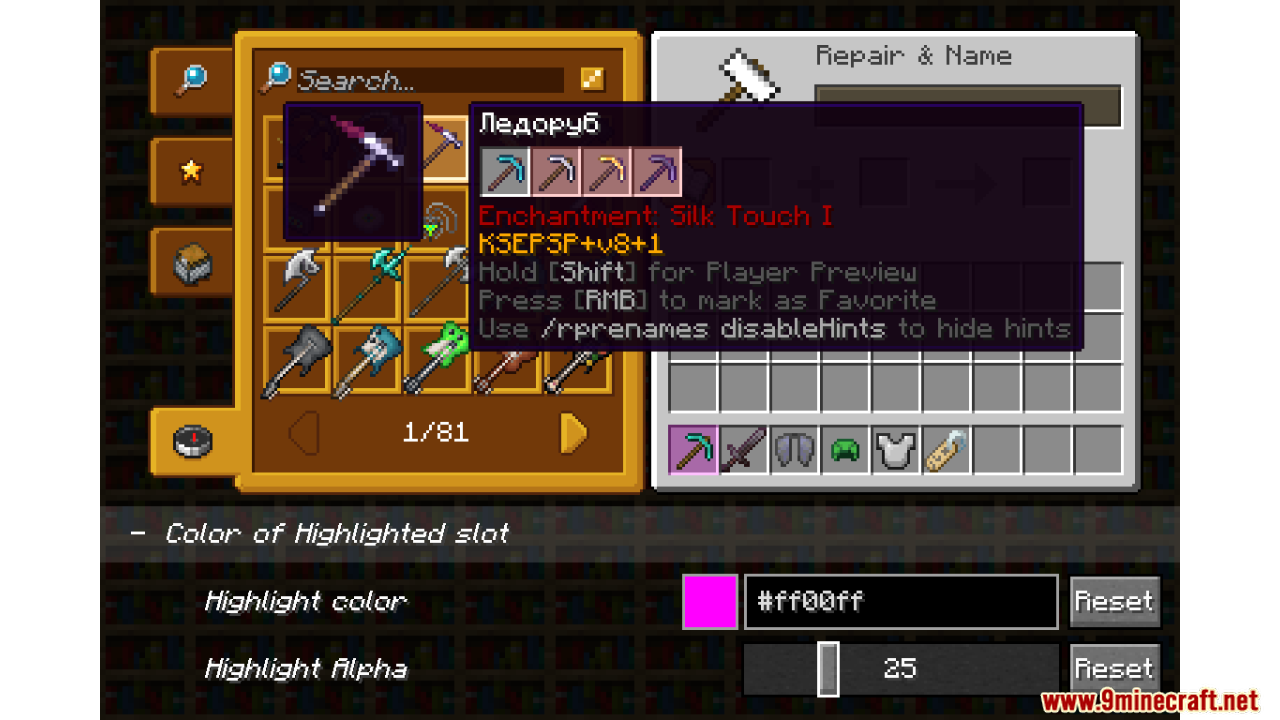
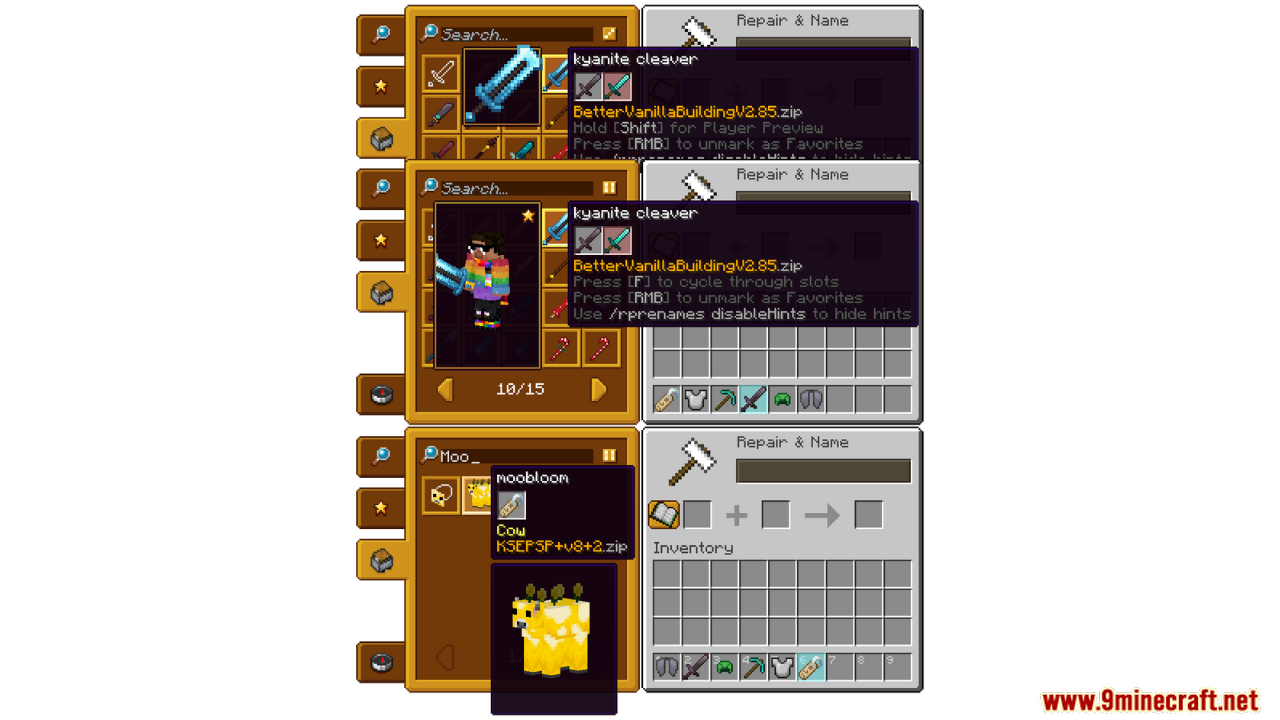
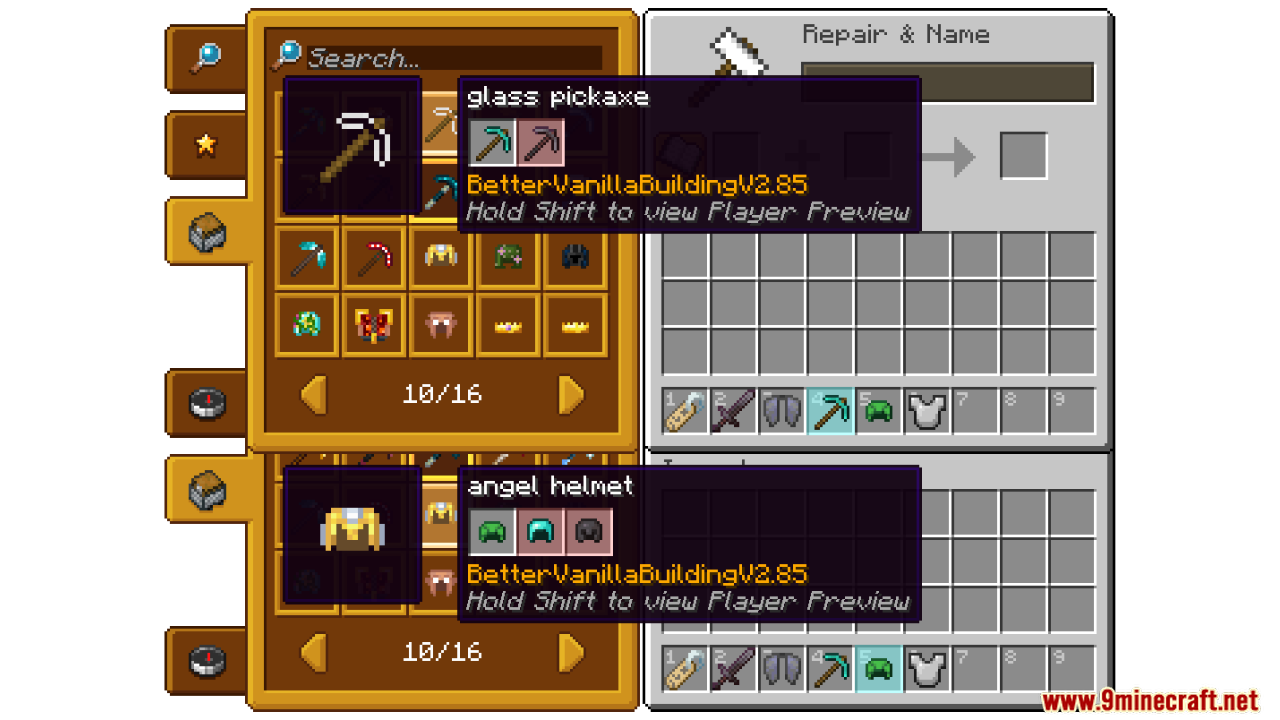
RP Renames Mod makes it super easy to give your Minecraft tools and items cool new looks. You can see all the new names from your resource packs right in the anvil menu. Just pick the name you like, click it, and your item gets a fun new texture in no time.
Features:
- See every Custom Item Texture (CIT) and Custom Entity Model (CEM) rename in the anvil menu.
- Easy to find and use new textures for your tools and items.
- No need to search through long lists outside the game.
- Perfect for customizing items with your resource packs.
- Works on the client side, so it’s quick and simple!
Screenshots:
RP Renames Mod Download Links
Quick facts
- Edition: Minecraft Java
- File type: .jar
- Minecraft version listed: 1.20.1
- How to install: Install the matching mod loader (Forge, Fabric or NeoForge) for your Minecraft version. → Download the .jar. → Put it in the .minecraft/mods folder and launch that loader profile.
- Where to get it: In MC Java Mods, or directly above on this page.
Install steps are the general flow for this file type — How to install Minecraft Java mods & modpacks walks through it step by step.
Verified by MCModsHub
- Downloads as 84164.mcaddon
- Download size: 273 KB
- Download link checked 23 Sept 2026 — working
- Mirrored on our own servers — the download does not depend on the original host
These come from our own check of the pack file, not from the source page.