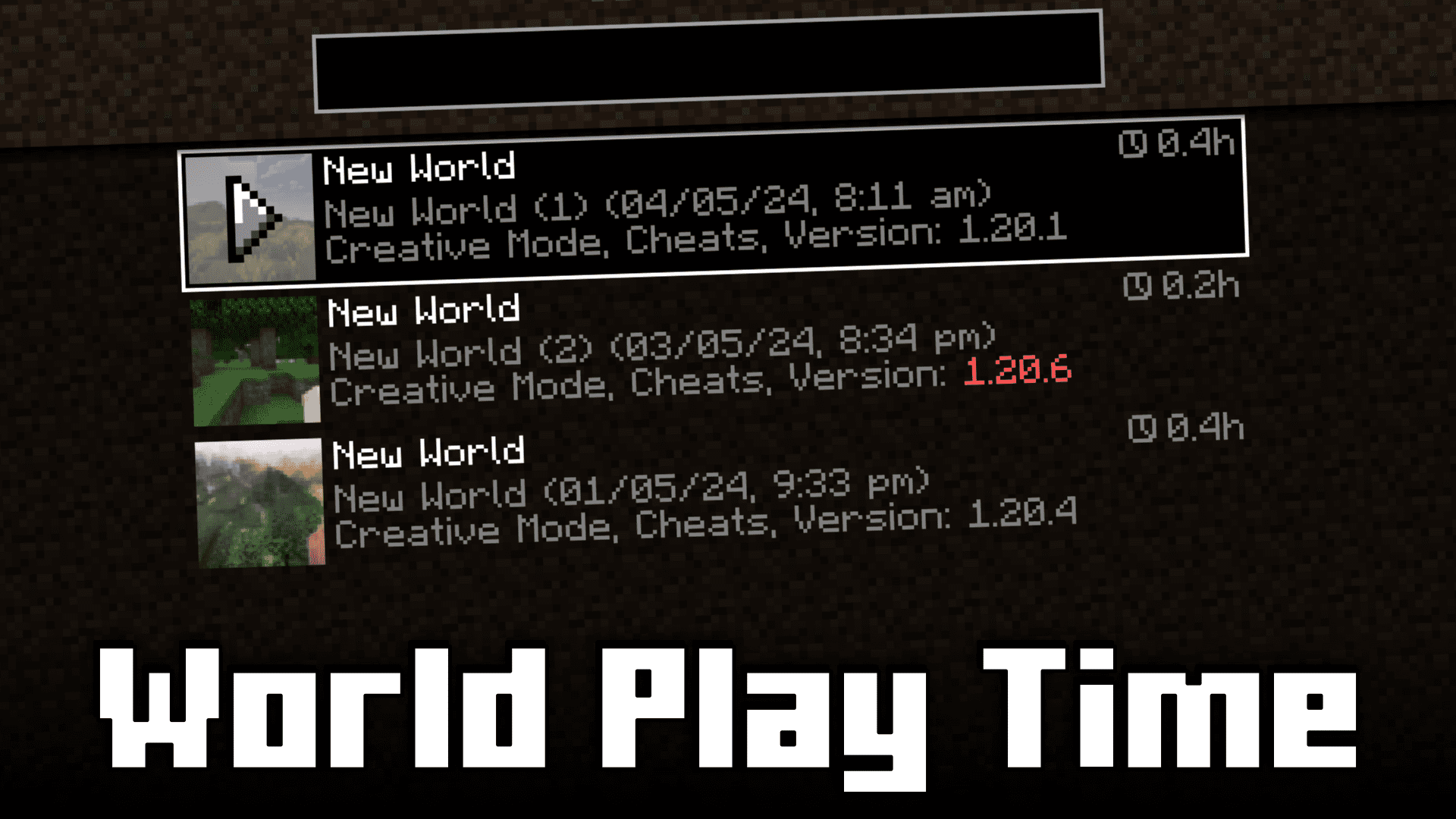
Ever wondered how much time you have spent in a specific Minecraft world. In the vanilla game, this can be done by looking at the F3 screen to look at the number of in-game days that have passed by. One in-game day is 20 minutes, and by doing the math, you will be able to figure out how much time you have spent in that specific world. But this process is very inconvenient and also may not work if you have used commands to speed up or slow down in-game time. The solution is here! World Play Time Mod will allow you to know the amount of time that you have spent in-game by adding a small tag that appears beside the name in the world selection screen.
Features:
- Allows you to know how much time you have spent in a specific world.
- Adds a tag near the world name in the world selection screen to show the time spent.
Screenshots:
World Play Time Mod Download Links
- Edition: Minecraft Java
- File type: .jar
- Minecraft version listed: 1.20.1
- How to install: Install the matching mod loader (Forge, Fabric or NeoForge) for your Minecraft version. → Download the .jar. → Put it in the .minecraft/mods folder and launch that loader profile.
- Where to get it: In MC Java Mods, or directly above on this page.
Install steps are the general flow for this file type — How to install Minecraft Java mods & modpacks walks through it step by step.
- Downloads as 84175.mcaddon
- Download size: 81 KB
- Download link checked 23 Sept 2026 — working
- Mirrored on our own servers — the download does not depend on the original host
These come from our own check of the pack file, not from the source page.