ModsJava
Smooth Movement Mod (1.21.1, 1.20.1) – Consistent Gameplay Under Low TPS
Java mod listed for Minecraft 1.20–1.21. Downloads from the MC Java Mods app on Android.
⬇ Download
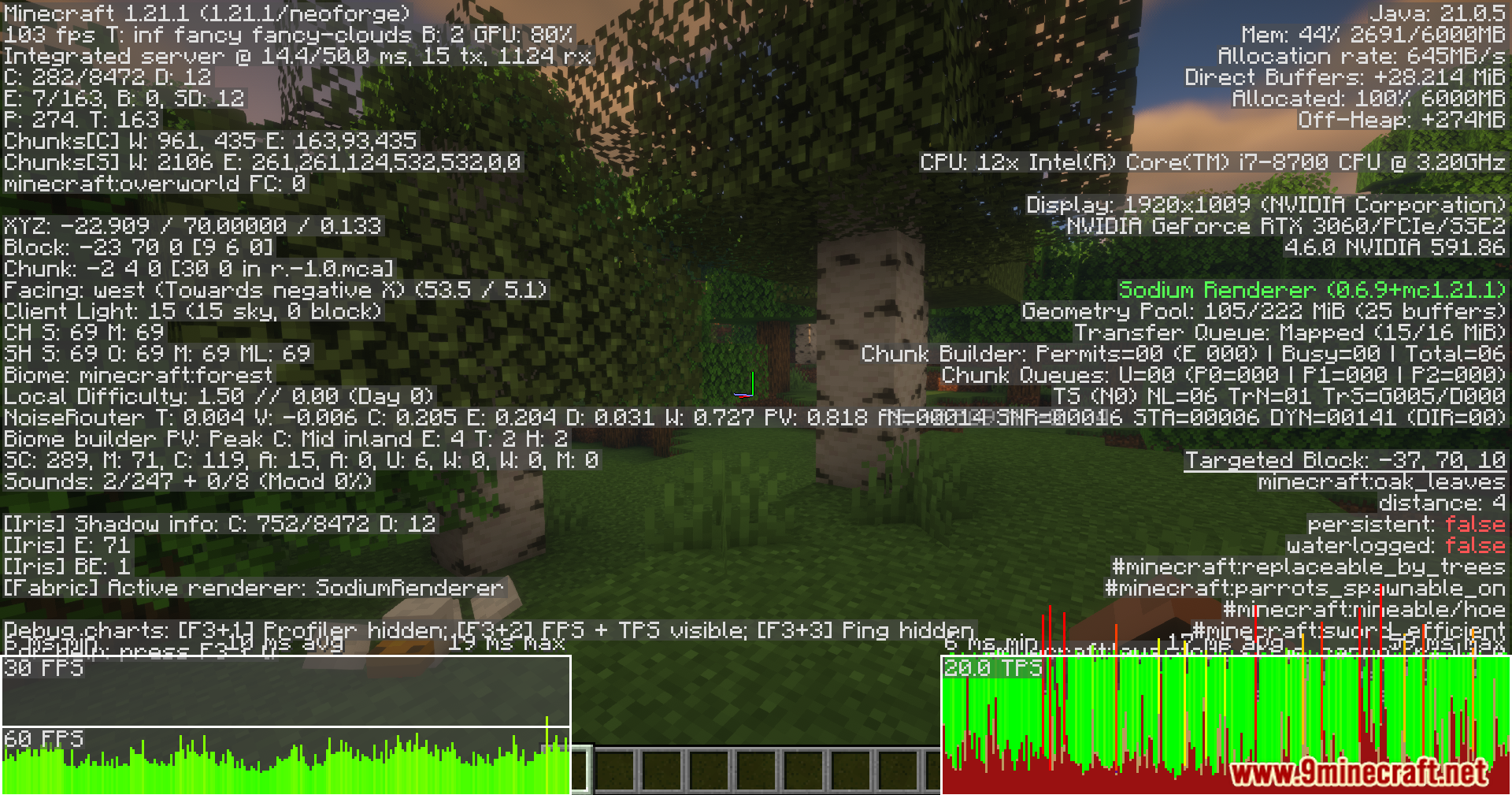
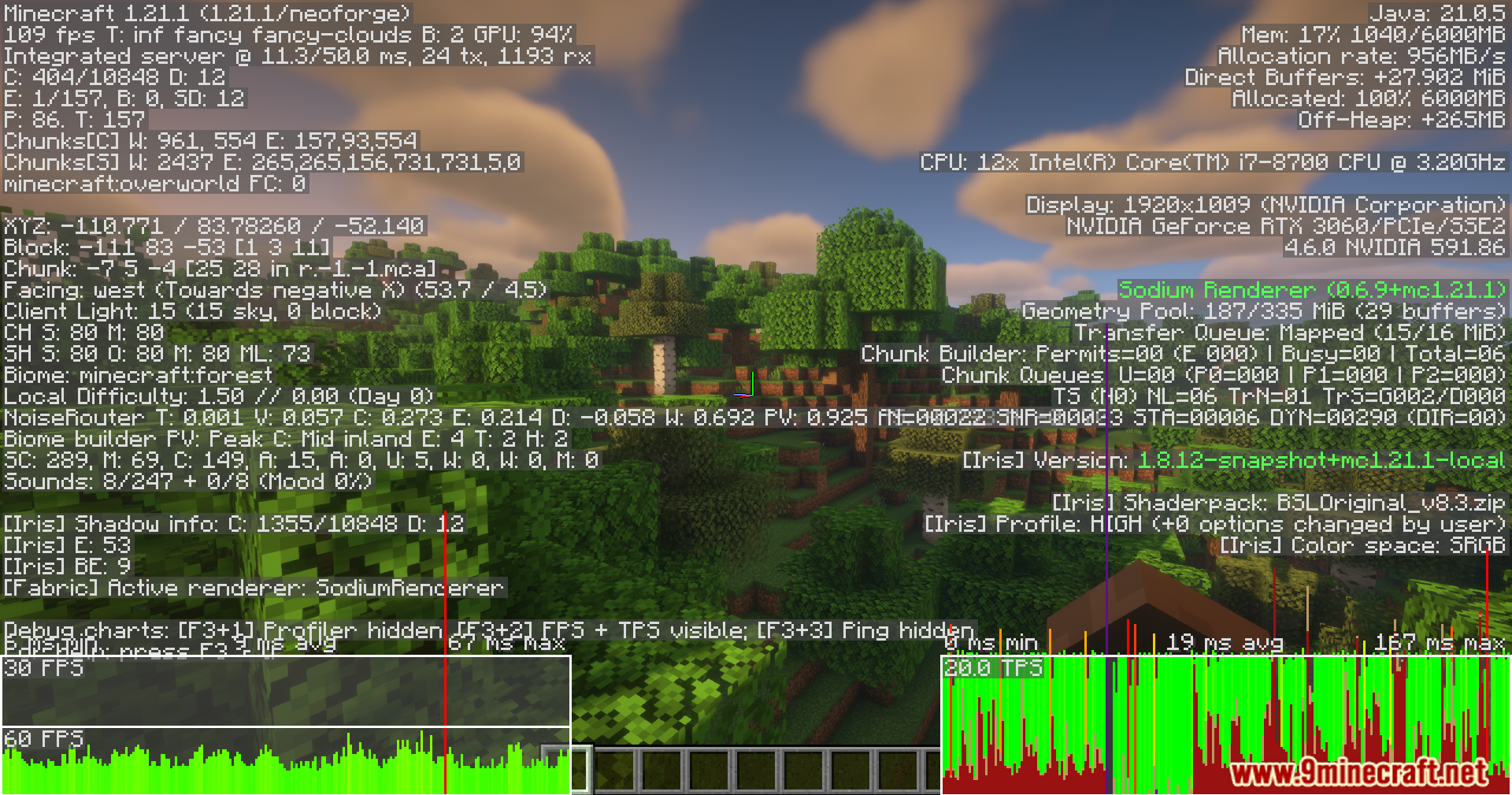
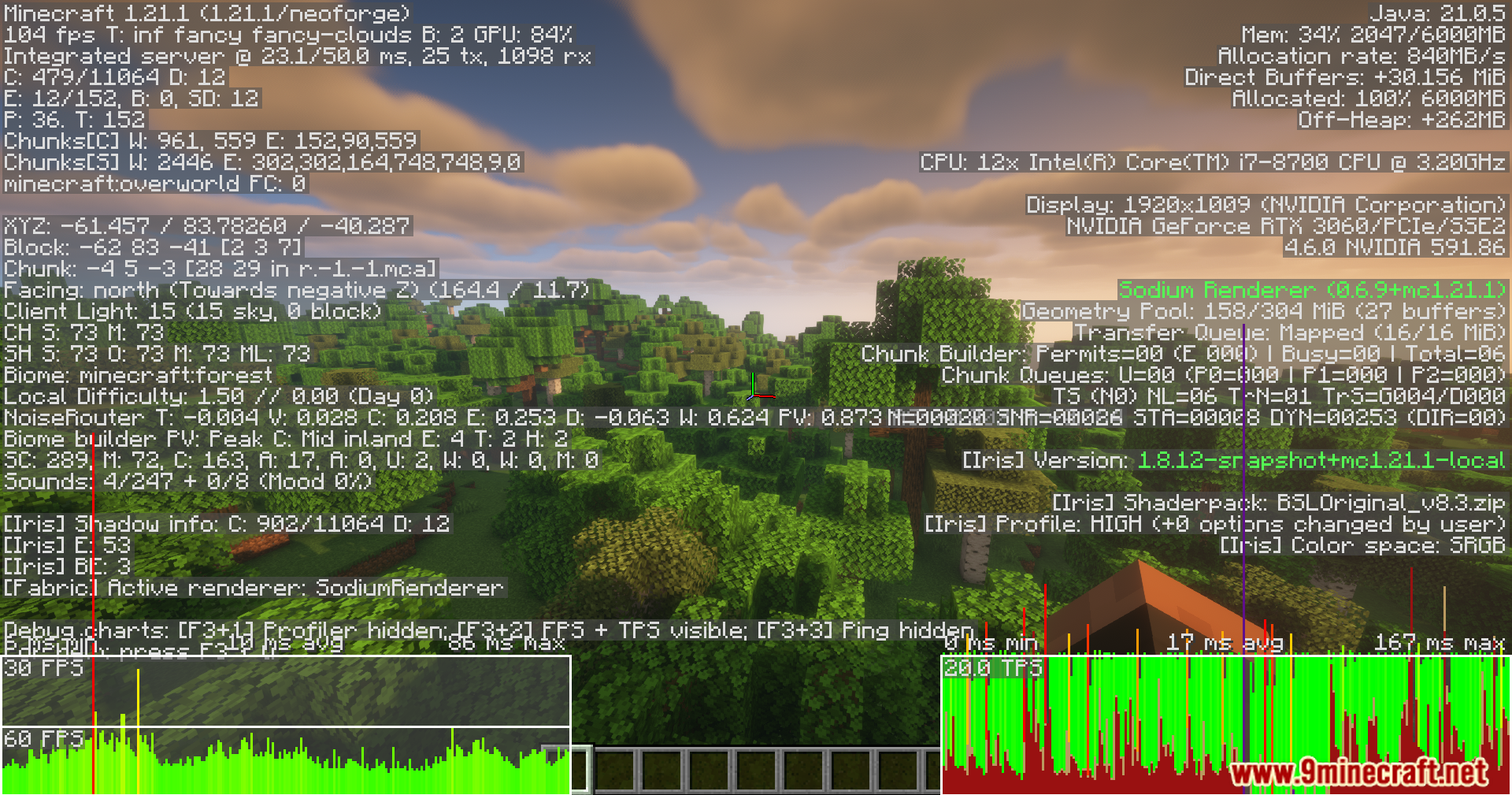
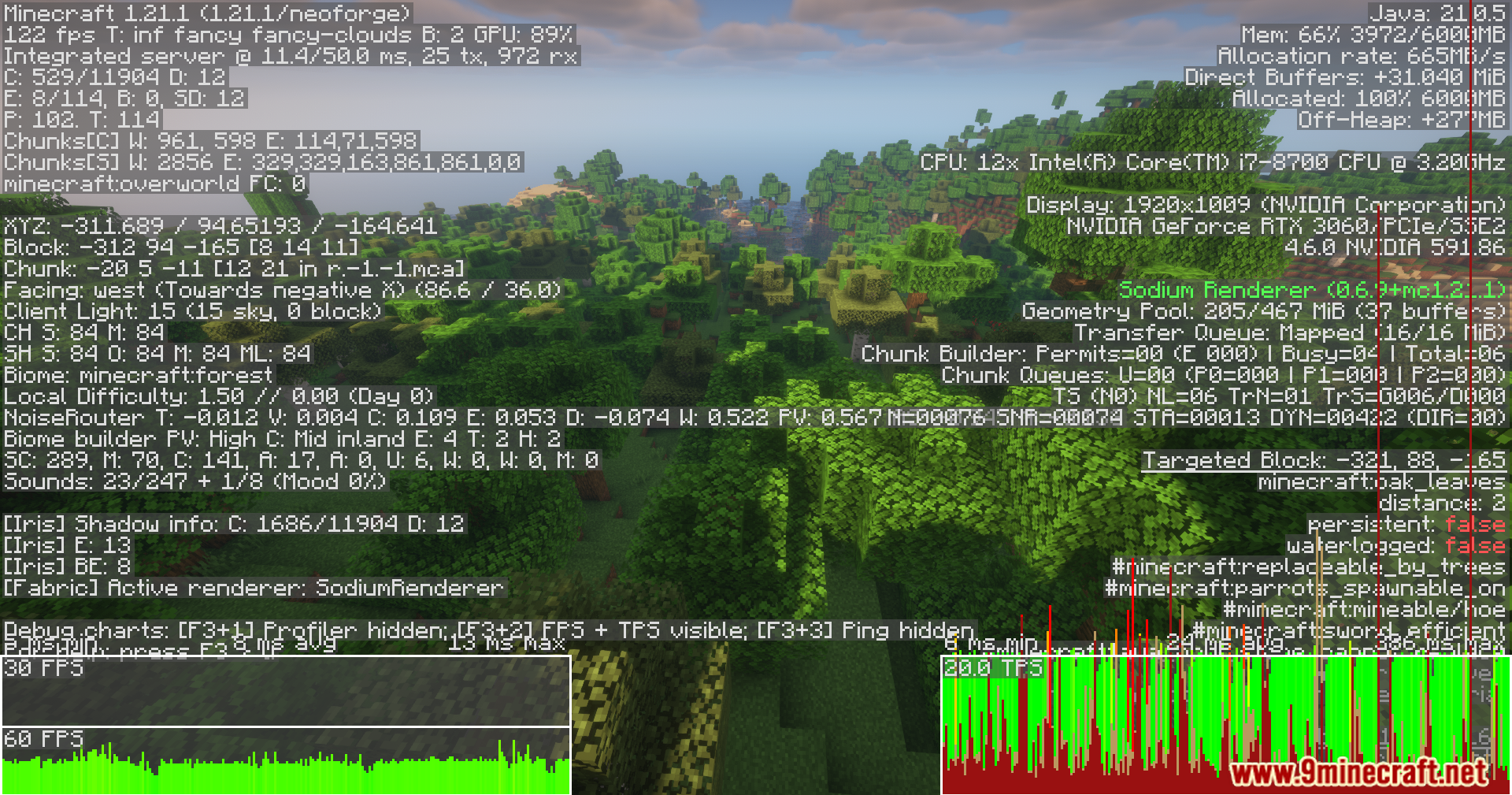
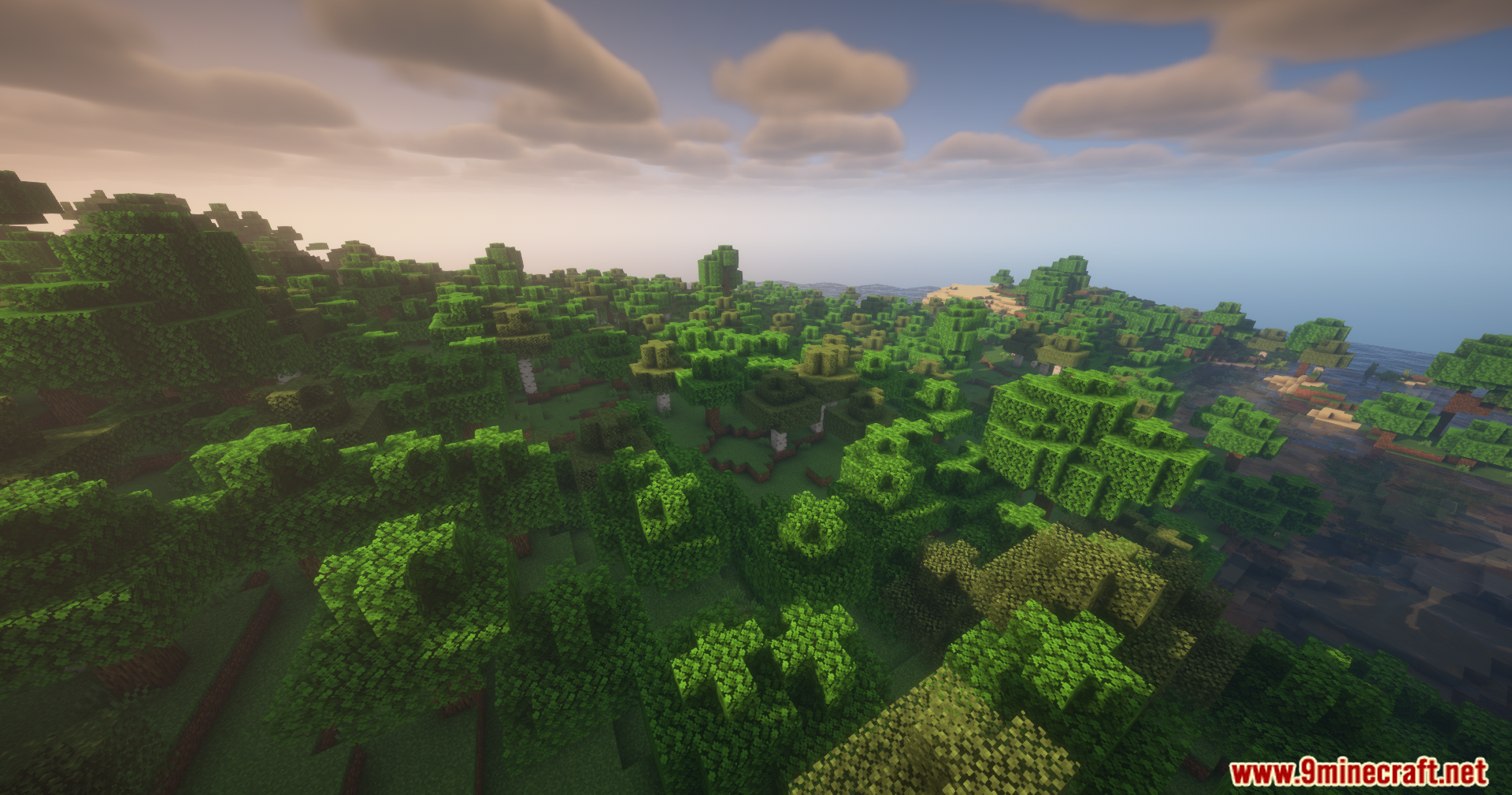
Smooth Movement Mod improving visual and gameplay consistency during server lag or low TPS conditions. Instead of attempting to remove lag, it adjusts how movement and timing are handled so that the game appears smoother and less disruptive.
Features:
- Improves visual consistency under server lag and low TPS
- Applies lag-aware smoothing to movement systems
- Reduces jitter, snapping, and desync
- Does not remove lag, only reduces its visual and gameplay impact
- Sky movement
- Client-side smoothing for sun, moon, and stars
- Server-side compensation to preserve vanilla day length
- Entity movement
- Client-side smoothing for living entities
- Server-side compensation to maintain vanilla behavior
- Item movement
- Client-side smoothing for items
- Server-side compensation to maintain vanilla behavior
- Minecart movement
- Client-side smoothing for minecarts
- Server-side compensation to preserve vanilla physics
- Projectile movement
- Server-side compensation to match client visuals
- Player movement
- Server-side compensation to reduce rubber-banding
- Falling block movement
- Server-side compensation to preserve vanilla physics
- Experience orb movement
- Server-side compensation to preserve vanilla collection behavior
- All features are individually configurable
- Features activate only during lag
- Can be installed client-side, server-side, or both
Screenshots:
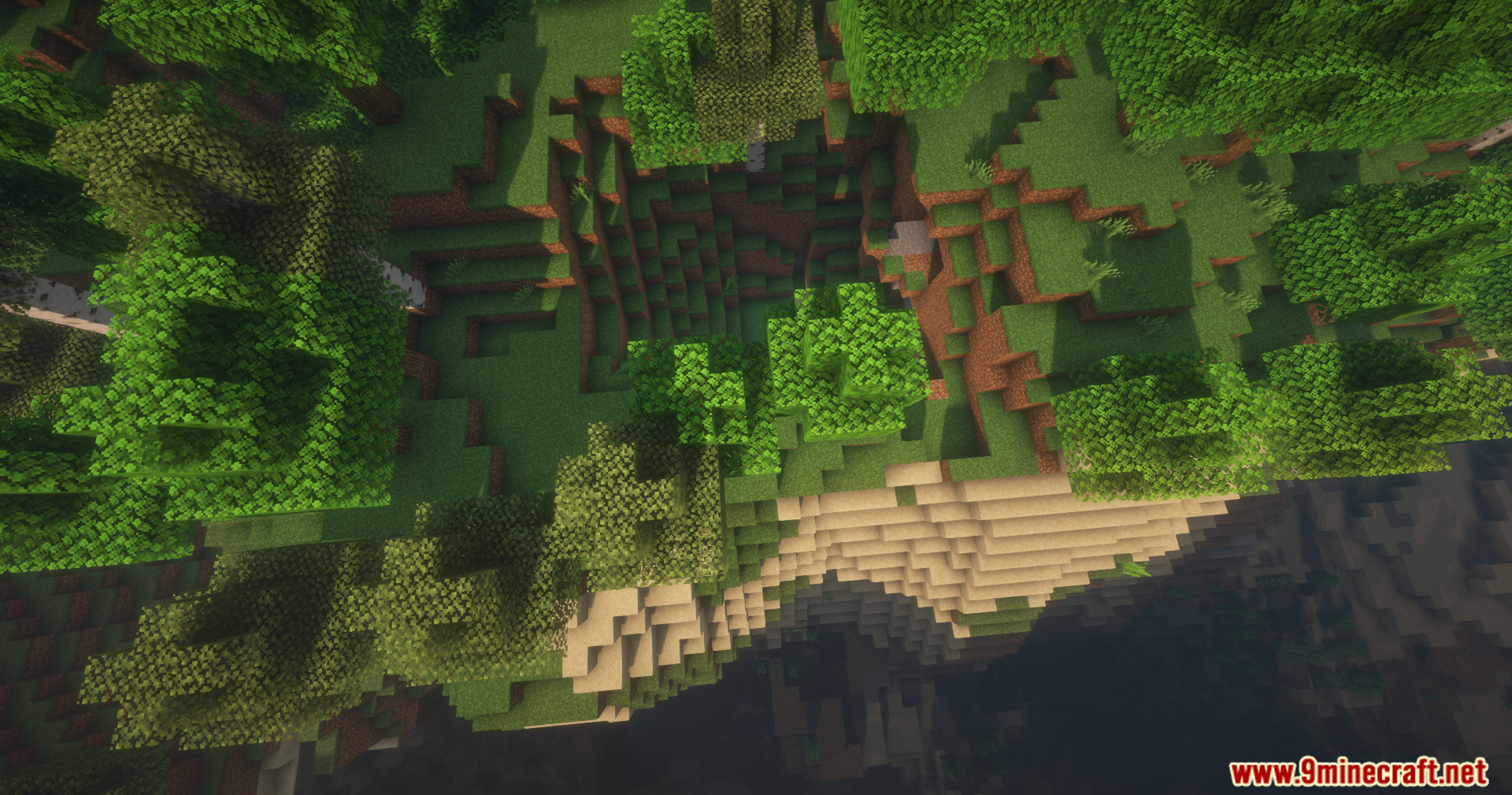
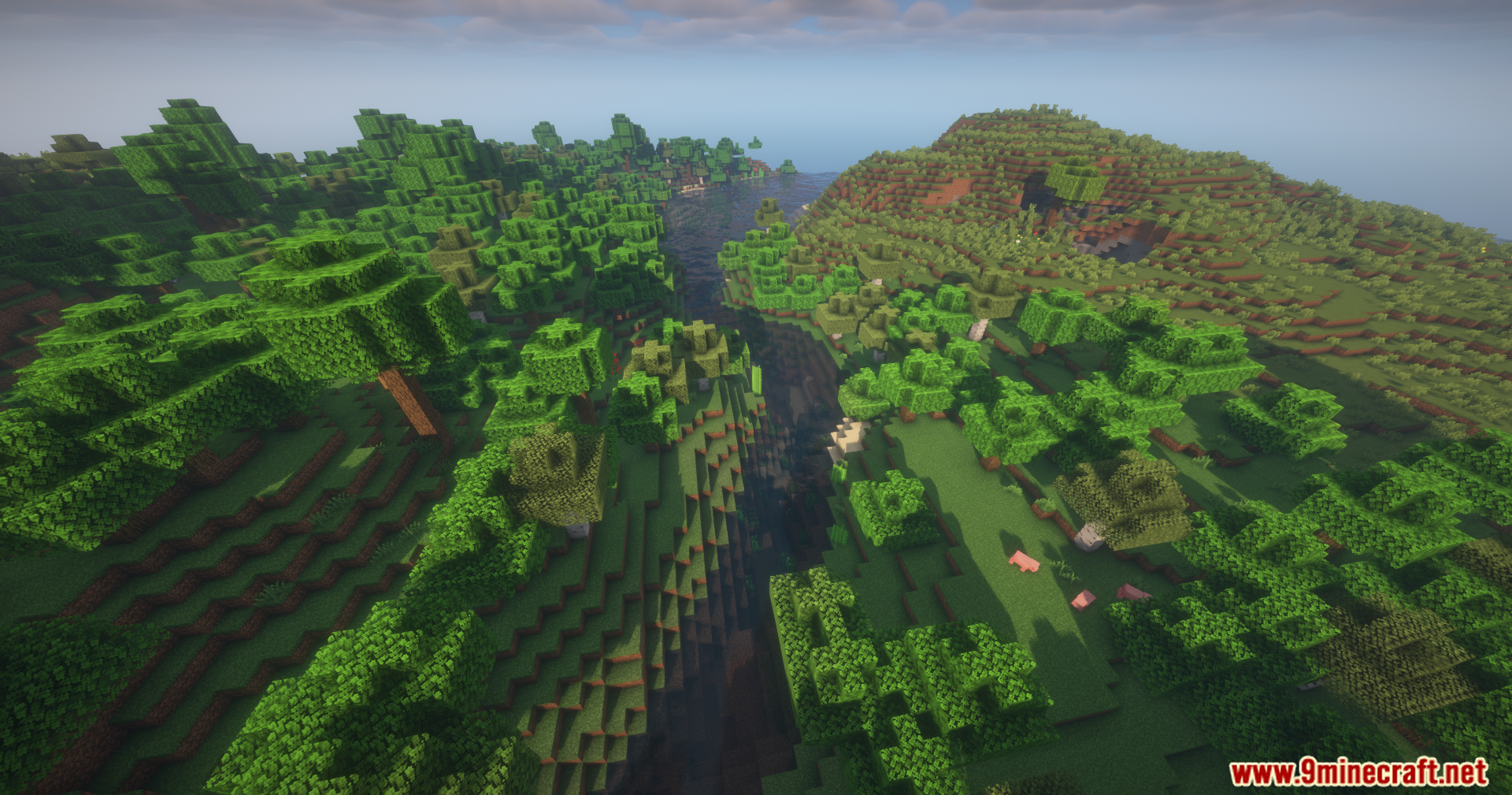
Smooth Movement Mod Download Links
Quick facts
- Edition: Minecraft Java
- File type: .jar
- Minecraft versions listed: 1.21.1, 1.20.1
- How to install: Install the matching mod loader (Forge, Fabric or NeoForge) for your Minecraft version. → Download the .jar. → Put it in the .minecraft/mods folder and launch that loader profile.
- Where to get it: In MC Java Mods, or directly above on this page.
Install steps are the general flow for this file type — How to install Minecraft Java mods & modpacks walks through it step by step.
File checked by MCModsHub
- Downloads as 84230.mcaddon
- Download size: 41 KB
- Download link checked 22 Sept 2026 — working
- Mirrored on our own servers — the download does not depend on the original host
These come from our own check of the pack file, not from the source page.